Best Mobile Testing Tools in 2026: 8 Tools Compared

How we put this together: we compare official feature and pricing pages, app store listings, privacy policies and public user reviews. Prices change, so check the provider's site before you pay.
Key takeaways
- Appium, Espresso and XCUITest remain the free foundations for mobile test automation, one for cross-platform work and one for each native platform.
- BrowserStack, Sauce Labs and LambdaTest solve device coverage by running tests on real phones in the cloud.
- Maestro and Detox suit teams that want readable or React Native-focused tests without a heavy framework.
- Device clouds charge mainly by parallel runs, so cost depends on how many tests you run at once, not just on seats.
- Start with one framework and one cloud, and prove the suite is stable before adding more devices.
Quick comparison
| Name | Who it suits | Starting price | Free option | |
|---|---|---|---|---|
 Appium | Cross-platform automation | Free | Yes | Visit |
 BrowserStack App Automate | Largest real-device cloud | See website | Free trial | Visit |
 Sauce Labs | Enterprise real-device testing | See website | Free trial | Visit |
 LambdaTest | Lower-cost device cloud | $15 per month | Free trial | Visit |
 Espresso | Android-native UI tests | Free | Yes | Visit |
 XCUITest | iOS-native UI tests | Free | Yes | Visit |
 Maestro | Readable YAML UI flows | Free | Yes | Visit |
 Detox | React Native end-to-end tests | Free | Yes | Visit |
The best mobile testing tools
Mobile testing splits into two jobs: writing tests, and running them on enough phones. Frameworks handle the first job, device clouds handle the second, and most teams need one of each. The tools below cover both sides, so you can pair a free framework with a cloud that fits your budget.
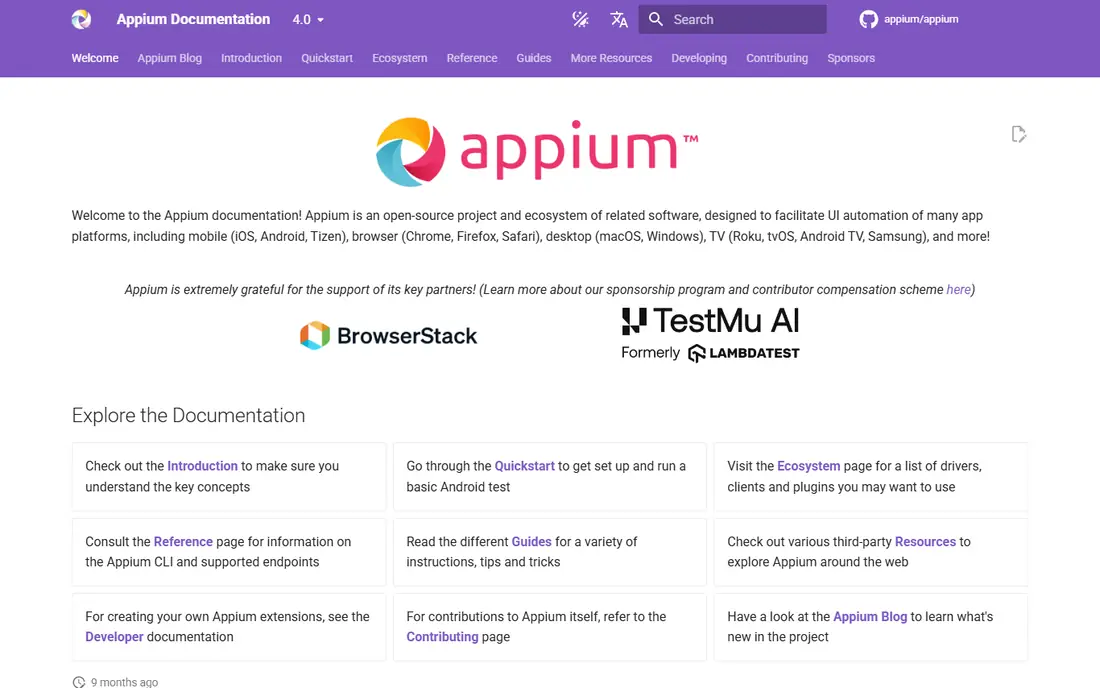
Appium is the open-source framework most teams reach for when one suite must cover both iOS and Android. Tests can be written in Java, Python, JavaScript, Ruby or C#, and the same flow can drive an app on both platforms with platform-specific tweaks. That shared codebase is a real saving for small QA teams.
The cost is maintenance. Appium tests run slower than native tests and can be flaky when locators change or the app updates, so teams need discipline around waits, locators and test data. Pairing Appium with a device cloud removes the device lab problem, but it does not remove test maintenance. For cross-platform coverage on a budget, it remains the standard choice.
- One test codebase for iOS and Android
- Large community and drivers
- Works with many languages
- Slower and flakier than native frameworks
- Setup and maintenance take time
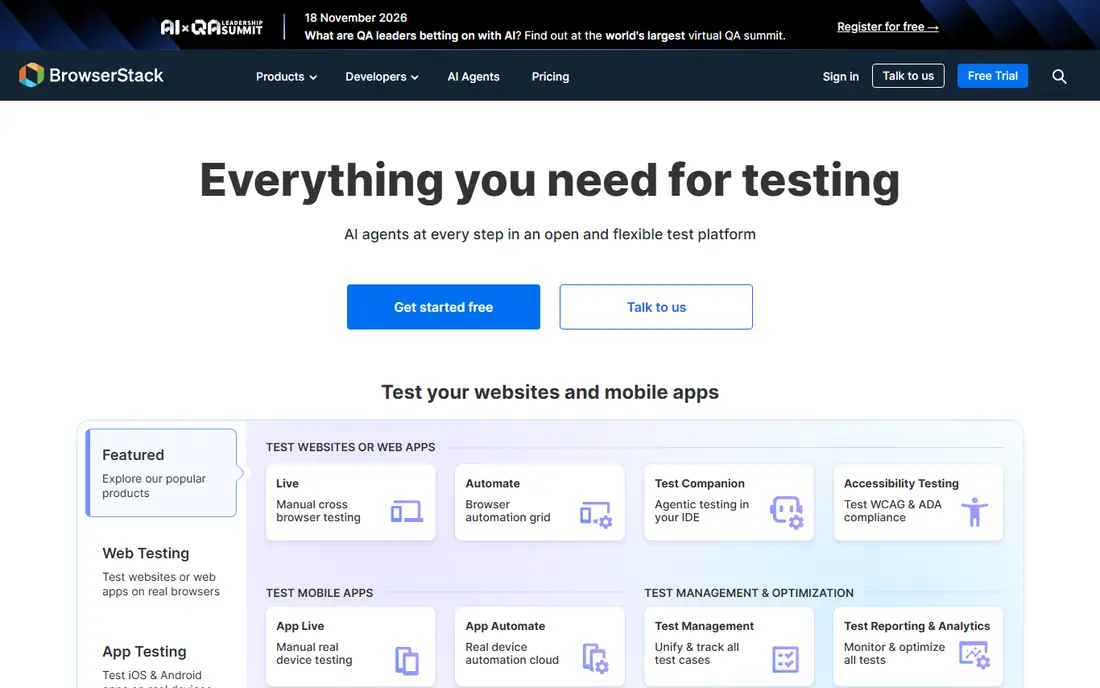
BrowserStack App Automate runs your automated tests on real iOS and Android devices in the cloud, so you do not buy, charge and maintain a phone lab. It supports the major frameworks, including Appium, Espresso, XCUITest, Maestro and Detox, and parallel runs cut a long suite down to a manageable time. That breadth is why many teams standardise on it.
Pricing for automation is based on parallels, so a team that wants many tests running at once will pay more than a team running one at a time. Check the vendor pricing page for the current entry plan and trial terms. If device coverage is your main pain, BrowserStack is the first cloud to evaluate.
- Very large real-device fleet
- Supports Appium, Espresso, XCUITest and more
- Parallel runs speed up suites
- Automation pricing is per parallel, so costs rise with scale
- Check the current plan before committing
Sauce Labs offers a real-device cloud with virtual devices, live testing and automated testing, plus reporting and analytics that help large teams find why a test failed. It supports Appium, Espresso and XCUITest, and its governance features suit regulated or enterprise teams that need access controls and audit trails.
Pricing for larger plans is often quoted, so budget for a sales conversation rather than a self-serve checkout. Onboarding can also take longer than a smaller cloud. For enterprises that need private device pools and strong controls, Sauce Labs is a strong contender beside BrowserStack.
- Real and virtual devices
- Strong enterprise controls and reporting
- Supports major frameworks
- Enterprise pricing can be opaque
- Onboarding takes time for large teams
LambdaTest, now also known as TestMu AI, gives smaller teams a device cloud at a lower entry price, with live testing from 15 dollars per month in published comparisons. It covers real and virtual devices and supports Appium and other major frameworks, which makes it a practical step up from emulators alone.
Real-device automation is priced higher than live testing, so check which tier your automation needs before you compare headline prices. The fleet is smaller than BrowserStack, but for most small and mid-sized teams the coverage is plenty. If budget is the deciding factor, start here.
- Low entry price for live testing
- Real and virtual devices
- Supports major automation frameworks
- Real-device automation sits on higher tiers
- Smaller fleet than the largest clouds
Espresso is Google's framework for Android UI testing, and it is the fastest, least flaky option for Android-native apps. Because it runs inside the app process and waits for the UI to settle, tests need fewer manual waits than cross-platform frameworks. It integrates cleanly with Android Studio and continuous integration.
The limit is obvious: Espresso tests Android only, so an iOS team needs a second framework. If your app is Android-first or Android-only, Espresso should be the default, with a cross-platform tool added only if iOS coverage becomes a real need.
- Fast and stable Android UI tests
- First-party Google tooling
- Good synchronisation with the app
- Android only
- Tests are written in Kotlin or Java
XCUITest is Apple's framework for UI testing on iOS and other Apple platforms, shipped with Xcode. It is the fastest native option for iOS, with no extra runtime to maintain, and it works well with simulators and real devices. Teams that build in Swift already have the language and tooling in place.
Like Espresso, it covers one platform only, and its test code can be verbose compared with a YAML or plain-language tool. For iOS-first teams, that trade is worth it. Use XCUITest for iOS depth, and pair it with Espresso or Appium only if cross-platform coverage matters.
- First-party Apple tooling
- Fast native iOS tests
- Ships with Xcode
- IOS and Apple platforms only
- Test code can be verbose
Maestro lets teams write UI tests as simple YAML flows, which non-developers can read and edit more easily than code-based tests. Built-in waits handle loading screens without manual sleep commands, which cuts a common source of flakiness. The command-line tool is free, with a paid cloud option for runs.
Real iPhones are mainly reached through device clouds, since Maestro is simulator-first on iOS, so factor that into your plan if iOS real-device coverage is essential. For readable end-to-end flows on Android and for iOS simulators, Maestro is one of the easiest frameworks to adopt.
- Tests written as readable YAML flows
- Built-in waits reduce flakiness
- Free command-line tool
- IOS real-device support depends on device clouds
- Less control for deep native cases
Detox is the end-to-end framework built for React Native apps, and its grey-box approach waits for the app to settle before acting, which makes tests less flaky than black-box tools. Tests are written in JavaScript, which fits React Native teams, and the tool is free and open source.
The scope is narrow by design: Detox serves React Native only, and iOS testing normally runs on simulators. A native iOS or Android team should choose XCUITest or Espresso instead. For React Native teams, Detox is the most natural end-to-end choice.
- Built for React Native
- Grey-box synchronisation reduces flakiness
- Free and open source
- React Native only
- IOS runs on simulators, not real devices, in the usual setup
How we picked these
We compared official documentation, pricing pages and current tool guides for mobile testing in 2026, and we kept tools that are actively maintained and genuinely used for mobile apps, not just web testing with a mobile view. We included both frameworks and device clouds, because a list of frameworks alone leaves the device question unanswered. Where pricing is quoted or tiered, we say so rather than repeating an outdated figure. We did not claim hands-on testing.
Choosing a mobile testing stack
Start with the framework that matches your app. Native apps suit Espresso for Android and XCUITest for iOS, React Native suits Detox, and cross-platform teams suit Appium or Maestro. Then add a device cloud only for the devices your users actually use, starting with popular models and OS versions rather than the whole fleet.
Keep the suite stable before you scale it. Flaky tests erode trust fast, so fix locators, waits and test data first, then add parallels to cut run time. Run the suite in continuous integration on every pull request if you can, and treat a failing test as a signal to investigate, not as noise to rerun until it passes.
Manual testing still matters
Automated tests catch regressions, but they do not catch a confusing screen, a poor thumb reach or a broken payment flow that still passes its steps. Pair automation with regular manual testing on real devices, especially for onboarding, checkout and accessibility. A short manual pass before release catches the problems users actually notice.
Frequently asked questions
What are the best mobile app testing tools?
Appium leads for cross-platform automation, Espresso leads for Android, XCUITest leads for iOS, and BrowserStack or Sauce Labs lead for real-device clouds. The best stack pairs one framework with one cloud.
What is the best mobile app testing software for a small team?
Maestro or Detox, depending on your app type, plus a low-cost cloud such as LambdaTest, gives a small team real coverage without enterprise cost. Start with one framework and a handful of devices.
How do I test a mobile app on many devices without buying phones?
Use a real-device cloud such as BrowserStack, Sauce Labs or LambdaTest, which rents access to real phones by the minute, parallel or plan. Emulators and simulators help early, but real devices catch hardware, OS and network differences.
What are mobile app testing best practices?
Keep tests stable and readable, run them in continuous integration, test on real devices for release builds, and cover onboarding, payments and accessibility by hand as well. Fix flaky tests promptly, since a suite nobody trusts gets ignored.
Is Appium still a good choice in 2026?
Yes, for cross-platform teams that accept maintenance work in return for one codebase. Native teams that want speed and stability may prefer Espresso and XCUITest, while React Native teams may prefer Detox.
Sources we checked (8)

Online Jobs is an independent blog about careers, online work, learning new skills and the tools that help people earn. More about us.
Keep reading
All posts
n8n Alternatives
n8n alternatives compared for 2026, with Zapier, Make, Activepieces, and more, covering visual builders, code steps, self-hosting, and pricing models.

ZoomInfo Alternatives
The best ZoomInfo alternatives in 2026, compared on price, free plans, data coverage, and which tool fits small teams or large sales teams best in detail.

Zoom Alternatives for Webinars
Compare Zoom alternatives for webinars in 2026, from browser-based rooms to enterprise events, with prices, attendee limits, features and honest trade-offs.