Best Mobile App Development Platform in 2026: 9 Platforms Compared

How we put this together: we compare official feature and pricing pages, app store listings, privacy policies and public user reviews. Prices change, so check the provider's site before you pay.
Key takeaways
- Flutter and React Native lead for most cross-platform apps, and the choice often follows your team's existing language.
- Native tools still win for graphics-heavy, hardware-heavy, or deeply platform-specific apps.
- Low-code platforms suit internal tools and simple apps, but they can limit custom design and performance.
- Most frameworks in this list are free and open source, while low-code and backend services add the real cost.
- Prototype early, test on real phones, and check store rules before you commit to a platform.
Quick comparison
| Name | Who it suits | Starting price | Free option | |
|---|---|---|---|---|
 Flutter | Custom cross-platform apps | Free | Yes | Visit |
 React Native | JavaScript teams shipping iOS and Android | Free | Yes | Visit |
 Expo | Fast React Native shipping | Free | Yes | Visit |
 .NET MAUI | Microsoft and C# teams | Free | Yes | Visit |
 Kotlin Multiplatform | Shared logic with native UI | Free | Yes | Visit |
 Ionic | Web teams moving to mobile | Free | Yes | Visit |
 NativeScript | Native APIs with JavaScript | Free | Yes | Visit |
 OutSystems | Low-code enterprise apps | See website | Free trial | Visit |
 Mendix | Low-code business apps | See website | Free trial | Visit |
The best mobile app development platforms
We compared platforms by language, code sharing, performance, hiring pool, and fit for common app types. A platform is only as good as its fit for your team, so we note the language and the trade-off for each one. All of the open-source frameworks here are free to use, but you will still pay for developer accounts, backend services, and, for low-code tools, platform licences.
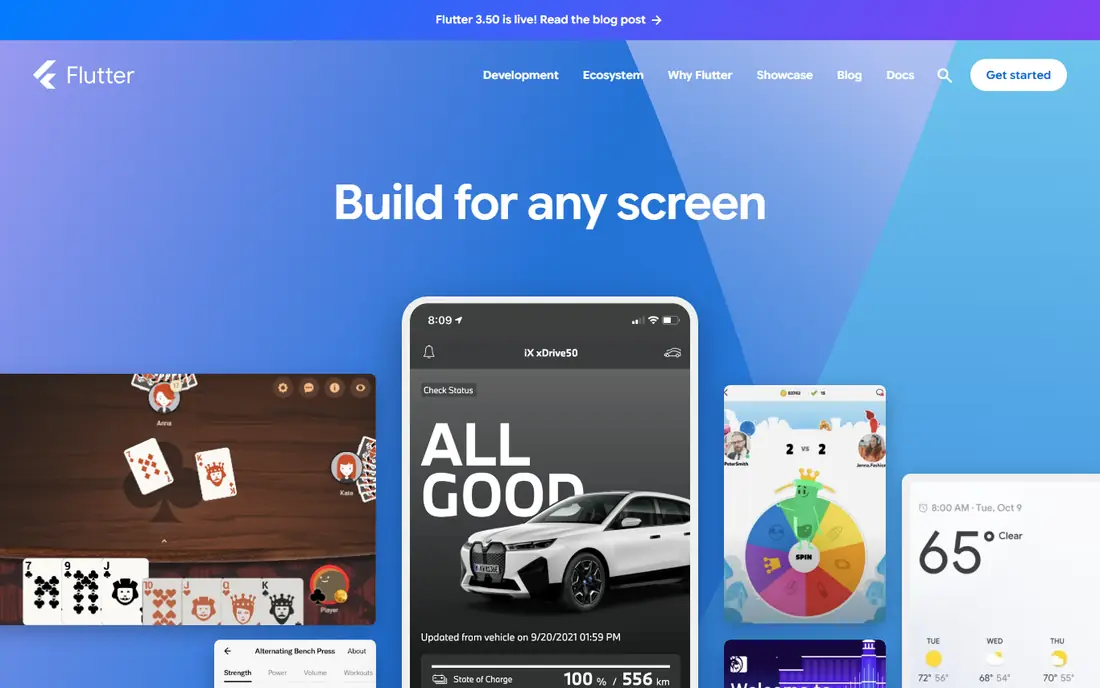
Flutter is our pick for most teams that want a polished, brand-heavy app on both iOS and Android from one codebase. It draws its own interface, so the app looks the same on both platforms, and hot reload lets you see changes quickly during development. That consistency helps design-led teams and startups that need a strong first impression. The catch is language and size. Dart is less common than JavaScript, so hiring can take longer, and Flutter apps are often larger than native apps. If your team already knows Dart or values visual control, those costs are worth it.
- One Dart codebase for iOS, Android, web, and desktop
- Consistent UI through its own rendering
- Fast hot reload
- Larger app size than native
- Dart hiring pool is smaller than JavaScript
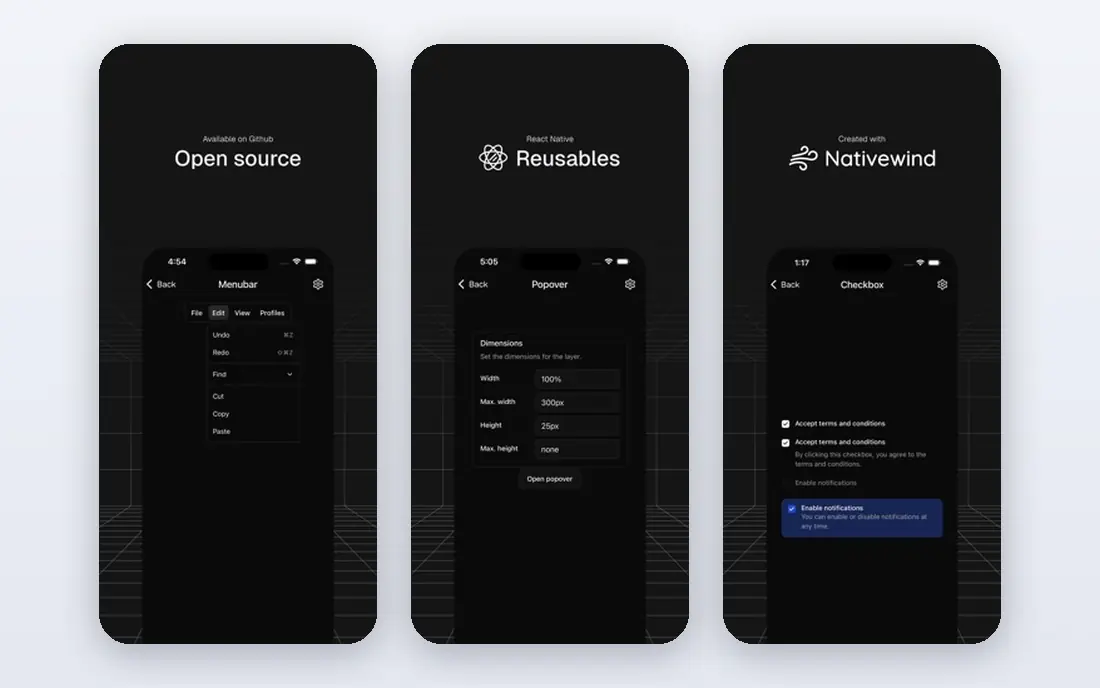
React Native suits teams that already build with JavaScript and React, because they can reuse skills, libraries, and hiring channels. It renders real native controls rather than a web view, which gives apps a familiar feel on each platform, and the ecosystem covers payments, maps, analytics, and more. The honest weakness is maintenance. Major version upgrades and third-party native modules can need attention, and graphics-heavy screens may still need native code. For most business and consumer apps, that trade is acceptable, and the hiring advantage is large.
- Huge JavaScript and React hiring pool
- Real native components
- Large library ecosystem
- Major upgrades can need work
- Complex native modules need Swift or Kotlin skills
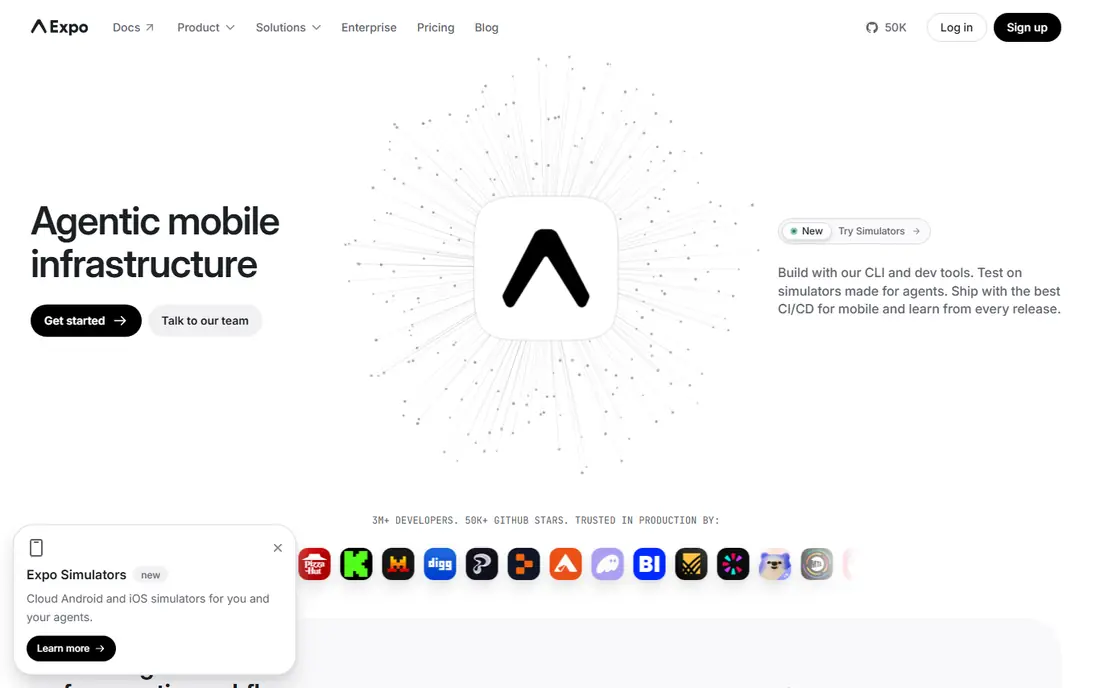
Expo is a toolchain and service built around React Native, and it removes much of the native setup that slows new teams. You can build, test, and ship with managed tools, and updates can reach users without a full store review in some cases. That speed makes Expo a strong choice for prototypes, MVPs, and small teams. The catch is control. If you need a rare native library or deep device integration, you may need to move to a bare React Native workflow, which adds back the setup Expo removed. Start with Expo, and move out only when a specific feature forces it.
- Managed build and deployment tools
- Easy over-the-air updates on some plans
- Good for startups and solo developers
- Some native modules need extra setup
- Advanced native work may require leaving the managed workflow
.NET MAUI, the successor to Xamarin.Forms, lets C# teams build iOS, Android, macOS, and Windows apps from one codebase. If your backend, desktop, or internal tools already use .NET, this platform keeps your team in one language and one set of tools, which can cut training and hiring costs. Visual Studio support is a real plus for enterprise teams. The weakness is community size. You will find fewer mobile-specific libraries and examples than for Flutter or React Native, and you should check that the controls you need exist before you commit.
- Single C# codebase for mobile and desktop
- Strong Visual Studio tooling
- Good for enterprise Microsoft shops
- Smaller mobile community than Flutter or React Native
- Tied to Microsoft release cycles
Kotlin Multiplatform takes a different path: share the logic, such as networking, data, and business rules, while building the interface natively on each platform. That suits teams that want native feel and performance, but do not want to write the same logic twice. Android-first teams benefit most, because they can keep Kotlin skills and add iOS gradually. The catch is maturity. iOS tooling and shared UI through Compose Multiplatform are improving, but they are newer than the main cross-platform frameworks, so budget time for setup and for gaps in libraries.
- Share business logic while keeping native UI
- Strong for Android-first teams
- Growing iOS support
- IOS tooling is still maturing
- Shared UI options are newer than Flutter or React Native
Ionic suits web teams that want a mobile app without learning a new language. You build with web technologies, wrap the app with Capacitor for native access, and ship to iOS and Android from one codebase. That makes it ideal for content apps, forms, booking flows, and internal tools where the web already does the heavy work. The honest limit is rendering. Because the interface runs in a web view, very complex animations or graphics-heavy screens may feel less fluid than in Flutter or native apps. For most business apps, users will not notice, and the speed gain is large.
- Uses HTML, CSS, and JavaScript
- Works with Angular, React, and Vue
- Fastest path for web teams
- Web view rendering can limit complex UI
- Paid services add cost for larger teams
NativeScript gives JavaScript developers direct access to native APIs and native UI, without a web view in the middle. That makes it a good middle ground for teams that want native performance and device access, but want to stay in JavaScript or TypeScript. It supports Angular and Vue, which helps teams already using those frameworks. The weakness is ecosystem size. You will find fewer plugins and examples than for React Native, so check for the specific device features you need, such as Bluetooth, camera, or background work, before you choose it.
- Direct native API access from JavaScript or TypeScript
- Native UI without a web view
- Works with Angular and Vue
- Smaller community than React Native
- Fewer ready-made plugins for niche features
OutSystems is a low-code platform for enterprises that need to ship internal tools, customer portals, and workflow apps quickly. Visual modelling, built-in data tools, and deployment pipelines let small teams deliver apps that would take much longer in code, and governance tools suit regulated firms. That speed is the main reason to choose it. The trade-off is cost and control. Licences are priced for enterprise use, and highly custom interfaces or unusual performance needs can be harder to achieve than in Flutter or React Native. Use OutSystems when speed and governance matter more than pixel-level control.
- Visual development for enterprise apps
- Built-in security and deployment tools
- Good for internal and customer portals
- Licence costs are high for large use
- Custom UI can be harder than in code-first frameworks
Mendix suits business teams that need workflow, case management, and internal apps without a large engineering team. Its visual builder, data modelling, and AI assistance help analysts and developers build together, and cloud deployment is part of the platform. That collaboration is useful when business owners need to see and change an app quickly. The catch is that low-code does not mean no-code for complex apps. Data rules, integrations, and performance still need skilled developers, and production licences are a real cost. Treat Mendix as a way to speed delivery, not as a replacement for engineering judgement.
- Visual app building with AI assistance
- Strong for business process apps
- Cloud deployment included
- Licence costs for production use
- Complex apps still need developer skill
How we picked these
We compared official framework and platform pages, language and hiring considerations, code-sharing models, and fit for common app types, from consumer apps to internal business tools. We favoured platforms with current releases, active documentation, and real production use, and we mixed code-first frameworks with low-code platforms so readers can compare both paths. We left out tools that have been discontinued or that only build web apps without a mobile path.
How to choose a platform for your app
Start with your team, not with a feature list. If your team knows JavaScript, React Native or Ionic will be faster than learning Dart or C#. If your team knows C# or Kotlin, .NET MAUI or Kotlin Multiplatform will use skills you already pay for. That single decision often matters more than small performance differences, because a team that knows its tools ships faster and fixes bugs faster.
Next, list your hard requirements: offline use, Bluetooth, camera, payments, maps, and app store rules for your category. Check that your chosen platform supports each one with a maintained library, and build a small prototype that tests the hardest requirement first. A prototype that proves payments or offline sync works will tell you more than weeks of reading comparisons. Finally, budget for the backend, store accounts, and ongoing updates, because platform choice affects maintenance for years, not just the first release.
Frequently asked questions
What is the best mobile app development platform for beginners?
Expo with React Native is a strong beginner path, because JavaScript is widely taught and Expo removes much native setup. Flutter is also beginner friendly if you are willing to learn Dart, and its documentation and widget system are clear for new developers.
What are the best mobile app development platforms for iOS and Android together?
Flutter and React Native lead for building both platforms from one codebase, with .NET MAUI and Ionic as strong alternatives for C# and web teams. The best choice follows your team's language and the design control you need.
What is the best mobile development software for enterprise apps?
OutSystems and Mendix suit enterprise internal tools and workflow apps, while .NET MAUI suits Microsoft-centric enterprises. For customer-facing enterprise apps, Flutter and React Native often give more design control and a larger hiring pool.
What are the best mobile app development tools for a startup MVP?
Expo, Flutter, and Ionic all suit MVPs, because they let a small team ship to both stores quickly. Choose Expo if your team knows React, Flutter if design control matters most, and Ionic if you already have a web app to reuse.
What is the best platform for mobile app development if I need native performance?
Native tools, or Kotlin Multiplatform with native UI, give the best performance for graphics-heavy or hardware-heavy apps. Among cross-platform options, Flutter and React Native are close for most business apps, and the gap only shows in demanding graphics or real-time work.
Which are the top 10 mobile application development software options I should shortlist?
Shortlist Flutter, React Native, Expo, .NET MAUI, Kotlin Multiplatform, Ionic, NativeScript, OutSystems, and Mendix, then add native Swift and Kotlin if your app needs deep platform integration. That list covers code-first, low-code, and native paths in one comparison.
Sources we checked (9)

Online Jobs is an independent blog about careers, online work, learning new skills and the tools that help people earn. More about us.
Keep reading
All posts
Windows 11 Alternatives
Explore Windows 11 alternatives that run on your current PC, from beginner-friendly Linux systems to ChromeOS Flex, with install notes and trade-offs.
Eventbrite Alternatives
Compare the best Eventbrite alternatives for ticketing fees, free events and event pages, with honest notes on cost, discovery and fit for organisers.
Chrome Alternatives
Chrome alternatives compared: Brave, Firefox, Vivaldi, Edge and more for privacy, speed and tab organisation, with free plans, pros and cons to compare.