Best Mobile App Builder in 2026: 8 Builders Compared

How we put this together: we compare official feature and pricing pages, app store listings, privacy policies and public user reviews. Prices change, so check the provider's site before you pay.
Key takeaways
- Adalo and FlutterFlow are the strongest starting points for native iOS and Android apps built without writing code.
- Glide and Softr suit data-driven apps and internal tools, especially when your content already lives in a spreadsheet or database.
- Bubble gives the most control over complex web app logic, but native mobile publishing needs extra steps.
- Thunkable, GoodBarber, and BuildFire cover simpler, template-led apps where speed and store publishing matter more than custom logic.
- Check store fees, user limits, and export options before you commit, since those costs shape the total price more than the monthly plan alone.
Quick comparison
| Name | Who it suits | Starting price | Free option | |
|---|---|---|---|---|
 Adalo | Native apps for beginners | See website | Yes | Visit |
 FlutterFlow | Native apps with code export | See website | Yes | Visit |
 Glide | Apps built from spreadsheets | See website | Yes | Visit |
 Bubble | Complex web apps and logic | See website | Yes | Visit |
 Thunkable | Cross-platform apps with blocks | See website | Yes | Visit |
 GoodBarber | Template-led native apps | See website | No | Visit |
 BuildFire | Business apps with plugins | See website | No | Visit |
 Softr | Portals and internal tools | See website | Yes | Visit |
The best mobile app builders
We compared builders on output type, ease of use, data handling, publishing, and pricing. The list mixes true native builders with strong web and portal tools, so you can match the builder to the app you actually need.
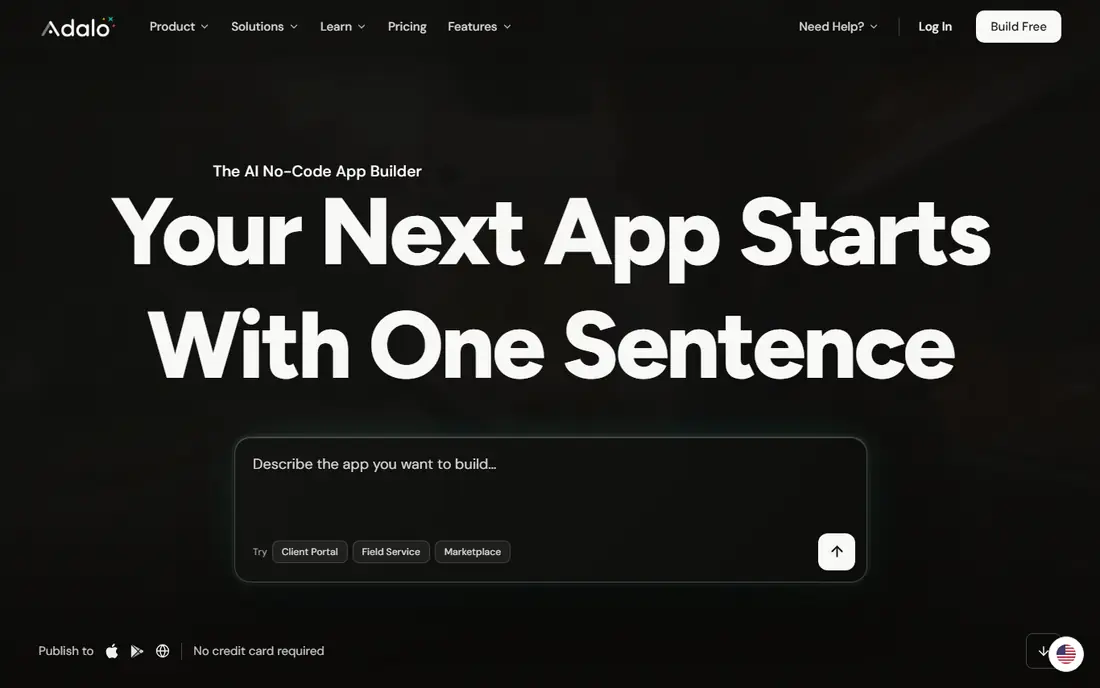
Adalo is a good first builder when you want a real app in the stores without learning a programming language. You design screens on a visual canvas, connect them to a built-in database, and publish to iOS, Android, and the web from the same project. That single-project approach matters, because maintaining separate apps for each platform quickly becomes a chore for a small team.
The limits show up as apps grow more complex. Adalo handles common business apps, booking flows, directories, and membership apps well, but highly custom logic or heavy data work may push you toward FlutterFlow or Bubble. Start with Adalo if your priority is getting a working native app published, and test its free plan with a small prototype before paying for publishing.
- Builds native iOS, Android, and web apps from one project
- Visual canvas is friendly for beginners
- Built-in database included
- Complex logic can feel limited
- Paid plans are needed for store publishing
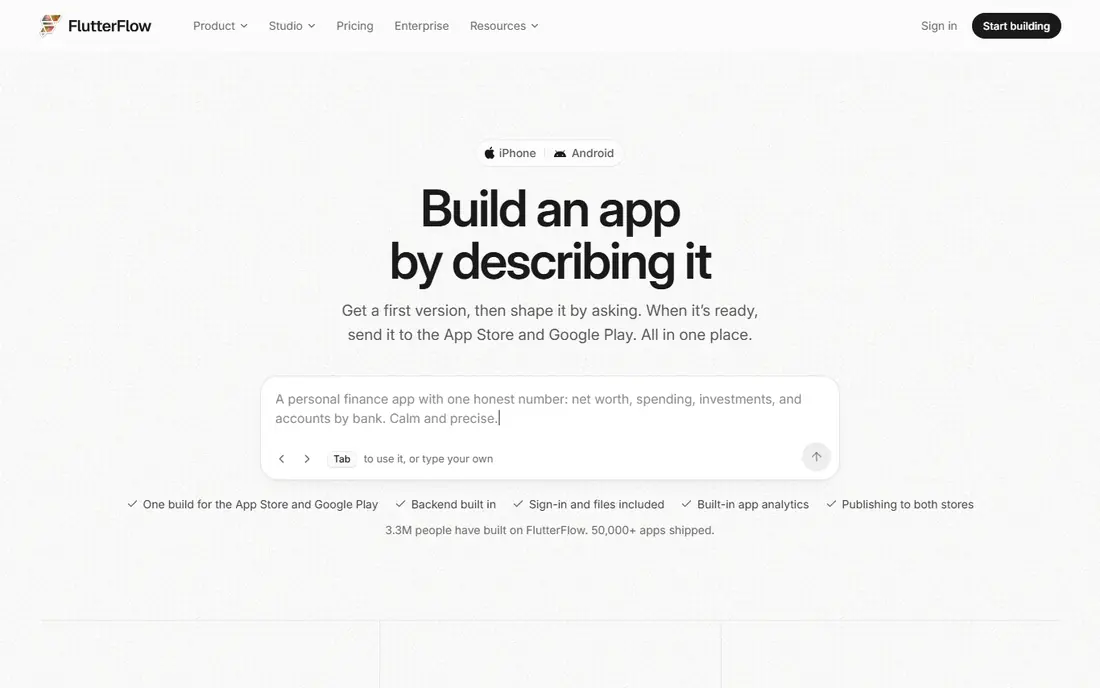
FlutterFlow appeals to builders who want visual building without giving up control of the code. It generates Flutter apps, and the ability to export that code means a developer can later take over, customise, or maintain the app outside the builder. For startups that may hire developers later, that exit path is a real advantage over tools that lock you in.
The trade-off is complexity. FlutterFlow expects you to understand app structure, data sources, and services such as Firebase for logins and databases. Beginners can still build with it, but the learning curve is longer than Adalo or Glide. Choose FlutterFlow when you want a native app, care about design detail, and want the option to own the code as the product grows.
- Flutter code export gives long-term control
- Native output for iOS and Android
- Strong design control
- Steeper learning curve than simpler builders
- Backend setup can take extra work
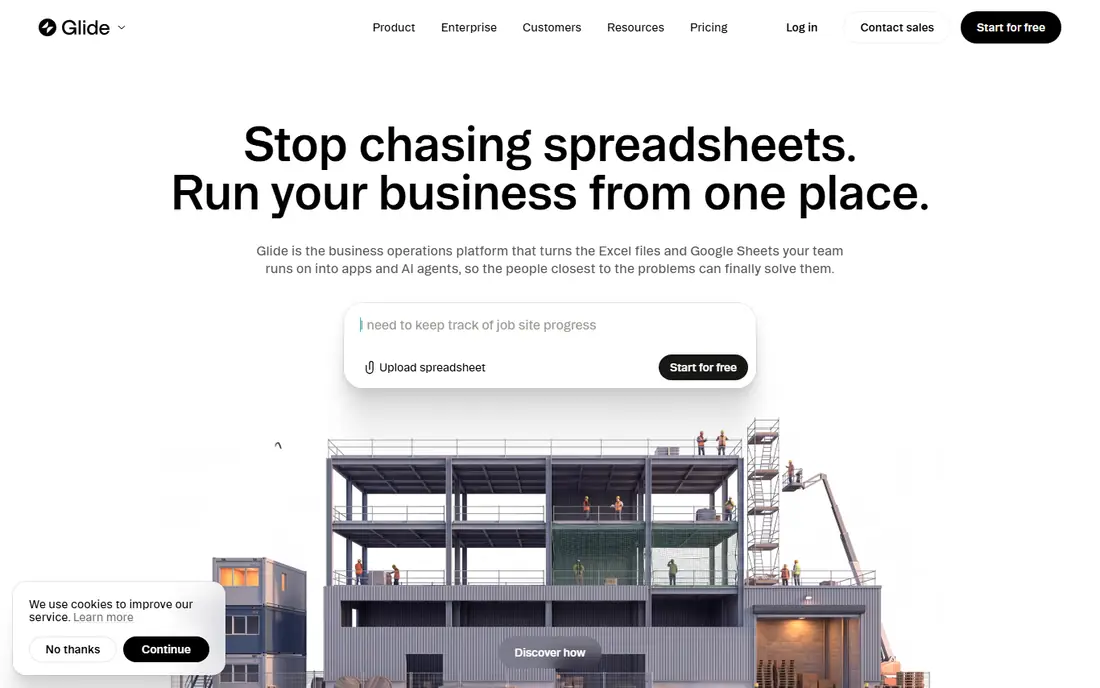
Glide is the fastest route from a spreadsheet to a working app. Connect a Google Sheet, Airtable, or other data source, pick a layout, and you have a directory, inventory tracker, booking tool, or staff portal that people can open on a phone. The results look polished without design skill, which makes Glide popular for internal tools and small business apps.
The key distinction is output type. Glide apps are web apps that behave like apps on a phone, rather than compiled native apps listed in the same way as Adalo or FlutterFlow output. For internal use, that difference rarely matters. For a consumer app that must appear in the App Store and Google Play as a native product, check Glide current publishing options carefully before you build.
- Turns spreadsheets and data into apps quickly
- Clean, polished layouts
- Good for internal tools
- Output is mainly web and progressive web apps, not true native store apps
- Advanced logic is limited
Bubble is the most powerful tool here for web apps with custom rules. You can build marketplaces, dashboards, booking platforms, and SaaS products with workflows that respond to user actions, data changes, and integrations. The plugin ecosystem adds payments, maps, and other features without writing code, and templates give you a head start on common app types.
That power comes with a learning curve. Bubble rewards time spent learning its data model and workflow editor, and beginners should expect a slower first build than with Glide or Adalo. It is also primarily a web app builder, so if a native store app is your main goal, FlutterFlow or Adalo may fit better. Choose Bubble when the app logic itself is the product.
- Deep control over workflows, data, and plugins
- Large template and plugin ecosystem
- Good for web SaaS products
- Learning curve is steep
- Native mobile publishing requires wrapping or extra work
Thunkable uses a block-based editor that will feel familiar to anyone who has used visual programming tools for learning. You drag components onto screens, connect blocks for behaviour, and build for both iOS and Android. That approach makes it a strong choice for students, educators, and first-time builders who want to understand app logic while they build.
For a simple consumer or business app, Thunkable is enough. For data-heavy products, complex payments, or large user bases, its limits appear sooner than Bubble or FlutterFlow. Use Thunkable to learn, prototype, or launch a straightforward app, and treat it as a stepping stone if your product later needs deeper customisation.
- Block-based building suits beginners and education
- Publishes to iOS and Android
- Drag-and-drop components
- Advanced features can feel constrained
- Larger apps may need a more powerful builder
GoodBarber suits businesses that want a professional native app without building every screen from scratch. Templates cover shops, restaurants, news, radio, and local services, and the builder focuses on content, push notifications, and store publishing rather than complex workflows. That focus keeps the build process shorter for standard business apps.
The limit is flexibility. GoodBarber is not the tool for a novel app with unusual logic or deep integrations. It works best when your app fits a known pattern and your goal is a polished store listing, reliable updates, and a clear brand presence on phones. Compare its plan against Adalo if you need more custom screens, and against Glide if a web app would do.
- Native iOS, Android, and web output
- Templates for content, ecommerce, and local business apps
- App store help included in plans
- Custom logic is limited compared with Bubble or FlutterFlow
- Pricing is higher than some web-only builders
BuildFire targets businesses that want an app built from proven parts. Its plugin system covers loyalty, ordering, bookings, messaging, and content, so you add features rather than designing each one. That modular approach suits restaurants, gyms, churches, retailers, and service businesses with standard needs.
Pricing needs care, because plugins and scale can raise the total beyond the headline plan. Check which features are included, which are paid extras, and how user or download limits apply. BuildFire makes sense when you want a business app with support and a plugin catalogue, rather than a fully custom product built from a blank canvas.
- Plugin system adds features without coding
- Native app output
- Business-focused templates and support
- Costs rise with plugins and users
- Custom design control is narrower than FlutterFlow
Softr closes the list for a different job: portals. If you need a client portal, team directory, internal dashboard, or membership site, Softr turns existing data into a gated web app quickly. Permissions, user accounts, and list views are built in, so you spend time on content and access rules rather than building login and database logic from scratch.
Softr is not a native app builder in the same sense as Adalo or FlutterFlow, and buyers who need a store app should not treat it as one. For web portals and internal tools, though, it is often faster and cheaper than a general builder. Start with Softr when your data already exists and your users will open the tool in a browser.
- Turns Airtable, Google Sheets, and Notion data into portals
- Fast setup for client and team tools
- Membership and permissions included
- Mainly web apps, not native store apps
- Design freedom is narrower than Bubble
How we picked these
We checked each vendor homepage and pricing page to confirm the builder is active, supports mobile or web app output, and offers a current plan or trial in 2026. We compared output type first, because native, web, and portal apps are not interchangeable, then weighed ease of use, data handling, publishing, and total cost. We read public reviews and documentation to check limits such as store publishing requirements, user caps, and export options. Where pricing could not be verified from the vendor site on the day of writing, we wrote See website rather than repeating a third-party figure.
Choosing a builder without rebuilding later
The most expensive mistake is picking a builder for its demo, then finding its output type does not match your goal. Decide first whether you need a native store app, a web app, or an internal portal, and shortlist only builders that produce that output. That single filter removes half the confusion in this market.
Test publishing and data early
Build a small prototype with real data, real user accounts, and a test publish step before you invest weeks in design. Check how the builder handles logins, payments, notifications, and data export, and confirm Apple and Google developer account costs separately. A builder that looks easy in a demo can still surprise you at publishing time.
Plan for scale and ownership
Ask what happens if your app grows. Can you export code or data, add users without a sharp price jump, and hand the project to a developer later? FlutterFlow code export and Bubble data export help here, while template-led builders trade some freedom for speed. The right balance depends on whether this app is a prototype, a business tool, or a product you plan to scale.
Frequently asked questions
What is the best no code mobile app builder?
For native apps, Adalo suits beginners and FlutterFlow suits builders who want code export and design control. For web apps from data, Glide and Softr are faster. The best choice depends on whether you need a store app, a web app, or an internal tool, and how complex your app logic will be.
What is the best mobile app builder software for beginners?
Adalo and Glide are the friendliest starting points, with visual editors and templates that let you build a working prototype quickly. Thunkable is also friendly, especially for learners who like block-based logic. Start with a small prototype on a free plan and upgrade only when you need store publishing or more users.
Can I build an app without coding and publish it to app stores?
Yes, with builders such as Adalo, FlutterFlow, GoodBarber, BuildFire, and Thunkable, which support iOS and Android output. You still need Apple and Google developer accounts, and you must follow store rules on content, privacy, and payments. Web-first builders such as Glide and Softr are better for browser-based apps than for native store listings.
How much does a no code app builder cost?
Costs vary by builder, users, and features, and store developer accounts and plugins add to the total. Many builders offer a free plan for building and testing, with paid plans needed for publishing, custom domains, or higher limits. Check the current vendor pricing page and add plugin, user, and store costs before you compare headline monthly prices.
Is no code better than hiring a developer?
No code is better for prototypes, standard business apps, and internal tools where speed and cost matter most. Hiring a developer makes sense for novel features, heavy scale, or strict performance needs that visual builders handle poorly. Many teams start no code, prove the idea, and then move to custom code or a hybrid build once the product is validated.
Sources we checked (8)

Online Jobs is an independent blog about careers, online work, learning new skills and the tools that help people earn. More about us.
Keep reading
All posts
Windows 11 Alternatives
Explore Windows 11 alternatives that run on your current PC, from beginner-friendly Linux systems to ChromeOS Flex, with install notes and trade-offs.
Microsoft Access Alternatives
Microsoft access alternatives compared: 9 real database and app builders, with pricing, free plans, and honest trade-offs for small teams switching in 2026.
Eventbrite Alternatives
Compare the best Eventbrite alternatives for ticketing fees, free events and event pages, with honest notes on cost, discovery and fit for organisers.