Best Mind Mapping Software in 2026: 9 Tools Compared


team brainstorming in a browser · Starting price: See website
How we put this together: we compare official feature and pricing pages, app store listings, privacy policies and public user reviews. Prices change, so check the provider's site before you pay.
Key takeaways
- MindMeister and Coggle are the simplest browser options for quick team brainstorming.
- XMind and MindNode suit people who want polished maps for presenting or studying.
- Miro and Lucidchart fit teams that already use whiteboards or diagrams for wider planning.
- Freeplane is the no-cost desktop option for detailed maps without a subscription.
- Free plans usually limit map counts, so check that limit before you build a large library.
Quick comparison
| Name | Who it suits | Starting price | Free option | |
|---|---|---|---|---|
| MindMeister | team brainstorming in a browser | See website | Yes | Visit |
 XMind | polished personal maps | See website | Yes | Visit |
 Coggle | simple flowing maps online | $5 per month | Yes | Visit |
 MindNode | Apple users who map on Mac and iPhone | $2.99 per month | Yes | Visit |
 Miro | mind maps on a shared whiteboard | Free | Yes | Visit |
 Lucidchart | diagrams plus mind maps | See website | Yes | Visit |
 SimpleMind | quick maps on any device | See website | Yes | Visit |
 Ayoa | maps that turn into tasks | See website | Yes | Visit |
 Freeplane | detailed free desktop maps | Free | Yes | Visit |
The best mind mapping software
Mind mapping turns a messy set of ideas into a structure you can see, rearrange, and share. The tools below differ in whether they focus on pure mapping, team brainstorming, or whiteboard work, so the best pick depends on how you plan to use the maps.
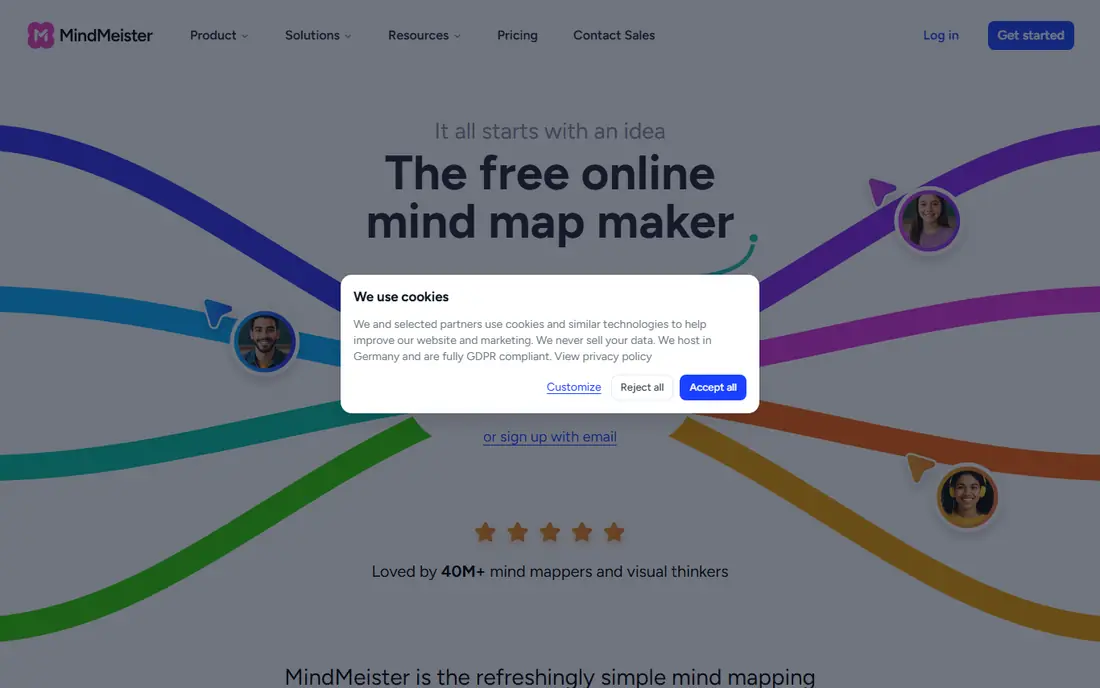
For teams and classrooms brainstorming together, MindMeister stands out for shared brainstorming with comments and voting. In practice, that means the product is strongest when your main need matches its focus, rather than when you need every feature on the market. It is a sensible shortlist entry, not a default pick for everyone, and the paragraphs below explain why.
The honest catch is that a solo user who needs many maps will need a paid plan quickly. That limit does not make it a poor product, but it does mean you should test the exact workflow you will use daily before paying. Check the plan limits, the free plan or trial terms, and the support options on the vendor site, since those details decide the real cost. If those checks pass, it is a solid choice for its stated audience, and a weak choice only when your needs sit outside that audience.
- Real-time collaboration, templates, and presentation mode
- Mobile apps
- Free plan with 3 maps
- Free plan caps maps at 3
- Paid pricing varies by billing period, so confirm current rates
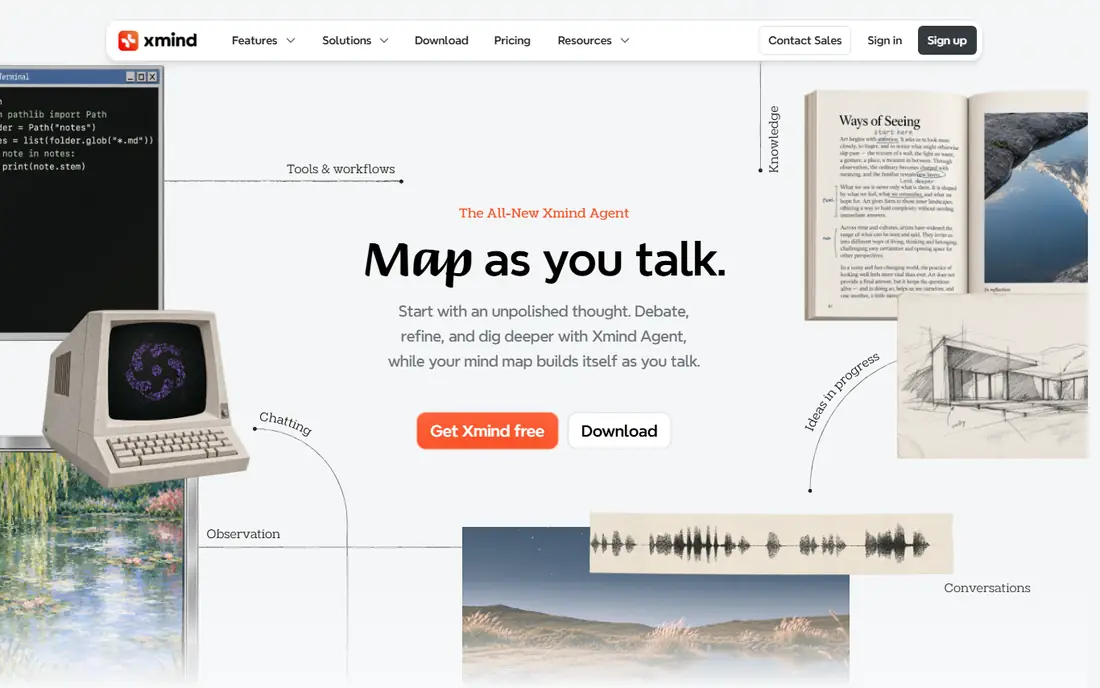
XMind is a natural fit for students, writers, and planners, thanks to structured thinking with a polished final look. In practice, that means the product is strongest when your main need matches its focus, rather than when you need every feature on the market. It is a sensible shortlist entry, not a default pick for everyone, and the paragraphs below explain why.
The honest catch is that a team needing live collaboration may prefer a browser tool. That limit does not make it a poor product, but it does mean you should test the exact workflow you will use daily before paying. Check the plan limits, the free plan or trial terms, and the support options on the vendor site, since those details decide the real cost. If those checks pass, it is a solid choice for its stated audience, and a weak choice only when your needs sit outside that audience.
- Many map structures, from logic charts to timelines
- Clean themes
- Outline view for writing
- Full features need a paid plan
- Large maps can feel heavy on older machines
If you are in beginners and small teams, Coggle deserves a close look for quick, clear maps without a learning curve. In practice, that means the product is strongest when your main need matches its focus, rather than when you need every feature on the market. It is a sensible shortlist entry, not a default pick for everyone, and the paragraphs below explain why.
The honest catch is that a user needing deep customization may find it too simple. That limit does not make it a poor product, but it does mean you should test the exact workflow you will use daily before paying. Check the plan limits, the free plan or trial terms, and the support options on the vendor site, since those details decide the real cost. If those checks pass, it is a solid choice for its stated audience, and a weak choice only when your needs sit outside that audience.
- Very easy to learn
- Clean flowing branches
- Real-time collaboration
- Unlimited public diagrams on free plan
- Free plan limits private diagrams
- Styling options are simpler than XMind
MindNode earns its place here through mapping inside the Apple ecosystem, which suits Mac, iPhone, and iPad users. In practice, that means the product is strongest when your main need matches its focus, rather than when you need every feature on the market. It is a sensible shortlist entry, not a default pick for everyone, and the paragraphs below explain why.
The honest catch is that Windows or Android teams cannot use it as a shared tool. That limit does not make it a poor product, but it does mean you should test the exact workflow you will use daily before paying. Check the plan limits, the free plan or trial terms, and the support options on the vendor site, since those details decide the real cost. If those checks pass, it is a solid choice for its stated audience, and a weak choice only when your needs sit outside that audience.
- Polished Apple-native design
- Tasks and outline views
- Widgets and focus tools
- Apple only, which limits cross-platform teams
- Full features need a subscription
Among product and workshop teams, Miro is often the practical choice because of team workshops where maps sit beside other planning work. In practice, that means the product is strongest when your main need matches its focus, rather than when you need every feature on the market. It is a sensible shortlist entry, not a default pick for everyone, and the paragraphs below explain why.
The honest catch is that a solo mapper may find the canvas more than needed. That limit does not make it a poor product, but it does mean you should test the exact workflow you will use daily before paying. Check the plan limits, the free plan or trial terms, and the support options on the vendor site, since those details decide the real cost. If those checks pass, it is a solid choice for its stated audience, and a weak choice only when your needs sit outside that audience.
- Huge canvas for maps, sticky notes, and diagrams
- Strong team collaboration
- Many templates
- Mind mapping is one feature inside a broad whiteboard, so purists may miss mapping-specific tools
For business and operations teams weighing options, Lucidchart offers teams that need maps and formal diagrams together as its main draw. In practice, that means the product is strongest when your main need matches its focus, rather than when you need every feature on the market. It is a sensible shortlist entry, not a default pick for everyone, and the paragraphs below explain why.
The honest catch is that a pure brainstorming user may prefer a simpler mapper. That limit does not make it a poor product, but it does mean you should test the exact workflow you will use daily before paying. Check the plan limits, the free plan or trial terms, and the support options on the vendor site, since those details decide the real cost. If those checks pass, it is a solid choice for its stated audience, and a weak choice only when your needs sit outside that audience.
- Strong diagramming alongside mind maps
- Good for business plans and org charts
- Sharing controls
- Mind mapping is part of a wider diagram tool
- Pricing is by plan and needs checking
SimpleMind suits individuals who map on the go best, with fast personal mapping without a heavy subscription doing most of the work. In practice, that means the product is strongest when your main need matches its focus, rather than when you need every feature on the market. It is a sensible shortlist entry, not a default pick for everyone, and the paragraphs below explain why.
The honest catch is that teams needing live co-editing should look elsewhere. That limit does not make it a poor product, but it does mean you should test the exact workflow you will use daily before paying. Check the plan limits, the free plan or trial terms, and the support options on the vendor site, since those details decide the real cost. If those checks pass, it is a solid choice for its stated audience, and a weak choice only when your needs sit outside that audience.
- Cross-platform apps for phone and computer
- Simple layout
- One-time purchase options in some stores
- Sync and collaboration features are more basic than browser-first tools
Ayoa will appeal first to teams that plan then execute in one tool for turning a brainstorm into assigned work. In practice, that means the product is strongest when your main need matches its focus, rather than when you need every feature on the market. It is a sensible shortlist entry, not a default pick for everyone, and the paragraphs below explain why.
The honest catch is that a user who only wants maps may find task features extra weight. That limit does not make it a poor product, but it does mean you should test the exact workflow you will use daily before paying. Check the plan limits, the free plan or trial terms, and the support options on the vendor site, since those details decide the real cost. If those checks pass, it is a solid choice for its stated audience, and a weak choice only when your needs sit outside that audience.
- Mind maps linked to task boards
- Chat and collaboration features
- Good for project follow-through
- Interface can feel busy
- Pricing varies by plan
Freeplane is built around detailed personal maps at no cost, a good match for students and power users on a budget. In practice, that means the product is strongest when your main need matches its focus, rather than when you need every feature on the market. It is a sensible shortlist entry, not a default pick for everyone, and the paragraphs below explain why.
The honest catch is that teams needing shared online editing will need another tool. That limit does not make it a poor product, but it does mean you should test the exact workflow you will use daily before paying. Check the plan limits, the free plan or trial terms, and the support options on the vendor site, since those details decide the real cost. If those checks pass, it is a solid choice for its stated audience, and a weak choice only when your needs sit outside that audience.
- Free open-source desktop mapping
- Deep structure and formatting options
- No subscription
- Desktop only and interface looks dated
- No built-in live collaboration
How we picked these
We compared official feature pages, pricing pages, and app store listings for each product, and we kept only products that exist, work today, and truly fit the topic. Prices and free tiers come from vendor sites or app store listings where we could verify them, and we wrote See website where a price could not be verified cleanly. We did not claim hands-on testing we did not do, and we did not invent awards, user counts, ratings, or features.
That method favors products with clear pricing and clear limits over products with vague claims. Where two products looked similar, we kept the one with the clearer fit for a specific buyer, since a list of near-identical options helps no one choose.
How to choose a mind mapping tool
Decide where the map will live
A browser tool suits shared brainstorming, while a desktop app suits private planning and offline work. Mixed teams often need a tool that works well in both places.
Check export and sharing
A map you cannot export cleanly to PDF, image, or outline form loses value when you present it. Test export before you build dozens of maps.
Keep the structure simple
The best maps use short node labels and clear branches. A tool with too many styling options can slow you down when speed matters most.
Frequently asked questions
What is the best mind mapping software?
MindMeister is a strong all-round browser pick, XMind suits polished personal maps, and Miro suits team whiteboard sessions. Try a free plan first and see which layout feels natural.
What is the best free mind mapping app?
Freeplane is free and open source for desktop use, while Coggle and MindMeister offer free plans with limits. The free tier usually caps private maps, so check the limit.
Is mind mapping software good for studying?
Yes, for organizing notes, revising topics, and planning essays. XMind and MindNode work well for study maps because they support clean layouts and outline views.
Can teams brainstorm together in real time?
Yes, in MindMeister, Coggle, Miro, and Ayoa, among others. Real-time collaboration usually needs a paid plan for full features, so confirm what the free plan allows.
Do I need a mind mapping app or a whiteboard?
A mind mapping app gives you structured branches and outlines. A whiteboard gives you a free-form canvas. If most of your work is structured planning, a mapping app is the better fit.
Sources we checked (9)

Online Jobs is an independent blog about careers, online work, learning new skills and the tools that help people earn. More about us.
Keep reading
All posts
Zoom Alternatives
Zoom alternatives compared for 2026: Google Meet, Microsoft Teams, Webex, Jitsi and more for free calls, large meetings and webinars for teams and classrooms.

Which Software Is Best for Data Entry
Compare the best data entry software for forms, OCR scanning, and spreadsheets, with free plans, pricing, and honest limits for each tool before you commit.

What Is the Best Free Tool to Rotate a PDF
What is the best free tool to rotate a PDF? We compare eight free rotation tools on per-page control, limits, privacy and saved output quality in detail.