Best Mind Map App in 2026: 8 Products Compared

How we put this together: we compare official feature and pricing pages, app store listings, privacy policies and public user reviews. Prices change, so check the provider's site before you pay.
Key takeaways
- XMind is the best all round dedicated mapper for polished solo maps, while MindMeister leads for live team mapping.
- Miro suits workshops where a mind map is one part of a larger board, not the whole job.
- Coggle and Freeplane are the best low cost starting points, with very different trade offs on simplicity and control.
- MindNode is the best native pick for Apple devices, and SimpleMind is best for offline mobile mapping with a one time purchase.
- Decide what happens after the map: export, presentation, task handoff, or study notes, since that choice narrows the list fast.
Quick comparison
| Name | Who it suits | Starting price | Free option | |
|---|---|---|---|---|
 XMind XMind | Polished solo maps | See website | Yes | Visit |
 MindMeister MindMeister | Live team mapping | See website | Yes | Visit |
 Miro Miro | Workshop boards | See website | Yes | Visit |
 MindNode MindNode | Apple devices | See website | Free trial | Visit |
 Coggle Coggle | Simple browser maps | See website | Yes | Visit |
 Mindomo Mindomo | Education and concept maps | See website | Yes | Visit |
 SimpleMind SimpleMind | Offline mobile mapping | See website | Yes | Visit |
 Freeplane Freeplane | Free open source power use | Free | Yes | Visit |
The best mind map app
A mind map should help you get ideas out fast, then shape them into a plan you can share or act on. Some tools in this list are dedicated mappers with branch controls, outlines, and clean exports. Others are whiteboards or note tools that also do maps. That difference matters: a dedicated mapper saves time on structure, while a whiteboard gives you freedom at the cost of manual arrangement. Pick by how you work after the brainstorm ends.
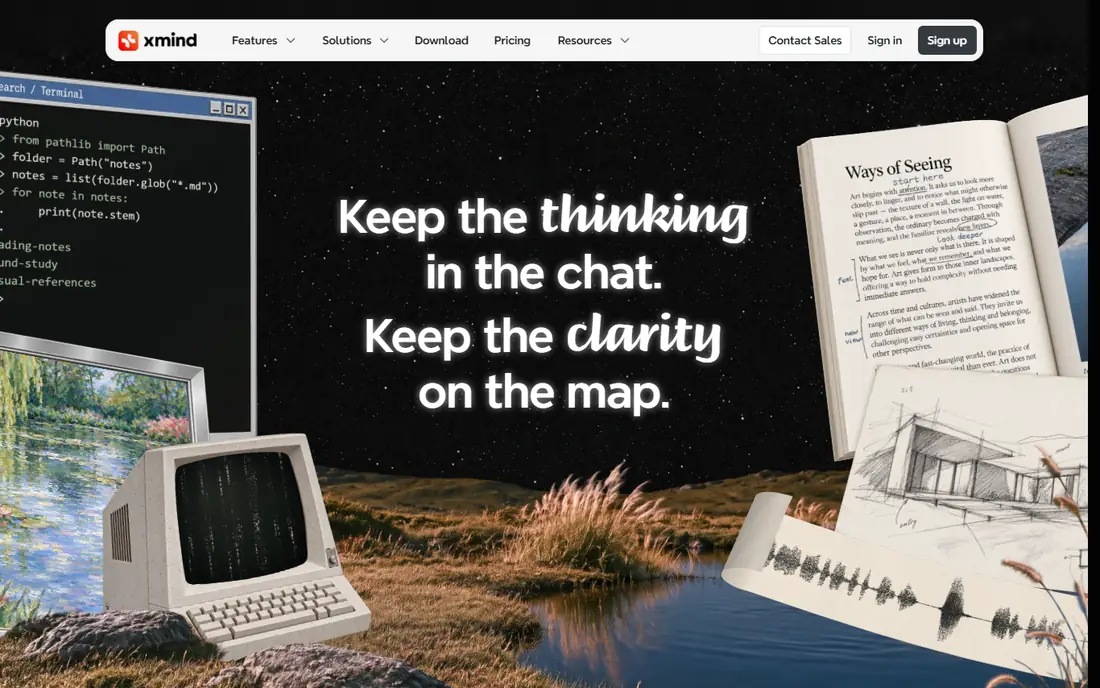
XMind is our pick for most solo mappers because it understands map structure. You can collapse branches, move topics with keys, switch structures, and export a clean map without rebuilding it by hand. That matters for planning a project, studying a topic, or shaping a presentation outline, where a tidy map saves time later. Desktop and mobile apps cover the main platforms, and offline work is straightforward.
Collaboration is the limit. XMind is mainly a single user tool that shares finished maps, rather than a live co editing space. If several people need to edit at once, MindMeister or Miro will serve you better. For a single thinker who wants speed, structure, and polished output, XMind is hard to beat.
- Many map structures including fishbone, matrix, timeline, and org charts
- Fast keyboard editing
- Strong export to image, PDF, and outline formats
- Real time collaboration is weaker than MindMeister
- Advanced features need a paid plan
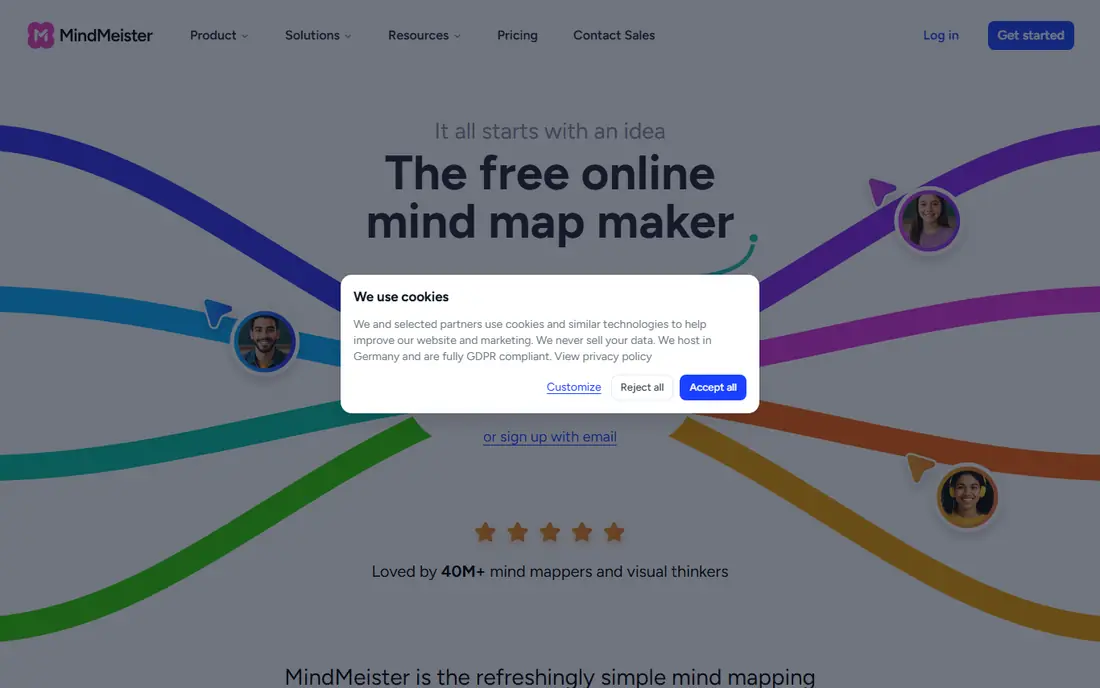
MindMeister is the best dedicated mapper when a team builds the map together. Several people can edit at once, comment on branches, and set permissions, which suits a remote brainstorm or a planning session where ideas need to be captured live. The interface is gentle for beginners, so a new team member can join without a tutorial. Branches can also hand off to tasks, which helps a brainstorm become work rather than a forgotten diagram.
The free plan is limited in map count and features, so a team that maps often will need a paid plan. Styling is also more restrained than XMind, which some users like and others find plain. Choose MindMeister when live collaboration is the main job, and XMind when solo polish matters more.
- Real time co editing with comments and permissions
- Clean interface for beginners
- Task handoff to MeisterTask
- Free plan caps maps and features
- Advanced styling and export options sit on paid plans
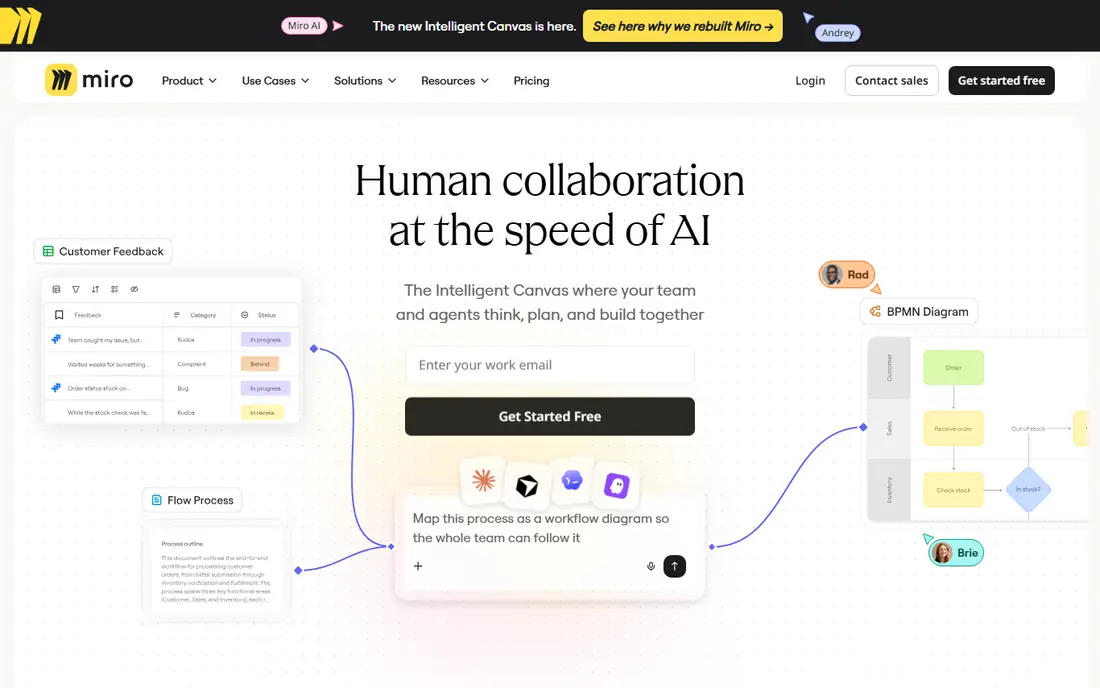
Miro wins when a mind map is only one part of a workshop. You can brainstorm on sticky notes, group them, vote on priorities, build a mind map from the groups, and keep research, timelines, and action items on the same board. That flow suits product teams, design sprints, and remote workshops where the map is a step, not the final product.
Structure is the trade off. Miro mind maps need more manual arrangement than XMind or MindMeister, and a large board can become hard to read if nobody tidies it. Miro is also priced as a team whiteboard, so a solo mapper paying for Miro just for maps is overpaying. Use Miro when the workshop matters, and a dedicated mapper when the map itself is the deliverable.
- Infinite canvas with sticky notes, voting, timers, and templates
- Strong real time collaboration
- Mind map sits beside research and plans
- Mind map structure controls are looser than dedicated mappers
- Large boards can feel messy without facilitation
MindNode is the best mapper for people who live on Apple devices. The app feels native on Mac, iPhone, and iPad, sync is smooth, and the design stays out of the way while you think. You can switch between map and outline views, add images and links, and focus on one branch at a time. That calm design helps for study, writing plans, and personal projects.
The limit is platform. MindNode does not serve Windows or Android teams, so a mixed device group will need MindMeister, Miro, or Coggle instead. Paid features also matter for full export and styling. If your devices are Apple and you map alone or share finished files, MindNode is the most pleasant tool in this list.
- Native Mac, iPhone, and iPad experience with fast sync
- Clean, distraction free design
- Outline and map views from one file
- Apple only, so mixed device teams need another tool
- Some advanced export features need a paid plan
Coggle is the fastest way to start a map. Open the browser, add a central idea, and branch from there, with no install and little learning. Sharing by link makes it useful for a quick team map, a study group, or a classroom exercise. The free plan is genuinely useful for casual mapping, especially when public maps are acceptable.
Private maps and advanced features are limited on the free plan, so a business with sensitive plans should check the paid tiers. Coggle also lacks the deep structure options of XMind, such as fishbone and matrix layouts. Choose Coggle when speed and simplicity matter most, and move to XMind or MindMeister when maps become a regular work product.
- Very easy browser based mapping with no install
- Share by link
- Unlimited public maps on the free plan in many cases
- Free plan limits private maps
- Styling and structure options are simpler than XMind
Mindomo suits education and concept mapping more than any other tool here. Teachers can set assignments, students can build maps with images, links, and notes, and feedback can sit alongside the work. Concept maps, which show relationships between ideas rather than a simple hierarchy, are also well supported. That makes Mindomo useful for study, training, and course planning.
The interface is busier than Coggle or MindNode, and the free tier caps map count, so a heavy user will need a paid plan. For a general business brainstorm, MindMeister or XMind may feel cleaner. For a classroom, a training course, or a research concept map, Mindomo is the most tailored pick.
- Good for teachers, students, and concept maps
- Assignments and feedback features
- Multimedia branches with images and links
- Interface feels busier than Coggle
- Free tier caps maps and features
SimpleMind is the best offline and mobile first mapper in this list. It runs on phones, tablets, and desktops, works without internet, and offers a one time purchase option that appeals to users tired of subscriptions. You can sync maps through your own cloud storage, which gives you control over where files live. That combination suits field work, travel, and personal planning.
Collaboration is not its strength. SimpleMind shares finished maps rather than co editing live, and the design is practical rather than beautiful. If you need a team to edit together, MindMeister is better. If you need a reliable map on your phone, offline, without a monthly fee, SimpleMind is the most practical choice.
- Works offline on desktop and mobile
- One time purchase option rather than subscription only
- Sync through your own cloud storage
- Collaboration is limited
- Design is functional rather than polished
Freeplane is the free power tool for users who want depth without a subscription. It offers detailed branch control, attributes, formulas, and scripting for users who build complex maps, project plans, or knowledge bases. As open source software, it costs nothing and runs on Windows, Mac, and Linux desktops.
The interface is dated and the learning curve is steep, so beginners should start with Coggle or XMind instead. There is also no live collaboration or full mobile experience to match the paid tools. Freeplane suits a technical user, a student on a tight budget, or anyone who wants a free desktop mapper they can shape deeply over time.
- Free and open source with deep features for power users
- Strong keyboard control and scripting options
- Runs on desktop platforms
- Interface looks dated and can overwhelm beginners
- No built in live collaboration or mobile app of the same depth
How we picked these
We compared official feature pages, pricing pages, app listings, and public reviews for each tool. We looked at map structures, editing speed, collaboration, export options, platform support, offline use, and free plan limits. We also weighed dedicated mappers against whiteboards, since both can make a map but serve different jobs. We did not test every feature in person for this guide, and we did not count a feature unless the vendor page or documentation supported it.
Match the tool to what happens next
If the map becomes a presentation
Pick XMind or MindMeister for clean exports and presentation views. Keep branches short, collapse detail you will not talk about, and export a PDF or image for sharing with people who do not use the tool.
If the map becomes tasks
Pick MindMeister for task handoff, or Miro for a workshop board with action items beside the map. Assign owners during the session, not after, or the map will stay a diagram instead of becoming work.
If the map is for study
Pick XMind, MindNode, or Mindomo, depending on your devices and whether you need concept links. Use the outline view to turn branches into notes, and revisit the map in short sessions rather than rebuilding it each time.
Frequently asked questions
What is the best mind mapping software for beginners?
Coggle is the easiest start, with a browser map in minutes and little to learn. MindMeister is also beginner friendly, with a clean interface and live collaboration. XMind is better once you map often and want more structures and exports.
Is there a good free mind map app?
Yes. Coggle offers a useful free plan, Freeplane is free and open source for desktop power users, and XMind, MindMeister, Miro, and Mindomo all offer free tiers with caps. Free is enough for occasional maps, while regular users will hit map or feature caps and need a paid plan.
Can several people edit a mind map at once?
Yes, on MindMeister, Miro, and Coggle, with real time editing, comments, and permissions. XMind, MindNode, and SimpleMind are mainly single user tools that share finished maps. If live workshops are your main use, that difference removes half this list at once.
What is the difference between a mind map and a whiteboard?
A mind map has a central topic with branches, parents, and children, which keeps structure clear. A whiteboard is a free canvas where you can place notes, images, and diagrams in any layout. Dedicated mappers handle structure for you, while whiteboards give freedom at the cost of manual tidying.
Can I export a mind map to PDF or an outline?
Yes, on most tools in this list, with details varying by plan. XMind offers strong export to image, PDF, and outline formats, MindMeister offers presentation and export options, and Coggle offers sharing and export on paid plans. Check export limits on the free plan before you build a large map you need to share.
Which mind map app works offline?
XMind, MindNode, and SimpleMind all support offline work on their main apps, with sync when you reconnect. Browser tools such as Coggle and Miro need internet for full use. If you map on planes, in the field, or in low signal areas, pick an offline capable desktop or mobile app.
Sources we checked (8)

Online Jobs is an independent blog about careers, online work, learning new skills and the tools that help people earn. More about us.
Keep reading
All posts
Zoom Alternatives
Zoom alternatives compared for 2026: Google Meet, Microsoft Teams, Webex, Jitsi and more for free calls, large meetings and webinars for teams and classrooms.

What Is the Best Free Tool to Rotate a PDF
What is the best free tool to rotate a PDF? We compare eight free rotation tools on per-page control, limits, privacy and saved output quality in detail.

What Is the Best AI Dubbing Tool
We compared the best AI dubbing tools in 2026, from ElevenLabs and HeyGen to Rask AI, Dubverse and Veed, for videos and creators in many languages worldwide.