Best Meeting Transcription App in 2026: 8 Tools Compared


Most individuals, generous free plan · Starting price: $16 per user per month
How we put this together: we compare official feature and pricing pages, app store listings, privacy policies and public user reviews. Prices change, so check the provider's site before you pay.
Key takeaways
- Fathom is our pick for most individuals, because its free plan covers unlimited recording and transcription for Zoom, Meet and Teams.
- Otter is the best choice when you want to read and edit a live transcript during the meeting itself.
- Fireflies suits sales and customer teams that need CRM logging and conversation search across many calls.
- Granola fits people who dislike meeting bots and want private, note-style capture instead.
- Free plans differ sharply, so check minute caps, summary limits and storage before you rely on one.
Quick comparison
| Name | Who it suits | Starting price | Free option | |
|---|---|---|---|---|
| Fathom | Most individuals, generous free plan | $16 per user per month | Yes | Visit |
 Otter.ai | Live transcripts during meetings | $8.33 per user per month | Yes | Visit |
 Fireflies.ai | Sales teams and CRM logging | $10 per seat per month | Yes | Visit |
 Granola | Bot-free personal meeting notes | $14 per user per month | Yes | Visit |
 Notta | Multilingual meetings and translation | $8.17 per month | Yes | Visit |
 tl;dv | Sharing clips and research calls | $18 per seat per month | Yes | Visit |
 MeetGeek | Automatic notes emailed after calls | See website | Yes | Visit |
 Fellow | Meeting notes plus agendas and action items | $7 per user per month | Yes | Visit |
The best meeting transcription apps
A good transcription app does more than turn speech into text. It joins your call, captures who said what, pulls out decisions and action items, and lets you search back through weeks of meetings in seconds. The tools below differ in how they capture, what they cost, and whether they use a bot, so the right pick depends on your meeting style.
The list below starts with the strongest free option and moves through live transcription, sales, research and team workflow tools.
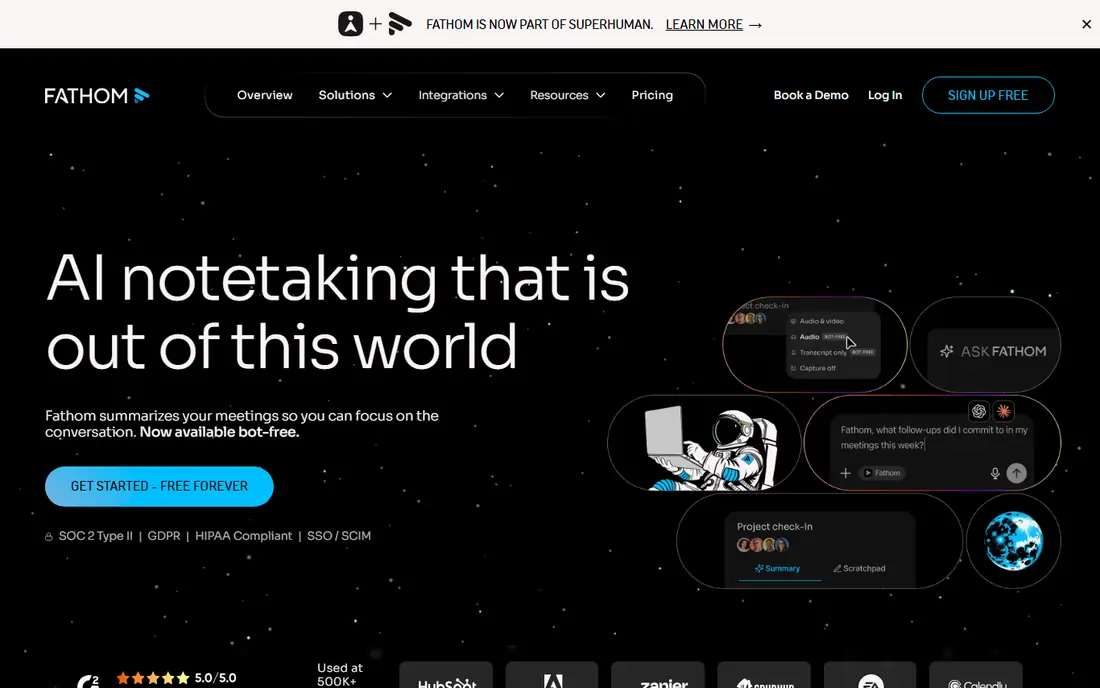
Fathom is the easiest recommendation for an individual who meets on Zoom, Google Meet or Microsoft Teams. The free plan covers unlimited recording and transcription, with a limited number of advanced AI summaries per month in recent listings, which is enough for many solo users to never pay. Summaries are clean and skimmable, with timestamped highlights you can click to jump to the exact moment.
Sharing is simple, with one-click copies to Slack, Notion, Google Docs and major CRMs. The main gap is live transcription: Fathom focuses on the summary after the call rather than showing words in real time, and it does not record in-person meetings from your phone in the same way. Paid Premium, listed at $16 per user per month billed annually, adds advanced AI questions and cross-meeting search. For most individuals, start free and upgrade only when team features matter.
- Free plan with unlimited recording and transcription
- Clean AI summaries with timestamps
- One-click sharing to Slack, Notion and CRMs
- No live transcript during the call
- Team folders and cross-meeting search need paid plans
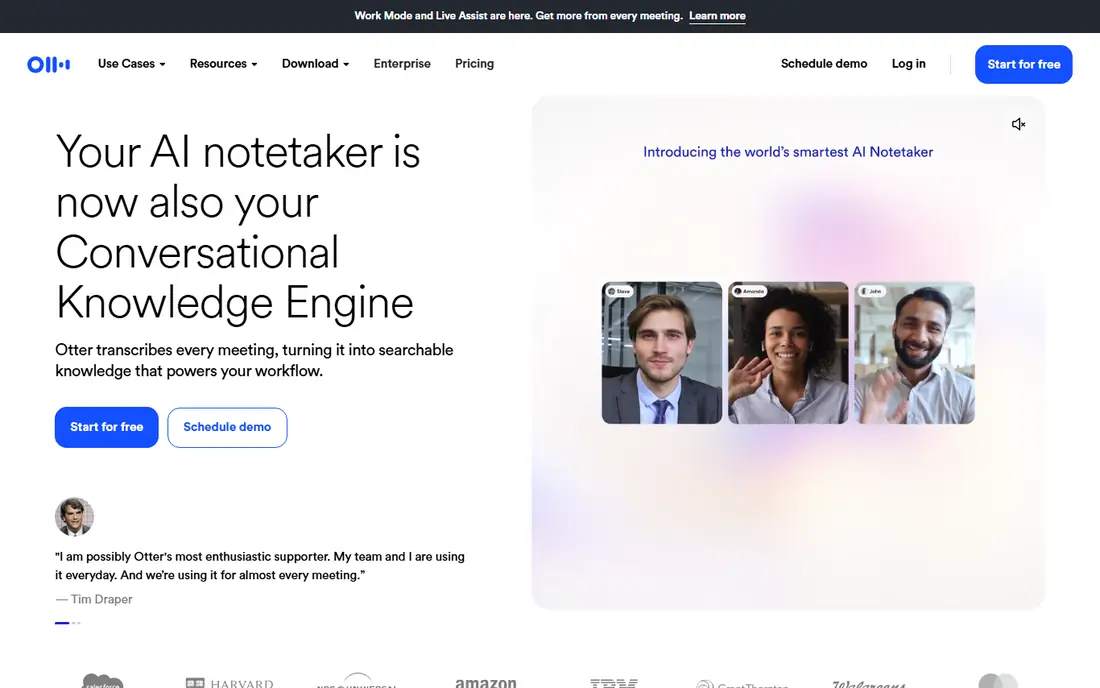
Otter is the veteran of this category, and its live transcript remains its best feature. You can follow along as words appear, highlight key moments, add comments and correct names while the meeting is still running. That live view helps in fast meetings where waiting for a summary means losing the thread.
The free plan is the limit to watch. It covers 300 transcription minutes per month with a 30-minute cap per conversation in recent listings, which runs out quickly for someone in meetings all day. Pro, listed at $8.33 per user per month billed annually, raises the limit to 1,200 minutes. If live reading and editing matter to you, Otter is worth that price. If you only need a summary after the call, Fathom gives you more for free.
- Live transcript you can read and edit during the call
- Speaker identification
- Good search across transcripts
- Free plan caps at 300 minutes per month and 30 minutes per conversation
- Paid minute limits still apply
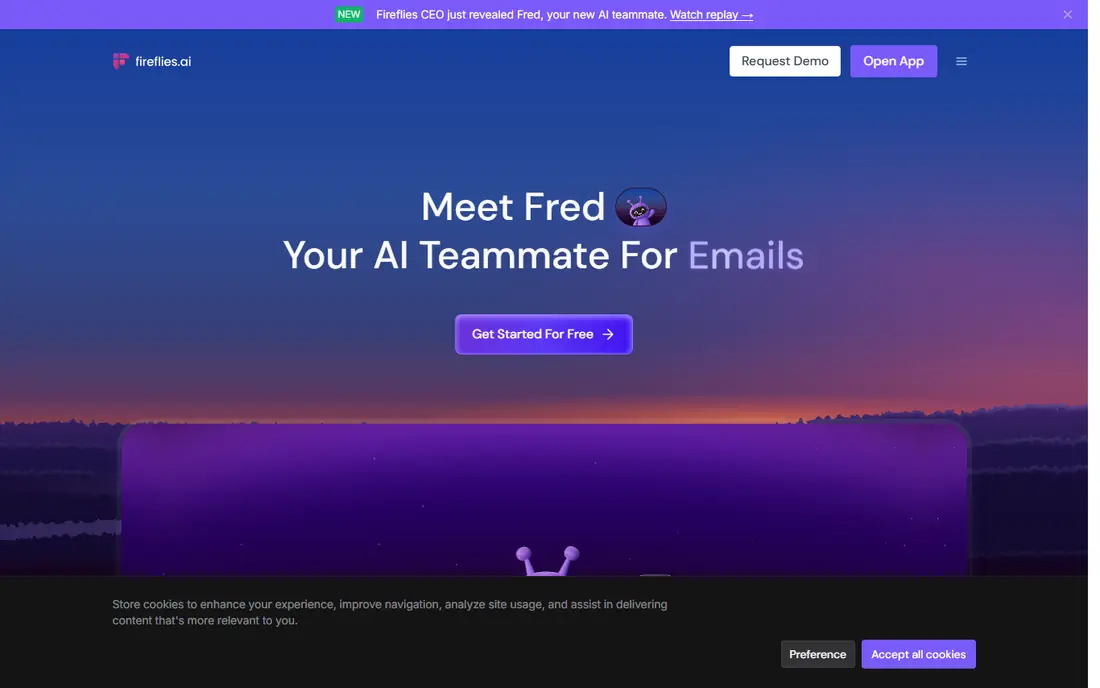
Fireflies is built for teams that treat meetings as data. It records across Zoom, Google Meet, Teams and other platforms, transcribes, and logs notes to your CRM, so a sales call becomes a searchable record rather than a forgotten recording. Conversation intelligence features let managers search across calls for topics, objections and competitors, which is valuable for coaching and pipeline review.
The free plan offers unlimited transcription with limited storage, listed at 800 minutes of storage per seat in recent comparisons, and a small number of AI summaries per month. Pro, at $10 per seat per month billed annually, raises storage to 8,000 minutes per seat. Watch the AI credit limits on advanced features, because heavy use can cost more than the headline price. For sales-led teams, the CRM and search depth justify it.
- Unlimited transcription on paid plans
- Strong CRM sync and conversation search
- Works across Zoom, Meet, Teams and more
- Advanced AI features use credit limits on some plans
- Free plan storage is capped
Granola takes a different approach: no bot joins the meeting, and no other participant sees a recording guest. The app captures audio on your device and blends it with your own typed notes, producing a polished set of notes that feel personal rather than generated for a whole team. For founders and managers who dislike announcing a bot in every call, that privacy and tone matter.
The free plan covers unlimited meetings with limited history in recent listings, and Business costs $14 per user per month. There is no cheap solo paid tier in recent listings, so a single user who wants full history pays the business price. If bot-free capture is your priority, Granola is the standout. If you need shared team folders, look at Fathom or Fireflies instead.
- No bot joins your call
- Captures your own audio and notes together
- Clean, personal note style
- Free plan has limited meeting history
- Business plan is the only paid tier in recent listings
Notta is the pick when language is the challenge. It transcribes in many languages, translates transcripts, and handles uploaded audio and video files as well as live meetings. That makes it useful for bilingual teams, researchers, journalists and anyone who interviews across languages.
The free plan is modest, listed at 120 minutes per month with a short per-conversation cap in recent comparisons, so it works as a trial rather than a daily tool. Pro, listed at $8.17 per month billed annually, is affordable for regular use. If your meetings are mostly in one language on Zoom or Meet, the tools above are simpler. If translation and file transcription matter, Notta earns its place.
- Strong multilingual transcription and translation
- File upload transcription
- Good for interviews and research
- Free plan caps minutes and conversation length
- Meeting bot features are thinner than Fathom or Fireflies
tl;dv, pronounced t-l-d-v, is built for teams that share moments rather than whole meetings. Record a user research call, clip the key minute, and send that clip with a timestamp to a colleague who was not there. Search across many calls helps research and product teams find patterns without rewatching hours of video.
The free plan covers unlimited recording and transcription with a limited history period in recent listings, which suits small research teams. Pro, listed at $18 per seat per month billed annually, adds longer history and more AI features. It costs more than Otter or Fireflies, so buy it for clip sharing and research workflows, not as a generic note taker.
- Unlimited recording and transcription on free plan
- Easy clip sharing with timestamps
- Strong search across calls
- Higher paid price than rivals
- AI summary depth is lighter than Fathom on some plans
MeetGeek is the most hands-off tool in this list. It joins your meeting, transcribes, and emails you notes and action items as soon as the call ends, so you rarely need to open the app to get value. Meeting analytics, such as talk time and meeting load, help managers spot overloaded calendars and one-sided conversations.
The free plan covers a few hours per month with unlimited summaries in recent listings, which suits a light meeting load. Heavier users need a paid plan, and pricing has varied, so we list See website rather than a figure that may already be out of date. If you want notes to arrive in your inbox without extra steps, MeetGeek is a pleasant fit.
- Emails notes and action items right after the call
- Tracks meeting habits and KPIs
- Works across major platforms
- Free plan has a monthly hour cap
- Paid pricing varies, so check the current plan page
Fellow is a meeting management tool with AI transcription inside it, rather than a transcription tool alone. You build an agenda, take notes collaboratively, assign action items, and let AI summarize the recording, all in one place. For teams with many recurring meetings, that structure keeps decisions from disappearing into a transcript no one reads.
The free plan includes a small number of AI notes per user in recent listings, and the team plan is listed at $7 per user per month billed annually, which is affordable for a whole team. Pure transcription depth is thinner than Fathom or Fireflies, so a team that only wants transcripts should pick a specialist. A team that wants better meetings overall will get more from Fellow.
- Combines agendas, notes, action items and AI summaries
- Good for recurring team meetings
- Affordable team plan
- Transcription is part of a wider meeting tool, not a pure transcription specialist
- Free AI notes are limited
How we picked these
We compared official pricing pages, feature pages and recent independent comparisons for meeting transcription tools, and kept only tools that record and transcribe real meetings on Zoom, Meet or Teams today. We favored tools with a usable free plan, clear minute or storage limits, and search or summary features that save time after the call. Prices shown are starting paid prices from recent vendor and comparison listings, billed annually where noted, and where pricing varied we wrote See website.
How to choose a meeting transcription app
Start with consent and platform. Tell participants when a bot or recording is active, and check whether your tool supports the platform you actually meet on. A tool that only covers Zoom will not help a team that lives in Teams. Then check the free limit against your real meeting load: count your monthly meeting hours before you trust a free plan.
Test it on your hardest meeting
Trial each finalist on a meeting with several speakers, accents and background noise, not a quiet one-to-one. Check speaker labels, action items and summary quality, and try searching for a decision a week later. The tool that still finds the right moment after a messy call is the one to buy. Also check data controls, such as retention and deletion, if you discuss sensitive topics.
Frequently asked questions
What is the best meeting transcription app?
Fathom is our pick for most individuals, thanks to unlimited free recording and transcription for Zoom, Meet and Teams. Otter is better for live transcripts during a call, and Fireflies suits sales teams that need CRM logging. Your meeting load and platform decide the winner.
What is the best app to record and transcribe meetings?
Fathom, Otter and Fireflies all record and transcribe meetings, but they differ in approach. Fathom gives the most generous free plan, Otter shows a live transcript you can edit during the call, and Fireflies adds CRM sync and conversation search. Granola is the best bot-free option for personal notes.
What is the best transcription software for meetings on Zoom?
Fathom, Otter, Fireflies, Granola, Notta, tl;dv and MeetGeek all support Zoom, with Fathom and Fireflies among the strongest for summaries and sharing. Check that your chosen tool also covers Meet or Teams if your team switches platforms, and confirm bot and consent settings with participants.
Is there a free meeting transcription app?
Yes, Fathom, Otter, Fireflies, Granola, Notta, tl;dv, MeetGeek and Fellow all offer free plans, but limits differ. Fathom offers unlimited recording and transcription free, while Otter caps free use at 300 minutes per month. Always check minute, storage and summary limits before relying on a free plan.
How accurate are meeting transcription apps?
Accuracy is good for clear speech in a quiet room with one speaker at a time, and weaker with overlapping speech, heavy accents or background noise. Speaker labels and summaries help, but you should still review action items before sharing them. Recording quality and microphone choice affect results as much as the app.
Do meeting transcription apps work for in-person meetings?
Some do, with phone or device recording, while others such as Fathom focus on Zoom, Meet and Teams. Granola captures audio on your own device, and Otter and Notta offer mobile recording options. Check the specific app for in-person support before you buy for that use case.
Sources we checked (8)

Online Jobs is an independent blog about careers, online work, learning new skills and the tools that help people earn. More about us.
Keep reading
All posts
Zoom Alternatives
Zoom alternatives compared for 2026: Google Meet, Microsoft Teams, Webex, Jitsi and more for free calls, large meetings and webinars for teams and classrooms.

Which Software Is Best for Data Entry
Compare the best data entry software for forms, OCR scanning, and spreadsheets, with free plans, pricing, and honest limits for each tool before you commit.

What's the Best App to Read PDFs
Find what's the best app to read PDFs in 2026, from Adobe Acrobat Reader and Foxit to PDF Expert and Xodo, with free options and honest limits for every device.