Best Meeting Recording App in 2026: 8 Apps Compared

How we put this together: we compare official feature and pricing pages, app store listings, privacy policies and public user reviews. Prices change, so check the provider's site before you pay.
Key takeaways
- Otter.ai and Fireflies.ai are the strongest all-round picks, with Otter better for live notes and Fireflies better for a shared team library.
- Fathom offers a generous free plan for Zoom, Google Meet and Microsoft Teams users.
- Granola suits people who dislike a visible bot joining calls, because it can capture audio without one.
- Recording laws vary by place, so get consent from participants where required and tell attendees before you record.
Quick comparison
| Name | Who it suits | Starting price | Free option | |
|---|---|---|---|---|
 Otter.ai | Live transcription and search | Free | Yes | Visit |
 Fireflies.ai | Team meeting library | Free | Yes | Visit |
 Fathom | Generous free meeting notes | Free | Yes | Visit |
 Granola | Bot-free meeting notes | Free | Yes | Visit |
 Fellow | Meeting notes with controls | Free | Yes | Visit |
 Notta | Multilingual transcription | Free | Yes | Visit |
 tl;dv | Shareable clips and highlights | Free | Yes | Visit |
 Grain | Conversation clips and notes | Free | Yes | Visit |
The best meeting recording app
We compared official pricing pages, feature pages and public comparisons for the apps below. Consent note: recording laws vary by state and country, and some places require consent from all participants. Tell attendees that a meeting will be recorded, explain what will happen to the recording, and get consent where required before you press record.
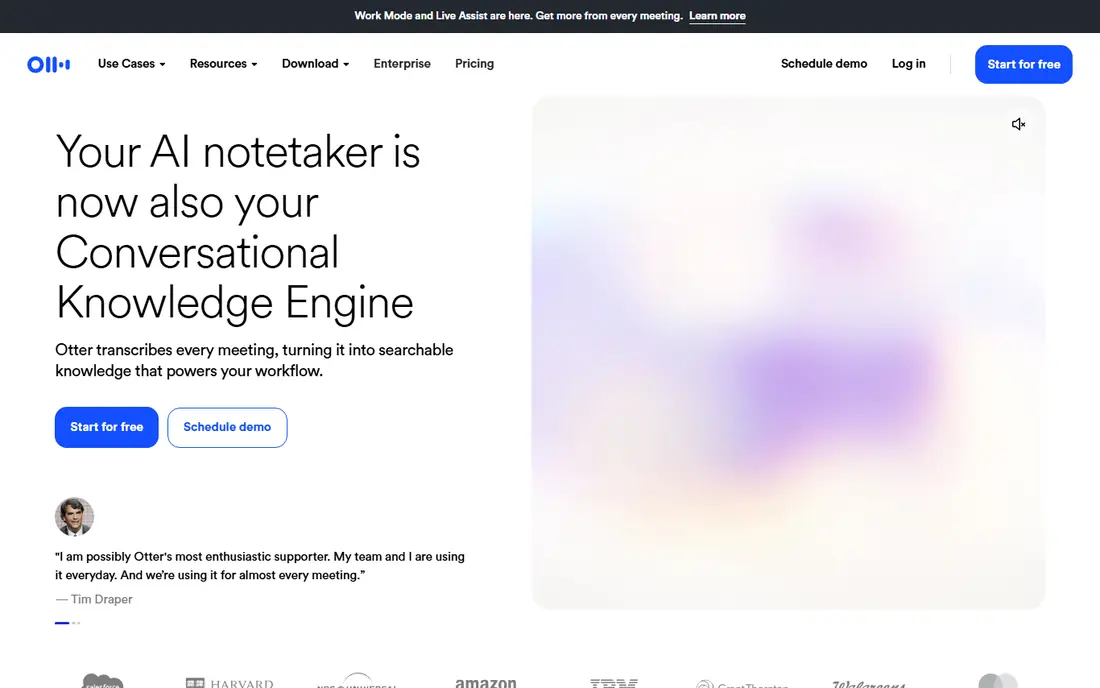
Otter.ai is our pick for people who want to read and search a meeting while it is still happening. The live transcript helps note-takers catch names, numbers and decisions without waiting for a post-call summary, and later search makes it easy to find a single point in months of meetings. AI summaries and action items then turn that transcript into a usable record.
The free plan is useful but limited, with a monthly minute cap and a per-conversation limit. Long meetings and heavy users will need a paid plan, so check your typical meeting length before you judge the price. If most of your calls are short and frequent, Otter's live view is hard to beat.
- Live transcript during meetings
- Searchable transcripts and summaries
- Works with Zoom, Meet and Teams
- Free plan caps monthly minutes and conversation length
- Paid costs rise with team size
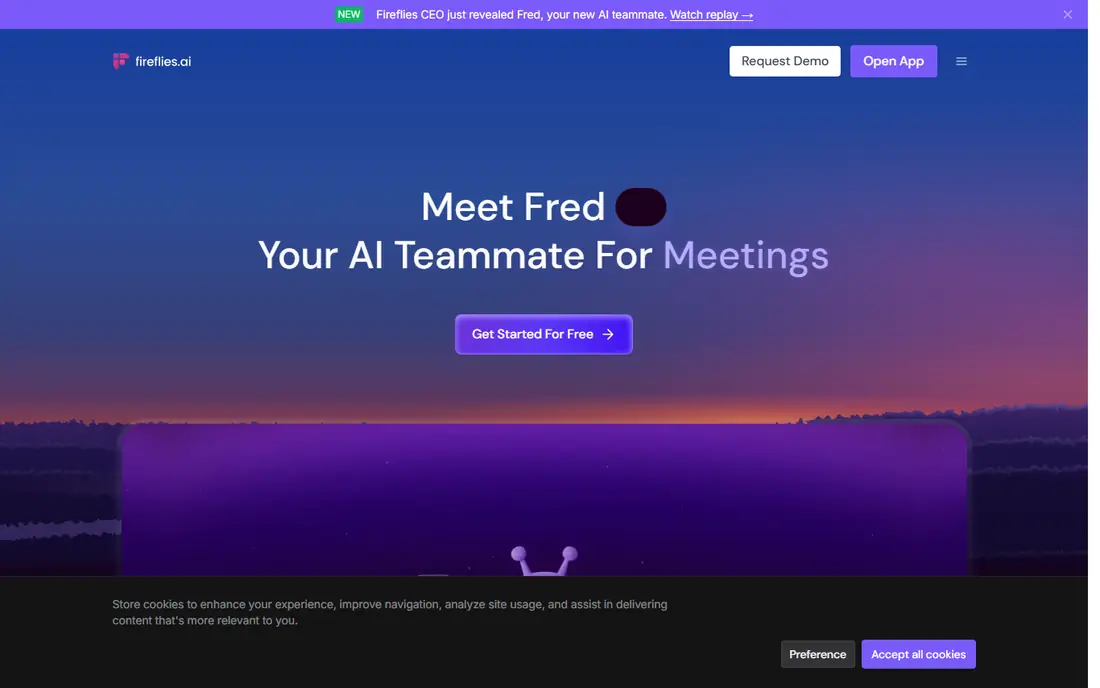
Fireflies.ai suits teams that treat meeting notes as shared memory. Transcripts, summaries and topic search sit in one library, and integrations can send notes to a CRM, docs or task tool. That makes it easier for someone who missed a call to catch up without asking a colleague for a private summary.
The main thing to manage is storage. Free storage is limited, and paid plans raise that limit rather than removing every constraint. Teams should also check bot behaviour and consent settings, since attendees will see a notetaker join the call. For a team library, though, Fireflies is a strong, well-rounded choice.
- Unlimited transcription on free and paid plans within storage limits
- Wide integrations
- AI search across meetings
- Storage limits matter on the free plan
- Bot joins calls unless settings change the behaviour
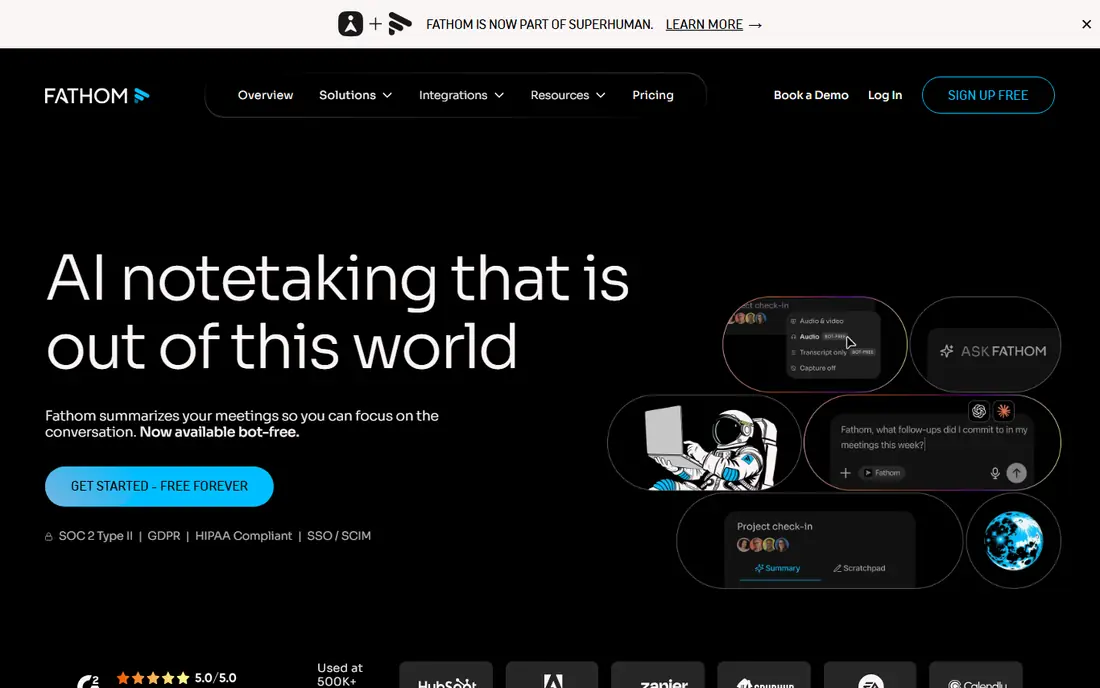
Fathom is the easiest recommendation for an individual who just wants reliable notes without paying. The free plan covers unlimited recordings and transcription, which removes the minute-counting that limits other free plans. Summaries and highlights are clear, and setup for the main video platforms is straightforward.
Paid plans add deeper AI features and team controls, so a growing team may still need to upgrade. For a solo user, a freelancer or a small team testing AI notes for the first time, Fathom gives a fair trial of the category at no cost, with no need to ration meetings.
- Unlimited recordings and transcription on the free plan
- Works with Zoom, Meet and Teams
- Simple summaries
- Advanced AI features need a paid plan
- Smaller integration set than Fireflies
Granola stands out for people who dislike a bot appearing in a call. It can capture audio from your device, so attendees do not see a third participant join, which can feel more natural in sensitive or informal meetings. Notes are tidy, with summaries that focus on decisions and next steps rather than a wall of transcript.
That benefit comes with a responsibility. Even without a visible bot, you still need consent where required, so tell participants you are taking AI notes. The free plan also limits how long notes stay available, so check history limits if you need a long-term record.
- Captures meetings without a visible bot
- Clean notes and summaries
- Supports in-person meetings
- Free plan limits note history
- Paid plan needed for longer access and team features
Fellow is more than a recorder. Agendas, shared notes, action items and follow-ups sit together, which helps teams that run structured meetings and want accountability after the call. Consent capture and retention controls also suit regulated teams that need a clear record of how recordings are handled.
The free plan is a taste, not a full system, with a limited number of AI notes per user. That is enough to test the workflow, but a team that records daily will need a paid plan. Choose Fellow when meeting discipline and controls matter as much as transcription itself.
- Agendas, notes and action items in one place
- Consent and retention controls
- Works with major video platforms
- Free plan limits AI notes per user
- Best value needs a team plan
Notta suits teams and individuals who work across languages. It transcribes meetings, uploaded audio and web recordings, and it can help when a team includes speakers of different languages or when interviews need a written record. Editing tools let you fix names and terms after the fact.
Free limits are tight, with a monthly minute cap and a short per-conversation limit, so heavy users will need a paid plan. Check language support for the exact languages you need, and test summary quality on a real meeting before you commit, since accuracy can vary by accent and topic.
- Transcription in many languages
- File uploads and web recordings
- Simple editing tools
- Free plan caps minutes and conversation length
- Summaries vary by language
tl;dv is the pick when a short clip is more useful than a full transcript. You can mark key moments during a call, share a clip with a colleague, and use timestamps to point to the exact decision or quote. That makes it handy for sales handoffs, product feedback and training.
The free plan covers the basics well, but deeper AI summaries and team features sit on paid plans. If your main need is a searchable archive for a whole company, Fireflies or Otter may fit better. If your need is sharing moments quickly, tl;dv earns its place.
- Easy clips and timestamps
- Summaries and highlights
- Works with Zoom, Meet and Teams
- Free plan limits some AI features
- Paid plan needed for fuller team library features
Grain suits small teams that want to capture, clip and share conversation highlights without enterprise complexity. Summaries give a quick record, and clips let a manager or teammate hear the exact words behind a decision. Setup is light, which helps a team that wants value in the first week.
The ecosystem is smaller than the leaders, so check integrations with your CRM, docs and chat tools before you switch. Grain is a good choice for highlight-driven teams, and a weaker choice for a company that needs deep admin controls and a large integration library on day one.
- Clip sharing and highlights
- Meeting summaries
- Works without a heavy enterprise setup
- Smaller ecosystem than Otter or Fireflies
- Paid features needed for larger teams
How we picked these
We compared official pricing and feature pages, plus public comparisons that checked prices in September and October 2026. We favoured tools that record and transcribe real meetings, offer a usable free plan or trial, and work with Zoom, Google Meet or Microsoft Teams. We did not claim hands-on testing, and we did not invent accuracy scores or minute limits. Where a plan limit was unclear, we described the plan in general terms and pointed readers to the vendor page.
What to check before you choose
Start with consent and storage, not AI features. Confirm how attendees are told about recording, where recordings are stored, who can access them, and how long they are kept. A tool with strong controls is worth more than a tool with a clever summary if your meetings cover clients, health, legal or financial topics.
Then test with your real stack. Check video platform support, calendar integration, CRM connections and export options. Try a noisy call, a long call and a call with multiple speakers, and compare transcript accuracy and summary quality. Finally, map price to your actual volume: minutes, storage, seats and AI credits all gate different plans, so the cheapest headline price is not always the cheapest plan for your team.
Frequently asked questions
What is the best app to record meetings?
Otter.ai is our pick for live transcription and search, while Fireflies.ai is better for a shared team library. Fathom is the best free starting point for Zoom, Google Meet and Teams users.
What is the best meeting notes app for teams?
Fireflies.ai and Fellow are strong team picks, with Fireflies offering a wider library and integrations, and Fellow offering agendas, action items and stronger controls. Granola suits teams that prefer bot-free capture.
What is the best software for meeting minutes?
Fellow and Otter.ai both help turn a meeting into usable minutes, with Fellow adding agendas and action tracking, and Otter adding live transcription and search. For a formal minute record, edit the AI draft and confirm decisions before sharing it.
Do I need consent to record a meeting?
Recording laws vary by place, and some require consent from all participants. Tell attendees before you record, explain how the recording will be used and stored, and get consent where required. When in doubt, ask before the meeting starts.
What is the best meeting recording software with a free plan?
Fathom offers unlimited recordings and transcription on its free plan, which makes it the most generous free option here. Otter.ai and Fireflies.ai also offer free plans, but with minute or storage limits that matter for heavy users.
Sources we checked (8)

Online Jobs is an independent blog about careers, online work, learning new skills and the tools that help people earn. More about us.
Keep reading
All posts
Zoom Alternatives
Zoom alternatives compared for 2026: Google Meet, Microsoft Teams, Webex, Jitsi and more for free calls, large meetings and webinars for teams and classrooms.

Which Software Is Best for Data Entry
Compare the best data entry software for forms, OCR scanning, and spreadsheets, with free plans, pricing, and honest limits for each tool before you commit.

What Is the Best Free Tool to Rotate a PDF
What is the best free tool to rotate a PDF? We compare eight free rotation tools on per-page control, limits, privacy and saved output quality in detail.