Best Marketing Software in 2026: 9 Tools Compared

How we put this together: we compare official feature and pricing pages, app store listings, privacy policies and public user reviews. Prices change, so check the provider's site before you pay.
Key takeaways
- HubSpot is the strongest all-in-one choice when marketing and sales need to share one CRM, but its Professional tier is a major price jump.
- ActiveCampaign gives small businesses the deepest automation for the money, starting at $15 per month for 1,000 contacts.
- Brevo suits large lists on small budgets, because it charges by emails sent rather than by contacts.
- Mailchimp remains the easiest start for newsletters, while Klaviyo is the clear ecommerce pick for email and SMS revenue.
- Model your cost at twice your current list size, since contact-based pricing is where most marketing bills grow.
Quick comparison
| Name | Who it suits | Starting price | Free option | |
|---|---|---|---|---|
 HubSpot HubSpot | CRM plus marketing in one system | Free | Yes | Visit |
 ActiveCampaign ActiveCampaign | Deep automation for small teams | $15 per month | Free trial | Visit |
 Mailchimp Mailchimp | Simple email and newsletters | Free | Yes | Visit |
 Brevo Brevo | Large lists on a small budget | Free | Yes | Visit |
 Klaviyo Klaviyo | Ecommerce email and SMS revenue | Free | Yes | Visit |
 Semrush Semrush | SEO, content and paid search in one suite | Free | Yes | Visit |
 Canva Canva | Fast marketing design without a designer | Free | Yes | Visit |
 Buffer Buffer | Simple social scheduling | Free | Yes | Visit |
 Hootsuite Hootsuite | Social management for larger teams | $99 per user per month | No | Visit |
The best marketing software
We compared official pricing pages, feature pages and public documentation for email, automation, CRM, social and SEO tools. Our pick for most small businesses is ActiveCampaign, because it pairs strong automation with a $15 starting price, while HubSpot is our pick for teams that need marketing and sales in one shared system.
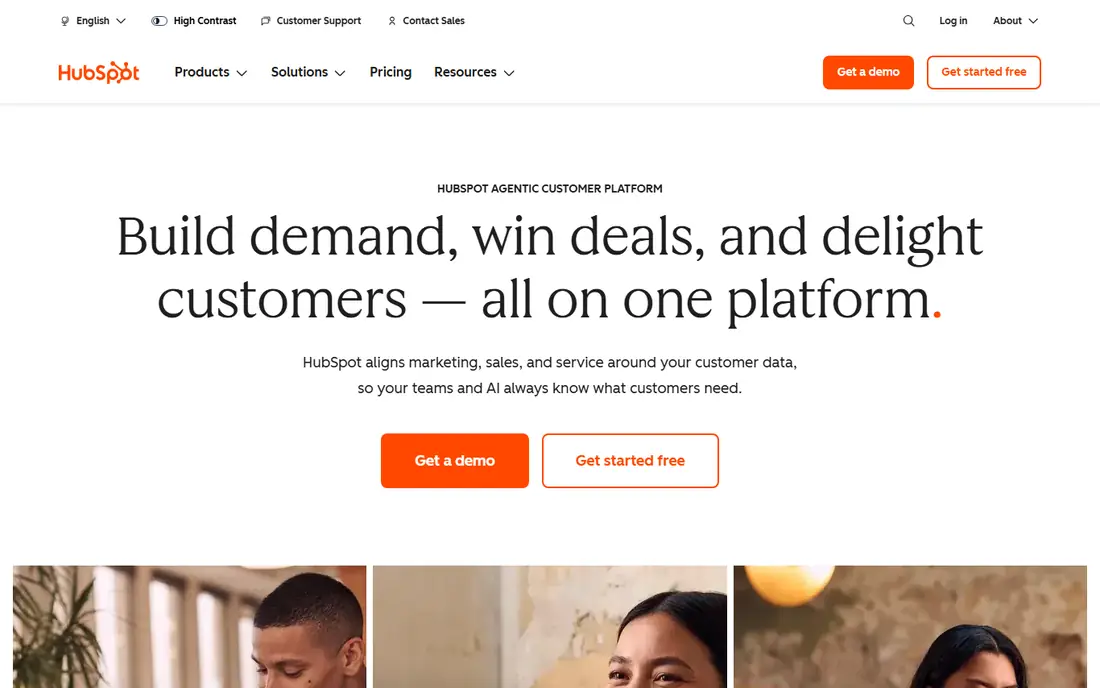
HubSpot starts as a free CRM and grows into a full marketing platform, which is why so many teams adopt it early and stay with it. The free tools cover contacts, deal pipelines, forms, live chat and basic email, so a small team can run campaigns and track leads without paying at first. Marketing Hub Starter, listed at $15 per seat per month on annual billing in several recent comparisons, adds email automation, landing pages and lead scoring.
The catch is the jump to Professional. That tier adds advanced workflows, custom reporting and deeper automation, but at roughly $890 per month it changes the budget conversation completely. HubSpot makes sense when sales and marketing must share one record and when the business can afford that growth path. If you only need email, a cheaper email-first tool will serve you better.
- Free CRM with contacts, deals and basic email
- Broad integration options
- Marketing Hub Starter adds automation and landing pages
- Professional tier costs around $890 per month
- Pricing grows with contacts and seats
- Onboarding fees can apply on higher tiers
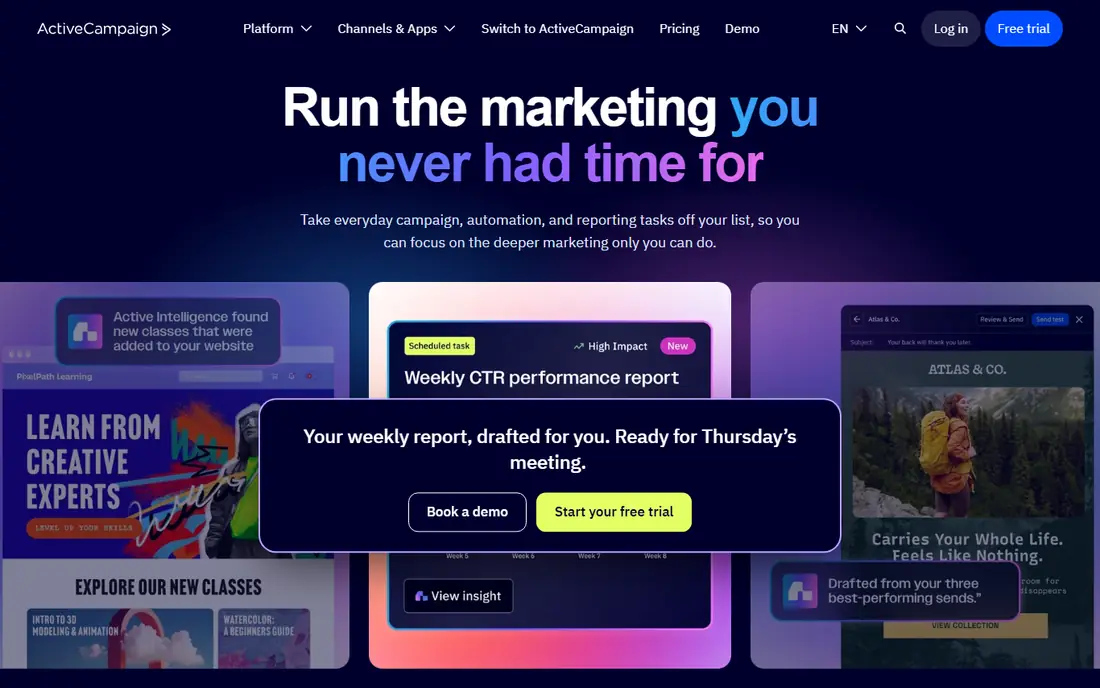
ActiveCampaign is built for marketers who live inside workflows. You can map a customer journey with conditions, splits, goals, site tracking and SMS, then watch contacts move through it in real time. That depth is why many small businesses choose it over simpler email tools, even though the learning curve is steeper at first.
Starter at $15 per month on annual billing covers 1,000 contacts, while Plus at $49 and Pro at $79 add CRM depth, attribution and predictive content. The trade-off is contact-based pricing, so a growing list raises the bill even if your sending volume stays flat. There is no free tier to fall back on, only a 14-day trial, so test the builder with a real campaign before you commit.
- Visual automation builder with branching and goals
- Built-in CRM and lead scoring
- Starter at $15 per month for 1,000 contacts
- No permanent free plan, only a trial
- Pricing rises with contact count
- Depth can overwhelm beginners
Mailchimp remains the most familiar starting point for email marketing. You can build an audience, add a sign-up form, design a campaign from a template and review results in one place, without learning a CRM first. Essentials starts at $13 per month for 500 contacts, and Standard at $20 per month adds behavioral targeting and more advanced journeys.
The free plan now covers up to 250 contacts and 500 sends per month in recent pricing summaries, which is enough for a small newsletter or a launch list, but not for a growing database. Premium, from $350 per month, adds advanced segmentation and multivariate testing for larger teams. Choose Mailchimp when you want fast, polished campaigns, and move on when automation or list growth starts to drive the bill.
- Easiest campaign builder for beginners
- Strong templates and store connectors
- Free plan for small lists
- Free plan is limited to 250 contacts in recent listings
- Automation depth trails ActiveCampaign
- Contact bands raise costs quickly as lists grow
Brevo, formerly Sendinblue, wins on arithmetic for teams with big lists. Where rivals charge per contact, Brevo charges per email sent, with unlimited contacts on its plans. Starter at $9 per month covers 5,000 emails, and the free plan handles 300 emails a day with multi-step automation included. A list of tens of thousands that only emails monthly can cost far less here than on a contact-priced rival.
The trade-off is CRM depth. Pipelines and deal management exist, but they are simpler than HubSpot or ActiveCampaign, and high-volume senders should check deliverability for their own use case. For newsletters, announcements and straightforward automation to large lists, Brevo is usually the cheapest credible option in this guide.
- Unlimited contacts with pricing by emails sent
- Free plan covers 300 emails a day
- Email, SMS and CRM in one account
- Sales CRM is simpler than HubSpot
- Deliverability tools trail specialists at very high volume
- Interface prioritizes function over polish
Klaviyo is the ecommerce default because it knows what customers bought, browsed and abandoned, and turns that behavior into automated flows. Abandoned cart, browse abandonment, win-back and post-purchase sequences come pre-built, and you can see which flow earned what. The free tier covers 250 contacts, and paid plans start from $20 per month.
Costs scale with success, so a store at 10,000 contacts pays considerably more than at launch, plus SMS on top. Non-ecommerce businesses get little of the value, because the product is tuned for store data. For Shopify and direct-to-consumer brands, though, that tuning is the point, and the revenue reporting usually justifies the higher bill.
- Deep store integrations with purchase and browse behavior
- Pre-built flows for cart, browse and post-purchase
- Revenue attribution per flow
- Pricing climbs fast as contacts grow
- SMS costs sit on top of email
- Poor fit for non-ecommerce businesses
Semrush is a marketing tool of a different kind, because it answers where traffic comes from rather than how to send an email. Keyword research, site audits, competitor analysis, content ideas and paid search data sit in one suite, which helps teams that run organic and paid work together. A free account gives limited daily reports, while the SEO plan starts at $139 per month.
The restructured pricing matters here. AI search tracking is not on the base SEO plan, so teams that want AI visibility reporting need Starter at $199 per month or higher. That makes Semrush a serious commitment for solo marketers, but a strong value for agencies and content teams that use several parts of the suite every week. Pair it with Google Search Console for your own site data.
- Broad keyword, site audit and competitor tools
- AI search tracking on higher tiers
- Free account with limited daily reports
- Paid plans start at $139 per month for SEO
- AI visibility needs the $199 Starter tier
- Suite breadth means you pay for tools you may not use
Canva belongs in a marketing software list because design speed decides how often a small team can publish. The free plan covers a large template library, basic editing and social formats, which is enough for occasional posts and simple ads. Pro, listed at $15 to $18 per month in recent pricing snapshots depending on billing, adds a brand kit, background remover, Magic Resize and a much larger premium library.
The catch is per-person pricing. A team of five on Pro pays five times, and the Business tier adds team controls at a higher per-person rate. Canva also sells print separately, so printed marketing material is not part of the subscription. For a team without a dedicated designer, Pro still saves hours every week, but count seats before you compare it with a flat team plan elsewhere.
- Huge template library for social, ads and presentations
- Brand kit and background remover on Pro
- Free plan is genuinely useful
- Pro is priced per person, so team costs multiply
- Print orders are separate
- Premium elements can re-watermark after downgrading
Buffer is the simplest credible way to schedule social posts. You connect channels, queue posts, review a calendar and publish, without the heavier listening and reporting machinery of enterprise social suites. The free plan covers a small number of channels for one user, while Essentials is priced per channel and Team adds unlimited users and approvals.
Per-channel pricing cuts both ways. It is cheap for a business with three or four accounts, and expensive for an agency managing dozens. If you need deep social listening, inbox management or advanced reporting, Hootsuite or Sprout Social will fit better. If you need reliable scheduling with a low learning curve, Buffer is hard to beat.
- Clear per-channel pricing
- Free plan for a few channels
- Team plan adds unlimited users and approvals
- Costs grow with every channel you add
- Analytics and engagement tools are lighter than Hootsuite
- No evergreen recycling on basic plans
Hootsuite suits teams that manage several brands or channels and need approvals, roles and reporting in one place. Standard, listed at $99 per user per month, covers 10 social accounts, while Professional and Advanced add unlimited accounts and deeper features. The system also covers social listening and care workflows, which Buffer does not try to match.
The price is the main barrier. Every extra seat pays the full rate, so a team of five on Standard pays far more than a flat team plan elsewhere. Solo users and very small teams should start with Buffer or a free plan elsewhere. Larger teams that need governance, approvals and consolidated reporting will get more value from Hootsuite, and should trial it with their real accounts before committing.
- Publishing, listening and reporting in one system
- Standard covers 10 social accounts
- Approvals and team roles on higher tiers
- No free plan
- Per-seat pricing multiplies quickly with team size
- Standard at $99 per user per month is steep for solo users
How we picked these
We compared official pricing pages, feature pages and public documentation, and we kept only products that exist today and truly fit marketing work, from email and automation to CRM, social scheduling, design and SEO. We looked at starting price and free tiers, how pricing scales with contacts, seats, channels or sends, and what each tool does best. We also noted the honest catch for each product, because marketing bills usually grow through scaling rules rather than headline prices.
We did not claim hands-on testing we did not do. Our comparisons rest on vendor pages, pricing pages and public reviews, and prices can change, so check the vendor pricing page before you buy.
How to choose the right marketing tool
Start with the job you do most often, not with the longest feature list. Email-first teams need a strong campaign builder and automation, while CRM-led teams need shared contact records and sales handoffs. Ecommerce teams need store behavior and revenue attribution, and content teams need SEO and design tools alongside distribution.
Count contacts, seats, channels and sends together
Marketing pricing uses four different meters, and each one punishes a different kind of growth. Contact pricing punishes list growth, seat pricing punishes hiring, channel pricing punishes adding accounts, and send pricing punishes frequency. Write down your numbers for all four, then model them at twice your current size before you pick a winner.
Test with a real campaign, not a demo list
Run one real campaign end to end, from sign-up form to send to report, with your actual list and branding. Watch how long design takes, how automation handles a new subscriber, and how clear the report is for a non-technical manager. A tool that looks simple in a demo can still slow you down when your real workflow hits its limits.
Keep the stack small on purpose
Two tools that share data well beat five tools that need constant syncing. If your email tool already covers landing pages and basic CRM, you may not need a separate tool for each job. Add a specialist only when it clearly saves time or earns revenue that the all-in-one cannot match.
Frequently asked questions
What is the best marketing software for small businesses?
ActiveCampaign is our pick for most small businesses, because its $15 Starter plan gives deep automation at a low entry price. Brevo is cheaper for large lists, and Mailchimp is easier for simple newsletters. HubSpot is the better pick when marketing and sales need to share one CRM and the budget can grow with it.
What are the best marketing tools for small businesses on a budget?
Brevo, Mailchimp and Canva all offer free plans that cover real work, and Buffer offers a free plan for a few social channels. Semrush also has a free account with limited reports. Start free, measure what you actually use, and pay only for the meter that grows with your business, whether that is contacts, sends or seats.
What is the best platform for email marketing?
Mailchimp is the easiest platform for newsletters and simple campaigns, ActiveCampaign is stronger for automation and journeys, and Klaviyo is strongest for ecommerce stores. Brevo is the best value for large lists that send infrequently. The best platform for email marketing depends on list size, automation needs and store connections, so shortlist by those three factors first.
What are the best free AI tools for digital marketing?
Canva Free, HubSpot Free, Brevo Free and Semrush Free all include AI-assisted features such as content help, design suggestions or reporting, without a paid plan. Free AI tools help with drafting, design and ideas, but they do not replace strategy, list building or measurement. Treat AI output as a first draft, check facts and brand fit, and keep human review on anything you publish.
What is the best marketing software for ecommerce?
Klaviyo is our pick for ecommerce, because its flows use purchase, browse and cart behavior and report revenue per flow. Mailchimp also covers ecommerce basics, including abandoned cart reminders and product recommendations, at a lower entry price. Choose Klaviyo when email and SMS revenue are central to the store, and Mailchimp when campaigns are simpler.
How do I choose between HubSpot and a cheaper email tool?
Choose HubSpot when marketing, sales and service need one shared contact record, lead scoring and revenue reporting in the same system. Choose a cheaper email tool when you mainly send campaigns and simple automations to one list. The price gap grows with contacts and seats, so compare both at your expected list size in twelve months, not at launch size.
Sources we checked (9)

Online Jobs is an independent blog about careers, online work, learning new skills and the tools that help people earn. More about us.
Keep reading
All posts
Best White Label SEO Companies
We compare the best white label SEO companies and tools in 2026 for agencies, from fulfilment services to branded reporting platforms, margins and prices.
Best Webinar Software
We compared the best webinar software for 2026 on price, attendee limits, automation and ease of use, to help you host better live sessions with confidence.

Best Web Scraping Tools
Compare the best web scraping tools in 2026, from no-code Octoparse and Browse AI to Apify, Firecrawl, Bright Data, Zyte, ScraperAPI and free Scrapy, with prices.