Best Marketing Reporting Software in 2026: 9 Tools Compared


Agency client reporting · Starting price: $20 per client per month
How we put this together: we compare official feature and pricing pages, app store listings, privacy policies and public user reviews. Prices change, so check the provider's site before you pay.
Key takeaways
- AgencyAnalytics and DashThis lead for agencies that need client ready reports quickly, with white labelling included on relevant plans.
- Databox and Klipfolio suit teams that want live KPI dashboards and deeper custom metrics, rather than only monthly PDFs.
- Supermetrics and Funnel suit teams that feed data into Sheets, Looker Studio, or a warehouse, instead of using a reporting tool as the final view.
- Looker Studio remains the best free starting point for Google centred teams, with paid connectors for other platforms.
- Swydo and Whatagraph cover opposite ends of agency size, with Swydo favouring low cost and Whatagraph favouring large agency governance.
Quick comparison
| Name | Who it suits | Starting price | Free option | |
|---|---|---|---|---|
| AgencyAnalytics | Agency client reporting | $20 per client per month | No | Visit |
 Databox | KPI dashboards and goals | $79 per month | Yes | Visit |
 DashThis | Fast client reports | $44 per month | No | Visit |
 Supermetrics | Data to Sheets and BI | See website | No | Visit |
 Klipfolio | Custom metric dashboards | $120 per month | No | Visit |
 Looker Studio | Free Google dashboards | Free | Yes | Visit |
 Funnel | Data pipelines for BI | See website | No | Visit |
 Swydo | Low cost agency reporting | $49 per month | No | Visit |
 Whatagraph | Large agency reporting | See website | No | Visit |
The best marketing reporting software
Marketing reporting software should save time, not just make prettier charts. The best tools pull data automatically from ad platforms, analytics, and CRMs, turn it into a report a client or manager can understand, and repeat that process every week or month without manual copying. The tools below differ in who they serve: agencies billing per client, in house teams tracking KPIs, and data teams feeding a warehouse.
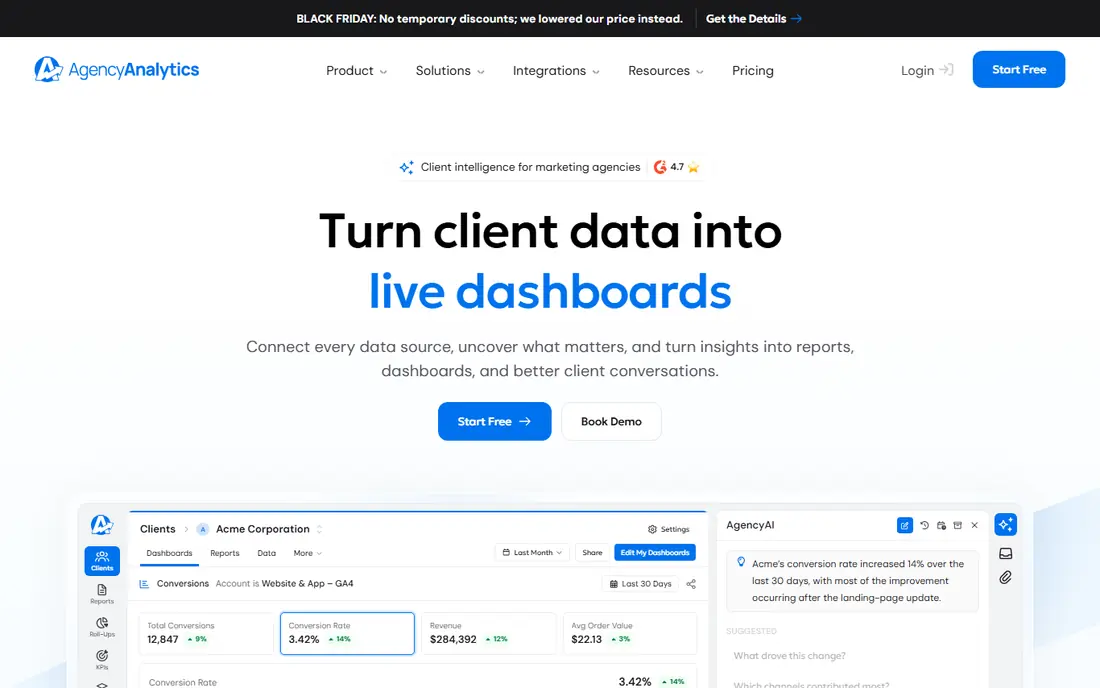
AgencyAnalytics suits agencies that report to many clients and want each client to see a branded dashboard. Pricing per client makes margin maths simple: you know what each client costs to report on, and white labelling is included, so reports look like your agency, not a third party tool. Integrations cover major ad, social, analytics, and SEO platforms, and rank tracking adds value for SEO clients.
The per client model can become expensive as a roster grows, and some features, such as rank tracking credits and AI tools, sit as add ons. A free trial helps you test with real clients, but there is no free plan for ongoing use. For small to mid sized agencies that want client ready reports without building dashboards from scratch, AgencyAnalytics is a strong default.
- Per client pricing that scales with your roster
- White labelling included
- Wide integration set plus SEO tools such as rank tracking
- Per client cost adds up for large rosters
- Add ons for rank tracking and AI features cost extra
- Free trial rather than a free plan
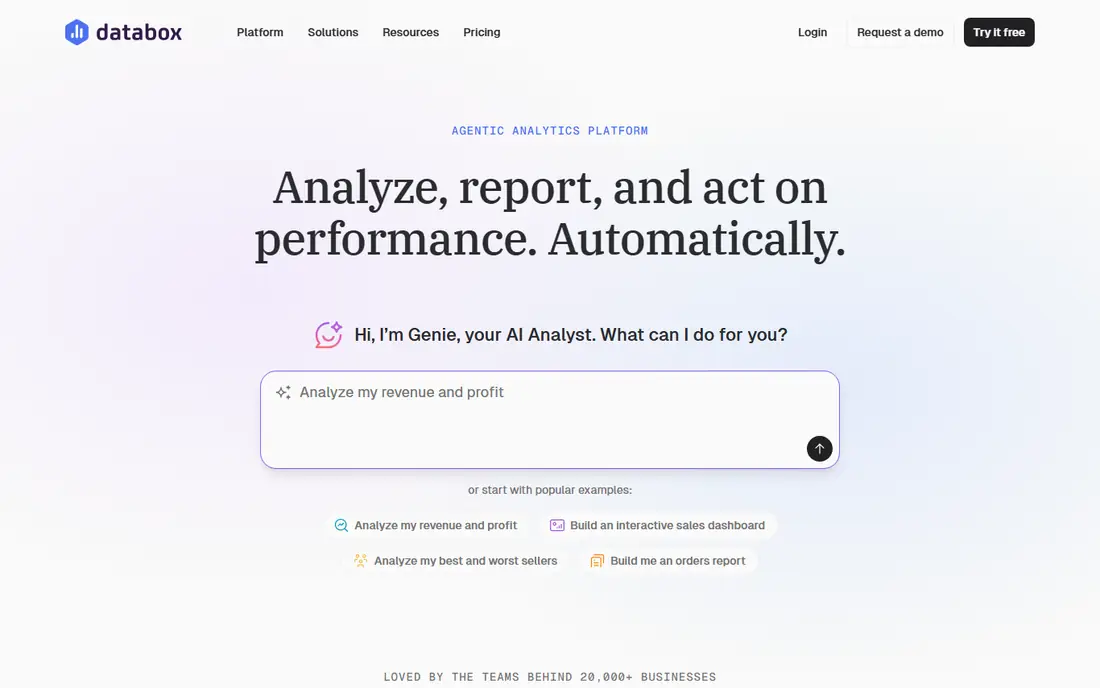
Databox suits teams that want live KPI dashboards, not just a monthly PDF. You can track goals, set alerts for performance drops, and view metrics across clients or departments in one place. The free tier is real, with a limited number of sources and dashboards, which makes it easy to test before paying. AI analysis features help summarise performance across accounts, though they do not replace human judgement about what a client needs to hear.
White labelling costs extra on agency plans, which matters if branded client reports are a core part of your service. Pricing by data source also needs care: a client with three connectors counts as three sources, so source counts grow faster than client counts. For KPI focused teams, Databox offers a strong mix of free entry and depth.
- Genuine free tier for testing
- Goals, alerts, and AI analysis across accounts
- Many integrations on all plans
- White labelling is a paid add on for agency plans
- Pricing by data source can grow with client connectors
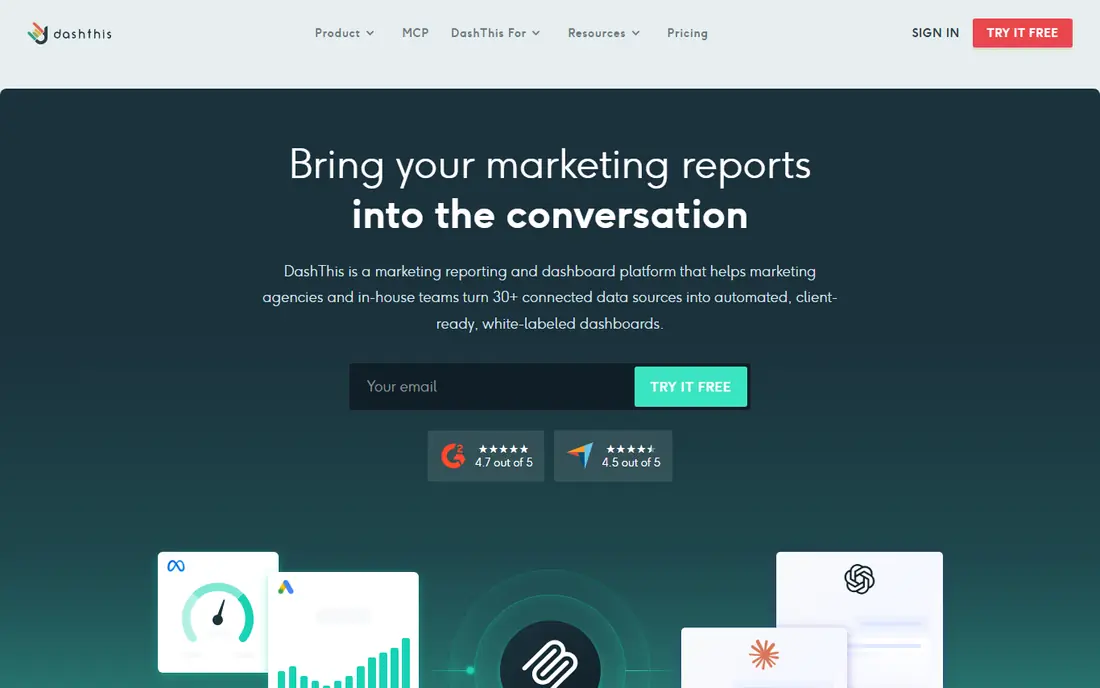
DashThis suits agencies and freelancers who need a client report running in minutes, not days. Templates cover common channels, integrations are available on every plan, and white labelling is included from the start, so even a small agency can send branded reports. Scheduled PDF and email delivery means monthly reporting becomes a routine rather than a scramble.
The trade off is depth. DashThis is less suited to analysts who need formula level custom metrics or complex data blending, where Klipfolio or Funnel fit better. Dashboard and source limits on lower tiers also need checking against your roster. For fast, clean, client ready reports, DashThis is hard to beat at its starting price.
- Template driven reports that are quick to build
- White labelling included on all plans
- All integrations available on every plan
- Less custom metric depth than Klipfolio
- Dashboard count limits on lower tiers
- Free trial rather than a free plan
Supermetrics is a pipeline, not a dashboard. It pulls data from ad platforms, social channels, and analytics tools into Google Sheets, Looker Studio, Excel, or BigQuery, where your team builds reports or feeds a warehouse. That model suits teams that already like their visualisation tool and only need reliable data movement, without paying for another dashboard layer.
The catch is that you still need a place to view the data. If you want client ready dashboards out of the box, AgencyAnalytics or DashThis will be faster. Supermetrics pricing also varies by destination, so check the plan for the tool you actually use. For data teams and Sheets based reporting, it is a proven, flexible choice.
- Moves data from many platforms into Sheets, Looker Studio, and BigQuery
- Strong connector library
- Suits teams that already have a visualisation tool
- Not a reporting dashboard on its own
- Pricing varies by destination and plan
- Setup needs some data skill
Klipfolio suits teams with an analyst who wants control over metrics. Instead of only showing platform numbers, you can build custom formulas, combine sources, and create dashboards that match exactly how your business defines success. That flexibility matters for agencies with unusual client KPIs or in house teams with custom attribution models.
The price and skill bar are higher than DashThis or Swydo, and white labelling costs extra below higher tiers. Teams without an analyst may find Klipfolio more tool than they need. For metric driven teams that want dashboards built to their own definitions, Klipfolio offers depth that template tools do not.
- Formula driven custom metrics and dashboards
- Strong for analysts who build their own measures
- Wide integration set
- Higher starting price
- White labelling is a paid add on below higher tiers
- Needs analyst skill to get full value
Looker Studio, formerly Google Data Studio, remains the best free starting point for Google centred teams. It connects natively to Google Analytics, Google Ads, Search Console, and Sheets, and lets you build custom dashboards with drag and drop charts. For in house teams that mainly report on Google channels, it costs nothing and covers a great deal.
The limits appear with other platforms. Meta, LinkedIn, and many other connectors need paid third party tools such as Supermetrics, and client reporting workflows, such as scheduled branded PDFs per client, need manual setup. For agencies with many clients and channels, a dedicated tool will save time. For a free, flexible dashboard, Looker Studio is still the benchmark.
- Free for Google data sources
- Drag and drop dashboard building
- Widely used, so templates and help are easy to find
- Non Google connectors often need paid third party tools
- White labelling needs manual work
- No managed client reporting workflow
Funnel suits larger teams and agencies that need clean, normalised marketing data before visualisation. It pulls data from many platforms, harmonises metrics and naming, and feeds BI tools, warehouses, or dashboards. That governed data layer matters when different platforms report the same metric differently, and when a team needs one trusted number across channels.
Funnel is not a quick client dashboard tool. You still need a BI or dashboard layer on top, and setup needs data skill. The starting price is also higher than template reporting tools. For teams where data quality and governance matter more than a fast PDF, Funnel is a strong foundation.
- Data normalisation across many platforms
- Feeds BI tools and warehouses
- Suits larger teams with governed data needs
- Higher starting price than dashboard tools
- Not a client dashboard on its own
- Setup needs data and BI skill
Swydo suits small and mid sized PPC agencies that want low cost, branded reporting without paying per client. The starting plan includes several sources, white labelling is included, and the focus on paid media, including Google Ads, Meta, and Microsoft Ads, covers the core channels for many agencies. For a small roster, the total cost compares well with per client pricing.
The integration set is smaller than larger rivals, so agencies with many SEO, social, or ecommerce clients should check coverage first. Advanced features are also simpler. For PPC focused agencies that want a clean, low cost report, Swydo offers strong value.
- Low starting price including several sources
- White labelling included
- Paid media focus suits PPC agencies
- Smaller integration set than Databox or AgencyAnalytics
- Fewer advanced AI features
- Dashboard depth is simpler
Whatagraph suits large agencies and multi location teams whose client report is itself a product. Reports are visually polished, data is governed through a shared layer so metrics stay consistent, and AI features help summarise performance and build reports faster. That combination matters when a report goes to senior clients who judge an agency partly on presentation.
Pricing reflects that positioning, with higher tiers for larger rosters and premium integrations. Smaller agencies will find DashThis or Swydo cheaper for the same basic job. For large agencies that need governance, polish, and scale in one reporting platform, Whatagraph is a leading choice.
- Visually polished cross channel reports
- Governed data layer for consistent metrics
- White labelling on higher tiers
- AI features for reporting
- Higher pricing than small agency tools
- No free plan
- Best value sits with larger agencies and multi location teams
How we picked these
We compared official vendor pricing pages, current marketing reporting guides, and integration lists for tools that are actively offered in 2026, and we favoured tools that automate data collection, offer scheduled reporting, and cover the channels agencies actually use. We included per client, per source, and pipeline pricing models, plus a free option, so readers can compare total cost for their own roster. Prices shown come from vendor pages where we could confirm them, and we used See website where pricing varies by plan, destination, or roster size.
Choosing the right reporting tool for your roster
Count clients, sources, and dashboards before you compare prices. A per client tool looks cheap for five clients and expensive for fifty, while a per source tool looks cheap until each client adds three connectors. List the channels you must report on, check integration coverage for each tool, and test a real client report during a trial, including scheduled delivery and white labelling, before you move a whole roster.
Build reports clients actually read
A good report answers three questions on the first page: what happened, why it matters, and what happens next. Put key metrics and a short written summary first, then supporting charts, and keep the total length short enough for a busy client to read in five minutes. Automate the data, but write the summary yourself, since a chart alone rarely explains a performance change.
Frequently asked questions
What is the best marketing reporting tool for agencies?
AgencyAnalytics suits per client reporting with white labelling, DashThis suits fast template reports, and Swydo suits low cost PPC reporting. The best tool depends on roster size, channels, and whether you price reporting per client or as part of a retainer.
What are the best reporting tools for marketing teams?
Databox suits KPI dashboards and goals, Klipfolio suits custom metrics, and Looker Studio suits free Google centred dashboards. In house teams often need live dashboards more than monthly client PDFs, so judge tools on alerts and goal tracking as well as report design.
What is the best marketing reporting platform for large agencies?
Whatagraph suits large agencies with governed data and polished client reports, while Funnel suits large teams that need a data pipeline into BI tools. Both cost more than small agency tools, but they scale better across many clients and locations.
Is Looker Studio really free?
Looker Studio is free for Google data sources and for building dashboards. Non Google connectors usually need a paid third party tool, and managed client reporting features need manual setup, so the total cost depends on your channel mix.
How much does marketing reporting software cost?
Costs range from free for Looker Studio to per client pricing at AgencyAnalytics, per source pricing at Databox, and higher tier pricing at Whatagraph. Model total cost for your actual client and source counts, including white labelling and add ons, before you choose.
Should I use a dashboard tool or a data pipeline?
Use a dashboard tool such as DashThis or AgencyAnalytics if you want client ready reports quickly. Use a pipeline such as Supermetrics or Funnel if you already have a visualisation tool or warehouse and only need clean, reliable data movement.
Sources we checked (9)

Online Jobs is an independent blog about careers, online work, learning new skills and the tools that help people earn. More about us.
Keep reading
All posts
n8n Alternatives
n8n alternatives compared for 2026, with Zapier, Make, Activepieces, and more, covering visual builders, code steps, self-hosting, and pricing models.

ZoomInfo Alternatives
The best ZoomInfo alternatives in 2026, compared on price, free plans, data coverage, and which tool fits small teams or large sales teams best in detail.

Zoom Alternatives for Webinars
Compare Zoom alternatives for webinars in 2026, from browser-based rooms to enterprise events, with prices, attendee limits, features and honest trade-offs.