Best Marketing Project Management Software in 2026: 9 Tools Compared

How we put this together: we compare official feature and pricing pages, app store listings, privacy policies and public user reviews. Prices change, so check the provider's site before you pay.
Key takeaways
- Marketing work needs proofing, approvals, campaign calendars, and capacity planning, not just task lists.
- Asana and monday.com suit cross team campaign planning, while Hive and Wrike suit larger creative and agency operations.
- ClickUp offers many features for a lower price, while Trello suits small teams that want simple boards.
- Teamwork suits agencies that bill clients and track retainers, while CoSchedule suits content calendars.
- Test proofing and intake forms with a real campaign before you commit, since those workflows shape daily use most.
Quick comparison
| Name | Who it suits | Starting price | Free option | |
|---|---|---|---|---|
 Asana | Cross team campaign planning | See website | Yes | Visit |
 monday.com | Visual campaign workflows | $9 per month | Yes | Visit |
 ClickUp | All in one value | $7 per month | Yes | Visit |
 Wrike | Enterprise marketing operations | See website | Yes | Visit |
 Hive | Marketing and creative teams | $5 per month | Yes | Visit |
 Trello | Simple kanban boards | $5 per month | Yes | Visit |
 Teamwork | Agency client work | See website | Yes | Visit |
 CoSchedule | Marketing calendars | See website | Free trial (14 days) | Visit |
 Smartsheet | Spreadsheet style planning | See website | Free trial (30 days) | Visit |
The best marketing project management software
Marketing projects rarely follow a simple task list. A campaign spans channels, creative goes through rounds of review, and approval may need brand, legal, and leadership sign off in order. The tools below handle those realities in different ways, from visual boards and calendars to proofing, resourcing, and client billing. The best choice depends on team size, campaign complexity, and how much client work you handle.
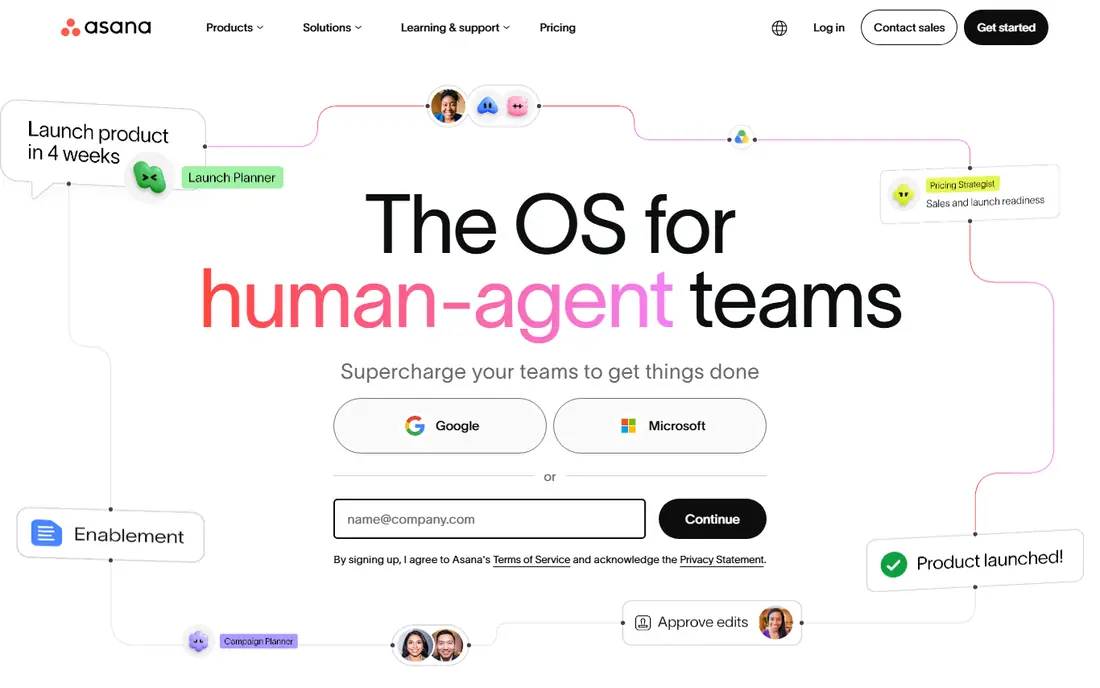
Asana suits marketing teams that need to coordinate campaigns across departments. Projects, timelines, portfolios, and goals help managers see how a campaign, a product launch, and a content plan fit together. Workload views show who is overloaded, which helps when a designer, writer, and media buyer all work on the same launch. Asana also offers forms for intake, rules for automation, and integrations with Slack, Google Drive, and Microsoft Teams. Those features help a marketing team take requests in a standard form, route work to the right person, and keep stakeholders updated without constant status meetings. The free plan covers small teams with basic projects, while paid plans add timelines, custom fields, and portfolios. Proofing and approval depth is less specialised than Hive or Wrike, so teams with heavy creative review may need an add on or a separate proofing step. For cross team planning, goal tracking, and clear campaign visibility, Asana remains a strong default for in house marketing teams.
- Clear timelines and portfolios
- Goals and workload views
- Many integrations
- Proofing is less deep than Hive
- Costs rise on higher tiers
- Setup needs care for large teams
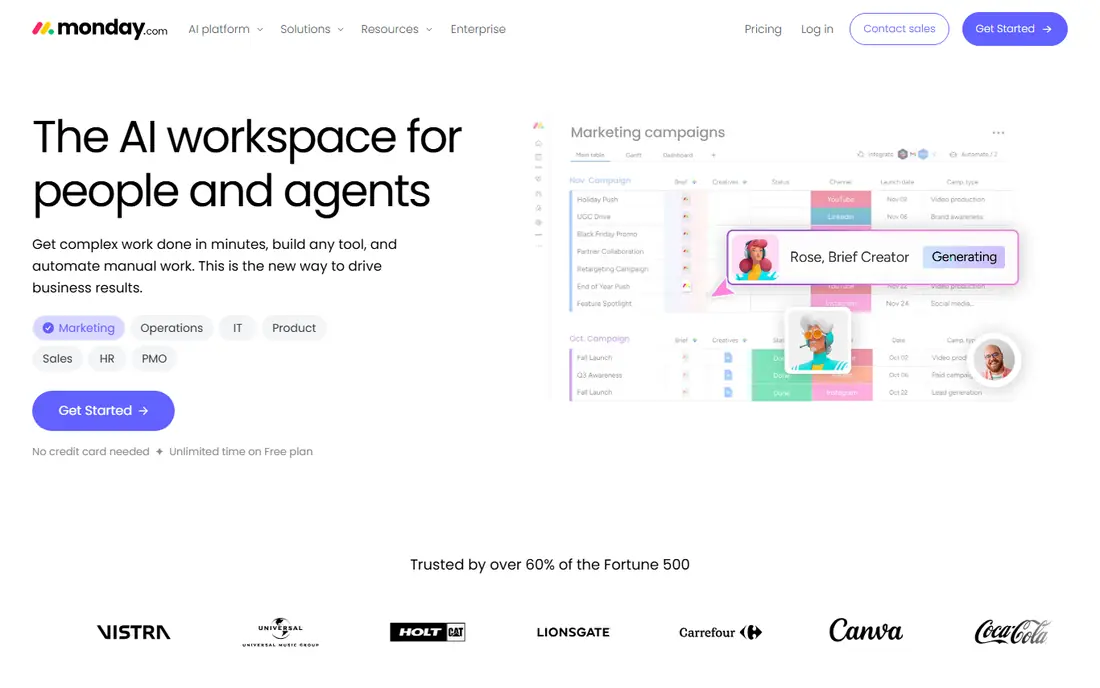
monday.com is built for visual work management, which suits marketing teams that plan by board, calendar, and timeline. Teams can build a campaign board with status, owner, due date, and channel, then switch to a calendar view for launch dates and content cadence. Templates for campaigns, content, and creative requests shorten setup time. Automations help move work through stages without manual chasing. A task can notify a reviewer when creative is ready, move to a new group when approved, and update a dashboard when a launch date changes. That automation reduces the admin work that often slows marketing teams, especially when many small tasks make up one campaign. monday.com can feel busy if a team adds too many columns and boards at once, and advanced reporting sits on higher tiers. For visual planners, creative teams, and managers who want a clear campaign view at a glance, monday.com is a strong and flexible choice.
- Visual boards and calendars
- Flexible automations
- Many marketing templates
- Pricing rises with features
- Can feel busy for small teams
- Reporting needs higher tiers
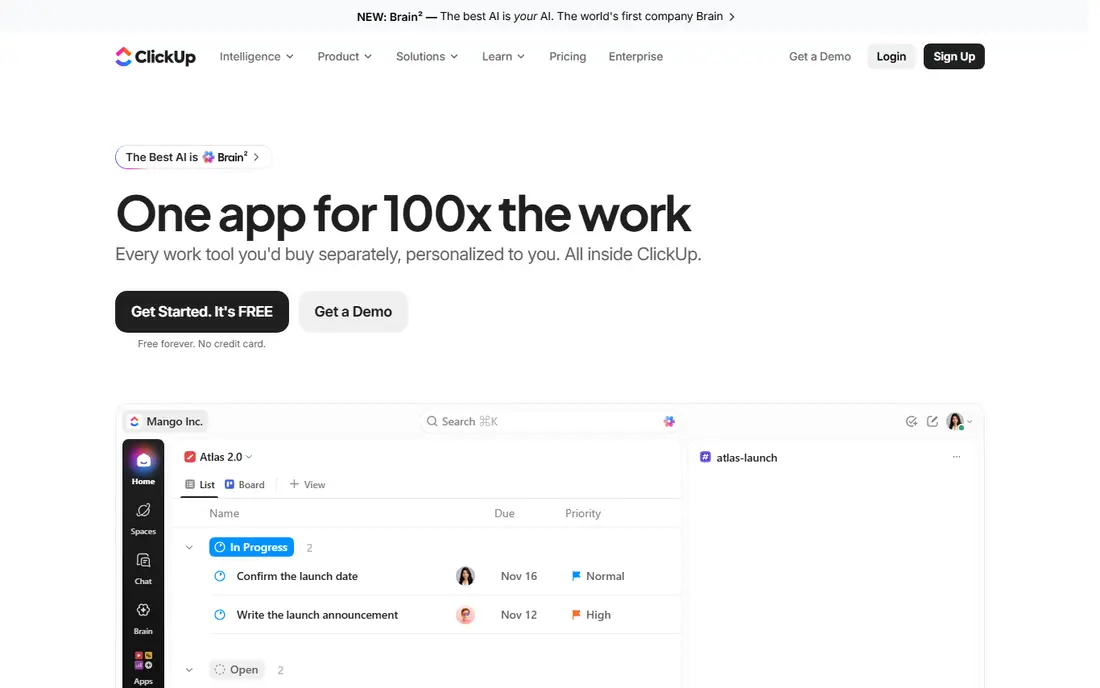
ClickUp offers one of the broadest feature sets for its price, with tasks, docs, goals, time tracking, dashboards, and automations in one workspace. Marketing teams can plan campaigns, write briefs, track time, and report progress without buying several separate tools. Views include list, board, calendar, Gantt, and timeline, so different team members can work in the view they prefer. The free plan is generous for small teams, and paid plans start at around $7 per user per month, which is lower than many rivals. That value helps small marketing teams and agencies that need many features on a tight budget. ClickUp also offers templates for marketing, content, and campaign work, which speed up setup. Depth is also the risk. New users can feel overwhelmed by settings, views, and custom fields, and a team needs a clear setup plan to avoid a messy workspace. For teams willing to invest a short setup period, ClickUp offers strong value and flexibility for marketing work.
- Many views and features for the price
- Docs, goals, and time tracking
- Strong automations
- Feature depth can overwhelm new users
- Setup takes time
- Some features need higher tiers
Wrike suits larger marketing teams and enterprises that need structured workflows, approvals, and reporting. It offers proofing for images, video, and documents, with version history and a record of who approved what. That audit trail matters when brand, legal, and leadership must all sign off before a campaign launches. Wrike also offers resource management, time tracking, dashboards, and portfolio views for managers who run many campaigns at once. Custom workflows can route work through stages in a set order, which reduces manual chasing and missed approvals. Enterprise controls for permissions, security, and integrations help large firms meet internal requirements. Wrike can be costly and complex for small teams, and setup needs planning to avoid overly rigid workflows. For enterprise marketing operations, agencies with many clients, and teams with heavy approval needs, Wrike is a strong, scalable choice.
- Strong approvals and proofing
- Enterprise controls
- Detailed reporting and resourcing
- Higher cost on enterprise tiers
- Learning curve
- May be more than small teams need
Hive is built for marketing, creative, and agency teams that ship campaigns and client work. It combines projects, proofing, time tracking, chat, and email in one workspace, with Gantt, Kanban, table, calendar, and portfolio views on the same data. Proofing for images, video, and PDFs, with approval records, helps creative teams avoid lost feedback in long email threads. Hive also offers intake forms, resourcing, and an AI agent that can turn briefs into task plans and summarise meetings. Those features help marketing managers plan capacity by role, since a motion designer, a copywriter, and a media buyer are not interchangeable. The free plan covers up to 10 workspace members, with paid plans starting at around $5 per user per month. Some advanced features, such as proofing, timesheets, and resourcing, are paid add ons, so total cost can rise above the base price. For in house marketing and creative teams that need proofing, intake, and resourcing in one place, Hive is a strong contender.
- Proofing and AI tools
- Intake forms and resourcing
- Free plan for small teams
- Some features are paid add ons
- Smaller ecosystem than Asana
- Learning curve for AI features
Trello is the simplest tool in this guide, built around visual kanban boards with lists and cards. A marketing team can create a board for a campaign, move cards from idea to draft to review to published, and attach files, checklists, and due dates. That simplicity makes Trello easy to adopt, even for team members who dislike complex software. Trello suits small teams, freelancers, and simple content workflows where a board view is enough. Power ups add calendars, automation, and integrations, while paid plans add more boards, views, and admin controls. For a small team running a few campaigns at a time, Trello keeps work visible without a long setup process. Limits appear as campaigns grow. Reporting, workload planning, proofing, and portfolio views are thinner than Asana, Hive, or Wrike, and large programmes may need many boards to stay organised. For simple, visual marketing work, Trello remains a fast and low cost choice.
- Very simple to learn
- Visual boards
- Low cost for small teams
- Limited reporting and resourcing
- Proofing is basic
- Large campaigns need many boards
Teamwork suits agencies and client service teams that need to manage projects, billable time, and retainers in one place. It offers project templates, time tracking, invoicing links, and client views that let clients see progress without seeing internal work. That client focus separates Teamwork from general task tools. For agencies, Teamwork helps track retainer hours, project profitability, and team capacity across many clients. Managers can see which projects are on track, which clients need attention, and where time is being spent. Integrations with accounting and communication tools help keep project and billing data linked. Teamwork is less visual than monday.com for creative planning, and setting up client workflows takes care. For agencies that bill by the hour, manage retainers, and need clear client reporting, Teamwork is a strong marketing project management choice.
- Client billing and retainers
- Time tracking
- Client facing project views
- Less visual than monday.com
- Setup for client workflows takes time
- Costs rise with features
CoSchedule is best known for its marketing calendar, which helps teams plan content, social posts, and campaigns around launch dates and publishing cadence. The calendar view shows blog posts, social messages, emails, and events in one place, which helps content teams avoid gaps and overlaps. WordPress integration lets writers schedule posts directly from the calendar. CoSchedule also offers social scheduling, content planning, and team workflows, though its project management depth is thinner than Asana, ClickUp, or Wrike. It suits content led marketing teams that plan by calendar first and manage tasks second, rather than teams that need full portfolio and resourcing tools. Pricing varies by product, with a trial available, so check which CoSchedule product fits your needs before you buy. For teams whose main pain is a messy content calendar, CoSchedule can bring order faster than a general project tool.
- Strong marketing calendar
- Content and social planning
- WordPress integration
- Less full project management than Asana
- Pricing varies by product
- Smaller task depth
Smartsheet suits marketing teams that think in spreadsheets. Its grid interface feels familiar to Excel and Google Sheets users, while Gantt charts, card views, calendars, and dashboards add project structure on top of that grid. Resource management and reporting help managers plan campaigns, track budgets, and see progress across many projects. Smartsheet works well for teams that manage complex timelines, dependencies, and budgets, such as event marketing, product launches, and multi channel campaigns. Automations can notify owners, request approvals, and update sheets when dates change, which reduces manual status work. Integrations with common business tools help keep data linked. Creative proofing is less central than Hive or Wrike, and some teams may need add ons for that work. For spreadsheet style planners, operations managers, and teams that need strong reporting and timelines, Smartsheet is a solid marketing project management option.
- Familiar spreadsheet interface
- Strong Gantt and reporting
- Resource management
- Less visual for creative teams
- Proofing needs add ons
- Learning curve for formulas
How we picked these
We compared official feature pages, pricing pages, app store listings, and public reviews for marketing project management tools available today. We looked at campaign planning, proofing and approvals, intake forms, calendars, resourcing, client billing, integrations, and pricing. We used first person plural language for our method, and we did not claim hands on testing that did not happen. We gave extra weight to marketing specific needs, since a general task tool can look strong on tasks yet fail on proofing, approvals, and campaign calendars. That focus shaped our best for labels, so a tool that wins for general work may rank lower here if it lacks marketing workflows.
Choosing marketing project management software
Test proofing and approvals first
Run a real creative asset through proofing and approval in each shortlisted tool. Check markup, version history, approval order, and notifications. A tool that handles this workflow well will save more time than a tool with a longer feature list but weak review tools.
Check intake and capacity together
Test intake forms with a real brief, and check whether the tool can show capacity by person and role. Marketing work fails when requests arrive without key details and when managers cannot see who has room for new work. A tool that solves both problems will support growth better than a simple task list.
Compare total cost, not just starting price
Add up paid plans, add ons for proofing or resourcing, and costs for guests or clients. A low starting price can rise fast when a team needs advanced views, reporting, or time tracking. Check free plan limits for team size, projects, and storage before you commit.
Plan adoption with templates
Start with one campaign template, one intake form, and one approval workflow, then expand. Train the team on that template before you add more boards and automations. A clear, simple start helps adoption more than a complex workspace built on day one.
Frequently asked questions
What is the best project management software for marketing teams?
Asana and monday.com suit many in house teams for campaign planning, while Hive suits creative teams that need proofing. ClickUp offers strong value, Wrike suits enterprise teams, and Teamwork suits agencies. Choose based on proofing, calendar, and capacity needs, not just task features.
Is Trello enough for marketing project management?
Trello is enough for small teams and simple campaigns with a board view. Larger teams with proofing, approvals, resourcing, and portfolio reporting will need Asana, Hive, Wrike, or a similar tool. Start with Trello if work is simple, and move up when reporting or approval needs grow.
Which tool is best for marketing agencies?
Teamwork suits agencies that bill clients and track retainers, while Hive and Wrike suit agencies with heavy creative work. Asana and monday.com also work for agencies, especially for cross team campaign planning. Check client views, time tracking, and billing features before you choose.
Do marketing teams need proofing tools?
Many marketing teams do, since creative feedback in email threads leads to lost comments and version confusion. Proofing tools let reviewers mark up images, video, and PDFs, track versions, and record approvals. If your team reviews creative daily, proofing should be a core requirement.
Can I use Asana for content calendars?
Yes, Asana offers calendar and timeline views that suit content planning, though CoSchedule offers a more calendar first experience for content and social teams. Test both with a real content plan to see which calendar view your team prefers.
How much does marketing project management software cost?
Costs vary from free plans for small teams to around $5 to $12 per user per month for paid plans, with enterprise tiers costing more. Add ons for proofing, resourcing, and reporting can raise total cost, so compare the full plan your team will actually use.
Sources we checked (9)

Online Jobs is an independent blog about careers, online work, learning new skills and the tools that help people earn. More about us.
Keep reading
All posts
ZoomInfo Alternatives
The best ZoomInfo alternatives in 2026, compared on price, free plans, data coverage, and which tool fits small teams or large sales teams best in detail.

Workday Alternatives
We compared the best workday alternatives for HR, payroll, and global hiring, from BambooHR and Gusto to Rippling, Deel, and HiBob for growing teams in 2026.

Which SaaS Tools Have the Best Customer Support
Which SaaS tools have the best customer support? Compare eight popular tools on help centres, live help, response options and overall support quality.