Best Marketing Analytics Tools in 2026: 9 Tools Compared

How we put this together: we compare official feature and pricing pages, app store listings, privacy policies and public user reviews. Prices change, so check the provider's site before you pay.
Key takeaways
- Google Analytics is the free baseline nearly every team should run, even if a second tool handles deeper analysis.
- HubSpot is the best marketing analytics platform when marketing performance must connect to deals and revenue in a CRM.
- Mixpanel and Amplitude suit product-led teams that care more about what users do inside a product than about page views.
- Privacy rules and consent banners change what each tool can measure, so check data collection practices before you commit.
Quick comparison
| Name | Who it suits | Starting price | Free option | |
|---|---|---|---|---|
 Google Analytics | Free web and app baseline | Free | Yes | Visit |
 HubSpot Marketing Hub | CRM-connected marketing reporting | See website | Yes | Visit |
 Mixpanel | Product and behavioral analytics | Free | Yes | Visit |
 Amplitude | Deep product analytics | Free | Yes | Visit |
 Adobe Analytics | Enterprise measurement | See website | No | Visit |
 Matomo | Privacy-conscious analytics | See website | Free trial | Visit |
 Semrush | Search and content analytics | See website | Free trial | Visit |
 Looker Studio | Free dashboards and reporting | Free | Yes | Visit |
 Supermetrics | Pulling ad data into sheets and BI | See website | Free trial | Visit |
The best marketing analytics tools
Marketing analytics answers a simple question, which is what is actually working, but the tools split into very different jobs. Some measure websites, some measure products, and some tie marketing to revenue. The list below covers all three, and we compared official pricing pages, feature pages, and public documentation to build it. Start with the free baseline, then add a specialist tool for the question your team asks most.
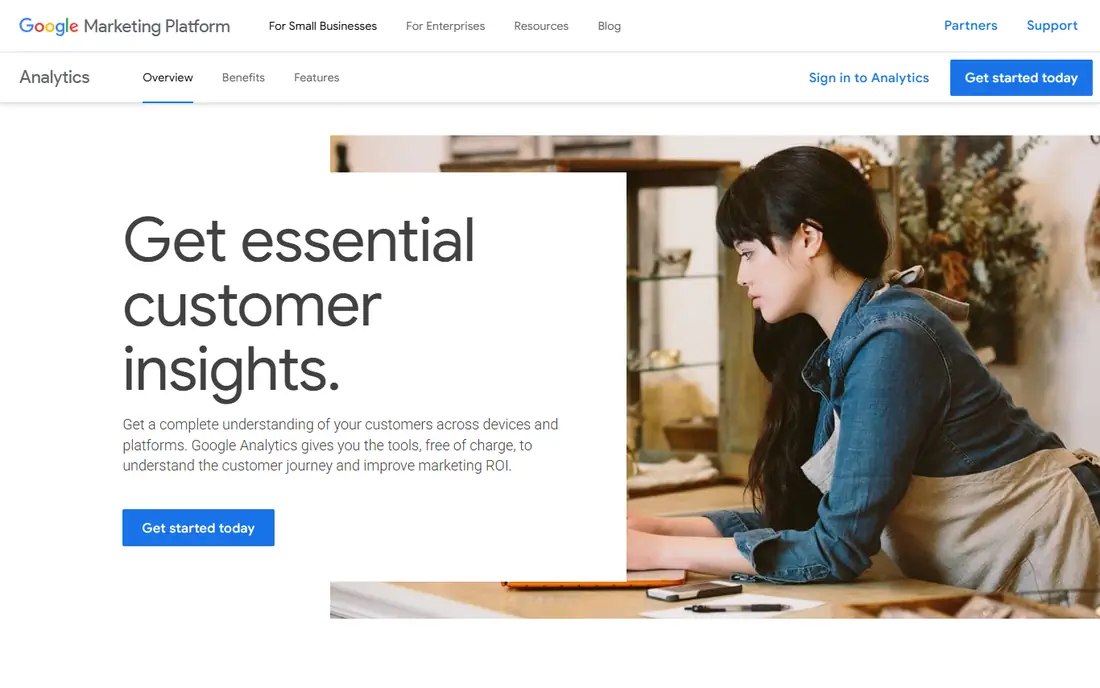
Google Analytics 4 is the default starting point for web and app measurement, and its price is the first reason. It is free for most teams, it connects closely with Google Ads, and its reports are a common language between in-house teams and agencies. Acquisition reports show where traffic comes from, event tracking shows what visitors do, and exploration reports allow deeper cuts without exporting data.
The learning curve is real. The event-based model replaced the old session-based reports, and many marketers still find the interface harder than the classic version. Privacy rules and consent banners also limit what gets collected in some regions. Even with those limits, no team should skip the free baseline, because every other tool on this list is easier to judge once you have it.
- Free for most teams
- Deep Google Ads integration
- Widely understood by agencies and hires
- Event-based model takes learning
- Privacy rules limit some data
- Enterprise tier is expensive
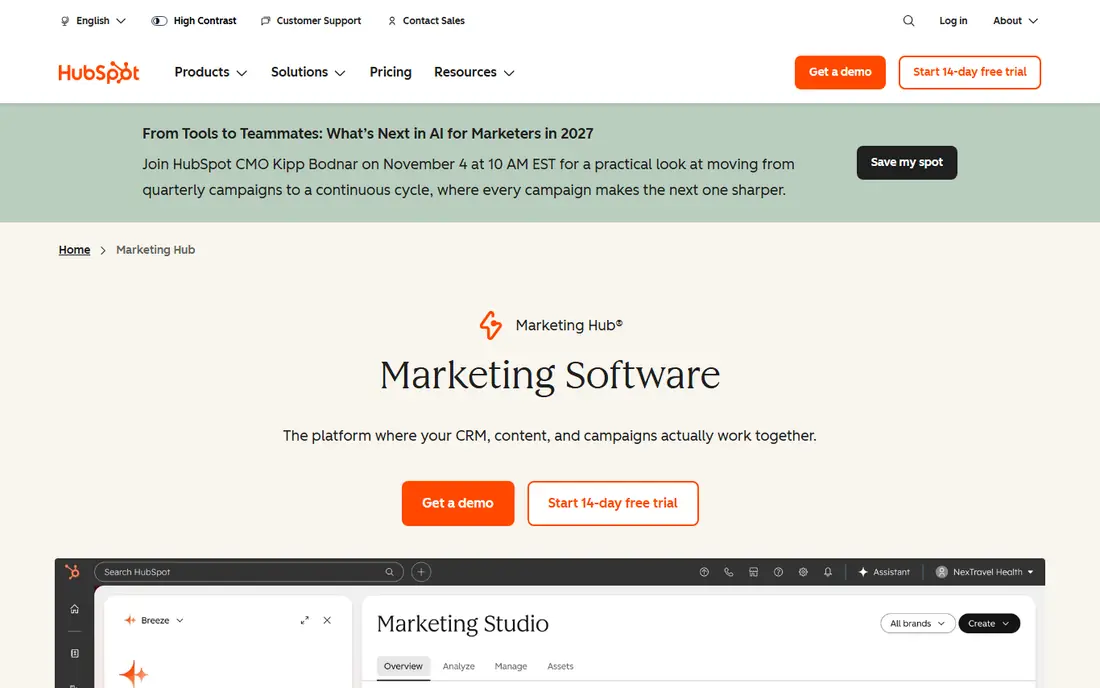
HubSpot's reporting strength is that it sits on the CRM, so marketing activity and closed revenue live in the same system. Campaign reports, attribution reports, and custom dashboards show which efforts produced contacts, deals, and revenue, without stitching data across tools. For a B2B team with a long sales cycle, that connection is the whole argument.
The cost curve is the catch. The free edition covers basics, but serious reporting lives in paid tiers that climb quickly, and the value drops if your sales team does not use HubSpot CRM. If your company already runs on HubSpot, its analytics are the natural choice. If not, Google Analytics plus a dashboard tool may cover your needs for less.
- Marketing and revenue data share one CRM record
- Campaign and attribution reports
- Free edition available
- Costs rise steeply at Professional and Enterprise tiers
- Best value only for HubSpot CRM users
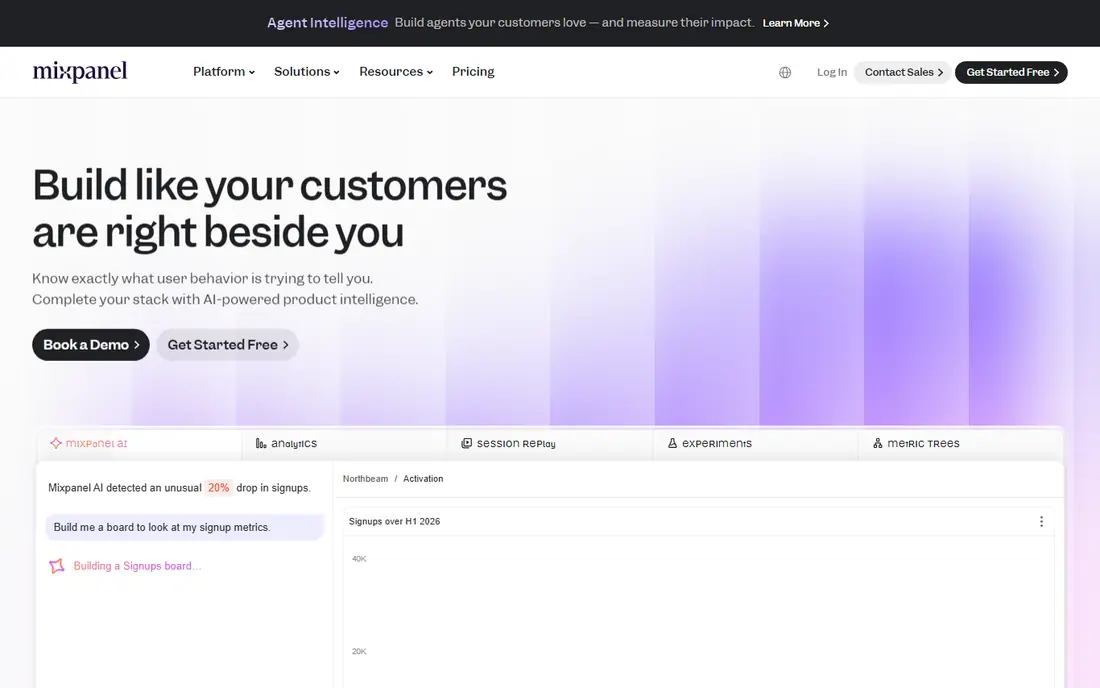
Mixpanel is built for teams that measure what users do inside a product rather than which blog post they read. Funnels, retention curves, and cohort analysis show where users drop off and which features keep them coming back. Mobile and web product teams use it to test changes and to see whether a new feature actually changed behavior.
Pricing scales with event volume, so a fast-growing product can see costs climb, and Mixpanel is not the right tool for content or search reporting. Pair it with Google Analytics for acquisition data, and let Mixpanel answer the product questions that page views cannot.
- Strong event and funnel analysis
- Free tier for small teams
- Good for product and mobile teams
- Paid plans scale with event volume
- Less suited to content and SEO reporting
Amplitude competes directly with Mixpanel for product-led teams, and its depth is its selling point. Behavioral cohorts, journey analysis, and experimentation support help growth teams link marketing campaigns to in-product outcomes, not just clicks. The free tier is generous enough for small teams to learn the tool before paying.
That depth needs training. New users can feel lost in the analysis options, and paid pricing scales with data volume. Teams that only need basic traffic reports should stay with Google Analytics. Teams that live or die by activation and retention will find Amplitude worth the learning time.
- Powerful behavioral analysis and cohorts
- Generous free tier
- Strong for growth teams
- Depth takes training
- Paid tiers scale with volume
Adobe Analytics is the enterprise answer to web measurement, built for large organizations with complex digital properties. Segmentation, calculated metrics, and customization go deeper than Google Analytics, and it integrates with the wider Adobe experience platform. Large media, retail, and finance teams use it where reporting requirements are strict and data volumes are huge.
It is not a small-team tool. Pricing is by quote, implementation takes expertise, and a team without skilled analysts will not use half of what it offers. For enterprises that need that depth, Adobe Analytics is the standard. For everyone else, it is more tool than the job requires.
- Deep segmentation and customization
- Strong for large digital properties
- Enterprise support
- Quote-based enterprise pricing
- Needs skilled analysts to get full value
Matomo is the pick for teams that want analytics without handing visitor data to a large advertising platform. It offers cloud hosting or self-hosting, so data can stay on your own servers, and it includes heatmaps and session recordings for understanding visitor behavior. Privacy-conscious organizations in Europe and in regulated industries often choose it for that control.
The ecosystem is smaller than Google's, so integrations and agency familiarity are thinner, and self-hosting adds maintenance work. If data ownership matters more to your organization than the convenience of the default tool, Matomo is the strongest alternative on this list.
- Data ownership and privacy controls
- Cloud or self-hosted deployment
- Heatmaps and session recordings
- Smaller ecosystem than Google Analytics
- Self-hosting needs technical upkeep
Semrush is a marketing analytics platform in the search sense: it shows which keywords bring traffic, how competitors rank, and where content gaps sit. Teams that run SEO and content programs use it to plan topics, track rankings, and measure organic performance over time. Its advertising research adds paid search context in the same place.
The platform is broad, and teams that only want web traffic reports will find much of it unused. Pricing sits above a simple analytics tool, so the value case rests on real SEO and content work. For a team whose growth depends on search, Semrush earns its place next to Google Analytics.
- Strong SEO, keyword, and competitor data
- Content tools
- Advertising research
- Broad platform can feel overwhelming
- Best value only for teams doing SEO and content work
Looker Studio, formerly Data Studio, is Google's free dashboard tool, and it solves the reporting problem rather than the measurement problem. Connect Google Analytics, ad platforms, spreadsheets, and other sources, then build shareable dashboards that clients and executives can actually read. For agencies and small teams, it turns raw data into a weekly report without a paid BI tool.
It collects no data itself, so it needs sources like Google Analytics behind it, and very complex reports can run slowly. Used as the presentation layer on top of the tools above, Looker Studio is one of the best free tools in marketing.
- Free dashboards
- Connects many data sources
- Easy sharing with clients and teams
- Not a data collection tool on its own
- Complex reports can run slowly
Supermetrics is a data pipeline for marketing teams that live in spreadsheets or BI tools. It pulls data from ad platforms, social networks, and analytics tools into Google Sheets, Excel, Looker Studio, or a warehouse, so reporting stops being a weekly manual export. Agencies with many clients and teams with many ad accounts feel the time saving fastest.
It is another subscription, and setup needs care when dozens of accounts are involved. If your reporting is simple, Looker Studio alone may be enough. If your team spends hours each week copying numbers between platforms, Supermetrics pays for itself in reclaimed time.
- Moves data from many ad platforms into sheets, BI, and warehouses
- Saves manual export work
- Another subscription on top of ad spend
- Setup takes care with many accounts
How we picked these
We compared official pricing pages, feature pages, and public documentation for each tool, and we covered three jobs: web measurement, product analytics, and CRM-connected reporting. We favored tools that are actively maintained and widely used in the US, and we marked quote-based pricing honestly instead of repeating third-party estimates. We did not claim hands-on testing we did not do.
Building a stack that fits your team
A small team needs Google Analytics and Looker Studio, and that may be the whole stack. Add HubSpot reporting when revenue attribution matters, add Mixpanel or Amplitude when product behavior matters, and add Semrush when search matters. Each addition should answer a question the current stack cannot, or it is just another login.
Questions to ask before buying
Ask which decision the tool will change, who will read its reports weekly, and what data it needs that you do not already collect. If no one can name the decision, the tool is not needed yet. If the answer is clear, the right tool usually picks itself from the list above.
Frequently asked questions
What is the best marketing analytics tool for beginners?
Google Analytics is the best marketing analytics tool for beginners because it is free, widely documented, and understood by agencies and new hires. Pair it with Looker Studio for readable dashboards, and add a specialist tool only when a specific question appears.
What is the best marketing analytics software for small business?
A small business usually needs Google Analytics for measurement and Looker Studio for reporting, with HubSpot's free edition if CRM reporting matters. That combination covers traffic, campaigns, and leads without a large subscription bill.
How is HubSpot different from Google Analytics?
Google Analytics measures website and app behavior, while HubSpot ties marketing activity to contacts, deals, and revenue inside a CRM. Teams use Google Analytics to understand traffic and HubSpot to understand which marketing produced revenue.
What are the best tools for marketing analytics in product teams?
Mixpanel and Amplitude are the best tools for marketing analytics in product teams, because they analyze funnels, retention, and cohorts inside a product. Google Analytics still covers acquisition, but product questions need a behavioral tool.
Is there a privacy-friendly alternative to Google Analytics?
Yes, Matomo is the best-known privacy-friendly alternative, with cloud or self-hosted deployment and stronger data ownership controls. Check its current pricing on its own site, and confirm that its data practices meet your organization's requirements.
Sources we checked (9)

Online Jobs is an independent blog about careers, online work, learning new skills and the tools that help people earn. More about us.
Keep reading
All posts
ZoomInfo Alternatives
The best ZoomInfo alternatives in 2026, compared on price, free plans, data coverage, and which tool fits small teams or large sales teams best in detail.

Workday Alternatives
We compared the best workday alternatives for HR, payroll, and global hiring, from BambooHR and Gusto to Rippling, Deel, and HiBob for growing teams in 2026.

Which SaaS Tools Have the Best Customer Support
Which SaaS tools have the best customer support? Compare eight popular tools on help centres, live help, response options and overall support quality.