Best Market Research Tools in 2026: 8 Tools Compared


Standard surveys with research panels · Starting price: $39 per month
How we put this together: we compare official feature and pricing pages, app store listings, privacy policies and public user reviews. Prices change, so check the provider's site before you pay.
Key takeaways
- SurveyMonkey remains the most familiar survey standard, with panels and analysis that suit most teams.
- Qualtrics suits enterprise research programmes, but pricing is quote-based and setup is heavier.
- Typeform and SurveySparrow suit conversational surveys where completion rates matter.
- Pollfish and Attest suit teams that need real respondents fast, without building a panel themselves.
- Response limits, not seat prices, often decide the real cost, so check caps and overage rules first.
Quick comparison
| Name | Who it suits | Starting price | Free option | |
|---|---|---|---|---|
| SurveyMonkey | Standard surveys with research panels | $39 per month | Yes | Visit |
 Typeform Typeform | Conversational surveys with higher completion | $28 per month | Yes | Visit |
 Qualtrics Qualtrics | Enterprise market research programmes | See website | Yes | Visit |
 QuestionPro QuestionPro | Research-grade surveys with strong analytics | $99 per month | Yes | Visit |
 Alchemer Alchemer | Surveys without per-response fees | $55 per user per month | Free trial | Visit |
 SurveySparrow SurveySparrow | Conversational surveys and customer experience | $19 per month | Yes | Visit |
 Pollfish Pollfish | Fast pay-per-response consumer panels | $0.95 per response | Yes | Visit |
 Attest Attest | Consumer insights for brand and product teams | See website | Free trial | Visit |
The best market research tools
Market research covers several jobs: writing a good survey, reaching the right people, analysing results, and turning findings into decisions. Some tools in this list focus on surveys, others on panels and consumer insights. Pick by the job you need most, not by the longest feature list.
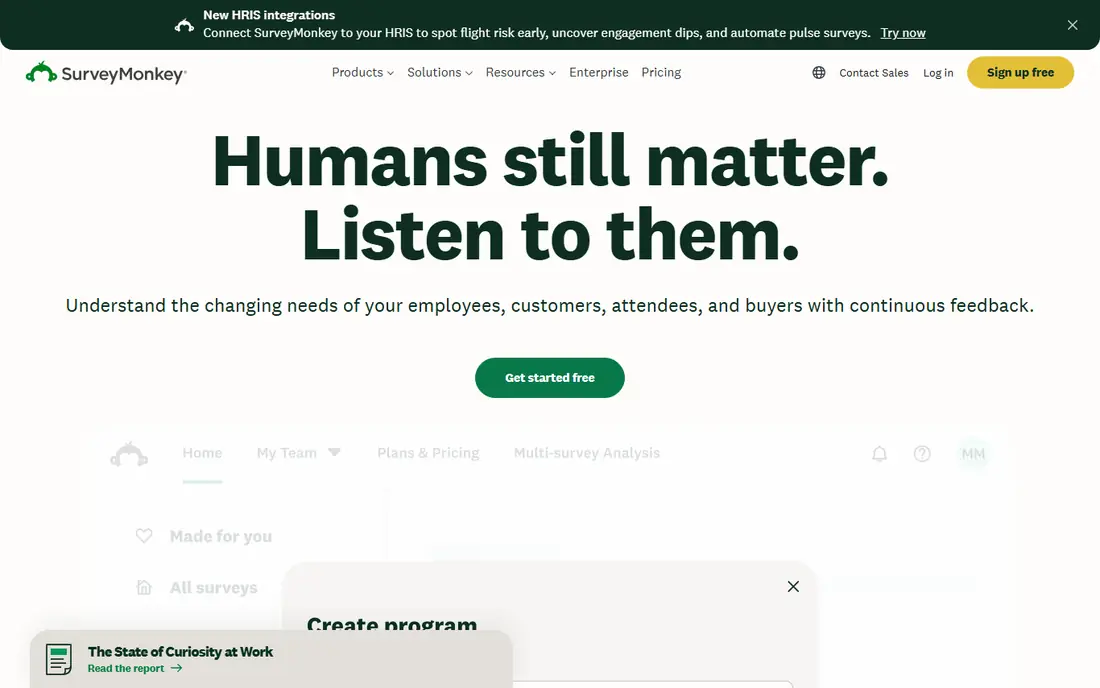
SurveyMonkey is the survey tool most teams already know, which helps when you need to share results with clients or colleagues. The builder covers common question types, logic and branding, and analysis tools summarise results quickly. Panel access lets you reach respondents when you do not have your own list.
The free plan is limited, with caps on questions and viewable responses, and paid plans charge for extra responses beyond included limits. Teams that run large surveys should check annual response caps before they commit. For general market research, though, SurveyMonkey remains a safe, well-supported starting point.
- Familiar survey builder
- Large template library
- Panel access for respondents
- Free plan is heavily capped
- Overage charges apply
- Advanced analysis needs higher plans
Typeform suits surveys where completion matters more than complex research design. Asking one question at a time, with a clean mobile layout, often feels less like a chore than a long grid survey. Logic, branding and integrations help teams use it for customer feedback as well as market research.
It is not the deepest research platform. Advanced analysis, panel tools and complex sampling need another tool or a higher plan, and response caps on lower plans can surprise growing teams. If your main problem is getting people to finish a survey, Typeform is a strong choice.
- Clean one-question-at-a-time design
- Good mobile experience
- Logic and branding
- Response limits on lower plans
- Less research depth than Qualtrics
- Free plan is very limited
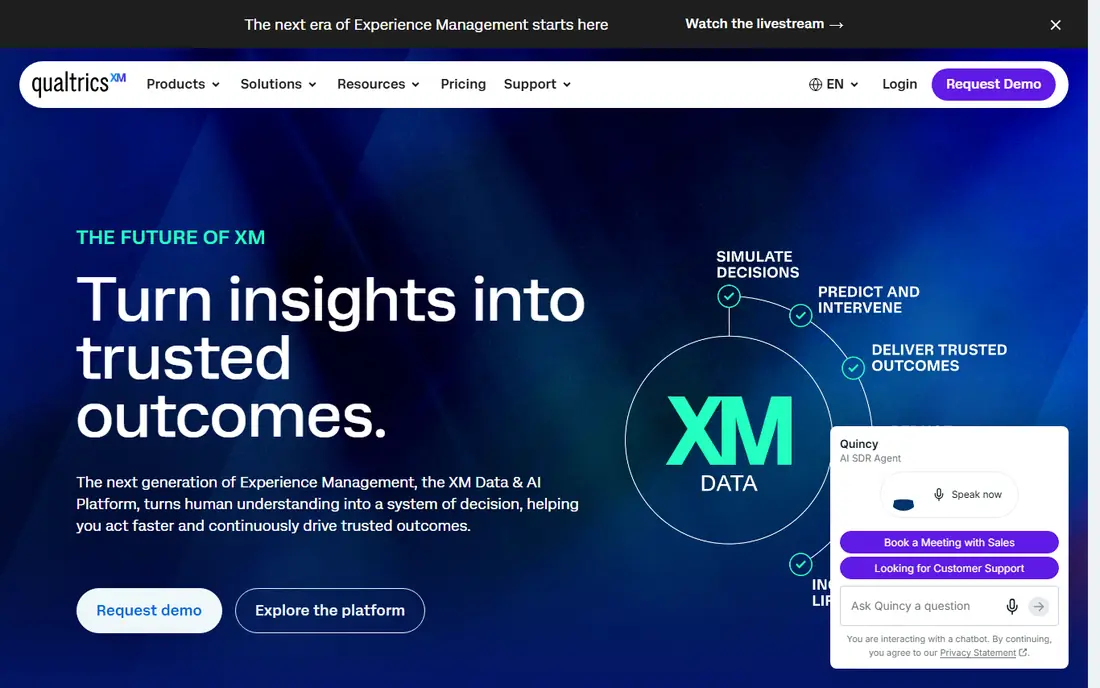
Qualtrics is built for organisations that run research as an ongoing programme, not a one-off survey. It supports complex sampling, conjoint and MaxDiff studies, text analysis and dashboards that track brand, customer and employee measures over time. Large teams value its permissions, security and integration options.
The cost and complexity reflect that scale. Pricing is negotiated, setup takes time, and a small team may find it heavy for simple surveys. If you run regular, high-stakes research and need research-grade methods, Qualtrics is the benchmark. If you run a few surveys a year, a simpler tool will serve you better.
- Deep research design and analysis
- Dashboards for large programmes
- Strong enterprise controls
- Quote-based pricing
- Complex setup
- Overkill for a single small survey
QuestionPro sits between SurveyMonkey and Qualtrics on depth and price. It offers advanced survey logic, a wide range of question types and analytics that suit serious market research, including audience tools for reaching respondents. Teams that need more than a basic survey, without an enterprise contract, often land here.
The $99 per month entry price is higher than SurveyMonkey or Typeform, and the interface packs in a lot, so new users may need time to learn it. For research teams that run frequent, methodologically sound surveys, that depth justifies the cost.
- Advanced question types and logic
- Strong analytics
- Panel and audience options
- Higher entry price
- Interface can feel dense
- Some features need higher plans
Alchemer, formerly SurveyGizmo, appeals to teams that run high-volume surveys. Unlike tools that charge per extra response, its paid plans do not add per-response fees, which makes budgeting easier when response counts are hard to predict. Logic, piping and reporting cover serious survey work.
There is no lasting free plan, only a trial, and pricing is per user, so large teams should check total cost. The interface also rewards users who learn its advanced features. For high-volume research where response fees would otherwise dominate, Alchemer is a smart, predictable choice.
- No per-response fees on paid plans
- Strong logic and reporting
- Good for high-volume surveys
- No lasting free plan
- Pricing is per user
- Learning curve for advanced features
SurveySparrow combines a conversational survey format with customer experience tools. Surveys can run as chat-style conversations across email, web, SMS and other channels, which can lift completion rates. The low entry price makes it attractive for small teams and startups.
Response limits still apply, and it does not match Qualtrics or QuestionPro for advanced research methods. If your research is mainly customer feedback, brand tracking and short market surveys, SurveySparrow offers good value. If you need complex sampling or conjoint work, look higher up this list.
- Chat-like survey format
- Multi-channel distribution
- Low entry price
- Response limits apply
- Research depth lags Qualtrics
- Some features need higher plans
Pollfish solves a different problem: reaching people when you have no list. You pay per completed response, target by demographics and other filters, and get results quickly through mobile and web panels. That model suits concept tests, pricing checks and quick consumer reads.
Costs rise with longer surveys, screening questions and narrow targeting, so a complex study can become costly. Pollfish also works best alongside a survey tool or its own survey builder, rather than as a full research suite. For fast consumer answers without a panel contract, it is a practical option.
- Pay only for completed responses
- Fast respondent access
- Targeting by demographics
- Cost rises with long surveys and screening
- Quality depends on screening design
- No full survey suite alone
Attest suits brand, product and marketing teams that want consumer insight without building a research department. It combines panels with guided survey design and dashboards, so teams can track awareness, usage and attitudes over time. That guidance helps non-researchers ask better questions.
Pricing is often custom, which slows direct comparison, and a single simple survey may be cheaper elsewhere. If you run regular consumer research and want a partner that helps with design and interpretation, Attest is worth a demo. If you only need a survey form, start with SurveyMonkey or Typeform.
- Consumer panels and guided research
- Dashboards for tracking
- Good for brand and product questions
- Pricing is custom in many cases
- Less suited to simple one-off surveys
- Needs a clear research question
How we picked these
We compared official pricing pages, feature pages and product documentation for survey, panel and insight tools, focusing on survey design, respondent access, analysis and real cost drivers such as response caps. We favoured tools that are still actively sold and that serve a distinct research job. We did not claim hands-on testing, and we used See website where pricing was custom or varied by volume.
What to check before you buy
Start with sample and response maths. How many responses do you need, from whom, and how often? A tool with a low seat price but strict response caps can cost more than a higher-priced tool with generous limits. For panel tools, check screening costs, incidence rates and how low-quality responses are handled.
Check question design and analysis
Test the question types you actually need, such as ranking, MaxDiff, conjoint or open text analysis, before you commit. Check how results export, whether dashboards can be shared with non-users, and whether raw data is yours to download. A tool that locks analysis behind a higher plan may not suit a team that needs to share findings widely.
Pilot with a real question
Run a small pilot on a real business question, not a test survey. Check completion rates, data quality and how long analysis takes. For panel work, check whether respondents match your target and whether screening works as expected. A pilot will reveal sampling and analysis gaps that a demo hides.
Frequently asked questions
What is the best tool for market research?
SurveyMonkey suits most general survey work, Qualtrics suits enterprise programmes, and Pollfish or Attest suit teams that need respondents. Pick by whether your main need is surveys, panels or ongoing insight tracking.
What are the best market research survey tools?
SurveyMonkey, Typeform, QuestionPro, Alchemer and SurveySparrow all cover surveys, with different strengths. Typeform and SurveySparrow favour completion, while QuestionPro and Alchemer favour research depth and volume.
How much does market research software cost?
Survey tools range from free capped plans to $99 per month or more, while panel tools charge per response and enterprise tools use custom quotes. Always add response caps, overage fees and panel costs to the plan price.
Can I do market research without a panel?
Yes, if you have your own customer list, website traffic or social audience. Panels help when you need a representative consumer sample or a niche audience you cannot reach yourself.
What is the best market research platform for small business?
SurveyMonkey or SurveySparrow suit most small businesses, with Typeform as a strong option for short, conversational surveys. Start with a free or low-cost plan and upgrade when response limits become a problem.
Sources we checked (8)

Online Jobs is an independent blog about careers, online work, learning new skills and the tools that help people earn. More about us.
Keep reading
All posts
Workday Alternatives
We compared the best workday alternatives for HR, payroll, and global hiring, from BambooHR and Gusto to Rippling, Deel, and HiBob for growing teams in 2026.

Which SaaS Tools Have the Best Customer Support
Which SaaS tools have the best customer support? Compare eight popular tools on help centres, live help, response options and overall support quality.

Top AI Helpdesk Software
Searching for top AI helpdesk software in 2026? We compared 8 AI helpdesks on automation, pricing, channels and ease of setup for small and growing teams.