Best Map Apps in 2026: 9 Apps Compared

How we put this together: we compare official feature and pricing pages, app store listings, privacy policies and public user reviews. Prices change, so check the provider's site before you pay.
Key takeaways
- Google Maps is our pick for most people, with the deepest business data, transit coverage and offline areas in one free app.
- Waze is best for driving in traffic, with crowdsourced alerts for crashes, hazards and speed checks.
- Apple Maps is best for iPhone users, with deep CarPlay and Siri integration and no sale of location data.
- HERE WeGo is best for offline travel, with whole countries downloadable for free.
- OsmAnd is best for privacy and off-road detail, with OpenStreetMap data and no ads.
Quick comparison
| Name | Who it suits | Starting price | Free option | |
|---|---|---|---|---|
 Google Maps Google Maps | Everything in one app | Free | Yes | Visit |
 Apple Maps Apple Maps | iPhone users | Free | Yes | Visit |
 Waze Waze | Driving in traffic | Free | Yes | Visit |
 HERE WeGo HERE WeGo | Offline travel | Free | Yes | Visit |
 Sygic Sygic | Premium offline driving | Free | Yes | Visit |
 OsmAnd OsmAnd | Privacy and off-road detail | Free | Yes | Visit |
 Citymapper Citymapper | Multimodal city trips | Free | Yes | Visit |
 Transit Transit | Public transport riders | Free | Yes | Visit |
 MapQuest MapQuest | Simple driving directions | Free | Yes | Visit |
The best map apps
The best map app is the one that fits how you travel. Drivers in traffic need live alerts. Transit riders need live departures. Travellers abroad need offline maps. And privacy-minded users need an app that does not sell their location. Most of the apps here are free, and the paid options mainly add premium offline features or remove limits. We compared nine apps on coverage, offline support, transit, driving features and price, using published pricing and app-store listings.
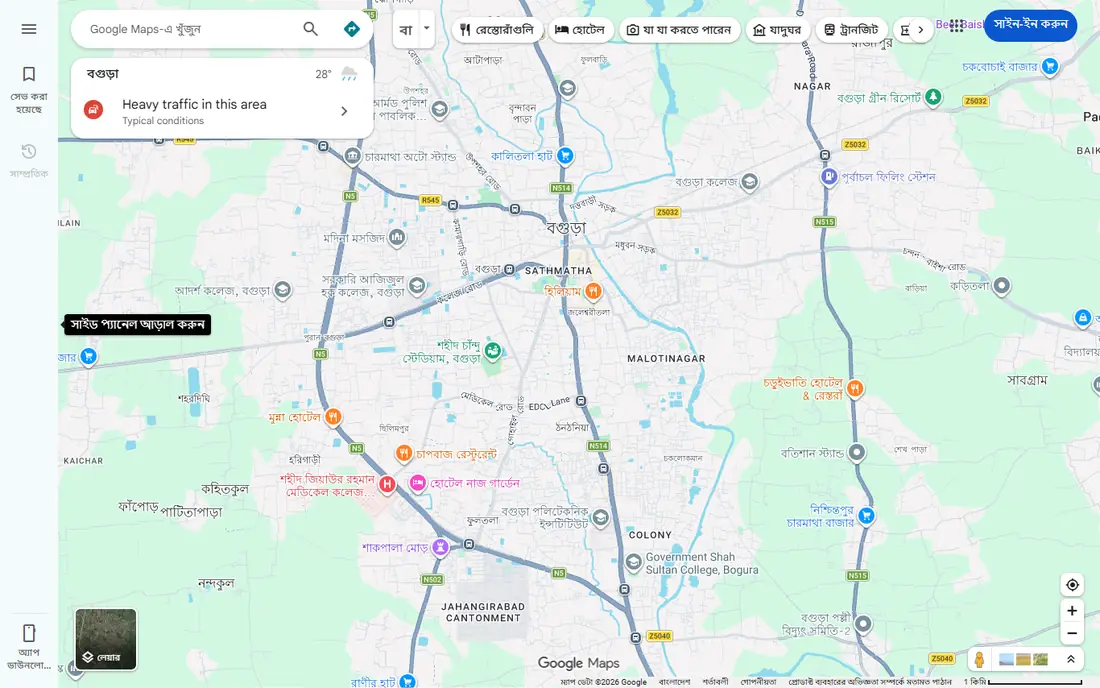
Google Maps is the best map app for most people, because it does everything well in one free app. It offers driving, walking, cycling and transit directions, the deepest business listings and reviews, Street View for checking a destination before you arrive, and offline areas for trips without data. It works on Android, iOS and the web, and it hands routes off between devices.
Its weaknesses are privacy, since it collects extensive location data, and live incident alerts, which are weaker than Waze's community reports. For one app that covers driving, transit, walking and places, Google Maps is still the most complete map on a phone.
- Deepest business data and reviews
- Driving, walking, cycling and transit routing
- Offline areas
- Street View
- Works on Android, iOS and web
- Collects extensive location data
- Live incident alerts are weaker than Waze
- Offline areas are region-limited, not whole countries
Apple Maps is the best map app for iPhone users, and it is already on your phone. It is tightly wired into Siri and CarPlay, supports offline maps for dead zones and rural driving, and does not require a separate account or sell your location data. Transit routing, speed limit warnings and detailed city maps have closed most of the gap with Google Maps.
It runs on Apple devices only, and it has no crowdsourced hazard or police alerts to match Waze. For an iPhone user who values privacy and integration, Apple Maps is the easy default.
- Preloaded on every iPhone, iPad and Apple Watch
- Deep Siri and CarPlay integration
- Offline map support
- Does not sell location data
- No account required
- Apple devices only
- No crowdsourced hazard or police alerts
- Uses more mobile data than Waze on equivalent routes
Waze is the best app for driving in traffic, and nothing else reroutes around a crash that happened ninety seconds ago. Its driver community reports accidents, stalled cars, speed checks and potholes in real time, and the app reroutes you automatically the instant it detects a slowdown. It is free with no paid tier, and it uses less mobile data than Google Maps or Apple Maps.
Waze has no offline maps and needs a live connection, and it is a driving app, not a transit or walking app. For a commuter or long-distance driver, Waze is the essential second app alongside Google Maps or Apple Maps.
- Crowdsourced alerts for crashes, hazards, police and speed checks
- Automatic rerouting the moment traffic backs up
- Free with no paid tier
- Uses less mobile data than rivals
- No offline maps, needs a live connection
- Driving only, weak for walking, cycling and transit
- Contains ads
- Can suggest narrow shortcut routes
HERE WeGo is the best map app for travelling abroad without data. You can download whole countries or continents before you leave, then search and navigate offline with voice guidance, which is a lifesaver where roaming is expensive or coverage is patchy. It covers driving, walking, cycling and transit, and it is free with no ads or in-app purchases listed in either store.
Offline address search is weaker than Google Maps, map updates are manual, and live alerts are weaker than Waze. For a trip abroad, download HERE WeGo before you fly, and use Google Maps at home.
- Whole regions, countries or continents downloadable for offline search and navigation
- Free with no ads or in-app purchases listed
- Driving, walking, cycling and transit
- Android Auto and CarPlay
- Offline address search is weaker than rivals
- Map updates are manual
- Live traffic alerts are weaker than Waze
- Everyday use feels thinner than Google Maps
Sygic is the best premium offline navigation app for drivers who want more than a free map. Its offline maps use TomTom data, and Premium+ at $19.99 per year adds live traffic, speed camera alerts, 3D maps, dynamic lane guidance and head-up display features. Truck routing options cover vehicle dimensions and restrictions.
The free version is mainly offline maps, with full features behind the subscription. For a driver who wants polished offline navigation with premium features, Sygic is the strongest paid option.
- High-quality offline maps with TomTom data
- Premium+ at $19.99 per year
- 3D maps, lane guidance and speed camera alerts
- Truck routing options
- Full features need the paid subscription
- Free version is mainly offline maps
- Traffic data is weaker than Waze in some areas
OsmAnd is the best map app for privacy and off-road detail. Built on OpenStreetMap data, it carries no ads and no tracking, and it offers full country downloads, contour lines, terrain shading and offline Wikipedia in its paid tiers. Routing by vehicle dimensions and inclines suits hikers, cyclists and off-road drivers as well as car users.
The free version limits you to 7 map downloads, with the full version at $9.99, and the interface is dense. For a user who wants detailed offline maps without giving up location data, OsmAnd is the pick.
- OpenStreetMap data with no ads and no tracking
- Full country downloads
- Contour lines, terrain and offline Wikipedia in paid tiers
- Routing by vehicle dimensions and inclines
- Free version limits you to 7 map downloads
- Full version at $9.99
- Interface is dense and technical
- Overkill for simple directions
Citymapper is the best app for getting around a city without a car. Where it works, it plans multimodal journeys across rail, bus, walking, cycling and ride options and shows them side by side, with minute-by-minute transit data that is deeper than Google Maps in covered cities. The interface is clean and the journey comparisons are genuinely useful.
It covers a limited list of cities rather than the whole map, so check the city list before you depend on it abroad. For a city dweller or visitor in a covered city, Citymapper is the best transit companion.
- Best multimodal journey planning, comparing rail, bus, walking, cycling and ride options side by side
- Minute-by-minute transit data where covered
- Clean interface
- Covers a limited list of cities, not the whole map
- A trip ending outside a covered city loses transit navigation
- Weaker for driving
Transit is the best public transport app for most riders. It shows live departures in more than 1,000 cities, patches weak agency feeds with vehicle positions shared by riders using its GO navigation, and handles fare payment in over 100 cities, all with no advertising in the free version. Schedules, stop locations, subway maps and the trip planner work offline.
The paid tier costs $24.99 per year and opens farther lines and future timetables, though more than 180 agencies give it away free. For a daily bus or train rider, Transit is the best single app.
- Live departures in more than 1,000 cities
- No advertising in the free version
- Schedules, stop locations and subway maps work offline
- Fare payment in over 100 cities
- Paid tier at $24.99 per year for farther lines and future timetables
- Quality depends on local agency feeds
- Not a driving app
MapQuest is the simplest map app on this list, and that is its appeal. It covers basic driving directions, a route planner with multiple stops, and traffic information, on iPhone, Android and the web, without the complexity of a full-featured map platform. For a user who just wants directions from A to B, it does the job.
Business data and transit are thinner than Google Maps, and there are no standout offline or community features. For simple driving directions without fuss, MapQuest is a solid, free backup.
- Free and simple for basic driving directions
- Works on iPhone, Android and web
- Route planner with multiple stops
- Familiar, long-running service
- Thinner business data and transit than Google Maps
- No standout offline or community features
- Interface feels dated
How we picked these
We compared coverage, offline support, transit depth, driving features, privacy and price, and we included free options at every level. We left out specialist truck and fleet apps, which deserve their own guide, and focused on apps a general user would use daily.
Two apps cover almost everything
Most users need two map apps: one for everything, and one for their main travel mode. Google Maps or Apple Maps covers everything, plus Waze for driving in traffic, Transit or Citymapper for public transport, or HERE WeGo for offline travel. Download the offline maps before you need them, not after.
Frequently asked questions
What is the best map app overall?
Google Maps is best for most people, with the deepest business data, transit coverage and offline areas in one free app. Apple Maps is best for iPhone users who value privacy and integration.
What is the best map app for driving?
Waze is best for driving in traffic, with crowdsourced alerts and automatic rerouting. Google Maps is best for driving plus everything else, and Sygic is best for premium offline driving.
What is the best map app for offline use?
HERE WeGo is best for offline travel, with whole countries downloadable for free. OsmAnd is best for detailed offline maps and privacy, and Google Maps covers offline areas for everyday trips.
What is the best map app for public transport?
Transit is best for most riders, with live departures in more than 1,000 cities and offline schedules. Citymapper is best for multimodal journey planning in the cities it covers.
Is Waze better than Google Maps?
For driving in traffic, yes, since Waze routes around incidents other drivers report rather than waiting for traffic speed to drop. Google Maps wins on everything else: business data, transit, offline areas and search.
Which map app is best for privacy?
OsmAnd is best for privacy, with no ads and no tracking on OpenStreetMap data. Apple Maps is best among mainstream apps, since it does not sell your location data.
Sources we checked (9)

Online Jobs is an independent blog about careers, online work, learning new skills and the tools that help people earn. More about us.
Keep reading
All posts
Zoom Alternatives
Zoom alternatives compared for 2026: Google Meet, Microsoft Teams, Webex, Jitsi and more for free calls, large meetings and webinars for teams and classrooms.

PowerPoint Alternatives
Compare the best PowerPoint alternatives, from free Google Slides and Canva to Prezi and Gamma, with prices, collaboration and export options covered.

Gmail Alternatives
Gmail alternatives compared for 2026: Proton Mail, Outlook, Tuta, Fastmail, Zoho Mail and more for privacy, business and cross-platform use for US readers.