Best Manufacturing Software in 2026: 9 Systems Compared

How we put this together: we compare official feature and pricing pages, app store listings, privacy policies and public user reviews. Prices change, so check the provider's site before you pay.
Key takeaways
- The best manufacturing software for a small maker is not the same as the best system for a midsize plant, so size and order volume should drive the shortlist.
- Katana and MRPeasy are the most approachable starting points for small manufacturers, while Epicor, NetSuite, and SAP suit larger operations with complex needs.
- Bill of materials, inventory tracking, and production scheduling are the core features to compare first, before add-ons and analytics.
- Per-user pricing and add-on modules can change the real monthly cost a lot, so get a written quote that covers your team size and order volume.
- A free trial or free plan is worth using with your own products and orders, because a demo with sample data hides most workflow problems.
Quick comparison
| Name | Who it suits | Starting price | Free option | |
|---|---|---|---|---|
 Katana | Small makers with live inventory | See website | Yes | Visit |
 MRPeasy | Small manufacturers on a budget | $49 per user per month | Free trial | Visit |
 Fishbowl | Inventory-heavy manufacturers | See website | Free trial | Visit |
 Unleashed | Growing product businesses | See website | Free trial | Visit |
 Epicor Kinetic | Midsize manufacturers | See website | No | Visit |
 Oracle NetSuite | Manufacturers needing full ERP | See website | No | Visit |
 SAP Business One | Small to midsize manufacturers | See website | No | Visit |
 Acumatica | Manufacturers wanting flexible ERP | See website | No | Visit |
 JobBOSS | Job shops and make-to-order work | See website | No | Visit |
The best manufacturing software
Manufacturing software should answer three questions at any moment: what do we have, what do we need to make, and what is it going to cost. The systems below all cover production in some form, but they differ sharply in price, depth, and the size of business they suit. Start with your order volume and team size, then narrow the list.
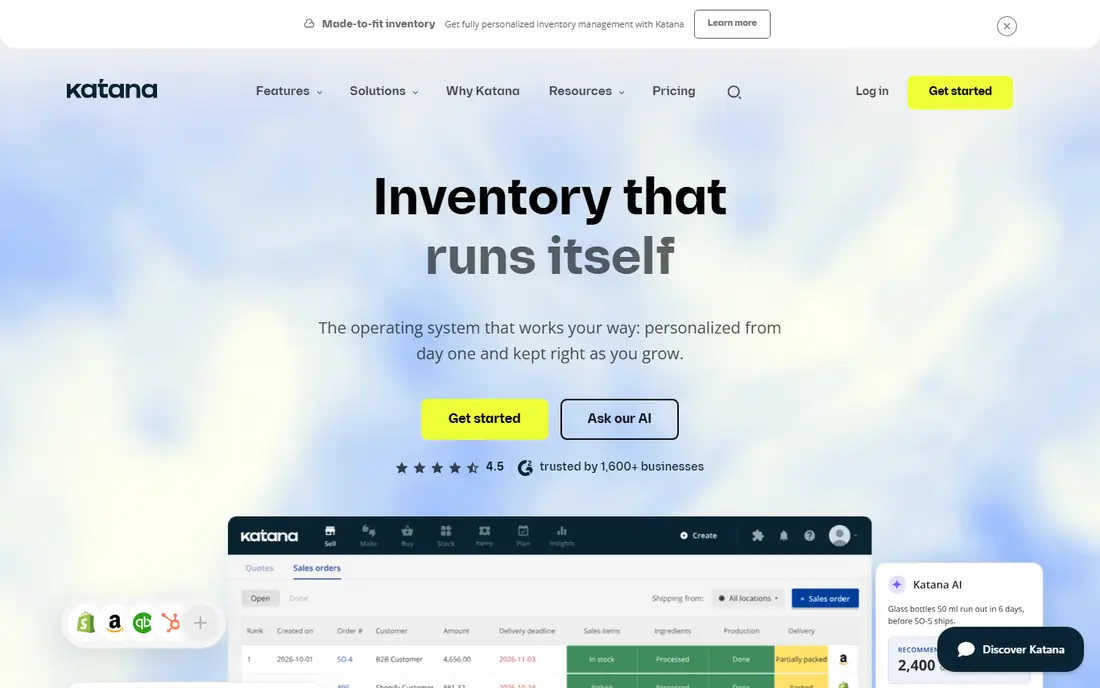
Katana is our pick for most small manufacturers who make physical products and sell online or through distributors. Inventory updates in real time as manufacturing orders move through production, so you can see raw materials, work in progress, and finished goods without reconciling spreadsheets at the end of the week. Multi-level bills of materials handle subassemblies well, which matters once a product has more than a few parts.
The catch is pricing structure. Katana revised its plans in 2026, and manufacturing, warehouse, and shop floor features sit in add-ons on some plans, so the headline plan price is not always the price you will pay. Check the current pricing page for the plan and add-ons you actually need, and test it with your own bill of materials during the trial before you commit.
- Live inventory tied to manufacturing orders
- Multi-level bills of materials
- Shop floor control and scheduling
- Pricing changed in 2026 and add-ons raise the total
- Cloud-only, with no on-premise option
MRPeasy is the best value option for a small manufacturer that needs proper material requirements planning without an enterprise budget. The Starter plan starts at $49 per user per month, and higher tiers at $69, $99, and $149 per user add capacity and features in a predictable way. It covers bills of materials, production planning, inventory, and purchasing, which is the core set most small plants actually use every day.
The trade-off is that pricing is per user, so a larger team pays more even if only a few people run production. The interface prioritises function over polish, and some deeper features only appear on higher tiers. Still, for a team of two to ten people moving off spreadsheets, MRPeasy gives you a clear upgrade path and a trial with no card required.
- Clear per-user pricing from $49 per month
- Covers MRP, inventory, and production planning
- No mandatory implementation fee
- Per-user cost grows with team size
- Interface feels more functional than polished
- Advanced features need higher tiers
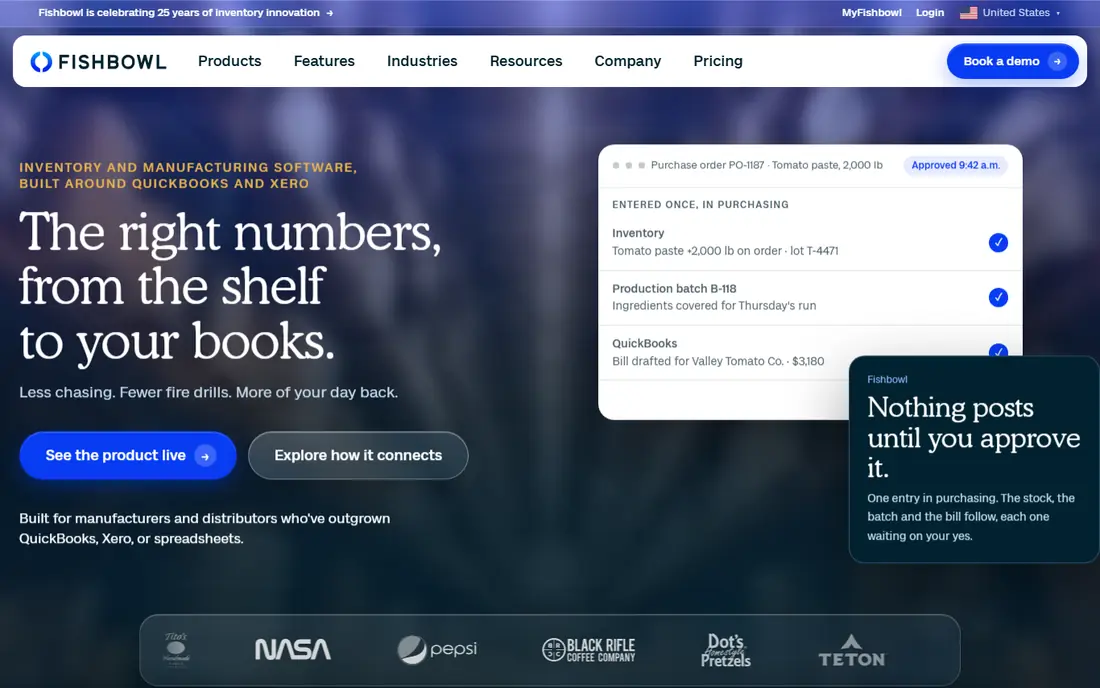
Fishbowl suits manufacturers and distributors whose biggest headache is inventory rather than production scheduling alone. It tracks stock across multiple warehouses and locations, handles part tracking and shipping, and integrates closely with QuickBooks, which helps accounting-heavy businesses keep one source of truth. The choice of on-premise or cloud deployment also suits firms with specific IT preferences.
The important warning is that basic Fishbowl inventory is not the same as Fishbowl Advanced Manufacturing. Manufacturing capability sits in a separate product with its own quoted pricing, so a buyer who only compares headline inventory prices will understate the cost. Ask for a written quote for the manufacturing product, your user count, and your deployment choice before you budget.
- Strong inventory and warehouse control
- QuickBooks integration
- On-premise or cloud deployment
- Manufacturing features sit in a separate, quoted product
- Implementation can be long
- Pricing is hard to pin down
Unleashed is a strong fit for product businesses that have outgrown basic inventory tools and now need production control as well. The core system handles inventory, purchasing, and sales, and a production add-on covers bills of materials and manufacturing. That modular approach lets a growing business pay for production only when it needs it, rather than buying a full ERP on day one.
Costs still need care. The core plan plus the production module is the real starting price for a manufacturer, and higher order volumes and extra users push the total up. Unleashed is less focused on detailed shop floor scheduling than Katana or Epicor, so plants with complex routing and machine scheduling should test that part closely during a trial.
- Clear inventory and production add-on structure
- Good for multi-channel sellers
- Handles assemblies and batches
- Production is a paid add-on
- Pricing rises with users and order volume
- Less suited to heavy shop floor control
Epicor Kinetic is the system to shortlist when a midsize manufacturer needs depth that small-business tools cannot offer. It covers advanced planning and scheduling, shop floor execution, quality management, and financials in one system, with features tuned to industries such as metal fabrication, industrial machinery, and electronics. That depth is why it appears in so many midsize plant shortlists.
The cost is the barrier. Pricing is quoted, implementation is a project rather than a signup, and a small maker will pay for capacity it never uses. If you run a plant with dozens of staff, multiple work centres, and complex scheduling, that investment can pay back. If you have a team of five, start with Katana or MRPeasy instead.
- Deep manufacturing, scheduling, and quality tools
- Built for midsize plants
- Strong industry-specific features
- Quoted pricing only
- Implementation takes time and expertise
- Overkill for a very small maker
Oracle NetSuite is a full enterprise resource planning system, not just a manufacturing tool. It brings manufacturing, inventory, order management, finance, and customer management into one cloud platform, which suits manufacturers that already run, or plan to run, several sites and need consistent reporting across the business. Its integration ecosystem is broad, and it scales well beyond the point where small tools stop coping.
That breadth comes with enterprise pricing and a serious implementation effort. NetSuite is quoted per business, and setup, data migration, and training take months rather than days. It is a good choice for a manufacturer that has outgrown separate tools and wants one system, but it is not a sensible first step for a small workshop.
- Full ERP covering manufacturing, finance, and CRM
- Cloud-based with broad integrations
- Scales across sites
- Quoted, enterprise-level pricing
- Implementation is a major project
- Complexity needs trained administrators
SAP Business One gives small and midsize manufacturers an integrated system from a vendor known for large enterprise software, scaled down to a smaller business. Finance, sales, purchasing, inventory, and production sit in one database, so a quote, a production order, and an invoice all draw on the same numbers. The partner network is large, which helps with local implementation and support in many regions.
Most buyers will need a partner to implement it, and pricing is quoted rather than published, so budget planning takes a conversation rather than a pricing page visit. The system can also feel heavy if your operation is simple and your team is small. It fits best when a manufacturer wants SAP-grade integration and expects to grow into it over several years.
- Integrated finance, inventory, and production
- Strong reporting
- Large partner network for implementation
- Quoted pricing
- Needs a partner for most implementations
- Can feel heavy for a simple workshop
Acumatica is a cloud ERP with a dedicated manufacturing edition, and it appeals to manufacturers that dislike strict per-user pricing. In many arrangements, pricing relates to the resources a business consumes rather than a headcount charge for every employee who logs in, which can suit firms with many occasional users. The system covers production, inventory, order management, and financials, with mobile access for staff away from a desk.
As with other ERP systems here, pricing is quoted and implementation usually runs through a partner, so the total cost depends on scope and configuration. Manufacturing depth also depends on how the edition is set up for your workflows, so a trial or a structured demo using your own products is essential before you sign.
- Flexible cloud ERP with manufacturing edition
- Pricing based on resources rather than per user in many cases
- Good mobile access
- Quoted pricing
- Partner-led implementation
- Manufacturing depth varies by configuration
JobBOSS, from ECi Software, is designed for job shops where every order can differ. Quoting, job costing, scheduling, and shop floor data collection are built around jobs rather than standard products, which matches how a custom fabricator or machine shop actually works. Seeing estimated versus actual job costs helps a shop price the next job better, which is often the difference between a busy shop and a profitable one.
It is less natural for repetitive, high-volume production of identical items, where a system like Epicor or NetSuite may fit better. Pricing is quoted, and training matters because shop floor staff need to record time and materials consistently for the costing to be useful. For a make-to-order shop, though, that job-centred design is a genuine advantage.
- Built for job shops and make-to-order production
- Quoting, scheduling, and job costing in one place
- Shop floor data collection
- Quoted pricing
- Narrower fit for repetitive high-volume production
- Implementation and training take time
How we picked these
We compared official feature pages, pricing pages, and public product documentation, and we favoured systems that cover bills of materials, inventory, and production in a way that matches their stated audience. We included small-business tools and full ERP systems so readers at different sizes can compare honestly, rather than pretending one tool fits every plant. We did not claim hands-on testing, and we used See website wherever pricing was quoted, bundled with add-ons, or changed recently enough that a single figure would mislead.
What to check before you buy manufacturing software
Start with your bill of materials. Bring your most complex product, with its subassemblies and variants, into the trial and see how long it takes to build and how clearly the system shows material needs. A system that handles a simple product well can still struggle with multi-level assemblies, batch tracking, or serial numbers, and those are the features that are painful to work around later.
Inventory, scheduling, and costing
Inventory accuracy is the foundation. Check how the system handles multiple locations, reorder points, lot and batch tracking, and stock adjustments, because a manufacturing system that cannot trust its stock numbers will produce wrong purchase suggestions. Scheduling matters next: look at how work orders are sequenced, how capacity is shown, and whether delays in one job are visible before they affect a delivery date. Finally, check costing. A system should show material, labour, and overhead costs per job or product clearly enough that you can spot a losing product before it eats a quarter of margin.
Pricing traps and implementation
Read pricing by unit, not by headline. Some systems charge per user, some per plan with add-ons, and some by resources consumed, and those models produce very different totals for the same team. Ask what is included in the base plan, which manufacturing features are add-ons, and what implementation, training, and support cost. A low monthly fee with a large implementation bill is not a low-cost system. Plan for data migration too: cleaning up product, supplier, and stock data before you move will save more time than any feature comparison.
Frequently asked questions
What is the best manufacturing software for a small business?
Katana and MRPeasy are the strongest starting points for most small manufacturers. Katana suits makers who want live inventory and shop floor control, while MRPeasy suits teams that want clear per-user pricing and classic MRP features. Try both with your own products before you choose.
What is the difference between MRP software and ERP software?
MRP software focuses on materials, production planning, and inventory for making things. ERP software covers those areas plus finance, sales, purchasing, and often customer management in one system. Small makers usually need MRP first, while larger firms with several departments benefit from full ERP.
How much does manufacturing software cost?
Small-business tools start around $49 per user per month on MRPeasy, while Katana and Fishbowl use plan and quoted pricing that depends on add-ons and users. Full ERP systems such as NetSuite, SAP Business One, and Epicor are quoted per business and cost substantially more once implementation is included. Always get a written quote for your team size and order volume.
Do I need manufacturing software if I only sell on Shopify or Etsy?
If you make products from raw materials, yes, once order volume grows beyond a spreadsheet. Pure inventory software tracks what you have, but manufacturing software also tracks what goes into each product, deducts materials when you produce a batch, and calculates cost per unit. That layer is what stops stockouts and margin surprises.
Can manufacturing software integrate with accounting software?
Most systems here integrate with accounting tools, and Fishbowl is known for its QuickBooks integration. Check the specific integration for your accounting package, including whether it syncs invoices, purchase orders, and stock values automatically, or only exports data for manual import.
How long does it take to implement manufacturing software?
A small-business tool can be running in days or weeks if your product and stock data are clean. A full ERP implementation usually takes months and involves a partner, data migration, and staff training. The biggest delay is rarely the software itself; it is messy product data and unclear workflows that were never written down.
Sources we checked (9)

Online Jobs is an independent blog about careers, online work, learning new skills and the tools that help people earn. More about us.
Keep reading
All posts
n8n Alternatives
n8n alternatives compared for 2026, with Zapier, Make, Activepieces, and more, covering visual builders, code steps, self-hosting, and pricing models.

ZoomInfo Alternatives
The best ZoomInfo alternatives in 2026, compared on price, free plans, data coverage, and which tool fits small teams or large sales teams best in detail.

Workday Alternatives
We compared the best workday alternatives for HR, payroll, and global hiring, from BambooHR and Gusto to Rippling, Deel, and HiBob for growing teams in 2026.