Best Low-Code Development Platforms in 2026: 9 Platforms Compared

How we put this together: we compare official feature and pricing pages, app store listings, privacy policies and public user reviews. Prices change, so check the provider's site before you pay.
Key takeaways
- Low-code splits into enterprise platforms for governed, large-scale apps and accessible builders for internal tools and startup products.
- Enterprise platforms such as OutSystems, Mendix, and Appian are mostly quote-based, so expect a sales conversation and five-figure annual budgets.
- Microsoft Power Apps is the default for Microsoft 365 shops at about $20 per user per month for the Premium plan.
- Bubble and Retool are the cheapest credible starting points, with free tiers and paid plans from about $10 to $32 per month.
- The real cost driver is users, usage, and governance, so price your app at the team size you expect in a year, not on day one.
Quick comparison
| Name | Who it suits | Starting price | Free option | |
|---|---|---|---|---|
 OutSystems | Enterprise-grade apps | See website | Yes | Visit |
 Mendix | Governed large teams | See website | Yes | Visit |
 Microsoft Power Apps | Microsoft 365 organizations | $20 per user per month | Yes | Visit |
 Appian | Regulated process automation | See website | Free trial | Visit |
 Bubble | Founder-built web apps | $32 per month | Yes | Visit |
 Retool | Developer-built internal tools | $10 per user per month | Yes | Visit |
 Glide | Spreadsheet-to-app tools | $25 per month | Yes | Visit |
 Zoho Creator | Small business apps | $8 per user per month | Yes | Visit |
 Softr | Portals and client tools | $19 per month | Yes | Visit |
The best low-code development platforms
Low-code platforms let teams build working apps with visual modeling, drag-and-drop interfaces, and far less hand-written code than traditional development. That promise covers very different products, though, from enterprise suites that govern hundreds of apps to simple builders that turn a spreadsheet into a portal. We compared official pricing pages and published 2026 comparisons, favoring platforms that are actively sold and genuinely fit low-code development.
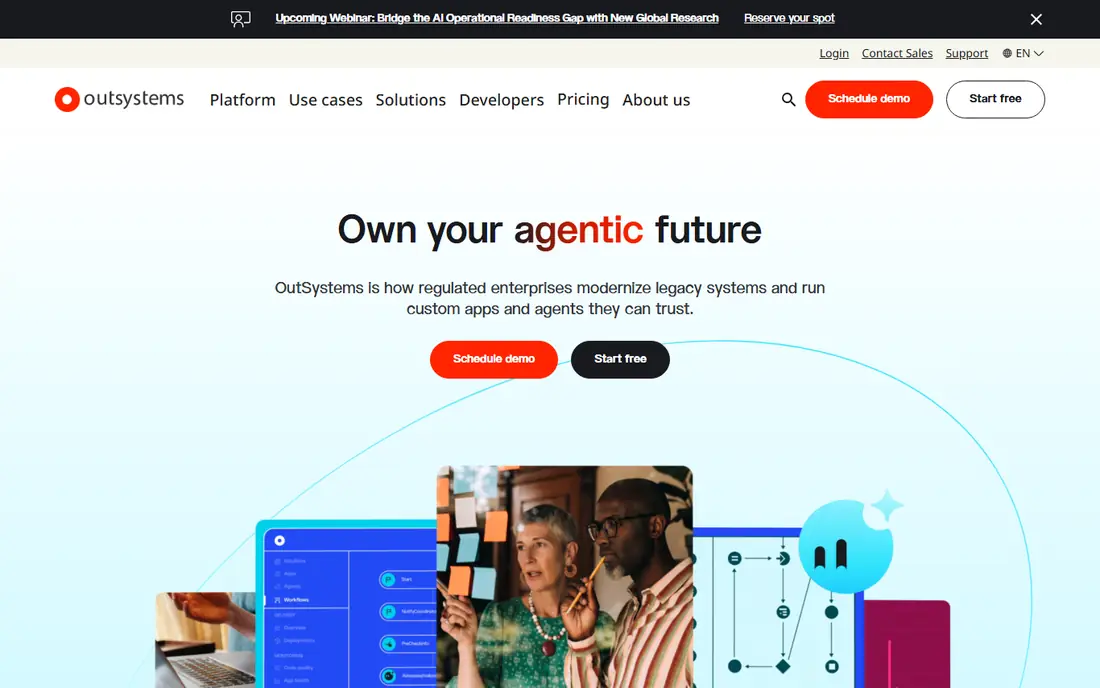
OutSystems is the enterprise pick for teams building customer-facing apps at scale. It combines visual modeling with real code extension points, so professional developers can build complex logic without fighting the platform, and apps run with the performance larger businesses expect. A free edition lets teams evaluate the environment before talking to sales.
The catch is cost and commitment. Pricing is quote-based, and published comparisons put enterprise deployments well into five figures per year. Small teams rarely need this much platform, and they will find Bubble or Glide faster and cheaper. Choose OutSystems when the app is mission-critical, the user count is large, and governance matters as much as speed.
- Strong for large customer-facing apps
- Good performance and scale
- Free edition for evaluation
- Quote-based pricing
- Needs trained developers for complex apps
- Enterprise cost
Mendix, from Siemens, suits large organizations where business analysts and developers build together under governance rules. Its model-driven approach covers web and mobile apps from one build, with version control, testing, and deployment tools that IT teams expect. A free tier helps teams learn the platform before committing.
Pricing is quote-based, and published comparisons have put entry costs near $1,000 per month per app or higher depending on scope. That puts Mendix out of reach for most startups, but for a large firm standardizing on one platform, the governance and scale justify the conversation. Pick Mendix when many teams must build safely under one set of rules.
- Strong collaboration between business and developers
- Good governance tools
- Multi-experience apps
- Quote-based pricing
- Learning curve
- Enterprise budgets required
Microsoft Power Apps is the default low-code choice inside Microsoft 365 organizations, and the reason is integration. Apps connect naturally to SharePoint, Teams, Outlook, and Dataverse, and users sign in with the accounts they already have. The Premium plan costs about $20 per user per month, and a developer plan lets individuals build and test for free.
The trade-off is licensing math. Per-user pricing grows quickly as an app spreads across a company, and external or guest access needs separate planning. Design freedom is also narrower than a founder-focused builder. For a Microsoft shop building internal tools, though, Power Apps is the path of least resistance, and our pick for most people in that situation.
- Deep Microsoft 365 and Dataverse integration
- Familiar for Office users
- Strong data connectors
- Costs grow with users
- External user licensing needs care
- Design freedom is narrower than Bubble
Appian blends low-code app building with process automation, which suits banks, insurers, government agencies, and other regulated organizations. It handles complex workflows, approvals, and case management with audit trails that compliance teams can review. AI-assisted development helps teams generate interfaces and data models faster than hand-building them.
Pricing is quote-based and enterprise-level, so small teams should look elsewhere. The platform also rewards teams that invest in training, since its process modeling depth takes time to learn. Choose Appian when the app is really a regulated process with many steps, owners, and audit needs.
- Strong process automation and case management
- Good for regulated industries
- AI-assisted development
- Quote-based pricing
- Enterprise focus
- Steeper learning curve
Bubble is the best-known tool for founders building a full web app without writing code. It covers databases, user accounts, payments, and workflows in one visual editor, and its plugin ecosystem adds features from maps to analytics. A free tier lets builders prototype before paying, and paid plans start near $32 per month, with higher tiers for more workload capacity.
The honest catch is workload pricing. Apps that grow quickly can see costs rise with usage, so founders should monitor workload units from the start. Native mobile apps also take extra effort compared with web-first builders. For a startup building a web product, marketplace, or SaaS tool, Bubble remains the most capable no-code platform in this list.
- Full web apps without code
- Flexible database and logic
- Large plugin ecosystem
- Performance depends on workload units
- Mobile apps need extra work
- Learning curve for complex logic
Retool is built for engineering-led teams that need internal tools fast: admin panels, dashboards, approval flows, and support consoles. It connects to databases, APIs, and common business tools, and developers can drop into code whenever visual building hits a limit. The Team plan starts near $10 per user per month billed annually, with a free tier for small use.
Retool is less suited to polished customer-facing products, where Bubble or OutSystems fit better. Pricing also follows builders rather than all viewers on some plans, so check the current seat model before estimating cost. For internal tools, Retool is our pick for most engineering teams, because it respects developer skills instead of hiding them.
- Fast internal tool building
- Huge connector library
- Developers can add code where needed
- Priced per builder
- Less suited to customer-facing apps
- Design polish takes effort
Glide turns a Google Sheet, Excel file, or Airtable base into a working app with almost no learning curve. Teams build directories, portals, inventory trackers, and field tools in an afternoon, and the result looks polished on mobile without design work. Paid plans start near $25 per month, with a free tier for small projects.
Complex logic is the limit. Glide suits data-driven tools far better than custom workflows or heavy automation, and usage-based update limits can raise costs as apps grow. For a team whose data already lives in a spreadsheet, Glide is the fastest route to a usable app, and the easiest to hand to non-technical staff.
- Turns spreadsheets into apps in minutes
- Very easy to learn
- Good for portals and directories
- Limited for complex logic
- Costs rise with users and updates
- Data lives in connected sheets
Zoho Creator is the budget pick for small businesses, especially those already using Zoho tools. It builds custom forms, reports, dashboards, and workflows at about $8 per user per month in published comparisons, with a free tier for evaluation. Integrations with Zoho CRM, Books, and other Zoho apps keep data flowing without extra middleware.
The interface feels less polished than Glide or Softr, and advanced customization uses Deluge scripting, which takes learning. For a small business that needs a custom internal app at a low per-user price, though, Zoho Creator delivers more value than its price suggests.
- Low per-user price
- Good Zoho integrations
- Forms, reports, and workflows included
- Interface feels less modern than rivals
- Advanced customization needs scripting
Softr builds client portals, membership sites, and internal tools from Airtable or Google Sheets data, with templates that make the first version look finished. Paid plans start near $19 per month billed annually, and a free plan covers small projects. Teams that need a gated portal for clients, partners, or staff can launch in days rather than weeks.
Softr is not a general app builder. Complex logic, heavy automation, and large custom workflows fit Bubble or Retool better, and the app stays tied to its data source. For portals and directories, Softr is the quickest polished option, and the best fit when the data already lives in Airtable or Sheets.
- Fast client portals and internal tools
- Good templates
- Connects to Airtable and Google Sheets
- Limited for complex apps
- Data source dependence
- Higher tiers needed for larger teams
How we picked these
We compared official pricing pages, feature documentation, and published 2026 comparisons, favoring platforms that are actively sold and that cover real app building rather than simple form tools. Where pricing is quote-based, we wrote See website rather than inventing a figure, and where published comparisons gave a range, we used the most commonly cited entry price. We did not claim hands-on testing we did not do.
How to choose the right platform
Start with the audience and the app type. Customer-facing products at scale point to OutSystems, Mendix, or Bubble, depending on budget and team skills. Internal tools point to Retool, Power Apps, or Zoho Creator, depending on your existing stack. Portals and directories point to Glide or Softr.
Then price the app at realistic scale. Count every user, check whether viewers and builders are priced differently, and ask how usage, updates, or workload units change the bill. Run a pilot with real data and real users before committing, and check exit options, such as code export or data export, while you still have negotiating room. The cheapest first month is rarely the cheapest first year.
Frequently asked questions
What is the best low-code development platform overall?
OutSystems and Mendix lead for enterprise apps, while Bubble leads for founder-built web products and Retool leads for internal tools. The best platform depends on audience, budget, and whether the app is customer-facing or internal.
What is the best low-code platform for small businesses?
Zoho Creator offers the lowest per-user price in this list, while Glide and Softr are faster for spreadsheet-based tools. Small businesses inside Microsoft 365 should also compare Power Apps, since its integration may outweigh a slightly higher seat price.
Is low-code really faster than traditional development?
Yes for standard apps, forms, dashboards, and workflows, where visual building removes large amounts of boilerplate code. Complex, highly custom products still need developer time, and teams should budget for design, testing, and governance alongside building.
Can low-code apps scale to many users?
Enterprise platforms such as OutSystems, Mendix, and Appian are built for scale, while Bubble and Retool scale well with the right plan and monitoring. Spreadsheet-based tools scale less gracefully, so check user and update limits before building a company-wide app on them.
Do I need to know how to code to use low-code platforms?
No for simple apps on Glide, Softr, or Zoho Creator, though coding skills help with complex logic, integrations, and performance tuning. Retool and the enterprise platforms explicitly reward teams that combine visual building with code where it adds value.
What happens to my app if I leave a low-code platform?
That depends on the vendor. Some platforms offer code or data export, while others make migration harder, so check export options and data ownership before building. Keeping core data in a system you control, such as a separate database, reduces switching risk.
Sources we checked (9)

Online Jobs is an independent blog about careers, online work, learning new skills and the tools that help people earn. More about us.
Keep reading
All posts
ZoomInfo Alternatives
The best ZoomInfo alternatives in 2026, compared on price, free plans, data coverage, and which tool fits small teams or large sales teams best in detail.

Workday Alternatives
We compared the best workday alternatives for HR, payroll, and global hiring, from BambooHR and Gusto to Rippling, Deel, and HiBob for growing teams in 2026.

Which SaaS Tools Have the Best Customer Support
Which SaaS tools have the best customer support? Compare eight popular tools on help centres, live help, response options and overall support quality.