Best Logo Maker App in 2026: 10 Apps Compared

How we put this together: we compare official feature and pricing pages, app store listings, privacy policies and public user reviews. Prices change, so check the provider's site before you pay.
Key takeaways
- Free to design usually means pay to download, so check file types and licence terms before you fall in love with a design.
- Canva is our pick for most people because a logo sits inside a full design tool for social posts, cards and decks.
- Looka Premium at $65 one time is a clear value point for print ready vector files, based on public pricing pages.
- Hatchful and Logo.com offer genuinely free routes for a simple logo, with limits on file types and editing.
- For print, signs and packaging, buy vector files (SVG or EPS) and a transparent version, or you may pay again later.
Quick comparison
| Name | Who it suits | Starting price | Free option | |
|---|---|---|---|---|
 Canva Canva | Logos plus all brand design | Free | Yes | Visit |
 Looka Looka | Guided AI logo with brand kit option | $20 one-time | No | Visit |
 Adobe Express Adobe Express | Adobe users needing quick logos | Free | Yes | Visit |
 Tailor Brands Tailor Brands | Logo plus business formation | See website | No | Visit |
 Wix Logo Maker Wix Logo Maker | Wix site owners | See website | No | Visit |
 DesignEvo DesignEvo | Template logos with free download | Free | Yes | Visit |
 BrandCrowd BrandCrowd | Browsing many logo styles | See website | No | Visit |
 Hatchful by Shopify Hatchful by Shopify | Free simple logos | Free | Yes | Visit |
 Logo.com Logo.com | Free high resolution download | Free | Yes | Visit |
 Brandmark Brandmark | Minimalist AI logos | See website | No | Visit |
The best logo maker app
A logo maker should give you a usable mark, the right files and a licence you understand, without a design degree. We compared official feature pages, pricing pages and app store listings, plus public reviews, and we kept only tools that still create and export logos in 2026. Our pick for most people is Canva, with Looka as the best one time purchase for print ready files.
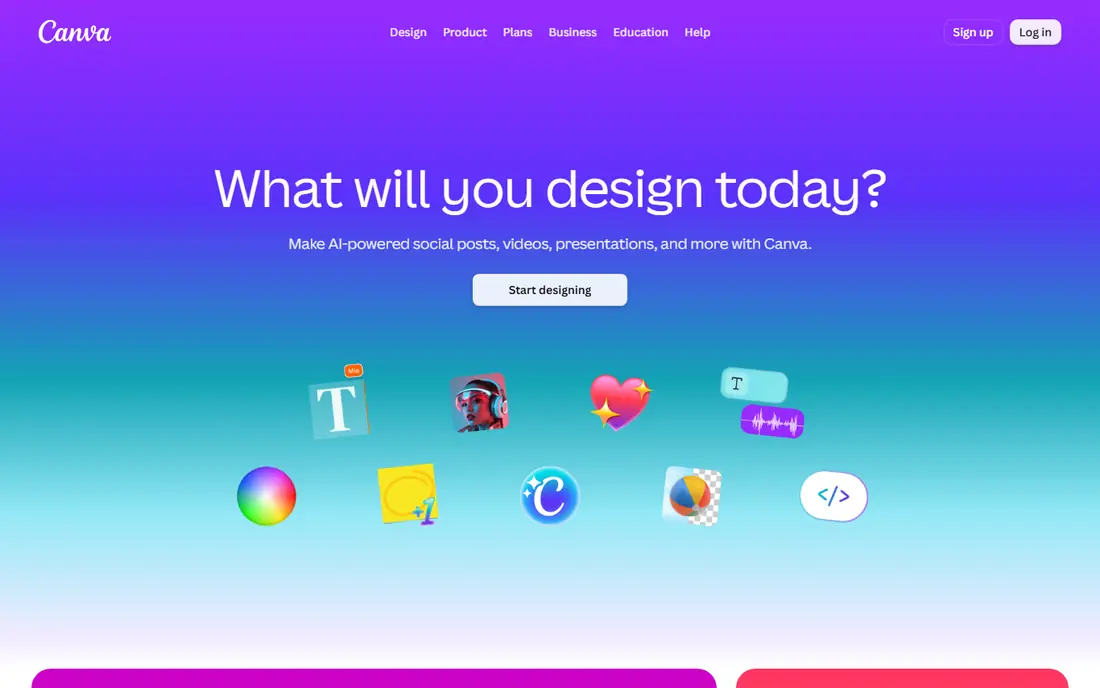
Canva is the practical choice when a logo is only the first design job. You can start from a template, change colours, fonts and layout, then reuse the same brand assets for social posts, business cards and presentations. That continuity saves time for small teams that do not want a separate tool for every asset. The free plan is enough to test ideas and create a basic logo.
The limits matter for professional use. Transparent PNG exports and full brand kit controls sit on paid plans, and premium elements can carry extra licence conditions. Check which elements are free before you publish. If you need a logo plus a steady stream of marketing designs, Canva is hard to beat for value and speed.
- Huge template and font library
- Logo work flows into social, print and deck designs
- Free plan covers basic creation
- Free exports have limits on transparent backgrounds and premium elements
- Brand kit controls are stronger on paid plans
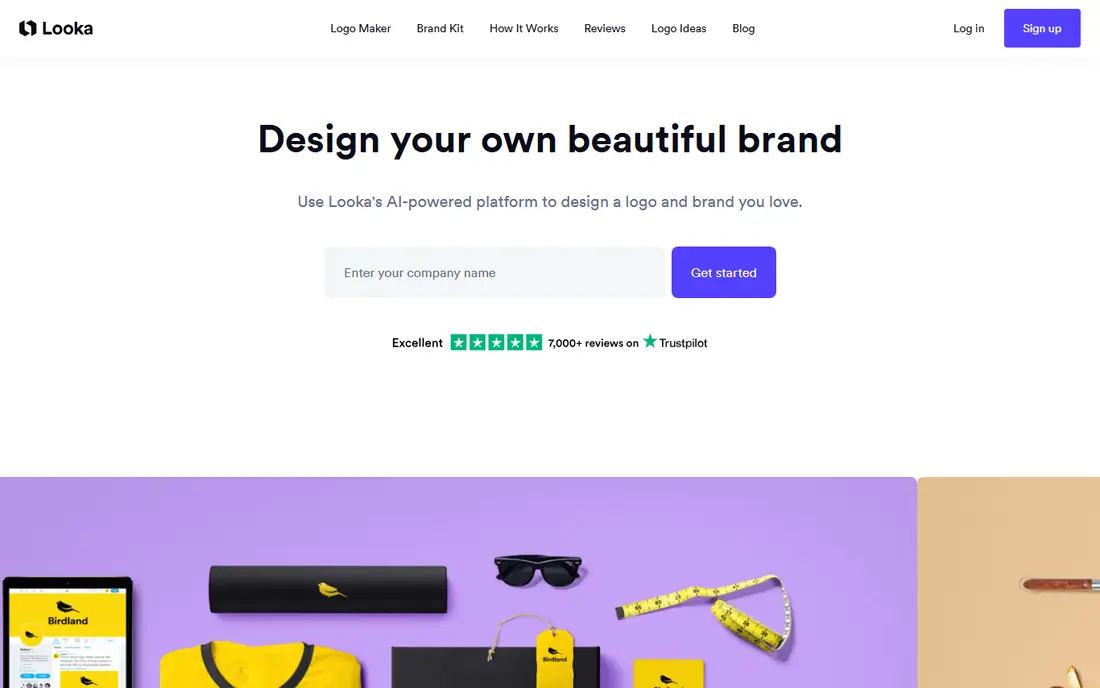
Looka starts with questions about style, colours and symbols, then shows concepts that match those choices. That guided start cuts down on endless scrolling through unrelated marks. The Premium package at $65 one time, listed on public pricing pages, is the sensible minimum for most businesses because it includes high resolution PNG, SVG, EPS and PDF files with a transparent background.
The Basic package is a trap for professional use, since it gives a single PNG without transparency or vector files. Skip it unless the logo is only for a quick test. If you want a polished mark plus ready made social templates, add the Brand Kit subscription, but buy Premium once if you only need the logo files.
- Guided questionnaire before designs appear
- Premium package includes vector files
- Optional Brand Kit for social and print templates
- Basic $20 package is limited to a low resolution PNG
- Brand Kit is a recurring subscription
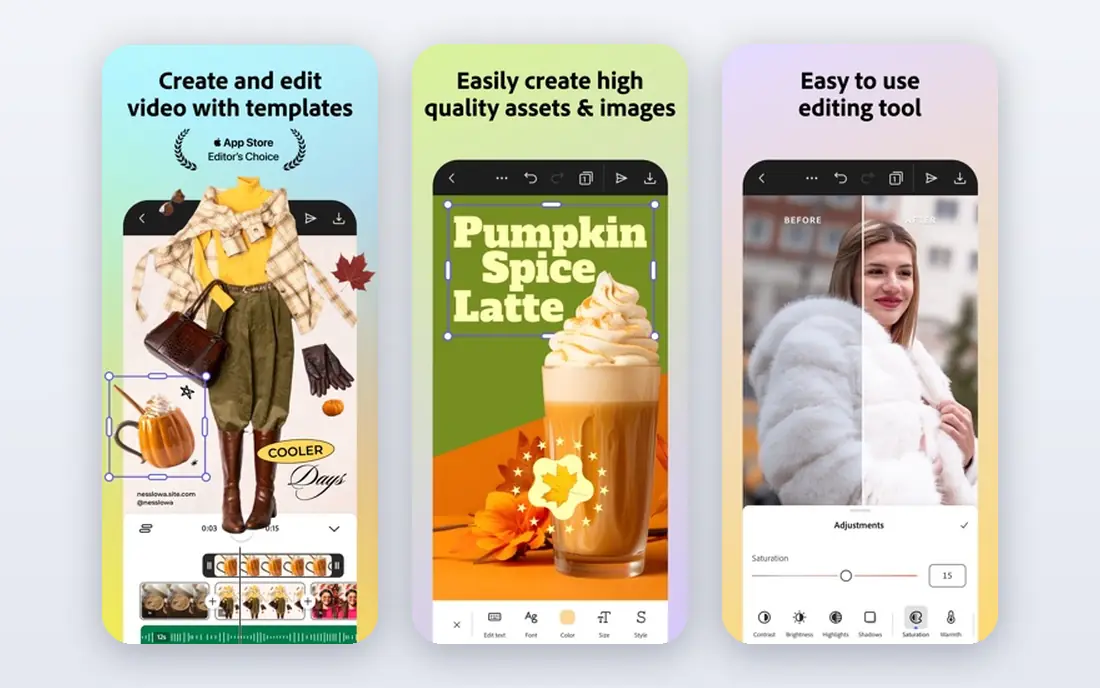
Adobe Express suits people who already live in Adobe tools or want a clean, professional result without a steep learning curve. Templates are polished, fonts are strong, and the editor is simple enough for a first logo in an afternoon. You can also move assets into other Adobe workflows if your design needs grow.
It is less guided than Looka for generating concepts from a questionnaire, so you may spend more time browsing templates. Paid features open up more assets and brand controls. Choose Adobe Express if you value Adobe quality and already use its tools, and check the free export limits before you finalise a design.
- Clean templates and Adobe fonts
- Logo work connects to other Adobe tools
- Free plan covers basic creation and PNG export
- Full brand controls and premium assets need a paid plan
- Less AI guided than Looka for logo concepts
Tailor Brands is built for founders who need more than a mark. The flow can cover logo design, business formation, domain search and a website, which helps a new US business get started in one account. That bundle is convenient when you are setting up a company and a brand at the same time, and the guided steps reduce early decisions.
If you only need a logo, the bundle is overkill and the subscription model costs more over time than a one time purchase from Looka. Check exactly which plan gives vector files and full ownership before paying. Tailor Brands fits best when formation and branding happen together, not when you already have a business and just need a mark.
- Logo design linked to business formation, domain and website tools
- Guided brand setup for new founders
- Useful for US founders forming a company
- Logo download is tied to paid plans
- Subscription cost adds up if you only need a logo
Wix Logo Maker makes sense when the website is the main project. The tool asks about style and industry, generates options, and lets you customise colours, fonts and layout to match a Wix site. That link between site and logo keeps colours and fonts consistent without manual work, which is a real time saver for small owners.
Standalone buyers should compare carefully. Pricing is tied to Wix plans and logo packages, so it is less simple than a single one time fee. If you already use Wix, or plan to build there, the integration is a strong reason to choose it. If you need only a logo for print and social, Looka or Canva may be simpler.
- Logo matches a Wix site and brand assets
- Guided questionnaire for style and colours
- Useful for owners building site and logo together
- Best value sits inside the Wix ecosystem
- Standalone logo pricing is less clear than one time rivals
DesignEvo is a good test bed for ideas. Thousands of templates cover common industries, and the free tier lets you download a basic logo without paying, which is rarer than it sounds. That free route is useful for a hobby project, a draft for feedback, or a very tight budget. Paid plans add higher resolution and vector files for professional use.
The free file will not suit print or large signs, and a template logo needs colour, font and layout changes to avoid looking generic. Treat DesignEvo as a fast, low cost start, then pay for a higher plan if the logo will appear on packaging, signage or merchandise. For simple digital use, the free tier is a genuine win.
- Large template library
- Genuinely free download tier for basic use
- Paid plans add vector files and higher resolution
- Free download is low resolution
- Templates can look familiar if used without customisation
BrandCrowd is for browsers. The library is huge, so you can compare many styles quickly and refine a shortlist before editing. Customisation covers colours, fonts, layout and icons, and the platform also offers business card and social templates that match the chosen mark. That breadth helps when you know the feel you want but not the exact design.
Pricing and licence clarity are the watch points. Some options show full pricing only at checkout, and terms vary by package, so confirm file types and commercial rights before paying. BrandCrowd fits buyers who want choice and are willing to check the checkout details, rather than buyers who want a single guided price upfront.
- Very large logo library to browse
- Easy customisation of colours and fonts
- Brand templates for cards and social posts
- Pricing is shown at checkout for many options
- Licence terms need careful reading before commercial use
Hatchful, from Shopify, is the lowest friction free logo maker on this list. You pick an industry, a style and colours, then download a set of files for social and web use at no cost. For a new store, a side project or a draft brand, that is enough to launch without spending on design before you know if the idea works.
Simplicity is the limit. Logos are template based, editing is basic, and you will not get the same vector control or brand kit depth as paid tools. If the business grows, plan to upgrade to a paid logo or a designer later. As a free starting point, Hatchful is honest about what it offers, and that honesty is rare in this category.
- Completely free to create and download
- Simple guided flow for new stores
- Useful for Shopify sellers testing a brand
- Designs are simple and template based
- Editing and file options are limited compared with paid tools
Logo.com stands out because its free route can deliver a usable high resolution file, not only a tiny preview. The AI flow generates options from your business name and preferences, then lets you adjust colours, fonts and layout. For a new business with no design budget, that free download removes the usual paywall at the last step.
Advanced brand kit features and some file types sit behind paid options, and AI marks still need editing to feel distinct. Spend time on colours, spacing and font choice, and test the logo at small sizes for social avatars. Logo.com is a strong free first choice, with a paid upgrade path if you later need more brand assets.
- AI generated logos with a free high resolution download route
- Simple customisation
- Good for tight budgets
- Free tier limits on advanced brand tools
- Designs can feel generic without careful editing
Brandmark appeals to founders who want a clean, modern mark without clutter. The AI generates simple logos, icons and colour palettes, and the style tends toward tech, consulting and service brands. One time packages avoid a recurring logo bill, which suits buyers who want to pay once and move on.
The minimalist look is not right for playful, vintage or highly detailed brands, and you pay at download, so the free design stage is only a preview. Check the package for vector files and licence terms before buying. If a simple, modern mark fits your brand, Brandmark is a focused alternative to broader template libraries.
- Minimalist AI generated marks with a clean style
- One time purchase options
- Brand guide options on higher tiers
- Design free, pay to download
- Minimalist style will not suit every industry
How we picked these
We compared official feature pages, pricing pages and app store listings, plus public reviews, and we kept only tools that still create and export logos in 2026. We looked for template quality, AI guidance, editing control, file types, licence clarity and price transparency. We did not claim hands on testing that did not happen. Where public pricing pages conflicted by region or plan, we used See website instead of guessing a figure.
File types and licences mattered as much as design quality. A tool that only exports a low resolution PNG is not a professional logo tool, even if its templates look good. We ranked tools that give vector files and clear commercial rights higher for business use.
What to check before you pay
Check file types first
Ask for SVG or EPS for print, plus a transparent PNG for web and social use. If a plan only offers a flat PNG, you will likely pay again when you need signs, shirts or packaging.
Read the licence, not just the price
Some plans allow commercial use, while others limit resale or require attribution for certain elements. Confirm who owns the final mark, whether the design is exclusive, and whether premium fonts or icons carry extra limits.
Test the logo at small sizes
A mark that looks good large can turn to mush as a social avatar or favicon. Test it at 32 pixels, in black and white, and on a dark background before you finalise it.
Frequently asked questions
What is the best logo design app for free?
Canva, Hatchful and Logo.com offer the strongest free routes, with DesignEvo also giving a free basic download. Free plans work for digital use, but print ready vector files usually need a paid plan.
What is the best app to create a logo for a small business?
Canva is our pick for most small businesses because the logo sits inside a full design tool. Looka Premium is better if you want a one time purchase with vector files and no ongoing design subscription.
Is Looka or Canva better for logos?
Looka is better for a guided logo purchase with print ready files, while Canva is better if you also design social posts, cards and decks every week. Many owners use Looka for the master logo and Canva for daily marketing.
Can I use a free logo for commercial use?
It depends on the tool and plan. Canva free, Hatchful and Logo.com allow commercial use for many basic designs, but premium elements and some templates carry limits. Read the licence for your exact plan before you print or sell with the mark.
What file type should a logo be?
Use SVG or EPS for print and scaling, PNG with a transparent background for web and social, and PDF for printers who ask for it. A good logo package includes all of these, not only a JPG.
How much should a logo maker cost?
A simple free logo can work for a test brand, a good one time logo costs around $20 to $65 on public pricing pages, and a brand kit subscription adds an annual cost. A custom designer costs far more, and is worth it when brand identity is a core differentiator.
Sources we checked (10)

Online Jobs is an independent blog about careers, online work, learning new skills and the tools that help people earn. More about us.
Keep reading
All posts
Workday Alternatives
We compared the best workday alternatives for HR, payroll, and global hiring, from BambooHR and Gusto to Rippling, Deel, and HiBob for growing teams in 2026.

Which SaaS Tools Have the Best Customer Support
Which SaaS tools have the best customer support? Compare eight popular tools on help centres, live help, response options and overall support quality.

Top AI Helpdesk Software
Searching for top AI helpdesk software in 2026? We compared 8 AI helpdesks on automation, pricing, channels and ease of setup for small and growing teams.