Best LMS Platforms in 2026: 8 Platforms Compared

How we put this together: we compare official feature and pricing pages, app store listings, privacy policies and public user reviews. Prices change, so check the provider's site before you pay.
Key takeaways
- TalentLMS is the most affordable serious entry point for small training teams, with a free plan and paid plans from $119 per month.
- LearnWorlds starts at $24 per month and suits creators selling courses, while Docebo and Absorb LMS target larger employers on quoted pricing.
- Moodle is free to self-host, but hosting, setup, and maintenance become your job, so the total cost is rarely zero.
- Course-selling tools and employee-training tools overlap, yet they differ sharply on portals, compliance reporting, and checkout features.
Quick comparison
| Name | Who it suits | Starting price | Free option | |
|---|---|---|---|---|
 TalentLMS TalentLMS | Affordable small-team training | $119 per month | Yes | Visit |
 LearnWorlds LearnWorlds | Selling branded online courses | $24 per month | Free trial (30 days) | Visit |
 Teachable Teachable | Simple course selling for creators | See website | No | Visit |
 Thinkific Thinkific | Course stores with group sales | See website | No | Visit |
 Docebo Docebo | Large-scale enterprise learning | See website | No | Visit |
 Absorb LMS Absorb LMS | Polished mid-market training delivery | See website | No | Visit |
 Moodle Moodle | Free open-source learning platform | Free | Yes | Visit |
 Canvas LMS Canvas LMS | Schools and higher education | See website | No | Visit |
The best LMS Platforms
A learning management system can run employee training, customer education, or a course business, but those jobs need different strengths. We compared pricing pages, user limits, and selling features for the platforms below. Confirm current pricing before you buy, since plans and user bands change often.
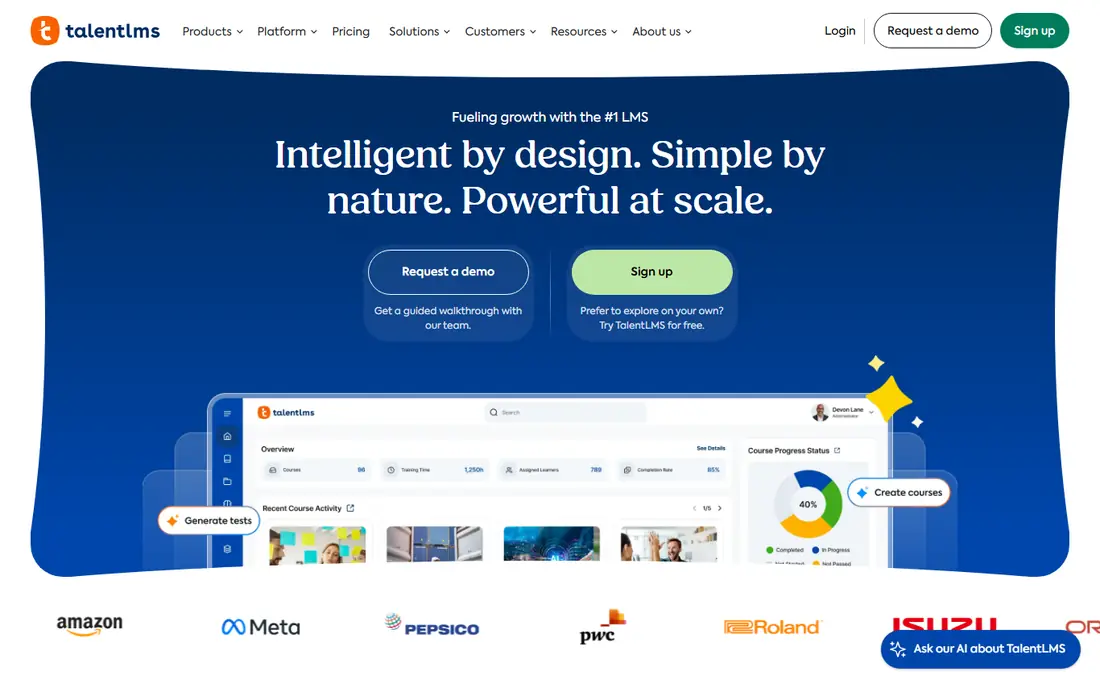
TalentLMS fits small companies that need training live fast without a long implementation. In our comparison, its free plan lets a small team test real courses before paying. Pricing sits at $119 per month, with a free option listed as Yes, so check the plan page for the exact limits before you commit. Teams that match the best-for description above will get the most from it, while teams outside that group should weigh the trade-offs carefully. The honest catch is that reporting and automation are lighter than enterprise platforms offer. That weakness does not make it a poor product, but it does decide whether it fits your situation. If the strength matters more than the weakness for your team, it belongs on your shortlist. If not, one of the other options in this list will serve you better.
- Free plan for up to 5 users
- Simple setup
- Branches for separate teams
- Paid plans price by user bands, so costs step up as you grow
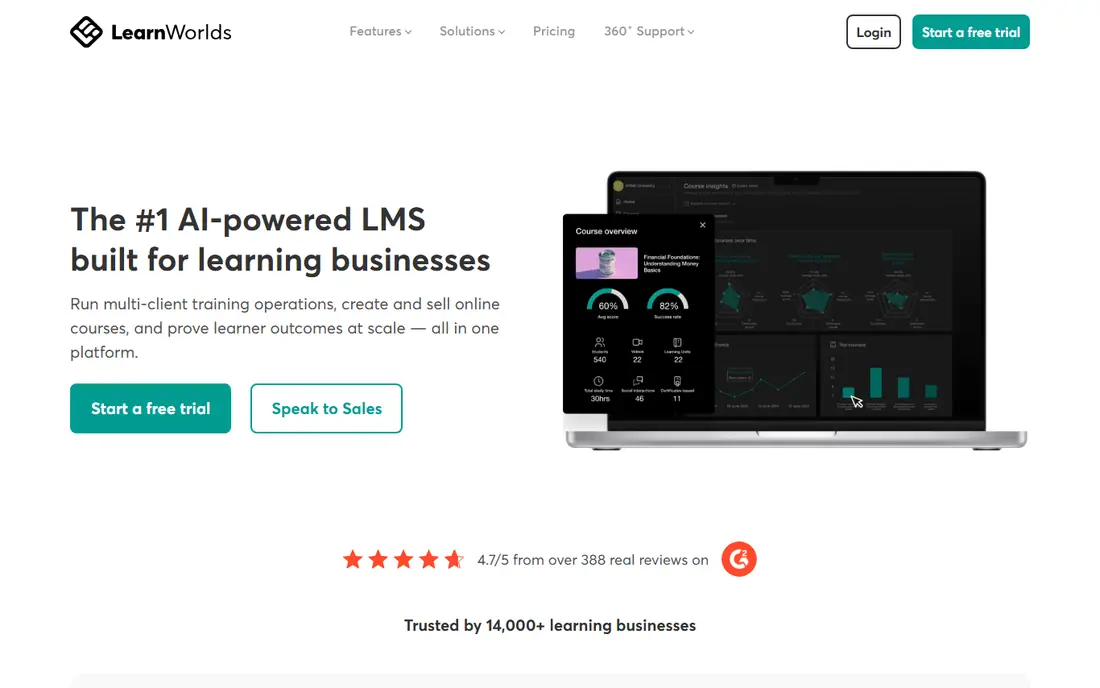
LearnWorlds fits creators and training firms selling courses under their own brand. In our comparison, its combined site builder and checkout remove the need for extra selling tools. Pricing sits at $24 per month, with a free option listed as Free trial (30 days), so check the plan page for the exact limits before you commit. Teams that match the best-for description above will get the most from it, while teams outside that group should weigh the trade-offs carefully. The honest catch is that teams focused on internal compliance training may find selling features get in the way. That weakness does not make it a poor product, but it does decide whether it fits your situation. If the strength matters more than the weakness for your team, it belongs on your shortlist. If not, one of the other options in this list will serve you better.
- Built-in course selling and checkout
- Branded academy sites
- Strong course builder
- Full white-label features sit on higher plans
- Per-learner limits apply
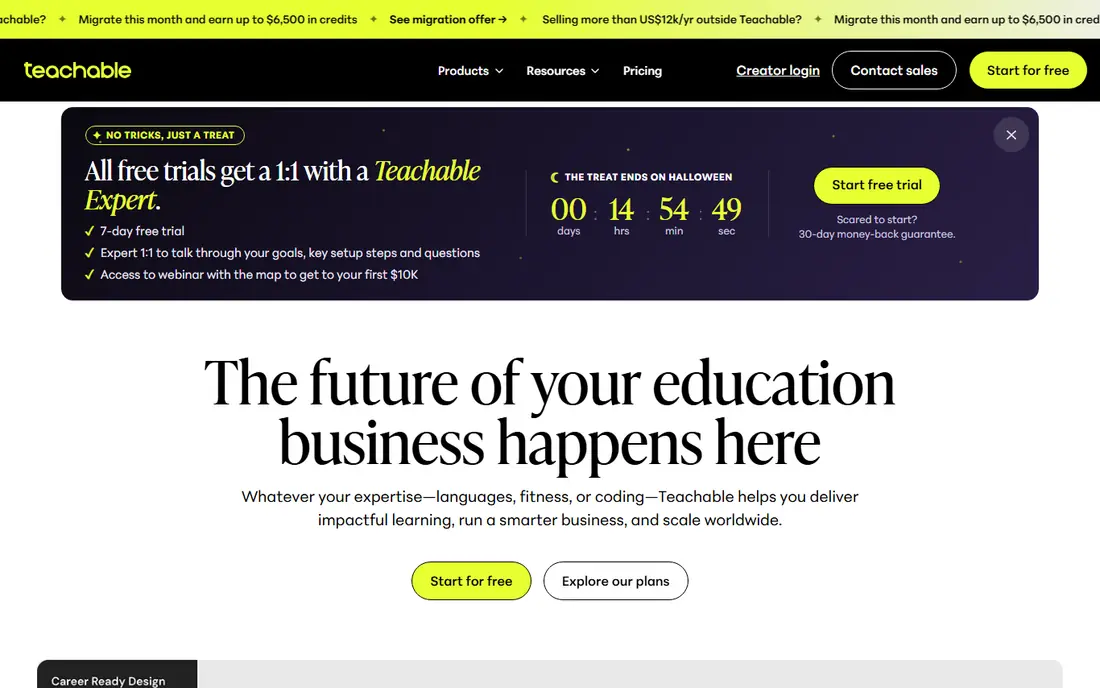
Teachable fits solo creators who want a simple store for a few courses. In our comparison, its checkout and payment handling keep selling simple for beginners. Pricing sits at See website, with a free option listed as No, so check the plan page for the exact limits before you commit. Teams that match the best-for description above will get the most from it, while teams outside that group should weigh the trade-offs carefully. The honest catch is that employers needing compliance tracking should look at TalentLMS or Docebo instead. That weakness does not make it a poor product, but it does decide whether it fits your situation. If the strength matters more than the weakness for your team, it belongs on your shortlist. If not, one of the other options in this list will serve you better.
- Easy course setup
- Built-in payments and tax handling
- Large creator community
- Limited training management features for employers
- Branding control is limited on lower plans
Thinkific fits course sellers who also sell seats to teams or clients. In our comparison, its group selling options suit training firms with business customers. Pricing sits at See website, with a free option listed as No, so check the plan page for the exact limits before you commit. Teams that match the best-for description above will get the most from it, while teams outside that group should weigh the trade-offs carefully. The honest catch is that internal training reporting is weaker than dedicated employee LMS options. That weakness does not make it a poor product, but it does decide whether it fits your situation. If the strength matters more than the weakness for your team, it belongs on your shortlist. If not, one of the other options in this list will serve you better.
- Flexible course and membership selling
- Group and bulk seat options
- Custom domains
- Advanced features and white-label options sit on higher tiers
Docebo fits large employers and enterprises with complex training needs. In our comparison, its automation and portal options handle many audiences from one system. Pricing sits at See website, with a free option listed as No, so check the plan page for the exact limits before you commit. Teams that match the best-for description above will get the most from it, while teams outside that group should weigh the trade-offs carefully. The honest catch is that small teams will find the sales process and price hard to justify. That weakness does not make it a poor product, but it does decide whether it fits your situation. If the strength matters more than the weakness for your team, it belongs on your shortlist. If not, one of the other options in this list will serve you better.
- Strong automation and integrations
- Extended enterprise portals
- Broad content options
- Quote-only pricing aimed at larger budgets
- Implementation takes time
Absorb LMS fits mid-sized companies that want a polished learner experience. In our comparison, its learner interface is one of the cleanest in this list. Pricing sits at See website, with a free option listed as No, so check the plan page for the exact limits before you commit. Teams that match the best-for description above will get the most from it, while teams outside that group should weigh the trade-offs carefully. The honest catch is that buyers need a quote to compare it fairly against published-price rivals. That weakness does not make it a poor product, but it does decide whether it fits your situation. If the strength matters more than the weakness for your team, it belongs on your shortlist. If not, one of the other options in this list will serve you better.
- Clean learner experience
- Ecommerce and extended enterprise options
- Solid reporting
- Quote-only pricing
- Content libraries cost extra
Moodle fits schools and organisations with technical staff and tight budgets. In our comparison, its open-source model gives full control at no licence cost. Pricing sits at Free, with a free option listed as Yes, so check the plan page for the exact limits before you commit. Teams that match the best-for description above will get the most from it, while teams outside that group should weigh the trade-offs carefully. The honest catch is that the real cost appears in hosting, maintenance, and admin time. That weakness does not make it a poor product, but it does decide whether it fits your situation. If the strength matters more than the weakness for your team, it belongs on your shortlist. If not, one of the other options in this list will serve you better.
- Free open-source core
- Huge plugin library
- Full control over data and hosting
- You handle hosting, updates, and support
- Setup needs technical skill
Canvas LMS fits schools, colleges, and universities running formal courses. In our comparison, its academic toolset fits graded courses better than most business platforms. Pricing sits at See website, with a free option listed as No, so check the plan page for the exact limits before you commit. Teams that match the best-for description above will get the most from it, while teams outside that group should weigh the trade-offs carefully. The honest catch is that small businesses may find academic workflows heavier than they need. That weakness does not make it a poor product, but it does decide whether it fits your situation. If the strength matters more than the weakness for your team, it belongs on your shortlist. If not, one of the other options in this list will serve you better.
- Built for academic courses
- Strong grading and course tools
- Widely used in education
- Pricing is quote-based
- Business training features differ from academic ones
How we picked these
We compared official pricing pages, free plan terms, and user limits, plus public comparison guides that quoted vendor pricing in 2026. We did not claim hands-on testing. Where pricing is quote-only, we say so, and we flag self-hosted costs for Moodle rather than calling it free in every sense. We focused on products that exist and work today, that truly fit the topic, and that ordinary buyers can actually sign up for. We compared official feature and pricing pages first, and used public reviews and comparison guides only to cross-check figures. We did not invent prices, awards, counts, or features, and where a figure could not be verified we used See website instead.
What to check before you buy
First, settle who the learners are. Employees need compliance tracking, manager reporting, and reminders. Customers need a smooth buying path. Students need grading. One platform rarely leads on all three, so rank your audience first. Next, model cost at your real headcount in 12 months, not today. User-band pricing can jump sharply at a threshold, and per-learner plans behave differently. Finally, trial with real content. Upload one full course, invite a few real learners, and test reporting, mobile access, and certificates. A demo with sample content hides most problems. Also check contract terms before you sign. Notice periods, renewal prices, and data export options matter more after the first year than during a trial. A tool that is hard to leave is a tool you should price with extra care.
Frequently asked questions
What is the best LMS software for small business?
TalentLMS is our pick for most small teams, thanks to its free plan and $119 per month entry paid plan. LearnWorlds is the better choice if selling courses is the main job.
What is the best learning management system for employee training?
TalentLMS, Absorb LMS, and Docebo all handle employee training well, at different budgets. TalentLMS suits small teams, Absorb suits mid-sized firms, and Docebo suits enterprises.
Is there a free LMS platform?
Yes. Moodle is free to self-host as open-source software, and TalentLMS offers a free plan for up to 5 users. Both have real limits, in hosting effort for Moodle and user count for TalentLMS.
What is the difference between an LMS and a course platform?
An LMS usually focuses on tracking learners, completions, and compliance, while a course platform focuses on selling courses. Many products do both, but check which side is stronger before buying.
How much does an LMS cost?
Prices here range from free for self-hosted Moodle to $24 per month for LearnWorlds and $119 per month for TalentLMS, up to quoted enterprise pricing for Docebo and Absorb LMS.
Sources we checked (8)

Online Jobs is an independent blog about careers, online work, learning new skills and the tools that help people earn. More about us.
Keep reading
All posts
Workday Alternatives
We compared the best workday alternatives for HR, payroll, and global hiring, from BambooHR and Gusto to Rippling, Deel, and HiBob for growing teams in 2026.

Which SaaS Tools Have the Best Customer Support
Which SaaS tools have the best customer support? Compare eight popular tools on help centres, live help, response options and overall support quality.

Top AI Helpdesk Software
Searching for top AI helpdesk software in 2026? We compared 8 AI helpdesks on automation, pricing, channels and ease of setup for small and growing teams.