Best Live Chat Software for Small Business in 2026: 8 Tools Compared

How we put this together: we compare official feature and pricing pages, app store listings, privacy policies and public user reviews. Prices change, so check the provider's site before you pay.
Key takeaways
- Free plans from Tidio, Crisp, and HubSpot cover a small team well, but limits on seats, conversations, and branding matter more than the headline price.
- LiveChat and Zendesk suit teams that answer chat all day, while Tidio and Crisp fit smaller shops that want chat plus simple automation.
- Per-agent pricing grows fast when a second or third person joins, so flat workspace pricing can be cheaper for a team with several part-time agents.
- The best live chat software for websites is the one visitors actually reach, so test the widget on mobile, check offline messages, and confirm it works with your existing inbox or CRM.
Quick comparison
| Name | Who it suits | Starting price | Free option | |
|---|---|---|---|---|
 LiveChat LiveChat | Chat-first support teams | See website | Free trial | Visit |
 Tidio Tidio | Small online stores | See website | Yes | Visit |
 Intercom Intercom | Growing product and service teams | See website | Free trial | Visit |
 Zendesk Zendesk | Teams that need chat plus tickets | See website | Free trial | Visit |
 Crisp Crisp | Small teams that want flat pricing | See website | Yes | Visit |
 HubSpot Live Chat HubSpot Live Chat | Teams already using HubSpot | Free | Yes | Visit |
 Zoho SalesIQ Zoho SalesIQ | Small teams on a tight budget | See website | Yes | Visit |
 Freshchat Freshchat | Freshworks users and small teams | See website | Yes | Visit |
The best live chat software for small business
A visitor with a question is close to buying, booking, or leaving. Live chat catches that moment, and for a small business the right tool should be quick to install, easy for one or two people to run, and priced in a way that stays fair as the team grows. We compared official feature pages, pricing pages, and app listings, and we weighed setup effort, mobile apps, automation, and how each tool handles chats when no one is online.
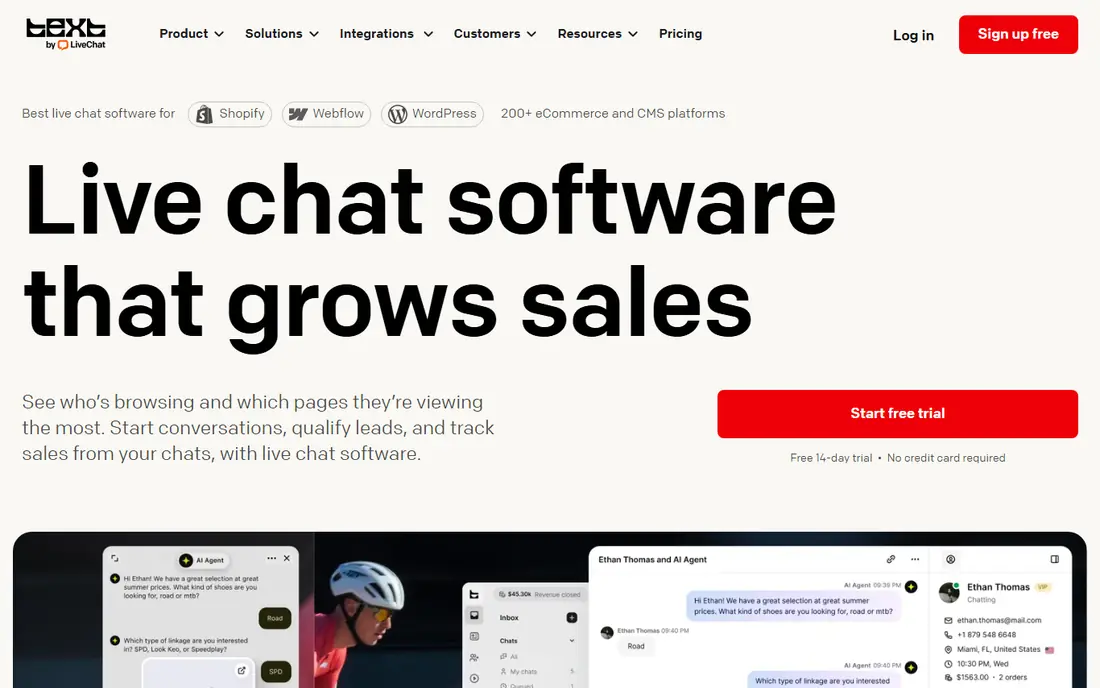
LiveChat feels built for people who live in the chat window. Agents get a clean queue, visitor details, typing previews, and canned replies that cut down on repeated typing. For a small shop with steady chat volume, that focus keeps replies fast and consistent, and managers can see response times and missed chats without digging through menus.
The catch is the per-agent model. A solo owner pays one seat, but a team of four part-timers pays four seats even if each person only answers a few chats a day. Check the plan limits before you commit, and use the trial to test the widget on your own site, on a phone, and during a busy hour. If chat is your main support channel, the polish is worth the price. If chat is occasional, a free or flat-priced option may fit better.
- Polished agent workspace
- Strong chat routing and canned replies
- Useful reports and integrations
- Costs rise per agent
- Some features sit on higher plans
- No permanent free plan
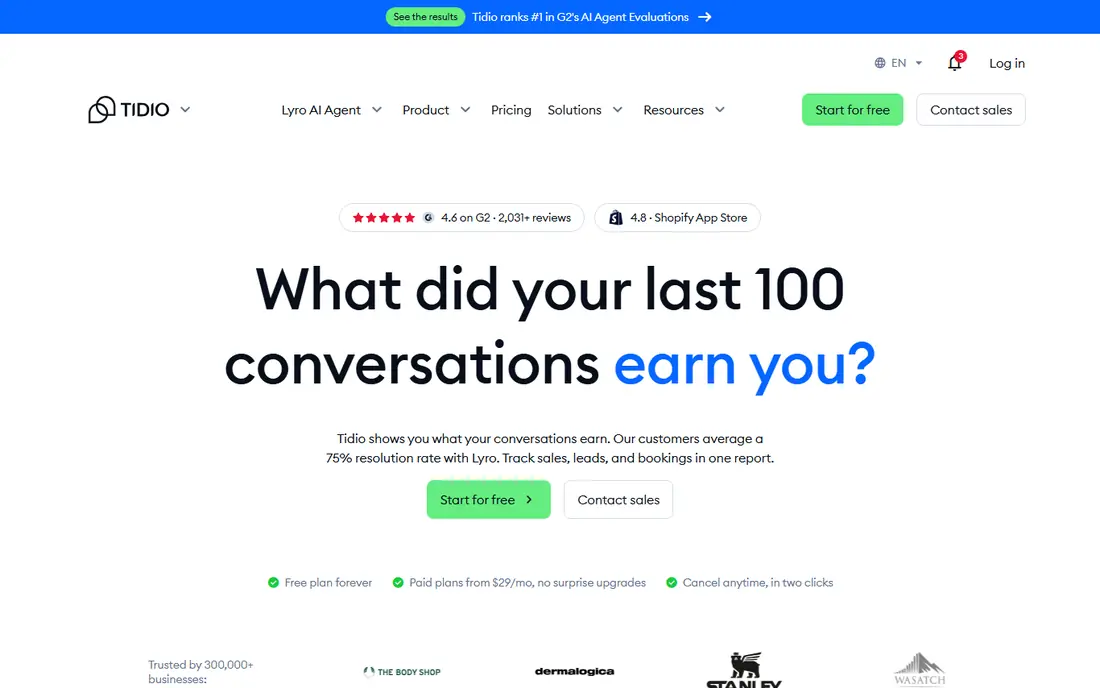
Tidio is a friendly first step for a small store. The free plan lets you add chat, answer visitors, and try simple automation without paying, and the visual builder makes a basic chatbot feel doable for a non-technical owner. It connects with common store platforms, so agents can see order context instead of asking the customer to repeat it.
The trade-off is in the limits. Paid tiers change what you get in conversations, seats, and AI handling, so a store that grows quickly should price the next tier, not just the entry tier. Still, for a business that wants live chat plus a chatbot on one bill, Tidio is one of the easiest places to start, and the free plan makes it low risk to try.
- Free plan for getting started
- Visual chatbot builder
- Store integrations for order questions
- Paid plans are priced by package and limits
- Advanced AI features cost extra
- Chat limits need checking
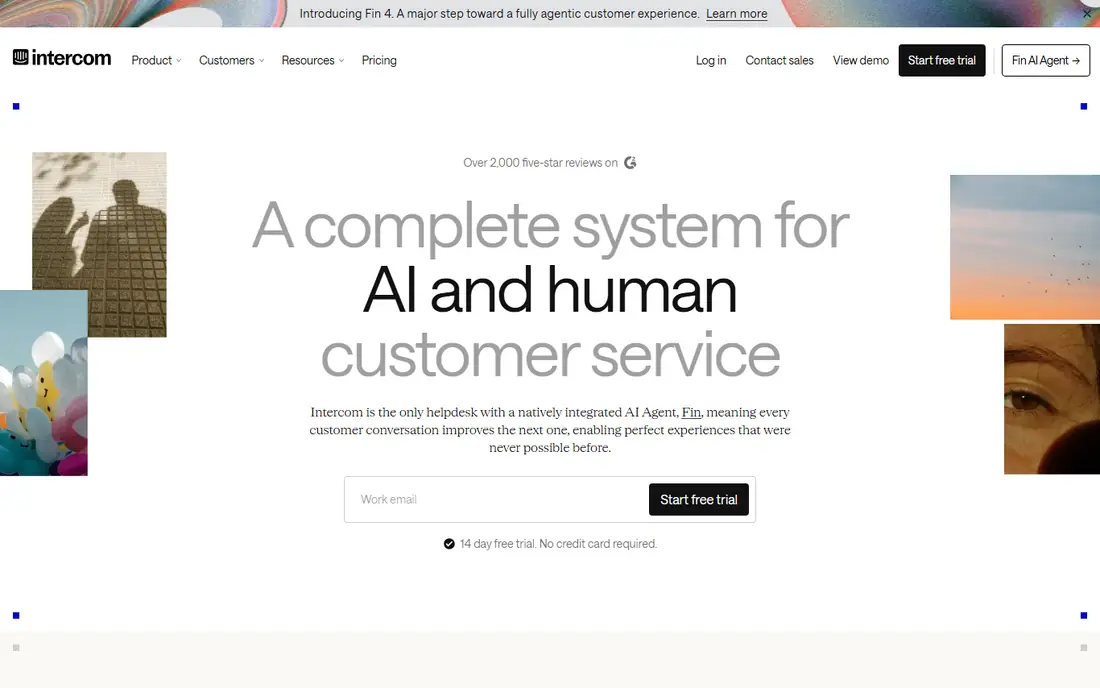
Intercom is more than a chat box. It brings messaging, a help center, outbound messages, and an AI agent into one place, which suits a software company or a service business that talks to customers before, during, and after a sale. The customer view pulls history together, so a returning visitor does not have to start from scratch each time.
That depth comes with cost and setup time. Pricing depends on seats and on AI usage in some plans, so a small team should map its real chat volume before choosing a tier. If you only need a simple widget on a brochure site, Intercom is more than you need. If support is part of your product, and you plan to add self-serve help and automation, it is a strong long-term pick.
- Strong messaging, help center, and AI agent options
- Good automation and customer data
- Scales with a growing team
- Pricing can climb with seats and usage
- Setup takes longer than a simple chat widget
- Smaller teams may not need the full suite
Zendesk suits a small business that has outgrown a lone inbox. A chat can become a ticket, a ticket can carry the chat history, and a manager can route work by topic, language, or team. That structure helps when two or three people share support and no one should drop a conversation.
For a very small team, the full suite can feel like a lot. The entry cost is higher than a chat-only tool, and the settings take time to get right. But if your business already handles email support, or you expect chat, email, and phone to converge, Zendesk gives you one queue to manage instead of three separate tools.
- Chat, email, and tickets in one system
- Strong reporting and routing
- Large integration library
- Higher entry price for full suites
- Setup can feel heavy for a tiny team
- Some chat features depend on the plan
Crisp appeals to small teams because paid pricing is per workspace rather than per agent on some plans. If five people answer chat in rotation, that difference can save real money. The shared inbox also pulls chat, email, and some social messages together, which keeps a small team from checking four places.
The free plan is useful for a basic widget and a small team, though limits apply. Crisp does not match Zendesk or Intercom on depth, and some buyers will miss a specific integration. For a startup, an agency, or a service business with several part-time agents, the pricing model alone makes it worth a close look.
- Flat workspace pricing on paid plans
- Shared inbox with chat, email, and social
- Free plan for basic use
- Some advanced features are on higher tiers
- Smaller integration library than the largest suites
- AI features may cost extra
If you already use HubSpot, its live chat is hard to beat on value. The chat is free, it connects to contact records, and a visitor who chats today can be followed up by email tomorrow without exporting a list. For a small business building a CRM habit, that link between chat and contacts is genuinely useful.
On its own, HubSpot chat is simpler than LiveChat or Intercom. Paid service features, advanced routing, and deeper reporting sit behind HubSpot plans, so the total cost depends on what else you buy from HubSpot. But as a starting point, especially for a team that already lives in HubSpot, it is a sensible free pick.
- Free live chat with the HubSpot CRM
- Conversations tied to contact records
- Easy chatbot and routing basics
- Deeper service features need paid HubSpot plans
- Chat is one part of a larger system
- Reporting is basic on free tools
Zoho SalesIQ is a practical choice for a business that watches every dollar. The free plan covers basic chat for a small team, and visitor tracking shows which pages a person viewed before asking a question. That context helps an agent answer faster, and the proactive chat prompts can invite a visitor to talk at the right moment.
The product is strongest inside the Zoho world. If you use Zoho CRM, Mail, or Desk, the fit is natural. Outside that world, it still works, but the interface and some chatbot limits may feel less polished than Tidio or Crisp. For a budget-first team that wants live chat without a monthly bill, it deserves a trial.
- Free plan for small teams
- Visitor tracking and proactive chat
- Works well with other Zoho apps
- Interface feels dated in places
- Chatbot features vary by plan
- Support quality can vary by tier
Freshchat, from Freshworks, gives small teams a modern chat tool with a free starting tier. Agents get a clean workspace, visitors get a mobile-friendly widget, and owners can set up bots for common questions and campaigns for proactive messages. It fits a team that wants chat today and may add tickets or a CRM later from the same vendor.
As with HubSpot, the fit is best if you already use, or plan to use, Freshworks products. Standalone buyers should still compare it with Crisp and Tidio, since free limits and paid tiers differ. For a team that wants a tidy, modern chat tool with a free path in, Freshchat is a solid shortlist pick.
- Free plan for small teams
- Modern agent workspace
- Bots and campaigns for proactive messages
- Best value inside Freshworks
- Advanced AI features cost extra
- Plan limits need checking
How we picked these
We compared official feature and pricing pages, app store listings, and public help documentation for each tool. We favored products that are still sold and supported, that offer a real small-business entry point, and that cover the basics: a website widget, a mobile app or mobile-friendly agent view, offline messages, and a way to hand a chat to a human. We did not claim hands-on testing, and we left prices as See website where the vendor page did not give a single clear starting price at the time of writing.
What to check before you choose
Start with volume, not features. Count how many chats you get in a week, how many people answer them, and whether most questions are simple or complex. A shop with ten chats a week needs a free widget and fast replies, while a shop with two hundred chats a week needs routing, canned replies, and reports.
Next, check the bill at your real team size. Per-agent tools look cheap for one person and dear for five. Flat workspace tools look dear for one person and cheap for five. Add any AI or chatbot charges, and check whether the free plan keeps your branding, your chat history, and your offline messages.
Finally, test the visitor side. Open your site on a phone, start a chat, leave it, and come back. Check how it looks when no agent is online, how a visitor leaves an email, and how fast a reply arrives. The best live chat companies win on that small experience, not on a feature list. A short trial with real visitors will tell you more than any comparison table.
Frequently asked questions
What is the best live chat software for small business?
For most small teams, the best pick depends on team size and budget. Tidio, Crisp, and HubSpot offer strong free starting points, LiveChat suits chat-heavy teams, and Intercom or Zendesk suit teams that need chat plus tickets, help centers, and automation.
What is the best free live chat software?
Tidio, Crisp, HubSpot, Zoho SalesIQ, and Freshchat all offer free plans, but each limits seats, conversations, or features in a different way. Compare the free limits against your weekly chat volume, and check whether branding and chat history stay included.
How much does live chat software cost?
Free plans exist, and paid plans often start in the range of a modest monthly fee per agent or per workspace, with higher tiers for AI, routing, and reporting. Because vendors change prices and bundle features differently, check the vendor pricing page for the plan that matches your team size before you buy.
Do I need a chatbot as well as live chat?
Not always. A small team with low volume can answer live and use canned replies for common questions. A chatbot helps when the same questions repeat, when chats arrive outside working hours, or when you want to collect details before a human replies.
Can live chat work on any website?
Most tools offer a short code snippet for common website builders and custom sites, plus integrations for stores and CRMs. Check that your builder is supported, test the widget on mobile, and confirm that offline messages reach your email or inbox.
Is live chat better than email for a small business?
Chat is faster for simple questions and for visitors who are ready to buy, while email suits longer, detailed issues. Many small businesses use both, with chat for quick answers and email or tickets for follow-up that needs records.
Sources we checked (8)

Online Jobs is an independent blog about careers, online work, learning new skills and the tools that help people earn. More about us.
Keep reading
All posts
Workday Alternatives
We compared the best workday alternatives for HR, payroll, and global hiring, from BambooHR and Gusto to Rippling, Deel, and HiBob for growing teams in 2026.

Which SaaS Tools Have the Best Customer Support
Which SaaS tools have the best customer support? Compare eight popular tools on help centres, live help, response options and overall support quality.

Top AI Helpdesk Software
Searching for top AI helpdesk software in 2026? We compared 8 AI helpdesks on automation, pricing, channels and ease of setup for small and growing teams.