Best Live Chat Software in 2026: 9 Tools Compared

How we put this together: we compare official feature and pricing pages, app store listings, privacy policies and public user reviews. Prices change, so check the provider's site before you pay.
Key takeaways
- Intercom suits scaling SaaS teams that want live chat plus an AI agent, but per-seat and per-resolution costs need careful budgeting.
- LiveChat suits high-volume human chat, with a mature widget and many integrations, but its AI chatbot is a separate product.
- Tawk.to is the best free starting point for solo founders, while Tidio suits small ecommerce stores that want chat plus AI.
- Zendesk suits teams already on Zendesk, because chat, tickets and help centre work in one system.
- Per-agent pricing adds up fast, so count agents, AI resolutions and add-ons together, not just the headline plan price.
Quick comparison
| Name | Who it suits | Starting price | Free option | |
|---|---|---|---|---|
 Intercom Intercom | Scaling SaaS teams | $29 per seat per month | Free trial | Visit |
 LiveChat LiveChat | High-volume human chat | $20 per agent per month | Free trial | Visit |
 Zendesk Zendesk | Zendesk ecosystem teams | See website | Free trial | Visit |
 Tidio Tidio | Small ecommerce stores | Free | Yes | Visit |
 Crisp Crisp | Mid-size support teams | See website | Yes | Visit |
 Freshchat Freshchat | Freshworks ecosystem teams | Free | Yes | Visit |
 HubSpot Live Chat HubSpot Live Chat | HubSpot sales teams | Free | Yes | Visit |
 Tawk.to Tawk.to | Zero-budget startups | Free | Yes | Visit |
 Zoho SalesIQ Zoho SalesIQ | Zoho ecosystem teams | Free | Yes | Visit |
The best live chat software
Website visitors with a question late at night do not fill out a contact form. They either get an answer or they leave, which is why live chat still matters even as AI bots improve. The tools below range from free widgets to full customer service platforms, and the right choice depends on team size, sales or support focus, and how much AI you want. We compared official feature pages, pricing pages and public reviews to sort them by chat quality, automation, reporting and total cost.
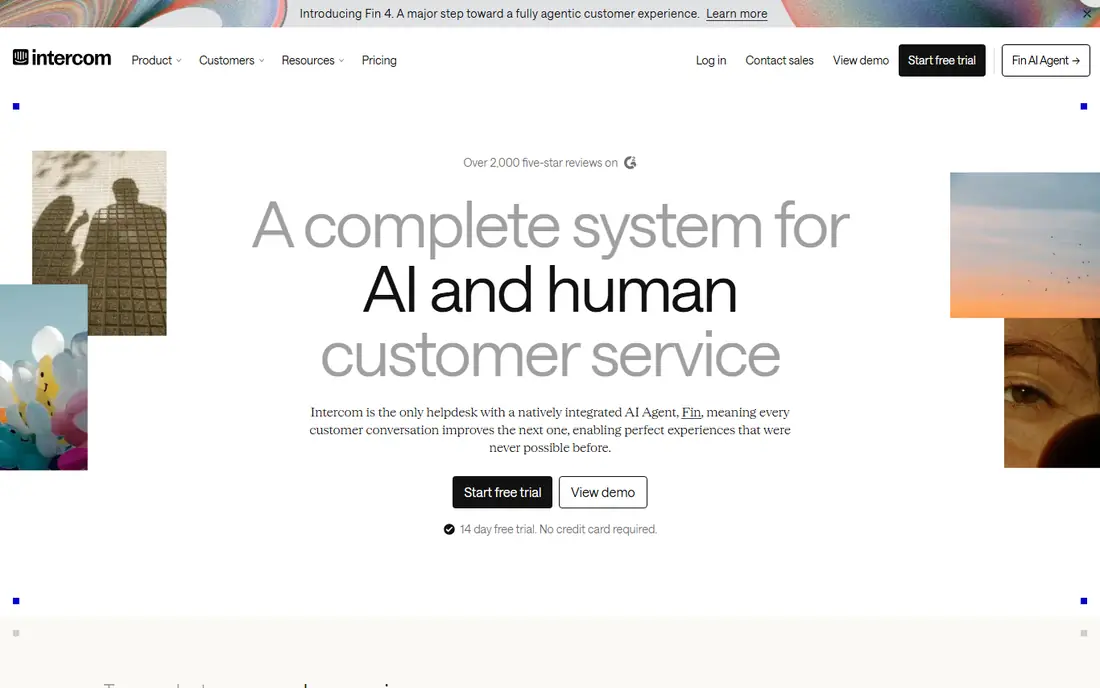
Intercom is the heavyweight in this category for SaaS teams. Its Fin AI agent answers repeat questions from your help centre and product data, which lets a small team cover a volume that would otherwise need more hires. The shared inbox, macros and customer data tools also help agents see context, such as plan, usage and past conversations, before they reply. For product-led companies, that combination is hard to match.
The trade-off is cost and setup. Intercom combines per-seat charges with per-resolution charges for AI conversations, so a busy month costs more than a quiet one. Building a good knowledge base and tuning Fin takes real work, and a poorly tuned bot can frustrate customers. Intercom fits scaling teams that can invest in setup and want chat plus AI in one platform.
- Fin AI agent resolves many common questions without a human
- Shared inbox, macros and customer data tools
- Strong for SaaS product questions
- Per-seat plus per-resolution AI pricing can rise in busy months
- Setup needs time to build knowledge base and tune AI behaviour
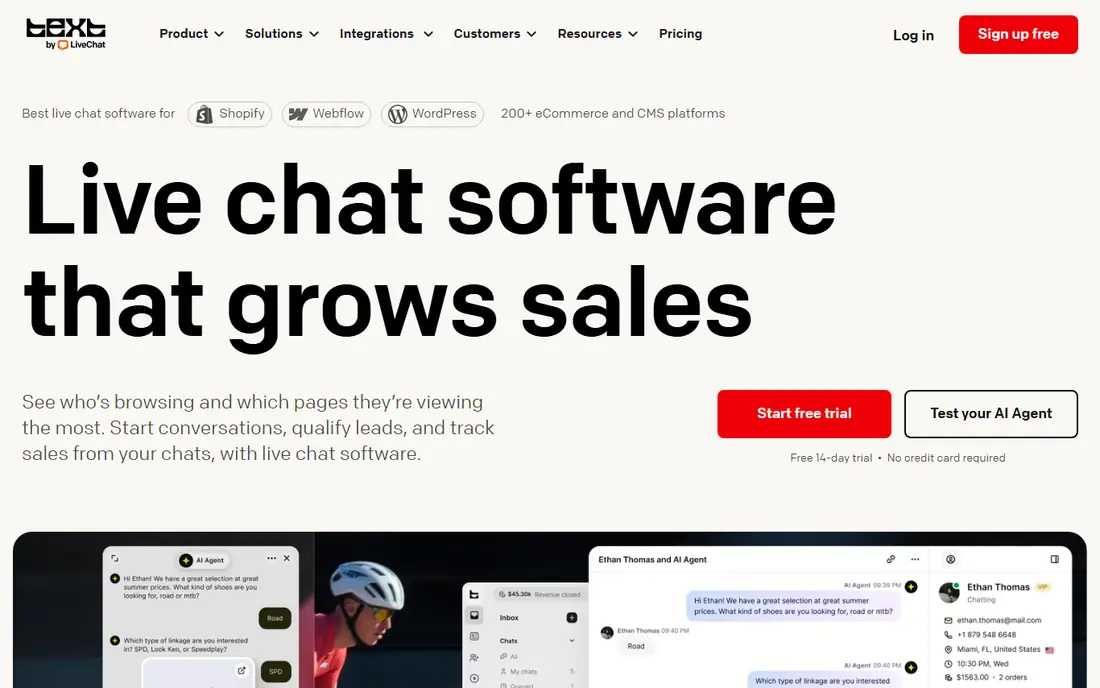
LiveChat is the classic choice for website live chat, and it has been refined over many years. The widget is fast and customisable, agents get typing previews and canned responses, and integrations cover common ecommerce and CRM tools. For teams that live in chat all day, that reliability matters more than a long feature list. Plans are per agent, so a small team can start with a single seat.
The catch is the add-on structure. The AI chatbot is a separate product, so teams that want AI plus human chat pay for two subscriptions. There is also no free plan, only a trial. For ecommerce and high-volume teams that want reliable human chat above all, LiveChat remains a safe choice, but AI-first buyers should price both products together.
- Mature, fast widget with typing preview and canned responses
- Many integrations, including Shopify and HubSpot
- Strong for ecommerce teams
- No free plan, only a trial
- AI chatbot lives in a separate ChatBot product, which adds cost
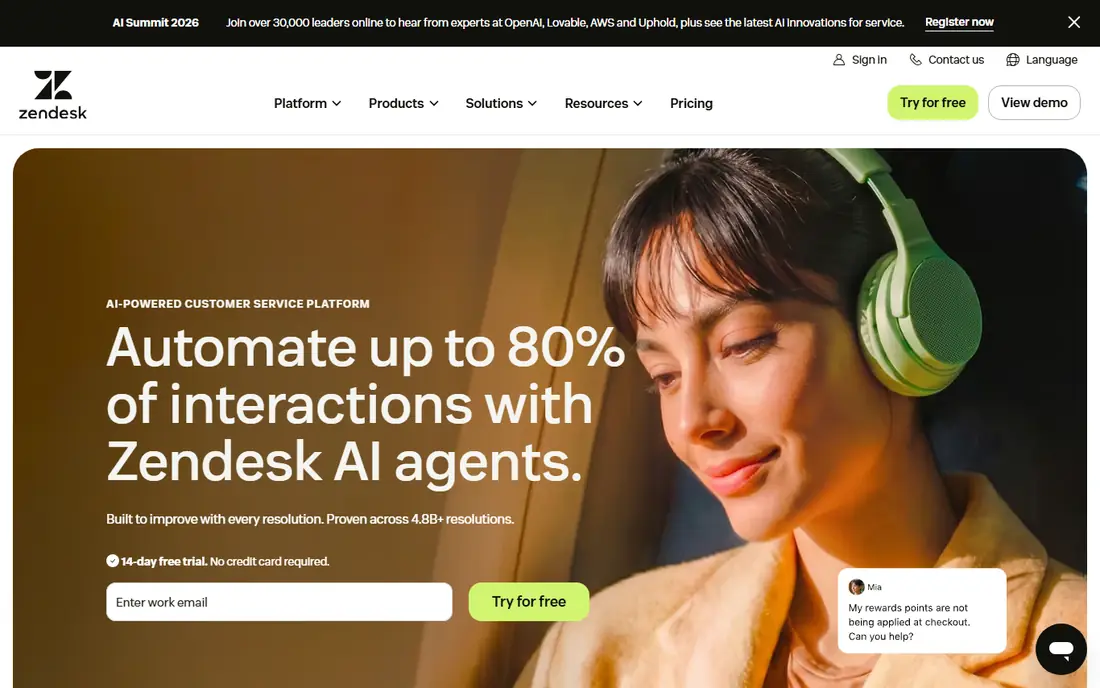
Zendesk suits teams that already use Zendesk for tickets or help centre content. Messaging, tickets and knowledge base work together, so a chat can become a ticket, a ticket can link to a help article, and AI can deflect common questions before an agent is needed. Reporting and automation are stronger than in chat-only tools, which helps larger support teams manage volume and quality.
The price and complexity are the drawbacks. Zendesk Suite pricing is higher than a simple chat widget, and setup takes time, especially for workflows, triggers and AI. For a small team that only needs a chat box, Zendesk can feel heavy. For a growing support team that needs tickets, reporting and AI in one place, it is a natural fit.
- Chat, tickets, help centre and AI agent in one suite
- Strong reporting and automation
- Large integration ecosystem
- Higher price than chat-only tools
- Complexity can be heavy for a solo founder or very small team
Tidio is a popular choice for small ecommerce stores because it combines live chat, AI and store integrations in one widget. The free plan covers basic chat, and Lyro, its AI agent, can answer common questions about shipping, returns and products, which saves time for a small team. Shopify integration helps agents see order context without switching tools.
AI costs need care. Lyro conversations can add per-conversation charges on some plans, so a busy store should model AI volume beside the plan price. Tidio also gates some automation and reporting behind higher tiers. For a small store that wants chat plus AI without an enterprise price, Tidio is a strong starting point.
- Free plan for small teams
- Lyro AI agent for common ecommerce questions
- Shopify and other store integrations
- AI conversations can add per-conversation costs on paid plans
- Advanced features need higher tiers
Crisp gives mid-size teams a shared inbox that covers website chat, email and social messages in one place. The widget is customisable, chatbots can handle common questions, and the interface is clean enough for a team that does not want enterprise complexity. For companies that get messages from several channels, that single inbox saves time and missed replies.
Some features, including advanced AI and WhatsApp, sit on higher tiers or as add-ons, so the total cost depends on the channels you need. Pricing is often shown in euros, which US buyers should convert before budgeting. Crisp fits teams that want a solid, multi-channel inbox without paying for a full enterprise suite.
- Shared inbox for chat, email and social messages
- Customisable widget and chatbots
- Good value for mid-size teams
- Some AI and WhatsApp features need higher tiers or add-ons
- Pricing in euros can confuse US buyers
Freshchat, part of Freshworks, suits teams already using Freshdesk or other Freshworks products. It offers a multi-channel inbox, chatbots and Freddy AI on higher tiers, and it connects chat to tickets without a separate integration project. The free tier, reported for up to ten agents, makes it easy for a small team to start without a card.
Advanced AI, automation and reporting need paid tiers, and per-agent pricing can add up as the team grows. Freshchat is less specialised than LiveChat for pure chat, and less AI-led than Intercom at entry level. It fits best when the Freshworks ecosystem already covers your support work and you want chat inside it.
- Free tier for up to ten agents in some sources
- Multi-channel inbox
- Freddy AI on higher tiers
- Fits Freshdesk users
- AI and advanced automation need higher tiers
- Per-agent pricing rises as the team grows
HubSpot Live Chat is the obvious choice for teams already on HubSpot. The free version adds a chat widget to your site, links conversations to contacts and deals, and lets sales teams follow up in the CRM without a separate tool. For a sales-led business, that link between chat and pipeline is more useful than a standalone chat widget.
The free plan includes HubSpot branding, and advanced features such as chatbots, routing and automation need paid Service Hub plans. HubSpot Live Chat is also less of a dedicated support platform than Zendesk or Intercom. It fits sales teams that want chat as part of HubSpot, rather than support teams that need a full help desk.
- Free live chat with HubSpot branding
- Conversations linked to contacts and deals
- Good for sales teams already on HubSpot
- Free plan includes HubSpot branding
- Advanced chatbots and routing need paid Service Hub tiers
Tawk.to is the best free live chat software for a team with no budget. The core product is free, with a simple widget, mobile apps and basic reporting, and it can handle a small site without a monthly bill. For a solo founder, a side project or a tiny business, that is enough to answer visitors in real time and learn what questions they actually ask.
The limits are AI and polish. Tawk.to does not include a strong built-in AI agent in the core free product, and removing branding or adding some features needs a paid add-on. Support and advanced reporting are also lighter than paid tools. Tawk.to fits as a starting point, with a move to a paid tool when volume, AI or reporting needs grow.
- Free live chat with unlimited agents in the core product
- Simple widget and mobile apps
- Useful for solo founders and tiny teams
- No built-in AI agent in the core free product
- Paid add-ons needed for some features, and branding removal costs extra
Zoho SalesIQ suits teams already using Zoho CRM or other Zoho apps. It combines live chat with visitor tracking, so agents can see which pages a visitor viewed, where they came from and how long they spent on site, before starting a chat. That context helps sales teams prioritise high-intent visitors, and Zoho CRM integration keeps chat history with the contact record.
Outside Zoho, SalesIQ is less compelling than LiveChat or Tidio as a standalone chat tool, and advanced AI features need higher tiers. The free tier is useful for a small site, but larger teams should check per-agent and feature limits. For Zoho users, SalesIQ is a natural, low-cost addition to the stack.
- Live chat plus visitor tracking and analytics
- Integrations with Zoho CRM and other Zoho apps
- Free tier for small teams
- Best value only inside the Zoho ecosystem
- AI and advanced features need higher tiers
How we picked these
We compared official feature pages, pricing pages and public reviews, and we checked that each product offers real live chat software in October 2026. We favoured tools with a clear chat experience, useful automation or AI options, reporting depth and a fit for different team sizes. We also noted where AI is included, where it is an add-on, and where per-agent pricing changes the total cost.
We did not claim hands-on testing for every product. Where pricing varies by billing period, region or agent count, we used See website or the most recent published figure, so you can confirm the current price before buying. Test the widget on your own site before committing, because speed, mobile behaviour and customisation matter more in practice than on a feature list.
How to choose the right live chat software
Start with who will answer chats and when. A solo founder needs a mobile app and simple notifications, while a support team needs routing, canned responses and reporting. If no one can answer after hours, an AI bot or a clear offline form matters more than a long feature list.
Count the full cost, not just the plan
Add per-agent fees, AI resolution or conversation fees, WhatsApp or social add-ons, and any separate chatbot product. A $20 per agent tool with a $50 AI add-on can cost more than a $29 tool with AI included, depending on volume. Model a busy month, not a quiet month, before choosing.
Test speed, mobile and routing on your own site
Check how fast the widget loads, how it looks on mobile, and how chats route to the right person or team. Test proactive triggers, canned responses and offline messages, and check whether chat history links to your CRM or help desk. A tool that is fast and easy for agents will get used, while a slow or confusing tool will be ignored, even if it is cheaper.
Frequently asked questions
Which live chat software is best?
Intercom is best for scaling SaaS teams that want chat plus AI, LiveChat is best for high-volume human chat, and Tawk.to is best for a free start. The best live chat software depends on team size, sales or support focus, and AI needs. Shortlist two tools, test the widget on your site, and compare total cost including AI and add-ons.
What is the best live chat app for small businesses?
Tidio and Tawk.to suit small businesses, with Tidio offering chat plus AI for ecommerce stores and Tawk.to offering a free core product. HubSpot Live Chat also suits small sales teams already on HubSpot. The best live chat app for a small business is usually the one the team will actually answer, with a mobile app and simple routing.
What is the best free live chat app?
Tawk.to offers the most complete free live chat product in this list, with unlimited agents in the core product. HubSpot Live Chat, Tidio, Freshchat and Zoho SalesIQ also offer free tiers, but with limits on features, branding or agents. Free tools suit a first site or a small team, while paid tools suit higher volume, AI and reporting needs.
Is Intercom better than LiveChat?
Intercom is better for AI-led support and SaaS workflows, with Fin AI and customer data tools, while LiveChat is better for pure, high-volume human chat with a mature widget. Intercom costs more in busy months because of per-resolution AI charges, while LiveChat adds cost through a separate chatbot product. Choose Intercom for AI scale and LiveChat for human chat reliability.
Do I need an AI chatbot with live chat?
You need an AI bot if you get many repeat questions, need after-hours answers, or have a small team covering high volume. You may not need one if volume is low and most questions need a human, such as complex sales or sensitive support. Many teams start with human chat, add canned responses, then add AI for the most common questions first.
How many agents do I need for live chat?
Start with the people who can answer within a few minutes during your busiest hours, not with a large team on paper. One agent can handle several chats at once, depending on complexity, but response time falls if that agent also handles email and phone. Track peak chat hours, average response time and missed chats for a month, then adjust staffing or add AI.
Sources we checked (9)
- https://www.intercom.com/pricing
- https://www.livechat.com/pricing
- https://www.zendesk.com/pricing
- https://www.tidio.com/pricing
- https://crisp.chat/pricing
- https://www.freshworks.com/live-chat-software/pricing
- https://www.hubspot.com/products/service/pricing
- https://www.tawk.to/pricing
- https://www.zoho.com/salesiq/pricing

Online Jobs is an independent blog about careers, online work, learning new skills and the tools that help people earn. More about us.
Keep reading
All posts
Best White Label SEO Companies
We compare the best white label SEO companies and tools in 2026 for agencies, from fulfilment services to branded reporting platforms, margins and prices.
Best Webinar Software
We compared the best webinar software for 2026 on price, attendee limits, automation and ease of use, to help you host better live sessions with confidence.

Best Web Scraping Tools
Compare the best web scraping tools in 2026, from no-code Octoparse and Browse AI to Apify, Firecrawl, Bright Data, Zyte, ScraperAPI and free Scrapy, with prices.