Best Legal Software in 2026: 9 Tools Compared

How we put this together: we compare official feature and pricing pages, app store listings, privacy policies and public user reviews. Prices change, so check the provider's site before you pay.
Key takeaways
- Practice management, billing and trust accounting must work together, or a firm will pay for gaps with manual work.
- Per-user pricing means total cost rises fast with team size, so calculate cost for your full team, not one user.
- Client portals, e-signature and online payments improve collection and reduce admin, especially for consumer-facing firms.
- Trust accounting needs three-way reconciliation and state rule support, so verify depth before you migrate.
- No tool on this list offers a permanent free plan, so use trials with real matters to judge fit.
Quick comparison
| Name | Who it suits | Starting price | Free option | |
|---|---|---|---|---|
 Clio Manage | Largest integration ecosystem | See website | Free trial | Visit |
 MyCase | Value for small firms | See website | Free trial | Visit |
 PracticePanther | Billing automation | See website | Free trial | Visit |
 CosmoLex | Trust accounting focus | See website | Free trial | Visit |
 Rocket Matter | Billing and contingency work | See website | Free trial | Visit |
 Filevine | Litigation and high-volume cases | See website | Free trial | Visit |
 Smokeball | Document-heavy firms | See website | Free trial | Visit |
 LEAP | Full practice and document system | See website | Free trial | Visit |
 CARET Legal | Custom workflows | See website | Free trial | Visit |
The best legal software
Law firm software should keep matters, documents, deadlines, billing and client communication in one system. The tools below differ on billing depth, trust accounting, automation and price, so the right pick depends on practice area and firm size.

Clio Manage is the most widely used practice management platform in this list, and its integration list is a major reason for that position. Matters, contacts, documents, calendars, billing and payments sit in one system, and integrations connect it to accounting, e-signature, document and communication tools. For a firm that wants a mature platform with many options, Clio is a safe starting point. Cost is the main watch point. Full features, intake, document automation and advanced reporting often sit on higher tiers or add-ons, so the starting price is not the full cost for many firms. Clio fits solos to mid-size firms that value ecosystem breadth and are willing to pay for the tiers that match their workflow.
- Broad integrations
- Matter, billing and document tools
- Client portal and payments
- Higher tiers needed for full features
- Add-ons can raise total cost
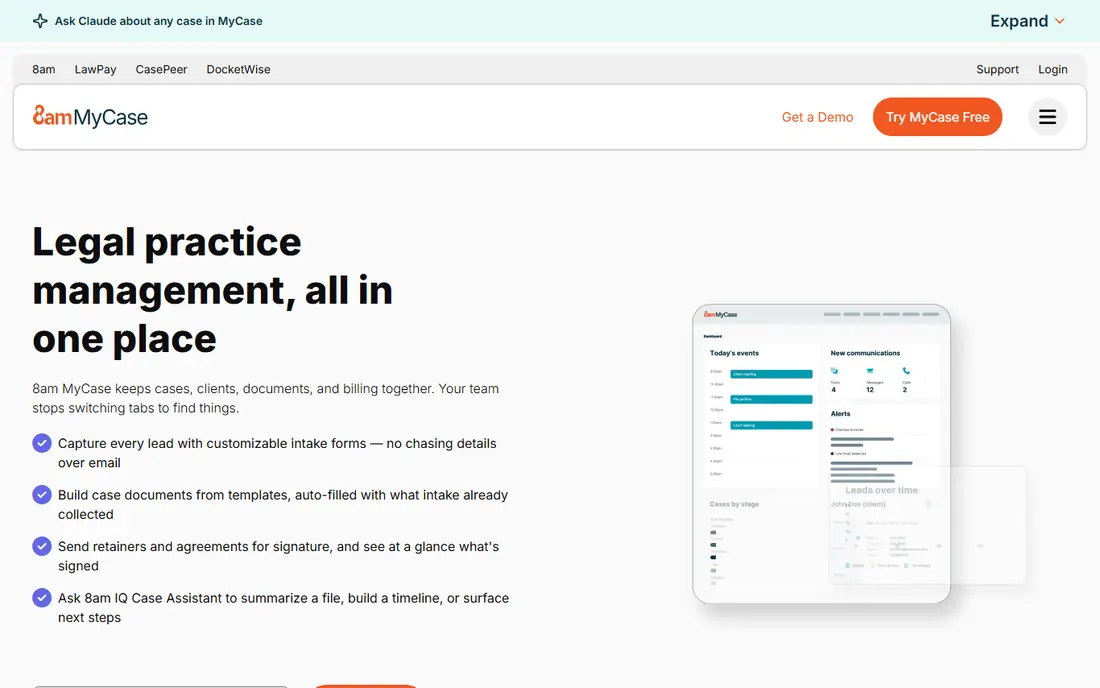
MyCase suits small and consumer-facing firms that want a clear, all-in-one system without enterprise complexity. The client portal, messaging, document sharing, billing and online payments cover the daily work of family law, personal injury and criminal defence practices. Setup is simpler than on larger platforms, which helps a small team get running quickly. Advanced reporting and customisation are less deep than on Clio or Filevine, so larger firms may outgrow MyCase sooner. For a solo or small firm that values client communication and straightforward billing, MyCase offers strong value and a workflow that staff can learn fast.
- Client portal and communication
- Billing and payments
- Simple setup for small firms
- Advanced reporting is thinner than some rivals
- Some features need higher tiers
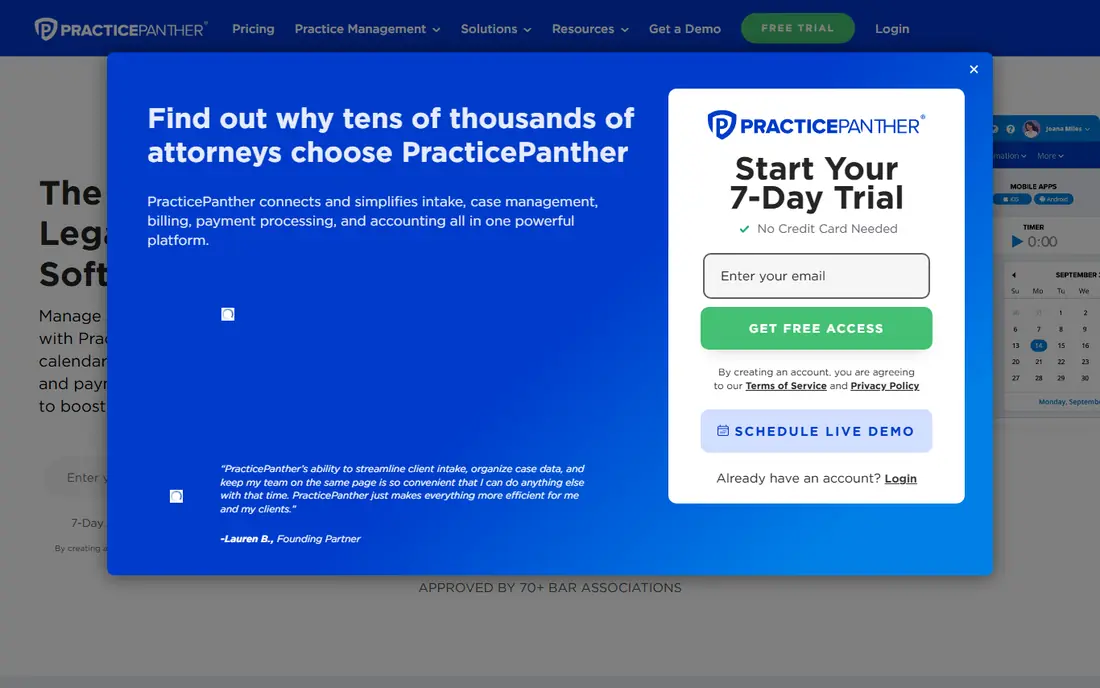
PracticePanther appeals to billing-focused firms because time tracking, invoicing, payment reminders and trust accounting are built into a clean interface. E-signature and client texting reduce back-and-forth, and automation rules can move a matter forward without manual steps. That focus helps firms where getting paid on time is a central problem. Accounting depth on lower tiers is more limited, and the integration list is smaller than Clio. PracticePanther fits small to mid-size firms that want simple setup, strong billing automation and a system staff will actually use each day, rather than a platform with maximum customisation.
- Strong billing and payment automation
- E-signature and texting
- Intuitive interface
- Some advanced accounting features need higher tiers
- Integration list is smaller than Clio
CosmoLex stands out because accounting is built in, not added through a separate tool. Trust accounting, three-way reconciliation, billing and matter management work from the same data, which reduces double entry and reconciliation errors. For firms that hold client funds, that single-system approach is a practical advantage. The interface feels more accounting-led than some rivals, and practice management features may feel less polished for firms that prioritise client portal design or automation. CosmoLex fits firms where trust accounting accuracy is the top priority, and where a single system for books and matters matters more than a wide integration list.
- Built-in accounting and trust accounting
- Billing and matter tools in one system
- No separate accounting software needed
- Interface feels more accounting-led
- Some practice features are less deep than rivals
Rocket Matter suits firms that bill by the hour, by contingency or by a mix of both. Billing analytics show which matters, clients and timekeepers drive revenue, and contingency tools help track cases where payment depends on outcome. The client portal and payment options support consumer-facing practices that need clear communication and easy payment. Complex billing setups need careful configuration, and higher tiers provide the fullest accounting and reporting features. Rocket Matter fits billing-led firms, especially those with contingency work, that want analytics alongside matter management and are willing to invest time in setup.
- Strong billing analytics
- Contingency fee support
- Client portal and payments
- Setup needs care for complex billing
- Some features sit on higher tiers
Filevine is built for high-volume litigation, personal injury, mass tort and immigration teams that need custom workflows. Cases can move through defined stages, tasks can be assigned automatically, and reporting can show bottlenecks across hundreds of matters. That structure helps large teams keep cases moving without relying on individual memory. Pricing is quoted, and setup takes longer than on a simple small-firm tool. Filevine fits firms with volume, complexity and staff who will use workflows daily. A solo practice with a handful of matters will likely find it larger and more costly than needed.
- Custom workflows
- High-volume case handling
- Strong reporting for litigation teams
- Quote-based pricing
- Setup and training take longer than simpler tools
Smokeball suits document-heavy practices where time is lost in drafting, reviewing and filing. Automatic time capture from document and email work can recover billable time that manual timers miss, and document automation speeds up repeat forms and letters. That combination can justify a higher price for firms that produce many documents each day. Cost is higher than simpler tools, and pricing is often quoted rather than fully public. Smokeball fits firms with high document volume that can measure return from recovered time and faster drafting. A low-document practice may not see the same value from its premium features.
- Automatic time capture
- Document automation
- Matter and billing tools
- Higher price range
- Quote-based in many cases
- Best value for document-heavy work
LEAP combines practice management, document production, accounting and a forms library in one cloud system. That breadth helps firms that want legal forms, matter tracking and billing without stitching together several tools. Cloud access also supports remote work and multi-office teams. Entry cost is higher than small-firm rivals, and the full feature set takes time to learn. LEAP fits mid-size firms and practices that use many standard forms and want one system for matters, documents and accounts, rather than a lean tool for basic case tracking.
- Matter, document and accounting tools
- Legal forms library
- Cloud access
- Higher entry cost
- Learning curve for full feature set
CARET Legal, formerly Zola Suite, suits firms that want to shape workflows around their own practice rather than adopt a fixed process. Matter stages, tasks and billing can be customised, and a client portal supports communication and payments. That flexibility helps firms with a distinct way of working that does not fit a standard template. Pricing is often quoted, so total cost needs a proposal for your team size. The integration list is smaller than Clio, so check key connections before migrating. CARET Legal fits firms that value workflow customisation and are willing to invest in setup to match their process.
- Customisable workflows
- Matter and billing tools
- Client portal
- Pricing is often quoted
- Smaller integration list than Clio
How we picked these
We compared official feature pages, pricing pages, app store listings, privacy policies and public reviews. We looked at matter management, document handling, calendar and deadline tools, billing and payments, trust accounting, client portals, e-signature and integrations. We favoured tools with a free trial, clear trust accounting support and a distinct practice fit, rather than generic business software with a legal label. We did not claim hands-on testing. Where pricing was quoted or varied by tier and region, we wrote See website rather than presenting a single per-user figure as universal. Calculate total cost for your full team, including add-ons and payment processing, during a trial.
How to choose legal software without a painful migration
Map your workflow first
List your matter types, billing methods, trust accounting needs and client communication steps before you demo any tool. A tool that looks good in a demo can still fail on a specific billing rule or trust requirement. Bring two real matters to the trial, including one complex case, and run them end to end.
Test billing and trust accounting together
Create time entries, generate an invoice, take a payment, and move client funds through trust accounts in the trial. Check three-way reconciliation, reports and audit trails, and ask your accountant or bar compliance contact to review the output. Billing and trust errors are costly to fix after migration.
Plan migration and training
Export matters, documents, contacts and billing history before you switch, and check what actually transfers. Train staff on the new workflow, not just on buttons, because adoption decides whether the system saves time. Run old and new systems in parallel for a short period if possible, so no deadline or payment is lost in the move.
Frequently asked questions
What is the best software for law firms?
Clio Manage is the broadest choice for many firms, MyCase suits small firms on value, PracticePanther leads on billing simplicity, and CosmoLex suits trust accounting priority. The best pick depends on practice area, firm size and billing model. Trial with real matters before you decide.
What is the best law office management software for a solo attorney?
MyCase, PracticePanther and Clio Manage all offer entry tiers suited to solos, with client portals, billing and matter tracking. A solo should pick based on billing style and client communication needs, not on enterprise features. Keep total cost low until case volume justifies a higher tier.
How much does legal practice management software cost?
Most firms pay a per-user monthly fee, with total cost rising with team size, add-ons and payment processing. A small firm may pay a modest monthly total, while a larger firm can pay far more once tiers and add-ons are included. Always calculate cost for your full team during a trial.
Do I need trust accounting features?
If your firm holds client funds, yes. Trust accounting needs separate ledgers, three-way reconciliation and compliance with your state rules. Clio, MyCase, PracticePanther, CosmoLex and Rocket Matter all include trust accounting, but depth varies, so verify the features against your state requirements.
Which legal software has a free trial?
Most tools in this list offer a free trial, usually for seven to fourteen days, while none offers a permanent free plan. Use the trial with real matters, billing and trust transactions, not just with demo data. A short trial with real work tells you more than a long trial with sample cases.
What is the difference between practice management and case management software?
Practice management covers the whole firm, including billing, calendars, documents and client communication. Case management focuses more narrowly on matter workflow and case stages. Many modern tools do both, but the balance differs, so check whether billing and trust accounting are included or need a separate tool.
Sources we checked (9)

Online Jobs is an independent blog about careers, online work, learning new skills and the tools that help people earn. More about us.
Keep reading
All posts
ZoomInfo Alternatives
The best ZoomInfo alternatives in 2026, compared on price, free plans, data coverage, and which tool fits small teams or large sales teams best in detail.

Workday Alternatives
We compared the best workday alternatives for HR, payroll, and global hiring, from BambooHR and Gusto to Rippling, Deel, and HiBob for growing teams in 2026.

Which SaaS Tools Have the Best Customer Support
Which SaaS tools have the best customer support? Compare eight popular tools on help centres, live help, response options and overall support quality.