Best Lead Scoring Software in 2026: 8 Tools Compared

How we put this together: we compare official feature and pricing pages, app store listings, privacy policies and public user reviews. Prices change, so check the provider's site before you pay.
Key takeaways
- Lead scoring ranks leads by fit and behaviour, so sales teams call the most promising prospects first.
- HubSpot and Zoho suit teams that want scoring inside a CRM they already use.
- Salesforce Einstein and Dynamics 365 suit larger teams that need predictive models at scale.
- 6sense suits account-based teams that score companies, not just individual contacts.
- Rule-based scoring works with little data, while predictive scoring needs enough closed deals to learn from.
Quick comparison
| Name | Who it suits | Starting price | Free option | |
|---|---|---|---|---|
 HubSpot | Scoring inside a free-start CRM | Free | Yes | Visit |
 Salesforce | Enterprise predictive scoring | $25 per month | Free trial (30 days) | Visit |
 Zoho CRM | Budget scoring with AI help | $14 per month | Yes | Visit |
 Pipedrive | Pipeline-focused scoring | $14 per month | Free trial (14 days) | Visit |
 Freshsales | Affordable AI scoring | $9 per month | Yes | Visit |
 LeadSquared | High-volume lead distribution | See website | No | Visit |
 6sense | Account-based scoring and intent | See website | No | Visit |
 Dynamics 365 Sales | Microsoft-based predictive scoring | See website | Free trial (30 days) | Visit |
The best lead scoring software
Lead scoring turns a long lead list into a ranked queue. Points come from who a lead is, such as company size and role, and what a lead does, such as visiting a pricing page or opening emails. Some tools use rules you set yourself, while others use models that learn from past wins and losses. The right tool depends on data volume, CRM, and whether you sell to people or to accounts.
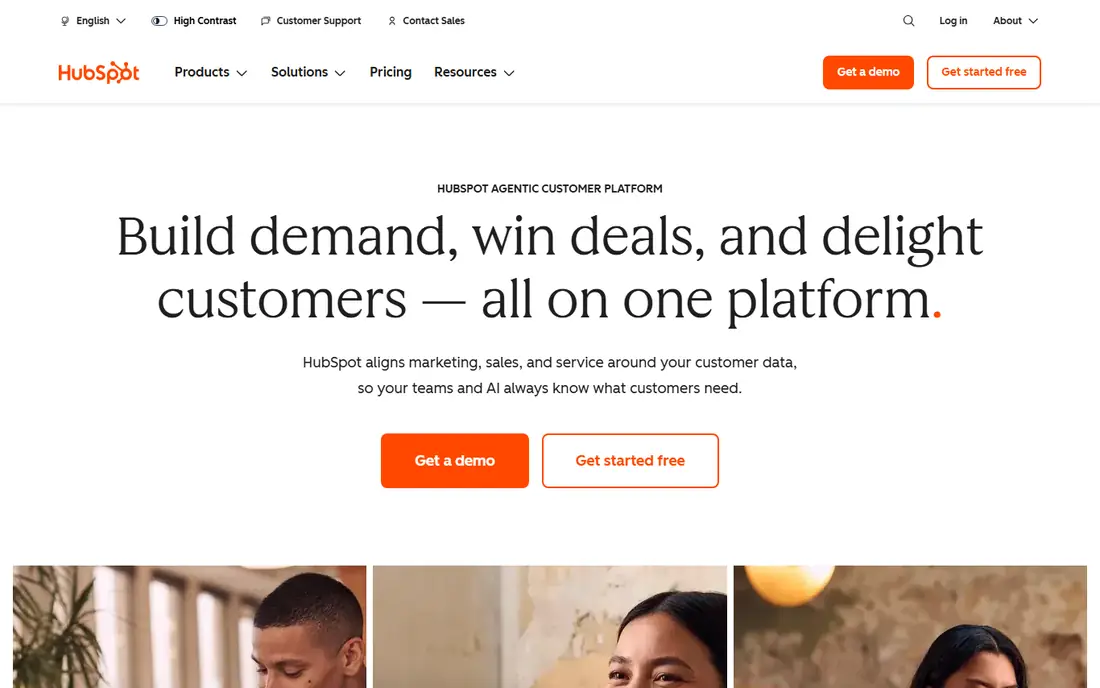
HubSpot is the easiest place to start lead scoring, since the free CRM already captures leads, tracks lifecycle stages, and shows a shared record for marketing and sales. Manual lead scoring lets you assign points for behaviour and fit, while higher plans add predictive scoring that learns from your history. That path suits teams that grow into scoring gradually. The catch is plan gating. Useful scoring and automation live above the cheapest paid plans, so budget for the tier that actually includes the scoring you need. For teams already on HubSpot, scoring inside the same CRM beats adding a separate tool that needs syncing and maintenance.
- Free CRM to start
- Lead scoring on paid hubs
- Marketing and sales share one record
- Predictive scoring needs Enterprise plans
- Lead scoring sits above Starter pricing
- Costs rise with hubs and contacts
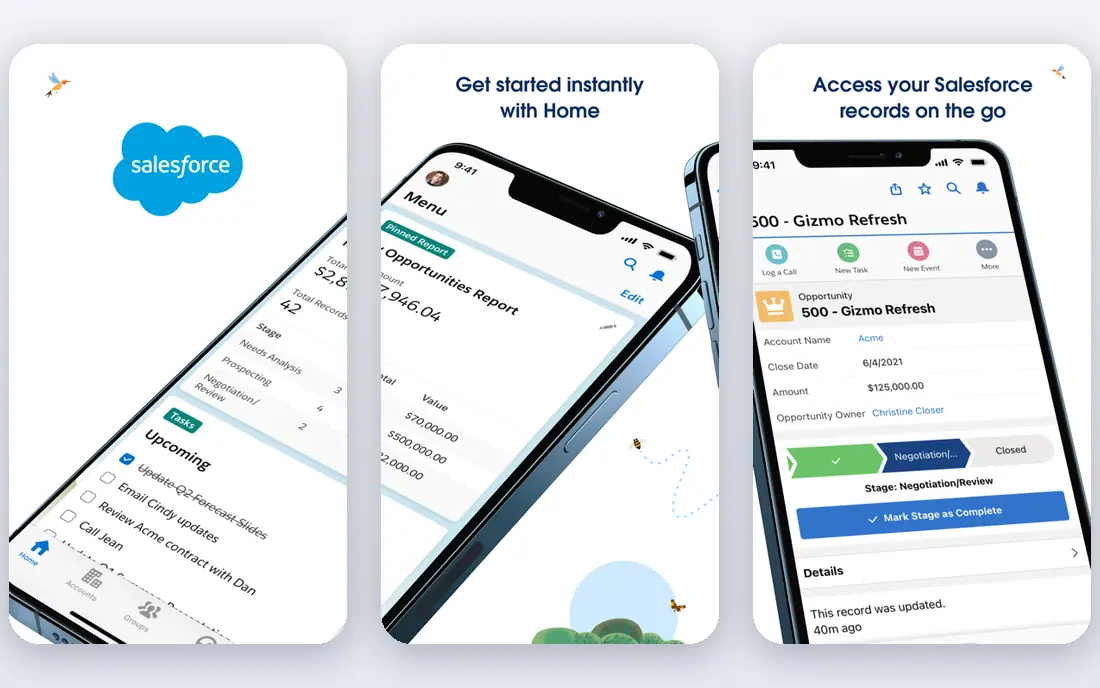
Salesforce Einstein Lead Scoring suits large teams with enough deal history to train a model. It analyses which attributes and behaviours separated past winners from losers, then scores new leads and shows which factors drove each score. That transparency helps sales managers trust the ranking and coach reps on what to do next. Pricing is the main barrier. The Starter Suite price does not include full Einstein scoring, which sits on higher editions or add-ons, so the real cost is higher than the entry figure. For enterprises already on Salesforce, Einstein is a natural, powerful scoring layer. For small teams, HubSpot or Zoho will be cheaper and faster to run.
- Einstein predictive lead scoring
- Deep CRM customisation
- Strong reporting at scale
- Entry price is not the scoring price
- Advanced AI needs higher editions
- Implementation takes time
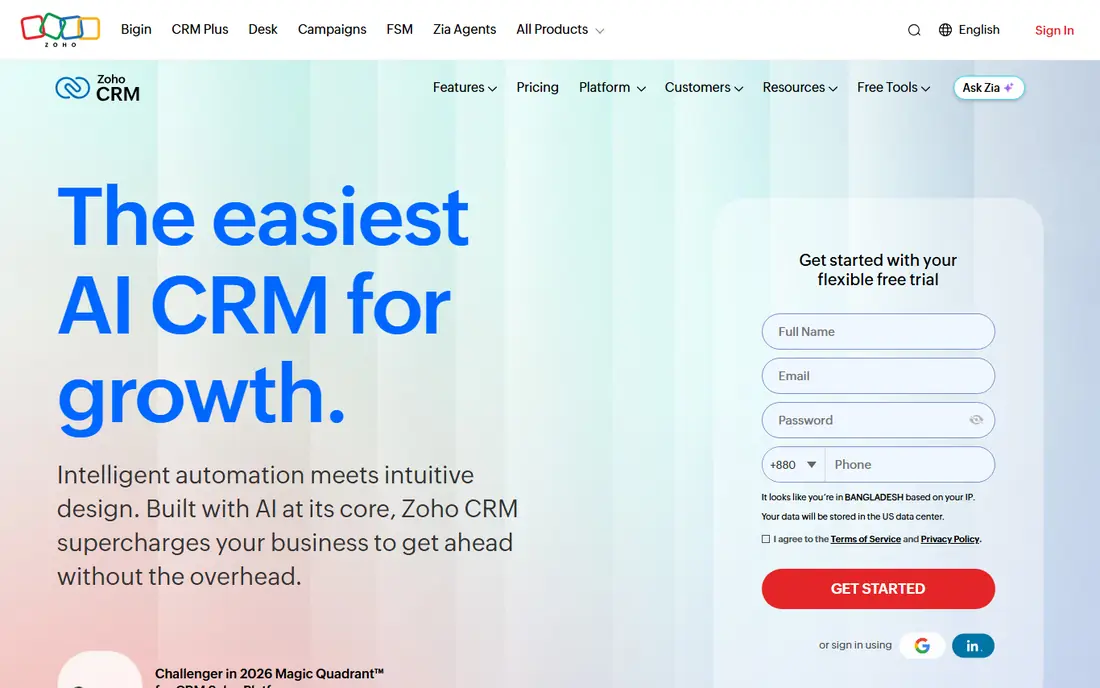
Zoho CRM gives small and mid-size teams scoring without enterprise pricing. Rule-based scoring, workflows, and lead assignment cover the basics, while Zia, the Zoho AI assistant, adds scoring and anomaly detection on Enterprise plans. That combination suits teams that want depth per dollar and already use other Zoho apps. The interface is more traditional and dense than HubSpot, and AI scoring is not on every plan, so check the edition carefully. For a budget-conscious team that wants a full CRM with scoring, workflows, and reporting in one place, Zoho CRM is strong value.
- Low entry price
- Zia AI scoring on higher plans
- Strong workflow and customisation
- AI scoring needs Enterprise plans
- Interface feels dense
- Some features vary by edition
Pipedrive is built around the sales pipeline, which makes scoring feel practical rather than abstract. Leads move through stages, scores help reps decide who to call first, and automation can route hot leads to the right person. That pipeline-first view suits sales-led teams that live in deals all day. Lead scoring and AI features sit on higher plans, so the entry price alone does not buy full scoring. Marketing automation is thinner than HubSpot, so marketing-led teams may need a second tool. For a sales team that wants a clear pipeline with scoring built in, Pipedrive is a focused, easy-to-adopt choice.
- Clear visual pipeline
- Lead scoring and routing on higher plans
- Easy for sales-led teams
- Scoring needs higher plans
- Marketing features are thinner
- Reporting depth varies by plan
Freshsales, part of Freshworks, offers AI-based lead scoring at a lower entry price than many rivals, with Freddy AI providing scoring and deal insights. Built-in phone and email mean reps can call and follow up from the same record, without adding a separate dialler or email tool. That all-in-one style suits inside sales teams. The ecosystem is smaller than HubSpot or Salesforce, and advanced scoring and automation sit on higher plans. Very large or complex organisations may hit customisation limits sooner. For a startup or small sales team that wants affordable scoring with calling built in, Freshsales is a strong pick.
- Low entry price
- Freddy AI scoring and insights
- Built-in phone and email
- Smaller ecosystem than HubSpot or Salesforce
- Advanced scoring needs higher plans
- Customisation limits at scale
LeadSquared suits teams that handle many leads from many sources and need to capture, score, and distribute them fast. Lead capture from web forms, ads, and calls feeds into scoring rules, assignment, and follow-up automation, which helps when volume would overwhelm a manual process. Industry templates speed up setup for education, finance, and other high-volume sectors. Pricing is quoted rather than published as a simple entry plan, and there is no free tier, so smaller teams should request a quote tied to lead volume. Setup also takes more effort than a simple CRM. For high-volume lead operations, LeadSquared gives scoring and distribution depth that lighter CRMs lack.
- Strong lead capture and distribution
- Scoring and automation for high volumes
- Industry templates
- No free plan
- Pricing is quoted
- Interface and setup take time for smaller teams
6sense scores companies, not just individual contacts, which matters when several buyers influence one deal. It combines fit data, intent signals, and buying-stage insights to rank accounts and show which ones are actively researching a solution. That account view helps marketing and sales focus on the same target list. Pricing is enterprise-level and quoted, and the tool pays off only when a team actually runs an account-based strategy. A small team selling to individuals will get less value than a B2B team selling to buying committees. For account-based B2B teams, 6sense is one of the strongest scoring and intent platforms available.
- Account-level scoring and intent data
- Buying-stage insights
- Strong for account-based marketing
- Enterprise pricing
- Needs account-based strategy to pay off
- Implementation and data work take time
Dynamics 365 Sales brings predictive lead scoring to teams already invested in Microsoft tools. Scores are built from past outcomes, and the system shows which factors influenced each score, which helps reps prioritise. Links with Outlook, Teams, and other Microsoft apps keep scoring inside tools many business users already open daily. Licensing varies, and setup benefits from Microsoft expertise, so smaller teams without that background may find it heavier than HubSpot or Zoho. For a Microsoft-centred enterprise, Dynamics 365 Sales gives scoring, CRM, and productivity tools in one ecosystem, with less need for separate integrations.
- Predictive scoring in the Microsoft ecosystem
- Strong Outlook and Teams links
- Enterprise reporting
- Pricing varies by licence
- Setup needs Microsoft expertise
- Smaller teams may find it heavy
How we picked these
We compared official feature pages, pricing pages, and documentation, along with public reviews, to check how each tool scores leads and what it costs. We looked for rule-based scoring, predictive scoring, account scoring, CRM integration, and clear plan gating, since scoring often sits above entry pricing. We favoured tools that are still actively sold and supported in 2026. We did not claim hands-on testing for every plan, and prices and plan features change, so check the vendor site before you buy. The list mixes CRM scoring, high-volume distribution, and account-based intent, because lead scoring looks different for a small sales team and for an enterprise account team.
Choosing the right lead scoring tool
Start with where your leads already live. If they live in a CRM, scoring inside that CRM will be simpler and cheaper than adding a separate tool that must sync records. If you sell to accounts, you need account scoring and intent, not just contact points. Naming the selling model first narrows the choice fast.
Start with rules, then add prediction
Rule-based scoring works well with little data, since you set points for fit and behaviour based on what your team already knows. Predictive scoring needs enough closed deals, both won and lost, to learn reliable patterns, and it needs regular review as your market changes. Start with clear rules, measure whether high scores actually convert, and add prediction when the data supports it.
Agree the handoff with sales
A score only helps if sales trusts it and acts on it. Agree what score triggers a call, how fast that call should happen, and when a lead goes back to marketing for nurturing. Review scores monthly at first, checking whether high-scored leads convert better than low-scored ones, and adjust points that mislead reps.
Watch plan gating and data needs
Scoring, AI features, and advanced reporting often sit on higher plans, so price the plan that includes scoring, not the entry plan. Also check data needs, such as how many scored records are included, whether intent data costs extra, and how easily you can export scores and history. A scoring tool you cannot audit or export from will be hard to improve over time.
Frequently asked questions
What is lead scoring software?
Lead scoring software ranks leads by how likely they are to buy, using fit data such as company size and role, plus behaviour data such as page visits and email engagement. Sales teams use the ranking to call the most promising leads first. Scores can come from rules you set, from predictive models, or from a mix of both.
What is the difference between rule-based and predictive lead scoring?
Rule-based scoring adds and subtracts points you define, such as points for a pricing page visit or for a target job title. Predictive scoring uses a model trained on past won and lost deals to estimate likelihood and to show which factors mattered. Rules are transparent and work with little data, while prediction needs enough history to learn from.
Which lead scoring tool is best for small businesses?
HubSpot and Zoho CRM suit small businesses that want scoring inside a CRM with a free or low-cost start, while Freshsales suits sales-led teams that want affordable AI scoring. Check which plan actually includes scoring, since entry plans often exclude it. Start with rules, and upgrade only when scoring volume or prediction needs grow.
Is 6sense only for large companies?
6sense is built for account-based B2B teams, and its pricing and implementation suit larger organisations best. Smaller teams selling to individuals, or without an account-based strategy, will get less value from account scoring and intent data. A CRM with contact scoring is usually a better fit at small scale.
How do I know if my lead scores are working?
Compare conversion rates for high-scored, mid-scored, and low-scored leads over a set period, and check whether sales follows up faster on high scores. If high scores do not convert better, review the points, the data sources, and the handoff rules. Revisit scores monthly at first, since markets, products, and buyer behaviour change over time.
Sources we checked (8)

Online Jobs is an independent blog about careers, online work, learning new skills and the tools that help people earn. More about us.
Keep reading
All posts
ZoomInfo Alternatives
The best ZoomInfo alternatives in 2026, compared on price, free plans, data coverage, and which tool fits small teams or large sales teams best in detail.

Workday Alternatives
We compared the best workday alternatives for HR, payroll, and global hiring, from BambooHR and Gusto to Rippling, Deel, and HiBob for growing teams in 2026.

Which SaaS Tools Have the Best Customer Support
Which SaaS tools have the best customer support? Compare eight popular tools on help centres, live help, response options and overall support quality.