Best Lead Management Software in 2026: 8 Tools Compared

How we put this together: we compare official feature and pricing pages, app store listings, privacy policies and public user reviews. Prices change, so check the provider's site before you pay.
Key takeaways
- HubSpot is the best free starting point, with a genuinely useful free CRM for unlimited users in its published terms.
- Pipedrive suits sales teams that live in the pipeline, with a clear visual flow from lead to deal.
- Zoho CRM gives the most CRM depth per dollar, with a free plan for up to three users and paid plans from $14 per user per month.
- Lead scoring, routing, and automation often sit on higher tiers, so check those features before you build a process around them.
Quick comparison
| Name | Who it suits | Starting price | Free option | |
|---|---|---|---|---|
 HubSpot | Free CRM that scales with a team | Free | Yes | Visit |
 Salesforce | Companies planning to scale past 50 people | $25 per user per month | Free trial | Visit |
 Pipedrive | Sales teams that live in the pipeline | $14 per user per month | Free trial | Visit |
 Zoho CRM | Maximum CRM depth per dollar | $14 per user per month | Yes | Visit |
 Freshsales | Calling and email built into the CRM | $9 per user per month | Yes | Visit |
 monday CRM | Visual lead tracking on boards | $12 per user per month | Yes | Visit |
 Close | Outbound teams living on the phone | See website | Free trial | Visit |
 Copper | Teams that live in Gmail | $9 per seat per month | Free trial | Visit |
The best lead management software
Lead management covers capture, qualification, assignment, nurturing, and conversion, and most of that work now happens inside a CRM. The tools below differ in free tier generosity, pipeline design, and where automation lives. We compared official pricing pages, lead capture options, and automation tiers to sort them by team size and sales motion.
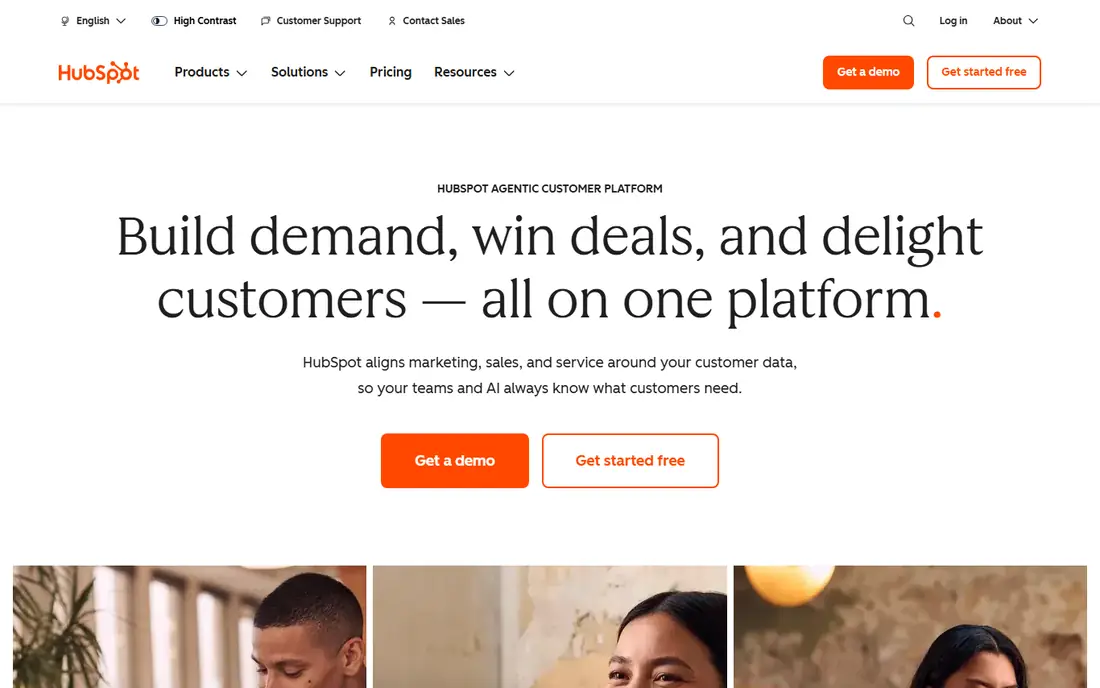
HubSpot is our default recommendation for lead management because the free tier is genuinely useful, not a demo. Unlimited users, contact records, deal pipelines, forms, email tracking, and basic automation cost nothing, so a small team can run its entire lead process on HubSpot for a long time before paying. Leads from a website flow into lifecycle stages that keep marketing and sales looking at the same record.
The catch arrives at Professional. Workflows, lead scoring, and custom reporting live there at roughly $90 per seat per month plus onboarding fees in published listings, which is a steep step from Starter. Plan for that jump before building processes around features you cannot yet afford, and test whether Starter covers your routing and sequence needs first.
- Free CRM with unlimited users in published terms
- Lead capture from forms, chat, and email
- Marketing and sales share one record
- Real automation and lead scoring sit on expensive Professional tiers
- Upgrade step is steep
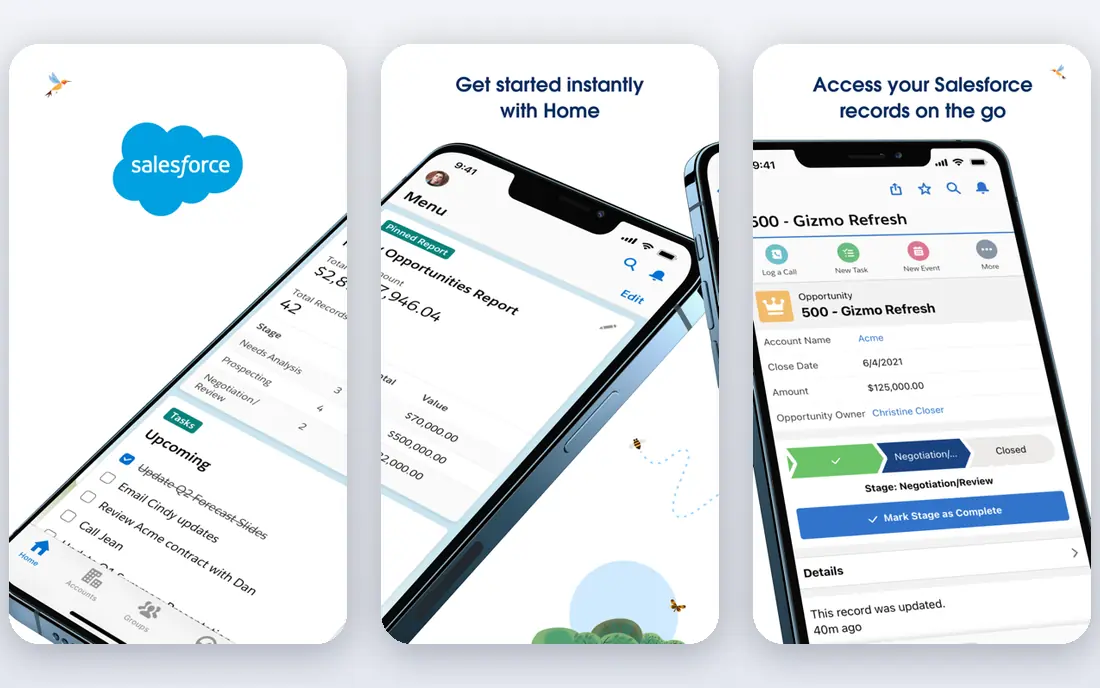
Salesforce is the pick for a company that expects to grow past 50 salespeople and needs lead management to scale with it. Its Starter Suite from $25 per user per month covers core lead, contact, and opportunity management, while higher editions add advanced routing, assignment rules, forecasting, and automation. The AppExchange ecosystem also means almost any lead source or enrichment tool can be connected.
The trade-off is effort and cost. Salesforce needs admin time to set up well, and edition upgrades plus add-ons can raise the total well above the starting price. A small team that only needs capture and pipeline tracking should start with HubSpot or Pipedrive, while a team planning complex routing and enterprise reporting should invest in Salesforce early.
- Deepest lead routing, assignment, and reporting
- Huge integration and app ecosystem
- Scales to enterprise
- Implementation and admin effort are high
- Pricing rises fast with editions and add-ons
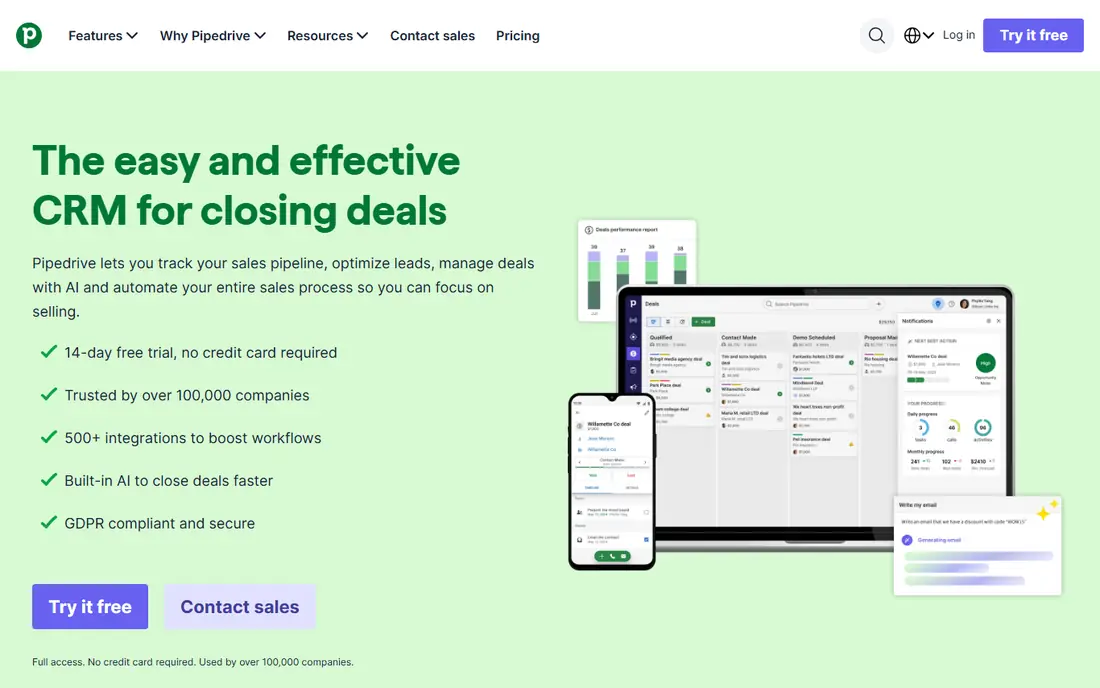
Pipedrive suits sales teams that think in pipelines. Leads and deals move across visual stages, activities and follow-ups sit on each record, and reps can see exactly what needs attention today. Its Lite plan at $14 per user per month on annual billing covers lead, calendar, and pipeline management, while Growth at $39 adds full email sync, automations, and sequences.
The limits are add-ons and tier depth. Lead generation, routing, and custom scoring sit on higher tiers, and add-ons for campaigns, projects, and web visitors cost extra. For a team that wants a clean, focused pipeline tool without the breadth of HubSpot or Salesforce, Pipedrive is an excellent and easy-to-adopt choice.
- Clear visual pipeline for leads and deals
- Easy to learn for reps
- Automation and lead scoring on higher tiers
- Lite plan lacks automations
- Add-ons for campaigns and lead generation cost extra
Zoho CRM gives budget teams the most depth per dollar in this list. Its free plan covers up to three users, Standard from $14 per user per month adds scoring rules and workflows, and Professional and Enterprise add deeper automation, forecasting, and customization. Lead capture from web forms, email, and social sources is built in, and the Zoho app ecosystem covers marketing, support, and finance alongside CRM.
The catch is polish and setup. The interface has many options and can feel inconsistent, so a team should allow setup time and use Zoho guides or a partner for a complex deployment. For a team willing to invest that time, Zoho CRM delivers enterprise-style lead management at a small-business price.
- Free plan for up to three users
- Deep CRM features for the price
- Strong automation on higher tiers
- Interface feels less polished than rivals
- Setup takes more time to get right
Freshsales, part of Freshworks, is the low-cost pick for teams that want calling and email inside the CRM itself. Its Growth plan from $9 per user per month on annual billing in published listings covers contact and deal management with built-in phone and email, so reps do not need a separate dialer for basic outreach. Lead scoring with AI assistance sits on higher tiers, which suits teams that grow into scoring gradually.
The limits are customization and breadth. Freshsales is less flexible than Salesforce or Zoho for complex processes, and some marketing and chat features live in separate Freshworks products. For a small sales team that wants a cheap, phone-ready CRM for lead management, it is a strong value choice.
- Low per-seat starting price
- Built-in phone and email
- AI lead scoring on higher tiers
- Less customizable than Salesforce or Zoho
- Some features need higher tiers or separate Freshworks products
monday CRM suits teams that already like monday.com boards and want lead tracking in the same visual style. Leads sit on boards with status, owner, and next-step columns, and automations can move leads, send reminders, and notify owners as stages change. Its Basic plan from $12 per user per month on annual billing, with a three-seat minimum, covers that board core.
The trade-off is sales depth. monday CRM is thinner than HubSpot or Pipedrive for email sequences, calling, and advanced lead scoring, so a sales-heavy team should test those gaps before switching. For a team that values visual tracking and already works in monday.com, it is a clean and flexible lead tool.
- Board-based lead tracking that is easy to read
- Customizable views and automations
- Free plan for up to two seats
- Sales features are thinner than a dedicated CRM
- Three-seat minimum on paid plans
Close is built for inside sales teams that spend their day calling. Its power dialer, call logging, SMS, and email sequences sit inside the CRM, so reps can work a lead list without switching tools. That call-first design makes it popular with outbound agencies and startups that rely on phone outreach to convert leads.
The catch is price and breadth. Close costs more than HubSpot free or Freshsales, and it offers less marketing automation than HubSpot or Zoho. A team that lives on the phone will find that focus worth paying for, while a team that mainly nurtures leads by email should compare Pipedrive or HubSpot first.
- Built-in power dialer and calling workflows
- Email sequences and lead management in one tool
- Fast for high-volume outreach
- Higher starting price than budget CRMs
- Minimal marketing tools compared with HubSpot
Copper is the pick for a small business that runs on Gmail and Google Workspace. It captures lead data from emails automatically, syncs with Calendar and Drive, and keeps lead records inside a familiar Google workflow. Its Basic plan from $9 per seat per month in older published listings covers that core, with Professional adding automation and reporting.
The limits are ecosystem and tier depth. Copper is far less appealing for a team on Outlook or other tools, and automation sits on higher tiers, so a team that needs complex routing should check Professional pricing first. For a Gmail-centered team that wants lead management without leaving Google apps, Copper is a natural and low-friction choice.
- Deep Gmail and Google Workspace integration
- Automatic data capture from email
- Simple setup for Google teams
- Automation only from higher tiers
- Less suited to teams outside Google Workspace
How we picked these
We compared official pricing pages, lead capture sources, and automation tiers for CRM and lead tools that serve small and mid-market teams today. We favored products with a free plan or trial and published starting prices, and we used See website where pricing is not published. We excluded pure marketing automation tools that do not manage a sales pipeline, since this list is for lead management through to conversion.
What to check before you buy lead management software
Start with lead sources, not the pipeline view. List where leads come from, website forms, ads, referrals, calls, or events, and shortlist only tools that capture those sources cleanly. Next, test assignment and follow-up, since a lead that sits unassigned for a day is often a lead lost, no matter how good the pipeline looks.
Test scoring and automation on the tier you will actually buy
Lead scoring, routing rules, and workflows often sit on higher tiers, so test them on the plan you intend to pay for, not on a trial of the top tier. Also confirm export options, since lead data should remain portable if you switch tools later. A short trial with real leads reveals routing gaps faster than any feature list.
Frequently asked questions
What is the best lead management software?
HubSpot is best for most small teams thanks to its free CRM, Pipedrive is best for pipeline-focused sales teams, and Salesforce is best for companies planning to scale past 50 people. The right pick depends on team size, budget, and sales motion.
What is the best lead management software for small business?
HubSpot free, Zoho CRM free for up to three users, and Freshsales from $9 per user per month are the strongest small-business picks. All three cover capture, pipeline, and follow-up, with different strengths in automation and calling.
What is the best free lead management software?
HubSpot offers the most generous free CRM in this list, with unlimited users in its published terms, while Zoho CRM offers a free plan for up to three users. Both are usable for real lead work, though automation and scoring need paid tiers.
How does lead scoring work?
Lead scoring ranks leads by fit, such as company size or role, and by behavior, such as email opens or website visits. Higher scores signal leads that deserve faster follow-up, but scores need tuning, since a score that never matches closed deals is worse than no score.
Do I need a CRM for lead management?
For more than a handful of leads, yes, since a spreadsheet cannot reliably handle capture, assignment, follow-up reminders, and pipeline reporting together. A free CRM such as HubSpot or Zoho covers that structure without an upfront cost.
Sources we checked (8)

Online Jobs is an independent blog about careers, online work, learning new skills and the tools that help people earn. More about us.
Keep reading
All posts
n8n Alternatives
n8n alternatives compared for 2026, with Zapier, Make, Activepieces, and more, covering visual builders, code steps, self-hosting, and pricing models.

ZoomInfo Alternatives
The best ZoomInfo alternatives in 2026, compared on price, free plans, data coverage, and which tool fits small teams or large sales teams best in detail.

Workday Alternatives
We compared the best workday alternatives for HR, payroll, and global hiring, from BambooHR and Gusto to Rippling, Deel, and HiBob for growing teams in 2026.