Best KPI Software in 2026: 8 Tools Compared

How we put this together: we compare official feature and pricing pages, app store listings, privacy policies and public user reviews. Prices change, so check the provider's site before you pay.
Key takeaways
- Databox and Geckoboard suit teams that want ready-made KPI dashboards with little setup, while Klipfolio suits teams that want formula-level control.
- Tableau and Power BI suit analysts who need deeper exploration, modeling and reporting across many data sources.
- Looker Studio is the strongest free starting point for Google-centered reporting, while Zoho Analytics suits teams already using Zoho apps.
- Pick a tool based on who will view the dashboard, not just who builds it, because a dashboard nobody checks has no value.
Quick comparison
| Name | Who it suits | Starting price | Free option | |
|---|---|---|---|---|
 Klipfolio Klipfolio | Custom client dashboards | $140 per month | No | Visit |
 Databox Databox | Marketing and sales KPIs | $89 per month | Yes | Visit |
 Geckoboard Geckoboard | TV and wallboard KPIs | $99 per month | No | Visit |
 Tableau Tableau | Deep visual analysis | $15 per user per month | No | Visit |
 Microsoft Power BI Microsoft Power BI | Microsoft-centered teams | $14 per user per month | Yes | Visit |
 Looker Studio Looker Studio | Free Google reporting | Free | Yes | Visit |
 Zoho Analytics Zoho Analytics | Zoho-based reporting | $30 per month | Yes | Visit |
 DashThis DashThis | Client reporting for agencies | $54 per month | No | Visit |
The best KPI software
KPI software turns numbers from sales, marketing, support and finance into dashboards, scorecards and alerts that a team can check at a glance. Some tools focus on simple, live displays for an office screen. Others are full business intelligence platforms for analysts. We compared official pricing pages, integrations and dashboard features for the tools below.
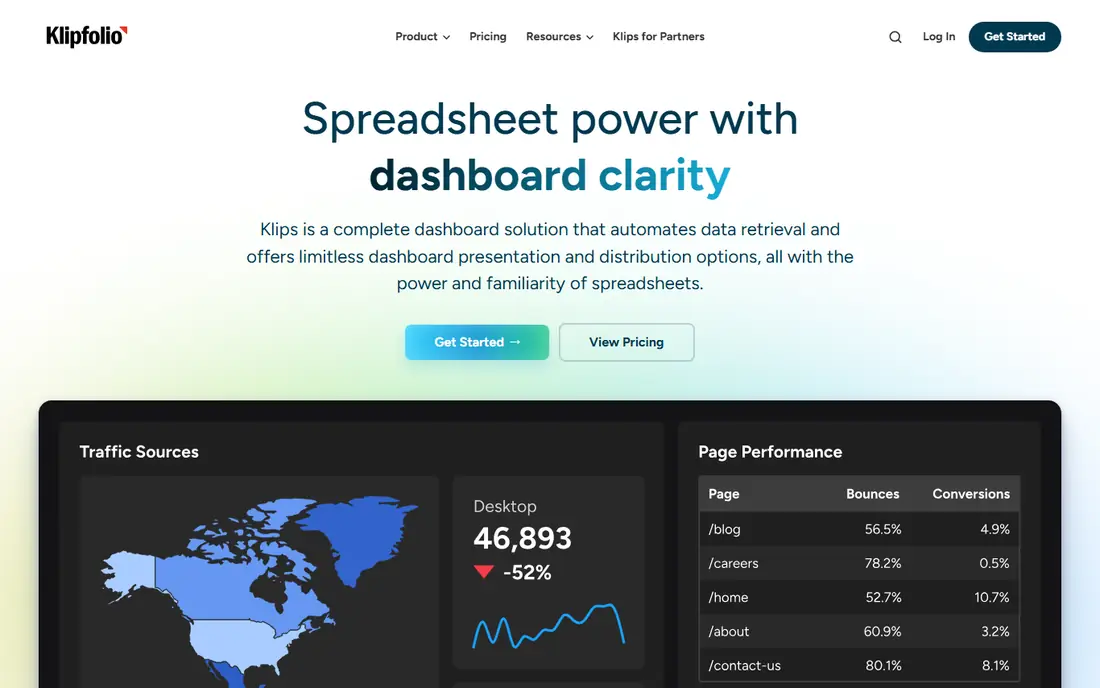
Klipfolio is a cloud dashboard platform that gives builders detailed control over how metrics are calculated and displayed. Its spreadsheet-style Klips allow formulas, custom visualizations and data blending from cloud services, databases and spreadsheets. Agencies and service businesses use it for client dashboards that need consistent branding and scheduled delivery.
That control comes with a learning curve. A team that only needs a few standard marketing KPIs may find Klipfolio more work than Databox or Geckoboard. Klipfolio also offers PowerMetrics, a metric catalog product with per-user pricing, which suits teams that want reusable metrics with goals and forecasts. For custom, client-facing dashboards, however, the main Klipfolio platform remains the stronger fit.
- Formula-level control over metrics
- Broad data source connections
- Scheduled client reports
- Higher starting price than simple dashboard tools
- Setup takes more effort than template-based rivals
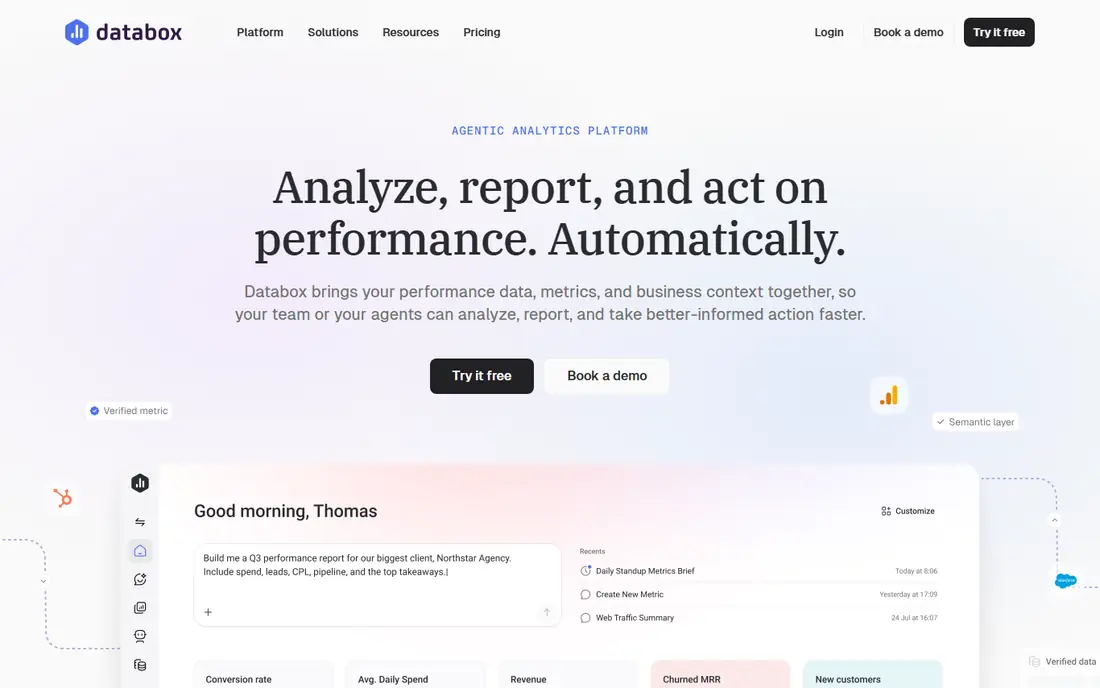
Databox is built for teams that want KPI dashboards without building every metric from scratch. It connects to marketing, sales, finance and support tools, offers pre-built metrics and templates, and supports scorecards, goals and performance alerts. A free plan with 3 data sources and one dashboard lets small teams test the approach before paying, and the Analyst plan starts at $89 per month.
Databox is less suited to complex data modeling or ad hoc exploration across a warehouse. It excels at answering a simple question, such as whether this month is on track, rather than why a trend changed in detail. For marketing and sales teams that need a shared, always-current view of key numbers, that focus is a strength.
- Many pre-built KPI integrations
- Free plan with 3 data sources
- Scorecards, goals and alerts
- Paid plans rise with users and sources
- Deeper analysis is limited compared with full BI tools
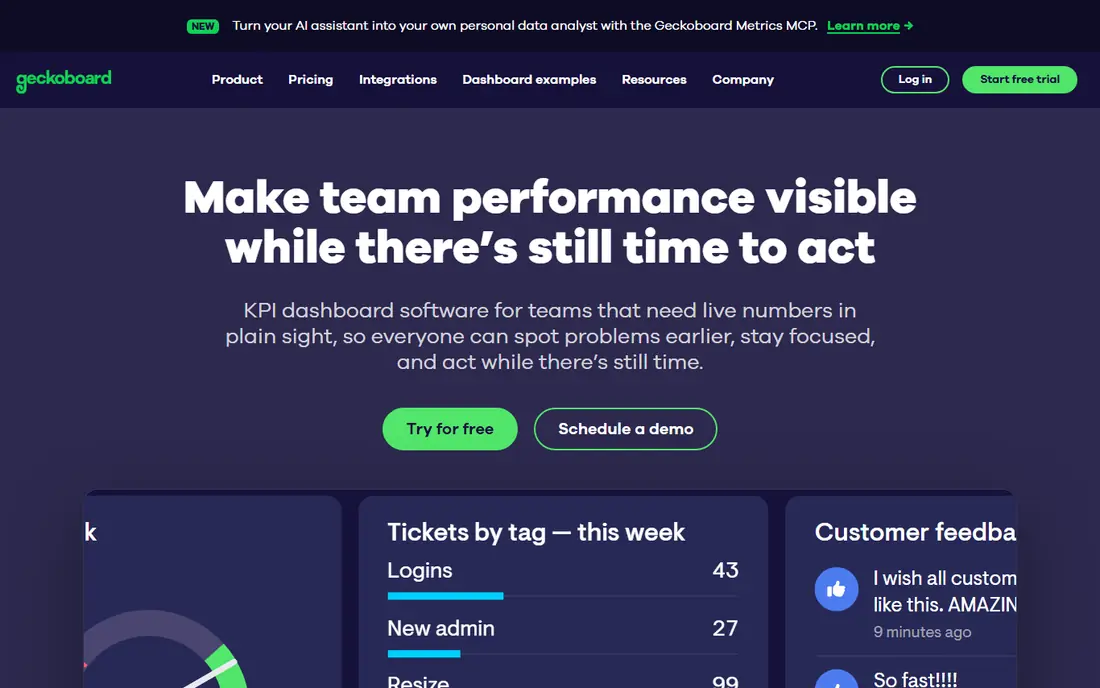
Geckoboard is designed for visibility. Its dashboards are made to sit on a TV or wallboard in an office, showing live sales, support, marketing or operational KPIs that a whole team can see. The editor is straightforward, viewers are unlimited on paid plans, and snapshots can be shared automatically with people who are not in the office.
Geckoboard is not a full BI tool. Teams that need drill-down analysis, data modeling or detailed client reporting will need another product alongside it. The Essentials plan starts at $99 per month, with a 14-day trial and no free plan. For a team whose main problem is that nobody looks at reports, a visible wallboard can be more useful than a richer tool that stays closed.
- Clear live displays designed for shared screens
- Simple dashboard editor
- Automated snapshots and sharing
- No free plan
- Less suited to deep analysis or complex reporting
Tableau is a leading visual analytics platform for teams that want to explore data, not just display a fixed set of KPIs. Analysts can build interactive dashboards, filter and drill into trends, and publish views for decision makers. It connects to spreadsheets, databases, warehouses and cloud apps, and it suits data-driven cultures where people ask follow-up questions rather than accepting a single number.
Tableau is more than a simple KPI display, and that depth has a cost in skills and licensing. Casual viewers still need appropriate access to shared content, and a governed deployment takes planning. Starting at $15 per user per month for entry tiers, it is affordable for a small analyst team, but enterprise deployments cost more. Choose Tableau when exploration matters as much as presentation.
- Rich interactive visualizations
- Strong data exploration
- Wide data source support
- Needs analyst skills for full value
- Sharing requires paid viewer or creator licenses in most setups
Power BI is Microsoft's business intelligence platform, and it fits naturally into companies already using Microsoft 365, Excel, Teams and Azure. It offers data modeling, DAX calculations, interactive reports and scheduled distribution, which makes it a strong choice for finance, operations and sales reporting. Power BI Desktop is free for personal use, while Pro starts at $14 per user per month billed annually.
The main limit is sharing. Free Desktop does not allow sharing in the cloud, so teams that publish reports widely need Pro licenses for sharers and, in most cases, viewers. Power BI also takes more setup than Databox or Geckoboard. For Microsoft-centered teams that already live in Excel and Teams, that effort pays off in a single, governed reporting system.
- Strong Microsoft 365 and Excel integration
- Capable data modeling
- Free Desktop for personal use
- Sharing requires paid Pro licenses for most viewers
- Setup is heavier than simple KPI tools
Looker Studio, formerly Google Data Studio, is the best free starting point for KPI reporting, especially for teams centered on Google Analytics, Google Ads, Sheets and Search Console. Creators and viewers can use the core product free, build custom reports and share them with a link. That makes it ideal for small businesses, freelancers and agencies that need client-ready reports without a monthly fee.
Looker Studio Pro, at $9 per user per project per month, adds team features and controls for larger deployments. Non-Google sources often need a third-party connector, some of which are paid. For Google-heavy reporting, Looker Studio is hard to beat on value. For complex modeling or governed enterprise BI, Power BI or Tableau will offer more structure.
- Free for creators and viewers
- Deep Google data connections
- Easy sharing with a link
- Pro features cost $9 per user per project per month
- Non-Google sources may need a connector
Zoho Analytics is a self-service BI and reporting platform that works well for businesses already using Zoho CRM, Books, Inventory or other Zoho apps. It offers dashboards, reports, data blending and AI-assisted insights, with a free plan for 2 users and 10,000 rows. Paid plans start at $30 per month for the Basic tier in many listings, with higher tiers adding users, rows and features.
Zoho Analytics is a practical middle ground between a free report builder and an enterprise BI platform. It handles accounting plus CRM plus ecommerce reporting on a budget, and it does not require a separate warehouse for many small business use cases. Teams outside the Zoho ecosystem can still use it, but they should check connector coverage and regional pricing before committing.
- Free plan with 2 users
- Broad Zoho app integration
- AI-assisted analysis on higher plans
- Pricing varies by region
- Advanced features sit on higher tiers
DashThis is built for agencies and marketing teams that send recurring client reports. It offers templates for common marketing channels, automated report generation and white-label options on higher plans, so a monthly report can be produced without rebuilding it each time. Starting at $54 per month, with $44 per month on annual billing in some listings, it is priced for agencies that report for multiple clients.
DashThis is narrower than a general KPI platform. It is excellent for marketing KPIs and client reporting, but it is not the right tool for finance, operations or company-wide BI. Agencies that spend hours each month assembling client reports will gain the most, because automation and consistent templates are the core value.
- Clean client-ready report templates
- Automated recurring reports
- Many marketing integrations
- Focused mainly on marketing reporting
- No free plan, only a trial
How we picked these
We compared official pricing pages, free plans, integrations and the typical user for each tool. We favored products that are actively maintained in 2026, support KPI tracking with goals or alerts where relevant, and fit a distinct use case, from free Google reporting to enterprise BI. Where pricing differed by billing period, we used the monthly figure and noted annual options in the text. We did not claim hands-on testing, and we treated third-party roundups as background, not as a substitute for vendor pricing pages.
How to choose KPI software that your team will actually use
Start with the audience. A wallboard for a sales floor needs large, simple numbers that update live. A leadership pack needs trends, targets and context. An analyst team needs filters, drill-down and modeling. Write down the five numbers each audience must see every week, and reject any tool that cannot show those five clearly.
Next, check data sources and refresh. List every system that feeds those numbers, how often each updates and whether the tool connects directly or needs a paid connector. A dashboard that updates weekly when you need daily figures will lose trust fast. Test one dashboard with real data during a trial, and watch how it handles missing data, duplicates and date ranges.
Finally, plan for maintenance. Assign an owner for each dashboard, set a review date each quarter and remove metrics that nobody uses. KPI software fails most often through neglect, not through missing features. A smaller set of trusted numbers, reviewed regularly, beats a large dashboard that nobody believes.
Frequently asked questions
What is KPI software?
KPI software tracks key performance indicators, such as revenue, conversion rate, churn or response time, and shows them on dashboards, scorecards or reports. It connects to business systems, updates numbers on a schedule and can alert teams when a metric moves off target. Good KPI software makes the current state of the business visible at a glance.
What is the best free KPI software?
Looker Studio is the most capable fully free option, especially for Google-centered reporting. Zoho Analytics offers a useful free plan for small teams, and Power BI Desktop is free for personal use but does not allow cloud sharing. Databox also offers a free plan with limited sources and dashboards.
How much does KPI software cost?
Free tools cover basic needs. Paid plans in this roundup start around $14 to $15 per user per month for Power BI and Tableau entry tiers, $30 per month for Zoho Analytics, $54 per month for DashThis, $89 per month for Databox, $99 per month for Geckoboard and $140 per month for Klipfolio. Enterprise BI deployments cost more, so confirm the plan that covers your users and sources.
Do I need a data warehouse to use KPI software?
No. Most tools in this roundup connect directly to a CRM, accounting system, spreadsheets and ad platforms. A warehouse helps with large volumes or governed metrics across departments, but small and mid-size companies can run KPI dashboards straight from business apps.
How long does it take to build a KPI dashboard?
A simple dashboard in Databox, Geckoboard or Looker Studio can go live in a day. A governed Power BI or Tableau deployment with modeled data typically takes two to six weeks. Start with one dashboard and five metrics, prove that people use it, and expand from there.
Sources we checked (8)

Online Jobs is an independent blog about careers, online work, learning new skills and the tools that help people earn. More about us.
Keep reading
All posts
Workday Alternatives
We compared the best workday alternatives for HR, payroll, and global hiring, from BambooHR and Gusto to Rippling, Deel, and HiBob for growing teams in 2026.

Which SaaS Tools Have the Best Customer Support
Which SaaS tools have the best customer support? Compare eight popular tools on help centres, live help, response options and overall support quality.

Top AI Helpdesk Software
Searching for top AI helpdesk software in 2026? We compared 8 AI helpdesks on automation, pricing, channels and ease of setup for small and growing teams.