Best Knowledge Base Software in 2026: 8 Tools Compared


Flexible internal wikis and team hubs · Starting price: $10 per user per month
How we put this together: we compare official feature and pricing pages, app store listings, privacy policies and public user reviews. Prices change, so check the provider's site before you pay.
Key takeaways
- Start by choosing between an internal wiki and a customer help center, because the two jobs need different tools and different pricing models.
- Notion and Confluence suit internal team knowledge, while Helpjuice, Zendesk, and Help Scout suit customer-facing help centers.
- Per-user pricing looks cheap until your whole company needs access, so compare flat monthly plans like Helpjuice against per-seat plans before you buy.
- Search quality decides whether a knowledge base gets used, so test it with real questions from your support inbox or your team chat.
- AI answers are now common, but they are often a separate cost, so check whether AI features are included in the quoted plan.
Quick comparison
| Name | Who it suits | Starting price | Free option | |
|---|---|---|---|---|
| Notion | Flexible internal wikis and team hubs | $10 per user per month | Yes | Visit |
 Confluence Confluence | Technical teams already using Atlassian tools | $5.42 per user per month | Yes | Visit |
 Helpjuice Helpjuice | Customer help centers with analytics | $249 per month | Free trial (14 days) | Visit |
 Zendesk Zendesk | Support teams that need tickets and articles together | $55 per agent per month | Free trial (14 days) | Visit |
 Guru Guru | AI answers inside daily workflows | See website | Free trial | Visit |
 Slab Slab | Simple, fast internal wikis | $6.67 per user per month | Yes | Visit |
 Document360 Document360 | Dedicated product and API documentation | See website | Free trial (14 days) | Visit |
 Help Scout Help Scout | Small support teams that also need Docs | $25 per user per month | Yes | Visit |
The best knowledge base software
A knowledge base only works if people can find answers in it without asking a colleague or opening a ticket. We compared official pricing pages, feature pages, and public reviews for tools that serve internal teams, customers, or both, and we kept only tools that are actively sold and supported in 2026.
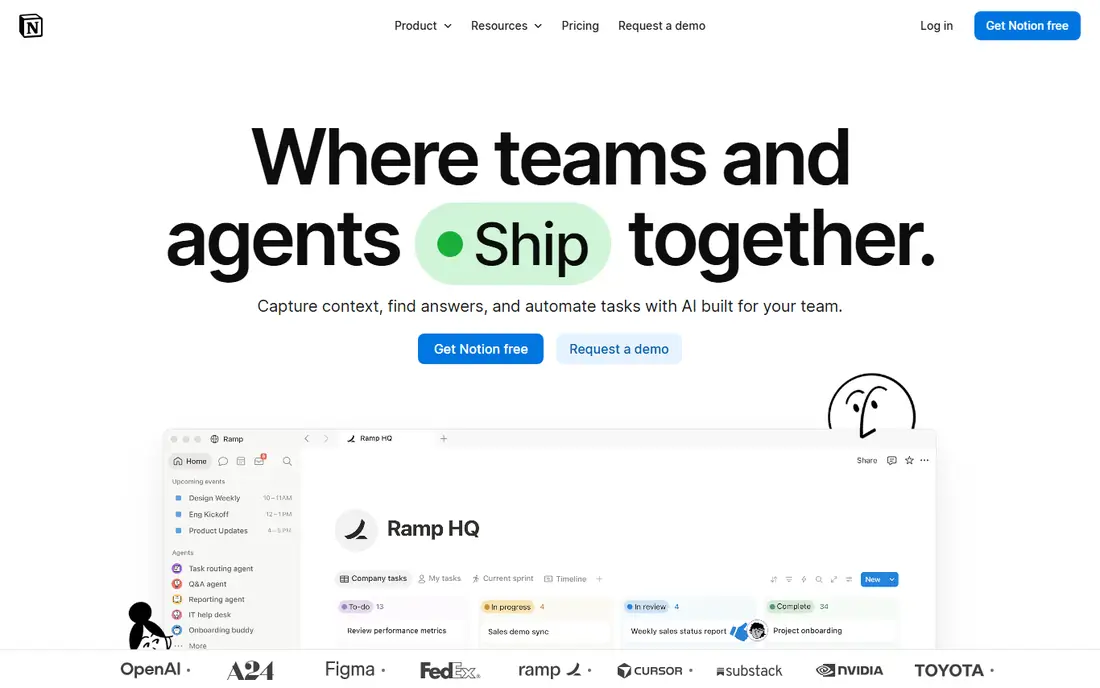
Notion is the easiest internal wiki to start, because almost anyone on a team can create a page, add a table, and link related docs without training. Templates for meeting notes, project hubs, and onboarding checklists help small teams get a usable wiki in days rather than weeks, and the free plan is enough to test whether the format fits your team.
The catch is governance. Without clear ownership, naming rules, and regular cleanups, a Notion workspace grows into a maze of duplicate pages, and search results get noisier as it grows. If you want a public help center with ticket deflection analytics, Notion is the wrong shape of tool, but for internal knowledge it remains the most adaptable option here.
- Very flexible pages, databases, and templates
- Easy for non-technical teams to edit
- Free plan for getting started
- Needs someone to own the structure or it becomes messy
- Permissions are stronger on higher plans
- Not built as a customer help center
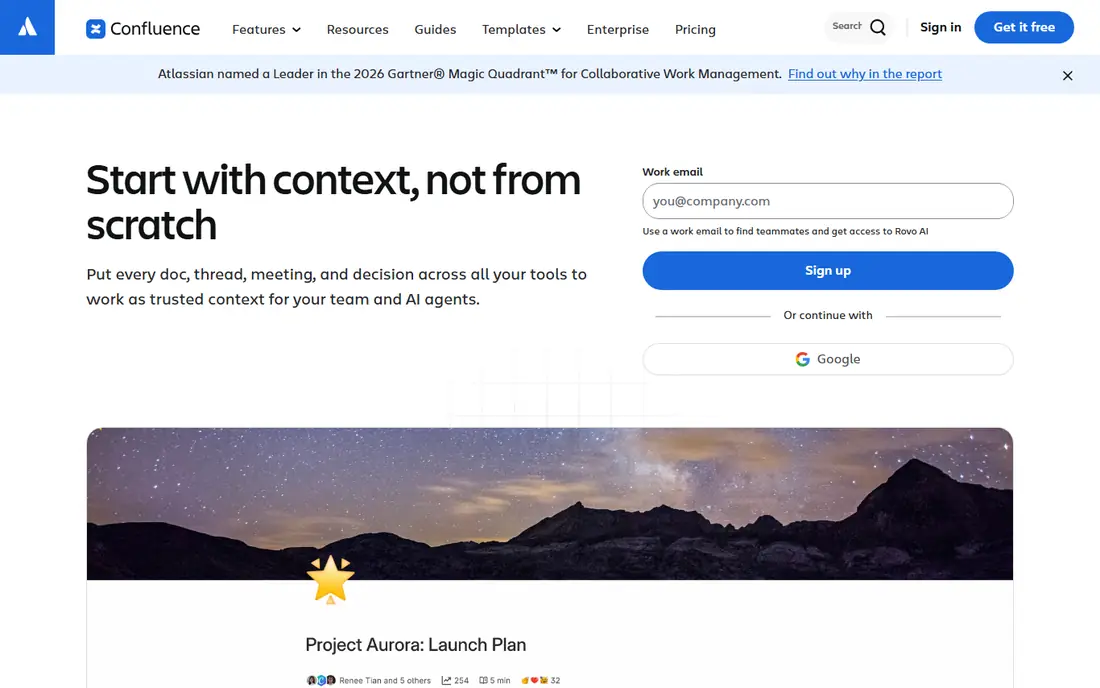
Confluence suits engineering and product teams that already live in Jira, because docs, specs, and tickets can link to each other without extra integrations. Page trees, version history, and permissions suit technical documentation, runbooks, and decision records that need to stay accurate over time. The free plan for up to 10 users makes it easy for a small team to try it properly.
The trade-off is feel. Confluence is less inviting for casual editors than Notion, and teams that do not use Jira may find its structure more rigid than they need. If your company is not already on Atlassian, compare it against Slab on ease of editing before committing, since adoption matters more than feature lists.
- Strong fit with Jira and Atlassian workflows
- Page-level permissions
- Free plan for up to 10 users
- Interface feels heavier than Notion or Slab
- Setup takes more planning
- Best value is inside an Atlassian setup

Helpjuice is built for one job: a customer-facing help center that actually reduces support tickets. Its analytics show which searches fail, which articles get read, and where customers still contact support, so your team can write the missing articles instead of guessing. Customization options let the help center match your product's branding rather than looking like a generic template.
The price is the main decision point. At 249 dollars per month for 30 users, it is cheaper than per-agent pricing once your support team grows, but expensive for a two-person team with a small article set. Try the trial with a real batch of articles, and check the analytics after a week to see whether the reporting justifies the flat fee.
- Flat monthly price for up to 30 users
- Detailed search and article analytics
- Strong customization for a branded help center
- Flat price is high for very small teams
- No free plan
- AI features sit on higher plans
Zendesk makes sense when articles and tickets should live in the same system. Agents can link help center articles into replies, managers can see which articles deflect tickets, and customers can move from self-service to a ticket without repeating themselves. For teams already using Zendesk for support, adding its help center is usually simpler than running a separate docs tool.
Cost control needs attention. Pricing is per agent, so a growing support team sees the bill grow with headcount, and AI answer features may carry per-resolution charges on top of the seat price. Map your agent count and expected AI volume before signing, and check which plan includes the help center features you need.
- Help center, tickets, and chat in one system
- AI answers and insights on higher plans
- Large integration library
- Per-agent pricing rises fast with team size
- No free plan
- AI resolutions can add per-use costs
Guru takes a different approach from a classic wiki: instead of asking staff to go and search a docs site, it brings verified answers into the tools they already use, such as chat apps and browsers. Verification reminders ask content owners to confirm or update cards, which helps stop the common problem of a wiki full of out-of-date procedures. Sales and support teams that answer the same questions all day tend to benefit most.
The catch is pricing transparency and upkeep. Guru no longer publishes a simple starting price, so you will need a quote, and the system only stays trustworthy if owners actually complete verifications. If your team will not assign owners to each topic, a simpler wiki may hold up better in practice.
- Surfaces verified answers inside tools like Slack and browsers
- Verification workflows keep content current
- Strong for sales and support teams
- No published starting price, so budget needs a sales conversation
- Value depends on keeping verification up to date
- Less suited as a public help center
Slab is our pick for teams that want a wiki people actually open. Editing is quick, topics keep related pages together, and search is prominent, which suits onboarding docs, internal processes, and team handbooks. It is less sprawling than Notion, so a new hire can usually find the right page without learning a system first.
Its limits show if you need a public help center. Slab is built for internal knowledge, so customer-facing branding, ticket deflection analytics, and support workflows are thinner than on dedicated help center tools. Choose it when the audience is your own team, and pair it with a separate help center tool if customers also need docs.
- Clean, fast editing experience
- Good topic organization
- Free plan for small teams
- Fewer customer help center features than Helpjuice or Zendesk
- Integrations are narrower than Notion
- Analytics are lighter
Document360 suits product teams that publish serious documentation: user guides, API references, release notes, and internal runbooks in one place. Category trees, version control, and search help readers find the right version of a doc, and the platform is designed for documentation teams rather than general note-taking. That focus shows in its editor and publishing controls.
The main drawback is price opacity. Document360 uses custom quotes, so you cannot compare it directly against a published per-user price without talking to sales, and AI features are typically part of that quote. It is worth that conversation for documentation-heavy products, but overkill for a small team wiki that Notion or Slab could cover.
- Built for internal and external documentation together
- Versioning and categories suit technical docs
- AI assistant features for readers
- No public starting price, so budgeting needs a quote
- More setup than a simple wiki
- AI features are priced in the quote
Help Scout fits small teams that answer email and publish help articles from the same tool. Its Docs product lets you build a branded help center without buying a separate platform, and the free plan, with one Docs site for up to 5 users, is genuinely usable for a tiny team. Support agents can see article performance alongside inbox work, which keeps docs tied to real customer questions.
Larger or documentation-heavy teams may find its limits sooner. Article analytics, versioning, and advanced customization are lighter than on Helpjuice or Document360, and AI answers carry a per-resolution charge. For a growing support team, it is a good starting point, with a clear upgrade path to a dedicated docs platform later.
- Shared inbox plus Docs in one account
- Free plan includes one Docs site for up to 5 users
- Straightforward pricing for small teams
- Docs features are lighter than dedicated platforms
- AI answer costs apply per resolution
- Larger teams may outgrow it
How we picked these
We compared official pricing and feature pages, app listings, and public reviews, and we favored tools that are actively maintained, that state their audience clearly, and that a team could trial in 2026. We separated internal wikis from customer help centers in our shortlist, because a tool that is excellent for one job can be a poor fit for the other. Where a vendor no longer publishes a starting price, we wrote "See website" rather than repeating an outdated figure from a review site.
Setting up a knowledge base people use
Start with the questions, not the folders
Pull the last 50 support tickets or the most repeated questions in your team chat, and write those answers first. A knowledge base with 20 useful articles beats one with 200 pages nobody searches for, and real questions give you a natural structure to build around.
Give every article an owner and a review date
Stale docs are worse than missing docs, because they send people down the wrong path with confidence. Assign an owner to each topic, set a review date, and track failed searches each month. Failed searches are your writing list for the next month.
Test search with new hires and customers
Ask someone who did not write the docs to find five answers using only search. Watch where they get stuck, which terms they use, and which articles they open by mistake. Fix titles and introductions based on those terms, since authors and readers rarely use the same words.
Keep the public and internal versions separate
Customer articles should be short, task-focused, and free of internal jargon, while internal runbooks can include system details and workarounds. Mixing the two in one space confuses customers and risks leaking internal detail, so use permissions or separate sites where your tool allows it.
Frequently asked questions
What is the best knowledge base software for a small business?
Notion or Slab suit most small internal wikis, while Help Scout suits a small team that also handles support email. If you need a customer help center with strong analytics, Helpjuice is the dedicated pick, though its flat price suits teams with more than a handful of users.
What is the difference between a knowledge base and a wiki?
A wiki is usually an internal, collaborative document space, while a knowledge base is a structured collection of articles designed for finding answers, often for customers. Many tools cover both, but customer knowledge bases add public publishing, search analytics, and ticket deflection features that a plain wiki may lack.
Is there free knowledge base software?
Yes. Notion, Confluence (for up to 10 users), Slab, and Help Scout all offer free plans, and open-source options exist for teams that can self-host. Free plans usually limit users, storage, or advanced features, so check whether permissions and analytics are included before you build a large library on one.
How much does knowledge base software cost?
Internal wikis commonly cost around 5 to 10 dollars per user per month, while customer help centers range from 25 dollars per agent per month to a flat 249 dollars per month for a team. Tools with custom pricing, such as Guru and Document360, need a quote, and AI features may add per-resolution costs.
Should a knowledge base replace support tickets?
No, it should reduce them. A good knowledge base answers routine questions so agents can focus on complex cases, but customers still need a clear route to a human when an article does not solve their problem. Track which searches fail and which articles lead to tickets to keep improving both.
How do you keep a knowledge base up to date?
Assign an owner to each article, set review dates, and check failed searches and ticket topics monthly. Verification reminders, as in Guru, help, but the habit matters more than the tool: a short monthly review of the ten most-read articles catches most decay before it misleads readers.
Sources we checked (8)

Online Jobs is an independent blog about careers, online work, learning new skills and the tools that help people earn. More about us.
Keep reading
All posts
Best White Label SEO Companies
We compare the best white label SEO companies and tools in 2026 for agencies, from fulfilment services to branded reporting platforms, margins and prices.

Best Webinar Software
We compared the best webinar software for 2026 on price, attendee limits, automation and ease of use, to help you host better live sessions with confidence.

Best Web Scraping Tools
Compare the best web scraping tools in 2026, from no-code Octoparse and Browse AI to Apify, Firecrawl, Bright Data, Zyte, ScraperAPI and free Scrapy, with prices.