Best Keyword Research Tool for SEO in 2026: 8 Tools Compared

How we put this together: we compare official feature and pricing pages, app store listings, privacy policies and public user reviews. Prices change, so check the provider's site before you pay.
Key takeaways
- Ahrefs and Semrush lead for serious SEO work, with large keyword databases, difficulty scores, and competitor research in one suite.
- Google Keyword Planner and Google Search Console are free and essential, but neither replaces a paid tool for difficulty and competitor data.
- KWFinder and Ubersuggest are the best low-cost starting points for bloggers and small sites that mainly need long-tail ideas.
- Moz Keyword Explorer suits beginners who want a clear priority score without a full suite learning curve.
- Always compare volume, difficulty, intent, and current rankings together, because a high-volume keyword you cannot rank for helps no one.
Quick comparison
| Name | Who it suits | Starting price | Free option | |
|---|---|---|---|---|
 Ahrefs | Competitor and backlink research | $29 per month | Yes | Visit |
 Semrush | Complete SEO suite | $139.95 per month | Yes | Visit |
 Moz Keyword Explorer | Quick checks for small sites | $99 per month | Yes | Visit |
 KWFinder | Low-competition long-tail keywords | $49 per month | Yes | Visit |
 Ubersuggest | Small budgets | $12 per month | Yes | Visit |
 SE Ranking | All-in-one value for agencies | $129 per month | Free trial | Visit |
 Serpstat | Affordable suite with clustering | $69 per month | Free trial | Visit |
 AnswerThePublic | Question keywords people ask | $20 per month | Yes | Visit |
The best keyword research tools for SEO
Keyword research is the step that decides whether your content has a chance to rank. The tools below all show search volume and related terms, but they differ in database size, difficulty scoring, competitor insight, and price. Pick based on your site size, budget, and whether you also need rank tracking, audits, and backlink data.
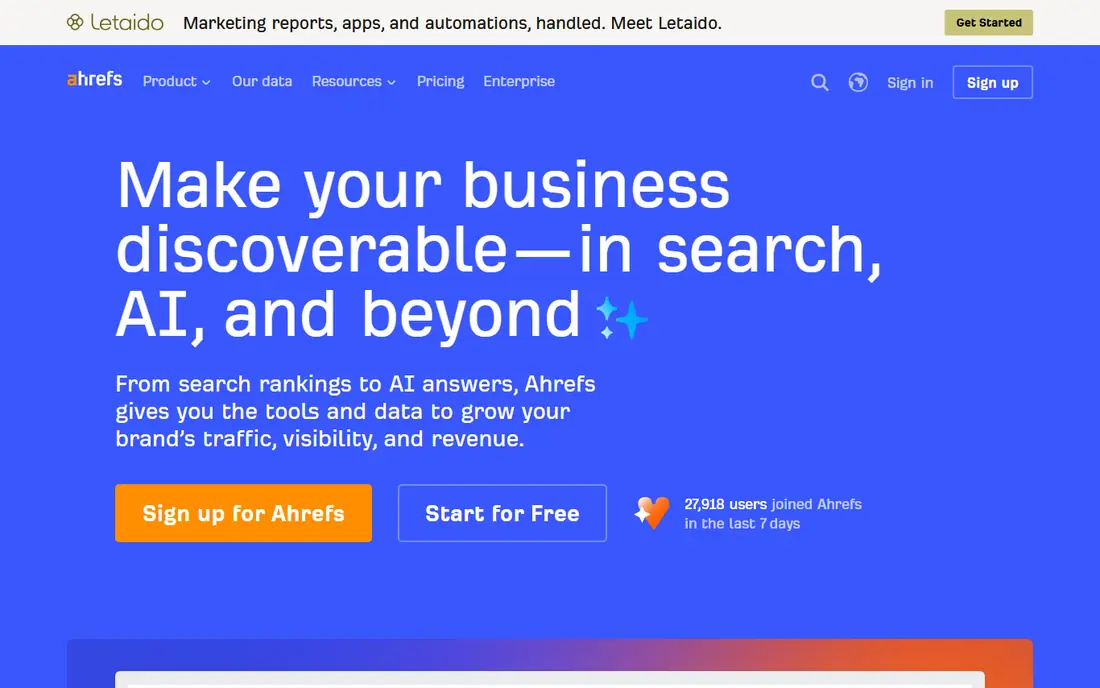
Ahrefs Keywords Explorer is the tool many SEOs reach for first when judging whether a keyword is winnable. Its difficulty score, traffic potential, and parent topic clustering help you see not just a keyword, but the page that should target it. Competitor gap tools show which keywords rivals rank for that you do not, which is often the fastest source of realistic targets.
The Starter plan at $29 per month is affordable, but it caps usage and features compared with Lite and higher tiers. Ahrefs Free, for site owners, covers your own site rather than full competitor research. If backlinks and competitor data matter to your strategy, Ahrefs is worth the cost. If you only need basic volume and difficulty, a cheaper tool may do.
- Large keyword database
- Trusted difficulty and traffic potential metrics
- Strong competitor gap tools
- Starter plan is limited
- Higher tiers cost much more
- Extra users add cost quickly
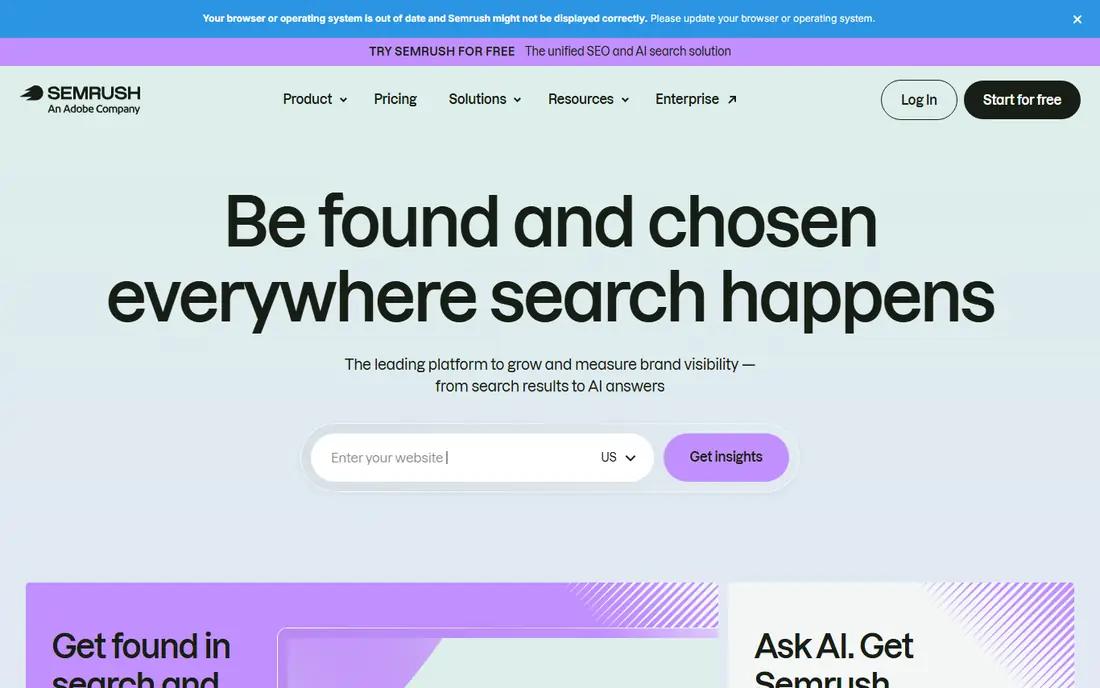
Semrush is the full suite option. Its Keyword Magic Tool groups related terms by intent and topic, shows difficulty and volume, and feeds directly into rank tracking, site audits, and content tools. For teams that also run paid search, Semrush covers both sides in one login, which saves switching between tools.
The entry price of $139.95 per month for the SEO Toolkit is steep for a solo blogger, and the free plan is limited to 10 reports a day. Semrush suits agencies, in-house teams, and sites that earn from search and need the whole workflow. Smaller sites should start with Ahrefs Starter, KWFinder, or the free Google tools and upgrade only when search becomes a main traffic source.
- Huge keyword database
- Keyword Magic Tool with intent and grouping
- PPC and content tools included
- Highest entry price here
- Free plan allows only 10 reports a day
- Interface can overwhelm beginners
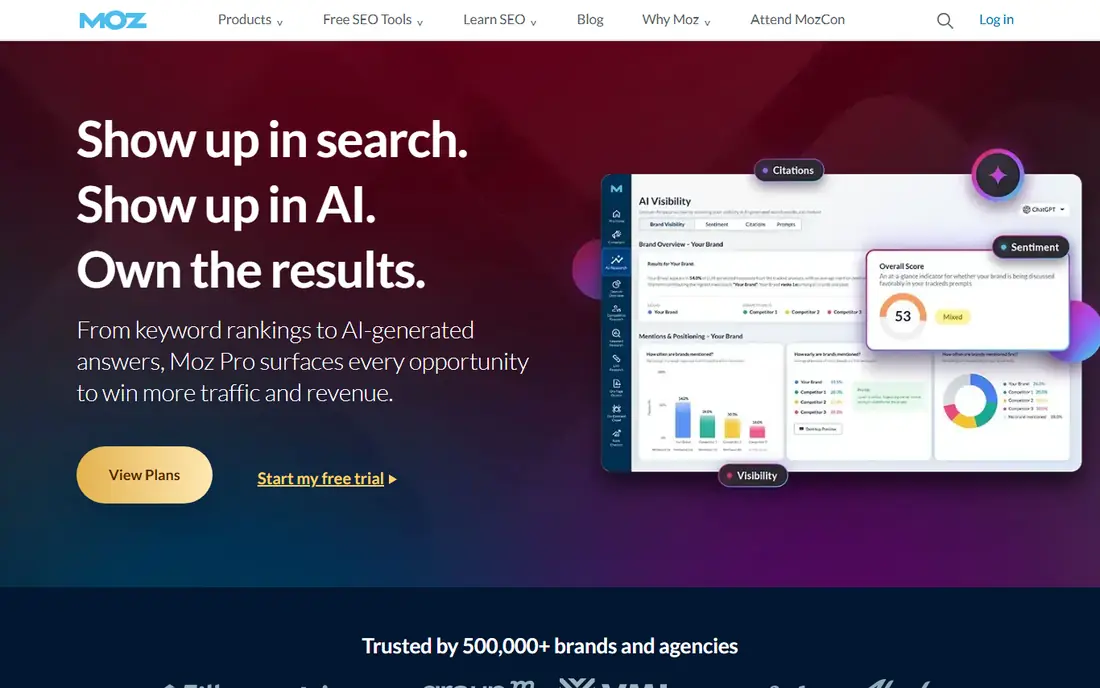
Moz Keyword Explorer is built for quick, confident decisions. Its Priority Score blends volume, difficulty, and organic click-through potential into one number, which helps beginners avoid chasing high-volume terms with little real traffic. Domain Authority gives context for whether your site can compete, and the tool links to SERP analysis for the terms you shortlist.
Moz Pro entry pricing has varied across sources, with recent pages listing $99 per month for the Standard plan, so confirm the current rate before buying. The database is smaller than Ahrefs or Semrush, and Moz lacks full PPC research. For small sites that want a simple, guided keyword workflow, it remains a solid pick.
- Clear Priority Score combining volume, difficulty, and opportunity
- Domain Authority context
- Beginner friendly
- Smaller keyword database than Ahrefs or Semrush
- Higher entry price than KWFinder or Ubersuggest
KWFinder, part of Mangools, is the tool we recommend most to beginners and bloggers. It shows volume, trend, cost per click, and a difficulty score in a clean interface, with autocomplete and question suggestions that surface long-tail terms larger tools bury. The Mangools bundle adds SERPChecker, SERPWatcher, LinkMiner, and SiteProfiler, so you get more than keyword research for the price.
Lower plans cap daily lookups, with a free account allowing 5 lookups per 24 hours, so heavy users will need a higher tier. KWFinder will not replace Ahrefs for backlink research or Semrush for a full suite, but for finding winnable long-tail keywords on a small site, it is hard to beat for ease and price.
- Very easy interface
- Clear difficulty score
- Good for long-tail and local terms
- Mangools bundle included
- Daily lookup caps on lower plans
- No full site audit or backlink suite at this price
Ubersuggest is the budget pick. It gives keyword volume, difficulty, content ideas, and competitor top pages at a price well below the major suites, with an Individual plan from $12 per month and a lifetime option for users who dislike subscriptions. The free tier allows limited searches, enough to test whether the data fits your niche.
The trade-off is depth. Ubersuggest data is thinner than Ahrefs or Semrush, and advanced users will miss gap analysis, large-scale clustering, and deep backlink tools. For a new blog, a local business site, or a freelancer learning SEO, that depth is rarely the limiting factor. Start here, learn the workflow, and upgrade when your site outgrows it.
- Cheapest paid option here
- Lifetime licence option
- Simple keyword ideas and content suggestions
- Smaller database and fewer advanced features than Ahrefs or Semrush
- Limits on free searches
SE Ranking combines keyword research with rank tracking, site audits, and backlink monitoring in one platform, which suits agencies managing several clients. Its keyword research covers many locations, and its grouping tools help turn a raw keyword list into a page plan. A 14-day trial lets you test the full workflow before paying.
Pricing has moved in 2026, with recent pages listing the Core plan at $129 per month, so confirm the current rate and history limits for your tier. Solo bloggers may find KWFinder or Ubersuggest cheaper, but agencies that need tracking and reporting for clients will find SE Ranking competitive against Semrush at a similar tier.
- Keyword research across many locations
- Rank tracking and audits included
- Keyword grouping tools
- Entry price is high for solo users
- History limits on lower tiers
- Interface takes time to learn
Serpstat is a mid-priced suite that covers keyword research, clustering, competitor analysis, and rank tracking. Its clustering tools group keywords by SERP similarity, which helps you avoid creating several pages that compete for the same terms. For teams that want suite features without Semrush pricing, Serpstat is a credible middle option.
Database depth varies by market, so check coverage for your country and niche during the trial, especially if you target non-English keywords. The interface is functional rather than polished, and some reports need more clicks than in Ahrefs or Semrush. On price and breadth, though, Serpstat earns its place here.
- Keyword clustering and gap tools
- Competitor research
- Lower price than major suites
- Database depth varies by country
- Interface feels dated next to newer tools
AnswerThePublic answers a different question from the other tools here: what do people actually ask about a topic? It maps questions, prepositions, and comparisons around a seed term, which is gold for FAQ sections, blog outlines, and content that matches search intent. Paid plans from $20 per month, or less on annual billing, raise search limits for regular users.
Do not use AnswerThePublic alone for keyword research. It does not replace volume, difficulty, and competitor data from Ahrefs, Semrush, or KWFinder. Pair it with one of those tools: find winnable terms first, then use AnswerThePublic to shape the questions and angles your page should cover.
- Best for question and preposition keywords
- Visual topic maps
- Useful for FAQ and content ideas
- Not a full keyword database
- Volume and difficulty data are thinner than dedicated tools
How we picked these
We compared official pricing pages, keyword databases, difficulty methods, and feature pages for tools that support SEO keyword research, not just paid search planning. We favoured tools with a free tier or trial, published pricing, and a track record in 2026, and we included free Google tools in the guide below because every SEO workflow needs them. Where pricing varied across sources or billing terms, we used the monthly figure from recent vendor pages and advise confirming the current rate before buying. We did not claim hands-on testing; our comparison rests on vendor pages, pricing, and public documentation.
How to run keyword research that leads to rankings
Start with seed terms from your products, services, and customer questions, then expand them in your chosen tool and filter by intent. Informational terms suit guides, commercial terms suit comparison pages, and transactional terms suit product or service pages. A keyword with the wrong intent will not convert even if it ranks, so match the page type to the searcher goal first.
Next, judge winnability honestly. Look at volume, difficulty, and the sites already ranking: if the top results are large authority sites and your site is new, target longer, more specific variants first. Check the actual search results, not just the difficulty number, because a low difficulty score can hide a results page full of strong, well-matched pages. Build topical depth by covering related terms across several pages, then link them together.
Free tools every SEO should use
Google Search Console shows the queries your site already appears for, which is the best source of quick wins: pages ranking on page two for a term often need only better titles, headings, and internal links. Google Keyword Planner, inside a Google Ads account, gives volume ranges and paid competition data for free. Google Trends shows seasonality and rising terms, which helps you time content. Use these free tools alongside a paid tool, not instead of one, for a complete picture.
Frequently asked questions
Which SEO tool is best for keyword research?
Ahrefs is the best all-round pick for difficulty and competitor data, while Semrush is best if you also need PPC, content, and a full suite. For beginners and small budgets, KWFinder and Ubersuggest give the best value. The best tool is the one whose data you will actually use weekly.
What are the best SEO keyword research tools for free?
Google Search Console, Google Keyword Planner, and Google Trends are free and essential. Ahrefs Free, Moz free keyword tool, KWFinder free account, and Ubersuggest free tier add limited paid-tool data without a subscription. Combine free tools for volume and existing rankings, then add a paid tool for difficulty and competitor gaps.
What is the best keyword research tool for small business SEO?
KWFinder suits most small businesses, because it is easy, affordable, and strong on long-tail and local terms. Ubersuggest is cheaper still, while Moz Keyword Explorer adds a clear priority score for owners who want guidance. Local businesses should also check Google Business Profile search terms and local SERP results.
How do I know if a keyword is too hard to rank for?
Check difficulty, the authority of ranking sites, and the quality of the top pages, not just one number. If the top ten results are all large, established sites with thorough pages on the exact topic, and your site is new or small, the keyword is likely too hard for now. Target longer variants, build topical pages around them, and revisit the head term later.
Should I target high-volume or low-volume keywords?
Target both, in proportion to your site authority. High-volume terms bring traffic but face strong competition, while low-volume long-tail terms convert better and rank faster for newer sites. A healthy plan mixes a few head terms with many specific long-tail pages that answer real questions.
Sources we checked (8)

Online Jobs is an independent blog about careers, online work, learning new skills and the tools that help people earn. More about us.
Keep reading
All posts
ZoomInfo Alternatives
The best ZoomInfo alternatives in 2026, compared on price, free plans, data coverage, and which tool fits small teams or large sales teams best in detail.

Workday Alternatives
We compared the best workday alternatives for HR, payroll, and global hiring, from BambooHR and Gusto to Rippling, Deel, and HiBob for growing teams in 2026.

Which SaaS Tools Have the Best Customer Support
Which SaaS tools have the best customer support? Compare eight popular tools on help centres, live help, response options and overall support quality.