Best Kanban App in 2026: 8 Apps Compared


Simple visual boards for small teams · Starting price: $5 per user per month
How we put this together: we compare official feature and pricing pages, app store listings, privacy policies and public user reviews. Prices change, so check the provider's site before you pay.
Key takeaways
- Trello remains the simplest pure kanban app, while Asana, monday.com, and ClickUp offer kanban as part of a wider project platform.
- Free plans are genuinely useful for small teams, but user caps and feature limits matter once a whole company joins.
- Software teams should shortlist Jira and Linear, while non-technical teams usually settle faster on Trello, Asana, or monday.com.
- Paid plans on this list start around $5 per user per month, so the total cost depends far more on team size than on the headline price.
Quick comparison
| Name | Who it suits | Starting price | Free option | |
|---|---|---|---|---|
| Trello | Simple visual boards for small teams | $5 per user per month | Yes | Visit |
 Asana | Cross-team work with clear ownership | $10.99 per user per month | Yes | Visit |
 Jira | Software teams that need agile workflows | See website | Yes | Visit |
 monday.com | Visual workflows for operations and marketing teams | $9 per user per month | Yes | Visit |
 ClickUp | Teams that want many tools in one place | $7 per user per month | Yes | Visit |
 Notion | Docs and tasks in one workspace | $10 per user per month | Yes | Visit |
 Linear | Fast product and engineering teams | $10 per user per month | Yes | Visit |
 Wrike | Larger teams that need resource control | $10 per user per month | Yes | Visit |
The best kanban apps
We compared the kanban tools teams actually open every day, from the simplest drag-and-drop boards to full project platforms where kanban is one view among many. A good board should make work visible at a glance, and the best choice depends on your team size, your technical comfort, and whether you need docs, sprints, or reporting beside the board.
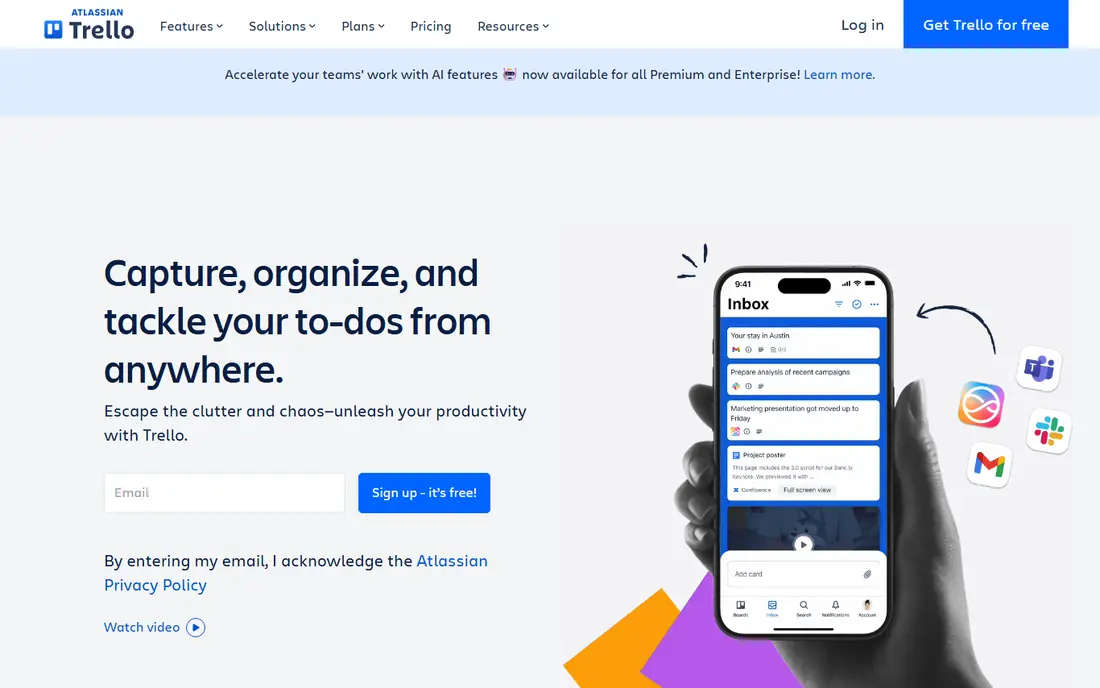
Trello is still the simplest way to run a kanban board, and that simplicity is its strength. You create a board, add columns, and drag cards from left to right as work moves, and almost anyone on the team understands it within minutes. Checklists, due dates, attachments, and comments live inside each card, so the board stays the single place where work is visible. For a small team or a personal workflow, it is our first suggestion.
The honest catch is this: Trello struggles when projects grow complex, since dependencies and portfolio reporting need add-ons or another tool, and a board with hundreds of cards can get hard to read. Before you commit, check the current pricing page and the plan limits against the size of your team and the work you actually do each week, because the right plan on paper can still be the wrong plan in practice.
- Fast to learn
- Flexible boards and cards
- Wide range of integrations
- Weak reporting on large projects
- Complex dependencies need workarounds
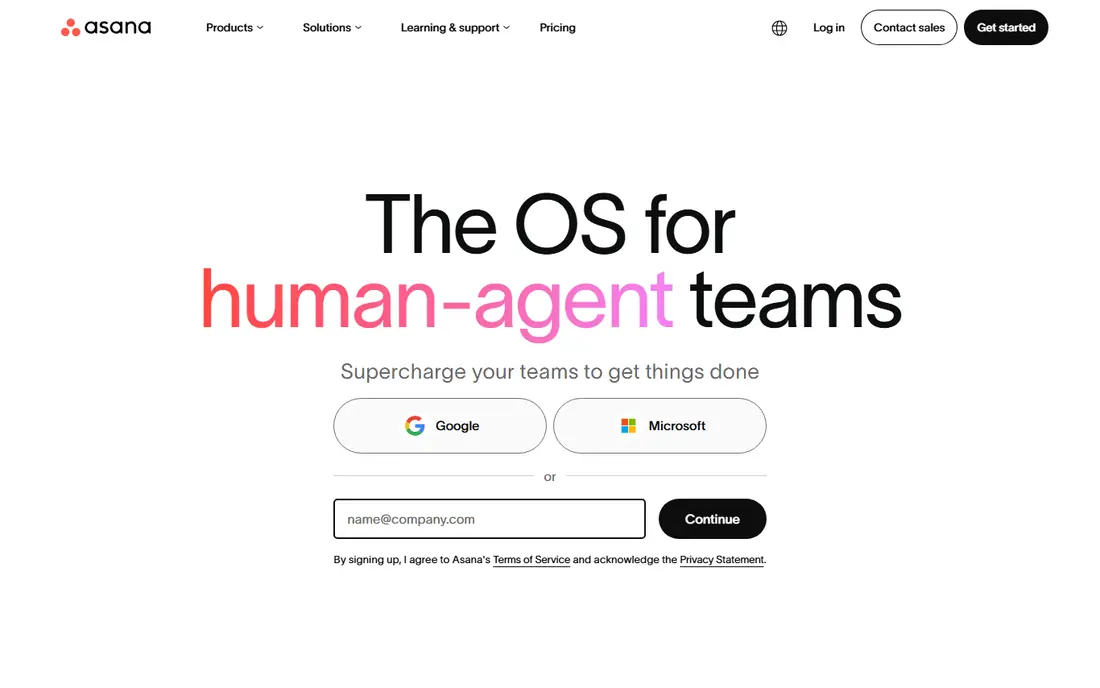
Asana suits teams that need kanban plus a clear sense of who owns each task. Boards sit beside lists, timelines, and calendars, so a team can view the same work in the way that suits each person, while assignees and due dates keep responsibility visible. Templates and automation rules cut down on repeated setup work. For cross-team projects, that structure is worth it.
The honest catch is this: The price per user climbs quickly on larger teams, and people who only want a plain board may find the wider platform more than they need. Before you commit, check the current pricing page and the plan limits against the size of your team and the work you actually do each week, because the right plan on paper can still be the wrong plan in practice.
- Board, list, and timeline views
- Clear task ownership
- Strong integrations
- Paid plans add up for large teams
- Simpler than a pure kanban tool in places
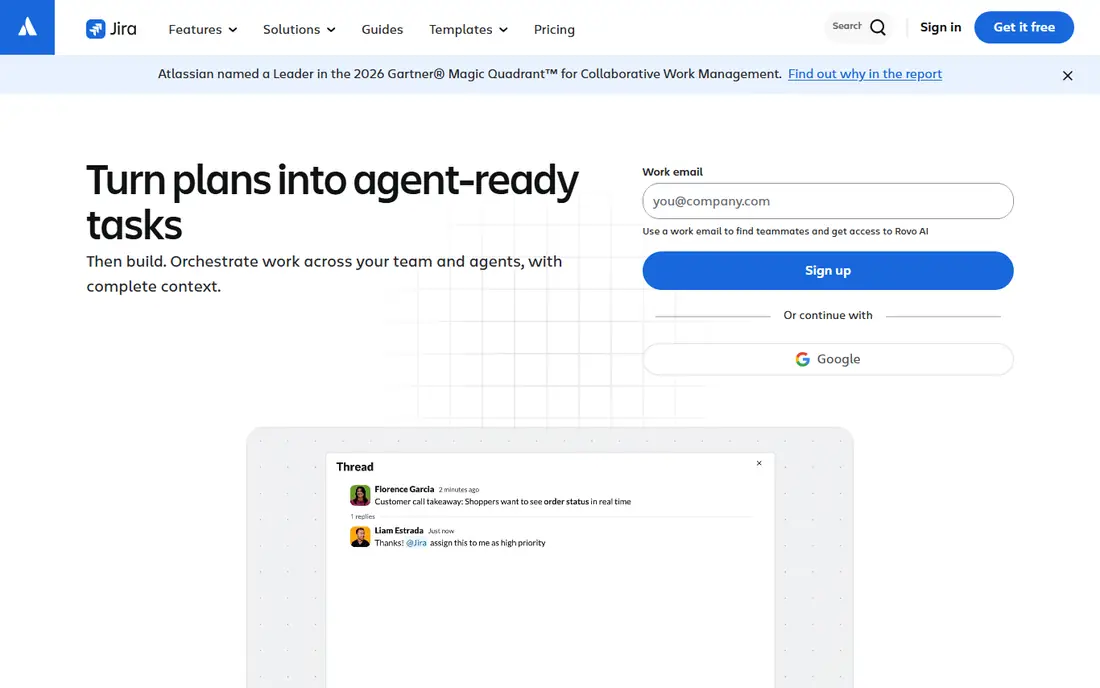
Jira is the natural kanban choice for software teams that already live in agile workflows. Its boards, backlogs, sprints, and issue tracking handle complex development work, and the marketplace adds reporting, roadmaps, and automation for teams that need them. For engineering teams, that depth pays off over time.
The honest catch is this: New users often find the settings and terminology heavy, and a small non-technical team can spend more time configuring Jira than using it. Before you commit, check the current pricing page and the plan limits against the size of your team and the work you actually do each week, because the right plan on paper can still be the wrong plan in practice.
- Strong agile boards and backlogs
- Deep issue tracking
- Wide app marketplace
- Steep learning curve
- Setup and admin take real time
monday.com appeals to teams that think in colour, columns, and dashboards rather than plain lists. Boards can be shaped around almost any workflow, automations move work forward without manual chasing, and dashboards give managers a quick view of progress across projects. For operations and marketing teams, the visual flexibility is a real draw.
The honest catch is this: Paid plans carry minimum seat counts, and the price can climb as a team adds users and features, so check the total before rolling it out widely. Before you commit, check the current pricing page and the plan limits against the size of your team and the work you actually do each week, because the right plan on paper can still be the wrong plan in practice.
- Highly visual boards
- Custom columns and automations
- Dashboards
- Minimum seat requirements on paid plans
- Costs rise with automations and scale
ClickUp tries to replace several tools at once, and its kanban board is one view among many. Tasks, docs, goals, whiteboards, and time tracking sit in a single workspace, so a team can keep planning and delivery together instead of switching apps all day. For teams that want one home for work, it is a strong, affordable option.
The honest catch is this: That breadth is also the risk, since new users can feel lost in settings and views, and large workspaces need careful organisation to stay fast. Before you commit, check the current pricing page and the plan limits against the size of your team and the work you actually do each week, because the right plan on paper can still be the wrong plan in practice.
- Many views including kanban
- Docs, goals, and time tracking
- Generous free plan
- Depth can overwhelm new users
- Performance varies on very large workspaces
Notion fits teams that want their notes, docs, and task boards in the same place. A kanban board can live inside a project page beside specs, meeting notes, and reference material, which keeps context close to the work itself. Templates make it easy to start, and the free plan covers many small teams. For knowledge-heavy teams, the blend of docs and boards is the appeal.
The honest catch is this: It is not a dedicated project management tool, so teams that need heavy reporting, workload planning, or advanced automation may hit limits sooner. Before you commit, check the current pricing page and the plan limits against the size of your team and the work you actually do each week, because the right plan on paper can still be the wrong plan in practice.
- Flexible pages and databases
- Kanban views inside docs
- Good templates
- Not a dedicated project tracker
- Reporting and automation are lighter
Linear is built for product and engineering teams that value speed above all else. Its interface feels quick, keyboard shortcuts keep work moving, and issues, cycles, and roadmaps fit how software teams plan releases. The kanban-style views stay clean even as the backlog grows. For a focused product team, it is one of the most pleasant tools on this list.
The honest catch is this: Non-technical teams may miss the broader templates and general project features of rivals, and pricing is aimed at professional software teams rather than casual users. Before you commit, check the current pricing page and the plan limits against the size of your team and the work you actually do each week, because the right plan on paper can still be the wrong plan in practice.
- Fast and polished interface
- Strong issue workflow
- Good for product teams
- Less suited to non-technical teams
- Fewer general project templates
Wrike suits larger teams that need to see who is overloaded and where work is stuck. Kanban boards sit beside Gantt charts, workload views, and approvals, so managers can plan capacity as well as track cards. Reporting helps leaders spot bottlenecks before they become missed deadlines. For marketing, creative, and operations teams at scale, that control matters.
The honest catch is this: Casual users may find the interface busy, and the most useful reporting and resource features sit on higher plans. Before you commit, check the current pricing page and the plan limits against the size of your team and the work you actually do each week, because the right plan on paper can still be the wrong plan in practice.
- Kanban plus Gantt and workload views
- Approval workflows
- Reporting
- Learning curve for casual users
- Higher tiers needed for advanced features
How we picked these
We compared official feature pages, pricing pages, app store listings, and public documentation for each product on this list, and we kept only options that are currently available and clearly fit the topic. We looked at the core job each product does, who it is built for, what it costs to start, and where its limits show up in everyday use. We did not claim hands-on testing we did not do, and where a vendor does not publish a price we say so plainly instead of guessing. That approach keeps the comparison honest, and it lets you check every claim against the vendor's own site before you spend anything.
How to choose a kanban app
Match the tool to the work, not the other way round
If your work is a simple flow from to do to done, a plain board beats a full project suite. If you need sprints, dependencies, or workload planning, pick a tool that handles those natively rather than forcing them onto a simple board.
Test with a real project
Set up one real project, invite the people who will use it daily, and move real cards for a week. Watch for friction points such as slow loading, confusing permissions, or cards that nobody updates, since those small frictions decide whether a board stays alive.
Check the free plan limits
Count the users, boards, and automations your team will actually need, then compare that against the free plan. A free plan that fits five people can become a surprise bill at twenty, so price the team you expect to have in six months, not just today.
Frequently asked questions
What is the best kanban software for a small team?
Trello is the best kanban software for most small teams because it is fast to learn, free to start, and clear at a glance. Asana is a better step up when a team needs clearer ownership, timelines, and cross-team coordination.
What are the best kanban tools for software teams?
Jira and Linear are the best kanban tools for software teams, since both handle backlogs, sprints, and issue tracking beside the board. Trello can work for a small dev team, but it lacks the depth larger engineering teams usually need.
Which is the best kanban tool for personal use?
Trello and Notion are both strong for personal use, with Trello winning on pure board simplicity and Notion winning when notes and docs matter as much as tasks. Both have free plans, so try each with a real personal project before paying.
What is the best kanban software platform for a large company?
Large companies often choose Asana, monday.com, or Wrike as their kanban software platform, since those tools add permissions, reporting, and workload views that simple boards lack. Run a pilot with one department first, since adoption matters more than the feature list.
Is there a best kanban app with a free plan?
Yes, Trello, Asana, ClickUp, Notion, and several others on this list offer free plans, though each limits users, boards, or features in some way. Check the limits against your team size before you build your whole workflow on a free tier.
Sources we checked (8)

Online Jobs is an independent blog about careers, online work, learning new skills and the tools that help people earn. More about us.
Keep reading
All posts
Zoom Alternatives
Zoom alternatives compared for 2026: Google Meet, Microsoft Teams, Webex, Jitsi and more for free calls, large meetings and webinars for teams and classrooms.

Which Software Is Best for Data Entry
Compare the best data entry software for forms, OCR scanning, and spreadsheets, with free plans, pricing, and honest limits for each tool before you commit.

What's the Best App to Read PDFs
Find what's the best app to read PDFs in 2026, from Adobe Acrobat Reader and Foxit to PDF Expert and Xodo, with free options and honest limits for every device.