8 Best Job Apps to Find Work Faster in 2026

How we put this together: we compare official feature and pricing pages, app store listings, privacy policies and public user reviews. Prices change, so check the provider's site before you pay.
Key takeaways
- Indeed is the best starting point for sheer listing volume, while LinkedIn is the best app for professional roles where recruiter contact matters.
- Glassdoor adds salary data and company reviews to the search, so use it to vet an employer before you apply, not just to find openings.
- ZipRecruiter is the best choice for fast applications, with one-tap apply and alerts that surface new matches quickly.
- Students and new graduates should start with Handshake, tech workers with Dice, and hourly workers with Snagajob, since specialist apps filter out irrelevant listings.
- Most job apps are free for job seekers, with paid extras limited to premium networking features or screened remote listings, so avoid paying before you test the free tier.
Quick comparison
| Name | Who it suits | Starting price | Free option | |
|---|---|---|---|---|
 Indeed Indeed | Most listings in one place | Free | Yes | Visit |
 LinkedIn LinkedIn | Professional jobs and recruiter contact | Free | Yes | Visit |
 ZipRecruiter ZipRecruiter | Fast one-tap applications | Free | Yes | Visit |
 Glassdoor Glassdoor | Salaries and company reviews | Free | Yes | Visit |
 Handshake Handshake | Students and new graduates | Free | Yes | Visit |
 Dice Dice | Tech and IT jobs | Free | Yes | Visit |
 Snagajob Snagajob | Hourly and shift work | Free | Yes | Visit |
 FlexJobs FlexJobs | Screened remote and flexible jobs | See website | No | Visit |
The best job apps
We compared listing volume, application speed, alert quality, salary and review data, and how well each app serves a specific group such as students, tech workers, or hourly staff.
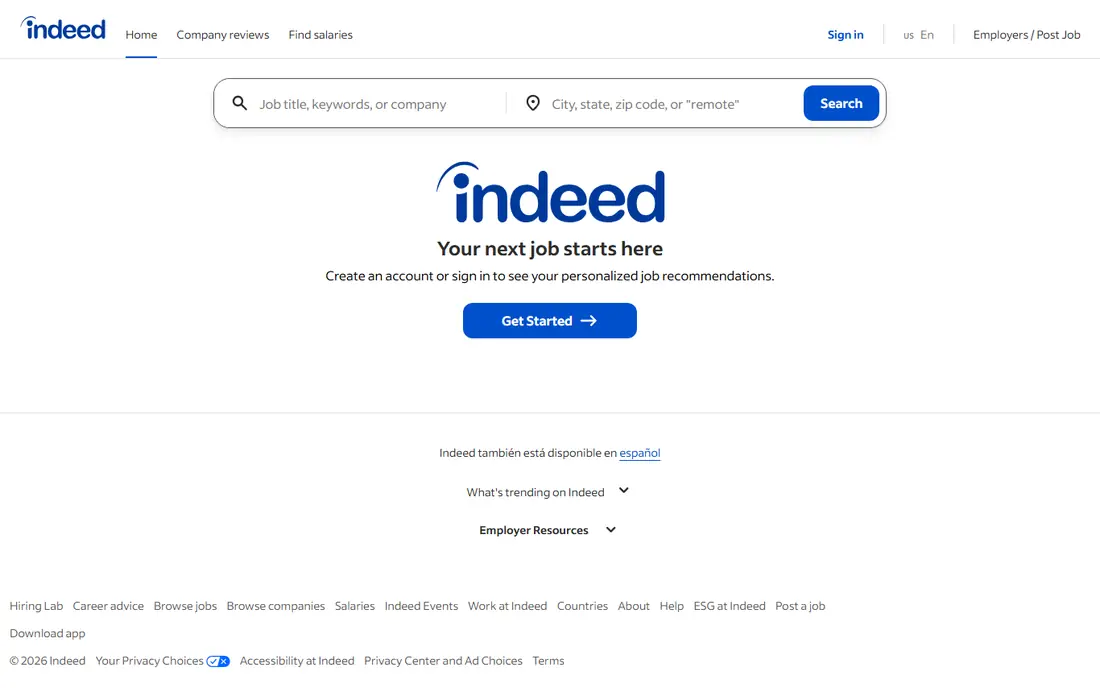
Indeed remains the default job app for a reason: it aggregates listings from company sites and other boards into one searchable pool, so a single search covers far more openings than a single company career page. Filters for salary, location, job type, and posting date help narrow that volume, and job alerts can push new matches to your phone each morning. Applying is free for job seekers, and many listings support applying directly inside the app.
The catch is noise. A broad search can return thousands of results, including duplicates and stale postings, so you need tight filters and a habit of checking posting dates. Indeed is best as your wide net: use it to discover openings, then vet the employer on Glassdoor and check the company site before you apply.
- Largest general listing pool
- Strong filters for salary, date, and job type
- Free for job seekers
- Easy job alerts
- High volume means more irrelevant results
- Some listings are duplicated from other boards
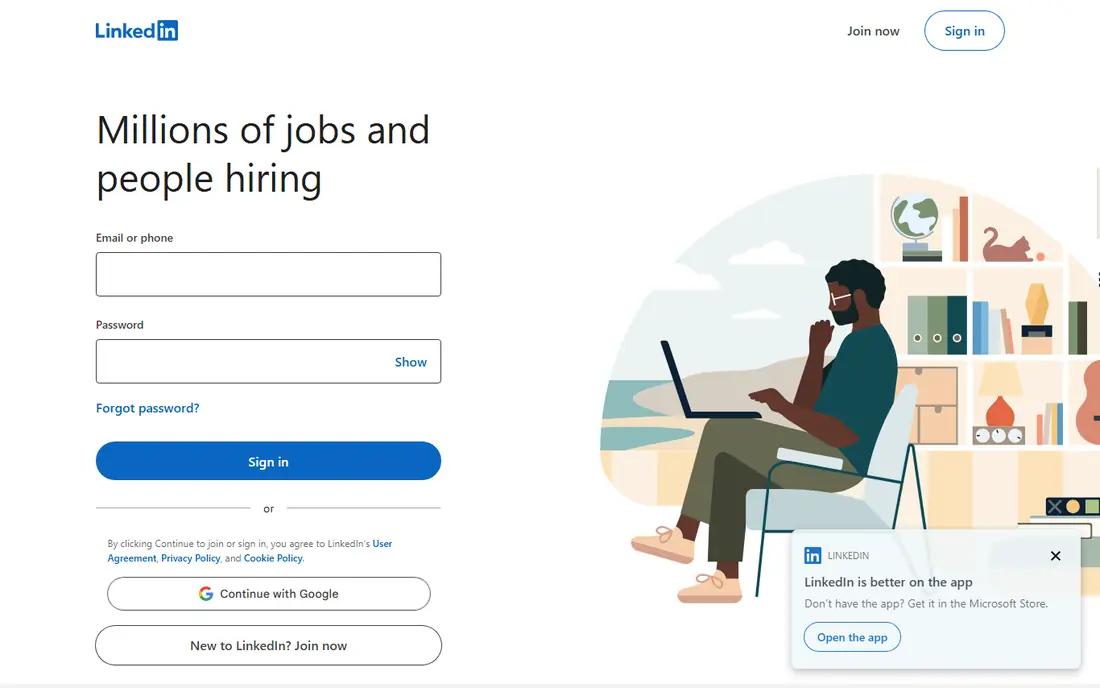
LinkedIn is different from a pure job board because the job search sits inside a professional network. A strong profile can bring recruiter messages before you apply anywhere, and the Open to Work feature lets you signal interest privately to recruiters or publicly to your network. Company pages, employee posts, and hiring manager profiles give context that a plain listing cannot, and job alerts can be tuned by title, location, and company.
The trade-off is effort. LinkedIn rewards a complete profile, a clear headline, and regular activity, so a bare profile will return weaker results. Premium features such as extra profile views and messaging credits are paid, but the core job search is free. LinkedIn is the best app for professional, office, and management roles, and a useful second app for almost any white-collar search.
- Jobs plus professional networking in one app
- Recruiter visibility
- Open to Work feature
- Company pages and hiring manager contact
- Best results need a complete profile
- Premium features are paid
- Less useful for hourly or manual roles
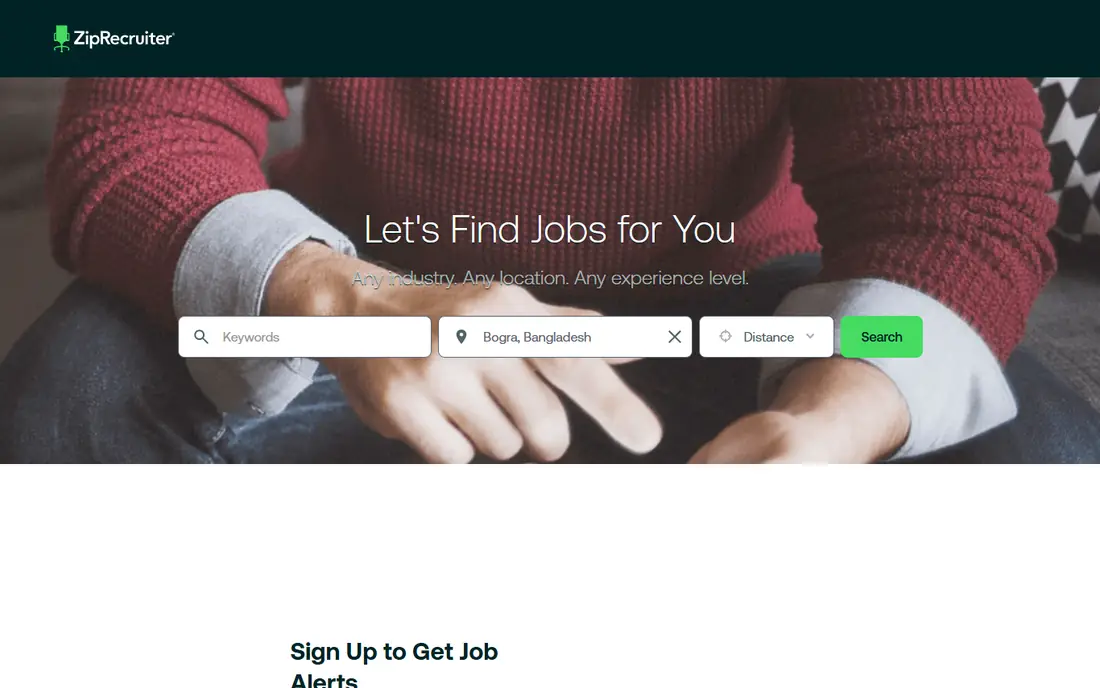
ZipRecruiter is built for speed. Its matching system surfaces jobs that fit your profile, and many listings support one-tap apply, so you can respond to a new posting within minutes of the alert. That speed matters, since early applicants often get seen first, and the app makes it easy to track which applications you have sent. It is free for job seekers, with employers paying for postings.
The limit is match quality. Automated matches can include roles that are close but not quite right, especially in specialist fields, so you still need to read each listing before you tap apply. ZipRecruiter works best as a fast-alert companion to Indeed: let ZipRecruiter flag new matches, then apply thoughtfully rather than spraying every suggestion.
- One-tap apply for many listings
- AI-based job matching and alerts
- Free for job seekers
- Match quality varies by field
- Some listings redirect to employer sites for full applications
Glassdoor is the app to open before you apply, not just when you search. Its salary data, employee reviews, and interview reports help you judge pay, culture, and hiring process before you invest time in an application. Listings sit next to that research, so you can move from a salary range to an opening in one app, and you can set alerts for companies you want to watch.
The catch is data depth. Salary figures for a niche role in a small city may rest on a small sample, and review tone can skew negative since unhappy employees post more often. Read many reviews, look for repeated themes rather than single complaints, and cross-check pay against at least one other source. Used that way, Glassdoor prevents wasted applications and weak salary negotiations.
- Salary data, company reviews, and interview reports
- Job listings alongside employer research
- Free core access
- Some content requires an account or a contribution
- Salary data varies in sample size by role and city
Handshake is the best job app for students and new graduates because employers post internships, part-time roles, and entry-level jobs aimed at that group. Profiles can include coursework, projects, and campus activities, which helps when work history is short, and employers can message students directly. The app is free for students, and many schools partner with Handshake to surface local and national openings.
The limit is career stage. Once you have several years of experience, Handshake's entry-level focus becomes less relevant, and LinkedIn or Indeed will serve you better. For a student or recent graduate, though, Handshake filters out senior roles that clutter general boards and puts relevant openings first.
- Built for students and early-career job seekers
- Employers post roles aimed at graduates
- Free for students
- Less useful once you have several years of experience
- Access often ties to a participating school
Dice is the specialist pick for technology work. Its listings cover software engineering, data, security, infrastructure, and IT support, and its search understands tech skills, tools, and certifications in a way general boards do not. Salary data for tech roles helps with negotiation, and a free candidate profile can attract recruiters who hire only in tech. For a developer or engineer, Dice cuts through the irrelevant listings that flood Indeed.
The trade-off is scope. Dice is not useful for non-tech roles, and its total listing count is smaller than a general board. Tech job seekers should pair Dice with LinkedIn, using Dice for specialist openings and LinkedIn for company research and recruiter contact.
- Specialist tech listings
- Skill-based search
- Salary data for tech roles
- Free candidate profiles
- Narrow focus means few non-tech roles
- Smaller total listing count than Indeed
Snagajob serves the hourly job market that general boards often bury. Its listings focus on retail, restaurants, warehouses, delivery, and other shift-based work, with filters for shift times, location, and immediate hiring. Many employers in this market hire fast, so Snagajob's focus on hourly roles and quick applications matches how these jobs actually fill.
The limit is role type. Salaried professional jobs are rare here, so office workers should look elsewhere. For hourly workers, students seeking part-time work, and anyone who needs shift work quickly, Snagajob is a better first stop than scrolling through salaried listings on a general board.
- Focus on hourly, retail, restaurant, and warehouse roles
- Shift and location filters
- Free for job seekers
- Few salaried professional roles
- Listing quality varies by city
FlexJobs is the paid exception in this list, and the fee buys something real: screening. Every listing is checked for legitimacy, which removes a large share of the scam and low-quality remote postings that flood free boards. Filters for remote, hybrid, part-time, and freelance work are strong, and the absence of ads keeps the search clean.
The catch is cost and size. Full access requires a subscription, and the screened pool is smaller than Indeed's unfiltered pool. FlexJobs is worth paying for if remote work is your main goal and you have already wasted time on scam listings elsewhere. If you are open to on-site roles, start with the free apps first and add FlexJobs only if remote search stalls.
- Every listing is screened for legitimacy
- Strong remote, part-time, and freelance filters
- No ads or scam listings in the main pool
- Paid access for full listings and applications
- Smaller pool than free boards
How we picked these
We compared official app pages, app store listings, pricing pages, and public reviews, and we checked that each app is still available and maintained. We favored apps that are free for job seekers, offer useful alerts, and serve a clear group or need, from general volume to student, tech, hourly, and remote work. We did not apply for jobs through these apps as a test, and we did not verify any claim about placement rates.
How to run a job search across several apps
Use three apps, not ten. Pick one wide net (Indeed), one research or networking app (LinkedIn or Glassdoor), and one specialist app for your field (Handshake, Dice, Snagajob, or FlexJobs). Set alerts on all three, check them once or twice a day, and track every application in a simple sheet so you do not apply twice or lose a follow-up.
Tailor each application
A fast apply is not a careless apply. Match your resume title and top bullets to the listing, and use the employer's language for skills and tools. For LinkedIn, keep your headline and recent experience current, since recruiters search those fields first. For Glassdoor, read interview reports before an interview so you know the format and the common questions.
Spot scam listings
Be wary of listings that ask for payment, bank details, or personal documents before an interview, or that offer unusually high pay for vague work. FlexJobs screens listings, but free boards cannot catch everything. Verify the employer on its own website, check that the recruiter uses a company email domain, and never pay to apply for a job.
Follow up without spamming
If a listing names a recruiter, a short follow-up message a week after applying is reasonable. If it does not, use the app's tracking status and move on to the next application. Most job searches succeed through volume plus targeting: many tailored applications, not one perfect application sent everywhere.
Frequently asked questions
What job apps are the best for finding jobs quickly?
Indeed and ZipRecruiter are the fastest for volume and alerts, since Indeed has the largest listing pool and ZipRecruiter offers one-tap apply. Pair them with LinkedIn for professional roles or Snagajob for hourly work, and set alerts so new postings reach you within hours rather than days.
What is the best app for jobs for students?
Handshake is the best app for students and new graduates, since employers post internships and entry-level roles aimed at that group. Indeed is a useful second app for part-time and campus-area jobs, and LinkedIn helps students build a profile that recruiters can find after graduation.
What is the best job application app for tech jobs?
Dice is the best specialist app for tech jobs, with skill-based search and salary data for technology roles. LinkedIn is the best companion app for tech, since many tech recruiters search there first. Use both, and keep your skills and certifications current on each profile.
Are job apps free for job seekers?
Most job apps in this list are free for job seekers, including Indeed, LinkedIn, ZipRecruiter, Glassdoor, Handshake, Dice, and Snagajob. Paid extras usually cover premium networking features or, in the case of FlexJobs, access to a screened remote listing pool. You should never pay a fee simply to apply for a job.
Which job app is best for remote work?
FlexJobs is the best app for screened remote work, since every listing is checked for legitimacy. Indeed and LinkedIn also have strong remote filters and far larger pools, so many remote seekers use Indeed for volume and FlexJobs to avoid scams. Filter by remote, check the employer's location rules, and confirm time zone expectations before you apply.
How many job apps should I use at once?
Three is enough for most searches: one general board, one research or networking app, and one specialist app for your field. More apps add alerts and duplicate listings without adding many new openings, and they make tracking harder. Pick your three, set alerts, and apply consistently each day.
Sources we checked (9)

Online Jobs is an independent blog about careers, online work, learning new skills and the tools that help people earn. More about us.
Keep reading
All posts
Zoom Alternatives
Zoom alternatives compared for 2026: Google Meet, Microsoft Teams, Webex, Jitsi and more for free calls, large meetings and webinars for teams and classrooms.

Workday Alternatives
We compared the best workday alternatives for HR, payroll, and global hiring, from BambooHR and Gusto to Rippling, Deel, and HiBob for growing teams in 2026.

WordPress Alternatives
WordPress alternatives guide: we compare 8 platforms for builders, designers, stores, and publishers to leave WordPress without losing your full site content.