Best AI Tool for Resume in 2026: 9 Tools Compared

How we put this together: we compare official feature and pricing pages, app store listings, privacy policies and public user reviews. Prices change, so check the provider's site before you pay.
Key takeaways
- The best AI tool for resume work depends on your bottleneck: writing, design, ATS matching, or keeping track of applications.
- Teal is the strongest all round pick for active job seekers, because it pairs a resume builder with a job tracker.
- Rezi and Jobscan are the sharpest choices when a specific posting and an applicant tracking system are the main hurdle.
- Kickresume and Enhancv suit candidates who need a resume that looks polished as well as reads well.
- Free plans are genuinely useful for a first resume, but PDF downloads, templates, and unlimited AI writing are often paid.
Quick comparison
| Name | Who it suits | Starting price | Free option | |
|---|---|---|---|---|
 Teal | Managing a full job search | Free | Yes | Visit |
 Rezi | ATS focused resumes | Free | Yes | Visit |
 Kickresume | Designed templates on a budget | Free | Yes | Visit |
 Jobscan | Matching a resume to a posting | Free | Yes | Visit |
 Enhancv | Creative and executive layouts | See website | Free trial | Visit |
 Resume.io | Fast guided building | Free | Yes | Visit |
 Novoresume | Clean one page resumes | Free | Yes | Visit |
 Zety | Guided writing with examples | See website | Free trial | Visit |
 Resume Genius | Step by step first resumes | Free | Yes | Visit |
The best ai tool for resume
A resume tool should do more than generate fluent sentences. It should help you show the right experience for a specific role, in a format a hiring system can read, without inventing jobs, skills, or results you do not have. The tools below differ in how much they check, design, and organise, so pick the one that matches the stage you are at.
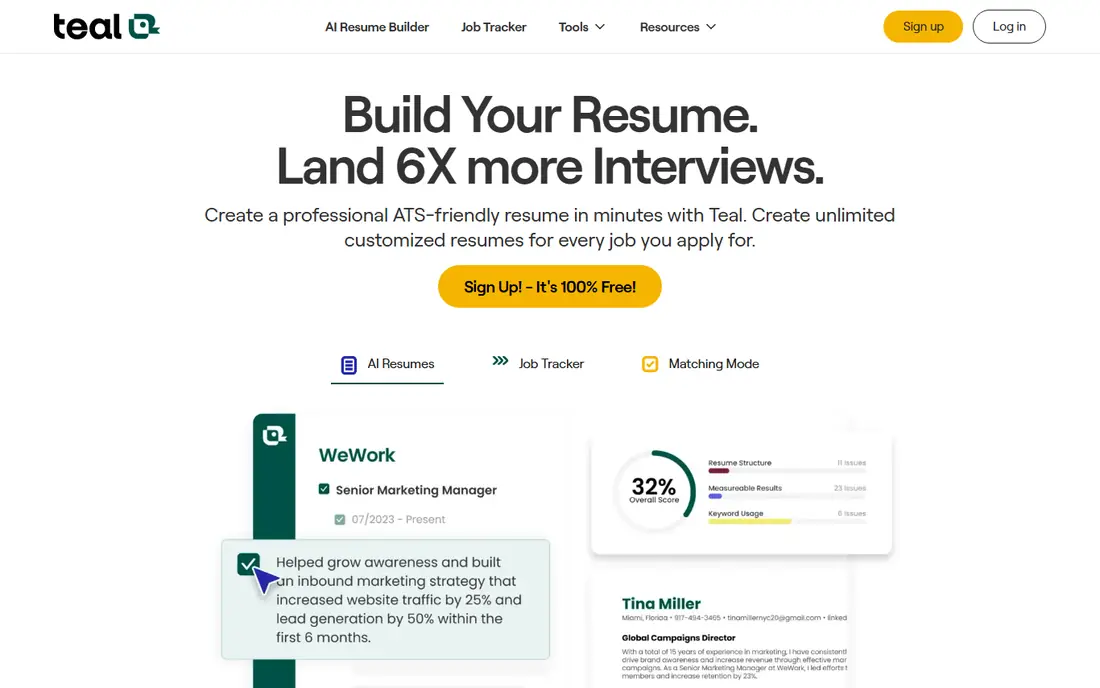
Teal is the first tool we suggest to someone applying to many roles at once. The resume builder is useful on its own, but the job tracker is what sets it apart, because it keeps postings, stages, and tailored versions in one place. When you are juggling ten or more applications, that organisation prevents the usual mix up of sending the wrong version to the wrong employer. The AI help is practical rather than flashy. It pulls keywords from a posting and suggests bullets and summaries, but the first draft often sounds generic. Treat it as a starting point, replace vague phrases with your own numbers and outcomes, and read the final version aloud before you send it.
- Unlimited resume creation on the free tier
- Job tracker and Chrome extension
- Keyword matching against postings
- Unlimited AI writing sits behind the paid tier
- Generated bullets still need editing
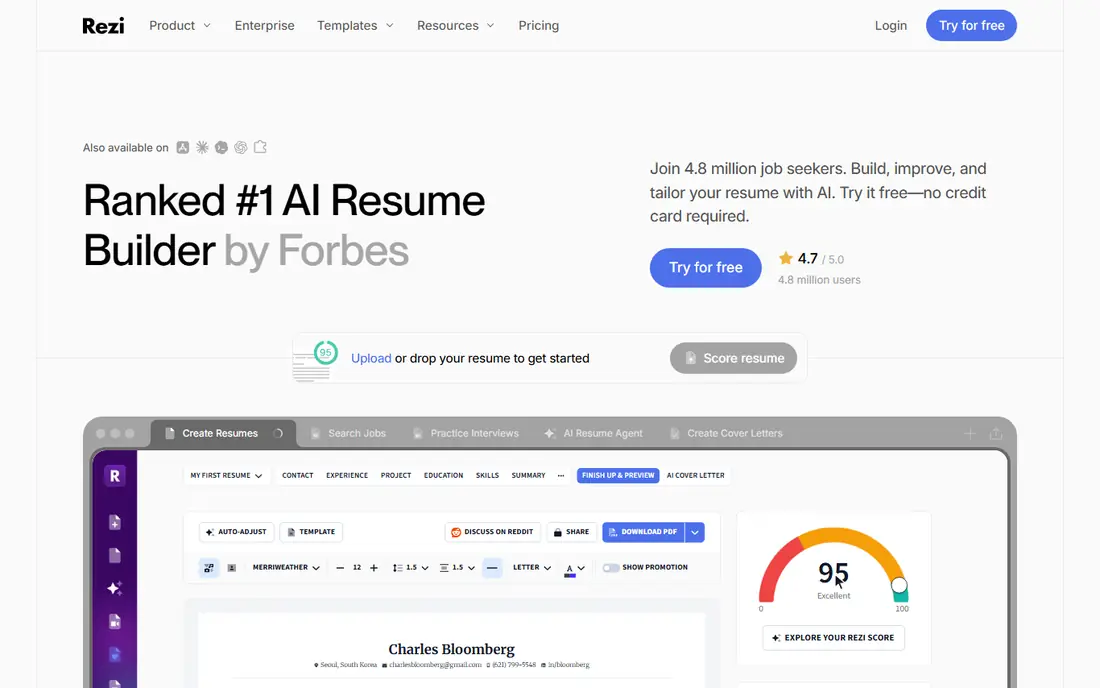
Rezi is built for corporate portals where a machine reads your resume before a person does. Its scoring shows where keywords, formatting, and section structure may hold you back, which is helpful when you keep getting no reply and cannot tell why. The templates stay simple on purpose, so parsers can extract your history cleanly. That focus comes with a trade off in style. If you work in a creative field where visual design is part of the pitch, Rezi may feel plain. Use it for the ATS version, and keep a designed portfolio or a separate visual resume for roles where a human reviews your work directly.
- Real time ATS scoring
- Keyword targeting against a posting
- Clean, parseable templates
- Free tier limits resumes and downloads
- Design options are narrower than creative builders
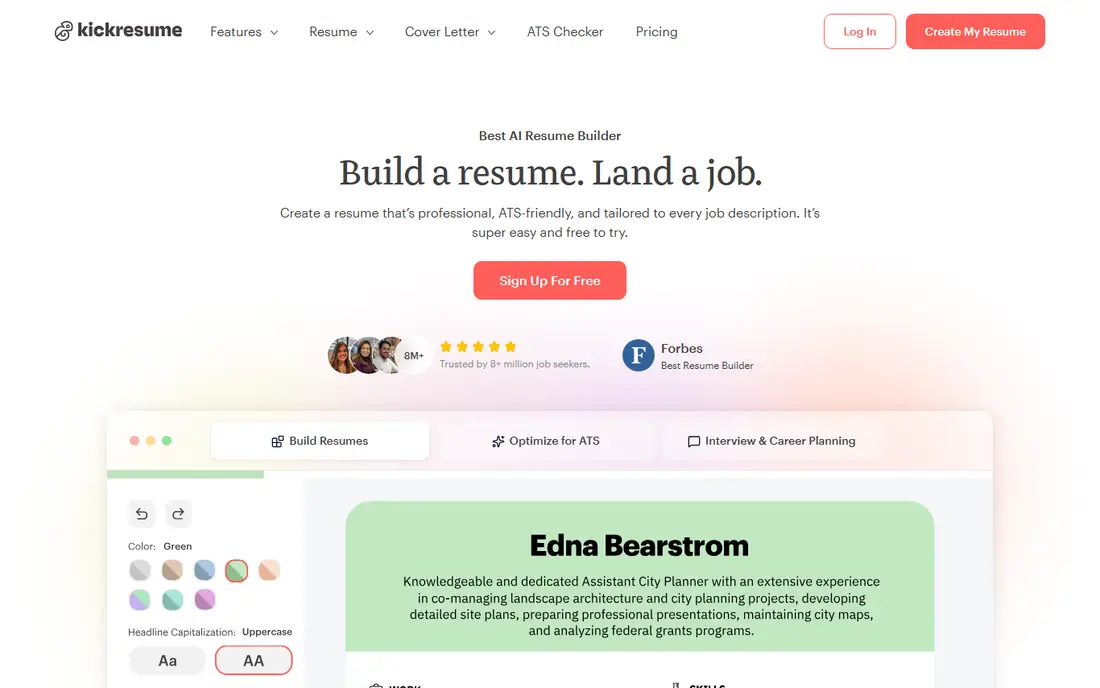
Kickresume suits candidates who want a resume that looks considered without hiring a designer. The templates cover modern, traditional, and creative styles, and the AI writer helps when you know what you did but struggle to phrase it. For students, career changers, and early career applicants, that combination removes a lot of blank page stress. Check the template on a plain text export as well as on screen. A beautiful layout that a parser mangles is a poor trade, so keep one simple version for online portals and use the designed version for email and in person applications where a human will open the PDF.
- Strong template range
- AI writer for bullets and summaries
- Good value on annual billing
- Free templates are limited
- ATS checks are less deep than Rezi or Jobscan
Jobscan answers a narrow question well: how closely does this resume match this posting. Paste the description, upload your resume, and you get a match view with missing skills, hard skills, and phrasing to consider. That is useful before you apply to a high priority role, because it forces you to tailor rather than send the same file everywhere. It is not a full builder, so pair it with Teal, Rezi, or a simple word processor. Also use judgement with its suggestions. Adding a keyword you do not genuinely have will hurt you at interview, so only add skills and experience you can discuss with examples.
- Direct comparison against a job description
- Clear keyword gaps
- LinkedIn optimisation tools
- Paid plans are expensive for casual use
- It diagnoses gaps rather than writing the resume for you
Enhancv is the design led pick for mid career and senior candidates. Its sections let you show projects, strengths, and career highlights in a way a single column list cannot, which helps when your value is a pattern across roles rather than one job title. The result can feel like a real person wrote it, not a form. Keep an ATS safe version alongside it. Test the PDF by copying the text into a plain document and checking that headings, dates, and job titles survive in order. If they do not, use Enhancv for direct applications and a simpler tool for large portals.
- Distinctive layouts and sections
- Good for storytelling and senior roles
- Helpful content suggestions
- Trial limits are tight
- Some layouts risk poor parsing in strict ATS systems
Resume.io is ideal when you need a decent resume today. The guided steps ask for each section in order, suggest phrases for common jobs, and produce a clean document without a long learning curve. First time writers and people returning to work after a break often find that structure reassuring. Read the plan terms before you pay. The trial and subscription structure has changed over time, so confirm the price, billing period, and cancellation steps on the pricing page. Also edit every suggested phrase so it reflects your actual work, not a generic version of your job title.
- Very fast setup
- Many templates
- Pre written phrases for common roles
- Free export is limited to text
- Paid billing needs careful checking before signup
Novoresume is a good choice when brevity is the goal. Its editor helps you fit a career onto one page without shrinking the text to unreadable size, and it keeps headings and dates in a clear order. Recruiters who scan quickly will appreciate that discipline, especially for early and mid career roles. The one page limit on the free tier can frustrate senior candidates with long histories. In that case, prioritise the last ten years, group older roles briefly, and move detail to LinkedIn or a portfolio. A tight one page resume that gets read beats a dense two page file that gets skimmed.
- Strong one page layout control
- ATS friendly structure
- One time purchase option on some plans
- Free version is limited to one page
- Fewer templates than larger builders
Zety helps when you are unsure what to write in each section. Its examples show how other people in similar roles described their work, which can prompt you to remember projects and results you had forgotten. The builder then shapes those notes into a consistent document. The risk is sameness. If you copy examples word for word, your resume will sound like many others. Use examples as prompts, then rewrite each bullet with your role, your action, and your result. Check the trial price and renewal terms before you download, so the cost does not surprise you.
- Large library of bullet examples
- Guided builder
- Cover letter builder included on some plans
- Download and billing terms need close reading
- Templates can look similar across candidates
Resume Genius is the calmest option for a first resume. It asks one question at a time, offers wording help, and does not overwhelm you with design choices. That matters when the main barrier is starting, not polishing, and when you need a presentable file for entry level roles, internships, or part time work. As your career grows, you may outgrow it. The templates and sections suit shorter histories best, and experienced candidates often need the tailoring tools in Teal, Rezi, or Jobscan. Start here, learn what a strong bullet looks like, and move to a deeper tool when your applications become more targeted.
- Simple step by step builder
- Good for students and first jobs
- Text export on the free tier
- Paid download terms need checking
- Design range is narrower than Kickresume or Enhancv
How we picked these
We compared official feature pages, pricing pages, app store listings, privacy policies, and public reviews, and we kept only tools that are still available and clearly built for resume writing in October 2026. We looked for a usable free tier or trial, a readable export, and a clear approach to ATS parsing, rather than relying on marketing claims about interview rates. Prices change often in this category, so we point you to the vendor pricing page for the final figure. We also checked for honesty about AI limits. No tool on this list can verify your work history, and none should invent achievements. Our guidance throughout is to use AI for drafting and checking, then edit every line so it stays true, specific, and provable at interview.
How to choose without wasting money
Start free, then pay for one bottleneck
Build your base resume with a free tier, and only pay when a specific problem appears. Pay for ATS scoring when portals keep rejecting you, for design when a human audience matters most, or for tracking when volume becomes hard to manage. One paid month during an active search usually beats a year long subscription you forget about.
Keep a master resume and tailored copies
Write one long master document with every role, project, and result, then copy and trim it for each application. Tailor the summary and the top bullets to the posting, keep the core history stable, and save each version with the employer name in the file name. That habit makes Jobscan and Rezi checks faster and reduces errors.
Edit AI output line by line
AI drafts tend to use vague verbs and broad claims. Replace them with what you did, how you did it, and what changed, using numbers only when you can defend them. Read the resume for gaps a recruiter will ask about, check dates and titles against your records, and ask a trusted person to read it cold before you send it.
Frequently asked questions
What is the best AI tool for resume writing for beginners?
Teal and Resume Genius are the easiest starts, because both guide you step by step and give you a usable file without design skill. Teal adds job tracking for later, while Resume Genius keeps the first build very simple. Pick Teal if you plan to apply widely, and Resume Genius if you only need one solid resume.
Do AI resume builders beat ATS systems?
They can help, but no tool guarantees a pass. Clean headings, standard section names, and keywords from the actual posting matter more than fancy design. Use Rezi or Jobscan to check a tailored version, then keep the formatting simple for portal uploads.
Is it safe to paste my resume into an AI tool?
Check the privacy policy before you upload sensitive details such as addresses, phone numbers, or employer data. Remove anything you do not need to share, use a dedicated email for job searching if you prefer, and avoid pasting confidential work material from a current employer.
How much should I pay for a resume tool?
Many job seekers do fine on free tiers, and a short paid period during an active search is often enough. Avoid paying for several tools at once. Choose the one that fixes your current bottleneck, use it intensively, and cancel when the search slows down.
Should I let AI write my whole resume?
No. Use AI to draft bullets, tighten wording, and check for missing keywords, then rewrite in your own voice. Recruiters and hiring managers notice generic phrasing, and you will need to discuss every claim at interview. Your resume should sound like you on a clear day, not like a template.
Which tool is best for a career change?
Teal and Kickresume work well for career changers, because they let you reshape summaries and highlight transferable skills across roles. Focus the top third of the resume on the skills the new role needs, use projects and volunteering to fill gaps, and keep older unrelated detail brief.
Sources we checked (9)

Online Jobs is an independent blog about careers, online work, learning new skills and the tools that help people earn. More about us.
Keep reading
All posts
8 Best Job Apps to Find Work Faster
Compare the best job apps for finding work, including Indeed, LinkedIn, ZipRecruiter, and Glassdoor, plus top picks for students, tech, and hourly jobs.

ZoomInfo Alternatives
The best ZoomInfo alternatives in 2026, compared on price, free plans, data coverage, and which tool fits small teams or large sales teams best in detail.

Zoom Alternatives
Zoom alternatives compared for 2026: Google Meet, Microsoft Teams, Webex, Jitsi and more for free calls, large meetings and webinars for teams and classrooms.