Best ITSM Software Comparison Guide in 2026: 8 Tools Compared


Large enterprise service operations · Starting price: See website
How we put this together: we compare official feature and pricing pages, app store listings, privacy policies and public user reviews. Prices change, so check the provider's site before you pay.
Key takeaways
- Freshservice and Jira Service Management give mid-size teams the best balance of ITIL structure, price, and speed of setup.
- ServiceNow suits large, regulated organizations that need deep workflow automation across departments, not just IT tickets.
- ManageEngine ServiceDesk Plus is the strongest budget pick, especially for teams that need an on-premises option or a free edition for a small team.
- AI add-ons can double a quote, so price Freddy AI Copilot, Rovo credits, and Now Assist separately from the base per-agent price.
- Start with incident, request, change, and asset needs, then check service catalog and reporting, since those are the areas where cheap tools first fall short.
Quick comparison
| Name | Who it suits | Starting price | Free option | |
|---|---|---|---|---|
| ServiceNow | Large enterprise service operations | See website | No | Visit |
 Freshservice Freshservice | Mid-market IT teams | $19 per agent per month | Free trial | Visit |
 Jira Service Management Jira Service Management | DevOps and Atlassian teams | $20 per agent per month | Yes | Visit |
 ManageEngine ServiceDesk Plus ManageEngine ServiceDesk Plus | Budget and on-premises teams | $13 per technician per month | Yes | Visit |
 SysAid SysAid | AI-led mid-market service operations | $89 per agent per month | Free trial | Visit |
 HaloITSM HaloITSM | ITIL-aligned mid-market teams | See website | Free trial | Visit |
 SolarWinds Service Desk SolarWinds Service Desk | Cloud-first teams wanting simplicity | $39 per technician per month | Free trial | Visit |
 Zoho Desk Zoho Desk | Budget teams in the Zoho ecosystem | $14 per agent per month | Yes | Visit |
The best ITSM software
IT service management software, often shortened to ITSM, covers how IT teams handle incidents, service requests, changes, problems, assets, and knowledge. We compared official pricing pages, feature lists, and public documentation, and we focused on ITIL coverage, deployment options, asset management, automation, and the real cost once AI add-ons are included.
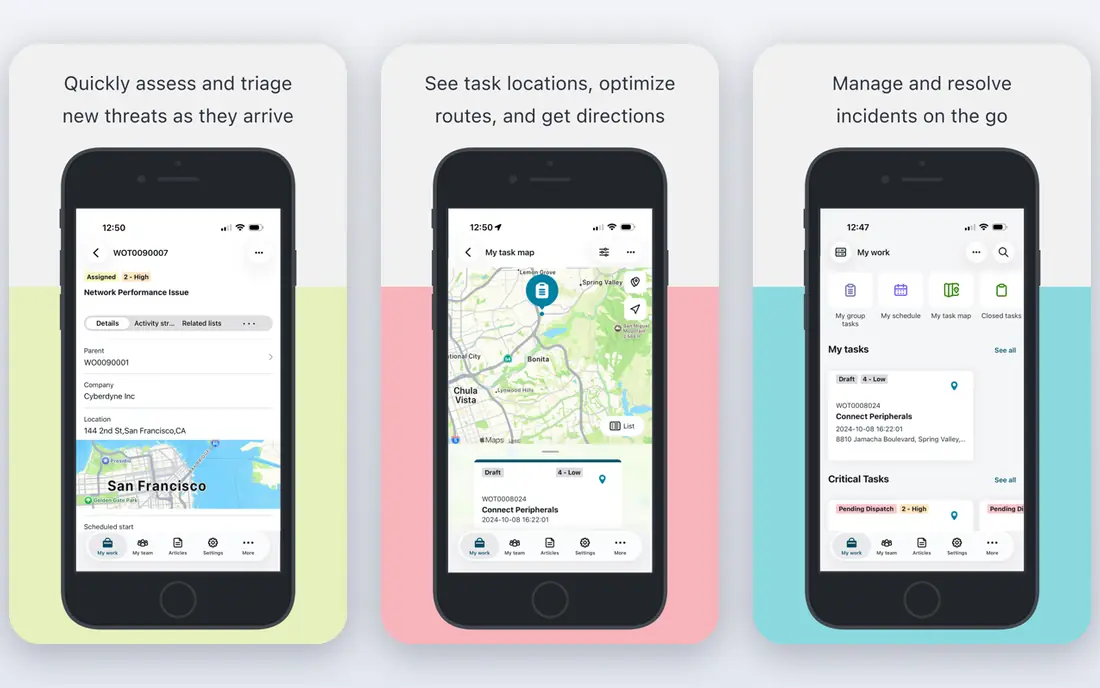
ServiceNow is the enterprise standard in this guide, and it shows in scope. Beyond incident and request management, it covers problem, change, asset, and configuration management, plus service workflows for HR, facilities, and other departments. Teams can build approval chains, automate routine fulfilment, and report on service performance across the whole organization from one platform.
That depth comes with cost and effort. Pricing is quote-based and sold per fulfiller, and Now Assist AI is a paid add-on rather than a standard feature. Implementation usually needs planning, process design, and admin training, so a small IT team will find it heavy. ServiceNow earns its place when an organization needs one service platform for many departments, with governance, audit trails, and integrations that smaller tools cannot match.
- Deep workflow automation across IT and other departments
- Strong ITIL coverage
- Now Assist AI for agents and employees
- Quote-based pricing
- Longer implementation than mid-market tools
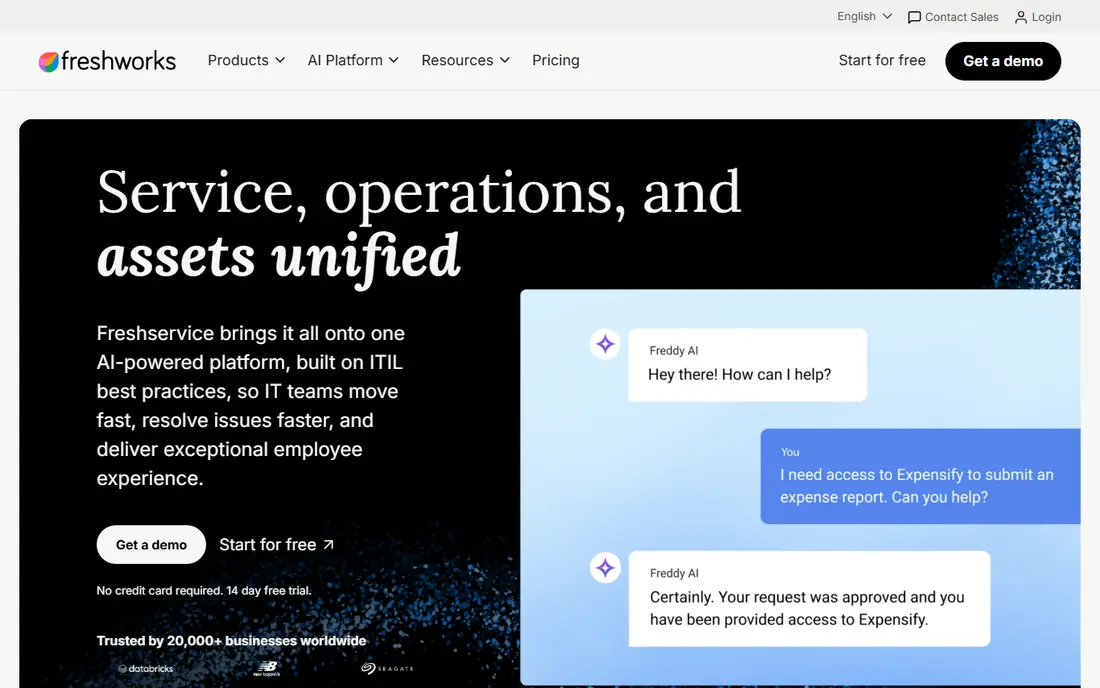
Freshservice, from Freshworks, is built for IT teams that want ITIL structure without an enterprise project. Incident, problem, change, release, and asset management sit in one product, with a service catalog, knowledge base, SLAs, and automation rules that a small team can configure without a consultant. Starter starts at $19 per agent per month billed annually, with Growth at $49 and Pro at $99 on the same billing basis.
Freddy AI adds summaries, suggested replies, and agent assistance, but Copilot costs extra, so teams should add that line to any comparison. Asset management starts with a limited number of asset units on lower plans, which matters for teams tracking many devices. Freshservice is a strong default for a mid-size IT team that wants to be live in weeks, not months, and that values a clean agent workspace over deep customization.
- Fast setup for ITIL-aligned teams
- Built-in asset management
- Freddy AI for agents and employees
- Freddy AI Copilot costs extra on Pro and higher plans
- No permanent free plan
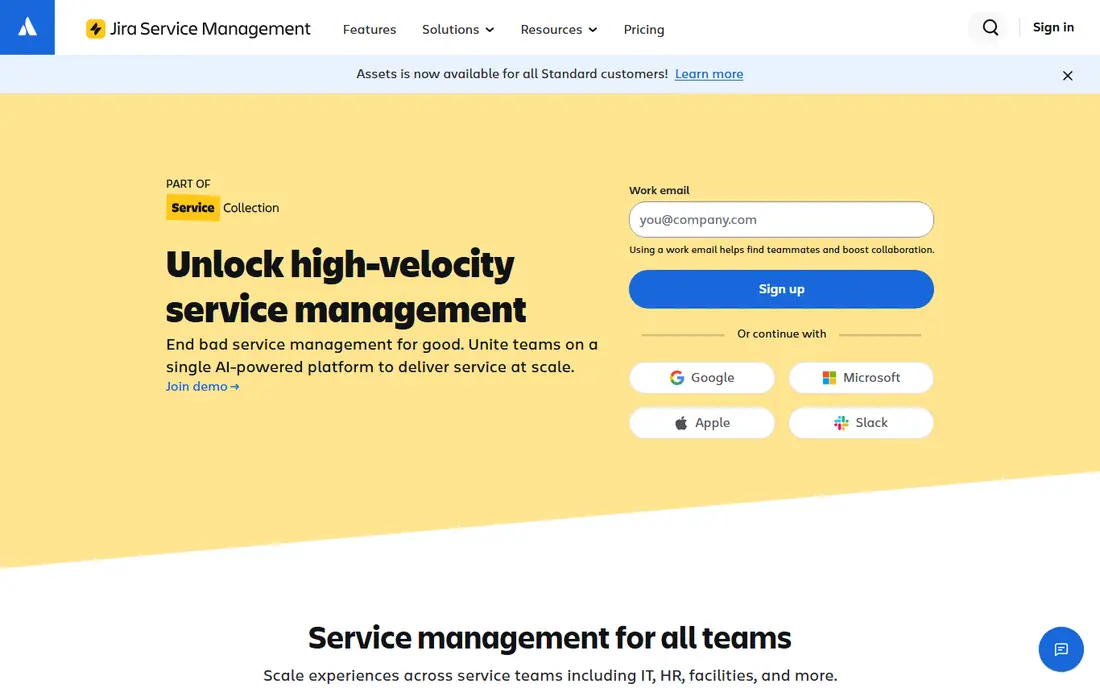
Jira Service Management fits teams that already run Jira Software and Confluence, because incidents, changes, and service requests link directly to development work. An incident can connect to the code change that caused it, and knowledge articles in Confluence sit beside the request form where employees actually look. Standard starts at $20 per agent per month billed annually, and the free plan covers up to 3 agents.
Rovo AI adds search, summaries, and service agents, with credits included and metered use beyond the allowance. Teams outside the Atlassian ecosystem can still use Jira Service Management well, but they get less of the integration benefit that makes it stand out. Pick this tool when development and IT support need to share one workflow, and when your team already knows Jira.
- Free for up to 3 agents
- Native Jira Software and Confluence links
- Rovo AI and automation included in useful ways
- Best value depends on already using Atlassian tools
- Rovo credits can add cost at scale
ManageEngine ServiceDesk Plus
Who it suits: Budget and on-premises teams
ManageEngine ServiceDesk Plus is the value pick in this guide, and the free edition is a real reason to try it. The Standard edition is free for up to 5 technicians, and paid cloud plans start from $13 per technician per month billed annually, with Professional from $27 on the same basis. Incident, problem, change, asset, and project management, plus a service catalog and knowledge base, cover the core ITIL processes for a small or mid-size team.
The on-premises option matters for regulated organizations and for teams that must keep service data inside their own network. The trade-off is design. The interface is functional rather than modern, and some workflows take more clicks than in Freshservice. Zia AI features exist in the cloud edition, with pricing on request for some capabilities. For budget-conscious teams, and for teams that need on-premises control, ServiceDesk Plus is hard to beat.
- Free edition for up to 5 technicians
- On-premises deployment option
- Broad ITIL coverage for the price
- Interface feels older than Freshservice or Jira
- Zia AI pricing is on request
SysAid positions itself around AI-led service operations, with prebuilt agents that can classify tickets, suggest solutions, and automate routine steps. That focus suits a lean IT team that wants automation to carry more of the load, rather than hiring more agents as ticket volume grows. Asset management is included, with a set number of assets on the Professional plan, and the platform covers incident, problem, change, and service catalog work.
The starting price of $89 per agent per month puts SysAid well above Freshservice and Jira Service Management, so the AI and automation need to save real agent time to justify the gap. The enterprise tier is quote-based for larger teams. SysAid makes sense when a team has already tried a cheaper tool, knows where automation would help most, and can measure the time saved against the higher per-agent cost.
- Prebuilt AI agents for common service tasks
- Asset management included
- Strong automation for lean teams
- High starting price
- Enterprise tier is quote-based
HaloITSM takes a simple pricing idea and applies it to a full ITSM suite. One tier includes incident, problem, change, asset, and configuration management, so teams do not have to guess which module they will need next year. The CMDB is included, which helps teams that track relationships between services, servers, and applications, and the tool fits well in Microsoft environments.
Pricing is not a single public number, since it varies by team size, so buyers need a quote to compare it fairly with per-agent rivals. There is a 30-day trial, which is enough to test the agent workspace and the service catalog with real tickets. HaloITSM suits ITIL-aligned teams that want the full module set without tier games, and that prefer a configurable platform over a fixed, simple one.
- Every ITSM module at one tier price
- Included CMDB
- Strong configuration for Microsoft environments
- No permanent free plan
- Pricing varies by team size and needs a quote
SolarWinds Service Desk
Who it suits: Cloud-first teams wanting simplicity
SolarWinds Service Desk is a cloud-first ITSM tool for teams that want a clean agent experience without a long rollout. Incident, service request, problem, change, and asset management sit alongside a service catalog, knowledge base, and employee portal. AI summaries, guidance, and a virtual agent help agents handle routine requests faster, and the 30-day trial gives a team time to test with real volume.
The entry price of $39 per technician per month sits above Freshservice Starter and ManageEngine Standard, so the value case rests on speed and simplicity rather than on being the cheapest option. Teams that already use SolarWinds monitoring tools may also value the shared vendor relationship. Pick SolarWinds Service Desk when a fast, cloud-only rollout matters more than the lowest per-technician price.
- Fast cloud implementation
- AI summaries and virtual agent features
- Clear service catalog and asset views
- Higher entry price than ManageEngine
- Some advanced ITSM depth sits on higher tiers
Zoho Desk is a helpdesk tool rather than a full ITSM suite, but it belongs in this guide for budget teams that mainly need solid ticketing, a knowledge base, SLAs, and automation. Standard starts at $14 per agent per month billed annually, and the free plan covers up to 3 agents. Zia AI helps with tagging, sentiment, and suggested replies, which speeds up triage for a small support team.
The limit is scope. Teams that need deep change management, a full CMDB, and formal ITIL reporting will outgrow Zoho Desk faster than they will outgrow Freshservice or ManageEngine. Teams already using Zoho CRM, Zoho Books, or other Zoho apps get the most value, since tickets, customers, and records share the same ecosystem. Use Zoho Desk as a low-cost, general service desk, and move to a dedicated ITSM suite when ITIL process depth becomes the priority.
- Free for up to 3 agents
- Low Standard price
- Zia AI for tagging and sentiment
- ITSM depth is lighter than dedicated ITSM suites
- Best fit is general helpdesk work, not full ITIL programs
How we picked these
We compared official pricing pages, feature lists, and public documentation, and we checked that each vendor homepage loads and belongs to the product named. We required coverage of incident and request management at minimum, and we favored tools that also cover change, problem, asset, and knowledge management. We included a mix of enterprise, mid-market, and budget tools, plus cloud and on-premises options, so readers can compare by team size and deployment need rather than by marketing claims alone.
How to run a fair ITSM comparison
Start with your ticket mix, not the feature list. Count how many requests are incidents, how many are service requests such as password resets and access, and how many are changes that need approval. That mix decides whether you need a full change module, a strong service catalog, or just fast triage and a knowledge base. A tool that excels at incidents can still fail if employees cannot find the right request form.
Run a trial with real tickets, not a demo script. Import a week of past tickets, set up SLAs, test approvals, and ask agents to work a full shift in the new workspace. Check reporting early, since managers need to see backlog, first response, resolution time, and customer satisfaction without building custom reports from scratch. Finally, price the second year, not just the first. AI add-ons, asset unit overages, and higher tiers for change or CMDB features often appear after the initial rollout.
Deployment and data control
Cloud tools update faster and need less IT effort, while on-premises tools give regulated teams more control over data location and access. ManageEngine ServiceDesk Plus is the clear on-premises option here, while the rest of this list is cloud-first. If your organization has data residency rules, confirm where service data is stored and how exports work before you sign, since migration out of an ITSM tool is rarely quick.
AI in ITSM needs guardrails
AI summaries and suggested replies save agent time, but they can also send a wrong fix to an employee or misclassify an urgent incident. Keep a human approval step for changes, security incidents, and any reply that commits IT to a deadline. Track AI accuracy in the trial by sampling summaries and classifications, and turn off any AI feature that creates more rework than it removes.
Frequently asked questions
What is the best ITSM software for a small IT team?
ManageEngine ServiceDesk Plus is a strong pick for a small team, because the free edition covers up to 5 technicians and paid plans start low. Freshservice Starter and Jira Service Management are also good options when the team wants a cleaner interface and can pay per agent. The right pick depends on whether you need on-premises deployment and full ITIL depth.
What is the difference between ITSM and a helpdesk?
A helpdesk mainly handles tickets and replies, while ITSM adds structured processes for incidents, problems, changes, assets, and service levels, usually aligned with ITIL. Zoho Desk is a good helpdesk, while Freshservice, Jira Service Management, and ServiceNow are fuller ITSM platforms. Small teams can start with a helpdesk and move to ITSM when process control matters more.
How much does ITSM software cost?
Entry prices in this guide range from free editions to $13 per technician per month for ManageEngine, $19 per agent per month for Freshservice, $20 per agent per month for Jira Service Management, $39 per technician per month for SolarWinds, and $89 per agent per month for SysAid. ServiceNow and HaloITSM use quote-based pricing, and AI add-ons cost extra on several platforms.
Is ServiceNow worth it for a mid-size company?
ServiceNow is usually more than a mid-size IT team needs if the only job is ticketing, and its quote-based price and longer rollout reflect that scope. It becomes worth considering when several departments need service workflows, governance, and reporting on one platform. Most mid-size teams get better value from Freshservice, Jira Service Management, or ManageEngine.
Do ITSM tools support ITIL?
Yes, the dedicated tools here support ITIL-aligned processes, including incident, problem, change, and service request management. Depth varies, so check change approvals, CMDB, service catalog, and reporting in a trial rather than assuming every ITIL label means the same workflow. ServiceNow and HaloITSM offer the deepest ITIL coverage in this list.
Can I try ITSM software before buying?
Yes. Most tools here offer a free trial, and Jira Service Management, ManageEngine ServiceDesk Plus, and Zoho Desk offer free plans for small agent counts. Use the trial with real tickets and real agents, since a demo with sample data hides the setup work and the reporting gaps that matter after launch.
Sources we checked (8)

Online Jobs is an independent blog about careers, online work, learning new skills and the tools that help people earn. More about us.
Keep reading
All posts
Workday Alternatives
We compared the best workday alternatives for HR, payroll, and global hiring, from BambooHR and Gusto to Rippling, Deel, and HiBob for growing teams in 2026.

Which SaaS Tools Have the Best Customer Support
Which SaaS tools have the best customer support? Compare eight popular tools on help centres, live help, response options and overall support quality.

Top AI Helpdesk Software
Searching for top AI helpdesk software in 2026? We compared 8 AI helpdesks on automation, pricing, channels and ease of setup for small and growing teams.