Best Invoicing Software for Small Business in 2026: 9 Tools Compared


Service businesses and time billing · Starting price: See website
How we put this together: we compare official feature and pricing pages, app store listings, privacy policies and public user reviews. Prices change, so check the provider's site before you pay.
Key takeaways
- Wave, Zoho Invoice, Square Invoices, and Invoice Ninja offer genuinely free invoicing, with paid add-ons for payments and extras.
- FreshBooks suits service businesses best, with time tracking, polished invoices, and payment reminders in one place.
- QuickBooks Online suits US small businesses that want invoicing inside full accounting that an accountant already knows.
- Xero suits teams that want unlimited users on every plan without per-seat fees.
- Bonsai and HoneyBook suit freelancers and creative firms that want proposals, contracts, and invoicing together.
Quick comparison
| Name | Who it suits | Starting price | Free option | |
|---|---|---|---|---|
| FreshBooks | Service businesses and time billing | See website | Free trial | Visit |
 QuickBooks Online QuickBooks Online | Full accounting with invoicing | See website | Free trial | Visit |
 Xero Xero | Unlimited users on every plan | See website | Free trial | Visit |
 Wave Wave | Free invoicing for freelancers | Free | Yes | Visit |
 Zoho Invoice Zoho Invoice | Free invoicing for small teams | Free | Yes | Visit |
 Square Invoices Square Invoices | In-person sellers who invoice | Free | Yes | Visit |
 Invoice Ninja Invoice Ninja | Open source invoicing control | See website | Yes | Visit |
 Bonsai Bonsai | Freelancers with contracts | See website | Free trial | Visit |
 HoneyBook HoneyBook | Creative firms and client flow | See website | Free trial | Visit |
The best invoicing software for small business
We judged these tools on invoice creation, payment collection, recurring billing, reminders, expense and time tracking, and accounting depth. The cheapest tool is not always the cheapest in practice, because payment processing fees sit on top of every subscription, so we flag that cost in each section.
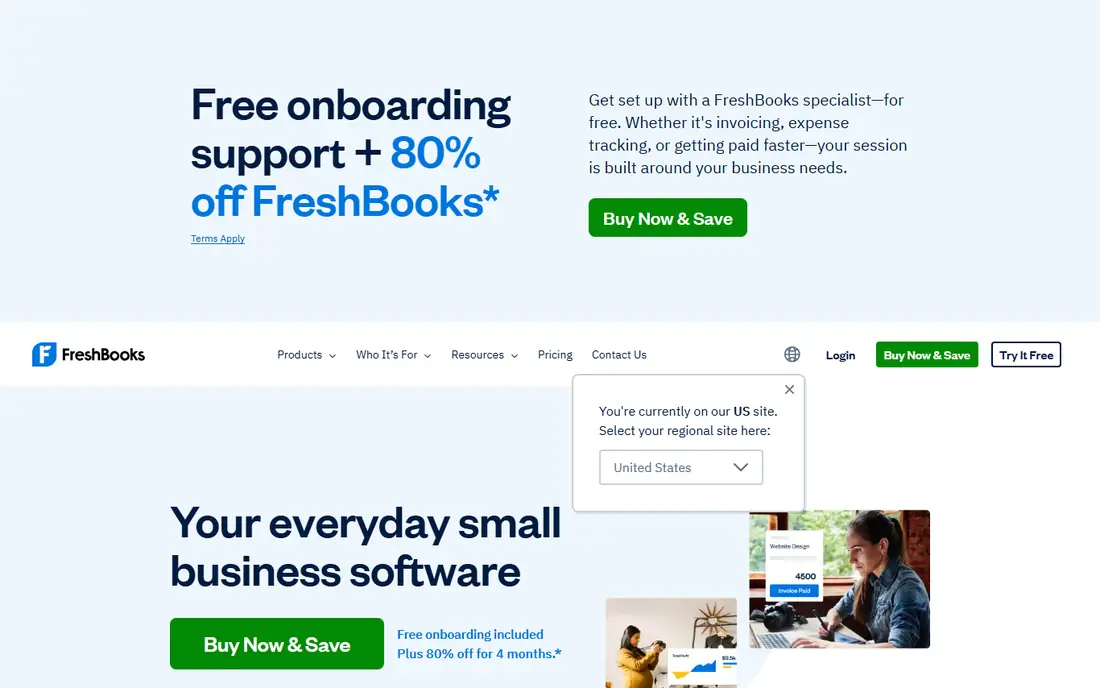
FreshBooks suits freelancers and service businesses that bill for time. Invoices look clean, time entries can flow straight onto an invoice, expenses attach to clients, and automatic reminders chase late payments without awkward emails. That flow saves real admin time for consultants, designers, and tradespeople who invoice weekly. The catch is plan limits. Lower plans cap billable clients, so a growing firm should check client counts before choosing the entry tier. For a service business that lives on invoices and time, FreshBooks remains a strong invoicing-first pick.
- Polished invoices and templates
- Time tracking and expenses
- Automatic payment reminders
- Per-client limits on lower plans
- Full accounting depth is thinner than QuickBooks
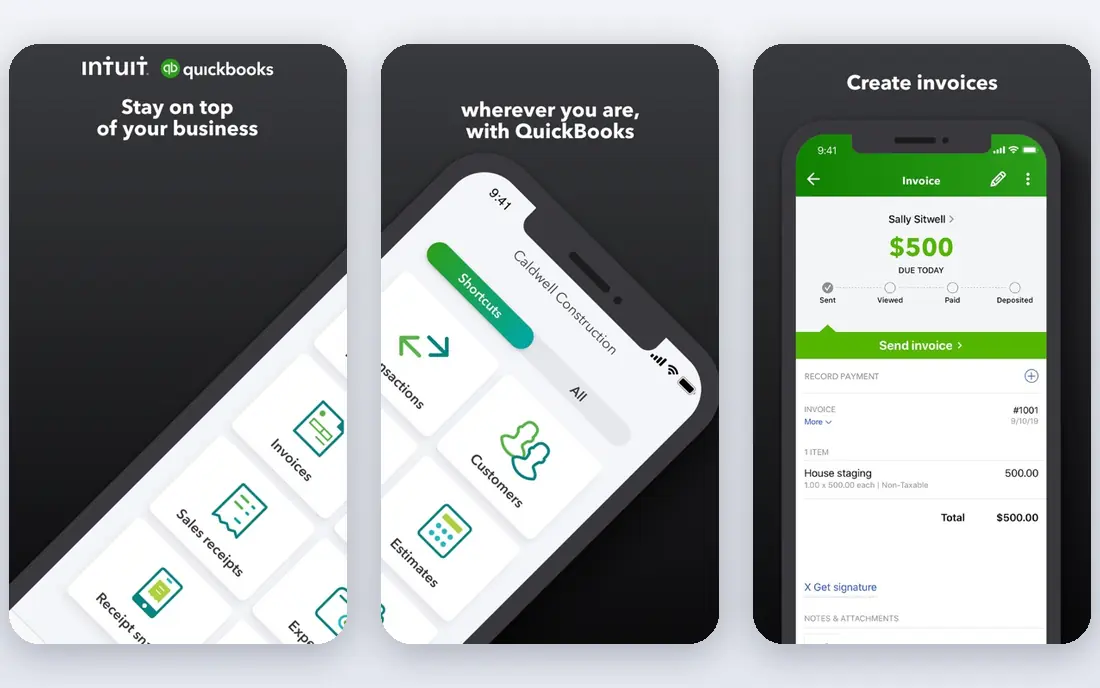
QuickBooks Online suits small businesses that want invoicing inside real accounting, not as a standalone tool. Invoices feed the general ledger, bank feeds reconcile payments, and reports show who owes what without exporting data to another system. Most US accountants already know it, which smooths year-end work. The trade-off is cost and complexity. It costs more than free invoicing tools, and simple invoice-only users may find the full accounting interface heavier than they need. If your business already needs books, payroll links, and tax reports, that extra depth is worth it.
- US accounting standard most accountants know
- Invoicing tied to books and reports
- Wide app links
- Higher starting cost than invoicing-only tools
- Interface can feel busy for simple invoicing
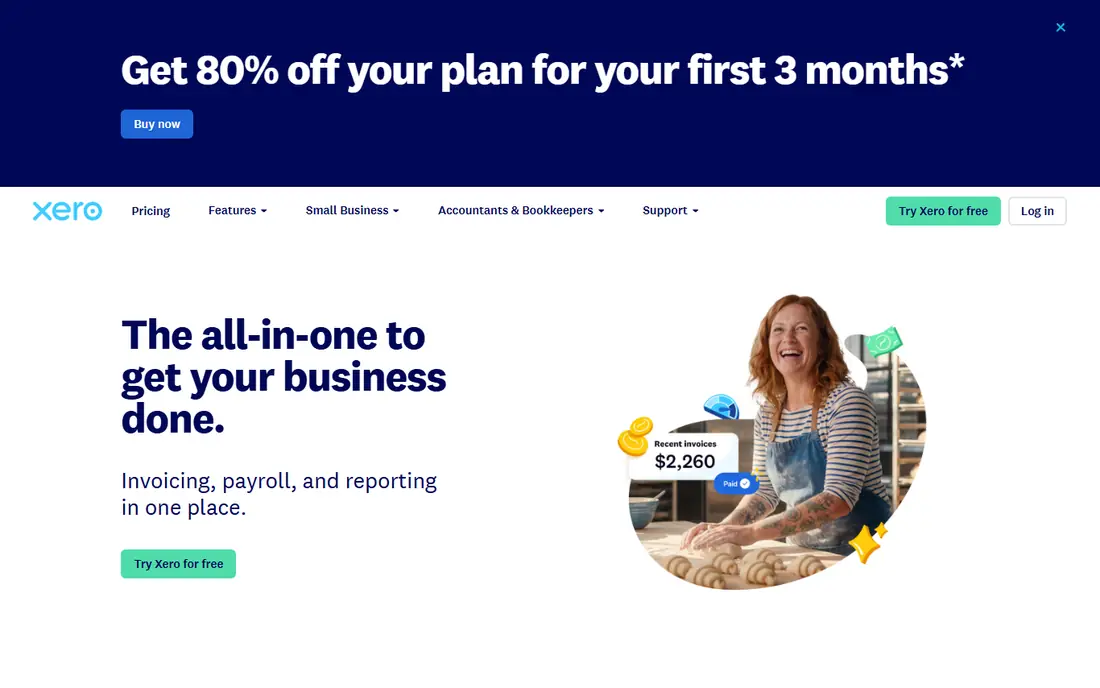
Xero suits teams that want several people in the books without paying per seat. Unlimited users on every plan helps when a bookkeeper, an owner, and a manager all need access, and bank reconciliation is fast and clear. Invoicing is polished, with recurring invoices, reminders, and online payment links. The catch is volume caps on lower plans, which limit invoices and bills per month, so check those caps against your real volume. For a growing team that hates per-user fees, Xero is a strong alternative to QuickBooks.
- Unlimited users on every plan
- Clean bank reconciliation
- Strong app ecosystem
- Lower plans cap invoices and bills
- US payroll needs add-ons or partners
Wave suits freelancers and very small businesses that want invoicing free forever. You can create and send professional invoices, track payments, and scan receipts without a monthly subscription, which is rare in this category. Payment processing is paid when clients pay by card or bank, so Wave earns from transactions rather than a subscription. The trade-off is accounting depth. Wave covers basic bookkeeping well, but larger businesses that need inventory, payroll, or complex reporting will outgrow it. For a solo worker sending a handful of invoices a month, it is hard to beat on price.
- Free invoicing and receipt tracking
- Simple setup
- No monthly fee for core invoicing
- Paid payment processing fees apply
- Accounting features are basic next to QuickBooks
Zoho Invoice suits small businesses that want a dedicated invoicing tool without a subscription. The free plan covers invoicing, recurring billing, reminders, and client portals for a small team, with multi-currency support for international clients. It also links well to other Zoho apps for CRM, books, and expenses. The catch is the free plan cap on users and annual invoices, so check those limits against your volume before you rely on it long term. For a small team under those caps, Zoho Invoice gives more invoicing depth than many paid tools.
- Free plan for small teams
- Recurring invoices and reminders
- Multi-currency support
- Free plan caps users and invoices per year
- Fits best inside the Zoho ecosystem
Square Invoices suits businesses that sell in person and invoice on the side, such as market sellers, salons, and small retailers. Invoices can be sent from the same Square account used for card payments, so a customer can pay by card link without a separate payment setup. Estimates, recurring invoices, and payment reminders cover the basics well. The trade-off is accounting scope. Square Invoices is not a full accounting system, so growing businesses will still need books elsewhere. For a seller already on Square, it is the simplest invoicing add-on available.
- Free tier for invoicing
- Fast card payments
- Suits sellers who also take in-person payments
- Accounting depth is basic
- Payment fees apply on card transactions
Invoice Ninja suits businesses that want control over invoicing data and payment options. It covers quotes, invoices, recurring billing, expenses, and time tracking, with support for many payment gateways. A free tier and a self-hosted open source option give small teams a low-cost path with full data control. The catch is polish and hosting work. The interface is functional rather than slick, and self-hosting needs server skill for updates and backups. A hosted plan removes that burden for teams that prefer a managed service. Choose it when control and gateway choice matter more than a polished design.
- Free tier and self-hosted option
- Many payment gateways
- Quotes, invoices, and recurring billing
- Self-hosting needs technical skill
- Interface is less polished than FreshBooks
Bonsai suits freelancers and small agencies that want the whole client workflow in one tool. A proposal can turn into a contract, a contract can turn into invoices, and time tracking feeds billing, which cuts the copy work between separate tools. Client portals keep documents and payments in one place. The trade-off is focus. Bonsai is built for services, so product sellers and inventory-heavy firms will find it thin. For a consultant or creative freelancer juggling several clients, that service flow is a real time saver.
- Proposals, contracts, and invoicing in one flow
- Time tracking
- Client portals
- Less suited to product sellers or inventory
- Pricing needs a vendor check for team use
HoneyBook suits photographers, planners, designers, and other creative firms that book clients through a clear pipeline. Inquiries, proposals, contracts, invoices, and payment schedules flow in one place, with automated reminders to keep clients moving. That pipeline focus helps firms that lose time chasing signatures and deposits. The catch is scope. HoneyBook is not a full accounting system, and product or inventory firms will find it less fitting. For a creative business that books projects rather than selling stock, it covers the client journey well.
- Inquiry to booking to invoice flow
- Contracts and payment schedules
- Client communication tools
- Best fit is creative and service firms
- Accounting depth is thinner than QuickBooks
How we picked these
We compared official feature pages, pricing pages, app store listings, and public user reviews for each tool. We weighted invoice quality, payment options, recurring billing, reminders, time and expense tools, accounting depth, and free tier limits. We did not run hands-on trials of every plan, and prices change often, so we mark pricing as See website where we could not verify a current vendor price at the time of writing. Check the vendor pricing page and add payment processing fees to any subscription before you compare totals.
How to choose invoicing software
The right tool depends on how you bill, how many invoices you send, and whether you need full accounting.
Free or paid invoicing
Start free when you send few invoices a month and do not need full books. Wave, Zoho Invoice, Square Invoices, and Invoice Ninja all cover that case. Move to a paid tool when you need time tracking, advanced reminders, or accounting depth, and treat payment fees as part of the monthly cost in both cases.
Invoicing only or full accounting
Choose FreshBooks, Bonsai, or HoneyBook when invoicing and client flow are the main job. Choose QuickBooks Online or Xero when you also need bank reconciliation, reports, and year-end books in the same system. Mixing a free invoicing tool with a separate accounting tool can work, but it adds reconciliation work each month.
Test payments end to end
Send yourself a test invoice, pay it by card and by bank where offered, and check how the payment lands in your books. Test reminders, recurring invoices, and late fees on a real client cycle before you move all clients across. Payment friction loses more money than a subscription saving ever gains.
Frequently asked questions
What is the best invoicing software for small businesses?
FreshBooks leads for service businesses, QuickBooks Online leads for full accounting, Xero leads for unlimited users, and Wave and Zoho Invoice lead for free invoicing. The best pick depends on whether you need invoicing alone or invoicing inside full books.
What is the best small business invoicing software that is free?
Wave offers free invoicing with no monthly fee, Zoho Invoice offers a free plan for small teams, Square Invoices offers a free tier, and Invoice Ninja offers a free tier and a self-hosted option. Check invoice caps, user caps, and payment fees before you rely on a free tier.
What is the best software for invoices with recurring billing?
FreshBooks, QuickBooks Online, Xero, Zoho Invoice, Square Invoices, and Invoice Ninja all support recurring invoices. Test how each tool handles failed payments, updated card details, and reminder timing, since those details affect cash flow more than the invoice template.
What is the best invoice software for freelancers?
Wave and Zoho Invoice suit freelancers who want free invoicing, FreshBooks suits freelancers who bill time, and Bonsai suits freelancers who need proposals and contracts alongside invoices. Pick based on whether time billing or client contracts matter more to your work.
Do invoicing tools charge payment processing fees?
Yes, in most cases. Subscription fees cover the software, while card and bank payments add processing fees on top. Free invoicing tools earn from those processing fees, so compare the total cost of subscription plus processing for your volume, not the subscription alone.
Should I use invoicing software or full accounting software?
Use invoicing software when your main job is sending invoices and getting paid. Use full accounting software such as QuickBooks Online or Xero when you also need bank reconciliation, expense tracking, reports, and tax preparation in one system. Many small firms start with invoicing and move to accounting as volume grows.
Sources we checked (9)

Online Jobs is an independent blog about careers, online work, learning new skills and the tools that help people earn. More about us.
Keep reading
All posts
DocuSign Alternatives
We compared the best DocuSign alternatives on price, free plans, templates, audit trails and ease of use, including free DocuSign alternatives for small teams.
Best Spend Management Software
Looking for the best spend management software? We compared 8 platforms on cards, approvals, travel and price to help your finance team pick the right one.

Best Recruitment Software for Direct Hire
Looking for the best recruitment software for direct hire? We compared 8 ATS tools on price, pipelines, interviews and hiring tools to pick the right one.