Best Inventory Software in 2026: 8 Tools Compared


Small online and multi-channel sellers · Starting price: See website
How we put this together: we compare official feature and pricing pages, app store listings, privacy policies and public user reviews. Prices change, so check the provider's site before you pay.
Key takeaways
- Zoho Inventory is the best starting point for most small sellers, with a free plan for low order volumes and affordable paid tiers.
- Square for Retail suits shops that sell in person, since point of sale and stock tracking live in one system.
- Sortly is the simplest option for tracking physical items visually, with photos and barcode scanning on mobile.
- Cin7 Core, Fishbowl and inFlow suit businesses with multiple warehouses, manufacturing or wholesale orders, but they cost far more.
- Match the software to how you sell first, online, in store, wholesale or a mix, since channel support matters more than a long feature list.
Quick comparison
| Name | Who it suits | Starting price | Free option | |
|---|---|---|---|---|
| Zoho Inventory | Small online and multi-channel sellers | See website | Yes | Visit |
 Square for Retail Square for Retail | Brick-and-mortar stores | See website | Yes | Visit |
 Sortly Sortly | Simple visual tracking of items | See website | Yes | Visit |
 inFlow Inventory inFlow Inventory | Wholesale and B2B sellers | See website | Free trial | Visit |
 Katana Katana | Makers and light manufacturers | See website | Yes | Visit |
 Cin7 Core Cin7 Core | Scaling multi-channel brands | See website | Free trial | Visit |
 Odoo Inventory Odoo Inventory | Customizable inventory on a budget | See website | Yes | Visit |
 Fishbowl Fishbowl | Manufacturers and distributors on QuickBooks | See website | No | Visit |
The best inventory software
Inventory software answers a simple question: what do you have, where is it, and what needs reordering. When that answer lives in spreadsheets, oversells and stockouts follow, especially once you sell on more than one channel. We compared official pricing pages, feature documentation and public reviews for the tools below, focusing on small business plans rather than enterprise systems.
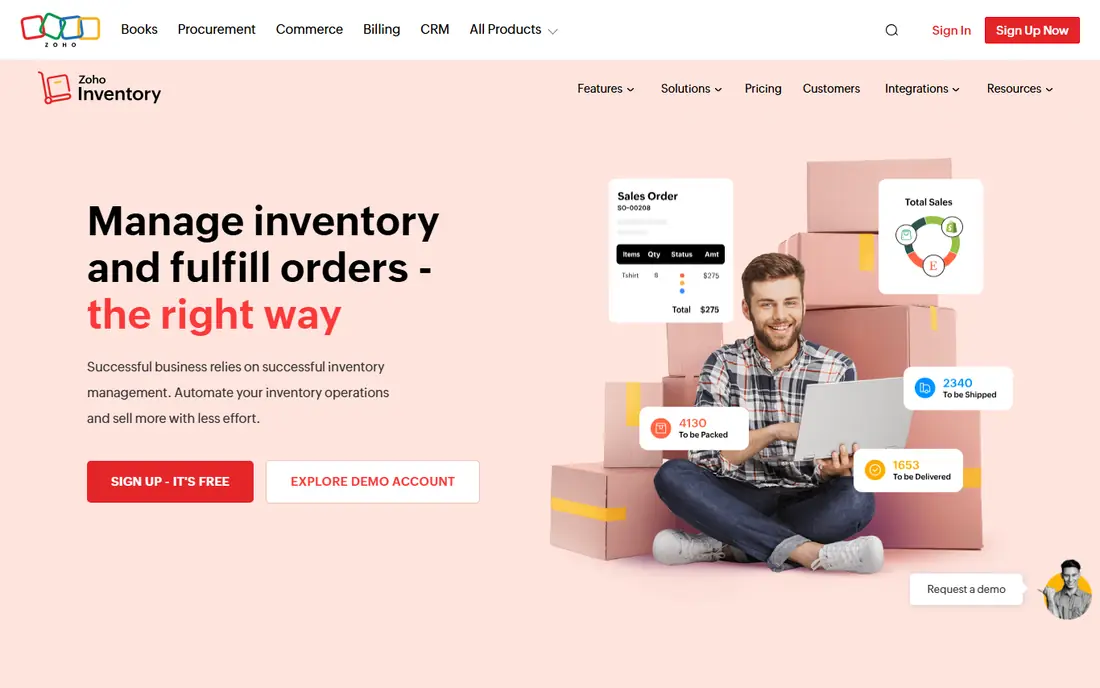
Zoho Inventory is our pick for most small sellers because the free plan covers real work, not just a demo. It tracks stock across online channels, manages orders and purchase orders, and connects with Zoho Books so sales and accounting stay in step. For a seller moving from spreadsheets, that combination removes the most common errors: selling stock you do not have and losing track of what was ordered.
The free plan's monthly order cap is the main limit, so growing sellers will need a paid tier sooner or later. Higher tiers add more orders, users and locations, and warehouse features deepen as you pay more. If you already use Zoho Books, the native connection is a strong reason to start here. If you use QuickBooks instead, check the integration options before you commit.
- Genuinely useful free plan for low volumes
- Syncs stock across sales channels
- Integrates with Zoho Books for accounting
- Free plan caps monthly orders
- Advanced warehouse features sit on higher tiers
- Setup takes care with channel connections
Square for Retail suits shops where most sales happen across a counter. Because the point of sale and the stock list share one system, every sale updates inventory at once, and you can scan barcodes, track variants and set low-stock alerts without a separate tool. The free plan covers basic inventory for a single location, which is enough for many small shops to start.
The limits show up as you grow. Multi-location stock transfers, advanced purchase orders and deeper reporting sit on paid plans, and businesses with complex warehouse needs will outgrow it. If your shop already runs on Square, though, adding its retail inventory tools is the simplest path to accurate stock, since your staff already knows the system.
- Point of sale and inventory in one system
- Free plan covers basic stock tracking
- Easy barcode scanning at the till
- Advanced inventory features require paid plans
- Weaker for complex multi-warehouse operations
- Online channel depth varies
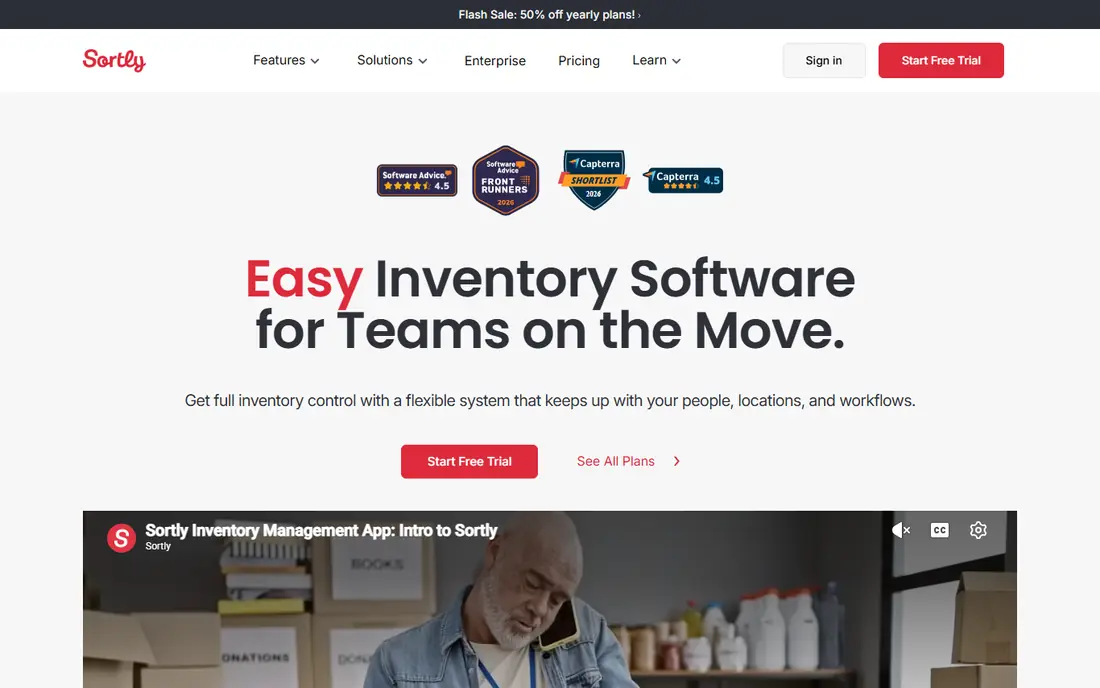
Sortly is the pick when your inventory is physical stuff you need to find, count and track, rather than thousands of online orders. Each item gets a photo, a location and custom fields, so a team can see what an item looks like and where it sits without memorizing SKU codes. Mobile barcode and QR scanning make stock counts faster, and the interface is simple enough for staff who have never used inventory software.
It is not an order management system in the same sense as Zoho or Cin7. High-volume sellers will miss deeper order, shipping and accounting features, and some features such as purchase orders sit on higher tiers. For equipment, supplies, materials and small product catalogs, though, Sortly's visual approach is easier to adopt and easier to keep up to date.
- Photo-based item catalog that is easy to browse
- Barcode and QR scanning on mobile
- Simple for non-technical teams
- Not built for high-volume order management
- Purchase orders and stock counts are limited on lower tiers
- Less accounting depth
inFlow Inventory is built for businesses that sell to other businesses. It handles purchase orders, quotes, customer-specific pricing and showroom workflows that consumer-focused tools often skip, and its reporting gives a clear view of stock value and sales by customer. For wholesalers and distributors, those features matter more than a long list of marketplace connections.
The entry price is higher than Zoho or Square, and there is no free plan, only a trial, so it suits businesses with enough volume to justify the cost. Product setup also takes care, since accurate B2B pricing and stock data pay off only when the catalog is clean. If your customers are businesses and your orders involve quotes and purchase orders, inFlow is worth the trial.
- Strong purchase orders, quotes and showroom features
- Handles B2B pricing and wholesale workflows
- Good reporting
- Higher entry price than basic tools
- No free plan beyond a trial
- Setup takes time for product data
Katana is the pick for businesses that make what they sell. It combines inventory tracking with production planning, so raw materials, work in progress and finished goods stay in one view, and bills of materials show exactly what each product needs. When a sales order arrives, Katana can show whether you have the materials to make it, which prevents promising stock you cannot produce.
Pure resellers will not need most of this, and the paid plans reflect a manufacturing tool rather than a basic stock tracker. There is a free tier for small catalogs, which is a good way to test whether production planning fits your workflow. If you assemble, build or craft products, Katana fills a gap that general inventory tools leave open.
- Production planning with bills of materials
- Tracks raw materials and finished goods together
- Integrates with common sales channels
- Overkill for pure resellers with no production
- Paid plans are priced for manufacturers
- Learning curve for production features
Cin7 Core, formerly DEAR Systems, suits brands that have outgrown basic tools. It syncs stock across sales channels and warehouses, automates order routing and purchasing, and includes a B2B portal for wholesale customers. For a business selling on several marketplaces plus its own site, with stock in more than one location, that depth prevents the oversells that cheaper tools allow.
The price and setup effort are the trade-offs. Entry plans cost far more than Zoho or Square, and getting channels, warehouses and accounting connected properly takes time and care. Below a certain order volume, that cost is hard to justify. When stock errors start costing real sales and customer trust, Cin7 Core is the step up that fixes them at scale.
- Deep multi-channel and multi-warehouse support
- Strong automation for orders and stock
- B2B portal included
- High entry price for small sellers
- Implementation takes weeks, not minutes
- Overkill below a certain order volume
Odoo Inventory appeals to businesses that want to shape the software to their process rather than adapt their process to the software. Its inventory app covers stock moves, warehouses, barcode scanning and replenishment, and it can grow into a wider system with sales, accounting and manufacturing modules. A free option for a single app makes it one of the cheapest ways to start with a capable tool.
Flexibility is also the catch. Setting up Odoo well takes more effort than a ready-made small business tool, and teams without technical help may find the options overwhelming. If you have someone comfortable with configuration, or you already use other Odoo apps, it offers a lot of power for the price. If you want something that works in an afternoon, a simpler tool is a better start.
- Very flexible and modular
- Free option for a single app
- Barcode support and double-entry stock tracking
- Steeper learning curve
- Setup and customization take effort
- Support quality depends on how you deploy it
Fishbowl is the pick for manufacturers and distributors that run their accounting on QuickBooks and need serious warehouse control. It handles bills of materials, work orders, multi-location stock and barcode-directed picking, and it syncs with QuickBooks so inventory movements and accounting stay aligned. For operations where picking accuracy and production tracking drive costs, that depth matters.
The price and complexity rule it out for small sellers. There is no free plan, setup is heavier than cloud-only tools, and teams need training to use its warehouse features well. If your business manufactures or distributes at volume and already relies on QuickBooks, Fishbowl is a proven fit. If you sell a small catalog online, start with a cheaper tool and revisit Fishbowl when volume demands it.
- Deep manufacturing and warehouse features
- Strong QuickBooks integration
- Barcode-directed workflows for accuracy
- High entry price
- Desktop-heavy setup
- More complex than small sellers need
How we picked these
We compared official pricing pages, feature documentation and public reviews, focusing on plans that small businesses actually buy. We favored tools with clear channel support, barcode scanning and accounting connections, since those three features decide whether stock data stays accurate in daily use. We included simple visual trackers, retail point of sale tools, wholesale systems and manufacturing tools, because the best inventory software depends on how a business sells and whether it makes its products. We did not claim hands-on testing of every plan, since we compared published information. Where a price could not be confirmed on the vendor's own site, we marked it as See website.
How to choose inventory software for a small business
List your sales channels first
Write down every place you sell, including your website, marketplaces, a physical shop and wholesale accounts. The right tool must sync stock across all of them, since a tool that covers only your website will still let you oversell on a marketplace. Channel coverage is the first filter, before price or extra features.
Count SKUs, locations and monthly orders
Free plans usually cap orders, users or locations, so check your real numbers against each plan's limits. A free plan that covers 50 orders a month is generous for a new shop and useless for one shipping hundreds. Count variants separately where they matter, since a shirt in five sizes and four colors is twenty SKUs, not one.
Test barcode scanning and stock counts early
During a trial, scan items in, run a stock count and process a return, since those are the tasks your team will repeat daily. If scanning is awkward or counts are hard to correct, the tool will fall out of use no matter how good its reports look. Involve the staff who will actually use it in the trial, not just the owner.
Check the accounting connection before you pay
Inventory software should keep stock value and cost of goods sold in step with your accounting system, whether that is QuickBooks, Xero or Zoho Books. A weak connection means manual adjustments at tax time and stock values you cannot trust. Confirm the connection works for your exact accounting setup during the trial, and ask what happens to historical data if you cancel.
Frequently asked questions
What is the best inventory app for a small business?
Zoho Inventory is the best starting point for most small online sellers, thanks to its free plan and multi-channel sync. Square for Retail is better for shops that sell in person, and Sortly is better for simple visual tracking of equipment and supplies.
What is the best software for inventory management if I sell on multiple channels?
Cin7 Core is the strongest option for multi-channel brands with several warehouses, while Zoho Inventory covers multi-channel selling at a much lower price for smaller sellers. The right choice depends on your order volume and how many locations you hold stock in.
Is there free inventory management software?
Yes. Zoho Inventory offers a free plan for low order volumes, Square for Retail covers basic stock tracking free, Sortly has a free tier for simple tracking, and Odoo offers a free single-app option. Check each free plan's limits against your monthly orders before you commit.
What is the best inventory control software for manufacturers?
Katana suits light manufacturers and makers with production planning needs, while Fishbowl suits larger manufacturers and distributors that use QuickBooks. Both track raw materials and finished goods, which general stock trackers do not handle well.
Do I need barcode scanning in inventory software?
Not always, but it speeds up counts and reduces errors once you pass a few hundred SKUs. Sortly, Square, Odoo, Cin7 and Fishbowl all support barcode scanning, so check that the tool you choose works with the scanners or phones your team already uses.
Sources we checked (8)

Online Jobs is an independent blog about careers, online work, learning new skills and the tools that help people earn. More about us.
Keep reading
All posts
Best White Label SEO Companies
We compare the best white label SEO companies and tools in 2026 for agencies, from fulfilment services to branded reporting platforms, margins and prices.
Best Webinar Software
We compared the best webinar software for 2026 on price, attendee limits, automation and ease of use, to help you host better live sessions with confidence.

Best Web Scraping Tools
Compare the best web scraping tools in 2026, from no-code Octoparse and Browse AI to Apify, Firecrawl, Bright Data, Zyte, ScraperAPI and free Scrapy, with prices.