Best Intranet Software in 2026: 9 Platforms Compared

How we put this together: we compare official feature and pricing pages, app store listings, privacy policies and public user reviews. Prices change, so check the provider's site before you pay.
Key takeaways
- Most leading intranet platforms sell by quote, so budget planning needs a demo and a headcount count before any shortlist is final.
- Simpplr is our pick for most mid sized companies that want a modern intranet without rebuilding SharePoint from scratch.
- Staffbase and Workvivo stand out for frontline and deskless staff who rarely open email.
- SharePoint remains the practical choice for companies already paying for Microsoft 365.
- Blink is the clearest published price on this list, which helps smaller teams estimate cost early.
Quick comparison
| Name | Who it suits | Starting price | Free option | |
|---|---|---|---|---|
 Simpplr Simpplr | Modern intranet for mid sized teams | See website | No | Visit |
 Staffbase Staffbase | Frontline and deskless staff | See website | No | Visit |
 Workvivo Workvivo | Employee community and engagement | See website | No | Visit |
 Unily Unily | Large enterprises needing design control | See website | No | Visit |
 LumApps LumApps | Google Workspace intranets | See website | No | Visit |
 Happeo Happeo | Google Workspace teams needing channels | See website | Free trial | Visit |
 Igloo Igloo | Simple intranets for smaller teams | See website | No | Visit |
 Blink Blink | Mobile first frontline app | See website | Free trial | Visit |
 SharePoint SharePoint | Microsoft 365 companies | See website | No | Visit |
The best intranet software
A good intranet gives staff one place for news, documents, people and tasks, and it works on a phone as well as a desktop. We compared official feature pages, pricing pages and public reviews, and we focused on search, mobile access, integrations, governance and ease of publishing. Our pick for most teams is Simpplr, with Staffbase for frontline staff and SharePoint for Microsoft shops.
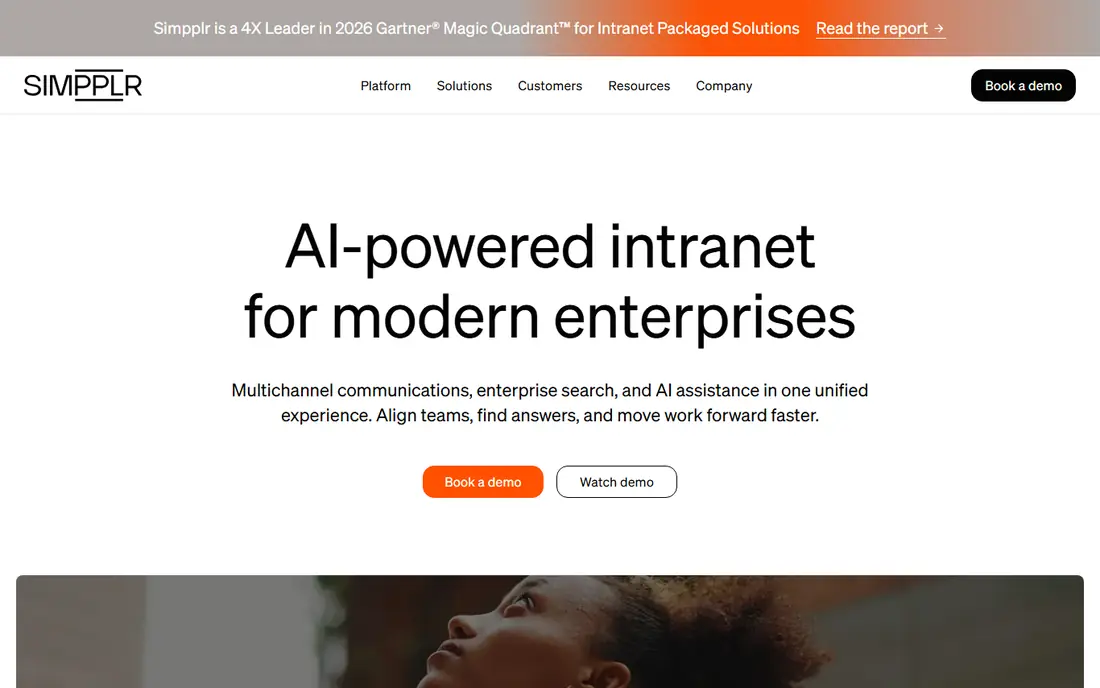
Simpplr feels like a consumer app inside a work tool, and that matters for adoption. News, sites, people profiles and document links sit in a clear layout, and personalisation helps staff see updates relevant to their team or location. Search is central, so a policy or form is easier to find than in a folder maze. For communications teams, publishing is straightforward, with templates and audience targeting.
The main drawback is price transparency. Simpplr does not publish a price list, so smaller teams cannot budget without a sales conversation. Rollout also needs content planning, because a pretty intranet with stale pages will not hold attention. If your team wants a modern destination and can run a proper demo and quote process, Simpplr is a strong starting point.
- Clean modern design that staff actually open
- Strong search and personalised news
- Integrations with common workplace tools
- Quote only pricing
- Implementation effort grows with custom design and integrations
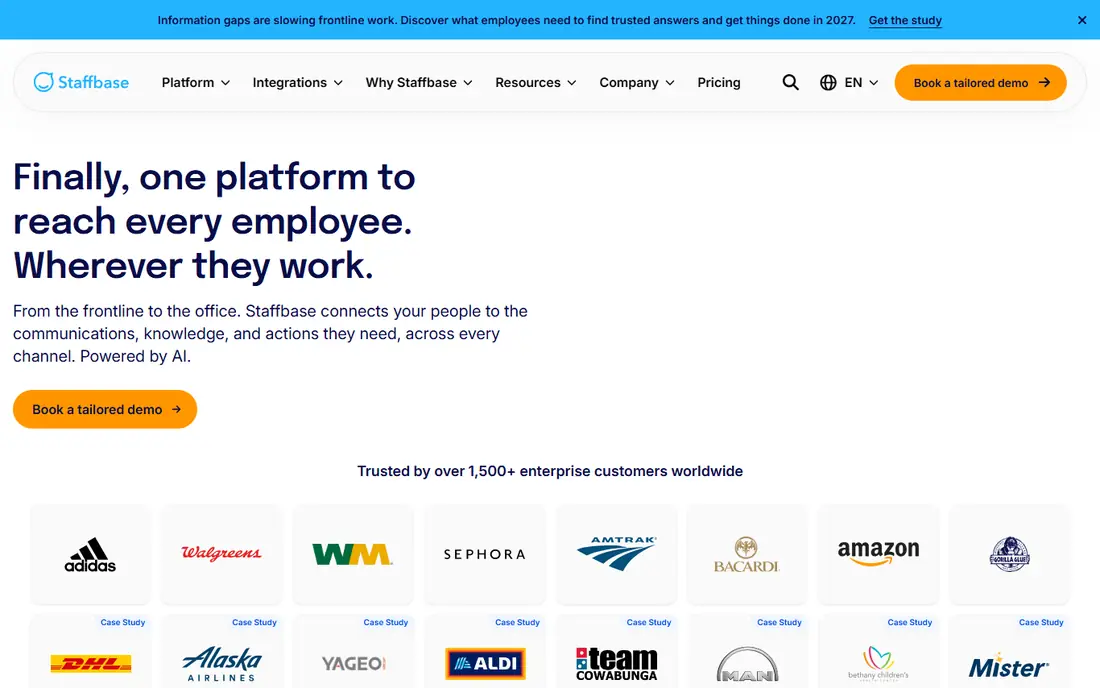
Staffbase is built for the staff who never sit at a desk. Workers can receive news, forms and updates on a phone app without a corporate email address, and managers can target messages by location, role or shift. That reach is the point, because email intranets miss exactly the people who need safety updates, rotas and policy changes most. The platform also covers email and digital signage, which helps central teams keep one message across channels.
It is an enterprise purchase, not a quick self serve signup. Pricing is by quote, and larger deployments need planning, content migration and training. Smaller companies with only office staff may not need this reach. For retail, manufacturing, logistics and healthcare teams, Staffbase solves a real access problem that office focused intranets leave open.
- Mobile app built for staff without corporate email
- Email, intranet and app in one system
- Strong audience targeting for locations and roles
- Quote only pricing
- Enterprise rollout can take months
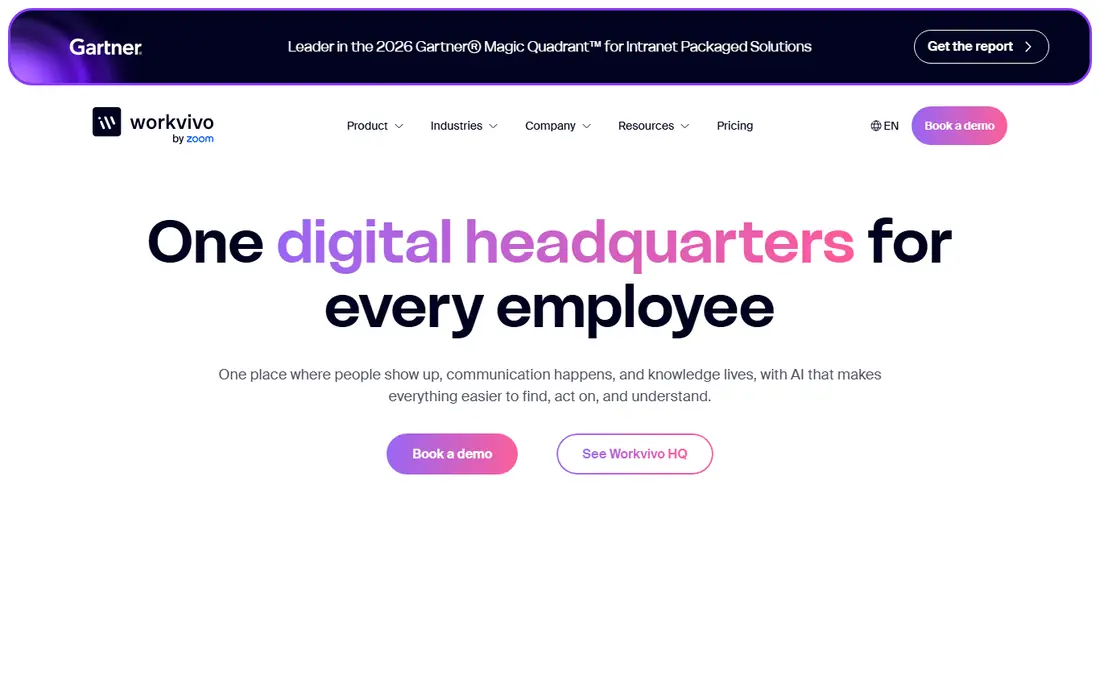
Workvivo leans into community. The feed looks familiar to anyone who uses social apps, with posts, comments, recognition and spaces for teams and interests. That familiarity lowers the barrier for frontline staff, and it helps new joiners learn culture and names quickly. Managers can share updates, celebrate wins and run polls without a separate engagement tool.
A social intranet only works if someone feeds it. Without regular posts, recognition and moderation, the feed goes quiet and staff stop checking it. Workvivo also needs clear governance for what belongs in a community post versus an official policy page. Choose it when engagement and belonging are the main goals, and assign owners for content from day one.
- Social feed that encourages comments and recognition
- Mobile app for frontline staff
- Activity and shout outs built in
- Quote only pricing
- Needs active community management to stay lively
Unily is for large companies that want a polished, branded workplace on top of Microsoft tools. Design teams get far more control over layout, navigation and branding than a basic SharePoint site offers, while staff still benefit from Microsoft search, documents and security underneath. Targeting, analytics and governance tools help communications teams manage content across many locations and languages.
That power comes with scale and cost. Unily positions itself for larger workforces, and smaller teams may find the project heavier than they need. Implementation, design and content work take time, and pricing is by quote. If brand control and enterprise governance matter more than a fast, simple launch, Unily belongs on the shortlist.
- Deep design control for branded digital workplaces
- Strong SharePoint and Microsoft 365 integration
- Enterprise governance and targeting
- Quote only pricing
- Best suited to larger organisations, not small teams
LumApps gives Google Workspace companies an intranet that feels native to their tools. Staff can reach Drive documents, calendars and groups from a central hub, with personalised news and community spaces on top. It also works with Microsoft 365, so mixed tool estates are not a blocker. For communications teams, the platform supports targeted news, pages and social features in one place.
Pricing is by quote and modules matter, so two LumApps quotes can look very different. Teams should list must have features, such as frontline access, analytics or advanced search, before a demo, or the quote will be hard to compare with rivals. LumApps fits best when Google tools are central and the intranet must feel like part of that daily workflow.
- Strong fit for Google Workspace and Microsoft 365
- Personalised news and communities
- Frontline app options through integrations
- Quote only pricing
- Feature depth varies by chosen modules
Happeo keeps the intranet close to Google Drive, Gmail and Calendar. Teams get channels for updates, pages for lasting content, and a people directory that helps new staff find owners quickly. Publishing is simple enough for team leads, not only central communications staff, which helps content stay current. Search across Drive material is a practical win for document heavy teams.
The platform is less sprawling than Unily or Staffbase, which is a benefit for mid sized Google shops and a limit for very large enterprises with complex governance needs. Pricing is quoted by organisation, so use the trial to test publishing, search and mobile access with real content. Happeo is a good fit when Google Workspace is already the daily home for work.
- Channels and pages built around Google Workspace
- Simple publishing for teams
- Search across Drive content
- Quote based pricing for full plans
- Smaller ecosystem than the largest enterprise platforms
Igloo suits teams that want a working intranet without a long enterprise project. Sites, blogs, wikis and document libraries cover the core needs, and departments can shape their own areas. The interface is practical rather than flashy, which helps staff find policies, forms and team news without learning a new social feed.
Engagement features are lighter than Workvivo, and frontline mobile depth is less central than Staffbase. That trade off is fine for office based teams that mainly need organised content and clear ownership. If your main problem is scattered documents and stale team pages, Igloo offers a direct fix without overbuying a community platform.
- Straightforward sites, blogs and document areas
- Accessible for teams without a large IT project
- Flexible layouts for departments
- Less modern social and engagement depth than Workvivo
- Quote based pricing
Blink puts the phone first. Frontline staff get a feed, chat, forms and key documents in one app, without needing a desktop or corporate email. That simplicity helps adoption in retail, logistics and care settings, where staff check phones between tasks. Managers can send targeted updates and collect form responses quickly, which beats paper notices and group chats.
For office teams that need deep document libraries, wikis and complex page structures, Blink is thinner than Simpplr or SharePoint. Treat it as a frontline hub and communications app, with documents linked rather than fully managed inside it. Its published pricing history makes early budgeting easier than quote only rivals, but always confirm the live pricing page before a decision.
- Mobile first design for deskless staff
- Published per user plans in past listings help budgeting
- Feed, chat and forms in one app
- Less suited as a full document intranet for office heavy teams
- Pricing can change, so confirm the current page
SharePoint is the default intranet for many Microsoft companies, and often the cheapest path because it is already in the licence. Document libraries, permissions, version history and search are mature, and Teams integration keeps files close to daily chat. For IT teams, security and compliance controls sit inside a system they already manage.
The catch is design and ownership. A basic SharePoint site can feel dated and hard to navigate unless someone owns information architecture, templates and content review. Companies that want a polished, social intranet may still add a layer like Unily, or accept more internal design work. If budget is tight and Microsoft 365 is already central, start with SharePoint and fix navigation and ownership before buying a replacement.
- Included in many Microsoft 365 plans
- Strong document management and permissions
- Deep integration with Teams, OneDrive and search
- Needs design and governance work to feel modern
- Out of the box sites can look dated without effort
How we picked these
We compared official feature pages, pricing pages and public reviews, with a focus on who each platform serves, mobile access for frontline staff, search, publishing, integrations and governance. We kept platforms that still sell a dedicated intranet or employee app in 2026, and we noted where pricing is quote only instead of inventing a figure. We did not claim hands on testing that did not happen, and we treated vendor claims as claims to check in a demo.
Price transparency is the biggest gap in this category. Most vendors quote by headcount, modules and support level, so a shortlist should include a demo with real content, a mobile test with frontline staff, and a written quote that states what is included.
What to check before you buy
Count who actually needs access
Office staff, frontline staff and contractors have different access needs. A platform that needs corporate email will miss deskless workers, while a mobile app may be thinner for document heavy office teams. Count each group before you compare prices.
Test search with real questions
Ask staff to find a policy, a form and a contact during a demo. If search fails on real content, adoption will fail too, no matter how good the homepage looks.
Assign content owners before launch
An intranet dies from stale pages, not from missing features. Name an owner for each major section, set a review date, and remove pages that no one owns.
Frequently asked questions
What is the best intranet software for small business?
For small teams, Igloo and Happeo offer simpler setups than enterprise platforms, and SharePoint is practical if Microsoft 365 is already paid for. Blink is worth a look if most staff are frontline and mobile first.
What is the best free intranet software?
There is no leading free intranet that matches the paid platforms on this list for support, security and mobile access. SharePoint can be low cost inside an existing Microsoft 365 plan, and some vendors offer trials, but a free plan alone is not a safe long term intranet choice.
What is the best intranet platform for frontline employees?
Staffbase, Workvivo and Blink lead for frontline staff because they offer phone apps without corporate email. Choose Staffbase for enterprise reach, Workvivo for community, and Blink for a simple mobile first hub.
How much does intranet software cost?
Most vendors quote by headcount and modules, so there is no single price. Budget for licences, implementation, design and content work, and ask for a written quote that separates licence cost from services.
Is SharePoint a good intranet?
Yes, for Microsoft 365 companies that invest in design and governance. It is strong on documents, permissions and search, but it needs ownership to avoid dated sites and messy navigation.
How long does an intranet rollout take?
Small intranets can launch in weeks with ready content, while enterprise platforms can take months. Content migration, permissions, mobile testing and training usually take longer than software setup itself.
Sources we checked (9)

Online Jobs is an independent blog about careers, online work, learning new skills and the tools that help people earn. More about us.
Keep reading
All posts
Workday Alternatives
We compared the best workday alternatives for HR, payroll, and global hiring, from BambooHR and Gusto to Rippling, Deel, and HiBob for growing teams in 2026.

Which SaaS Tools Have the Best Customer Support
Which SaaS tools have the best customer support? Compare eight popular tools on help centres, live help, response options and overall support quality.

Top AI Helpdesk Software
Searching for top AI helpdesk software in 2026? We compared 8 AI helpdesks on automation, pricing, channels and ease of setup for small and growing teams.