Best Internal Communication Tools in 2026: 9 Tools Compared


Flexible team chat and integrations · Starting price: $7.25 per user per month
How we put this together: we compare official feature and pricing pages, app store listings, privacy policies and public user reviews. Prices change, so check the provider's site before you pay.
Key takeaways
- Slack remains the most flexible chat platform, with Pro at $7.25 per user per month on annual billing, while Microsoft Teams is the cheapest option for teams already on Microsoft 365.
- Google Chat suits Google Workspace teams, since it comes with Workspace plans rather than as a separate purchase.
- Mattermost and Rocket.Chat suit teams that need self-hosting or strict data control, at the cost of more setup and maintenance.
- Free plans work for small teams, but message history limits on Slack free and similar caps mean growing teams usually need a paid plan.
Quick comparison
| Name | Who it suits | Starting price | Free option | |
|---|---|---|---|---|
| Slack | Flexible team chat and integrations | $7.25 per user per month | Yes | Visit |
 Microsoft Teams Microsoft Teams | Teams already on Microsoft 365 | $4 per user per month | Yes | Visit |
 Google Chat Google Chat | Google Workspace teams | $7 per user per month | Yes | Visit |
 Zoom Team Chat Zoom Team Chat | Teams already on Zoom | See website | Yes | Visit |
 Mattermost Mattermost | Self-hosted team chat | $10 per user per month | Yes | Visit |
 Rocket.Chat Rocket.Chat | Open-source team chat | See website | Yes | Visit |
 Discord Discord | Informal community-style teams | Free | Yes | Visit |
 Twist Twist | Async-first team communication | See website | Yes | Visit |
 Flock Flock | Budget team chat for small teams | See website | Yes | Visit |
The best internal communication tools
Internal communication tools have to carry daily chat, announcements, file sharing, and video calls without becoming a distraction. The best choice usually follows the office suite a team already pays for, since bundling changes the real price. We compared official pricing pages and published plan limits, and we included self-hosted and async-first options for teams with different needs.
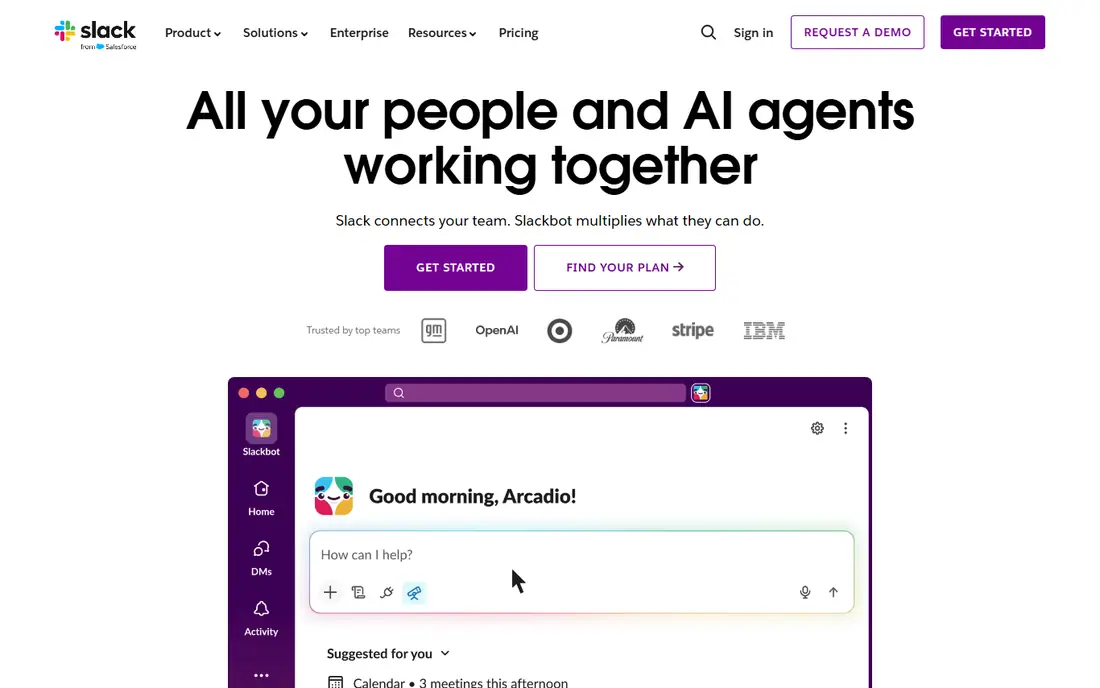
Slack is our pick for teams that want the most flexible chat platform. Channels, threads, and a large app directory let a team connect project tools, support tickets, and alerts into one place, and huddles give a quick audio option without scheduling a meeting. Pro at $7.25 per user per month on annual billing, or $8.75 monthly, adds unlimited history and integrations, while Business+ at $15 on annual billing adds advanced AI features and compliance controls.
The free plan is the catch. It keeps only 90 days of message history and caps integrations at ten, which frustrates a growing team that needs to search old decisions. Per-user pricing also adds up on a large team. For a team that lives in chat and integrations, Slack still sets the standard.
- Huge integration library
- Strong search and threading
- Huddles for quick calls
- Free plan keeps only 90 days of history
- Per-user cost grows fast on large teams
Microsoft Teams is the cheapest real option for most office teams, because many already pay for it inside Microsoft 365. Teams Essentials at $4 per user per month on annual billing covers chat and meetings, while Microsoft 365 Business Basic at $7 adds web Office apps and 1 TB of storage per user. Video meetings for up to 300 people, file collaboration in SharePoint, and calendar integration come in the same login.
The interface divides opinion, with many users finding channels, chats, and teams harder to navigate than Slack. Teams also makes most sense inside the Microsoft ecosystem, and a Google Workspace team gains less from it. For a Microsoft shop, Teams is the obvious default, and buying Slack on top of it is hard to justify.
- Bundled with Microsoft 365
- Strong video meetings
- Deep Office and SharePoint integration
- Interface feels busy
- Standalone value is lower outside Microsoft 365
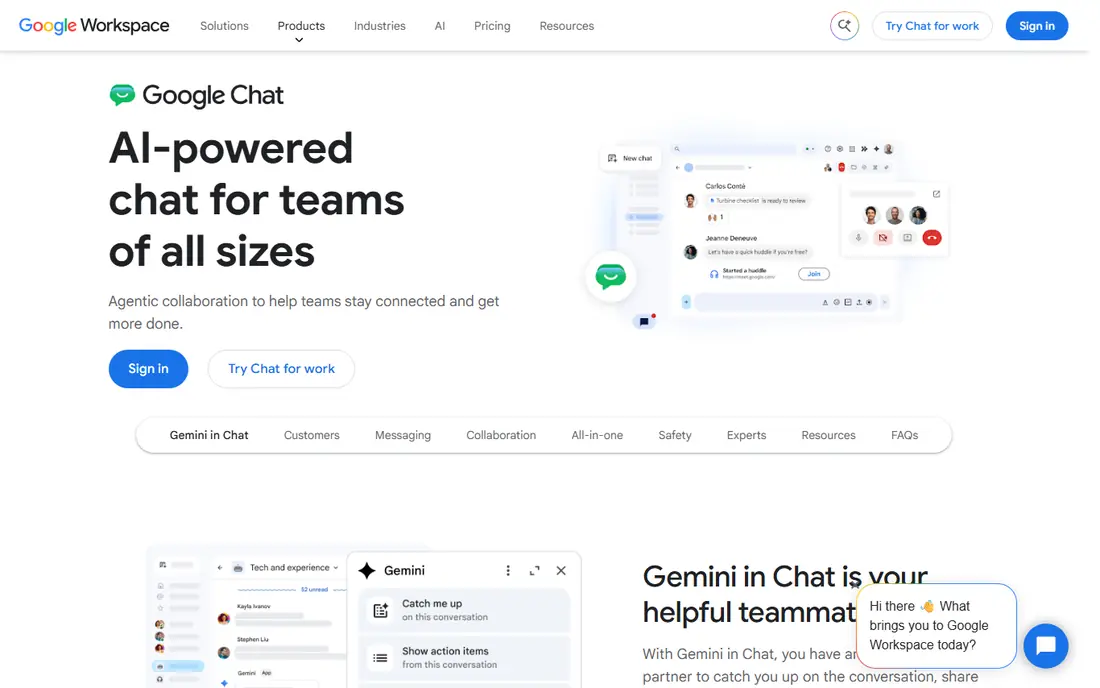
Google Chat suits teams that already live in Gmail, Drive, and Docs. It comes with every Google Workspace plan, starting with Business Starter at $7 per user per month, or $5.60 on an annual commitment, and it offers spaces, threads, and direct messages without a second subscription. Files shared in Chat live in Drive, which keeps permissions simple.
Chat is lighter than Slack. It has fewer third-party integrations, and video calls run through Google Meet rather than inside Chat itself. A team that needs deep automation or a huge app directory will miss Slack. For a Workspace team that wants chat without another bill, Google Chat is the sensible pick.
- Included with Google Workspace
- Simple spaces and threads
- Strong Gmail and Drive integration
- No standalone business price
- Fewer integrations than Slack
- Video needs Google Meet
Zoom Team Chat makes sense for teams that already pay for Zoom Workplace. Chat, channels, and file sharing sit next to meetings, so a conversation can turn into a video call in one click, and paid Zoom plans include Team Chat without a separate per-user chat bill. That bundling keeps the total lower than buying Slack alongside Zoom.
As a standalone chat tool, Team Chat is thinner than Slack, with fewer integrations and less workflow depth. Teams that do not already use Zoom gain little from it. For a Zoom-first company, it removes the need for a second chat subscription.
- Chat built into Zoom Workplace
- Easy jump from chat to meeting
- Included with paid Zoom plans
- Weaker as a standalone chat product
- Fewer integrations than Slack
Mattermost is the pick for teams that must control where messages live. It can be self-hosted on your own servers, which suits government, healthcare, and engineering teams with strict data rules, and its open-source core can be inspected and extended. Professional at $10 per user per month adds advanced permissions, compliance, and support, with a free tier for smaller self-hosted setups.
Self-hosting is also the cost. Someone must install, update, and maintain the server, and the integration library is smaller than Slack. For most small businesses, that effort is not worth it. For a team with a hard data-control requirement, Mattermost is the most mature self-hosted option.
- Self-hosting for data control
- Open-source core
- Strong security and compliance options
- Needs IT setup and maintenance
- Smaller integration library than Slack
Rocket.Chat offers a similar self-hosted path to Mattermost, with an open-source community edition and paid plans for larger deployments. It supports channels, direct messages, video, and integrations, and it can run on your own infrastructure or as a hosted service. That flexibility suits teams that want to avoid vendor lock-in.
Paid features, support, and scalability options sit behind enterprise plans, so the free edition suits smaller teams best. Documentation and setup quality vary more than on a hosted product such as Slack. For a team that values open source and flexible deployment, Rocket.Chat is worth a trial.
- Open-source and self-hostable
- Flexible deployment
- Community edition is free
- Enterprise features need a paid plan
- Setup and support vary by deployment
Discord is free, with unlimited message history and voice channels that many teams find more natural than scheduled calls. Small startups, gaming-adjacent teams, and community-led companies often adopt it because everyone already knows it, and there is no per-user bill to approve.
Business controls are the gap. Retention, compliance exports, and enterprise admin features are weaker than on Slack or Teams, which rules Discord out for regulated companies. For an informal team that values free chat and voice over compliance, Discord is a practical choice.
- Free with unlimited history
- Excellent voice channels
- Familiar to younger teams
- Not built for business compliance
- Admin and retention controls are weaker
Twist, from the makers of Todoist, is built for teams that want fewer interruptions. Conversations are threaded by topic rather than streamed in a live channel, so a team across time zones can catch up without scrolling through hours of chat. A free plan covers small teams, with paid plans adding more history and admin features.
The ecosystem is smaller than Slack, and teams that need real-time support chat or many integrations will feel the limits. Twist suits a distributed team that prefers written, thoughtful updates over constant presence. For a support desk or a fast-moving newsroom, a real-time tool fits better.
- Threaded conversations reduce noise
- Async-first design suits distributed teams
- Calm inbox
- Smaller ecosystem
- Fewer integrations
- Less suited to real-time support work
Flock is a budget chat tool for small teams that need channels, direct messages, file sharing, and video calls without a large bill. Setup is quick, and the free plan covers basic use, with paid plans adding more history and admin controls at a lower price than Slack or Teams standalone plans.
Its integration library and enterprise features are thinner than the leaders, and larger teams will outgrow it. For a small business that wants a simple, low-cost chat tool and does not need deep automation, Flock is a reasonable shortlist option.
- Low cost
- Simple channels and video calls
- Quick setup
- Smaller integration library
- Less suited to large or regulated teams
How we picked these
We compared official pricing pages, bundled versus standalone pricing, and published plan limits, and we favored tools with a current free plan or trial. We treated bundled tools honestly: Teams and Google Chat look cheapest when a team already pays for the suite, and expensive when bought alone. Prices were checked in October 2026 and should be confirmed on the vendor site, since Microsoft and Google change packaging often.
Reducing chat noise without losing people
Name one home for each kind of message
Put announcements in one channel, project work in project channels, and social chat elsewhere. When every message lands in one general channel, important updates get buried and people stop reading.
Default to threads and summaries
Threads keep side discussions from derailing a channel, and a short summary at the end of a long thread helps teammates in other time zones catch up. Managers should model this habit, or it will not stick.
Audit channels every quarter
Archive dead channels, remove duplicate spaces, and check who still needs access. A workspace that grows without pruning becomes harder to search and easier to ignore.
Frequently asked questions
What is the best internal communication tool overall?
Slack is the most flexible standalone pick, while Microsoft Teams is the best value for teams already on Microsoft 365 and Google Chat for teams on Google Workspace. The suite you already pay for usually decides the winner.
Is Slack free plan enough for a small team?
It can be, for a very small team that does not need old messages. The 90-day history limit and ten-integration cap become problems as soon as a team grows or needs to search past decisions, at which point Pro is the usual upgrade.
How much does Microsoft Teams cost?
Teams Essentials costs $4 per user per month on annual billing, and Microsoft 365 Business Basic, which includes Teams plus web Office apps, costs $7. Many businesses already have Teams inside a Microsoft 365 plan, in which case there is no extra chat bill.
Can I self-host team chat?
Yes, with Mattermost or Rocket.Chat, both of which offer open-source editions you can run on your own servers. Self-hosting gives data control but needs IT time for setup, updates, and backups.
What is the difference between Slack and Discord for work?
Slack offers business admin, retention, compliance, and a large integration library, while Discord is free with unlimited history and strong voice channels but weaker business controls. Discord suits informal teams, while Slack suits companies that need governance.
Should remote teams prefer async tools like Twist?
Async-first tools suit distributed teams across time zones, since threaded topics are easier to catch up on than live chat streams. Teams that need real-time support or rapid coordination still benefit from a real-time tool such as Slack or Teams.
Sources we checked (9)

Online Jobs is an independent blog about careers, online work, learning new skills and the tools that help people earn. More about us.
Keep reading
All posts
Workday Alternatives
We compared the best workday alternatives for HR, payroll, and global hiring, from BambooHR and Gusto to Rippling, Deel, and HiBob for growing teams in 2026.

Which SaaS Tools Have the Best Customer Support
Which SaaS tools have the best customer support? Compare eight popular tools on help centres, live help, response options and overall support quality.

Top AI Helpdesk Software
Searching for top AI helpdesk software in 2026? We compared 8 AI helpdesks on automation, pricing, channels and ease of setup for small and growing teams.