Best Interactive Presentation Tool in 2026: 10 Products Compared

How we put this together: we compare official feature and pricing pages, app store listings, privacy policies and public user reviews. Prices change, so check the provider's site before you pay.
Key takeaways
- Mentimeter and Slido lead for live polls and Q and A, while Prezi and Genially lead for visual, clickable decks.
- Most tools in this list offer a free plan, but participant limits, exports, and branding are where free plans differ most.
- Teachers often get the best value from Nearpod and Pear Deck, because both fit existing lessons and classroom routines.
- If you already use Canva or Google Slides, adding interaction there is usually faster than learning a new deck builder.
Quick comparison
| Name | Who it suits | Starting price | Free option | |
|---|---|---|---|---|
 Mentimeter Mentimeter | Live polls, quizzes, and word clouds | Free | Yes | Visit |
 Slido Slido | Meeting Q and A with upvoting | Free | Yes | Visit |
 Prezi Prezi | Zooming presentations that move around a canvas | Free | Yes | Visit |
 Canva Presentations Canva Presentations | Fast team decks with strong templates | Free | Yes | Visit |
 Genially Genially | Clickable decks, lessons, and infographics | Free | Yes | Visit |
 AhaSlides AhaSlides | Low-cost live sessions for small groups | Free | Yes | Visit |
 Nearpod Nearpod | Classroom lessons with live student checks | Free | Yes | Visit |
 Pear Deck Pear Deck | Interactive lessons inside Google Slides | Free | Yes | Visit |
 Visme Visme | Branded decks with charts and data visuals | Free | Yes | Visit |
 Beautiful.ai Beautiful.ai | Clean decks with automatic formatting | $12 per month | Free trial | Visit |
The best interactive presentation tool
We compared tools that let an audience do more than watch, including live polls, Q and A, quizzes, clickable slides, and student responses. The best choice depends on whether you need a full deck builder, a simple add-on for meetings, or a classroom tool.
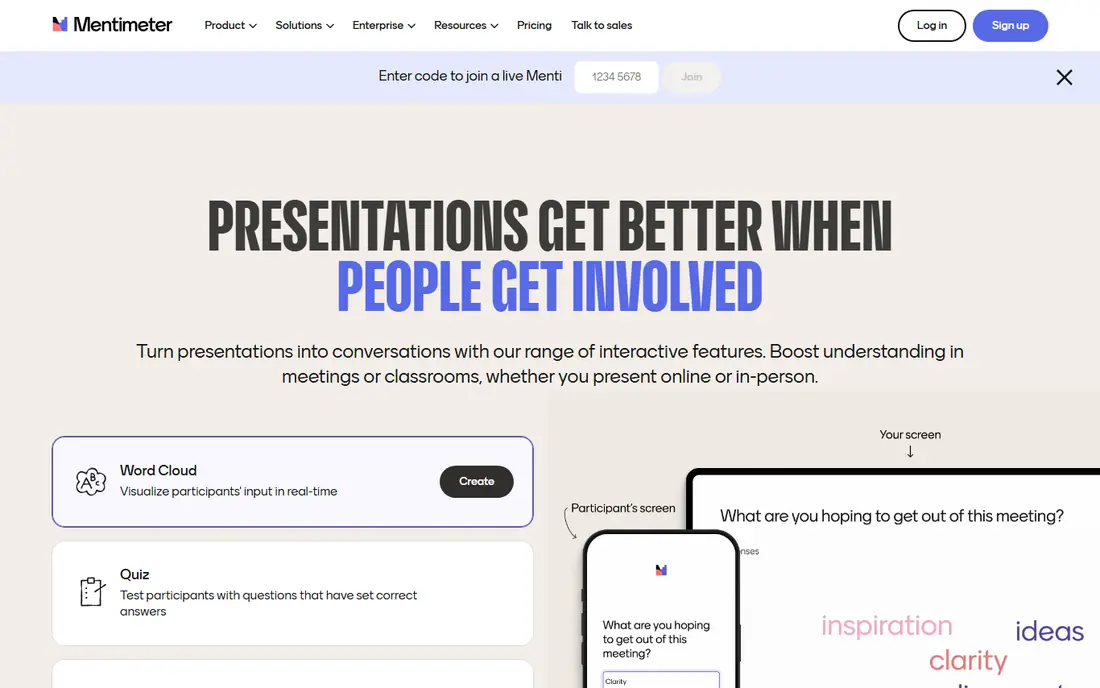
When the interaction itself needs to carry the session, Mentimeter is a strong first choice. You can build a deck, add a poll, a quiz, a word cloud, a scale, or an open-ended question, and watch answers appear as people respond. The audience joins from a phone or laptop, so you do not need to hand out clickers or ask people to install an app.
The catch is the free plan. It works well for occasional talks, but the monthly participant limit means regular presenters will need to plan around it or pay. Paid plans add unlimited participants, result exports, and more control over Q and A. If you present often to large groups, check that limit before you build a full series around the free tier.
- Wide range of live question types
- Audience joins by code with no install
- PowerPoint and Google Slides support
- Free plan limits participants per month
- Exports and branding need a paid plan
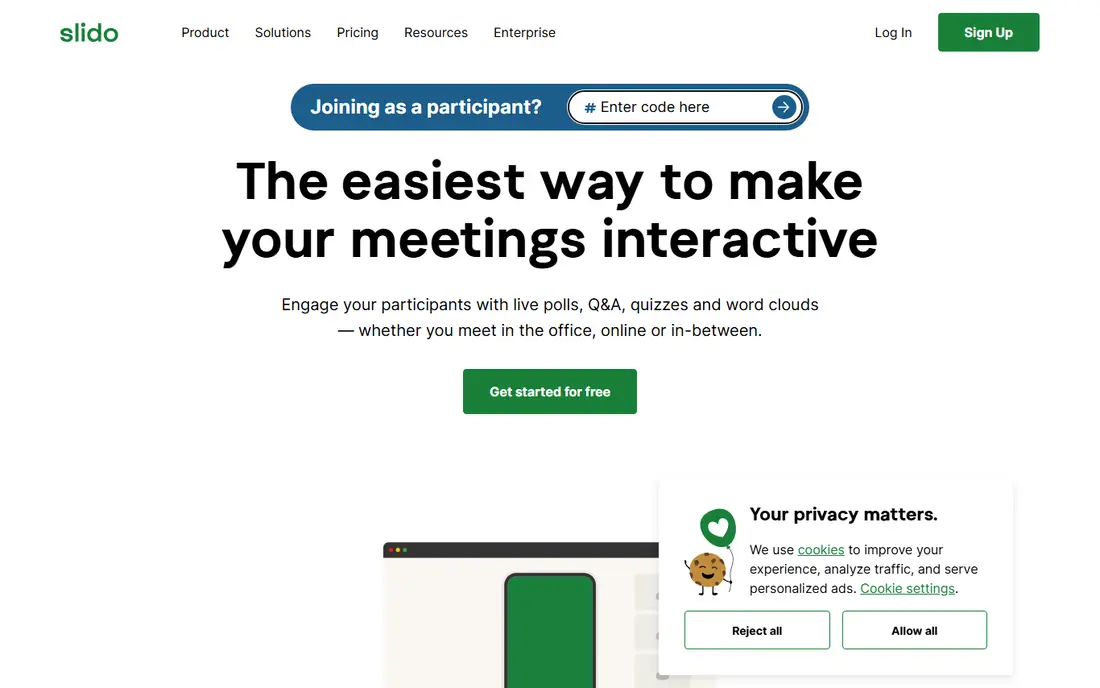
Meetings where questions matter more than slide design are where Slido shines. Attendees can submit questions, upvote the ones they care about, and answer polls without leaving the flow of the meeting. Moderation on paid plans helps a host keep the visible questions useful and on topic.
Because Slido is an add-on rather than a deck builder, you will still need PowerPoint, Google Slides, or another tool for the slides themselves. That is a strength if you already have decks you like, and a drawback if you want one place for design and interaction. The free Basic plan covers small events, but the poll limit per event is the first thing most regular users hit.
- Simple Q and A with upvoting
- Works inside PowerPoint, Google Slides, and Teams
- Easy join code for attendees
- Free plan limits polls per event
- It is not a full deck builder
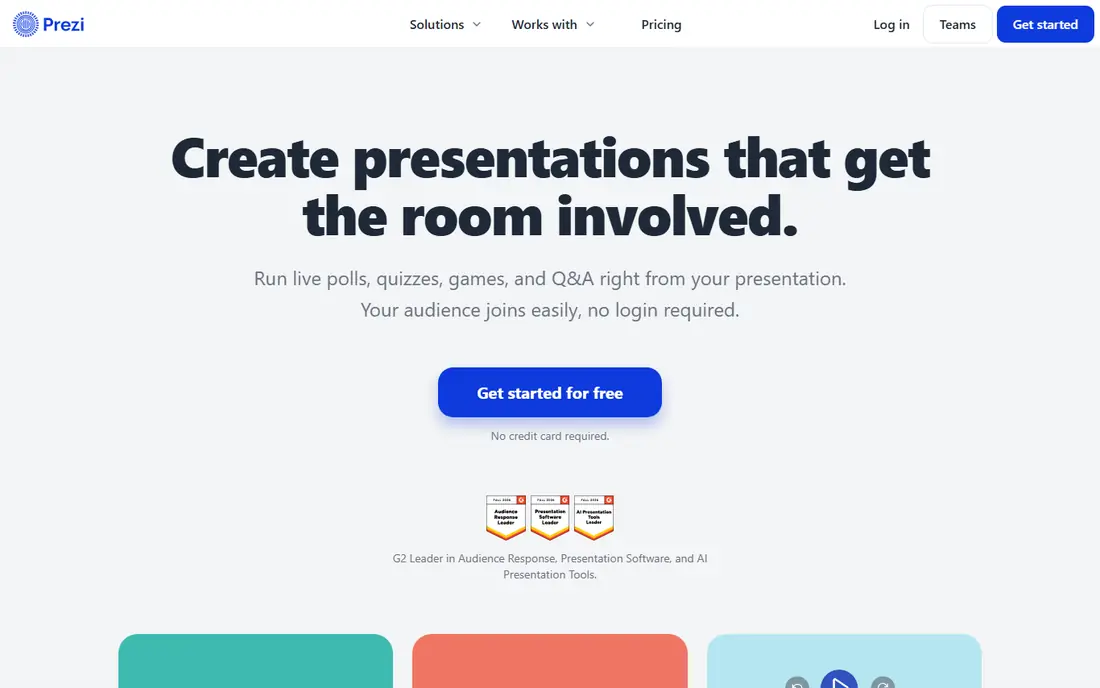
Prezi takes a different path from slide-by-slide decks. Your content sits on one canvas, and you zoom in for detail and out for the big picture. That structure works well when you want to show how parts connect, jump to a question out of order, or return to an overview without flipping back through many slides.
Prezi also includes live activities such as polls, quizzes, and Q and A, so the audience can take part while you present. The free Basic plan is a fair way to test the style, though presentations are public and AI credits are limited. If you prefer a straight, linear deck, Prezi can feel like extra work, so try a short talk in it before you move a whole course or sales deck over.
- Distinct zooming canvas
- Live polls, quizzes, and Q and A
- AI help to draft decks
- Zooming style does not suit every topic
- Paid plans are billed annually
Teams that need a good-looking deck quickly often start with Canva Presentations. Templates, stock photos, charts, and brand controls do much of the design work, and several people can edit at the same time. Presenting from the browser is simple, and exporting to common formats is straightforward.
Where Canva is weaker is live audience interaction. You can present, share a link, and use some interactive elements, but it does not match Mentimeter or Slido for polls, moderated Q and A, or quiz scoring. Many teams pair Canva for design with a polling tool for the live session. The free plan covers a lot, and Pro adds premium assets, brand kits, and more storage.
- Huge template library
- Real-time collaboration
- Easy presenting and exporting
- Live interaction is thinner than dedicated polling tools
- Premium assets are paywalled
Content people can click through, not just watch, is what Genially is built for. You can add hotspots, pop-ups, quizzes, games, and branching paths to a presentation, infographic, or lesson. That makes it a strong fit for training, onboarding, and classroom material where the viewer should explore at their own pace.
The free plan includes interactions, animations, and a large set of free templates, which is more generous than some rivals for creative work. The limits show up when you need to download a file, keep a project private, or store a large library. Paid plans add downloads, privacy controls, premium templates, and more detailed tracking of responses.
- Rich interactivity and animation
- Many templates
- Imports PowerPoint, PDF, and Google Slides
- Downloads and private sharing need paid plans
- Free plan has limited storage
A lower price for regular live sessions is the main appeal of AhaSlides. You get live polls, quizzes, Q and A, word clouds, and spinner wheels in one deck, and the audience joins with a code. For trainers, teachers, and team leads who run regular small sessions, the paid plans are easier to justify than some higher-priced options.
Design is not the focus here. Slides look clean, but you will not get the template depth of Canva or the visual range of Genially. The free plan is useful for testing, yet the participant and slide limits mean a busy presenter will likely need a paid plan. Check the current free limits on the pricing page before you plan a large event around it.
- Low entry price for paid plans
- Live polls, quizzes, and word clouds
- PowerPoint integration
- Free plan limits participants and slides
- Design tools are simpler than Canva or Visme
Lessons that become activities students join live or at their own pace are the focus of Nearpod. Teachers can add polls, quizzes, open-ended questions, matching tasks, and collaborative boards, then see responses as they come in. A library of ready-made lessons helps when prep time is short, and reports show where students struggled.
The free Silver plan is a real starting point for one teacher, but storage and the number of students per lesson are limited. Paid Gold and Platinum plans raise those limits and add features such as the Google Slides add-on. Schools that want co-teaching, student accounts, and admin reporting will need a school or district quote, so individual pricing is only part of the story.
- Large lesson library
- Polls, quizzes, and collaborative boards
- Google Slides add-on on paid plans
- Free plan storage and class size are limited
- Per-teacher pricing adds up for a department
If you already teach with Google Slides, Pear Deck avoids a separate deck system. You add interactive questions to your existing slides, students join with a code, and you see answers in real time. Drawing, draggable, and audio responses on paid plans give students more ways to show what they know than a simple multiple-choice question.
The free Teacher plan covers basic interactive questions, which is enough to test the workflow in a real class. Premium adds the full question types, student-paced mode, private messaging, and deeper analytics. For business presenters, Pear Deck feels narrow, since its content library and design are built around teaching, not sales or board meetings.
- Works inside Google Slides and PowerPoint
- Student-paced mode on paid plans
- Simple join process
- Best features sit behind Premium
- It is classroom-focused rather than a general business tool
Marketers who need a deck to look on brand and carry real data will find Visme useful. Charts, maps, and data widgets are built in, and the same tool can make infographics, reports, and social graphics. The brand kit on paid plans keeps colors, fonts, and logos consistent across a team.
Interaction in Visme is more about clickable content, pop-ups, and embedded media than live polling during a talk. If live Q and A is your main need, pair it with Slido or Mentimeter. The free Basic plan lets you explore the editor with unlimited projects, but downloads are limited and projects carry Visme branding until you pay.
- Strong charts, data widgets, and brand kit
- Many formats beyond slides
- Privacy controls on paid plans
- Free plan cannot download and adds branding
- Learning curve is steeper than Canva
Busy professionals who want a polished deck without fiddling with alignment will like Beautiful.ai. As you add text or images, the slide layout adjusts to keep the design tidy. That saves time for busy professionals who need a client-ready deck and do not want to start from a blank slide.
The trade-off is control. You cannot push elements around as freely as in Canva or Prezi, and the template system rewards a consistent style over a wild, custom look. There is a 14-day free trial rather than a permanent free plan, so the $12 per month Pro plan, billed annually, is the real starting point for ongoing use. Students with an eligible school email should check the education offer on the vendor site.
- Slides format themselves as you type
- Consistent look with little design skill
- PowerPoint import and export
- No permanent free plan
- Less creative freedom than a blank canvas tool
How we picked these
We started with tools that offer live polls, Q and A, quizzes, or clickable content, not just static slide design. We checked each vendor's official feature pages, pricing pages, and app store listings in October 2026, and we kept only tools that are available now and fit the topic. We also read public reviews and help pages to spot common limits, such as participant caps, export limits, and features held back for paid plans.
We favored a mix of well-known leaders and smaller options, and we favored tools with a free plan or trial so readers can test the workflow before paying. Prices change often, so we list the starting price shown on the vendor site at the time of checking and note where a plan is billed annually. Where a price was unclear or varied by region, we used the vendor homepage as the source and kept the table simple.
What to check before you pay
A tool can look strong in a demo and still fail on the details of your session. Work through the points below with a real talk in mind, not just a feature list.
Audience size and joining
Check how many people can join on your plan, and how they join. A code or link that works on a phone, with no install, removes friction for a large room. Also check whether anonymous joining is allowed, since some workplaces and classrooms need it, while others need named responses for grading or follow-up.
Live features you will actually use
List the interactions you need for one session, such as a poll, a quiz, moderated Q and A, or a word cloud. Then check whether each one is on your plan, not just on the product as a whole. Free plans often include the basics but hold back moderation, exports, or advanced question types.
Design and reuse
If you present the same material often, templates, brand controls, and import from PowerPoint or Google Slides matter more than a long feature list. If you present once, a simpler tool with a good template set may be faster than a powerful tool with a steep learning curve.
After the session
Decide what you need after the talk ends. Result exports, response reports, and analytics help trainers and teachers prove what happened and follow up with people who struggled. If you only need a lively session, this matters less, and a cheaper plan may be enough.
Frequently asked questions
What is the best software for interactive presentation?
It depends on your session. Mentimeter is a strong all-round pick for live polls and quizzes, Slido is best for meeting Q and A, and Prezi or Genially suit clickable, visual decks. Start with the interaction you need most, then pick the tool that puts that feature on a plan you can afford.
Are there free interactive presentation tools?
Yes. Mentimeter, Slido, Prezi, Canva, Genially, AhaSlides, Nearpod, Pear Deck, and Visme all offer free plans, though limits differ. Check participant caps, slide limits, exports, and branding before you rely on a free plan for a large or client-facing session.
Which tool is best for teachers?
Nearpod and Pear Deck are built for classrooms, with lesson libraries, student responses, and reporting. Mentimeter and AhaSlides also work well for teachers who want live polls and quizzes without a full lesson platform. The right pick often depends on whether your school already uses Google Slides, PowerPoint, or a learning platform.
Can I use Slido with PowerPoint?
Yes. Slido offers integrations for PowerPoint and Google Slides, as well as Teams and Webex, so you can add polls and Q and A to decks you already own. That makes it a good add-on if you do not want to rebuild your slides in a new tool.
Is Prezi good for business presentations?
Prezi can work well for pitches and overviews where the big picture matters, because its zooming canvas shows how topics connect. It is less suited to dense, linear reports where a reader needs to follow pages in strict order. Try a short version of your talk in Prezi before you commit a full deck to that style.
What is the difference between Mentimeter and AhaSlides?
Both offer live polls, quizzes, word clouds, and Q and A, and both have free plans. Mentimeter has a wider range of question types and stronger presentation features, while AhaSlides is often cheaper for paid plans and suits smaller, regular sessions. Test both with the same set of questions to see which interface your audience finds easier.
Sources we checked (10)
- https://www.mentimeter.com/pricing
- https://www.slido.com/pricing
- https://www.prezi.com/pricing
- https://www.canva.com/pricing
- https://genially.com/plans
- https://www.ahaslides.com/pricing
- https://www.nearpod.com/pricing
- https://www.peardeck.com/pricing
- https://www.visme.co/pricing
- https://www.beautiful.ai/pricing

Online Jobs is an independent blog about careers, online work, learning new skills and the tools that help people earn. More about us.
Keep reading
All posts
Zoom Alternatives
Zoom alternatives compared for 2026: Google Meet, Microsoft Teams, Webex, Jitsi and more for free calls, large meetings and webinars for teams and classrooms.

What Is the Best Free Tool to Rotate a PDF
What is the best free tool to rotate a PDF? We compare eight free rotation tools on per-page control, limits, privacy and saved output quality in detail.

What Is the Best AI Dubbing Tool
We compared the best AI dubbing tools in 2026, from ElevenLabs and HeyGen to Rask AI, Dubverse and Veed, for videos and creators in many languages worldwide.