Best Interactive Demo Software in 2026: 8 Tools Compared


Sales, marketing, and presales in one tool · Starting price: $40 per month
How we put this together: we compare official feature and pricing pages, app store listings, privacy policies and public user reviews. Prices change, so check the provider's site before you pay.
Key takeaways
- The best interactive demo software for most teams is Storylane or Supademo, because both offer a free plan, transparent starting prices, and several demo formats.
- Best interactive demo platforms ranked by enterprise depth look different, with Walnut, Reprise, and Demostack-style tools built for sales teams that need sandboxes and personalization.
- Screenshot demos are fastest to build, HTML demos feel closest to the real product, and video demos work best for buyers who want to watch rather than click.
- Check which features sit behind higher tiers, because HTML editing, sandbox demos, single sign-on, and analytics are often gated in this category.
- The best rated demo platform for interactive demos is not always the cheapest, so test build time and buyer analytics before you commit to an annual plan.
Quick comparison
| Name | Who it suits | Starting price | Free option | |
|---|---|---|---|---|
| Storylane | Sales, marketing, and presales in one tool | $40 per month | Yes | Visit |
 Navattic | HTML demos for marketing | See website | Yes | Visit |
 Walnut | Enterprise sales personalization | $575 per month | No | Visit |
 Supademo | Budget-friendly guided tours | $38 per month | Yes | Visit |
 Arcade | Polished marketing demos | See website | Yes | Visit |
 Guideflow | Low-cost guided tours | $35 per month | Yes | Visit |
 HowdyGo | Flat-priced HTML demos | $159 per month | Free trial | Visit |
 Reprise | Cloned product environments | See website | No | Visit |
The best interactive demo software
We compared demo tools by format, build speed, personalization, analytics, integrations, and published pricing, and we gave extra weight to tools that let buyers click through a realistic product flow without a live meeting.
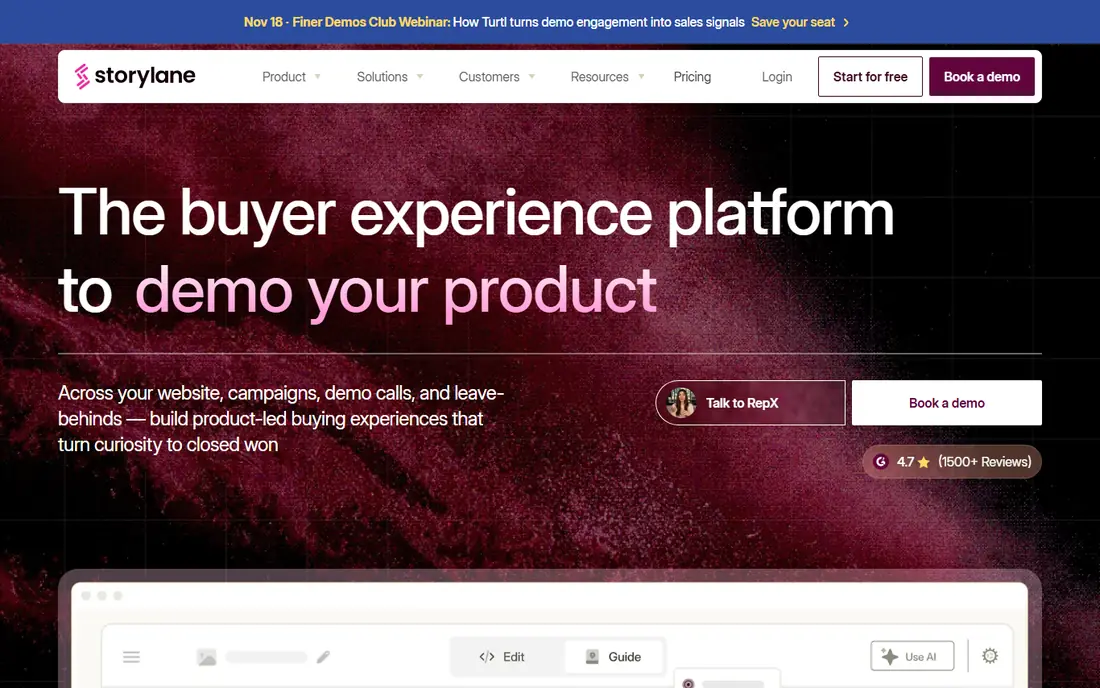
Storylane is the most flexible all-round choice on this list. Teams can build screenshot tours, HTML demos, and video demos in the same editor, then share them through demo hubs that sales reps can personalize for each account. That range helps marketing teams embed demos on a website and sales teams send a tailored demo after a call.
The limits are tier-based. HTML editing starts on the Growth plan, and sandbox demos sit on Enterprise, so the $40 Starter plan does not open every format. Still, for most mid-market teams, Storylane covers the common jobs without an enterprise contract. Start free, build a demo for your top use case, and check buyer analytics before you upgrade.
- Screenshot, HTML, and video demos in one editor
- Demo hubs for sales follow-up
- Free plan to start
- HTML editor starts on higher tiers
- Sandbox demos are Enterprise-only
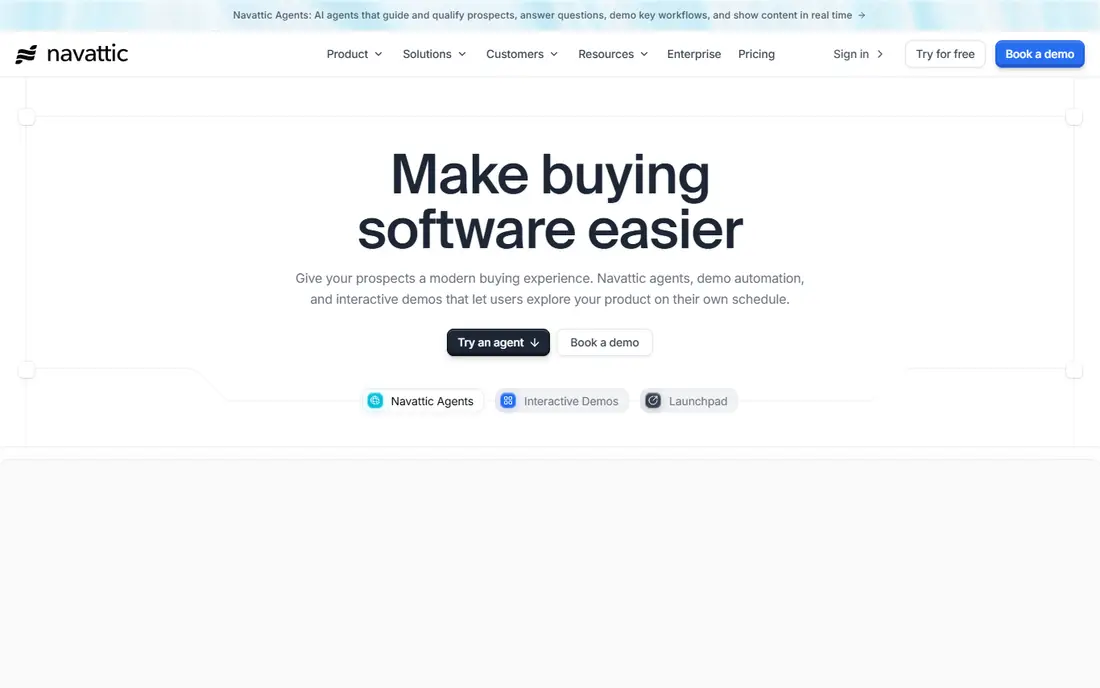
Navattic built its name on HTML demos that feel like the real product, not a set of screenshots. Marketing teams can capture a product flow, edit steps, and embed the demo on a website or landing page. Sales teams can then use Launchpad to share personalized demos and track engagement after a call.
Pricing is the main friction. A free Starter plan covers one demo, but paid plans are billed annually with prices on request, so budgeting requires a sales conversation. If HTML realism is your top priority and you have a marketing budget for it, Navattic is worth that conversation. If you need a published price before you test, Storylane or Supademo will be easier to approve.
- Mature HTML capture
- Launchpad for sales follow-up
- AI help for demo creation
- Paid plan prices are not published
- Sandbox and single sign-on sit on higher tiers
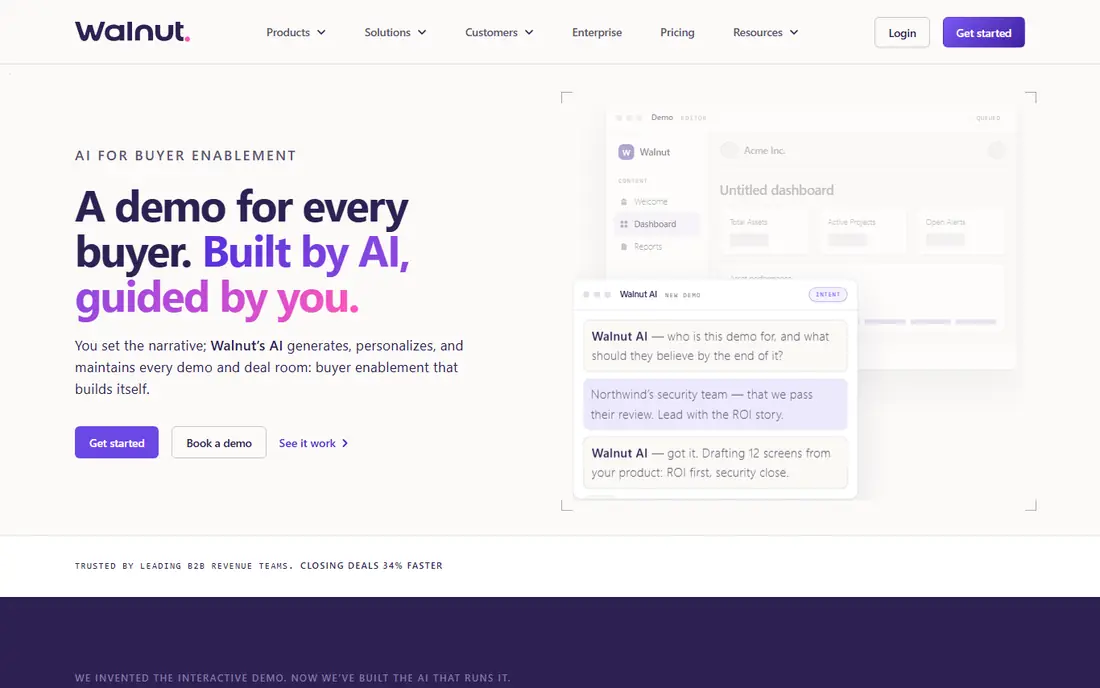
Walnut suits established sales teams that personalize every demo for a specific account. Reps can edit demo data, build playlists for different stakeholders, and use AI help to draft a demo faster. That personalization helps in enterprise deals where a generic tour does not answer a buyer committee's questions.
The cost is the barrier for smaller teams. Ignite starts at $575 per month billed annually, with Accelerate at $1,550 per month in published comparisons, and there is no free plan to test the full product first. For a sales-led organization with a clear demo workflow and budget, Walnut can pay for itself in faster deal cycles. For a startup, a lower-priced tool will cover the basics.
- Strong personalization per deal
- AI help for drafting demos
- Sandbox options on higher tiers
- No self-serve free plan
- Entry price is high for small teams
Supademo is the best interactive demo tool for software platforms that need a low entry price without giving up guided tours. The free plan covers several demos, and the Scale plan starts at $38 per creator per month billed annually. Teams in sales, onboarding, and support can all use the same tool, which helps when a demo needs to serve more than one job.
Format gating is the point to check. HTML demos start on Business, and sandbox demos sit on Growth, so the cheapest plan is mainly a screenshot and video tool. That is enough for many teams, especially for onboarding and support tours. If you need HTML capture from day one, compare the Business price against Storylane Growth before you decide.
- Low entry price
- Free plan with several demos
- Screenshot, HTML, and video formats
- HTML demos start on higher plans
- Sandbox demos are gated to Growth
Arcade is built for marketing teams that want a demo to look polished with little editing time. Recording, branching, and publishing are fast, and AI voiceovers help turn a click-through tour into a narrated video without a recording studio. The result suits website embeds, social posts, and product launch pages.
HTML capture is the main limit, because it sits on Enterprise in published comparisons, so Arcade is mainly a screenshot-first tool at lower tiers. Growth pricing has varied across sources, so we list See website here rather than repeat a conflicting figure. If visual polish and speed matter more than HTML realism, Arcade is a strong choice. If you need HTML from the start, Navattic or Storylane Growth will fit better.
- Fast recording to published demo
- Polished visual output
- AI voiceovers for video demos
- HTML capture is Enterprise-only
- Some integrations sit on higher tiers
Guideflow gives solo creators and small teams a low-cost way to build guided tours without an enterprise budget. The Solo plan starts at $35 per month billed annually, and the free plan lets you test the editor before paying. Screenshot, mobile, and other tour formats cover product onboarding, support help, and simple sales demos.
HTML capture is the catch. It starts on the Growth plan at $499 per month in published comparisons, which is a large jump from Solo. For teams that mainly need screenshot tours, that limit does not matter. For teams that need HTML realism, Guideflow Growth should be compared directly with Storylane and Navattic, not with the Solo price.
- Lowest paid entry price on this list
- Broad format coverage
- Free plan to start
- HTML capture starts on Growth at $499 per month
- Advanced features sit on higher tiers
HowdyGo solves a pricing problem that frustrates many demo buyers. Instead of charging per seat, it charges a flat $159 per month for unlimited users and demos in published comparisons. Small teams can give everyone access without watching seat costs climb, and HTML demos are included at that entry price rather than gated to a higher tier.
The trade-off is breadth. HowdyGo does not match the enterprise personalization, sandbox depth, or analytics range of Walnut or Reprise. It also offers a 14-day trial rather than a free plan. For a small team that wants HTML demos at a predictable price, HowdyGo is one of the clearest values on this list. For a large enterprise, a more complete platform may be worth the higher cost.
- Flat pricing with unlimited users and demos
- HTML demos at the entry price
- Simple pricing model
- Only a 14-day trial, no free plan
- Fewer enterprise features than Walnut or Reprise
Reprise is built for presales teams that need more than a guided tour. Its cloning tools turn a product into a functional replica, and data injection lets reps show realistic data for each buyer without using live customer data. That depth helps in technical evaluations where buyers want to try workflows, not just watch them.
Pricing is quote-based, with an annual platform fee plus per-user licenses in published comparisons, so Reprise sits firmly in enterprise budgets. Onboarding also takes longer than a screenshot tool, because cloned environments need setup and maintenance. If your deals depend on hands-on evaluation, Reprise is a serious candidate. If you need a quick marketing demo, a capture tool will be faster and cheaper.
- Cloned environments that feel like the real product
- Data injection for realistic demos
- Tours and sandboxes in one vendor
- Quote-based pricing
- Longer onboarding than capture tools
How we picked these
We compared official feature pages, pricing pages, app store listings, privacy policies, and public reviews for interactive demo tools. We checked demo format, build method, personalization, analytics, and which features were gated by tier. Prices came from vendor pages or recent published comparisons, and where sources conflicted or pricing was not published, we wrote See website. We did not claim hands-on testing, and we treated review comments as user reports.
What to check before you choose
Pick the format before you pick the vendor
Screenshot tours are fastest to build and easiest to maintain. HTML demos feel most realistic but need more setup and often cost more. Video demos work well for buyers who prefer to watch. Choose the format that matches how your buyers evaluate, then shortlist tools that offer that format at a price you can approve.
Check tier gates in the demo, not on the pricing page alone
Ask the vendor to show HTML editing, sandbox creation, single sign-on, and analytics in the exact tier you plan to buy. Many tools list a feature on the product page but gate it to a higher plan. A short build test with your own product flow will reveal those limits faster than a sales call.
Measure buyer engagement, not just demo views
Views tell you a demo was opened. Engagement tells you which steps buyers completed, where they dropped off, and which accounts returned. Ask how analytics connect to your CRM, and whether sales reps can see that data without a separate login. That connection is what turns a demo tool into a sales tool.
Frequently asked questions
What is the best interactive demo tool for software platforms?
For most software platforms, Storylane is the strongest all-round choice, because it covers screenshot, HTML, and video demos with a free plan. Supademo is a good budget alternative, and Navattic is a good choice if HTML realism is the top priority. Test each tool with your own product flow before you choose.
What is the best interactive demo software solution for enterprise sales?
For enterprise sales, Walnut and Reprise lead this list. Walnut fits sales teams that personalize demos per deal, while Reprise fits presales teams that need cloned environments and data injection. Both require larger budgets and longer evaluations than capture tools, so confirm the business case with deal cycle data first.
Is there a best interactive demo for software platforms with a free plan?
Yes, Storylane, Navattic, Supademo, Arcade, and Guideflow all offer a free plan or free starter tier. Free plans usually limit demo count, seats, or formats, so check those limits before you build a full demo library. HowdyGo offers a 14-day trial instead of a free plan.
How much does interactive demo software with best reviews cost?
Prices range from $35 per month for Guideflow Solo to $575 per month for Walnut Ignite, with several tools in the $38 to $159 range. Enterprise tools such as Reprise use quote-based pricing. The right comparison is the price of the tier that includes the format and features you need, not the lowest advertised price.
What is the difference between screenshot demos and HTML demos?
Screenshot demos use captured images with clickable hotspots, so they are fast to build and easy to update. HTML demos capture live product code, so buyers can interact with real interface elements and the demo feels closer to the product. HTML demos usually cost more and need more setup, but they work better for technical buyers.
Do interactive demos replace live demos?
No, interactive demos usually support live demos rather than replace them. Buyers can explore on their own before a call, and reps can use a personalized demo during the call to focus on the buyer's use case. The best result comes from pairing a self-serve demo with a live walkthrough for complex deals.
Sources we checked (10)
- https://www.storylane.io
- https://www.navattic.com
- https://www.walnut.io
- https://www.supademo.com
- https://www.arcade.software
- https://www.guideflow.com
- https://www.howdygo.com
- https://www.reprise.com
- https://www.storylane.io/blog/interactive-demo-software
- https://supademo.com/blog/interactive-product-demo-software

Online Jobs is an independent blog about careers, online work, learning new skills and the tools that help people earn. More about us.
Keep reading
All posts
n8n Alternatives
n8n alternatives compared for 2026, with Zapier, Make, Activepieces, and more, covering visual builders, code steps, self-hosting, and pricing models.

ZoomInfo Alternatives
The best ZoomInfo alternatives in 2026, compared on price, free plans, data coverage, and which tool fits small teams or large sales teams best in detail.

Workday Alternatives
We compared the best workday alternatives for HR, payroll, and global hiring, from BambooHR and Gusto to Rippling, Deel, and HiBob for growing teams in 2026.