Best Integration Platform in 2026: 8 Platforms Compared

How we put this together: we compare official feature and pricing pages, app store listings, privacy policies and public user reviews. Prices change, so check the provider's site before you pay.
Key takeaways
- Workato and Boomi suit enterprise teams that need governed, high-volume integrations.
- MuleSoft suits Salesforce-heavy estates and API-led integration programs.
- Zapier and Make suit small teams that need simple app-to-app automation fast.
- n8n suits developer-led teams that want self-hosting and code-level control.
Quick comparison
| Name | Who it suits | Starting price | Free option | |
|---|---|---|---|---|
 Workato | Business-led enterprise automation | See website | Free trial | Visit |
 Boomi | Hybrid enterprise integration | See website | Free trial | Visit |
 MuleSoft Anypoint Platform | API-led Salesforce estates | See website | Free trial | Visit |
 Zapier | No-code app automation | $19.99 per month | Yes | Visit |
 Make | Visual automation on a budget | $9 per month | Yes | Visit |
 Celigo | NetSuite and ecommerce integration | See website | Free trial | Visit |
 SnapLogic | AI-assisted data and app pipelines | See website | Free trial | Visit |
 n8n | Developer-led self-hostable workflows | Free | Yes | Visit |
The best integration platform
We compared integration platforms, integration software, and application integration tools on connector breadth, workflow building, API management, governance, and price. The eight options below range from no-code automation for small teams to enterprise iPaaS for hybrid and high-volume systems.
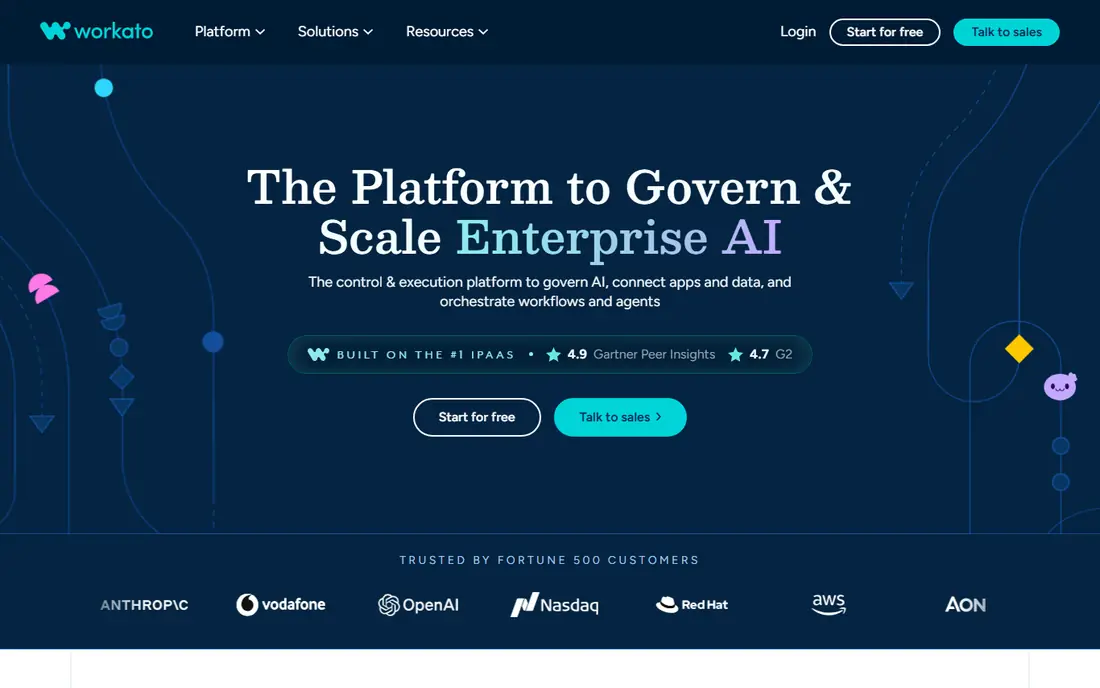
Workato suits a business-led enterprise team that wants departments to build integrations with IT oversight. It fits business-led enterprise automation well, and it is worth shortlisting if that description matches your situation.
Its recipe model, templates, and AI assistance help non-developers build standard flows, while governance controls keep production changes managed. That strength matters most when the team reviewing the bill is not the same team running the system, because both groups need the same numbers in plain form.
The catch is price clarity: plans are quoted, so buyers should ask for a total based on tasks, connectors, and users. Before you commit, ask for a trial on your own data, check how support responds, and confirm what happens when you outgrow the entry tier.
- Enterprise automation and integration
- AI-assisted recipes
- Strong governance
- Quote-based pricing
- Enterprise focus suits larger teams
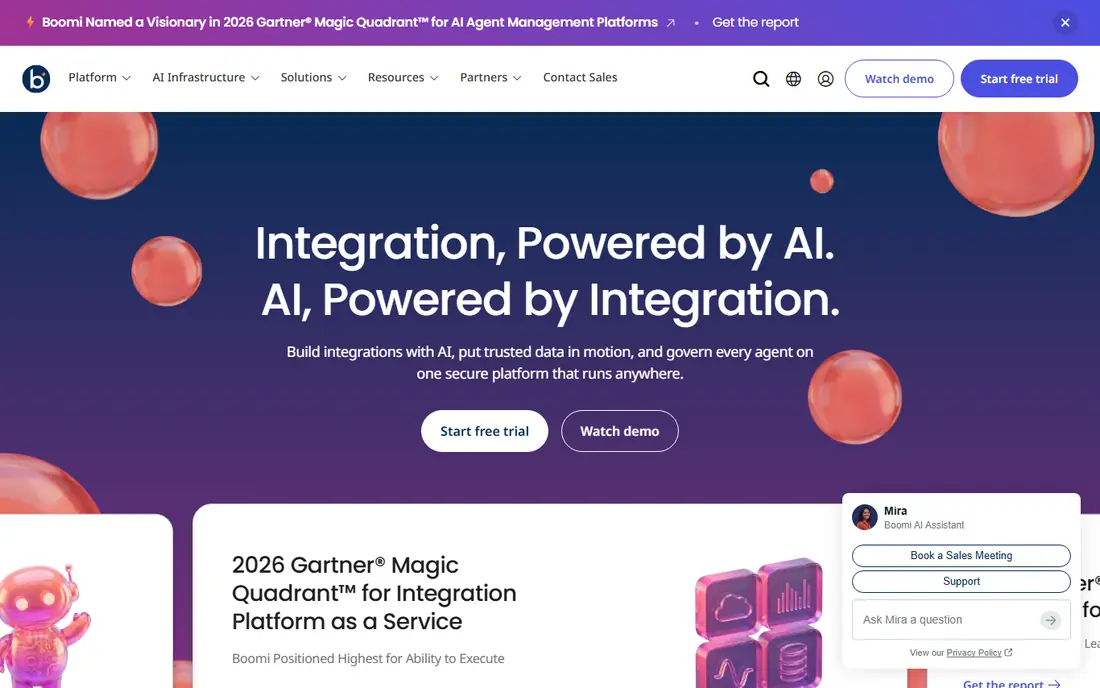
Boomi suits an IT-led team that needs to connect cloud apps with systems behind a firewall. It fits hybrid enterprise integration well, and it is worth shortlisting if that description matches your situation.
Its runtime options support hybrid deployments, and its mapping and API tools handle the messy data work that simple automation tools skip. In day to day use, the value shows up in fewer surprises, clearer ownership, and less time spent chasing down why a number moved.
The catch is effort: hybrid integration is a real project, so buyers should plan for design, testing, and monitoring, not just a quick connection. Before you sign, test it with a small group, read the renewal terms, and confirm the features you need are in the plan you are buying, not a higher tier.
- Hybrid and cloud integration
- API management
- Broad connector library
- Pricing is quoted for many plans
- Setup suits IT-led teams
MuleSoft Anypoint Platform
Who it suits: API-led Salesforce estates
MuleSoft suits a large company running an API-led program, especially inside a Salesforce estate. It fits api-led salesforce estates well, and it is worth shortlisting if that description matches your situation.
Its Anypoint Platform covers API design, management, and integration in one system, with governance that large IT teams need. For a busy team, the practical benefit is less manual work and a clearer record of what changed and why.
The catch is cost and scale: it is built for enterprises, and a small team that only needs a few automations will find it heavy. Before you commit, run a short pilot, compare the total cost with add-ons included, and check how easy it is to export your data later.
- API-led connectivity
- API management and governance
- Salesforce alignment
- Quote-based pricing
- Enterprise scale and cost
Zapier suits a small team that wants to connect apps quickly without writing code. It fits no-code app automation well, and it is worth shortlisting if that description matches your situation.
Its catalogue covers thousands of apps, and its builder makes simple triggers and actions easy to set up and test. That strength matters most when the team reviewing the bill is not the same team running the system, because both groups need the same numbers in plain form.
The catch is volume: task-based pricing adds up as automations run more often, so high-volume teams should compare task and credit models. Before you commit, ask for a trial on your own data, check how support responds, and confirm what happens when you outgrow the entry tier.
- Widest app catalogue for simple automation
- Easy no-code builder
- AI agents and workflows
- Task-based pricing can rise with volume
- Complex data work needs other tools
Make suits a small or mid-size team that wants visual automation at a lower price than Zapier. It fits visual automation on a budget well, and it is worth shortlisting if that description matches your situation.
Its scenario builder shows each step clearly, and its credit model can be cheaper for teams with moderate automation volume. In day to day use, the value shows up in fewer surprises, clearer ownership, and less time spent chasing down why a number moved.
The catch is governance: larger enterprises that need strict controls, audit trails, and hybrid runtimes may need a full iPaaS instead. Before you sign, test it with a small group, read the renewal terms, and confirm the features you need are in the plan you are buying, not a higher tier.
- Visual scenario builder
- Credit-based pricing
- HTTP and code modules for deeper work
- Credit limits need care at scale
- Enterprise governance is thinner than iPaaS rivals
Celigo suits a mid-market company running NetSuite or an ecommerce stack that needs reliable prebuilt flows. It fits netsuite and ecommerce integration well, and it is worth shortlisting if that description matches your situation.
Its prebuilt integrations shorten implementation for common order, inventory, and customer syncs, and its mapping tools handle data differences. For a busy team, the practical benefit is less manual work and a clearer record of what changed and why.
The catch is fit: companies outside NetSuite and ecommerce may get less value from its prebuilt library. Before you commit, run a short pilot, compare the total cost with add-ons included, and check how easy it is to export your data later.
- Prebuilt flows for NetSuite and ecommerce
- Flat-rate endpoint and flow model
- Mapping tools
- Quote-based pricing
- Strongest fit for NetSuite and ecommerce stacks
SnapLogic suits a data-heavy team that needs app and data pipelines in one visual platform. It fits ai-assisted data and app pipelines well, and it is worth shortlisting if that description matches your situation.
Its Snap packs and AI-assisted mapping help teams build pipelines faster, and its platform handles both application and data integration. That strength matters most when the team reviewing the bill is not the same team running the system, because both groups need the same numbers in plain form.
The catch is pricing: plans are quoted by package and endpoints, so buyers should ask for a total based on their actual pipeline count. Before you commit, ask for a trial on your own data, check how support responds, and confirm what happens when you outgrow the entry tier.
- Visual pipeline builder
- AI-assisted mapping
- Data and app integration
- Quote-based pricing
- Enterprise sales process
n8n suits a developer-led team that wants control, code access, and the option to self-host. It fits developer-led self-hostable workflows well, and it is worth shortlisting if that description matches your situation.
Its workflow nodes, code steps, and AI agent nodes give technical teams more freedom than no-code tools, and self-hosting avoids per-execution fees for the core edition. In day to day use, the value shows up in fewer surprises, clearer ownership, and less time spent chasing down why a number moved.
The catch is operations: self-hosting means backups, upgrades, and security are your job, so regulated teams should consider the paid cloud tiers. Before you sign, test it with a small group, read the renewal terms, and confirm the features you need are in the plan you are buying, not a higher tier.
- Self-hosted free option
- Code nodes for JavaScript and Python
- Cloud plans for managed use
- Self-hosting needs maintenance
- Cloud pricing is in euros for many buyers
How we picked these
We compared official product pages, pricing pages, and public documentation, and we checked that each homepage loads and matches the product named. We favoured platforms that are actively sold in 2026, that explain their pricing model plainly, and that cover real integration work rather than only simple triggers. Where a vendor does not publish a simple price, we wrote See website rather than repeating a third-party estimate as a list price.
Picking an integration platform without buying the wrong tier
Start with the systems you must connect, including any behind a firewall, since that alone rules out many simple tools. Next, count volume honestly: tasks, credits, executions, endpoints, and messages are priced differently, and a cheap entry tier can become expensive at real volume. Check connector depth, not just connector count, since a shallow connector may not support the fields or events you need. Test error handling, retries, and audit logs on a real failure, not just a happy-path demo, because integration value shows up when something breaks. Finally, confirm who can build and approve flows, since business-led automation without governance can create a maintenance burden.
Frequently asked questions
What is the best integration platform?
The best integration platform depends on scale and systems. Workato and Boomi lead for enterprise iPaaS, MuleSoft leads for API-led Salesforce estates, Zapier and Make lead for simple automation, and n8n leads for developer-led self-hosting.
What is the best integration software for small business?
For small businesses, Zapier and Make are the strongest picks in this group, with free tiers and low monthly prices. Choose Zapier for the widest app catalogue, and Make for visual building at a lower price.
What is the difference between iPaaS and Zapier?
An iPaaS such as Workato, Boomi, or MuleSoft handles hybrid systems, API governance, high volumes, and audit trails. Zapier handles simple cloud-to-cloud automation well and costs far less, but it is not a full iPaaS replacement for complex estates.
What is the best platform for integrations with NetSuite?
Celigo is the specialist pick in this group for NetSuite and ecommerce, with prebuilt flows for common syncs. Boomi and MuleSoft can also connect NetSuite, but they are broader enterprise platforms.
Can I self-host an integration platform?
Yes. n8n offers a free self-hosted edition, which suits developer-led teams that can maintain it. Self-hosting saves subscription fees but adds responsibility for backups, upgrades, and security.
Sources we checked (8)

Online Jobs is an independent blog about careers, online work, learning new skills and the tools that help people earn. More about us.
Keep reading
All posts
n8n Alternatives
n8n alternatives compared for 2026, with Zapier, Make, Activepieces, and more, covering visual builders, code steps, self-hosting, and pricing models.

ZoomInfo Alternatives
The best ZoomInfo alternatives in 2026, compared on price, free plans, data coverage, and which tool fits small teams or large sales teams best in detail.

Zoom Alternatives for Webinars
Compare Zoom alternatives for webinars in 2026, from browser-based rooms to enterprise events, with prices, attendee limits, features and honest trade-offs.