Best Incident Management Software in 2026: 9 Tools Compared

How we put this together: we compare official feature and pricing pages, app store listings, privacy policies and public user reviews. Prices change, so check the provider's site before you pay.
Key takeaways
- PagerDuty suits large paging needs, while incident.io suits Slack-first response work.
- On-call is sometimes a separate add-on, so check the total price rather than the response price alone.
- Jira Service Management suits Atlassian teams, while Datadog suits teams already on Datadog.
- Free tiers help small teams test a tool, but seat and responder definitions change the real cost.
Quick comparison
| Name | Who it suits | Starting price | Free option | |
|---|---|---|---|---|
 PagerDuty | large teams needing paging at scale | Free | Yes | Visit |
 incident.io | Slack-first response teams | Free | Yes | Visit |
 Jira Service Management | teams already using Jira | Free | Yes | Visit |
 Rootly | Slack teams standardising response | See website | No | Visit |
 FireHydrant | teams wanting runbooks and retros | Free | Yes | Visit |
 Datadog Incident Management | teams already using Datadog | See website | Free trial | Visit |
 Splunk On-Call | enterprise teams on Splunk | See website | Free trial | Visit |
 Better Stack | small teams wanting monitoring plus on-call | Free | Yes | Visit |
 xMatters | large enterprises needing reliable paging | See website | Free trial | Visit |
The best incident management software
We compared these tools on price, free access, core features, and the limits that show up in daily use. The order below starts with the most broadly useful pick and then moves to options that suit a narrower need.

Large teams that page across many services will find the depth here worth the setup time. PagerDuty fits large teams needing paging at scale and gives you a clear place to start without a long setup process. It routes alerts to the right person, supports on-call schedules and escalations, and links to a wide set of monitoring tools. Where PagerDuty stands out is in how it handles on-call routing. Schedules, escalations, and routing rules decide who is paged first and who is paged next, which keeps alerts from landing on the wrong person at night. The honest catch is the full platform costs more than a simple pager, and small teams may not use the deeper automation features. Try the free plan or trial first, test the exact task you care about most, and check pricing on the vendor site before you pay.
- Wide integrations
- On-call schedules
- Event routing
- Cost rises with team size
- Setup can be complex
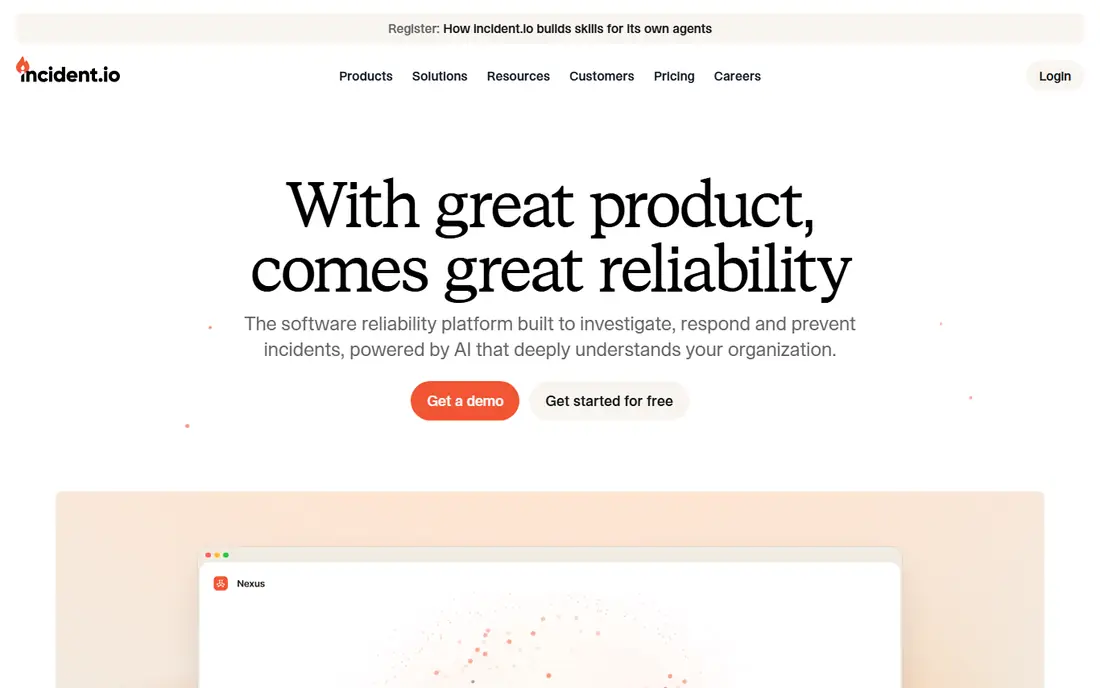
Teams that already run their work in Slack will move fastest with this response-led tool. incident.io fits slack-first response teams and gives you a clear place to start without a long setup process. It creates incident channels, assigns roles, and builds a timeline as the incident runs, so the record is ready for review without extra admin work. Where incident.io stands out is in how it handles Slack incident workflows. Channel creation, role assignment, and status updates happen inside Slack, which keeps responders in one place during a live incident. The honest catch is on-call is a separate add-on on paid plans, so the total cost is higher than the response price alone suggests. Try the free plan or trial first, test the exact task you care about most, and check pricing on the vendor site before you pay.
- Slack-native workflows
- Incident timelines
- On-call add-on
- On-call costs extra
- Slack focus may not suit every team
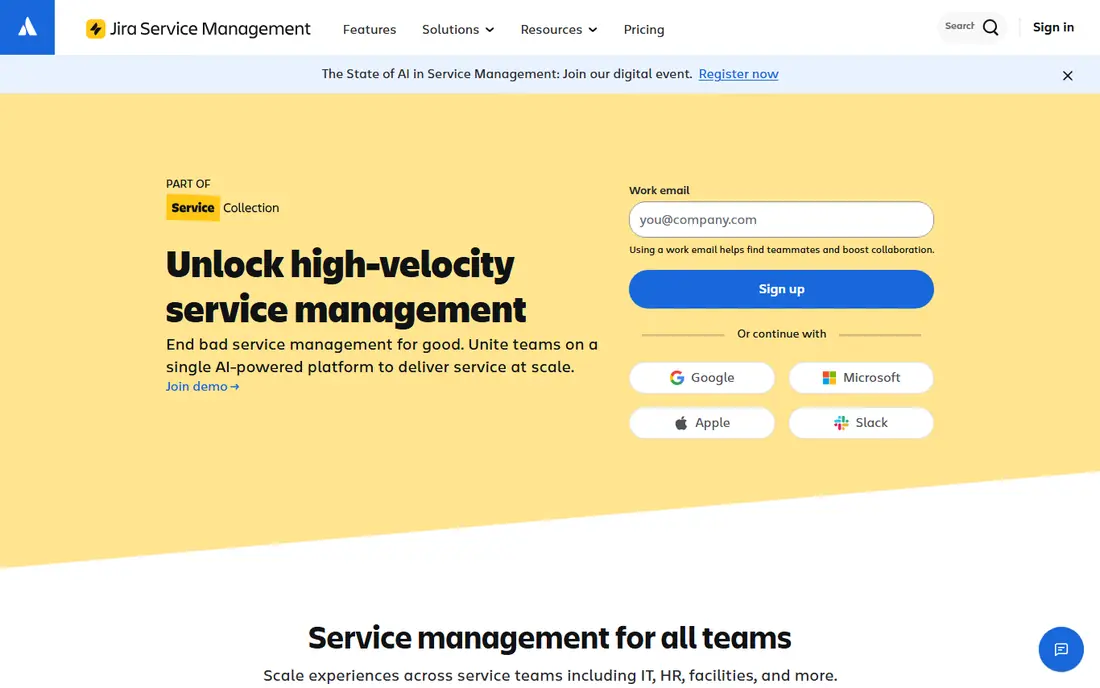
Atlassian teams that want ticketing, change, and on-call in one place will find this the natural path. Jira Service Management fits teams already using jira and gives you a clear place to start without a long setup process. It links incidents to service requests, changes, and assets, so a response team can see the full service picture rather than a single alert. Where Jira Service Management stands out is in how it handles ITSM integration. Incidents sit next to service requests and change records, which helps larger IT teams follow process and keep an audit trail. The honest catch is the suite is heavy for a small engineering team, and the on-call features need care to set up well. Try the free plan or trial first, test the exact task you care about most, and check pricing on the vendor site before you pay.
- ITSM plus on-call in one suite
- Asset and change links
- Atlassian ecosystem
- Heavy for small teams
- On-call is a module, not the core
Teams that want to standardise response steps in Slack will value the automation here. Rootly fits slack teams standardising response and gives you a clear place to start without a long setup process. It automates incident steps, captures the timeline, and supports post-incident reviews, which helps a team learn from each incident rather than just closing it. Where Rootly stands out is in how it handles response automation. Automated steps can open channels, page responders, and post status updates, which cuts manual work during a stressful incident. The honest catch is pricing is quote-led, so budgeting needs a sales conversation, and some setups still need a separate paging tool. Try the free plan or trial first, test the exact task you care about most, and check pricing on the vendor site before you pay.
- Strong automation
- Post-incident learning
- Slack workflows
- Quote-led pricing
- Needs a paging layer in some setups
Teams that want runbooks and retros in the same product will find this a practical fit. FireHydrant fits teams wanting runbooks and retros and gives you a clear place to start without a long setup process. It links incidents to services, runbooks, and retrospective notes, so responders follow a known path and the team keeps what it learned. Where FireHydrant stands out is in how it handles runbooks and service catalog. Runbooks give responders steps to follow, and the service catalog shows which service is affected and who owns it. The honest catch is some alert channels cost extra, and buyers should confirm the current plan terms after the recent ownership change. Try the free plan or trial first, test the exact task you care about most, and check pricing on the vendor site before you pay.
- Runbooks
- Service catalog
- Retrospective tools
- SMS and voice can cost extra
- Ownership changes need checking
Datadog Incident Management
Who it suits: teams already using Datadog
Datadog users who want incident response next to metrics and logs will save time with this option. Datadog Incident Management fits teams already using datadog and gives you a clear place to start without a long setup process. It brings incident timelines together with metrics, logs, and traces, so responders can move from an alert to the underlying data without switching tools. Where Datadog Incident Management stands out is in how it handles observability-linked incidents. An incident timeline can link to graphs and logs from the same platform, which shortens the search for the cause during a live event. The honest catch is it makes most sense for teams already on Datadog, and standalone buyers should compare a dedicated incident tool first. Try the free plan or trial first, test the exact task you care about most, and check pricing on the vendor site before you pay.
- Observability plus incident response
- Rich timelines
- Alert context
- Best value inside Datadog
- Pricing needs care
Enterprise teams that already use Splunk will get the most from this alerting and timeline tool. Splunk On-Call fits enterprise teams on splunk and gives you a clear place to start without a long setup process. It offers detailed timelines, alert analytics, and mobile paging, with a focus on giving responders context before they act. Where Splunk On-Call stands out is in how it handles alert analytics. Analytics show alert patterns over time, which helps a team cut noisy alerts and focus on the signals that matter. The honest catch is the complexity and cost suit larger teams, and smaller teams may find a simpler pager easier to run. Try the free plan or trial first, test the exact task you care about most, and check pricing on the vendor site before you pay.
- Strong analytics
- Timelines
- Mobile alerting
- Higher complexity
- Best inside Splunk stack
Small teams that want monitoring, status pages, and paging from one vendor will like this bundle. Better Stack fits small teams wanting monitoring plus on-call and gives you a clear place to start without a long setup process. It combines uptime monitoring with incident paging and public status pages, so a small team can cover detection, response, and customer updates without three vendors. Where Better Stack stands out is in how it handles bundled monitoring and status. A failed check can page a responder and update a status page from the same workflow, which keeps customers informed while the team works. The honest catch is per-responder pricing grows with the team, and some workflow extras add to the base cost. Try the free plan or trial first, test the exact task you care about most, and check pricing on the vendor site before you pay.
- Monitoring, status pages, and on-call in one
- Simple pricing
- Per-responder cost rises with team size
- Slack workflows cost extra
Large enterprises that need paging across many channels and strict controls will find this a solid choice. xMatters fits large enterprises needing reliable paging and gives you a clear place to start without a long setup process. It supports paging by phone, SMS, email, and app alerts, with workflows that route and escalate based on team rules. Where xMatters stands out is in how it handles multi-channel paging. Multiple channels mean an alert can reach a responder even when one channel fails, which matters for critical services. The honest catch is pricing for larger deals is quote-led, so small teams should check the entry terms before shortlisting it. Try the free plan or trial first, test the exact task you care about most, and check pricing on the vendor site before you pay.
- Reliable multi-channel paging
- Enterprise controls
- Workflow automation
- Quote-led for larger deals
- Setup needs planning
How we picked these
We started from official feature pages, pricing pages, and app store listings, and we checked privacy pages and public reviews where they helped explain a limit or a plan change. We left out products where the price or the free tier could not be pinned down, and we marked those cases as See website rather than guessing a figure. We also weighed fit over feature count. A product with fewer features can still be the right pick when it does one job well, costs less, or works on the devices a reader already owns. That is why the list mixes free options, paid specialists, and broad suites instead of ranking on price alone.
How to choose an incident tool for your team size
Start by counting responders, not viewers. A responder is a person who can be paged, and many tools price by that count, so a team with 20 viewers and 5 responders should not pay for 20 responder seats. Check whether on-call, status pages, and SMS are included or charged as extras. Next, test the live workflow with a fake incident. Open a channel, assign roles, page a responder, and post a status update, then review the timeline. The tool that keeps those steps simple under pressure is the right pick, even if another tool has more features on paper.
Frequently asked questions
What are the best incident management tools?
PagerDuty, incident.io, Jira Service Management, Rootly, and FireHydrant are among the strongest options. The best pick depends on team size, chat tool, and whether you need paging, response, or both.
What is the best tool for incident management in Slack?
incident.io and Rootly are both built around Slack workflows. incident.io suits teams that want a clear response flow, while Rootly suits teams that want deeper automation.
What is the best incident management platform for small teams?
Better Stack and the free tiers of PagerDuty and incident.io suit small teams. Keep responder counts low and check add-on costs before you scale.
Do incident tools include on-call schedules?
Many do, but some charge on-call as an add-on. Confirm whether schedules, escalations, and phone alerts are included in the plan you intend to buy.
What is the difference between paging and incident response?
Paging alerts the right person, while incident response organises the whole event, including roles, timeline, and status updates. Some tools do both, while others focus on one side.
Sources we checked (9)

Online Jobs is an independent blog about careers, online work, learning new skills and the tools that help people earn. More about us.
Keep reading
All posts
n8n Alternatives
n8n alternatives compared for 2026, with Zapier, Make, Activepieces, and more, covering visual builders, code steps, self-hosting, and pricing models.

ZoomInfo Alternatives
The best ZoomInfo alternatives in 2026, compared on price, free plans, data coverage, and which tool fits small teams or large sales teams best in detail.

Workday Alternatives
We compared the best workday alternatives for HR, payroll, and global hiring, from BambooHR and Gusto to Rippling, Deel, and HiBob for growing teams in 2026.