Best Image Upscaling App in 2026: 8 Apps Compared


Professional prints and restoration · Starting price: $149 per year
How we put this together: we compare official feature and pricing pages, app store listings, privacy policies and public user reviews. Prices change, so check the provider's site before you pay.
Key takeaways
- Topaz Gigapixel is our pick for photographers who need maximum detail for prints, with local processing and batch tools.
- Upscayl is the best free option, because it is open source, runs offline, and adds no watermark.
- Let's Enhance suits web users who want browser-based upscaling with batch processing and no install.
- Magnific suits creative work where you want more interpretation, while Remini suits quick phone restoration of old photos.
- Upscaling cannot invent true detail that was never in the photo, so start with the best source file you have.
Quick comparison
| Name | Who it suits | Starting price | Free option | |
|---|---|---|---|---|
| Topaz Gigapixel | Professional prints and restoration | $149 per year | Free trial | Visit |
 Upscayl | Free offline upscaling | Free | Yes | Visit |
 Let's Enhance | Browser-based batch upscaling | $9 per month | Free trial | Visit |
 Magnific | Creative high-detail upscaling | See website | Free trial | Visit |
 Remini | Phone photo restoration | See website | Yes | Visit |
 VanceAI | Flexible web and desktop upscaling | See website | Free trial | Visit |
 ON1 Resize AI | Print-focused photographers | See website | Free trial | Visit |
 Adobe Photoshop | Upscaling inside Creative Cloud | See website | Free trial | Visit |
The best image upscaling apps
Image upscaling software enlarges a photo while using AI to rebuild detail, rather than simply stretching pixels. The best image upscaling app depends on whether you print large, restore old photos, or prepare product images for the web. We compared official pricing pages and public tool descriptions for tools that are live today, with a mix of desktop, web, and mobile options.
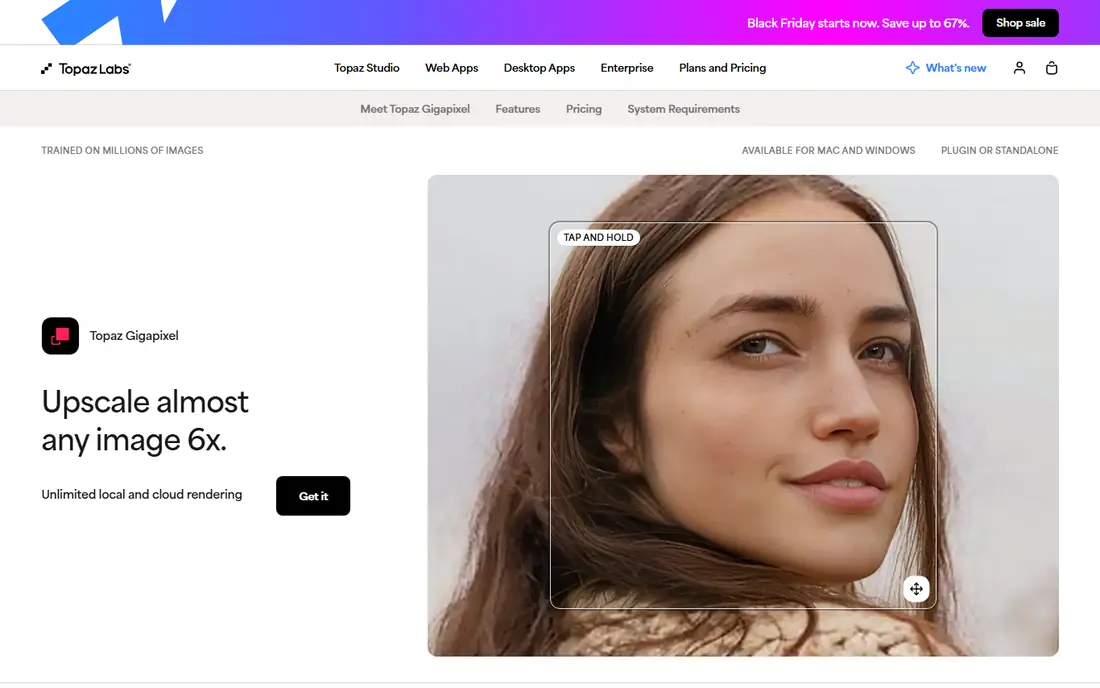
Topaz Gigapixel is the dedicated upscaler most photographers end up with when print quality matters. It enlarges images up to 6x in a single pass, offers several AI models tuned for faces, low-resolution sources, compressed files, and other cases, and runs locally so large files do not need to upload to a cloud service. Batch processing helps when a whole shoot or archive needs enlarging.
The catch is price and hardware. Gigapixel moved to subscription pricing, so the cost is ongoing rather than a one-time purchase, and large images need a capable GPU to process quickly. For a professional print workflow, the detail quality justifies the cost. For occasional use, a free or web tool may be enough.
- Up to 6x enlargement in one pass
- Local processing on your own computer
- Batch processing and multiple AI models
- Subscription pricing
- Needs a capable computer for large files
- No free plan beyond a trial
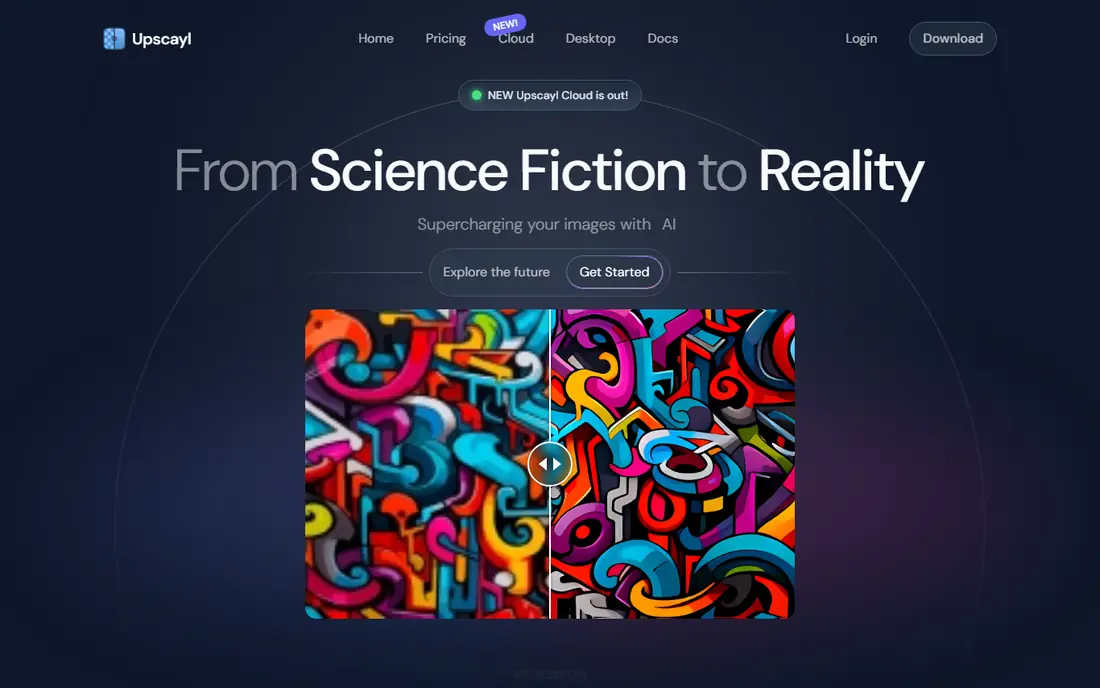
Upscayl is the best free image upscaling app, because it is open source, runs offline on Windows, Mac, and Linux, and costs nothing. It is built on open models, supports batch processing, and does not add a watermark to your output. Privacy is a strength too, since your images never leave your computer.
The trade-off is polish. Upscayl does not match Topaz for model variety or for a guided workflow, and a new user needs to learn which model suits faces, photos, or illustrations. For a free tool, though, the quality and the lack of limits are remarkable, and it is the first tool to try before paying.
- Free and open source
- Runs fully offline
- Batch processing with no watermark
- Interface is simpler than paid tools
- Model choice needs some learning
- No cloud option
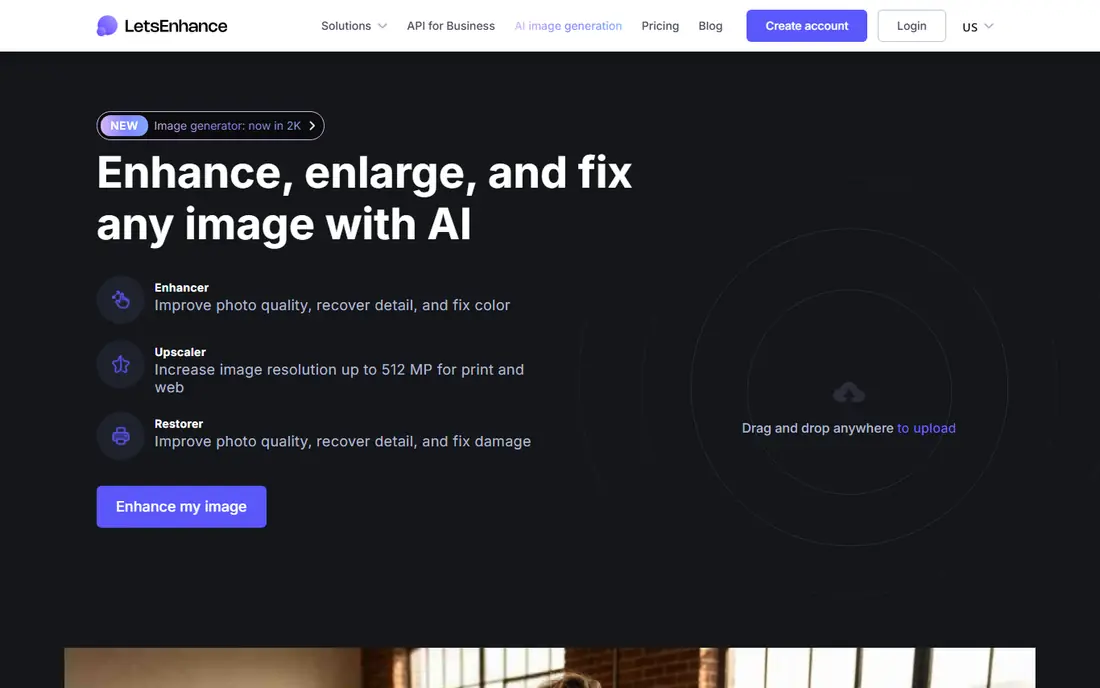
Let's Enhance suits a web user who wants to upscale many images without installing desktop software. You upload files, choose a mode for general photos, products, or small text, and download enlarged results, with batch processing for larger jobs. Enlargement up to 16x covers most web and print needs, and the interface stays simple.
The limit is credits. Paid plans are credit-based, and free credits do not renew, so a heavy user needs to watch credit use. Cloud processing also means uploading images, which may matter for client work. For occasional and batch web work, Let's Enhance is a practical, easy choice.
- Runs in a browser with no install
- Up to 16x enlargement
- Batch processing and different modes for products and text
- Credit-based pricing
- Free credits are one-time, not recurring
- Cloud processing needs uploads
Magnific suits creative work where a striking, detailed result matters more than strict fidelity to the original. Its creative models can rebuild texture and detail at up to 16x, which helps campaign imagery and illustrations that need a bold, clean look. An API option suits teams building upscaling into a production pipeline.
The caution is interpretation. Magnific can add detail that was not in the original, which is a benefit for creative work but a problem for archival or documentary photos where accuracy matters. Use it when you want a strong visual result, and use Topaz or Upscayl when fidelity comes first.
- High enlargement up to 16x
- Creative models that add detail
- API for production workflows
- Creative interpretation can change a photo
- Pricing is subscription-based
- Not ideal for strict archival work
Remini is the best phone app for restoring old, blurry, or low-quality photos quickly. It is built around face enhancement and photo restoration, so a faded family photo or a low-resolution phone shot can look much cleaner after a single pass. The app is simple, which is why it suits casual users who do not want desktop software.
The downside is the free tier, which has ads and limits, and most features need a subscription for full use. Cloud processing also means photos are uploaded for enhancement. For quick phone restoration, Remini is convenient. For print work, a desktop tool gives more control.
- Easy phone app for old and low-quality photos
- Face enhancement is a strength
- Quick results
- Subscription pricing
- Free tier has ads and limits
- Cloud processing for most features
VanceAI suits a user who wants upscaling alongside other enhancement tools, such as sharpening, denoising, and background removal, in one place. Web and desktop versions give flexibility, and credit pricing lets a casual user pay for what they use rather than a full subscription. That breadth helps a content creator who enhances images in several ways.
The trade-off is focus. VanceAI is a suite, not a dedicated upscaler like Gigapixel, so its upscaling workflow is one tool among many. Credit costs also vary by feature, so check the price for your specific job. For mixed enhancement work, the suite approach is convenient.
- Web and desktop options
- Upscaling plus other enhancement tools
- Flexible credit pricing
- Credit costs vary by feature
- Interface covers many tools, so upscaling is one part of a larger suite
ON1 Resize AI is built for photographers who need to prepare images for print at larger sizes. It focuses on resizing with detail preservation, and it works as a standalone app or as a plugin inside a photo workflow. That print focus suits a photographer who already uses ON1 tools or who needs a simple resize step before printing.
The limit is that ON1 Resize AI is less widely discussed than Topaz Gigapixel for pure upscaling, so compare results on your own files during the trial. Pricing and bundling also vary, so check the current ON1 page for your region. For print preparation, it is a solid alternative to the larger names.
- Built for print sizing and output
- Works as a standalone app and a plugin
- Trial available
- Less well known than Topaz for upscaling alone
- Pricing and bundling need checking
Adobe Photoshop suits a Creative Cloud user who needs occasional upscaling without buying another app. Its Super Resolution feature, inside Camera Raw, doubles the resolution of a raw or image file, and it can be used as part of a normal Photoshop workflow. For a user who already pays for Photoshop, that built-in option is convenient.
The limit is scale. Super Resolution doubles size, rather than offering the 4x or 6x passes of dedicated tools, so large print enlargements may need repeated passes or another tool. Photoshop is also a subscription, so it is not a free upscaling choice. For occasional doubling inside an existing workflow, it works well.
- Super Resolution doubles image size inside Photoshop
- No extra app needed for Creative Cloud users
- Batch via actions
- Only doubles size in one pass
- Needs a Creative Cloud subscription
- Not a dedicated upscaler
How we picked these
We compared official pricing pages and public tool descriptions for upscaling tools that are live today, and we kept a mix of desktop, web, and mobile options. We favoured tools with clear enlargement limits, batch or API options where relevant, and a free tier or trial for testing. Where pricing was subscription-based with several tiers, we used the published starting price we could confirm, and we wrote See website where pricing was unclear.
Choosing the right image upscaling app
Upscaling works best when expectations are realistic. AI can rebuild plausible detail, but it cannot recover information that was never captured, and a very small, blurry source will always show limits.
Match the tool to the job
For large prints, start with Topaz Gigapixel or ON1 Resize AI. For free offline work, start with Upscayl. For web batches, start with Let's Enhance. For phone restoration, start with Remini. For creative campaign images, try Magnific. Testing the same source file in two tools will show the difference faster than any feature list.
Test on your own files before paying
Upscale a typical file from your own work, not just a demo image, and view the result at full print size or on a large screen. Check faces, text, and fine texture, since these areas show upscaling artefacts most clearly. A trial on your hardest file is the best test of whether a tool is worth its price.
Keep the original and export carefully
Always keep the original file untouched, and export upscaled results as a new file. Choose an export format that suits the job, such as TIFF for print or high-quality JPEG or PNG for web, and avoid repeated JPEG saves, which add compression artefacts. A clean workflow matters as much as the upscaler itself.
Frequently asked questions
What is the best image upscaling app?
Topaz Gigapixel is our pick for professional prints and restoration, while Upscayl is the best free option. Let's Enhance suits browser-based batch work, and Remini suits quick phone restoration, so the best app depends on your job.
What is the best software for image upscaling for free?
Upscayl is the best free software, because it is open source, runs offline, and has no watermark or subscription. Let's Enhance and Remini offer free trials or free tiers, but with credit or feature limits.
What are the best image upscaling tools for print?
Topaz Gigapixel and ON1 Resize AI are the best print-focused tools, with local processing, batch tools, and detail models built for large output. Test both on your own files at print size before committing to a subscription.
Can upscaling really add detail to a photo?
Upscaling uses AI to rebuild plausible detail, but it cannot recover true detail that was never in the original file. Results look much better than simple enlargement, especially for prints, but a very small or blurry source will still show limits.
Is Topaz Gigapixel worth the subscription?
For a photographer who prints large or restores archives often, Gigapixel is worth it for its detail quality, batch tools, and local processing. For occasional use, Upscayl or Let's Enhance will cover most needs at lower or no cost.
Which upscaling app is best for product photos?
Let's Enhance suits product photos well, with batch processing and modes for products and small text, while Magnific suits creative product imagery. For a large catalog, check batch pricing and API options before choosing.
Sources we checked (8)

Online Jobs is an independent blog about careers, online work, learning new skills and the tools that help people earn. More about us.
Keep reading
All posts
Free Alternatives to Lightroom
Compare free alternatives to Lightroom for raw editing, cataloguing, and mobile editing, with honest limits and the best pick for each workflow. for 2026.
Best Tools to Unblur Photos for Free
We compared the best tool to unblur photos for free, covering face repair, web tools, desktop apps, free limits, watermarks, and what blur cannot fix.
Best Photo Storage App
Looking for the best photo storage app? We compared 9 photo storage and backup apps on free space, price, search, sharing and privacy, to help you choose.