Best HVAC Software in 2026: 8 Products Compared

How we put this together: we compare official feature and pricing pages, app store listings, privacy policies and public user reviews. Prices change, so check the provider's site before you pay.
Key takeaways
- The best HVAC platform depends on crew size: Jobber and Housecall Pro suit small crews, while ServiceTitan suits larger residential shops.
- Dispatch, customer history, invoicing, and payments matter more than a long feature list, since those tasks happen every day.
- QuickBooks integration is a deciding factor for many shops, and FieldEdge is strongest there.
- Bluon is the troubleshooting pick for techs in the field, not a full business platform, so pair it with a dispatch tool.
- Price by the unit that grows your bill: per technician, per user, or flat monthly, and model costs at your next crew size.
Quick comparison
| Name | Who it suits | Starting price | Free option | |
|---|---|---|---|---|
 ServiceTitan ServiceTitan | Large residential shops | See website | No | Visit |
 Housecall Pro Housecall Pro | Small to mid crews | See website | Free trial | Visit |
 Jobber Jobber | Solo to small crews | See website | Free trial | Visit |
 FieldEdge FieldEdge | QuickBooks heavy shops | See website | No | Visit |
 Workiz Workiz | Phone heavy businesses | See website | Free trial | Visit |
 Service Fusion Service Fusion | Flat price unlimited users | See website | No | Visit |
 BuildOps BuildOps | Commercial contractors | See website | No | Visit |
 Bluon Bluon | Field troubleshooting | See website | Yes | Visit |
The best HVAC software
HVAC software should handle the daily loop: a call comes in, a tech is dispatched, the job is done, the invoice is paid, and the customer history is ready next time. The tools below cover that loop at different crew sizes, plus one field troubleshooting app for techs. A platform that fits a one truck shop will frustrate a fifteen truck shop, and the reverse is also true, so crew size is the first filter.
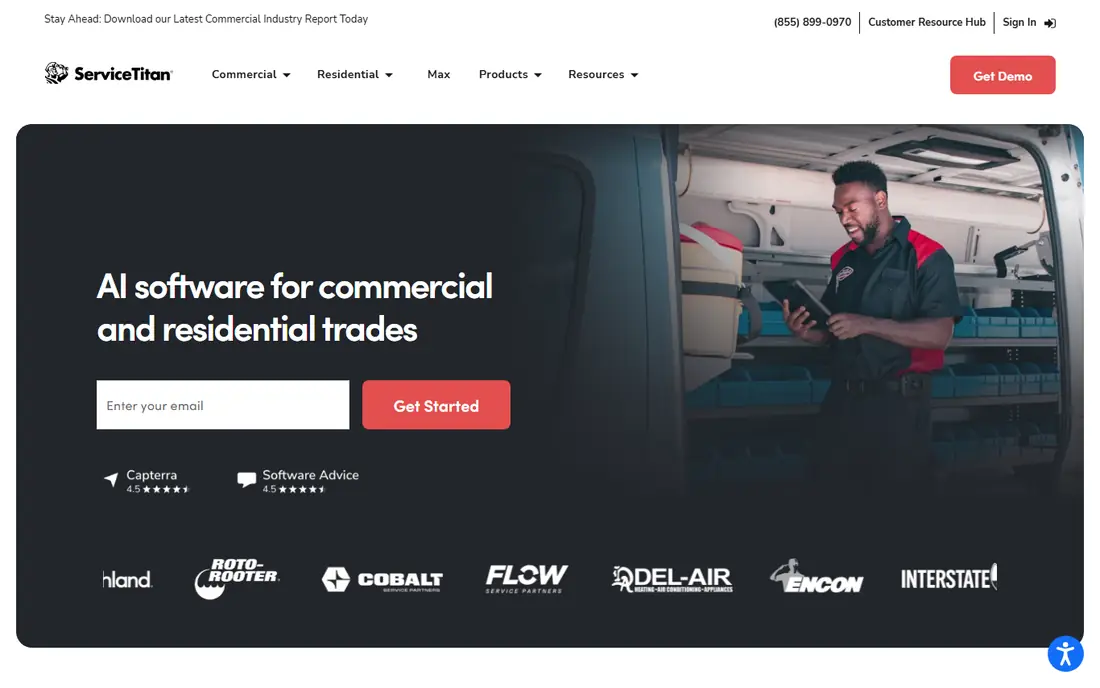
ServiceTitan is the enterprise pick for larger residential HVAC shops. Dispatch boards, equipment history, pricebook, estimates, and invoicing sit in one system, with reporting that shows revenue by tech, job type, and marketing source. That depth helps a shop with dispatchers, office staff, and comfort advisors run a tight operation and spot replacement opportunities in its own customer base.
Cost and setup are the barriers. Pricing is per technician, plus implementation, so a small shop can pay for power it does not use. Training also takes time, and shops below a certain revenue level often struggle to adopt the full system. Choose ServiceTitan when you have a larger crew, dedicated office staff, and a growth plan that needs deep reporting, not when you are a solo tech who needs simple scheduling.
- Deep dispatch, pricebook, and sales tools
- Strong customer history and reporting
- Marketing automation for repeat work
- Priced per technician and costly for small shops
- Implementation and training take weeks, not hours
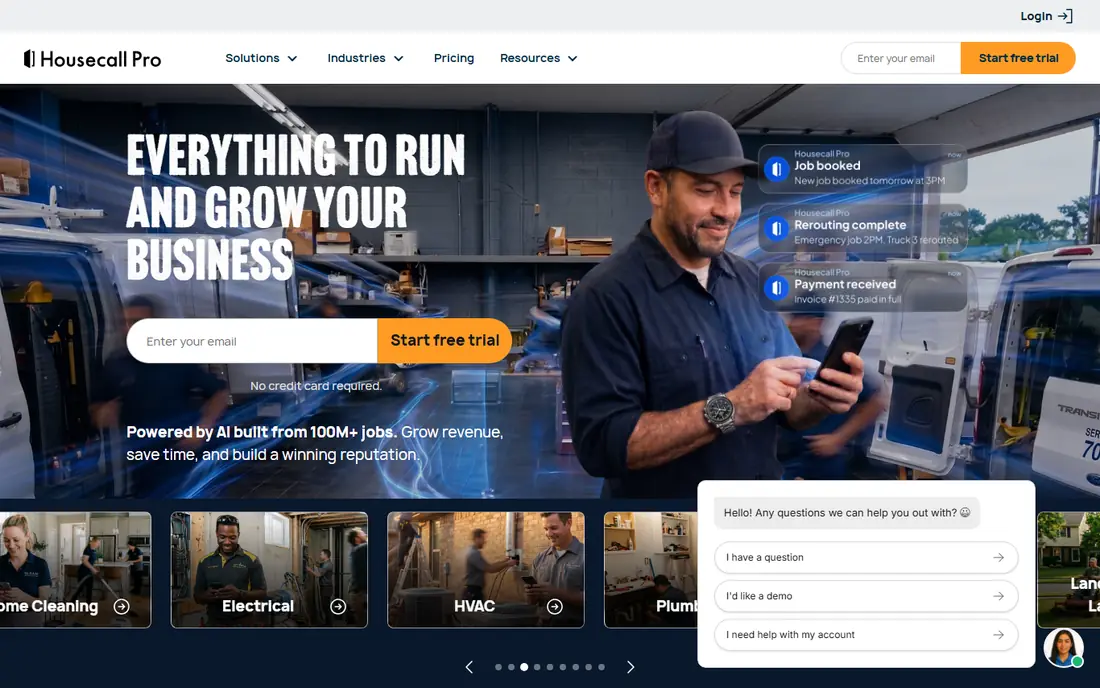
Housecall Pro is the most approachable all in one for one to seven truck operations. A shop can set up scheduling, dispatch, estimates, invoicing, and payments quickly, with customer text updates that reduce phone calls. Techs get a clear mobile job view, and owners get a dashboard without a long implementation project. That speed matters in peak season, when nobody has weeks to learn a new system.
The limit is depth at scale. Reporting, pricebook control, and marketing tools are less complete than ServiceTitan, so a large shop may outgrow Housecall Pro. Costs also rise as you add users and features, so price the full setup for your crew size. For a growing small crew that wants a polished customer experience without enterprise complexity, Housecall Pro is a strong first platform.
- Easy setup for small crews
- Online booking, SMS updates, and payments in one app
- Good mobile experience for techs
- Advanced reporting is thinner than ServiceTitan
- Costs rise with users and add ons
Jobber suits solo operators and small crews who want quoting, scheduling, invoicing, and payments without a heavy system. Clients can approve quotes and pay through a client hub, which cuts chasing and paperwork. The interface is clean, setup is fast, and the mobile app works well for a tech in the field. That simplicity is why Jobber appears as a top pick for small HVAC teams in many 2026 guides.
Jobber is not built for a large multi truck operation with complex dispatch and sales reporting. Higher plans add features, but a shop that needs ServiceTitan depth will still feel limits. Choose Jobber when your crew is small, your jobs are mainly residential service and install, and you want a system the whole team will actually use.
- Simple quote to payment workflow
- Client hub for approvals and payments
- Good value for solo and small teams
- Less deep than ServiceTitan for large residential operations
- Some advanced dispatch features need higher plans
FieldEdge is the pick for shops where QuickBooks is non negotiable. The two way sync with QuickBooks Desktop and Online is deeper and more reliable than many rivals, which matters when the bookkeeper refuses to re enter invoices. Service agreements, equipment tracking, and dispatch cover the core HVAC workflow, with a long record in the trade.
The trade off is price and polish. FieldEdge is priced by quote and sits above entry tools, and the interface feels more traditional than Housecall Pro or Jobber. A shop that does not use QuickBooks gains less from FieldEdge, and should compare Jobber or Housecall Pro first. If QuickBooks sync is your deciding factor, FieldEdge is the safest choice in this list.
- Strong two way QuickBooks sync
- Service agreement tracking
- Solid equipment history and dispatch
- Pricing is quote based and higher than entry tools
- Interface feels less modern than Housecall Pro
Workiz suits businesses that live by the phone. Caller ID lookup, call tracking, and job creation from calls help a shop that gets most work by phone rather than online booking. Dispatch, scheduling, estimates, invoicing, and payments cover the rest of the job loop, with automation for reminders, review requests, and follow ups that reduce manual chasing.
Pricing needs care, since some tiers are quote based and the full cost depends on users and features. Workiz is also less of an enterprise reporting platform than ServiceTitan. Choose Workiz when inbound calls drive your business, your team needs a field first mobile app, and you want automation without enterprise setup time.
- Strong phone and caller ID tools for inbound jobs
- Dispatch, invoicing, and payments in one app
- Automation for reminders and follow ups
- Pricing varies by plan and needs a quote for some tiers
- Advanced enterprise reporting is thinner than ServiceTitan
Service Fusion appeals to shops that hate per user billing. Flat monthly pricing with unlimited users means adding office staff or techs does not automatically raise the bill, which helps a growing team plan costs. Built in phone tools, a customer database, dispatch, and invoicing cover the daily workflow, and the system suits residential and light commercial work.
The main check is tier detail. Features vary by plan, and some pricing is quote based, so a demo should confirm which tier covers your dispatch, inventory, and reporting needs. Service Fusion suits a mid size shop that wants predictable costs and unlimited users, rather than a solo tech who needs the lowest entry price.
- Flat monthly pricing with unlimited users on plans
- Built in phone and customer database
- Dispatch and invoicing in one system
- Pricing is quote based on some plans
- Feature depth varies by tier and needs a demo to confirm
BuildOps is the commercial pick in this list. It combines project work and ongoing service in one platform, which suits mechanical contractors who do installs, retrofits, and maintenance contracts alongside repairs. Job costing, project tracking, and reporting are deeper for commercial work than the residential focused tools, and the system handles larger teams and complex jobs.
That focus makes BuildOps a poor fit for a small residential shop. Pricing is custom, setup takes longer, and many features will go unused on simple repair work. Choose BuildOps when commercial projects are a core part of revenue, and choose Jobber or Housecall Pro when residential service is the main business.
- Built for commercial mechanical work with projects and service in one system
- Strong job costing and reporting
- Good for larger commercial teams
- Custom pricing and longer setup
- Overkill for a small residential repair shop
Bluon is different from the other seven: it helps a tech fix equipment, rather than running the business. Techs can look up models, get troubleshooting guidance, and reach support while on site, which cuts return visits and guesswork on unfamiliar units. The free app tier makes it easy for a tech to try without a business purchase, and the tool is designed for field use on a phone.
Bluon does not replace dispatch, scheduling, or invoicing, so pair it with Jobber, Housecall Pro, or another platform in this list. Coverage also varies by brand and model, so check whether your common equipment is well covered before you rely on it. For a crew that wants faster, more confident field diagnosis, Bluon is a useful add on, not a standalone business system.
- Troubleshooting help and tech support for HVAC equipment in the field
- Model lookup and repair guidance
- Free app tier for techs
- Not a full dispatch, invoicing, or business platform
- Value depends on equipment coverage for your brands
How we picked these
We compared official feature pages, pricing pages, documentation, and public reviews for each platform. We looked at dispatch, scheduling, customer history, estimates, invoicing, payments, QuickBooks integration, and mobile field use. We also weighed crew size fit, since a tool that suits a solo tech can fail a large shop, and we included Bluon separately as a troubleshooting tool rather than a business platform. We did not run live crews on every platform for this guide, and we did not count a feature unless the vendor page or documentation supported it.
Buying by crew size
Solo to three trucks
Start with Jobber or Housecall Pro. You need fast setup, simple dispatch, and quote to payment in one app. Add Bluon for troubleshooting, and do not pay for enterprise reporting you will not use yet. Revisit the choice when you add dispatch staff or a second office role.
Four to fifteen trucks
Compare Housecall Pro, FieldEdge, Workiz, and Service Fusion. QuickBooks use, phone volume, and pricing model will decide the winner. Run a trial with real jobs, real techs, and real invoices before you sign, since a demo alone hides daily friction.
Larger residential and commercial shops
Compare ServiceTitan for residential scale and BuildOps for commercial projects. Budget for implementation and training time, and assign an internal owner for the rollout. A large platform only pays off when the team adopts it fully, not when only the office uses it.
Frequently asked questions
What is the best HVAC software for small business?
Jobber and Housecall Pro lead for small HVAC businesses. Jobber is best for a simple quote to payment workflow at low cost, while Housecall Pro is best for a polished customer experience with booking, SMS, and payments. Test both with your real job types before you choose.
What is the best HVAC app for troubleshooting?
Bluon is our troubleshooting pick for techs in the field, with model lookup, repair guidance, and support for HVAC equipment. It is not a dispatch or invoicing platform, so use it alongside a business tool such as Jobber or Housecall Pro for the full job loop.
Does HVAC software integrate with QuickBooks?
Yes, on most platforms in this list, but depth varies. FieldEdge offers the strongest two way QuickBooks sync for shops where accounting accuracy matters most. Jobber, Housecall Pro, Workiz, and ServiceTitan also offer QuickBooks links, so check sync direction and supported QuickBooks versions for your plan.
How much does HVAC software cost?
Costs vary by pricing unit: per technician, per user, or flat monthly. Entry tools start at a low monthly price for a small crew, while enterprise tools cost far more per technician plus implementation. Model the cost at your next crew size, not just today, and include payment processing and add on fees.
Can HVAC software handle dispatch and scheduling?
Yes, dispatch and scheduling are core features on ServiceTitan, Housecall Pro, Jobber, FieldEdge, Workiz, Service Fusion, and BuildOps. Check how each tool handles drag and drop dispatch, tech location, job duration, and recurring service agreements, since those details decide daily ease.
Is ServiceTitan worth it for a small shop?
Usually not at first. ServiceTitan suits larger residential shops with office staff and a need for deep reporting and sales tools. A small shop will often get more value from Jobber or Housecall Pro, and can move to ServiceTitan later when crew size and revenue justify the cost and setup time.
Sources we checked (8)

Online Jobs is an independent blog about careers, online work, learning new skills and the tools that help people earn. More about us.
Keep reading
All posts
Workday Alternatives
We compared the best workday alternatives for HR, payroll, and global hiring, from BambooHR and Gusto to Rippling, Deel, and HiBob for growing teams in 2026.

Which SaaS Tools Have the Best Customer Support
Which SaaS tools have the best customer support? Compare eight popular tools on help centres, live help, response options and overall support quality.

Top AI Helpdesk Software
Searching for top AI helpdesk software in 2026? We compared 8 AI helpdesks on automation, pricing, channels and ease of setup for small and growing teams.