Best HR Management Platform Reviews in 2026: 9 Products Compared


Small and mid-size teams that want HR simplicity · Starting price: $10 per month
How we put this together: we compare official feature and pricing pages, app store listings, privacy policies and public user reviews. Prices change, so check the provider's site before you pay.
Key takeaways
- HR platforms differ by company size, so a small-team winner rarely fits a global enterprise.
- Payroll, benefits, and time tracking often sit on different tiers, so check tier inclusions, not only the headline price.
- Employee self-service and onboarding quality affect daily HR work more than dashboard design.
- Implementation time ranges from days for small tools to months for enterprise suites.
Quick comparison
| Name | Who it suits | Starting price | Free option | |
|---|---|---|---|---|
| BambooHR | Small and mid-size teams that want HR simplicity | $10 per month | Free trial | Visit |
 Rippling | Growing teams that want HR, payroll, and IT together | $8 per month | Free trial | Visit |
 Gusto | Small US businesses that prioritise payroll | $40 per month | Free trial | Visit |
 Workday HCM | Enterprises that want HR and finance together | See website | No | Visit |
 ADP Workforce Now | Mid-market firms that prioritise compliance | See website | No | Visit |
 Paylocity | Mid-market firms that want payroll plus engagement | See website | No | Visit |
 Paycom | Firms that want employees to own payroll data | See website | No | Visit |
 UKG Pro | Large firms with hourly and shift workforces | See website | No | Visit |
 Dayforce | Mid-enterprise firms that want one database | See website | No | Visit |
The best hr management platform reviews
HR management platforms handle employee records, onboarding, time off, payroll, and performance in one place, but the right fit depends on headcount, payroll needs, and global reach. We compared platforms for small teams through to global enterprises on HR depth, payroll, and price.
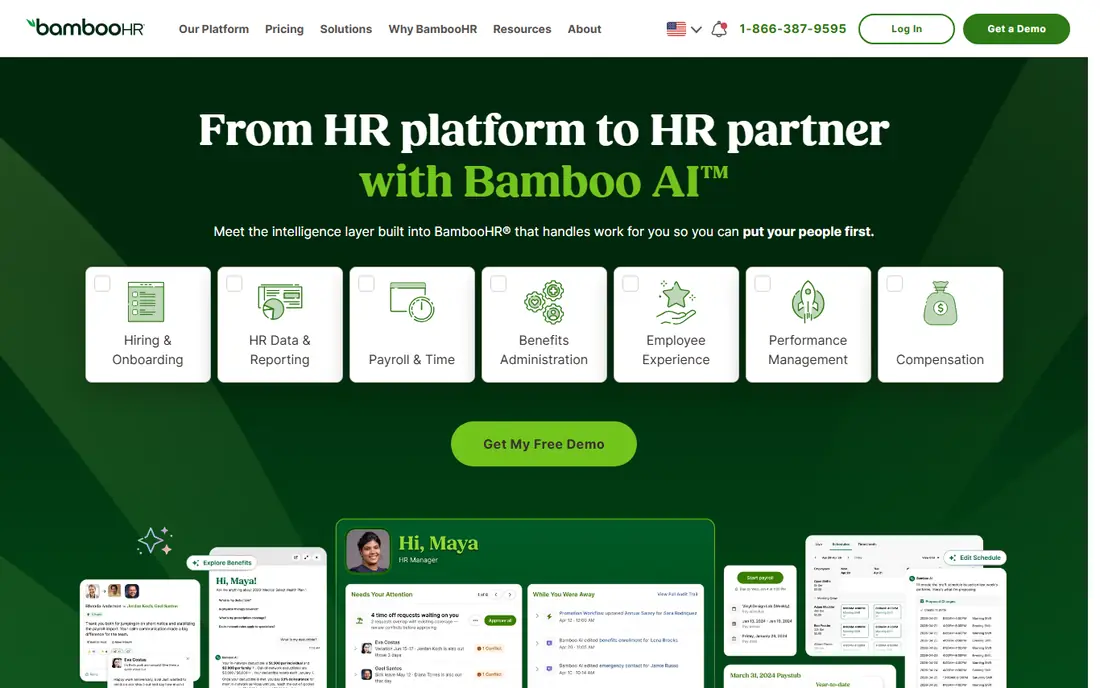
BambooHR fits small and mid-size teams that want HR simplicity first. Employee records, onboarding, time off, and documents sit in a clean interface that managers and employees can use without much training.
It suits growing companies that need a reliable HRIS without enterprise complexity. Onboarding workflows and self-service save HR time, and reporting covers the basics well.
The catch is payroll scope. Payroll often sits as an add-on or separate module, so check the full price with payroll included before you compare it with combined platforms. Before you subscribe, check the vendor pricing page for the current plan, because prices and plan inclusions change, and confirm that the features you need sit on the plan you will actually buy. A short trial with your own data or daily routine will tell you more than a feature list alone.
- Easy onboarding
- Strong self-service
- Clear employee records
- Payroll is an add-on in many cases
- Pricing varies by tier
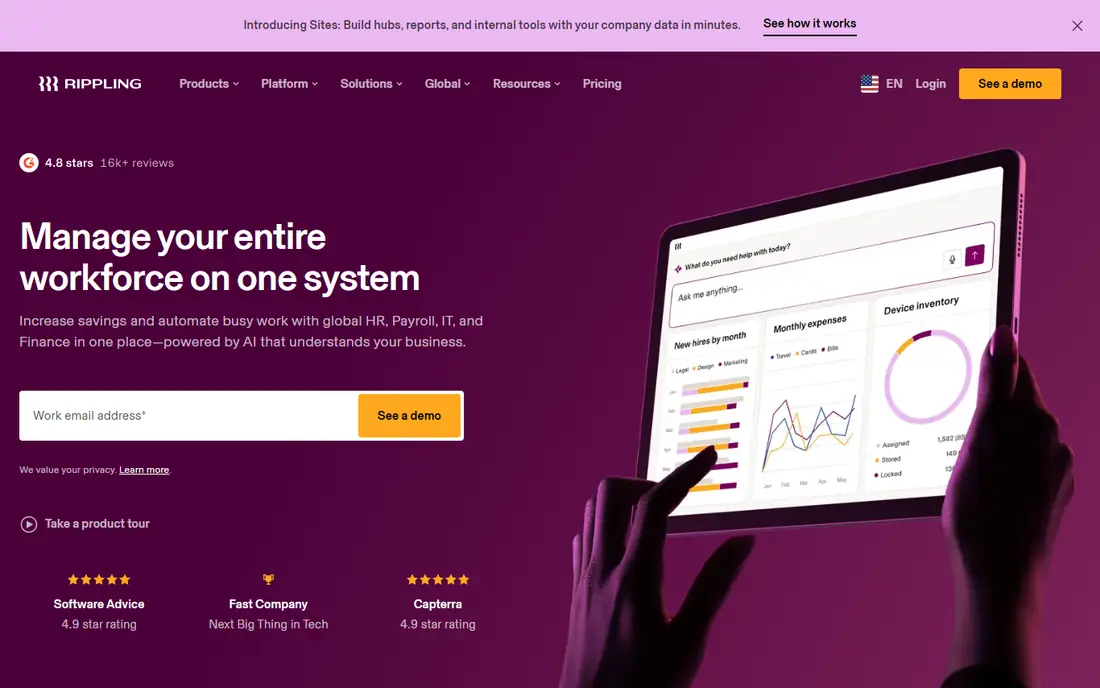
Rippling fits growing teams that want HR, payroll, and IT in one platform. Onboarding can trigger device setup, app access, and payroll in one flow, which reduces manual handoffs between teams.
It suits tech-forward companies that scale quickly and want automation across HR and IT. Global hiring options help firms that add staff in other countries.
The catch is module cost. HR, IT, and finance modules add up, so price the full stack you need, not only the HR entry rate. Before you subscribe, check the vendor pricing page for the current plan, because prices and plan inclusions change, and confirm that the features you need sit on the plan you will actually buy. A short trial with your own data or daily routine will tell you more than a feature list alone.
- Unified HR, payroll, and IT
- Strong automation
- Global options
- Module pricing can rise quickly
- Setup needs care for IT flows
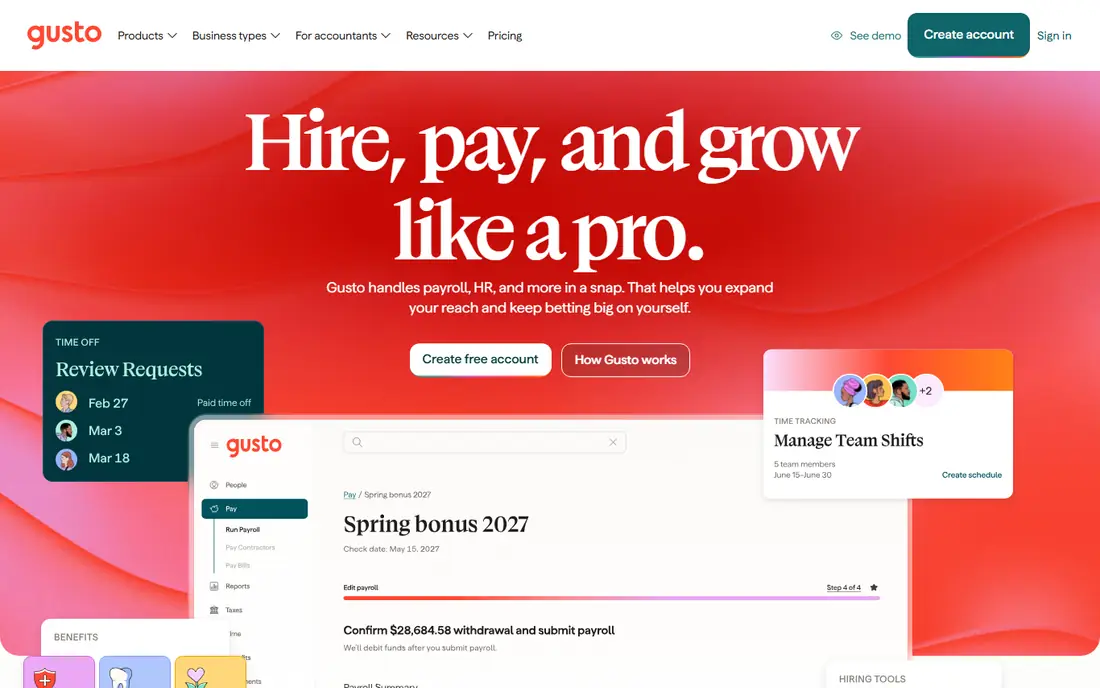
Gusto fits small US businesses that want full-service payroll with HR basics in one place. Payroll runs, tax filing, benefits, and contractor payments are handled with a friendly setup flow.
It suits startups and local service businesses with little or no HR headcount. The platform guides you through payroll compliance alerts and benefits enrolment without specialist knowledge.
The catch is scope. It is US-focused, and HR depth is lighter than larger suites, so global teams or firms with complex performance needs should look elsewhere. Before you subscribe, check the vendor pricing page for the current plan, because prices and plan inclusions change, and confirm that the features you need sit on the plan you will actually buy. A short trial with your own data or daily routine will tell you more than a feature list alone.
- Full-service US payroll
- Benefits and 401k options
- Easy setup
- US-focused payroll
- HR depth is lighter than larger suites
Workday HCM fits enterprises that want HR and finance on one governed platform. Global workforce planning, talent, and payroll data share one system, which helps large firms with audit and reporting needs.
It suits public companies and multinationals that need unified governance and scale. The platform handles complex organisations, though it needs a serious implementation effort.
The catch is cost and time. Pricing is custom, and implementation often takes months, so it only makes sense once your size and complexity justify an enterprise suite. Before you subscribe, check the vendor pricing page for the current plan, because prices and plan inclusions change, and confirm that the features you need sit on the plan you will actually buy. A short trial with your own data or daily routine will tell you more than a feature list alone.
- Unified HR and finance
- Global workforce planning
- Strong audit trails
- Custom pricing
- Implementation takes months
ADP Workforce Now fits mid-market firms that prioritise payroll compliance and scale. Payroll, benefits, time, and HR modules share one platform, backed by a large support and compliance network.
It suits firms with complex payroll needs, multiple locations, or regulated industries where compliance certainty matters most. The breadth covers most HR processes in one place.
The catch is pricing opacity and design. Quotes vary by scope, and the interface can feel dated next to newer platforms, so test daily workflows in a demo. Before you subscribe, check the vendor pricing page for the current plan, because prices and plan inclusions change, and confirm that the features you need sit on the plan you will actually buy. A short trial with your own data or daily routine will tell you more than a feature list alone.
- Strong payroll compliance
- Broad HR modules
- Large support network
- Pricing is quote-based
- Interface can feel dated
Paylocity fits mid-market firms that want payroll depth with a modern employee experience. Payroll, time, benefits, and engagement tools sit together, with a focus on how employees use the platform daily.
It suits firms that value engagement, recognition, and communication alongside payroll accuracy. The employee experience is a clear strength for retention-focused teams.
The catch is pricing. Quotes depend on modules and headcount, so get a full quote with the engagement and payroll features you need before you compare totals. Before you subscribe, check the vendor pricing page for the current plan, because prices and plan inclusions change, and confirm that the features you need sit on the plan you will actually buy. A short trial with your own data or daily routine will tell you more than a feature list alone.
- Payroll depth
- Modern employee experience
- Engagement tools
- Quote-based pricing
- Module costs vary
Paycom fits firms that want a single-database design where employees check and own their payroll data. That model reduces errors, because employees verify hours and deductions before payroll runs.
It suits mid-size and larger firms that want tight payroll control and a unified record from hire to pay. The single database avoids the sync errors that come from separate HR and payroll systems.
The catch is change management. Asking employees to own payroll checks is a cultural shift, so plan training and communication before go-live. Before you subscribe, check the vendor pricing page for the current plan, because prices and plan inclusions change, and confirm that the features you need sit on the plan you will actually buy. A short trial with your own data or daily routine will tell you more than a feature list alone.
- Single-database design
- Employee-driven payroll
- Strong compliance tools
- Quote-based pricing
- Change management needed for employee payroll
UKG Pro fits large organisations with hourly and shift-based workforces, where scheduling and labour cost control matter most. Workforce management, payroll, and HR share one platform built for complex schedules.
It suits healthcare, retail, manufacturing, and hospitality firms with large frontline teams. Scheduling, time, and payroll links help managers control labour costs and compliance.
The catch is implementation scale. Rollout is substantial for large workforces, so budget time for scheduling rules, integrations, and training. Before you subscribe, check the vendor pricing page for the current plan, because prices and plan inclusions change, and confirm that the features you need sit on the plan you will actually buy. A short trial with your own data or daily routine will tell you more than a feature list alone.
- Strong scheduling and workforce management
- Payroll depth
- Global options
- Quote-based pricing
- Implementation is substantial
Dayforce fits mid-enterprise firms that want HR, payroll, time, and talent on one database. Real-time pay calculations mean managers see labour costs as schedules change, not only after payroll runs.
It suits firms that need payroll, time, and talent together without syncing separate systems. The unified record helps with compliance and reporting across locations.
The catch is setup complexity. Large firms need careful configuration for pay rules and schedules, so ask for a phased rollout plan and reference customers. Before you subscribe, check the vendor pricing page for the current plan, because prices and plan inclusions change, and confirm that the features you need sit on the plan you will actually buy. A short trial with your own data or daily routine will tell you more than a feature list alone.
- Single database for HR, payroll, and time
- Real-time pay calculations
- Talent tools
- Quote-based pricing
- Complex setup for large firms
How we picked these
We compared HR platforms that cover core HR records, onboarding, time off, and payroll or benefits, and we checked vendor pricing pages for the starting price shown here. Enterprise suites often publish no public price, so we mark those as See website. We looked at HR depth, payroll scope, self-service, and implementation fit, and we note where pricing is per employee per month.
How to choose an HR management platform
Start with headcount and payroll scope. A team of 30 with US-only payroll needs a different platform from a firm of 3,000 with global payroll and shift scheduling. Write down employee count, locations, worker types, and payroll complexity before you shortlist any tool.
Next, check what sits on each tier. Payroll runs, benefits administration, time tracking, onboarding, and performance reviews are often split across tiers or sold as add-ons. Price your shortlist at your headcount with the modules you need, not at the advertised entry rate alone.
Then test onboarding and self-service with real users. Ask a manager and an employee to complete onboarding, a time-off request, and a document sign-off in the trial. If those flows feel clumsy, daily HR work will suffer, even if the admin dashboard looks strong.
Finally, plan implementation and support. Ask about migration from spreadsheets or an old HRIS, training, and support hours, and check whether payroll tax filing is included. A fast setup helps small teams, while larger firms should budget for a phased rollout and change management.
Frequently asked questions
What is an HR management platform?
It is software that stores employee records and handles onboarding, time off, payroll, benefits, and performance in one system. Some platforms focus on HR records, while others add payroll, IT, and finance. The right scope depends on your team size and needs.
How much does HR software cost?
Small-team tools often charge per employee per month, sometimes with a base platform fee, while enterprise suites use custom quotes. Payroll, benefits, and extra modules can add to the total, so price your shortlist at your headcount with the modules you need. Always ask what is included on each tier.
Do I need payroll in the same platform?
Combined HR and payroll reduces duplicate data entry and keeps records consistent, which helps small and mid-size teams. Larger firms may keep payroll separate for global or union complexity, with an integration to HR. Choose based on your payroll scope, not only on convenience.
How long does it take to switch HR platforms?
Small teams can often switch in days or weeks, while mid-size firms may need a few weeks for data migration and training. Enterprise suites can take months, especially with global payroll and integrations. Ask vendors for a phased plan and a realistic go-live date.
What is the difference between an HRIS and an HCM suite?
An HRIS usually covers core HR records and processes, while an HCM suite adds talent, workforce planning, and analytics across the employee lifecycle. Small teams often need an HRIS, while large firms need HCM breadth. Pick the scope that matches your current size and growth plan.
Sources we checked (9)

Online Jobs is an independent blog about careers, online work, learning new skills and the tools that help people earn. More about us.
Keep reading
All posts
Best AI Tool for HR Teams
We compared the best AI tools for HR teams in 2026, from Rippling and BambooHR to Lattice, Deel and Workday, on price, AI features and hiring help today.
Best AI Recruitment Platforms
Searching for the best AI recruitment platforms? We compare 8 AI hiring tools for sourcing, screening, interviews, pricing, compliance, and applicant tracking.
Best ADP Alternatives
We compared adp alternatives for payroll and HR, from simple small-team payroll to global hiring, to help you pick by team size, location, and needs today.