Best Helpdesk Software in 2026: 8 Tools Compared


Large teams wanting the most complete platform · Starting price: $55 per agent per month
How we put this together: we compare official feature and pricing pages, app store listings, privacy policies and public user reviews. Prices change, so check the provider's site before you pay.
Key takeaways
- Zendesk is the most complete helpdesk platform, but its per-agent price and AI fees add up fast for larger teams.
- Zoho Desk is the cheapest credible per-agent option, with a free plan for up to three agents.
- Help Scout is the easiest choice for small email-first teams, with a free plan for up to five users.
- Intercom fits companies whose support happens inside a product messenger, while Freshdesk suits multichannel teams on a budget.
Quick comparison
| Name | Who it suits | Starting price | Free option | |
|---|---|---|---|---|
| Zendesk | Large teams wanting the most complete platform | $55 per agent per month | Free trial | Visit |
 Freshdesk | Multichannel ticketing at a lower seat price | $19 per agent per month | Free trial | Visit |
 Help Scout | Small email-first support teams | $25 per user per month | Yes | Visit |
 Zoho Desk | Budget teams, especially Zoho users | $7 per agent per month | Yes | Visit |
 Intercom | Support inside a website or app messenger | $29 per seat per month | Free trial | Visit |
 HubSpot Service Hub | Teams already running HubSpot CRM | $20 per seat per month | Yes | Visit |
 LiveAgent | Ticketing, chat, and calls in one tool | $15 per agent per month | Free trial | Visit |
 Front | Shared inboxes across email and social | $25 per seat per month | No | Visit |
The best helpdesk software
A helpdesk has to turn email, chat, and social messages into tickets that do not get lost, with a knowledge base that answers repeat questions before they reach an agent. The tools below cover different team sizes and channels, from a two-person startup to a large support operation. We compared official pricing pages, free plan terms, and channel coverage to sort them by fit.
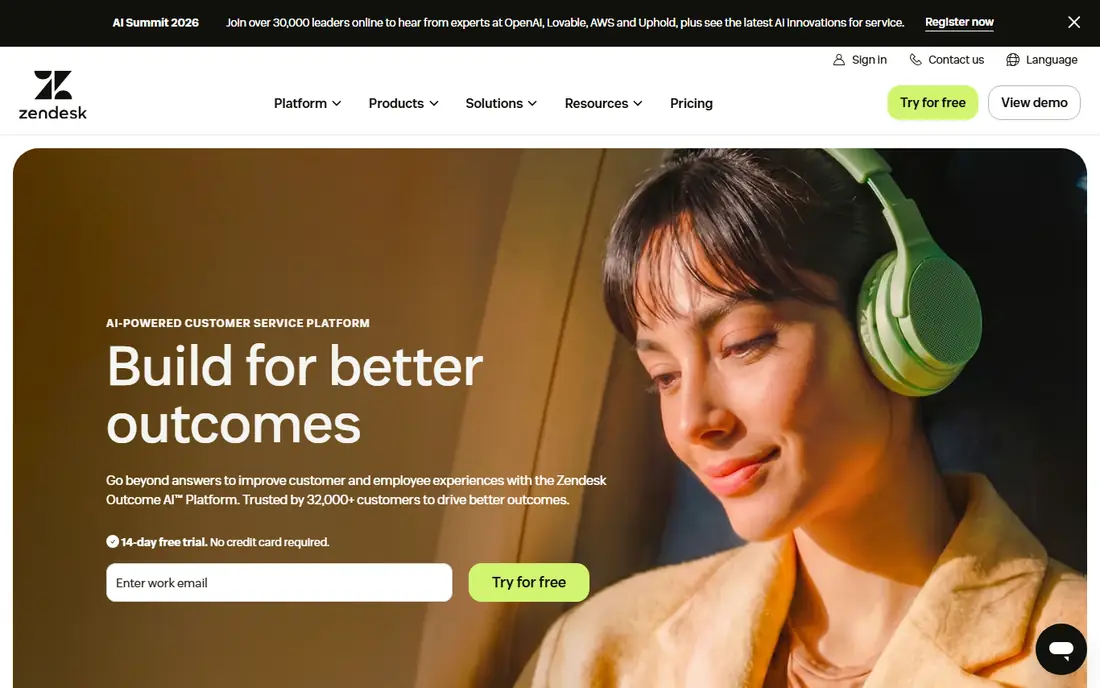
Zendesk is the platform to beat for a team that expects support to grow into multiple tiers, channels, and regions. Its Suite Team plan at $55 per agent per month on annual billing covers ticketing, a help center, messaging, and reporting, with higher tiers adding advanced automation and AI. The integration library is broad, and the reporting suits managers who need SLA tracking and workload views.
The cost is the honest catch. Per-agent pricing plus metered AI resolutions means a growing team and rising AI volume both increase the bill, and the lower Support Team tier in some listings is far narrower than Suite. Zendesk fits best when the team already needs that depth and can staff the admin work to run it well.
- Mature ticketing, help center, and reporting
- Wide integration library
- AI copilot and automation on paid plans
- High per-agent price
- AI resolutions are metered on top
- Admin setup takes real time
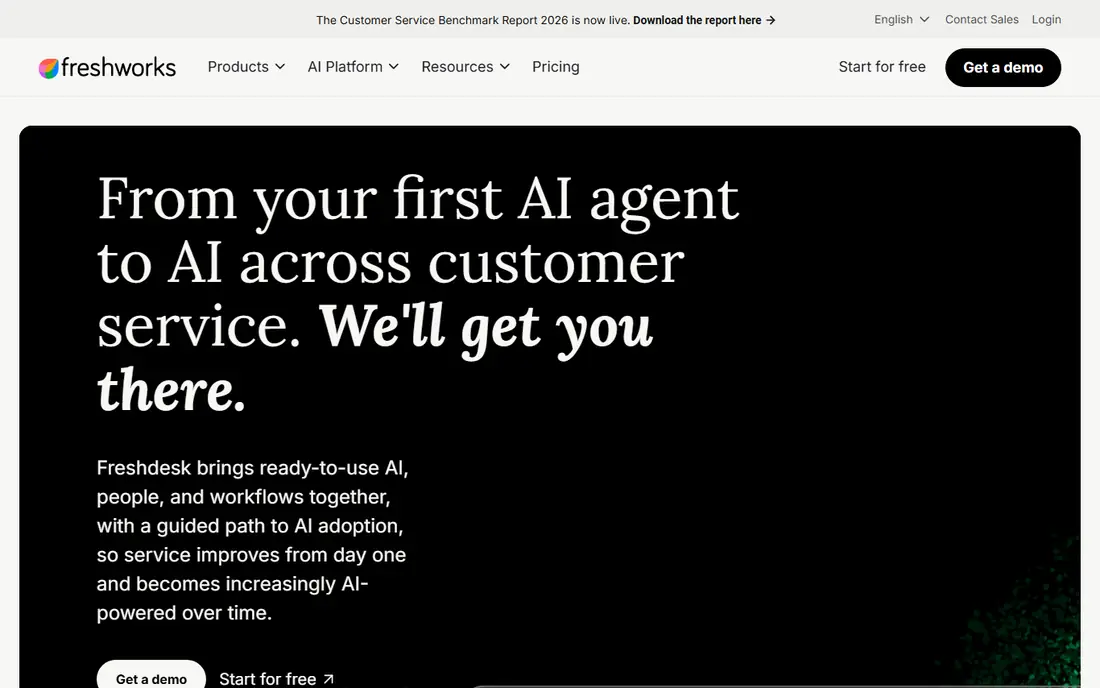
Freshdesk gives small and mid-market teams a full ticketing system without Zendesk prices. Its Growth plan at $19 per agent per month on annual billing covers multichannel ticketing, a knowledge base, and automations, with Pro at $55 adding deeper reporting and AI options. Setup is faster than Zendesk for most teams, and the interface is friendly for agents who are new to ticketing.
The limits are AI cost and free access. There is no permanent free plan in current listings, only a trial and a limited free program in some regions, and AI agent sessions are metered after a one-time grant. For a team that mainly needs solid ticketing and does not plan heavy AI use, Freshdesk is a strong value pick.
- Lower seat price than Zendesk
- Multichannel tickets, knowledge base, and automations
- AI copilot add-on
- No permanent free plan in current listings
- AI sessions are metered after an initial grant
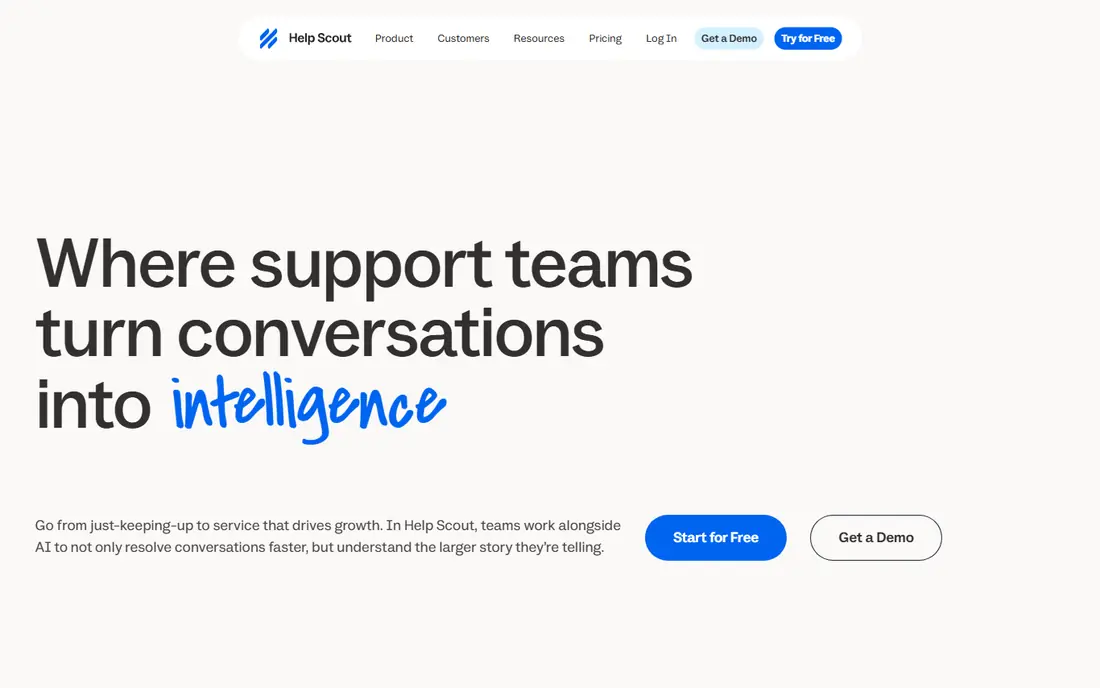
Help Scout is the easiest helpdesk in this list for a team whose support is mostly email. Its shared inbox, saved replies, and help center Docs cover the daily work without a heavy admin layer, and its free plan for up to five users with one inbox suits a very small team. Paid Standard starts at $25 per user per month, with Plus and Pro adding more inboxes, reporting, and integrations.
The trade-off is channel breadth. Teams whose customers write mainly on WhatsApp or social platforms may find Help Scout narrower than Freshdesk or Zendesk. AI Answers also costs $0.75 per resolution in published terms, so a team planning heavy AI deflection should model that separately from seat price.
- Feels like email, so agents learn it fast
- Free plan for up to five users
- Help center and AI Answers included in scope
- Built around email and chat, not every social channel
- AI resolutions cost extra per resolution
Zoho Desk is the budget leader, with a free plan for up to three agents and paid Express from $7 per agent per month on annual billing, Standard from $14, and Professional from $23. It covers ticketing, a knowledge base, SLAs, and multichannel support, which is a lot of product for the price. Teams already using Zoho CRM or other Zoho apps get extra value from shared data and single sign-on.
The catch is that the best AI features, including Zia analytics and AI agents, sit on higher tiers, and the admin interface has more options than a small team may want at first. For a cost-conscious team that is willing to spend a little setup time, Zoho Desk gives the most helpdesk per dollar in this list.
- Cheapest paid entry in this list
- Free plan for up to three agents
- Strong value for Zoho app users
- Most useful AI features sit on higher plans
- Interface takes longer to learn than Help Scout
Intercom fits companies whose customers ask for help while using a website or app, rather than by email alone. Its Essential plan at $29 per seat per month on annual billing covers the messenger, tickets, and help center, with Advanced and Expert adding deeper automation and reporting. Fin, its AI agent, resolves many common questions inside the messenger, which can cut ticket volume for product-led teams.
The billing model needs care. Seats are one charge and Fin outcomes are another, from $0.99 per outcome in published terms, so a team with rising chat volume pays more even if headcount stays flat. Intercom is best when in-product support is central to the customer experience, not when email is the main channel.
- Messenger-first support inside your product
- Fin AI agent is well regarded
- Strong automation and help center
- Seats and Fin outcomes are billed separately
- Price grows on both sides as volume rises
HubSpot Service Hub makes sense when the business already runs on HubSpot CRM, because tickets, contacts, deals, and conversations share one record. Its Starter plan at $20 per seat per month covers tickets, live chat, and basic automation, and free service tools let a tiny team start without paying. That shared record helps sales and support hand work to each other without losing context.
The step up is steep. Professional and Enterprise plans add workflows, customer feedback, and AI agent credits at much higher per-seat prices, plus onboarding fees on some plans in published terms. A team that only needs ticketing should compare Starter with Freshdesk or Zoho Desk, while a HubSpot-centered team will value the integration more than the seat price alone.
- Tickets sit next to CRM records
- Free service tools for up to two users
- Live chat and knowledge base included
- Real automation and AI features sit on higher, pricier tiers
- Onboarding fees apply on some plans
LiveAgent is a practical all-in-one for small businesses that handle email, chat, and phone calls and do not want three separate tools. Its entry plan at $15 per agent per month covers ticketing and live chat, with higher tiers adding call center features, SLAs, and deeper automation. For a team that takes calls as well as emails, that breadth at this price is unusual.
The downside is polish. The interface is functional rather than modern, and some advanced reporting and automation features require higher plans. Teams that care most about a clean agent experience may prefer Help Scout, while teams that need calls included will find LiveAgent hard to beat on value.
- Ticketing, live chat, and a call center in one price
- Good value for small teams
- 30-day trial
- Interface feels dated next to newer rivals
- Advanced reporting needs higher tiers
Front suits teams that manage customer conversations across email, SMS, and social from one place and want collaboration built in. Agents can comment internally, assign conversations, and share drafts without leaving the inbox, which helps small teams that handle support, sales, and operations messages together. Its Starter plan at $25 per seat per month covers that shared inbox core.
The limits are price and scope. There is no free plan, and Front is an inbox and collaboration tool first, not a full ticketing platform with the same SLA and help center depth as Zendesk. For an email-centric team that values collaboration over heavy ticketing rules, Front is a strong and pleasant choice.
- Shared inboxes for email, SMS, and social
- Strong collaboration with comments and assignments
- Clean agent workflow
- No free plan
- Pricing is per seat with a seat minimum on some plans
How we picked these
We compared official pricing pages, free plan terms, and channel coverage for helpdesk tools that serve small and mid-market teams today. We favored products with published per-agent pricing and a trial or free tier, and we used See website only where pricing is not published. We excluded tools that only handle live chat or only handle internal IT tickets, since this list is for customer support.
What to check before you buy helpdesk software
Start with channels, not features. List where customers actually contact you, email, chat, phone, or social, and shortlist only tools that cover those channels well. Next, test with real messages, not demo data, since ticket routing, saved replies, and SLA rules only reveal their quality under real volume.
Watch the AI bill separately
Many vendors now bill seats and AI resolutions separately, so a low seat price can hide a rising AI bill. Ask what counts as a resolution or session, what is included per month, and what the overage rate is, then estimate it from your current ticket volume before you sign.
Frequently asked questions
What is the best helpdesk software?
Zendesk is the most complete platform, Freshdesk is the best value multichannel option, and Help Scout is the easiest for small email-first teams. The best pick depends on team size, channels, and how much admin depth you need.
What is the best support ticket software for a small business?
Help Scout and Zoho Desk are the strongest small-business picks, since both offer free plans and low paid entry prices. Help Scout is simpler, while Zoho Desk covers more channels for less money.
What is the best free helpdesk software?
Zoho Desk offers a free plan for up to three agents, and Help Scout offers a free plan for up to five users with one inbox. Both are genuinely usable for very small teams, though paid plans add inboxes, reporting, and automation.
Is Zendesk or Freshdesk better?
Zendesk is better for large teams that need deep reporting, SLAs, and integrations, while Freshdesk is better for smaller teams that want multichannel ticketing at a lower seat price. Test both with real tickets before deciding, since admin effort differs a lot.
How much does helpdesk software cost per agent?
Published entry prices in this list run from $7 to $55 per agent per month on annual billing, plus AI fees on several platforms. The real total depends on agent count, channels, and AI volume, so price all three together.
Sources we checked (8)

Online Jobs is an independent blog about careers, online work, learning new skills and the tools that help people earn. More about us.
Keep reading
All posts
n8n Alternatives
n8n alternatives compared for 2026, with Zapier, Make, Activepieces, and more, covering visual builders, code steps, self-hosting, and pricing models.

ZoomInfo Alternatives
The best ZoomInfo alternatives in 2026, compared on price, free plans, data coverage, and which tool fits small teams or large sales teams best in detail.

Workday Alternatives
We compared the best workday alternatives for HR, payroll, and global hiring, from BambooHR and Gusto to Rippling, Deel, and HiBob for growing teams in 2026.