Best Headshot App in 2026: 9 Apps Compared

How we put this together: we compare official feature and pricing pages, app store listings, privacy policies and public user reviews. Prices change, so check the provider's site before you pay.
Key takeaways
- Aragon and HeadshotPro give the most balanced results for solo professionals, with dozens of images per package and a range of outfits and backgrounds.
- BetterPic and Secta AI suit users who want more editing control or a larger gallery to choose from.
- StudioShot and InstaHeadshots are strong team options when a whole department needs a consistent look.
- Cheaper single-image tools can work for a quick LinkedIn update, but they offer less choice if the first results do not suit you.
- AI headshots are best for profile photos and bios, not for ID photos or other uses that require a verified likeness.
Quick comparison
| Name | Who it suits | Starting price | Free option | |
|---|---|---|---|---|
 Aragon | Balanced solo headshots | $35 per package | No | Visit |
 HeadshotPro | Reliable LinkedIn headshots | $29 per package | No | Visit |
 BetterPic | Editing control and styles | $35 per package | No | Visit |
 Secta AI | Large galleries and teams | $49 per package | No | Visit |
 StudioShot | Fast team headshots | $25 per package | No | Visit |
 InstaHeadshots | Whole teams on a deadline | $49 per package | No | Visit |
 Try It On AI | One-selfie speed | $17 per package | No | Visit |
 ProfilePicture.ai | Budget headshots | $15 per package | No | Visit |
 Photo AI Studio | Fast variety | $19.99 per package | No | Visit |
The best headshot app
A good headshot app needs to do more than make a face look smooth. It must keep your likeness, match the outfit and background to your industry, and give you enough usable images to pick one you would actually use. The apps below cover solo professionals, teams, budget buyers and users in a hurry.
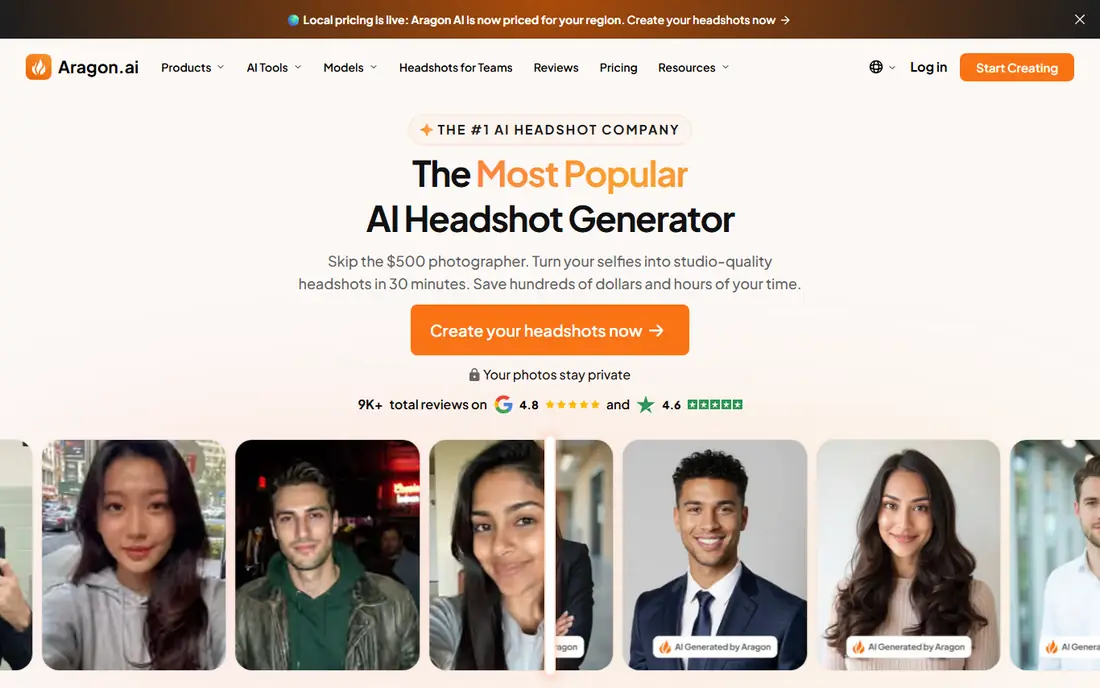
Aragon asks for at least six clear selfies and returns a gallery that covers different outfits and backgrounds. That range matters, because a LinkedIn photo, a company bio and a conference profile often need slightly different tones. The vendor also highlights security controls for uploaded photos, which is a useful point when you are sharing images of your face. The main limit is input quality. Blurry, heavily filtered or single-angle selfies lead to weaker likeness, so take time to upload varied, well-lit photos. If you do that, Aragon is one of the safest solo picks for a professional result at a mid-range price.
- Strong realism and style range
- Clear upload guidance
- SOC 2 Type II compliance noted by the vendor
- Needs several good selfies
- Results vary with input photo quality
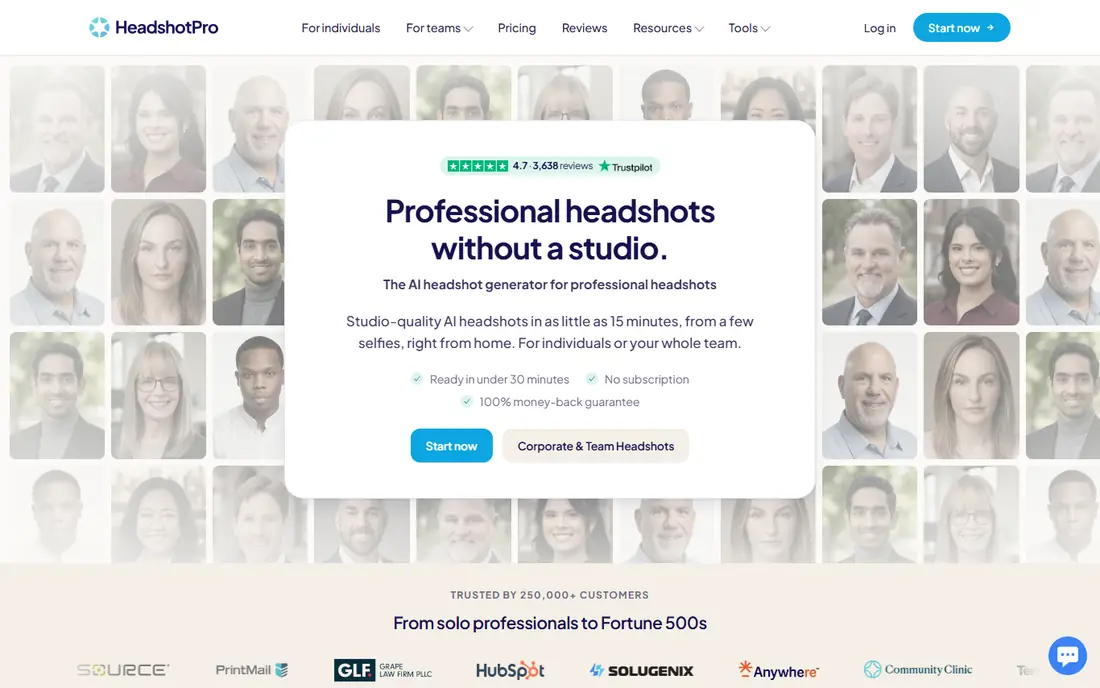
HeadshotPro has built a large user base by keeping the process simple and the output consistent. Packages start with 40 headshots, with larger options for users who want more choice, and team plans help distributed staff get the same background and outfit style. Turnaround is often measured in hours rather than days. Skin texture is the point to watch. Some outputs look more retouched than a studio photo, so review the full gallery before picking a favourite. For a dependable LinkedIn update at a fair price, HeadshotPro remains a strong default choice.
- Large output galleries
- Team ordering and consistent styling
- Fast turnaround options
- Some results can look over-smoothed
- Needs 10 or more input photos
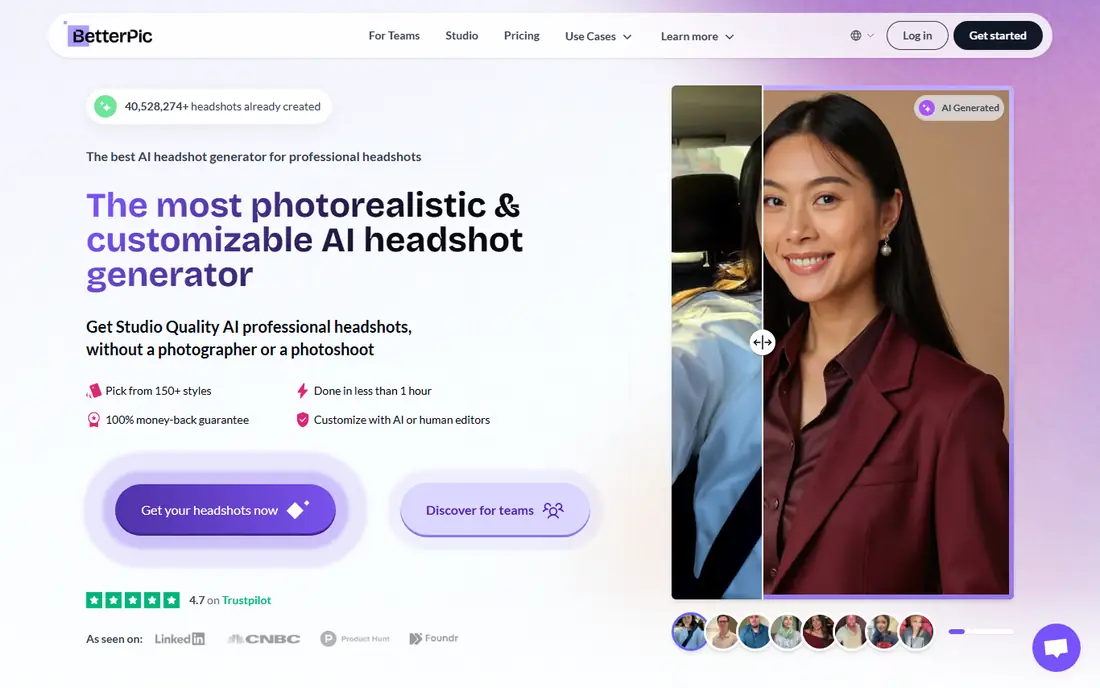
BetterPic suits people who want to shape the final image, not just accept what the model returns. Its editor and style range let you adjust the look after generation, and a human retouch option on higher plans can fix small issues that AI alone misses. That control helps creatives, founders and public speakers who need a specific image. The trade-off is time. More styles mean more browsing, and slower plans take longer than one-hour rivals. If you want one polished photo and you are happy to spend a few minutes refining it, BetterPic is worth the extra step.
- More than 150 styles listed by the vendor
- Built-in editor
- Human retouch option on some plans
- Turnaround can be slower than faster rivals
- Style choice can feel overwhelming
Secta AI is built for users who want choice above all else. A single order can return hundreds of images, which increases the chance of finding a natural-looking photo that matches your usual appearance. Team features and stylist input also help companies that need a consistent set across many staff members. Volume is also the drawback. Sorting hundreds of images takes time, and the starting price is higher than budget tools. For executives, authors and teams who need a strong set rather than a single quick photo, the extra choice can justify the cost.
- Very large galleries with hundreds of images
- Team workflow
- Stylist help on some plans
- Higher starting price
- More images to sort through
StudioShot keeps the workflow short. Upload a small set of photos, pick a style, and receive a gallery in about an hour on many plans. That speed helps recruiters, hiring managers and small teams that need headshots for a new website or press page without a long wait. Style depth is not as wide as BetterPic or Secta AI, so users who want a very specific creative look may feel limited. For standard corporate headshots at a lower price, StudioShot covers the brief well and avoids unnecessary complexity.
- Fast turnaround
- Simple team ordering
- Competitive starting price
- Smaller style range than some rivals
- Output quality depends on input photos
InstaHeadshots is designed around departments rather than single users. A team dashboard, consistent styling and fast turnaround per person make it practical when 20 or 50 staff members need new photos for the same launch. Privacy controls for deleting source photos are also a useful feature for HR teams. For one person, the price is harder to justify when cheaper solo tools exist. The value appears when consistency and admin control matter as much as the photo itself. If your team needs a matching set quickly, InstaHeadshots is a strong shortlist option.
- Team dashboard and fast per-person turnaround
- Consistent backgrounds
- Privacy controls
- Higher price for a single user
- Fewer creative styles than some solo tools
Try It On AI takes a different approach by asking for just one selfie and returning results in minutes. That makes it useful when a profile photo is needed the same day, for example before a job application deadline or a speaker bio request. The low starting price also makes it easy to test without a large spend. One photo gives the model less information about your face, so likeness can be less reliable than tools that use 10 or more images. Treat the first result as a test, and be ready to try a better selfie if the output looks unlike you. For speed and price, it is hard to beat.
- Needs only one selfie in vendor listings
- Very fast delivery
- Low starting price
- Single-photo input can limit likeness accuracy
- Fewer style options than larger galleries
ProfilePicture.ai is a budget pick that still returns a large set of images. That volume helps, because even if some images look artificial, a careful review often finds several usable professional shots. The process is simple, with no complex team setup to learn first. Uneven quality is the honest catch. Expect to discard more images than you would with Aragon or HeadshotPro, and expect less help with team ordering. For a solo user on a tight budget who is willing to sort through results, the value is clear.
- Low starting price
- Large galleries for the price
- Simple process
- Quality can be uneven across a gallery
- Fewer team features
Photo AI Studio promises speed and variety at a price below many established rivals. A large gallery in a short time gives users room to compare outfits, backgrounds and expressions, which is useful when you are unsure which professional look suits you best. The price makes it a low-risk test for first-time AI headshot buyers. Brand track record is thinner than HeadshotPro or Aragon, so check the current refund and regeneration terms before ordering. If you want a fast, affordable gallery and you are comfortable reviewing many images, Photo AI Studio is a useful alternative to the bigger names.
- Fast turnaround
- More than 100 images on listed plans
- Low to mid price
- Less well known than larger rivals
- Style consistency varies
How we picked these
We compared official feature pages, pricing pages, app store listings and public reviews for headshot tools that are actively sold in October 2026. We weighted likeness and realism, number of usable images, style and outfit choice, turnaround time, team features and price, rather than judging by a single sample image. Tools that were discontinued, offered only a demo, or lacked clear pricing did not make the list.
How to get a headshot that still looks like you
Upload photos that look like you on a normal day. Use varied angles, natural light and no heavy filters, and include both smiling and neutral expressions if the tool allows it. Avoid sunglasses, hats and group photos, since those give the model less clear information about your face. After generation, pick the image that friends recognise instantly, not the most polished one. Check the licence and deletion terms before you upload. Some tools let you delete source photos and generated images, while others keep them for model improvement unless you opt out. For team use, agree on background, outfit and crop before ordering, so the set looks consistent. AI headshots work well for LinkedIn, bios and company pages, but they are not a substitute for a verified photo where identity must be proven.
Frequently asked questions
What is the best app for headshots?
Aragon and HeadshotPro are the safest overall picks for most professionals, because they balance realism, gallery size and price. BetterPic suits users who want more editing control, while InstaHeadshots and Secta AI suit teams. The best choice depends on whether you need one photo, a large gallery or a matching team set.
What is the best headshot app for LinkedIn?
HeadshotPro and Aragon both produce clean, corporate-style images that work well on LinkedIn. Choose a neutral background, a standard business outfit and a natural expression, and avoid overly stylised backgrounds that distract from your face. A simple, well-lit result usually performs better than a dramatic creative edit.
Are AI headshots good enough for professional use?
Yes, for profile photos, company bios, speaker pages and press kits, provided you pick a natural-looking result. They are not suitable for passports, ID cards or any use that requires a verified photograph. Always review the gallery in full, and keep a real photo on hand for formal identity checks.
How many photos do I need to upload for an AI headshot?
Most tools ask for 10 to 20 photos, while Aragon asks for at least six and Try It On AI lists one selfie as enough. More varied, high-quality input photos usually give better likeness, so upload more than the minimum when the tool allows it. Use different angles and lighting, and avoid filtered or outdated photos.
How much does a good AI headshot cost?
Solo packages in this list start from $15 to $49, with larger galleries and team plans costing more. A traditional studio session often costs several hundred dollars, so AI headshots are far cheaper, but they offer less control over lighting and posing. Check whether regenerations or retouching are included before you compare prices.
Can I use AI headshots for my whole team?
Yes. InstaHeadshots, Secta AI, HeadshotPro and StudioShot all offer team ordering with consistent styling. Agree on backgrounds and outfits first, share upload guidance with staff, and set a deadline for photo submission so the set is delivered together. Team plans often cost less per person than separate solo orders.
Sources we checked (9)

Online Jobs is an independent blog about careers, online work, learning new skills and the tools that help people earn. More about us.
Keep reading
All posts
Zoom Alternatives
Zoom alternatives compared for 2026: Google Meet, Microsoft Teams, Webex, Jitsi and more for free calls, large meetings and webinars for teams and classrooms.

Which Software Is Best for Data Entry
Compare the best data entry software for forms, OCR scanning, and spreadsheets, with free plans, pricing, and honest limits for each tool before you commit.

What's the Best App to Read PDFs
Find what's the best app to read PDFs in 2026, from Adobe Acrobat Reader and Foxit to PDF Expert and Xodo, with free options and honest limits for every device.