Best Handyman Apps in 2026: 8 Apps Compared

How we put this together: we compare official feature and pricing pages, app store listings, privacy policies and public user reviews. Prices change, so check the provider's site before you pay.
Key takeaways
- Taskrabbit suits small, hourly jobs you can define clearly, such as mounting, assembly, and minor repairs.
- Thumbtack and Angi suit larger projects where you want several quotes and reviews before choosing a pro.
- Handy suits repeat home services, such as cleaning and small repairs, booked through one app.
- Jobber and Housecall Pro suit handyman businesses that need scheduling, quotes, invoicing, and payments in one system.
- Always confirm licensing, insurance, and the final price in writing, especially for plumbing, electrical, and structural work.
Quick comparison
| Name | Who it suits | Starting price | Free option | |
|---|---|---|---|---|
 Taskrabbit | Small hourly jobs | Free | Yes | Visit |
 Thumbtack | Comparing local pros | Free | Yes | Visit |
 Angi | Reviewed pros for larger projects | Free | Yes | Visit |
 Handy | Repeat home services | Free | Yes | Visit |
 Jobber | Running a handyman business | $49 per month | Free trial (14 days) | Visit |
 Housecall Pro | Scheduling and invoicing for pros | $59 per month | Free trial (14 days) | Visit |
 FieldPulse | Field service management | See website | Free trial (14 days) | Visit |
 HomeAdvisor | Finding pros by project | Free | Yes | Visit |
The best handyman apps
Handyman apps fall into two groups. Some help homeowners hire a pro, while others help pros run a business. This list covers both, so you can find the right app whether you need a repair done or you need work coming in. Here are the options that cover most cases.
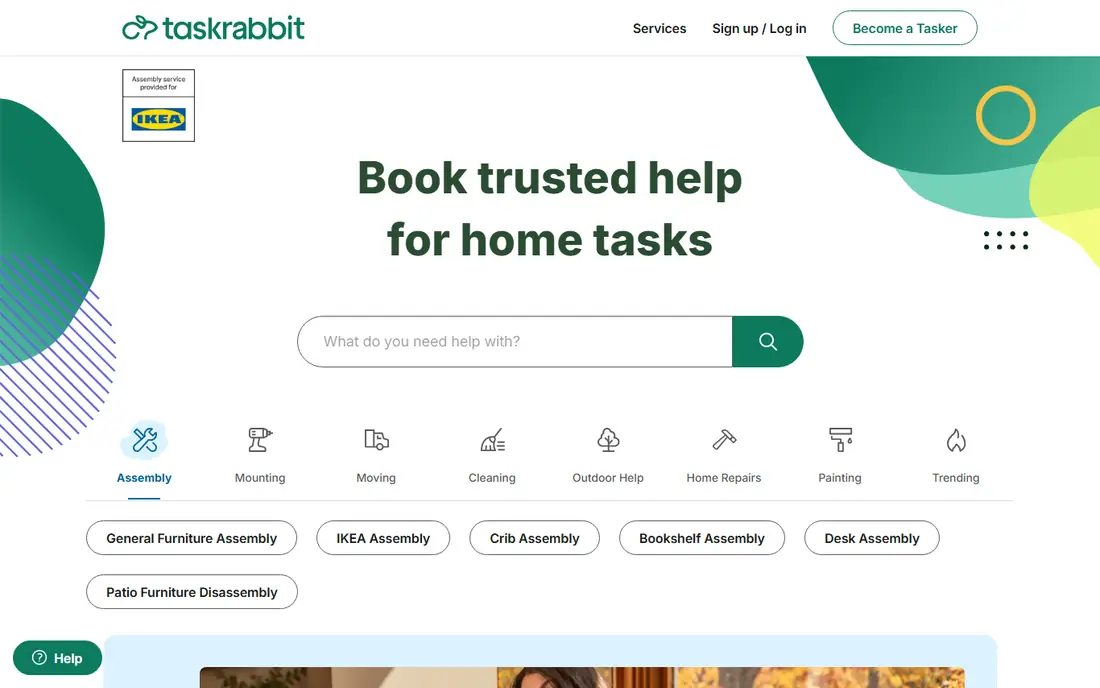
Taskrabbit connects you with local Taskers for jobs you can describe in an hour or two, such as furniture assembly, TV mounting, drywall patching, and minor repairs. You pick a Tasker, see their hourly rate and reviews, choose a time, and pay through the app. A trust and support fee is added on top of the hourly rate, so check the total before confirming.
The hourly model works well when the job is clear and bounded. It works less well for large projects that need a site visit, materials, and a fixed quote. Taskrabbit also caps the scope of some handyman work, so for plumbing, electrical, or structural jobs, check local rules and whether a licensed pro is required.
- Instant booking with hourly rates
- Background-checked Taskers
- Clear task categories
- Best for smaller jobs
- Hourly cost varies by Tasker
- Coverage varies by city
Thumbtack asks you a few questions about your project, then matches you with local pros who can send quotes. You can compare prices, reviews, response times, and past work before choosing. That comparison is useful for mid-size jobs such as bathroom repairs, deck work, or appliance installation, where one quote is not enough.
Homeowners use Thumbtack for free, while pros pay for customer contacts. That model means you may receive several messages, and not every pro will be a good fit. Shortlist two or three pros, ask about licensing and insurance where relevant, and get the scope and price in writing before work starts.
- Free for homeowners
- Multiple quotes
- Pro profiles with reviews and photos
- Pros pay for contacts, which can affect pricing
- Quality varies
- Response times vary
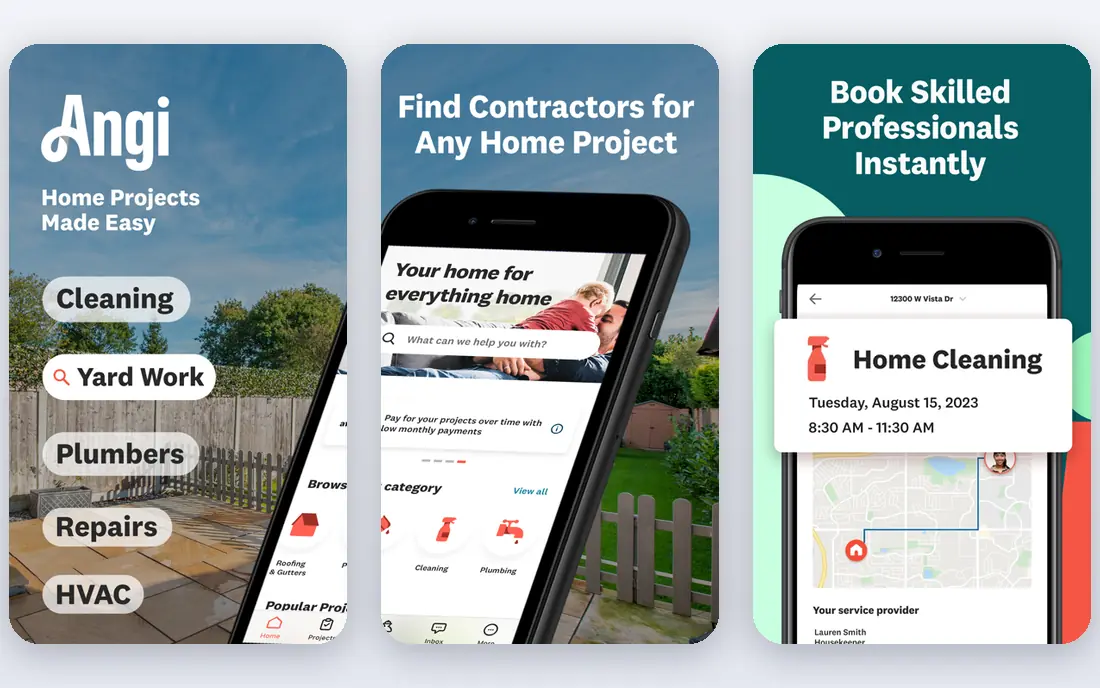
Angi, formerly Angie's List, combines a pro directory with reviews, project guides, and booking tools. It suits larger projects where past work matters, such as kitchen repairs, flooring, roofing, and full room updates. Reviews often include project details and photos, which help you judge whether a pro has done similar work before.
Basic use is free for homeowners, with an optional membership that adds discounts from participating pros. Angi protections generally apply when you book and pay through Angi, so paying a pro directly outside the platform can reduce your cover. Read the terms for the service you book, and keep payments inside the platform where protection matters.
- Verified reviews
- Large pro network
- Project guides and cost information
- Some pros also appear on HomeAdvisor
- Membership features cost extra
- Lead quality varies
Handy focuses on repeatable home services, including cleaning, handyman tasks, furniture assembly, and TV mounting. You choose a service, pick a time, and a vetted pro is matched to the job. That simplicity suits busy households that want the same kind of help on a regular basis without searching for a new pro each time.
Handy is not a general contractor marketplace. Large renovations, licensed trade work, and complex projects are better handled through Thumbtack, Angi, or a local licensed contractor. For small, repeat jobs in a covered city, Handy offers a fast, low-friction booking experience.
- Simple booking for cleaning and small repairs
- Vetted pros
- Repeat booking
- Limited to covered services and cities
- Pricing varies by job
- Less suited to large projects
Jobber is built for service businesses, including handyman, plumbing, electrical, and lawn care firms. It handles quoting, scheduling, dispatch, invoicing, and online payments, with a mobile app for field staff and reminders for customers. That single workflow replaces separate tools for calendars, invoices, and payment links.
Pricing starts at a monthly rate for a single user, with extra users adding to the bill, and higher tiers adding features such as marketing tools and advanced reporting. Solo handymen can start on the basic plan, while growing crews should compare the total cost for their team size. A free trial lets you test quoting and scheduling with real jobs before committing.
- Quotes, scheduling, invoicing, and payments in one app
- Client reminders
- QuickBooks sync
- Per-user costs add up
- Some features need higher tiers
- Setup takes time
Housecall Pro is another all-in-one platform for home service businesses. It offers online booking, scheduling and dispatch, estimates, invoicing, payments, and customer messaging, plus tools for reviews and repeat service plans on higher tiers. The mobile app helps field staff see jobs, update status, and collect payment on site.
The basic plan covers one user, while larger plans cover five or eight users, so a growing crew should check the plan that matches its size. Housecall Pro also offers financing options for customers and integrations with accounting tools, which can help larger firms. For a solo pro, the basic plan is a good starting point, provided you do not need the higher-tier features immediately.
- Scheduling, dispatch, and payments
- Online booking
- Review management
- Higher tiers jump in price
- Basic plan covers one user
- Some features need add-ons
FieldPulse combines customer management, scheduling, estimates, invoicing, and payments for field service businesses, including handyman firms. It includes a customer portal where clients can view job details and approve estimates, which reduces phone tag and email back-and-forth. The interface is designed for trades, not general project work, so job fields and workflows fit service calls well.
Pricing is less transparent than Jobber or Housecall Pro on some plans, so request a quote based on your team size and features. FieldPulse suits firms that want a trade-focused system with strong customer records, and that are willing to spend time on setup to get scheduling and invoicing right.
- Job scheduling and CRM
- Estimates and invoicing
- Customer portal
- Quote-based pricing on some plans
- Smaller ecosystem than Jobber
- Learning curve
HomeAdvisor helps homeowners describe a project and get matched with local pros, with cost guides that give a rough sense of typical project prices. It covers a wide range of home improvement work, from small repairs to major renovations, and it shares a parent company with Angi, so some pros appear on both platforms.
Homeowners can request pros for free, while pros pay for leads. That means you may hear from several firms quickly, which is useful when you need quotes fast, but less useful if you want a quiet, short search. Use HomeAdvisor to gather quotes, then check reviews, licensing, and references before choosing, just as you would on any marketplace.
- Large pro network
- Project cost guides
- Free for homeowners to request pros
- Closely linked to Angi
- Pros pay for leads
- Follow-up messages can be frequent
How we picked these
We reviewed official app pages, pricing pages, app store listings, and public reviews for apps that help people hire handyman help or run a handyman business. We looked at booking flow, pro vetting, reviews, quote handling, scheduling, invoicing, payments, and coverage by city or region. We did not claim hands-on testing for every app, and we treated pro availability as location-dependent rather than universal.
We included both hiring apps and business apps because the keyword covers both uses. A list with only hiring apps would leave out the pros who search for handyman software, and a list with only business apps would leave out homeowners who simply need a repair.
Hiring a handyman safely through an app
Start with a clear description of the job, including photos, measurements, and any access issues. A clear brief leads to better quotes and fewer surprises on the day. For jobs that involve water, gas, electricity, or structure, ask whether a licensed pro is required in your area and whether the pro you choose holds that licence.
Compare more than price
The cheapest quote is not always the best value. Check reviews for similar jobs, ask how long the job will take, what materials are included, and what happens if extra work is found. A pro who explains those points clearly is usually easier to work with than a pro who only gives a low number.
Keep the paper trail in the app
Book, message, and pay through the app where possible, so you have a record of the scope, price, and any changes. If the scope changes on site, ask for the new price in writing before work continues. That record matters if you need to use a platform guarantee or resolve a dispute later.
For pros: choose software that fits your crew size
Solo handymen should start with a basic plan and only upgrade when scheduling, invoicing, or payments become a bottleneck. Larger crews should compare total cost for all users, not just the starting price, and check mobile app quality for field staff. A trial with real jobs, real customers, and real invoices will show whether the software fits your daily work.
Frequently asked questions
What is the best app to hire a handyman?
Taskrabbit suits small hourly jobs, Thumbtack suits comparing quotes for mid-size work, and Angi suits larger projects where reviews and past work matter. The best choice depends on job size, your city, and whether you want hourly booking or fixed quotes.
What is the best handyman app to make money?
Taskrabbit lets individual Taskers set hourly rates for small jobs, while Jobber and Housecall Pro help handyman businesses win, schedule, and bill work more efficiently. For steady income, a business platform plus a marketplace profile often works better than one app alone.
How much does a handyman cost on these apps?
Hourly rates vary by city, Tasker, and job type, with many handyman tasks on Taskrabbit priced by the Tasker per hour plus a platform fee. Larger projects on Thumbtack and Angi are usually quoted as a fixed price after a site visit or detailed brief, so always get the total in writing.
Do handyman apps check their pros?
Taskrabbit states that Taskers pass background checks, and other platforms use reviews, profile verification, and, in some markets, licence checks. Checks vary by platform and city, so always verify licensing and insurance yourself for regulated trade work.
Can I book same-day handyman help?
Yes, in many cities, Taskrabbit and Handy offer same-day or next-day booking for small jobs, subject to pro availability. Larger projects usually need a quote, a site visit, and a scheduled date, so same-day booking is less common for those jobs.
Is Jobber or Housecall Pro better for a small handyman business?
Jobber often costs less for a solo pro at the entry level, while Housecall Pro offers strong scheduling and review tools for growing crews. Compare total cost for your team size, test both trials with real jobs, and choose the app your field staff find easiest to use daily.
Sources we checked (8)

Online Jobs is an independent blog about careers, online work, learning new skills and the tools that help people earn. More about us.
Keep reading
All posts
ZoomInfo Alternatives
The best ZoomInfo alternatives in 2026, compared on price, free plans, data coverage, and which tool fits small teams or large sales teams best in detail.

Workday Alternatives
We compared the best workday alternatives for HR, payroll, and global hiring, from BambooHR and Gusto to Rippling, Deel, and HiBob for growing teams in 2026.

Which SaaS Tools Have the Best Customer Support
Which SaaS tools have the best customer support? Compare eight popular tools on help centres, live help, response options and overall support quality.