Best Grok Alternatives in 2026: 9 Chatbots Compared

How we put this together: we compare official feature and pricing pages, app store listings, privacy policies and public user reviews. Prices change, so check the provider's site before you pay.
Key takeaways
- ChatGPT is the most general alternative to Grok, with a free plan and a wide range of everyday uses.
- Claude suits long writing, editing, and document analysis, while Gemini suits Google Workspace users.
- Perplexity is the strongest pick when you need cited, web-based research answers.
- DeepSeek and Mistral Le Chat offer strong free options for coding, maths, and general chat.
- Free plans all carry usage limits, so check the current plan page before you rely on one tool for heavy daily work.
Quick comparison
| Name | Who it suits | Starting price | Free option | |
|---|---|---|---|---|
 ChatGPT | General all-round chat | Free | Yes | Visit |
 Claude | Writing and long documents | Free | Yes | Visit |
 Gemini | Google Workspace users | Free | Yes | Visit |
 Microsoft Copilot | Microsoft 365 users | Free | Yes | Visit |
 Perplexity | Cited research answers | Free | Yes | Visit |
 DeepSeek | Coding and maths chat | Free | Yes | Visit |
 Mistral Le Chat | European privacy-conscious chat | Free | Yes | Visit |
 Meta AI | Chat inside social apps | Free | Yes | Visit |
 Poe | Many models in one app | See website | Yes | Visit |
The best Grok alternatives
Grok stands out for live social context from X and a direct, conversational style. The alternatives below match or beat it in different areas, from general chat to research, writing, and coding. Most offer a free plan, so you can test two or three before you pay for anything.
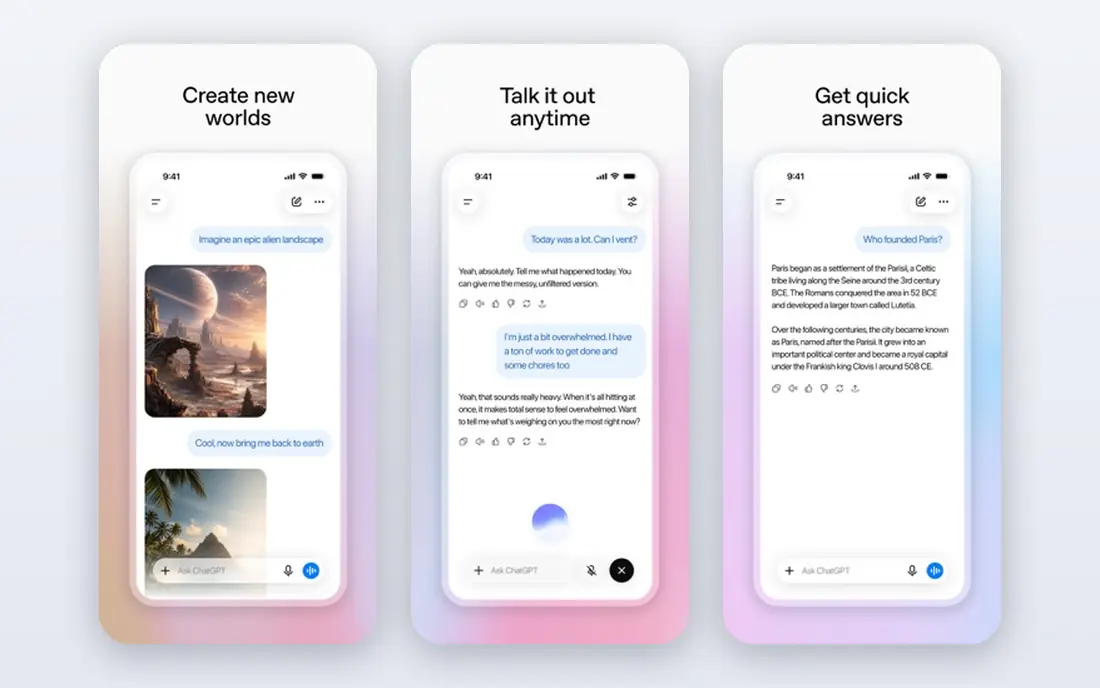
ChatGPT is the safest general replacement for Grok, because it handles the widest range of everyday jobs well. It drafts emails, explains concepts, helps plan projects, reviews code, and brainstorms ideas in one chat window. The free plan gives access to a capable model with limits, while paid plans add higher limits and newer models. The catch is verification. ChatGPT can sound confident while giving a wrong date, figure, or citation, so check important facts against a primary source. It also does not have the same live X feed as Grok, so for breaking social discussion it is a weaker substitute. For general work, writing, and learning, it is the default pick for most people.
- Very broad everyday usefulness
- Strong writing, coding, and planning help
- Large app and integration ecosystem
- Free plan limits apply during busy periods
- Answers need checking for factual work
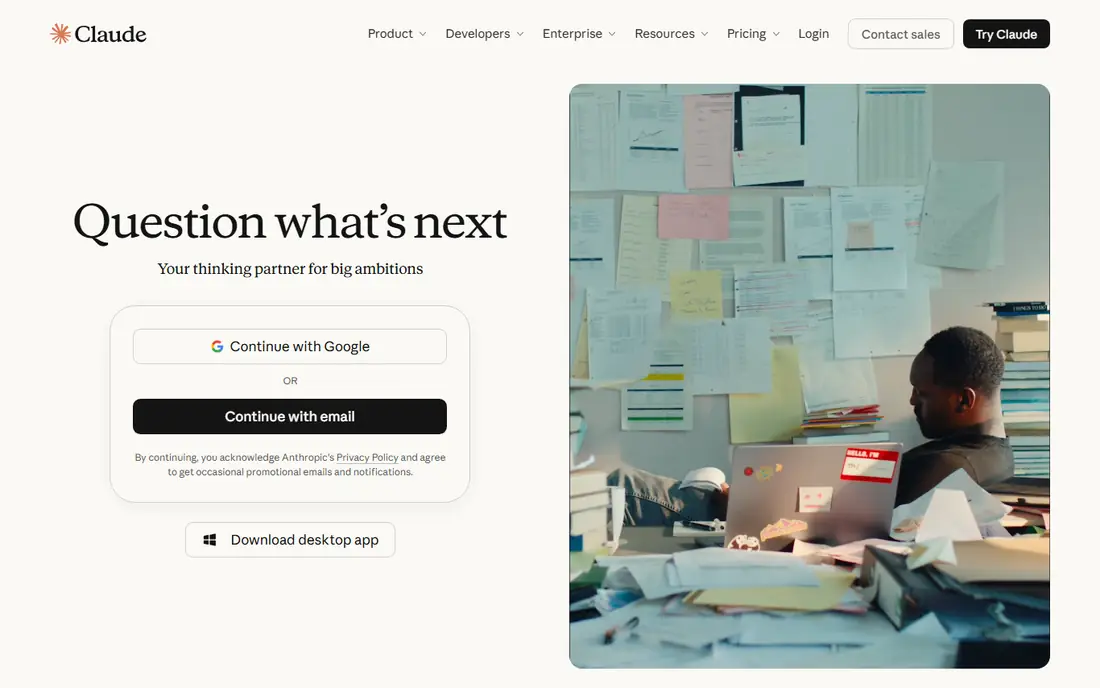
Claude, from Anthropic, suits writers, analysts, and anyone working with long documents. It follows detailed instructions well, edits drafts with clear reasoning, and summarises long reports without losing the main points. The free plan includes web search, file handling, and project organisation on the pricing page we reviewed, with usage measured over a rolling window rather than a fixed daily count. The trade-off is limits and media. Free use can run out during a long work session, and Claude is not the best pick if image generation is your main need. For writing, code review, and careful analysis, it is one of the strongest Grok alternatives, and it pairs well with a second free tool for days when you hit a limit.
- Strong long-form writing and editing
- Good document analysis and reasoning
- Clear, structured answers
- Free usage is measured over rolling windows
- Image generation is not its main strength
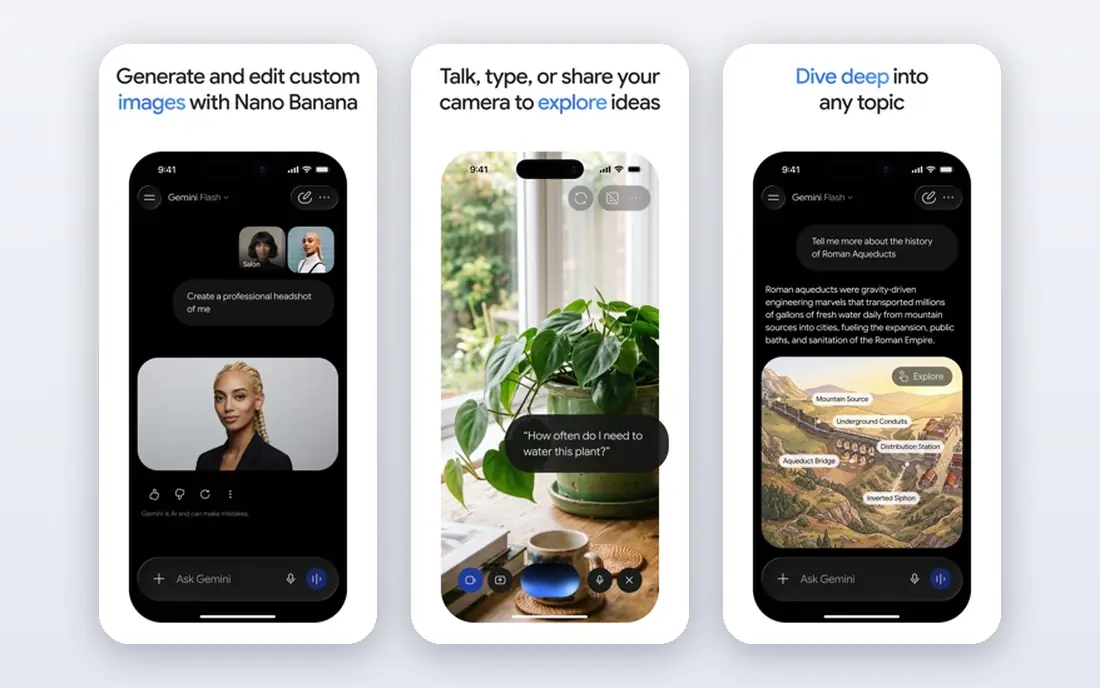
Gemini is the natural alternative for people who already live in Google Docs, Gmail, and Drive. It can summarise documents, draft replies, analyse spreadsheets, and work with images and files inside that ecosystem. The free plan is generous for everyday questions, and the Google AI Studio API also offers a free tier for developers who want to build with Gemini models. The catch is that free limits and model access change often, so a feature that works today may move behind a paid plan later. Gemini also reflects Google product priorities, which means it shines inside Google apps and feels less special outside them. If your work already sits in Google Workspace, Gemini is an easy, practical Grok alternative.
- Deep Google Docs, Gmail, and Drive integration
- Fast responses
- Strong multimodal input
- Free limits vary by model and feature
- Some advanced features need a paid plan
Microsoft Copilot suits Windows and Microsoft 365 users who want an assistant inside the tools they already open. It answers questions with web search, drafts text, summarises pages, and generates images, all from a free web chat. Paid Microsoft 365 plans add deeper integration with Word, Excel, Outlook, and Teams. The limit is peak-time throttling on the free plan, and the strongest Microsoft 365 features sit behind paid plans. Copilot also leans on web and Microsoft data, so it does not replace Grok for live X discussion. For everyday productivity inside Microsoft apps, it is a convenient and capable alternative.
- Built into Windows, Edge, and Microsoft apps
- Web search with cited sources
- Image generation included
- Free use can be throttled at peak times
- Best experience needs a Microsoft account
Perplexity is the best Grok alternative when you need research you can check. It searches the web, summarises sources, and links to them, so you can open the original article and confirm a claim. That citation habit makes it useful for news, product comparisons, market research, and study, where a plain chatbot answer would need extra verification anyway. The catch is depth of creative work. Perplexity answers research questions well, but it is not the first choice for long fiction, detailed editing, or complex coding projects. Free Pro searches are limited, so heavy research users may need a paid plan. Use Perplexity for facts and current topics, and pair it with ChatGPT or Claude for writing and planning.
- Answers include source citations
- Always web-connected for current topics
- Clear follow-up questions
- Free Pro searches are limited each day
- Less suited to long creative writing than Claude or ChatGPT
DeepSeek has become a popular free alternative because its chat is free to use with fair-use limits and no paid tier was required for basic access in the sources we reviewed. It handles coding questions, maths reasoning, and general chat well, and its straightforward interface suits users who want answers without a complex subscription setup. The trade-off is ecosystem. DeepSeek does not match ChatGPT or Gemini on integrations, plugins, and app connections, and its feature roadmap is still evolving. For students, developers, and anyone who wants a strong free chatbot for reasoning tasks, it is a strong pick. For work that needs deep Google or Microsoft integration, Gemini or Copilot will fit better.
- Free chat with strong reasoning
- Good for coding and maths problems
- Simple web and app access
- Fewer integrations than larger rivals
- Feature set changes as the product grows
Mistral Le Chat, from French company Mistral AI, offers a fast, clean chatbot with web search, document handling, and image generation. It appeals to users who prefer a European provider and a simpler privacy story, and its free plan covers everyday chat, search, and creative tasks. The interface is uncluttered, which helps when you want quick answers without extra panels and upsells. The catch is ecosystem size. Mistral does not yet match ChatGPT, Gemini, or Copilot on third-party integrations and workplace apps. That matters less for personal chat, writing, and research, and more for teams that need a chatbot inside many business tools. As a free Grok alternative with a European base, Le Chat deserves a test.
- European company with clear data approach
- Web search and image generation
- Fast, clean chat interface
- Smaller ecosystem than US rivals
- Some advanced features need a paid plan
Meta AI, built on Meta Llama models, is the easiest alternative to try, because it already lives inside WhatsApp, Instagram, Facebook, and Messenger for many users. You can ask questions, generate images, and get quick help without installing a new app or creating a new account. That convenience makes it a good casual Grok alternative for everyday questions. The limit is depth. Meta AI suits quick answers and social chat, but it is not the best tool for long documents, complex code review, or cited research. Availability and features also vary by region and app. Use it for fast, casual help, and keep Claude, ChatGPT, or Perplexity for work that needs structure, citations, or careful editing.
- Free and built into WhatsApp, Instagram, and Facebook
- Image generation included
- Easy to start with no new app
- Experience varies by app and region
- Less suited to long professional documents
Poe, from Quora, lets you chat with many models from different providers inside one app, including ChatGPT, Claude, Gemini, and others depending on current availability. That model choice is useful when you want to compare answers, test a new model, or use a specialist model for one job without managing several subscriptions. Poe also lets users create and share simple bots. The catch is points. Free use is based on a points system, and heavy use of premium models can run through points quickly. Poe does not replace a direct subscription for power users, but it is a practical way to test several Grok alternatives in one place before you commit to one provider.
- Access to many third-party models in one place
- Easy model comparison
- Simple chat and bot creation
- Free points limit heavy use
- You still depend on underlying model providers
How we picked these
We reviewed official pricing pages, product pages, and help documentation for each chatbot, and we checked free plan descriptions, model access, and integration claims. We compared general chat quality, writing and reasoning strengths, research and citation features, coding help, and ecosystem fit with Google, Microsoft, or social apps. Public free-tier comparisons helped us spot limit changes, but we did not treat third-party limit figures as permanent, because free plans change often. We kept chatbots that a Grok user could realistically switch to for everyday work, with a free starting point in most cases. Where pricing or limits vary by model, region, or billing period, we wrote See website or Free rather than quoting a figure that would soon be wrong. Check the current pricing page for each tool before you rely on it for daily work.
How to choose a free Grok alternative
Start with your main job, not the model name. If you write and edit, test Claude first. If you research current topics, test Perplexity first. If you code, test DeepSeek and ChatGPT side by side. If you live in Google or Microsoft apps, test Gemini or Copilot inside those apps, because integration will save more time than a slightly better model.
Use two free tools instead of one
Free plans all have limits, and a single tool will frustrate you on a busy day. Pair a long-context writing tool such as Claude with a high-volume option such as Gemini or ChatGPT, and keep Perplexity for fact checks. That pair covers most Grok use cases without a paid plan, and it teaches you which paid plan, if any, is worth buying later.
Check answers that matter
Chatbots can invent dates, prices, citations, and code that looks correct. For health, money, legal, or safety decisions, check the answer against an official source and do not act on chatbot advice alone. For coding, run and test the code. For research, open the cited source. A good alternative is not just fast, it is checkable.
Frequently asked questions
What are the best free Grok alternatives?
ChatGPT, Claude, Gemini, DeepSeek, and Mistral Le Chat all offer free plans that cover everyday chat, writing, and research. Perplexity offers free searches with citations, while Microsoft Copilot and Meta AI offer free access inside Microsoft and Meta apps. The best free option depends on whether you prioritise writing, research, coding, or app integration.
Are there free alternatives to Grok that do not need a paid plan?
Yes. DeepSeek offers free chat with fair-use limits, and ChatGPT, Claude, Gemini, and Mistral Le Chat all have free tiers for regular use. Free plans limit messages, model access, or features during busy periods, so heavy users may still need a paid plan. Test the free tier with your real workload for a week before you decide.
Which alternative is best for research?
Perplexity is the strongest research alternative, because it searches the web and cites sources you can open and check. ChatGPT and Gemini also offer web search, while Claude suits analysis of documents you upload. For breaking social discussion from X, Grok itself remains distinct, because most alternatives do not have the same live X feed.
Is ChatGPT better than Grok?
ChatGPT is better for general productivity, writing, and a wide app ecosystem, while Grok is better for live X context and a more direct social style. Neither is best for every job. Many users keep both: ChatGPT or Claude for work, and Grok for social trends, or they replace Grok entirely with ChatGPT plus Perplexity for research.
Can I use Grok alternatives for coding?
Yes. DeepSeek, Claude, ChatGPT, and Gemini all help with coding, debugging, and explanations, and Copilot integrates with Microsoft tools. Always run and test generated code, because chatbots can produce code that looks correct but fails on edge cases. For large codebases, a dedicated coding tool may suit you better than general chat alone.
Do Grok alternatives work without an X account?
Yes. ChatGPT, Claude, Gemini, Perplexity, DeepSeek, Mistral Le Chat, Copilot, Meta AI, and Poe all work without an X account. That independence is a benefit if you want AI chat without social media, or if you want to keep work chat separate from social feeds. Sign-up requirements vary by tool, so check the official page for current account rules.
Sources we checked (9)

Online Jobs is an independent blog about careers, online work, learning new skills and the tools that help people earn. More about us.
Keep reading
All posts
Zoom Alternatives
Zoom alternatives compared for 2026: Google Meet, Microsoft Teams, Webex, Jitsi and more for free calls, large meetings and webinars for teams and classrooms.

Which Software Is Best for Data Entry
Compare the best data entry software for forms, OCR scanning, and spreadsheets, with free plans, pricing, and honest limits for each tool before you commit.

What Is the Best Free Tool to Rotate a PDF
What is the best free tool to rotate a PDF? We compare eight free rotation tools on per-page control, limits, privacy and saved output quality in detail.