Best Grok AI Alternatives in 2026: 8 Tools Compared

How we put this together: we compare official feature and pricing pages, app store listings, privacy policies and public user reviews. Prices change, so check the provider's site before you pay.
Key takeaways
- ChatGPT is our pick for most people because it handles everyday writing, brainstorming, and image work in one app.
- Claude suits long writing and coding tasks, while Gemini suits people who already live in Gmail, Docs, and Drive.
- Perplexity is the best choice when cited web research matters more than creative writing.
- DeepSeek and Poe offer lower-cost routes, but check limits and privacy terms before you rely on them for work.
Quick comparison
| Name | Who it suits | Starting price | Free option | |
|---|---|---|---|---|
 ChatGPT | Everyday all-round use | $20 per month | Yes | Visit |
 Claude | Long writing and coding | $20 per month | Yes | Visit |
 Gemini | Google Workspace users | $20 per month | Yes | Visit |
 Perplexity | Cited web research | $20 per month | Yes | Visit |
 Microsoft Copilot | Microsoft 365 users | $20 per month | Yes | Visit |
 DeepSeek | Low-cost chat and coding | Free | Yes | Visit |
 Mistral Le Chat | European privacy-focused option | $14.99 per month | Yes | Visit |
 Poe | Trying many models in one app | $4.99 per month | Yes | Visit |
The best grok ai alternatives
Grok is known for fast answers, a direct tone, and close links to X, but it is not the only strong chatbot in 2026. The alternatives below cover general chat, coding, research, and office work, so you can match the tool to the job rather than settling for one default.
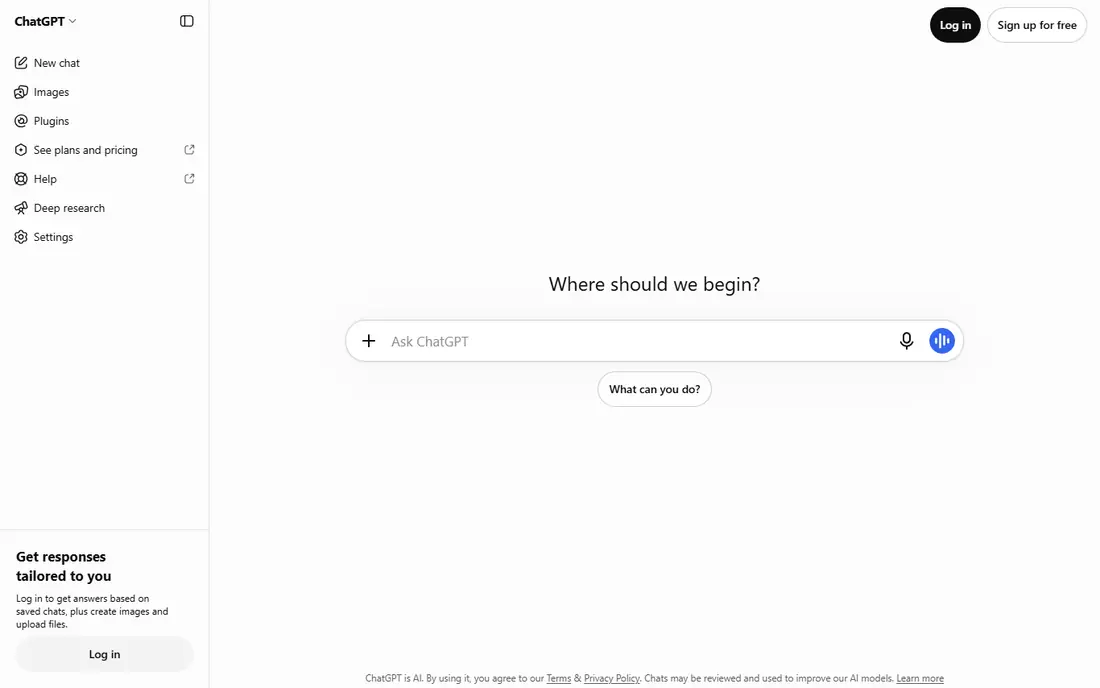
ChatGPT is our pick for most people who want a Grok replacement without a steep learning curve. You can draft an email, plan a trip, debug a short script, and brainstorm ideas in the same chat, and the free tier is enough to test whether it fits your routine. Paid plans raise limits and add access to stronger models and tools.
The main caution applies to every chatbot here: outputs can sound confident while being wrong, especially on dates, prices, and niche facts. Use ChatGPT for drafting and thinking, then verify important claims against a primary source. For everyday use, that habit keeps the tool useful without overtrusting it.
- Versatile for writing, planning, and coding
- Image generation and custom assistants
- Large ecosystem of apps and integrations
- Free tier has usage limits on advanced models
- Answers still need checking for facts
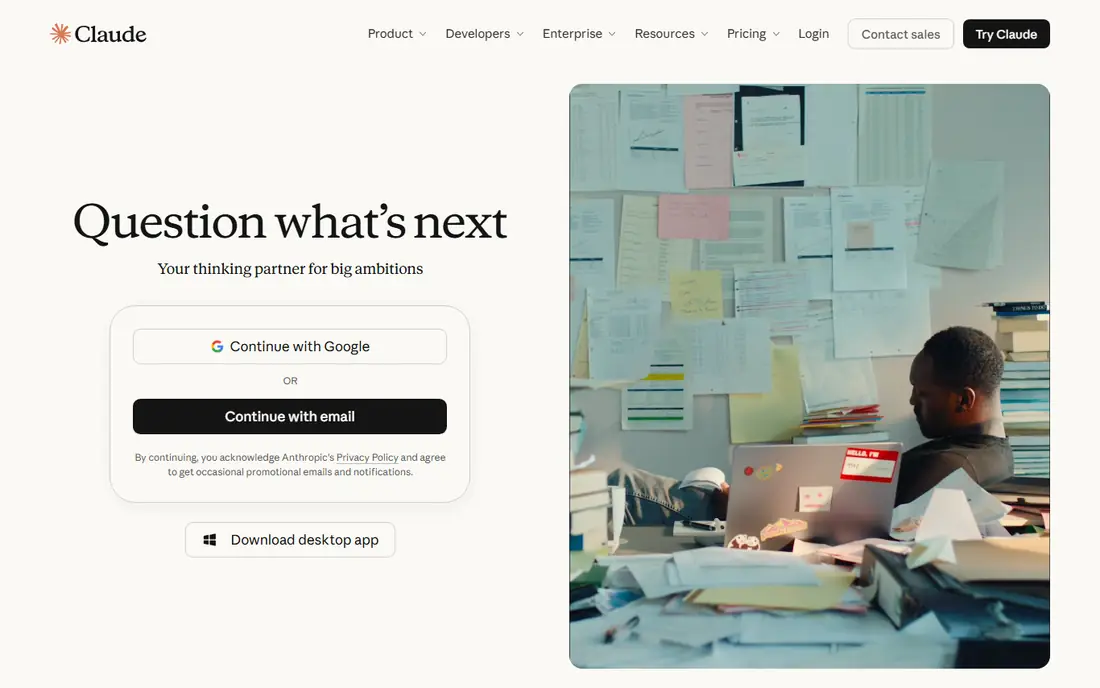
Claude appeals to writers and developers who work with long material. You can paste a report, ask for a summary, and then work through edits section by section, which suits research papers, contracts, and code reviews. The tone tends to be measured and clear, which helps when the output will be read by clients or colleagues.
Claude is less of a one-stop app store than ChatGPT, and some integrations are narrower. If your main job is writing or coding, that trade-off is often worth it. Start on the free tier with a real document from your work, and judge it on that task rather than on a generic test prompt.
- Strong handling of long documents
- Careful, readable writing style
- Good coding help for larger projects
- Fewer built-in app integrations than ChatGPT
- Advanced features sit behind paid plans
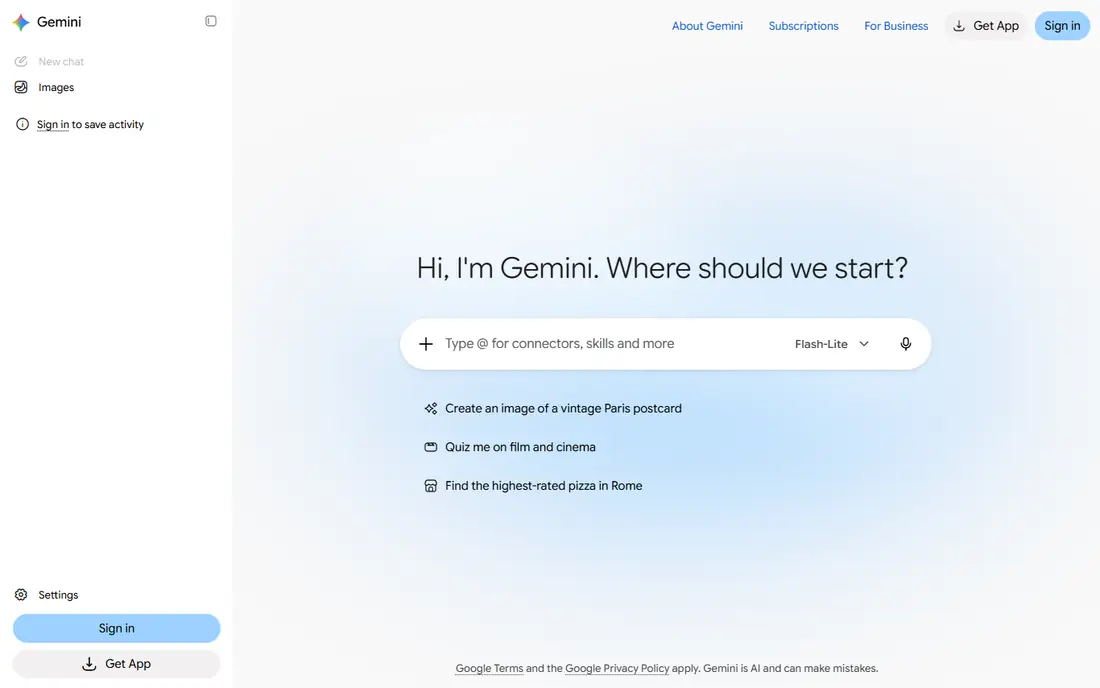
Gemini is the natural Grok alternative if you already use Google tools every day. It can summarise a long document in Drive, help draft in Docs, and work with images and other media without forcing you to copy content between apps. That closeness to your existing files is its main advantage.
The drawback is dependence on one ecosystem. If you do not use Gmail or Drive, much of that benefit fades, and another chatbot may feel just as good. For students, teachers, and office teams already on Google Workspace, Gemini is a strong and convenient choice.
- Deep links to Gmail, Docs, and Drive
- Strong multimodal input, including images and video
- Generous free tier for basic use
- Best value requires a Google account and ecosystem
- Some advanced features need a paid plan
Perplexity differs from the other tools here because research is the core job, not an add-on. Answers link to web sources, which makes it easier to check a claim before you repeat it. That matters for market research, news checks, and comparing products, where a confident but unsourced answer is not enough.
For fiction, poetry, or long-form creative work, Perplexity feels more limited than ChatGPT or Claude. Use it when the question is what is true now, and use a general chatbot when the question is how to say something well. Together, the two types cover most daily work.
- Answers include sources you can open
- Good for current events and product research
- Clear follow-up questions
- Less suited to long creative writing
- Paid plan needed for higher research limits
Microsoft Copilot is the Grok alternative to try first if your work lives in Microsoft 365. On paid plans, it can draft in Word, summarise email threads, and help with spreadsheets and meetings, all inside tools your team already uses. That can save time on routine office tasks.
The free web version is more limited, and the full benefit arrives with a paid Microsoft plan, so check what your organisation already includes. If you rarely use Word or Outlook, a general chatbot will likely feel simpler. For office-heavy teams, Copilot's integration is a real advantage.
- Works inside Word, Excel, Outlook, and Teams on paid plans
- Good for drafting and summarising office work
- Familiar Microsoft sign-in
- Full office integration needs a paid plan
- Less flexible for general creative chat than ChatGPT
DeepSeek has gained attention because it offers capable chat and coding help at a very low cost, with free access for many users. For students, hobby coders, and anyone who chats a lot, that price difference matters. It handles reasoning and code tasks well enough to be a genuine daily tool, not just a curiosity.
The trade-offs are in polish and policy. The app and integrations feel simpler than ChatGPT or Claude, and you should read the privacy terms before pasting sensitive work material. For personal projects and learning, DeepSeek is an excellent low-cost Grok alternative.
- Free access to strong chat models
- Good for maths, logic, and coding questions
- Low cost for heavy use
- Fewer polished app features than larger rivals
- Check privacy and data terms for sensitive work
Mistral Le Chat, from the French company Mistral AI, suits users who want a strong chatbot outside the largest US platforms. It offers fast chat, document help, and coding support, with a free tier for basic use. The interface is clean, and the focus on European data handling appeals to some businesses and public bodies.
The ecosystem is smaller, so you will find fewer third-party integrations and custom assistants than with ChatGPT. If privacy location and a European provider matter to you, that trade-off is reasonable. Try the free tier first and see whether it covers your daily writing and coding tasks.
- European company with a privacy focus
- Fast, clear chat responses
- Good coding and document help
- Smaller ecosystem than US rivals
- Some advanced features are newer
Poe takes a different approach: instead of asking you to pick one model, it lets you use several models inside one app. That is useful when you want to compare answers, or when one model suits writing and another suits coding. The starting price is lower than most single-model subscriptions, which makes it a good way to explore.
The catch is that limits and model access change by plan, so a model you like may have a usage cap. Poe is best as an exploration tool or a second subscription, rather than a replacement for a tool you already trust for one specific job. For curious users, it offers a lot of variety for a modest price.
- One subscription covers many chatbot models
- Easy to compare answers side by side
- Low starting price
- Limits vary by model and plan
- Not a single model with a fixed style
How we picked these
We compared official feature pages, pricing pages, and app listings, and we favoured chatbots that are available now, offer a free tier or trial, and cover a distinct use case. We avoided models that are invite-only or that exist only as an API, since this list is for people who want a chat app they can open today. Prices are starting paid prices where a free tier exists, and we mark free-only access as Free.
How to choose a Grok alternative
Start with the job you do most often. A general chatbot covers writing and brainstorming, a research tool covers current facts, and an office-integrated tool covers documents and email. Picking by ecosystem first, Google or Microsoft, often saves more time than picking by a benchmark score.
Test with real work
Use the free tier for a week on real tasks, not demo prompts. Draft a real email, summarise a real report, and debug a real piece of code, then judge tone, accuracy, and speed. Keep notes on where each tool needed correction, since that pattern tells you more than any single impressive answer.
Privacy and accuracy
Do not paste passwords, private client data, or unpublished work into any chatbot unless your plan and policy allow it. Check whether your plan offers data controls, and always verify facts, figures, and quotes before publishing or sending them to a client.
Frequently asked questions
What are the best alternatives to grok ai?
ChatGPT is our pick for most people, Claude is best for long writing and coding, and Gemini is best for Google users. Perplexity is best for cited research, while DeepSeek offers a low-cost option and Poe lets you try many models in one place.
Are grok ai alternatives free?
Yes, most alternatives here offer a free tier, including ChatGPT, Claude, Gemini, Perplexity, Copilot, DeepSeek, Mistral Le Chat, and Poe. Free tiers have limits on advanced models and usage, so heavy users will likely need a paid plan.
Which alternative to grok ai is best for coding?
Claude is a strong choice for larger coding projects and long code reviews, while ChatGPT and DeepSeek also handle everyday coding well. Try each one on a real task from your project, since coding style and explanation quality differ by model.
Which grok alternative is best for research?
Perplexity is best for research because its answers link to sources you can open and check. Gemini and ChatGPT with web search can also help, but Perplexity makes source-checking the main workflow rather than an extra step.
Can I use a grok alternative without an X account?
Yes, all the alternatives in this list work without an X account. You will need an account with the provider itself, such as OpenAI, Anthropic, Google, or Microsoft, depending on the tool you choose.
Is there a grok ai alternative with better privacy controls?
Mistral Le Chat is a common choice for users who prefer a European provider, and paid plans from larger providers often include extra data controls. Read the privacy policy for your chosen plan, and avoid pasting sensitive material into any free chat tool unless the terms allow it.
Sources we checked (8)

Online Jobs is an independent blog about careers, online work, learning new skills and the tools that help people earn. More about us.
Keep reading
All posts
OpenClaw Alternatives
Looking for openclaw alternatives? We compare 9 self-hosted and hosted AI agent tools, from Open WebUI and LibreChat to Manus, on setup, control, and price.
Best Galaxy.ai Alternatives With Lifetime Access
Galaxy.ai alternatives with lifetime access compared, including one-time deals, free local tools, and subscription-only options stated plainly for you today.
Best AI Search Visibility Analysis Software
Compare the best ai search visibility analysis software for 2026, with prices, engines tracked, and honest limits to help you pick a tracker for your team.