8 Best Generative Presentation Creation Tools for Fast, Polished Decks

How we put this together: we compare official feature and pricing pages, app store listings, privacy policies and public user reviews. Prices change, so check the provider's site before you pay.
Key takeaways
- Gamma is the fastest prompt-to-deck tool in this list, with a free credit tier and strong web sharing, plus PowerPoint and PDF export.
- Beautiful.ai is the best choice for corporate teams that need consistent branding, since its smart slides rebalance layout as you edit.
- Canva is the best value for teams that already use Canva, since its AI design tools sit inside a huge template and asset library.
- Pitch and Plus AI suit different workflows: Pitch for team collaboration and analytics, Plus AI for working inside PowerPoint and Google Slides.
- AI decks still need a human edit for facts, numbers, and tone, so test export to PowerPoint early if your audience needs that format.
Quick comparison
| Name | Who it suits | Starting price | Free option | |
|---|---|---|---|---|
 Gamma Gamma | Fastest prompt-to-deck creation | See website | Yes | Visit |
 Beautiful.ai Beautiful.ai | Corporate decks with brand control | See website | Free trial | Visit |
 Canva Canva | Value and templates for existing users | See website | Yes | Visit |
 Pitch Pitch | Team collaboration and analytics | See website | Yes | Visit |
 Plus AI Plus AI | AI inside PowerPoint and Slides | See website | Free trial | Visit |
 SlidesAI SlidesAI | Text-to-slides inside Google Slides | See website | Yes | Visit |
 Presentations.ai Presentations.ai | Instant generation from a prompt | See website | Yes | Visit |
 Google Slides with Gemini Google Slides with Gemini | Free AI help inside Google Workspace | Free | Yes | Visit |
The best generative presentation creation tools
We compared prompt-to-deck speed, design quality, brand controls, export options, free tier depth, and collaboration features.
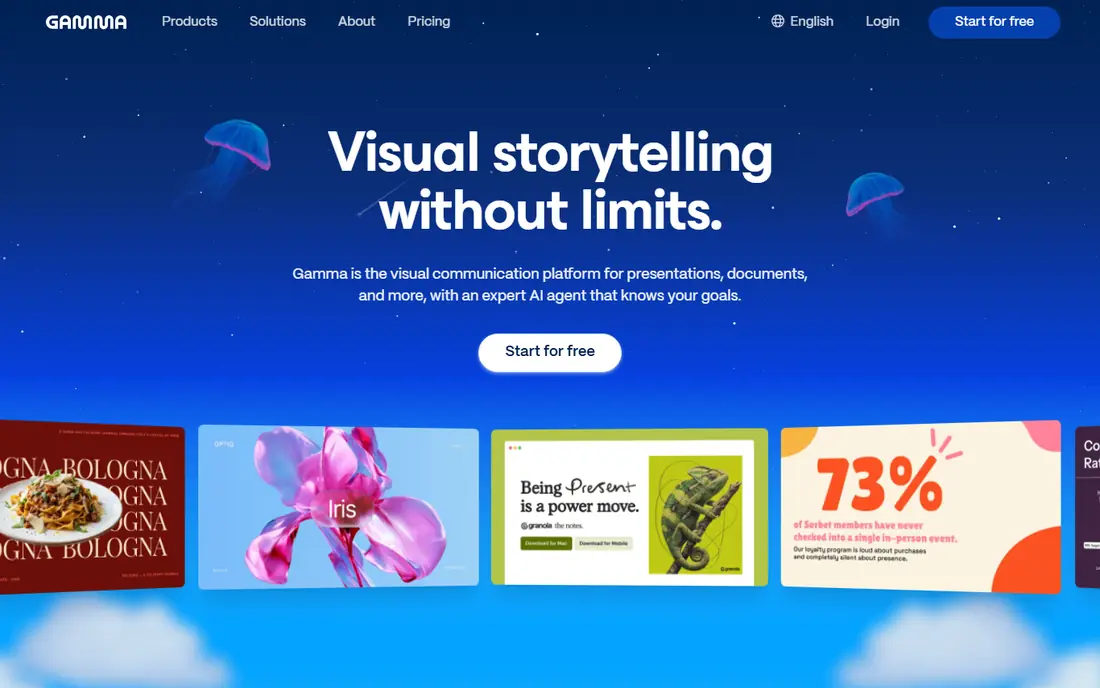
Gamma is the tool that made prompt-to-deck feel practical. Type a topic, paste an outline, or upload a document, and Gamma builds a full deck with layout, images, and design in under a minute. Its agent workflow starts with an outline so you can shape the story before slides are built, and you can refine by chat, by smart layouts, or by freeform editing. Sharing as a web link works well for clients and classes, and export to PowerPoint and PDF covers office workflows.
The catch is export fidelity. A web-native deck will not always match its PowerPoint export pixel for pixel, so test export early if your company requires PowerPoint files. Free credits are also one-time, not monthly, so heavy users will need a paid plan. For speed, design quality, and ease of use, Gamma is still our first pick for most people.
- Prompt, outline, or file to full deck in under a minute
- Free AI credits to start
- Web sharing plus PowerPoint and PDF export
- Web-native design can lose some fidelity on PowerPoint export
- Free credits are one-time rather than monthly
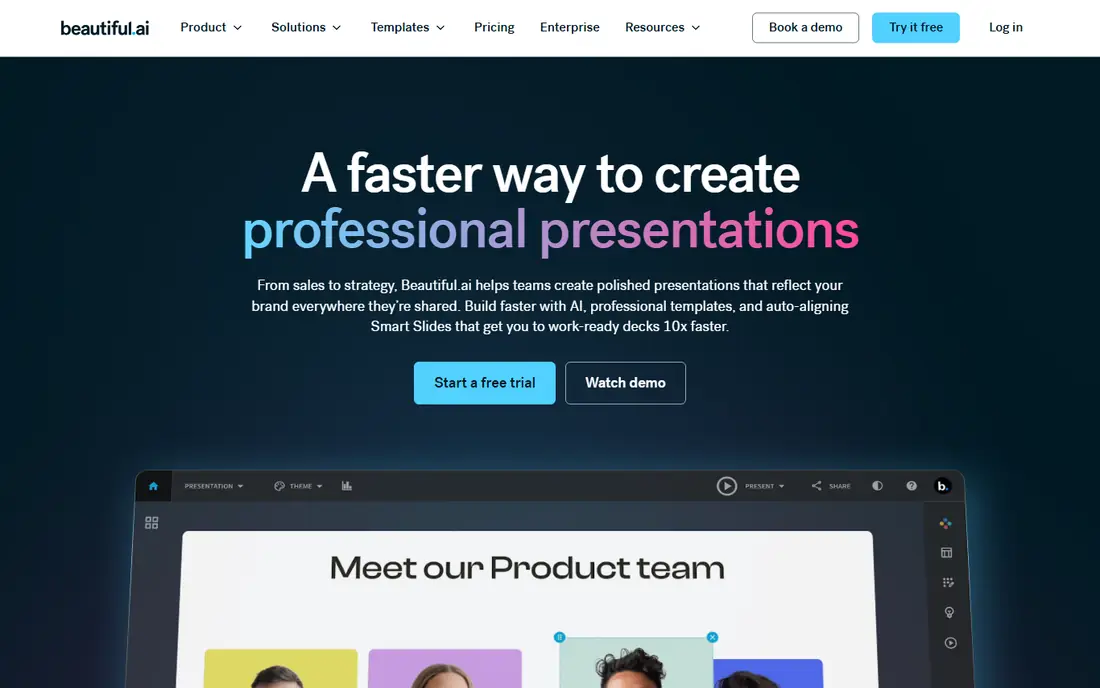
Beautiful.ai is built for teams whose decks must look consistent without a designer on every project. Its smart slides adjust spacing, sizing, and alignment automatically as you add or remove content, so a deck stays balanced even after heavy edits. Team plans add brand controls, shared templates, and content libraries, which help consulting firms and corporate teams keep every deck on brand.
The trade-off is flexibility and price. There is no free plan, only a trial, and the smart-slide system limits how far you can push an unusual layout compared with Gamma's freeform mode. If your priority is polished, on-brand corporate decks rather than experimental design, Beautiful.ai is the safer choice, and its PowerPoint export is stronger than most web-native rivals.
- Smart slides rebalance layout automatically as you edit
- Strong brand controls for teams
- Good PowerPoint export
- No free plan, only a trial
- Less freeform than Gamma for unusual layouts
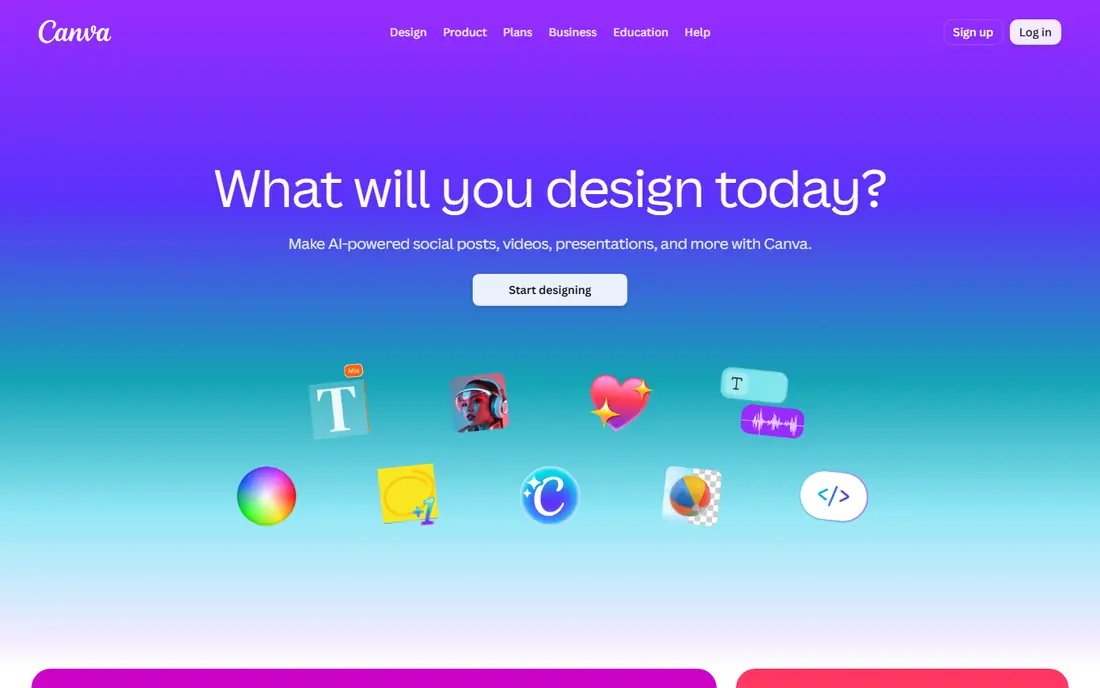
Canva is the best value pick for anyone who already uses Canva for social posts, documents, or marketing. Its Magic Design tools can turn a prompt or a document into a styled deck, and the result sits inside Canva's huge template, photo, and icon library, so finishing touches are easy. The free plan is generous, and PowerPoint export is available without paying, which is rare among AI deck tools.
The limit is narrative depth. Canva's AI is stronger at styling and layout than at building a persuasive story from a rough prompt, so you may need to write a tighter outline first. For teams that already pay for Canva, or for users who want one tool for decks plus everything else visual, Canva is hard to beat on value.
- Huge template and asset library
- AI design tools inside a familiar editor
- PowerPoint export on free and paid plans
- AI generation is less narrative than Gamma
- Best features require a paid plan
Pitch suits teams that live in shared decks. Multiple people can edit at once, share a deck by link, and see viewer analytics such as who opened the deck and which slides held attention. The free plan includes AI credits and supports small teams, and export to PowerPoint and PDF covers standard sharing needs.
The catch is generation depth. Pitch's AI helps with structure and design, but it is less strong than Gamma at turning a vague prompt into a full narrative deck. If your team already collaborates on decks daily and wants analytics on top, Pitch is a strong pick. If you mainly need solo prompt-to-deck speed, Gamma will feel faster.
- Real-time team collaboration
- Link sharing with viewer analytics
- AI credits on the free plan
- PowerPoint export
- AI generation is less advanced than Gamma for story building
- Some features need a paid team plan
Plus AI takes a different approach: instead of a new editor, it adds AI generation inside the tools most offices already use, PowerPoint and Google Slides. You write a prompt or paste text, and Plus AI builds slides in your existing deck, using your template and formatting. That makes it ideal for corporate users whose IT rules require PowerPoint files, or for teams with strict template rules.
The trade-off is cost and dependence on templates. There is no free plan, only a trial, and a weak starting template will produce a weak deck no matter how good the prompt is. Plus AI is best for office workers who must deliver PowerPoint files and want AI speed without leaving their standard editor.
- Works inside PowerPoint and Google Slides, so no new editor to learn
- Good for corporate templates
- Prompt-to-deck from text
- No free plan, only a trial
- Output quality depends on the template you start from
SlidesAI is the simplest tool in this list for Google Workspace users. Paste text, choose a style, and SlidesAI builds a Google Slides deck you can edit normally. The free tier covers a limited number of presentations per year, which is enough for occasional users, students, or teachers who need a deck a few times per term.
The limits are design depth and volume. SlidesAI decks look clean but simpler than Gamma or Beautiful.ai output, and heavy users will outgrow the free tier fast. For a Google Slides user who wants quick text-to-slides without learning a new platform, SlidesAI is the most direct option.
- Turns pasted text into Google Slides quickly
- Free tier covers several presentations per year
- Simple workflow
- Design options are simpler than Gamma or Beautiful.ai
- Free tier is limited in presentations per year
Presentations.ai focuses on speed: a prompt becomes a full deck with minimal setup, and a limited free tier lets you test the workflow before paying. Export to PowerPoint and PDF covers the main sharing needs, and the interface is simple enough for first-time users to build a deck in one sitting.
The catch is control. Brand controls, template depth, and pricing transparency are thinner here than at Beautiful.ai or Gamma, so corporate teams with strict brand rules may find it limiting. Presentations.ai suits individuals and small teams who want a fast first draft and are happy to refine it by hand.
- Fast prompt-to-deck generation
- Limited free tier to test the workflow
- PowerPoint and PDF export
- Brand and template controls are thinner than Beautiful.ai
- Pricing is less transparent than rivals
Google Slides with Gemini
Who it suits: Free AI help inside Google Workspace
Google Slides with Gemini is the free baseline every other tool must beat. Slides itself is free with a Google account, collaboration is native, and Gemini can help draft outline text, summarize content, and suggest layouts. For students, teachers, and small teams on a zero budget, that combination covers most deck needs without a new subscription.
The limit is generation depth. Gemini in Slides helps with writing and editing more than it builds a full narrative deck from one prompt, and some advanced Gemini features require a paid Workspace plan. Use Slides with Gemini as your free starting point, and move to Gamma or Beautiful.ai when you need faster generation, stronger design, or brand controls.
- Free with a Google account
- Gemini helps draft, summarize, and restyle content
- Native collaboration in Slides
- AI generation is less deck-focused than dedicated tools
- Best Gemini features may require a paid Workspace plan
How we picked these
We compared official feature pages, pricing pages, export options, and public reviews, and we checked that each tool is still available in 2026. We excluded tools that shut down, including Tome, which closed in 2025, and we favored tools with a usable free tier or trial, clear export to PowerPoint or PDF, and a distinct workflow strength. We did not test every tool with the same prompt as a formal benchmark, and pricing changes often, so check the vendor pricing page before you buy.
How to get a good deck from an AI tool
Start with a strong prompt. Instead of asking for a sales deck, describe the audience, the goal, the length, and the key points, such as a ten-slide pitch for a software product aimed at HR teams, focused on time savings and cost. A specific prompt produces a far better first draft than a vague topic, and it reduces the editing time that wipes out the speed gain.
Edit for facts before design
AI tools can invent statistics, misstate product details, and use generic claims. Replace every number, quote, and product claim with a verified source before you present. Cut about half the text on most AI slides, since AI tends to overload slides, and move detail to speaker notes or an appendix.
Test export and sharing early
If your audience needs PowerPoint, export after the first draft and check formatting, fonts, and images. Web-native tools such as Gamma can shift layout on export, while PowerPoint-native tools such as Plus AI avoid that problem. If your audience views on a phone, test the web link on mobile too, since text that looks fine on a laptop can crowd a small screen.
Frequently asked questions
What is the best generative presentation creation tool?
Gamma is our top pick for most people because it builds a full deck from a prompt fastest, offers a free credit tier, and exports to PowerPoint and PDF. Beautiful.ai is better for corporate teams that need brand control, and Canva is better for users who already use Canva for other design work.
Is there a free generative presentation tool?
Yes. Gamma offers free AI credits, Canva offers a generous free plan with AI design tools, Pitch and SlidesAI offer limited free tiers, and Google Slides with Gemini is free with a Google account. Free tiers limit credits, presentations, or features, so heavy users will need a paid plan.
Which AI presentation tool is best for PowerPoint export?
Plus AI is the safest choice for PowerPoint, since it works inside PowerPoint itself and avoids export shifts. Beautiful.ai also exports well to PowerPoint, and Gamma and Canva export to PowerPoint but may shift some web-native layouts. Always test export on a draft before you build a full deck.
Can AI presentation tools replace a designer?
AI tools replace the first draft and the layout grind, but they do not replace judgment about story, audience, and facts. A designer still adds value for high-stakes decks, such as investor pitches or brand launches, where custom visuals and precise messaging matter. For routine internal decks, AI plus a careful human edit is usually enough.
How do I write a good prompt for an AI presentation tool?
State the audience, the goal, the slide count, and the key points in one paragraph, and include any facts or numbers the tool must use. Ask for a clear structure, such as problem, solution, evidence, and next steps, and specify tone, such as formal for executives or plain for training. Review the outline before you accept the full deck.
What happened to Tome?
Tome shut down in 2025, and its decks were deleted, which is a useful warning for any web-native tool. Keep a PowerPoint or PDF export of every important deck, and avoid storing the only copy of a critical presentation inside a single AI platform.
Sources we checked (9)

Online Jobs is an independent blog about careers, online work, learning new skills and the tools that help people earn. More about us.
Keep reading
All posts
Zoom Alternatives
Zoom alternatives compared for 2026: Google Meet, Microsoft Teams, Webex, Jitsi and more for free calls, large meetings and webinars for teams and classrooms.

What Is the Best Free Tool to Rotate a PDF
What is the best free tool to rotate a PDF? We compare eight free rotation tools on per-page control, limits, privacy and saved output quality in detail.

What Is the Best AI Dubbing Tool
We compared the best AI dubbing tools in 2026, from ElevenLabs and HeyGen to Rask AI, Dubverse and Veed, for videos and creators in many languages worldwide.