Best Fundraising Platforms in 2026: 9 Platforms Compared

How we put this together: we compare official feature and pricing pages, app store listings, privacy policies and public user reviews. Prices change, so check the provider's site before you pay.
Key takeaways
- Zeffy is 100 percent free for registered nonprofits, with no platform, transaction, or card fees, funded by optional donor contributions.
- GoFundMe charges no platform fee, with processing at 2.9% plus 30 cents per donation, or 2.2% plus 30 cents for verified charities.
- Givebutter is free when donors leave tips, and charges 3% plus processing when tips are turned off.
- Donorbox charges 2.95% on its free Standard plan, falling to 1.75% on Pro at 150 dollars per month.
- For a registered nonprofit, Zeffy keeps the most of every dollar, while Givebutter offers the broadest toolkit for events and peer-to-peer campaigns.
Quick comparison
| Name | Who it suits | Starting price | Free option | |
|---|---|---|---|---|
 Zeffy Zeffy | Zero-fee nonprofit fundraising | Free | Yes | Visit |
 Givebutter Givebutter | Events and peer-to-peer | Free | Yes | Visit |
 GoFundMe GoFundMe | Personal and community campaigns | Free | Yes | Visit |
 Donorbox Donorbox | Donation forms and pages | Free | Yes | Visit |
 GoFundMe Pro GoFundMe Pro | Nonprofit campaign suites | See website | Yes | Visit |
 Fundraise Up Fundraise Up | Conversion-focused giving | See website | No | Visit |
 Donately Donately | Simple nonprofit donations | See website | Yes | Visit |
 Bonfire Bonfire | T-shirt fundraising | Free | Yes | Visit |
 Kickstarter Kickstarter | Creative project funding | 5% platform fee | Yes | Visit |
The best fundraising platforms
Fundraising platforms differ on who pays the fees, what tools they include, and whether they suit personal campaigns or registered nonprofits. We compared official pricing pages, feature lists, and platform documentation, focusing on what a campaign actually keeps from each donation.
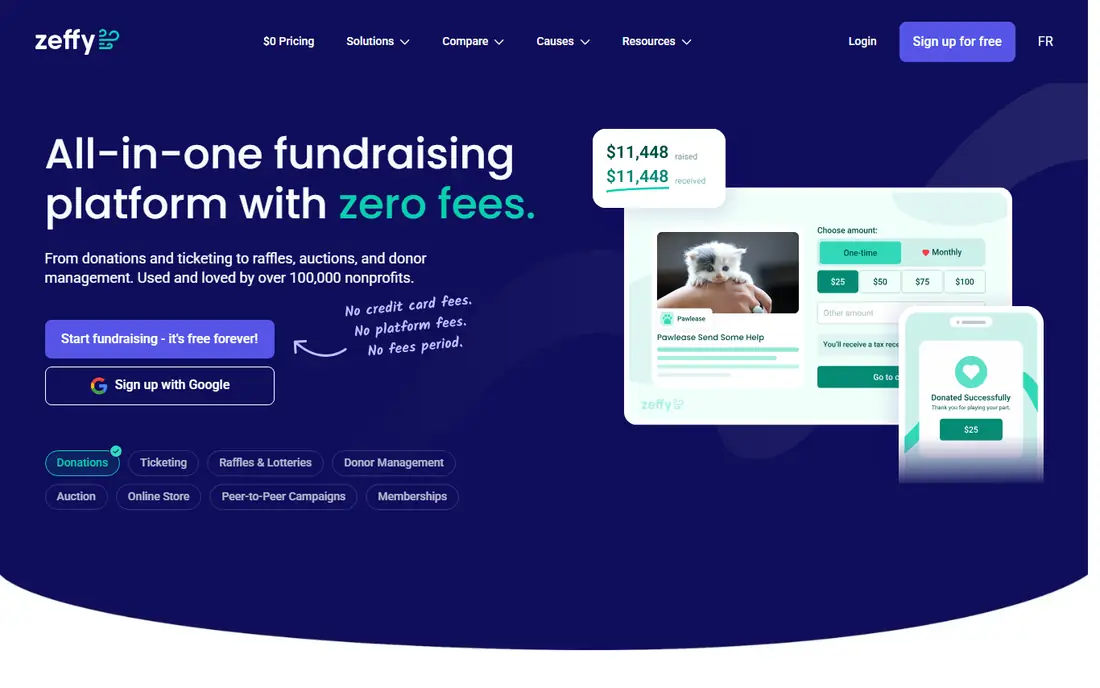
Zeffy is our pick for registered nonprofits because it is genuinely free. There are no platform fees, no transaction fees, and no credit card fees, so 100 percent of every donation reaches the nonprofit. The platform runs on optional donor contributions at checkout, which donors can adjust or remove, and it includes donation forms, campaign pages, event ticketing, peer-to-peer fundraising, raffles, and memberships.
The limits are eligibility and depth. Zeffy serves registered nonprofits only, so individuals and unregistered groups need another option, and its reporting and communications tools are simpler than Givebutter's. For a nonprofit that wants every dollar kept and a straightforward toolkit, Zeffy is hard to beat.
- No platform, transaction, or card fees for nonprofits
- Donations, events, and donor management included
- Easy setup
- Only for registered nonprofits
- Fewer advanced tools than Givebutter
- Funded by optional donor tips
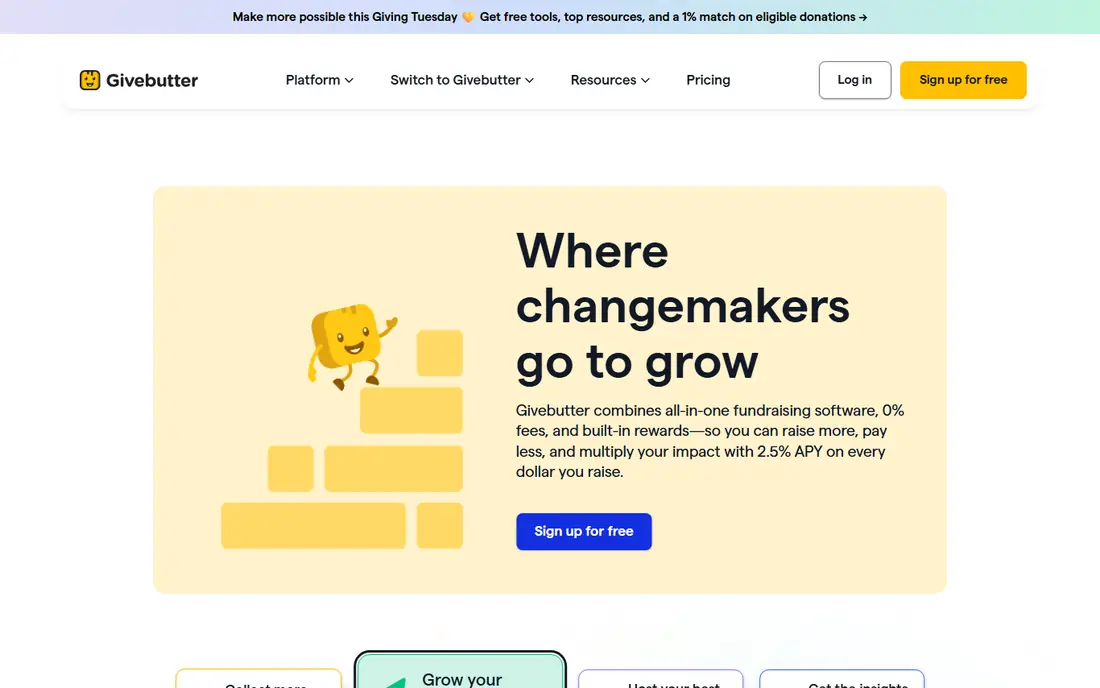
Givebutter offers the broadest toolkit on this list. Campaigns, events, auctions, peer-to-peer fundraising with team leaderboards, text-to-donate, and built-in email and social communications all sit in one platform. It is free when donors leave tips, and charges 3% plus 2.9% plus 30 cents processing when tips are turned off.
The tip model can confuse some donors about where money goes, and full custom donation pages need a premium account. For a nonprofit running multi-channel campaigns with events and peer-to-peer teams, Givebutter's breadth justifies its cost structure.
- Broad toolkit with events, auctions, and text-to-give
- Free with donor tips
- Strong peer-to-peer features
- 3% platform fee if tips are disabled
- Premium custom pages need a paid plan
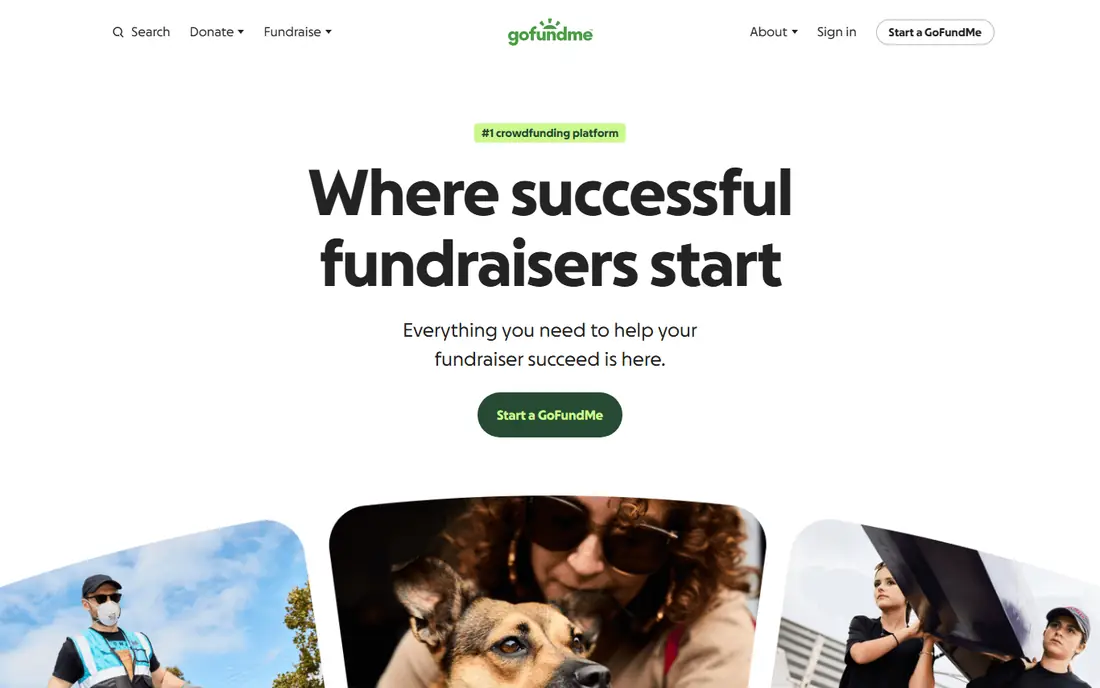
GoFundMe removed its platform fee for US campaigns years ago, and today charges only processing: 2.9% plus 30 cents per donation, or 2.2% plus 30 cents for verified charities, with an extra 5% on recurring donations. Its audience is the largest in personal crowdfunding, which helps community campaigns, medical fundraisers, and school projects find donors beyond their own networks.
It is built for campaigns rather than ongoing nonprofit operations, so donor management and recurring program tools are thinner than Zeffy or GoFundMe Pro. For a personal or community fundraiser that needs reach and simple setup, GoFundMe remains the default choice.
- No platform fee
- Largest donor audience
- Easy campaign setup
- Processing at 2.9% plus 30 cents
- Recurring donations add 5%
- Built for campaigns, not nonprofit operations
Donorbox is best for nonprofits that want donation forms on their own website. Its forms embed with a code snippet, support recurring giving, and work with Stripe and PayPal at nonprofit processing rates, including 2.2% plus 30 cents for cards through Stripe. The Standard plan is free but charges a 2.95% platform fee, while Pro costs 150 dollars per month and drops the fee to 1.75% with automation and CRM upgrades.
The free plan's fee adds up at volume, and advanced features sit behind Pro. For a nonprofit whose website is the main donation channel, Donorbox's embeddable forms and recurring tools make it a strong pick.
- Embeddable donation forms for any website
- Recurring giving
- Nonprofit processing rates
- 2.95% platform fee on the free plan
- Advanced features need Pro at 150 dollars per month
GoFundMe Pro, formerly Classy, is the nonprofit suite behind the GoFundMe brand. It offers campaign pages, peer-to-peer fundraising, events, and donor tools designed for organizations rather than individuals. Per-transaction rates run 2.4 to 2.5% plus 30 cents, with 1% extra for American Express, and an Essentials tier starts at no monthly cost with layered fees.
The pricing layers take care to understand, and the suite is more complex than standard GoFundMe. For a nonprofit that has outgrown simple donation forms and needs campaign infrastructure, GoFundMe Pro is a natural step up.
- Formerly Classy, built for nonprofits
- Peer-to-peer and event tools
- Lower per-transaction rates
- Pricing layers per-transaction fees
- More complex than standard GoFundMe
Fundraise Up focuses on one metric: turning visitors into donors. Its checkout uses AI-suggested amounts, one-click payment options, and recurring upsells designed to raise average gifts and conversion rates. Nonprofits report higher completion rates than with basic forms, which matters when traffic is expensive to acquire.
Pricing is custom, and the platform suits nonprofits with real donation volume rather than a first campaign. For an organization whose website already draws steady traffic, Fundraise Up's conversion focus can pay for itself in higher completion rates.
- Checkout optimized for conversion
- AI-suggested gift amounts
- Strong recurring upsells
- Pricing is custom
- Needs a nonprofit with real volume to justify it
Donately keeps fundraising simple. It offers donation pages, embeddable forms, recurring giving, and basic donor tracking at a price aimed at small nonprofits, with a free tier to start. Setup takes minutes, and the dashboard stays approachable for teams without a dedicated fundraising staffer.
The feature set is smaller than Givebutter or GoFundMe Pro, with fewer event and peer-to-peer tools and fewer integrations. For a small nonprofit that wants clean donation pages without learning a large platform, Donately is a sensible choice.
- Simple donation pages and forms
- Recurring giving
- Affordable for small nonprofits
- Smaller feature set than Givebutter
- Fewer integrations
Bonfire funds causes through custom apparel. Supporters buy shirts, hoodies, and other items, and the campaign keeps the profit above the base item cost, with no upfront cost to launch. Design tools help non-designers create sellable shirts, and campaigns work well for schools, teams, and community causes with a visual identity.
The model only fits merchandise campaigns, and profit per item depends on how you price against the base cost. For a cause with a loyal community that would wear its shirt, Bonfire turns supporters into walking fundraisers at no upfront cost.
- No upfront cost for campaigns
- Supporters buy shirts to fund you
- Design tools included
- Only works for merchandise campaigns
- Profit per item depends on shirt pricing
Kickstarter is the home of creative crowdfunding, from games and films to gadgets and books. It charges a 5% platform fee plus payment processing of 3 to 5%, and its all-or-nothing model means backers are only charged if the project hits its goal. That model builds trust for creative work and gives projects a built-in audience of backers who browse new ideas.
It only accepts creative projects, not personal causes or charities, and missing the goal means raising nothing. For a creative project with a clear product and a funding target, Kickstarter's audience and trust model remain unmatched.
- All-or-nothing funding protects backers
- Huge creative audience
- Strong project pages
- 5% platform fee plus 3 to 5% processing
- Only for creative projects
- All-or-nothing risk
How we picked these
We compared official pricing pages, feature lists, and platform documentation for fundraising platforms that serve US campaigns today. Fees are the standard published rates from each vendor's own site, and where pricing is custom or layered we say so rather than publishing a single number. We included personal, nonprofit, and creative options, since a school fundraiser and a registered charity should not get the same shortlist.
What to check before you choose
Start with your legal status. Registered nonprofits qualify for Zeffy's zero fees and nonprofit processing rates, while individuals and community groups do better with GoFundMe or Givebutter. Your status decides more of the cost than any feature list.
Work out what you keep per donation
A 100 dollar donation keeps 100 dollars on Zeffy, about 96.80 dollars on GoFundMe after processing, and less on platforms with platform fees on top. Run your expected average gift through each fee structure, including recurring gifts, before choosing.
Match tools to your campaign type
Events and peer-to-peer teams need Givebutter or GoFundMe Pro, while a simple donation page needs Donorbox or Donately. Merchandise campaigns need Bonfire, and creative projects need Kickstarter. Buying a broad suite for a single simple campaign wastes money and learning time.
Check payout timing and donor data
Some platforms hold funds for fraud checks, which delays access, and some keep donor relationships closer than others. Confirm payout timing and whether you can export donor data before launching, since both matter for follow-up fundraising.
Frequently asked questions
What is the best fundraising platform?
Zeffy is our pick for registered nonprofits because it keeps 100 percent of donations. Givebutter suits nonprofits needing events and peer-to-peer tools, while GoFundMe suits personal and community campaigns. The right choice depends on your legal status and campaign type.
What is the best fundraising software for nonprofits?
Zeffy leads on cost for registered nonprofits, with donations, events, and donor management at no cost. Givebutter leads on toolkit breadth, and Donorbox leads for embeddable website forms. GoFundMe Pro suits larger nonprofits needing campaign infrastructure.
What is the best nonprofit fundraising platform with no fees?
Zeffy is the only platform here with no platform, transaction, or card fees for registered nonprofits, funded by optional donor contributions. Givebutter is free when donors leave tips, and GoFundMe charges no platform fee but does charge processing. For a registered nonprofit, Zeffy keeps the most per donation.
What is the best donation platform for nonprofits?
Donorbox is a strong choice for donation forms on your own website, while Zeffy covers the full fundraising cycle free. Givebutter adds events and peer-to-peer tools, and Fundraise Up focuses on checkout conversion. Pick based on where your donors give and what tools your campaigns need.
How much does GoFundMe charge?
GoFundMe charges no platform fee. Processing costs 2.9% plus 30 cents per donation, or 2.2% plus 30 cents for verified charities, with an extra 5% on recurring donations. On a 100 dollar gift, a charity keeps about 97.50 dollars after processing.
Can individuals use nonprofit fundraising platforms?
Zeffy requires registered nonprofit status, but GoFundMe, Givebutter, and Bonfire serve individuals and community groups. Kickstarter serves creative projects only. Check eligibility before building a campaign, since switching platforms mid-campaign loses momentum.
Sources we checked (9)

Online Jobs is an independent blog about careers, online work, learning new skills and the tools that help people earn. More about us.
Keep reading
All posts
Workday Alternatives
We compared the best workday alternatives for HR, payroll, and global hiring, from BambooHR and Gusto to Rippling, Deel, and HiBob for growing teams in 2026.

Which SaaS Tools Have the Best Customer Support
Which SaaS tools have the best customer support? Compare eight popular tools on help centres, live help, response options and overall support quality.

Top AI Helpdesk Software
Searching for top AI helpdesk software in 2026? We compared 8 AI helpdesks on automation, pricing, channels and ease of setup for small and growing teams.