Best Free SEO Analysis Tools in 2026: 8 Tools Compared


Real Google search performance data · Starting price: Free
How we put this together: we compare official feature and pricing pages, app store listings, privacy policies and public user reviews. Prices change, so check the provider's site before you pay.
Key takeaways
- Google Search Console is the one free tool every site owner should use, because it shows real clicks, impressions and indexing data straight from Google.
- Ahrefs Webmaster Tools adds a free site audit and backlink view for sites you own and verify, which Search Console does not provide in the same depth.
- Screaming Frog's free version crawls up to 500 URLs, which is enough for a full technical check of most small sites.
- Free plans on Semrush and Ubersuggest have daily search limits, so use them for focused questions rather than broad browsing.
- No single free tool covers everything, so pair a data source like Search Console with a crawler and a speed tool for a complete picture.
Quick comparison
| Name | Who it suits | Starting price | Free option | |
|---|---|---|---|---|
| Google Search Console | Real Google search performance data | Free | Yes | Visit |
 Ahrefs Webmaster Tools Ahrefs Webmaster Tools | Free site audits and backlinks for your own sites | Free | Yes | Visit |
 Google PageSpeed Insights Google PageSpeed Insights | Page speed and Core Web Vitals checks | Free | Yes | Visit |
 Screaming Frog SEO Spider Screaming Frog SEO Spider | Technical crawls of small sites | Free | Yes | Visit |
 Semrush Semrush | Quick keyword and competitor lookups | Free | Yes | Visit |
 Ubersuggest Ubersuggest | Beginner-friendly keyword ideas | Free | Yes | Visit |
 Bing Webmaster Tools Bing Webmaster Tools | Bing search data and a free site crawler | Free | Yes | Visit |
 Seobility Seobility | All-in-one audit score for beginners | Free | Yes | Visit |
The best free SEO analysis tools
Free SEO tools have improved to the point where a small site can get a clear picture of its search performance without a paid subscription. We compared official feature pages, free plan limits and app documentation for the tools below, and we focused on tools that are genuinely useful on a free plan rather than short demos. Start with the first two, then add the rest as your questions get more specific.
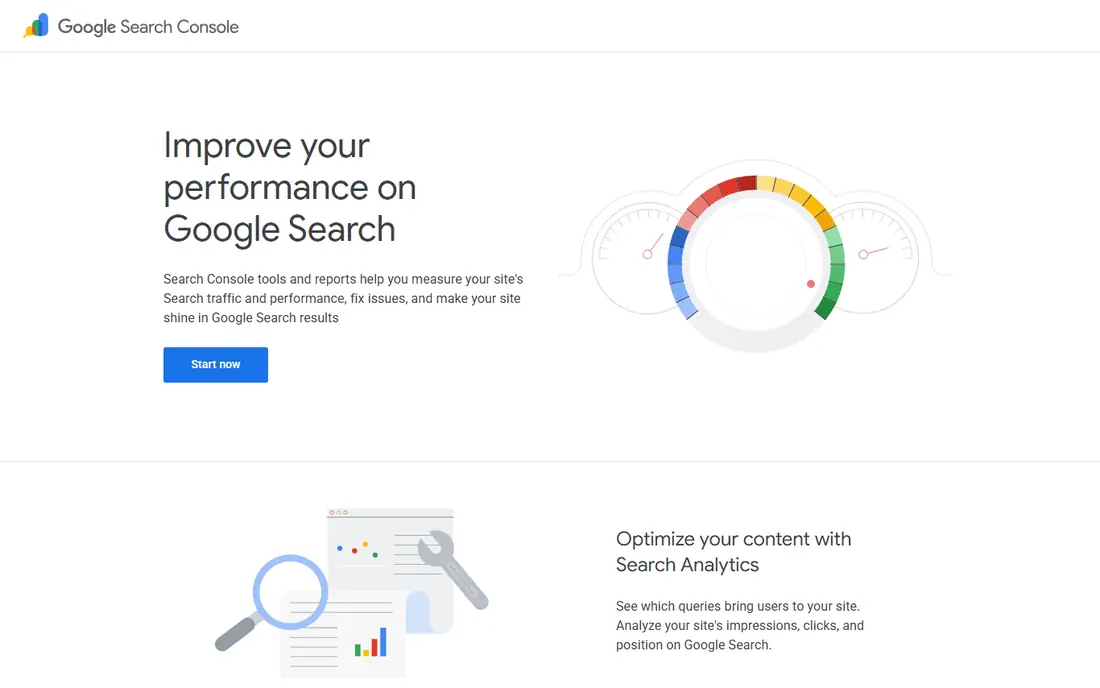
Google Search Console is the starting point for any site owner, and it costs nothing. It shows which search queries bring people to your site, which pages get clicks, and where your pages rank on average. It also reports indexing problems, mobile usability issues and Core Web Vitals data, and it will email you when Google finds a new problem.
The limits are worth knowing. Search Console only shows data for sites you own and verify, so you cannot use it to research competitors. It is also not a crawler, so it will not audit your whole site for broken links or missing title tags the way a dedicated audit tool does. Use it as your source of truth for how Google sees your site, and pair it with a crawler from this list for technical checks.
- Data comes directly from Google
- Shows queries, clicks, impressions and average position
- Flags indexing and Core Web Vitals issues
- Only covers your own verified sites
- No competitor data
- No built-in site crawler
Ahrefs Webmaster Tools
Who it suits: Free site audits and backlinks for your own sites
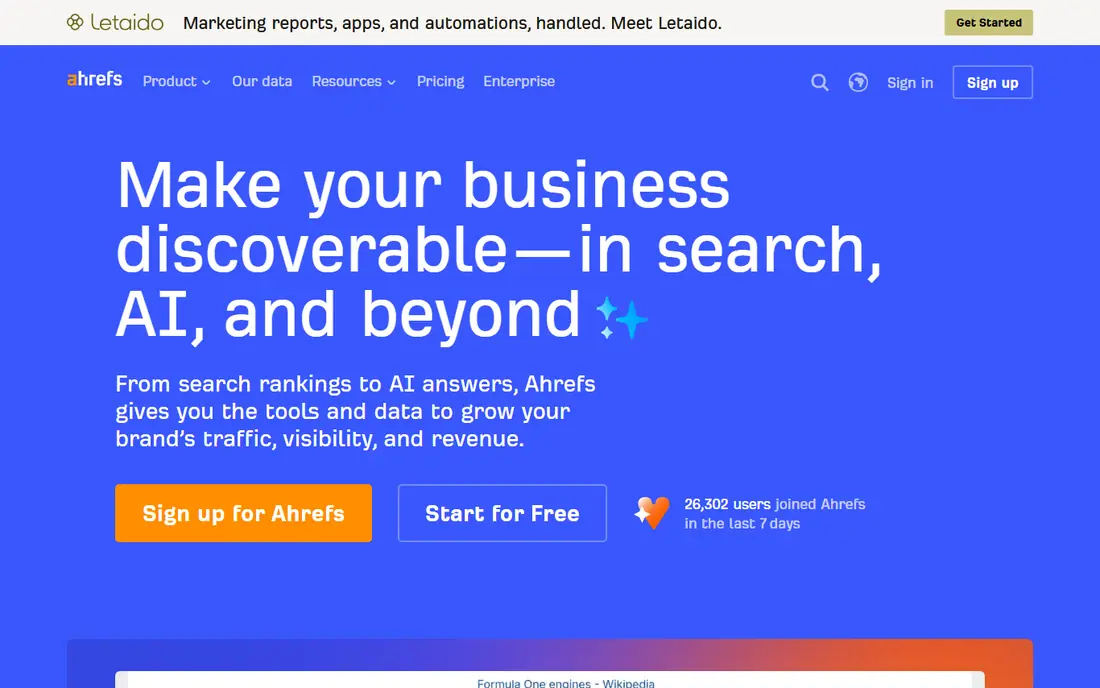
Ahrefs Webmaster Tools is the free tier of Ahrefs for site owners, and it is far more useful than most free tiers. Once you verify your domain, you get a technical crawl that surfaces broken links, missing title tags, duplicate content and other health issues, plus a view of your backlinks and the keywords your site ranks for. For a small site, that covers the two jobs most owners actually need: finding technical problems and seeing who links to you.
The catch is scope. You cannot run competitor research or audit sites you do not own on the free tier, and the crawl allowance per project each month is limited. If you need deep competitor data or unlimited audits, that is where the paid Ahrefs plans begin. For your own site, though, this is the strongest free audit tool on this list.
- Free technical site audit for verified sites
- Backlink overview included
- Keyword ranking data for your own domain
- Limited to sites you own and verify
- Full competitor research requires a paid plan
- Crawl credits are capped per project each month
Google PageSpeed Insights
Who it suits: Page speed and Core Web Vitals checks
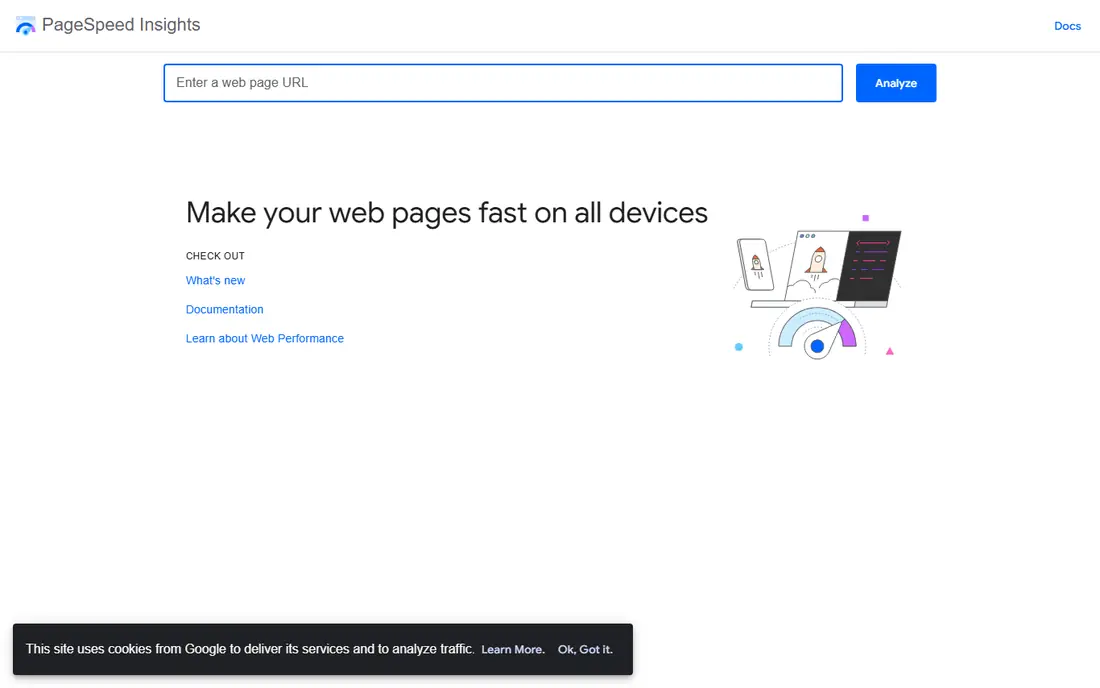
PageSpeed Insights answers a narrow question very well: is this page fast enough for real visitors. It reports Core Web Vitals using both lab data, which is simulated, and field data from real users where available, and it lists concrete fixes such as oversized images or slow server responses. You can run it on any public URL without an account, which makes it handy for checking a competitor's page as well as your own.
The limit is that it checks one page at a time. It will not audit your whole site, and it will not tell you which pages matter most. The practical routine is to run it on your homepage, your key service pages and your highest-traffic pages from Search Console, then fix the issues that appear on more than one page first.
- Shows both lab and real-user field data
- Covers any public URL
- Gives specific fix suggestions
- One URL at a time
- Does not crawl a whole site
- Scores can vary between runs
Screaming Frog SEO Spider
Who it suits: Technical crawls of small sites
Screaming Frog is a desktop crawler that visits your site the way a search engine would and reports what it finds. The free version crawls up to 500 URLs, which covers most small business sites and blogs in full, and it exports its findings to spreadsheets you can work through. It finds broken links, redirect chains, missing meta descriptions, duplicate titles and thin pages, which are the problems that quietly hold a site back.
It is not the friendliest tool here. You install it on your computer, and the interface shows a lot of columns that beginners may find noisy. The 500 URL cap also means larger sites need the paid version for a full crawl. If your site is small, though, this is the most thorough free technical check available, and it pairs well with Search Console data.
- Deep technical crawl with exports
- Finds broken links, redirects and duplicate content
- Free version covers up to 500 URLs
- Desktop software you must install
- 500 URL cap on the free version
- Interface takes time to learn
Semrush is a full SEO suite, and its free account is best treated as a way to answer specific questions rather than as a daily workspace. You can look up a keyword, check a domain's overview or run a quick site audit, and the depth of its database is a step above most free tools. No credit card is needed for the free account, which makes it easy to try.
The daily limit is the catch. Free accounts can run only a small number of lookups or reports per day, so broad browsing will run out fast. Plan your questions before you open it, write down the answers, and save deeper competitor research for a paid plan if you end up needing it regularly. For occasional checks, the free tier is genuinely useful.
- Deep keyword and competitor database
- Free account needs no credit card
- Useful for focused lookups
- Free plan has a low daily limit on reports
- Most features are paid
- Easy to burn the daily allowance quickly
Ubersuggest is the easiest tool on this list for someone who is new to SEO. Type in a keyword or a domain and you get keyword ideas, search volume ranges, a simple site audit and content suggestions in plain language. The free Chrome extension adds extra overlay searches per day, which stretches the free plan further for quick checks while you browse.
The free plan's daily search limit is low, so it works best for one or two focused questions at a time, such as finding keyword ideas for a single article or checking a competitor's top pages. Its audit score is also a broad summary rather than a detailed technical report. Pair it with Screaming Frog for technical detail and Search Console for real performance data, and Ubersuggest does its job well.
- Simple keyword ideas and domain overviews
- Easy interface for beginners
- Free browser extension adds extra searches
- Free plan allows only a few searches per day
- Keyword data is less deep than paid suites
- Site audit scores are broad
Bing Webmaster Tools
Who it suits: Bing search data and a free site crawler
Bing Webmaster Tools is often overlooked, which is a mistake for a free tool. It gives you search performance data from Bing, a site scanner that crawls your site for technical issues, and keyword research data, all free for sites you verify. If your audience includes people who search on Bing or use Microsoft products, this data is directly useful, and the crawler is a solid second opinion on technical problems.
The obvious limit is that Bing handles a smaller share of searches than Google in the US, so its data will not match your Google traffic. Treat it as a complement to Search Console rather than a replacement, and use its crawler to catch issues that your other tools missed. Setting it up takes a few minutes if you already verify sites in Search Console.
- Completely free for verified sites
- Includes a site crawler and keyword data
- Shows how your site performs on Bing
- Bing data only, so it covers a smaller share of search traffic
- Interface is less polished than Google's
Seobility is a good pick if you want one number and one list of fixes rather than several dashboards. Its free plan audits your site and gives an overall score with the issues grouped by type, such as meta information, page quality and server setup. That structure helps beginners decide what to fix first instead of staring at raw crawl data.
The free plan covers only one project, so it suits a single site rather than a portfolio, and the crawl size is limited. It also will not replace Search Console for real traffic data or a dedicated keyword tool for research. As a first audit for a small site, though, it is clear, fast and genuinely free, and it gives you a baseline score you can track as you fix issues.
- Single audit score that is easy to understand
- Free plan includes a site crawl
- Clear list of issues to fix
- Free plan covers only one project
- Crawl limits apply
- Deeper features require a paid plan
How we picked these
We compared official feature pages, free plan descriptions and documentation for each tool, and we favored tools whose free tier does real work rather than showing a sample of paid features. We checked whether each tool covers a distinct job, such as search performance data, technical crawling, speed testing or keyword ideas, so the list works as a set rather than eight versions of the same tool. We did not claim hands-on testing of every feature, since we compared published information, free plan limits and public documentation. Where a price could not be confirmed on the vendor's own site, we marked it as See website rather than guessing.
How to build a free SEO routine that actually works
Start with Search Console and fix indexing first
Before you chase new keywords, make sure Google can find and index your existing pages. Open the indexing report in Search Console, fix the errors it lists, and submit a sitemap if you have not already. Pages that are not indexed cannot rank, so this step comes before content ideas or link building.
Run a technical audit once a quarter
Use Screaming Frog or Seobility to crawl your site after any redesign and once a quarter in normal times. Work through broken links, missing titles and duplicate content first, since those are cheap fixes with clear effects. Keep a simple note of each audit's main issues so you can see whether the same problems keep coming back.
Use free keyword tools for one article at a time
Free plans on Semrush and Ubersuggest run out fast if you browse aimlessly. Instead, pick the article or page you are about to write, gather keyword ideas and questions people ask about that topic, then close the tool. That habit keeps you inside the free limits and ties every search to a piece of content you will actually publish.
Check speed on the pages that earn traffic
Run PageSpeed Insights on your homepage and your top pages from Search Console, not on every page you own. Fix image sizes, slow scripts and server response issues on those pages first, since they carry the most visitors. Re-check after each fix so you know which change made the difference.
Frequently asked questions
What is the best free SEO analysis tool?
Google Search Console is the best free SEO analysis tool for most site owners, because it shows real Google data on clicks, impressions and indexing. Pair it with Ahrefs Webmaster Tools for audits and backlinks, and you cover the two most important jobs without paying anything.
What is the best free website SEO analysis tool for a full audit?
Screaming Frog's free version is the strongest choice for a technical audit of a site with up to 500 URLs, and Seobility is the easier option if you want a single score and a plain list of fixes. Both are free, and both work best alongside Search Console data.
What is the best free SEO ranking tool?
Google Search Console shows your average position for real queries, which is the most accurate free ranking data for your own site. For tracking specific keywords over time, the free tiers here are limited, so many site owners start with Search Console and move to a paid rank tracker only when they need regular competitor tracking.
What is the best keyword analysis tool that is free?
Ubersuggest is the friendliest free keyword tool for beginners, with simple keyword ideas and volume ranges. Semrush's free account offers deeper data but fewer searches per day, so use Ubersuggest for ideas and Semrush when you need a deeper check on a specific keyword.
Are free SEO checker tools accurate?
Free tools are accurate for the data they actually measure, such as Google's own Search Console data or a crawl of your site's pages. Scores and estimates, such as audit grades or traffic estimates, are approximations and can differ between tools, so use them to find problems and prioritize fixes rather than as exact measures of quality.
Sources we checked (8)

Online Jobs is an independent blog about careers, online work, learning new skills and the tools that help people earn. More about us.
Keep reading
All posts
Zoom Alternatives
Zoom alternatives compared for 2026: Google Meet, Microsoft Teams, Webex, Jitsi and more for free calls, large meetings and webinars for teams and classrooms.

PowerPoint Alternatives
Compare the best PowerPoint alternatives, from free Google Slides and Canva to Prezi and Gamma, with prices, collaboration and export options covered.
Gmail Alternatives
Gmail alternatives compared for 2026: Proton Mail, Outlook, Tuta, Fastmail, Zoho Mail and more for privacy, business and cross-platform use for US readers.