Best Free Photo Enhancer Tool in 2026: 9 Tools Compared

How we put this together: we compare official feature and pricing pages, app store listings, privacy policies and public user reviews. Prices change, so check the provider's site before you pay.
Key takeaways
- Upscayl is the best truly free upscaler here, since it runs on your computer with no account or credit meter for basic use.
- Remini is the best mobile pick for old face photos, but its free tier is limited and its paid plan is weekly.
- Fotor and Canva suit quick everyday enhancement plus editing, while VanceAI, Let's Enhance, and Upscale.media suit web based upscaling.
- AI enhancers can invent detail in damaged photos, so keep the original file and use conservative settings for photos that must stay faithful.
Quick comparison
| Name | Who it suits | Starting price | Free option | |
|---|---|---|---|---|
 Remini Remini | mobile face and old photo repair | Free | Yes | Visit |
 Fotor Fotor | quick enhancement plus editing | Free | Yes | Visit |
 Upscayl Upscayl | free desktop upscaling with no credits | Free | Yes | Visit |
 Let's Enhance Let's Enhance | web upscaling and batch work | Free | Yes | Visit |
 VanceAI VanceAI | web enhancement with many tools | Free | Yes | Visit |
 Upscale.media Upscale.media | simple free web upscaling | Free | Yes | Visit |
 Pixelcut Pixelcut | product photos and marketplace images | Free | Yes | Visit |
 PicWish PicWish | one click web enhancement | Free | Yes | Visit |
 Canva Canva | enhancement inside a design tool | Free | Yes | Visit |
The best free photo enhancer tool
Free photo enhancers differ in what free really means. Some offer a free tier with credits, some offer a free app with paid extras, and one runs free on your computer with no credits at all. Start with the kind of photo you need to fix, then check the free limit before you upload a whole album.
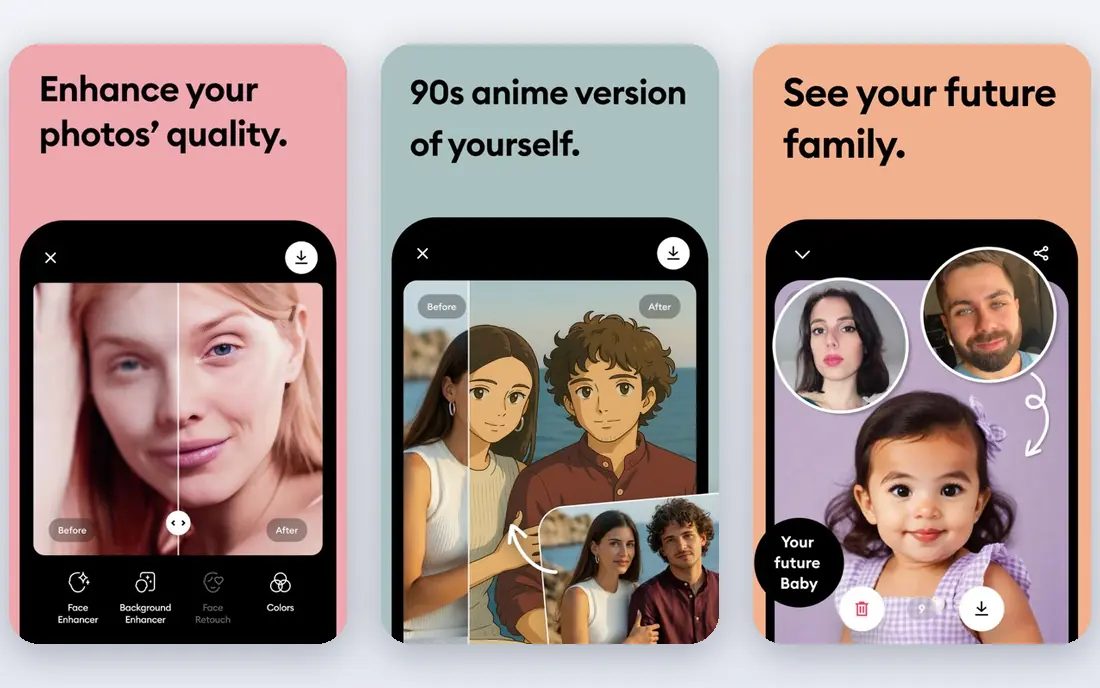
Remini is the app most people mean when they talk about fixing an old photo on a phone. It sharpens faces, cleans up blur, and turns a small, grainy portrait into a clearer image in seconds. For family photos where a face is the subject, that face first approach works well.
The free tier is limited, and the paid plan is billed weekly, which adds up fast if you forget to cancel. Remini can also invent facial detail in heavily damaged images, so keep the original and compare closely before sharing a restored photo as a faithful copy. Use Remini for faces, and another tool for outdoor scenes or product shots.
- Strong face enhancement for old and blurry portraits
- Fast mobile workflow
- Web version for desktop use
- Free tier limited
- Paid plan billed weekly
- Can alter faces and colors in heavily damaged photos
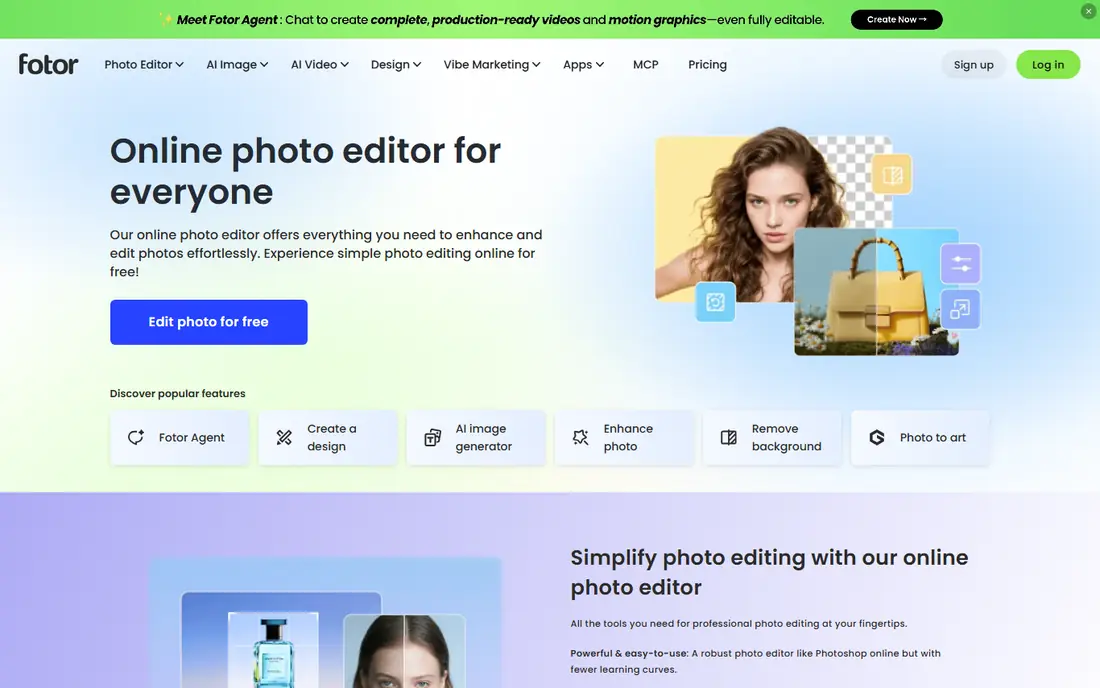
Fotor suits everyday photos that need a quick lift plus a crop, filter, or text overlay. Its one click enhancer improves clarity and color, and the editor around it covers the rest of a social post or listing image. That all in one workflow saves switching between apps for a simple job.
Free use has limits on parts of the workflow and exports, and fuller AI features need a paid plan from around 8.99 dollars per month. For a single photo that needs enhancement only, a dedicated upscaler may give a cleaner result. Pick Fotor when enhancement plus editing in one place matters most.
- One click enhancement plus a full editor
- Web and mobile versions
- Templates for social posts
- Free tier limits some features and exports
- Paid plan needed for fuller AI tools
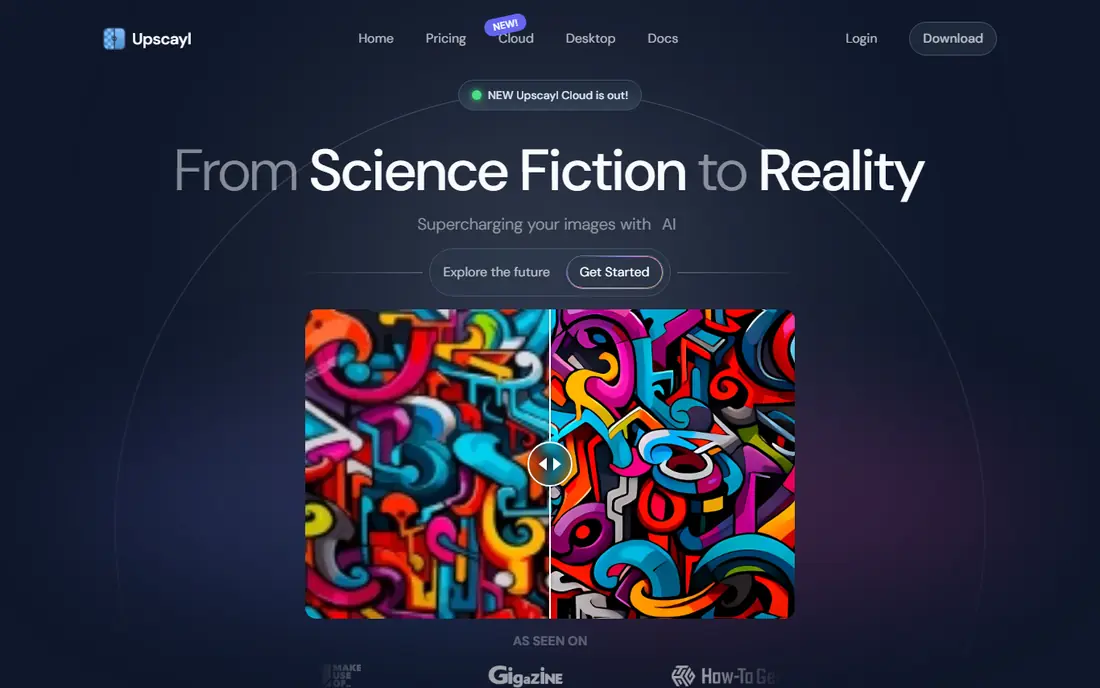
Upscayl is the best truly free option in this list. It is open source, runs on your desktop, and upscales images without credits, accounts, or watermarks for basic use. That makes it ideal for batch work, privacy sensitive photos, and users who dislike subscription meters.
The trade off is hardware. Processing runs locally, so a slower computer will take longer, and results can look soft on complex textures or small text. It also requires a download and install, unlike web tools. Choose Upscayl when free, private, and unlimited basic upscaling beats a polished web workflow.
- Free and open source
- Runs on your computer with no credit meter
- No account needed for basic use
- Needs a capable computer for best speed
- Can look soft on complex images or text
Let's Enhance is a strong web choice for photos that need clean upscaling without an install. It handles compression artifacts, offers batch processing, and preserves texture better than many quick web tools. That suits e-commerce sellers and photographers who need a reliable web workflow.
Free access is limited to a small credit allowance, so regular use needs a paid plan from around 9 dollars per month. For a one off batch, the free credits may be enough, but check the credit cost per image before uploading a large set. Pick Let's Enhance for web based, batch friendly enhancement.
- Clean web interface
- Batch upscaling
- Good texture preservation for photos and product images
- Free credits limited
- Paid plan needed for regular use
VanceAI bundles many enhancement tools into one web platform, from upscaling to denoising, sharpening, and background work. That breadth suits users who face different photo problems and want one account to handle them. A desktop version is also available for offline style workflows.
Free use is a starting point, with paid credits needed for steady use. Results can also look smoothed on fine textures such as hair or fabric, so compare the output at full zoom before using it for print. Choose VanceAI when you want many tools in one place and are willing to pay for credits beyond the free allowance.
- Many AI tools in one web platform
- Upscaling, denoising, and sharpening
- Desktop version available
- Free access limited
- Paid credits needed for regular use
- Results can look smoothed on fine texture
Upscale.media keeps the job as simple as possible: upload a photo, enhance it, and download a larger version. It can increase resolution up to 4x while maintaining textures for many everyday images, from portraits to product shots. That simplicity suits a user who needs one photo fixed fast.
It does not offer the editing, templates, or batch depth of larger platforms, so it is not a full photo workflow. Free tier limits also apply to heavier use. Pick Upscale.media when you want a quick, no install upscale and nothing else.
- Simple upload and enhance workflow
- Up to 4x enlargement
- No install needed
- Fewer editing tools than Fotor or Canva
- Free tier limits apply to larger use
Pixelcut is built for sellers. Its enhancer cleans up product photos, while background removal and marketplace templates help a listing look consistent across a shop. That product focus makes it more useful for an Etsy or Shopify seller than a general portrait tool.
For old family photos, Remini or Upscayl will usually do better, since Pixelcut optimizes for clean product presentation rather than face restoration. Free use has limits, with paid plans adding fuller features. Choose Pixelcut when product photos are the main job.
- Enhancer plus background tools for product photos
- Templates for marketplace listings
- Web and mobile versions
- Free tier limits
- Less suited to restoring old family portraits
PicWish offers a fast web workflow for users who want enhancement without learning an editor. Upload a photo, run the enhancer, and download the result, with other photo tools on the same site for background work and resizing. That speed suits occasional use and quick social images.
As with most web tools, the free tier is a trial sized allowance rather than unlimited use, and regular batch work needs a paid plan. Results are good for web use, though print work may benefit from a dedicated upscaler. Pick PicWish for quick one click web enhancement.
- One click enhancement on the web
- Background and photo tools in one site
- Free tier to try
- Free tier limited
- Paid plan needed for regular batch use
Canva is the practical pick when a photo needs enhancement as part of a design, such as a social post, flyer, or presentation slide. Its free tier covers templates, basic editing, and some AI image tools, so you can enhance a photo and place it in a design without leaving the app.
Dedicated enhancers beat Canva on detail recovery, upscaling limits, and restoration of damaged photos. Fuller AI features also sit behind a paid plan. Choose Canva when the design is the job and enhancement is a step inside it, not the whole project.
- Free tier with design templates
- Photo enhancement inside a familiar editor
- Easy sharing and export
- Photo enhancement features are basic next to dedicated tools
- Fuller AI features need a paid plan
How we picked these
We compared official feature pages, pricing pages, and app store listings for photo enhancers available today with a usable free tier or free desktop version. We kept tools that enhance or upscale a photo, not just apply filters, and we noted where free access is credit limited, weekly billed, or desktop only. We favored tools with a clear free starting point and an honest limit, and we avoided stating a paid price as free where the free tier is only a trial.
How to get a faithful enhancement
Keep the original file untouched, and always work on a copy. That habit matters because AI enhancement can add detail that was not in the original, especially in faces, text, and fine textures. Compare the enhanced version at full zoom with the original, and use the most conservative setting that fixes the problem.
Match the tool to the photo
Faces suit Remini, general upscaling suits Upscayl or Let's Enhance, product photos suit Pixelcut, and design work suits Canva or Fotor. Using a face tool on an outdoor scene, or a product tool on a portrait, usually gives a weaker result than the right tool for that photo type.
Check the export before you share
Check resolution, file size, watermark, and color after export. Some free tiers add a watermark or limit output size, which matters for print. For a photo that will be printed, export at the highest available resolution and view it at print size before ordering.
Frequently asked questions
What is the best free photo enhancer tool?
Upscayl is the best truly free tool for upscaling, since it runs on your computer with no credits. Remini is the best free starting point for mobile face repair, though its free tier is limited. Fotor and Canva are strong free choices when enhancement is part of editing or design.
Can a free photo enhancer fix a very blurry photo?
It can improve a blurry photo, but it cannot recover detail that is fully lost. AI tools sharpen and reconstruct plausible detail, which helps for viewing and social sharing, but the result may not be faithful to the original. Keep the original file, and do not present an AI restored photo as an exact record of a damaged original.
What is the best photo enlargement software?
Upscayl offers free desktop enlargement, while Let's Enhance and VanceAI offer web based enlargement with batch tools. For print, choose the tool that gives the highest clean output at full zoom for your photo type, and test one image before processing a batch.
Does Remini have a free plan?
Yes, Remini offers a free tier with limited uses, with paid plans billed weekly for fuller access. Check the current free limit in the app before starting a large restoration project, since weekly billing adds up if you forget to cancel.
Is it safe to upload personal photos to a free enhancer?
Uploading photos to a web enhancer sends them to that service, so check its privacy policy and avoid uploading sensitive IDs, medical images, or private photos you would not share online. For sensitive photos, a desktop tool such as Upscayl that processes images locally is a safer choice.
Sources we checked (9)

Online Jobs is an independent blog about careers, online work, learning new skills and the tools that help people earn. More about us.
Keep reading
All posts
Zoom Alternatives
Zoom alternatives compared for 2026: Google Meet, Microsoft Teams, Webex, Jitsi and more for free calls, large meetings and webinars for teams and classrooms.

What Is the Best Free Tool to Rotate a PDF
What is the best free tool to rotate a PDF? We compare eight free rotation tools on per-page control, limits, privacy and saved output quality in detail.

What Is the Best AI Dubbing Tool
We compared the best AI dubbing tools in 2026, from ElevenLabs and HeyGen to Rask AI, Dubverse and Veed, for videos and creators in many languages worldwide.