Best Free PDF Split Software in 2026: 8 Products Compared

How we put this together: we compare official feature and pricing pages, app store listings, privacy policies and public user reviews. Prices change, so check the provider's site before you pay.
Key takeaways
- PDFsam Basic is the best free splitter for regular use, because it runs offline with no size limit and no watermark.
- Online tools are faster for a one off split, but they upload your file, so avoid them for sensitive documents.
- Split by page range, by bookmark, by every N pages, or by file size, and pick a tool that offers the split type you actually need.
- Free online tiers have caps on pages, file size, or tasks per hour, so check the current limit before a large job.
- For private work, a browser only tool or a desktop tool keeps the file on your device, while a server tool does not.
Quick comparison
| Name | Who it suits | Starting price | Free option | |
|---|---|---|---|---|
 PDFsam Basic PDFsam Basic | Offline splitting with no limits | Free | Yes | Visit |
 PDF24 Tools PDF24 Tools | Quick online split with no account | Free | Yes | Visit |
 Sejda Sejda | Advanced online splits by range | Free | Yes | Visit |
 iLovePDF iLovePDF | Simple online split in a full toolkit | Free | Yes | Visit |
 Smallpdf Smallpdf | Polished online split for occasional use | Free | Yes | Visit |
 Adobe Acrobat online Adobe Acrobat online | Familiar Acrobat split on the web | Free | Yes | Visit |
 Stirling PDF Stirling PDF | Free self hosted PDF toolkit | Free | Yes | Visit |
 PDF2Go PDF2Go | Visual split with break points | Free | Yes | Visit |
The best free PDF split software
Splitting a PDF sounds like one job, but the details matter. You may need to pull out pages 10 to 20, split every chapter, turn each page into its own file, or cut a large file into smaller files for email. Some tools do all of that offline, some do it in a browser, and some upload your file to a server. The eight tools below cover those paths, with free use as the main test.
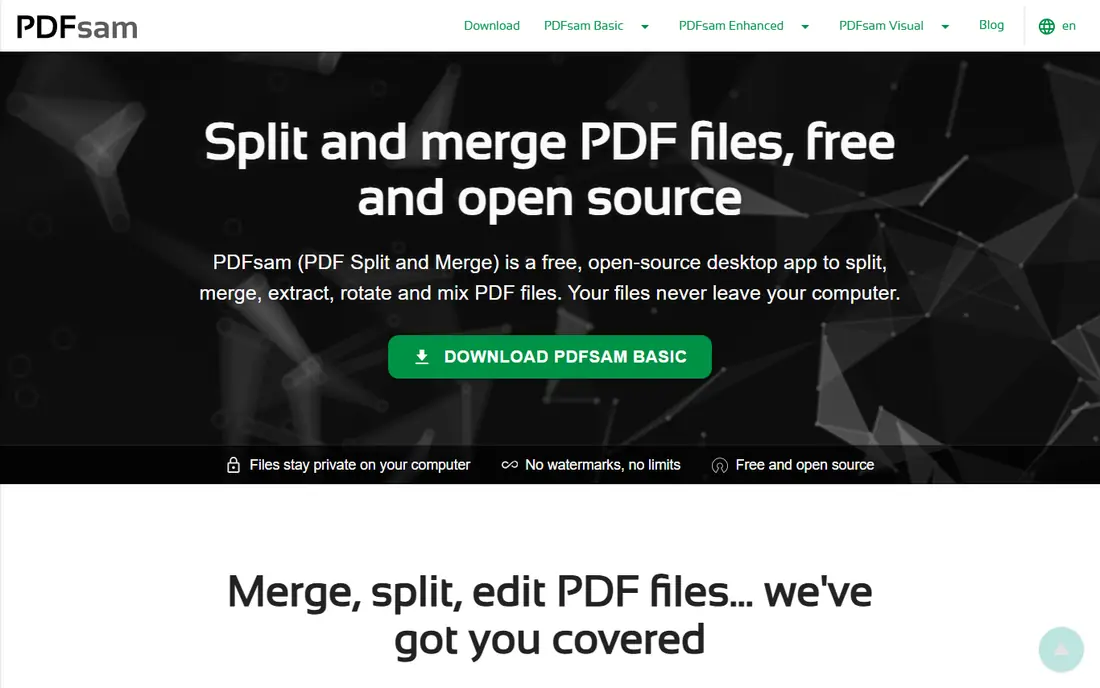
PDFsam Basic is our top pick for anyone who splits PDFs more than once in a while. It runs on your computer, so files never leave your device, and the vendor states no watermarks and no file size limit for the basic version. You can split at given page numbers, by bookmark level, into files of a given size, or every N pages, which covers most real jobs from chapter splits to email sized chunks.
The trade off is install and interface. You need to download and install a desktop app, and the basic split view uses page numbers rather than visual thumbnails. If you want to click pages on thumbnails, the paid PDFsam Visual version offers that, but the basic version is enough for most splits. For private, regular, or large file work, PDFsam Basic is the safest free choice.
- Free and open source with no watermarks and no file size limit
- Runs offline on Windows, Mac, and Linux
- Split by pages, bookmarks, size, and every N pages
- Desktop install needed
- Interface is functional rather than visual, with page numbers rather than thumbnails in the basic version
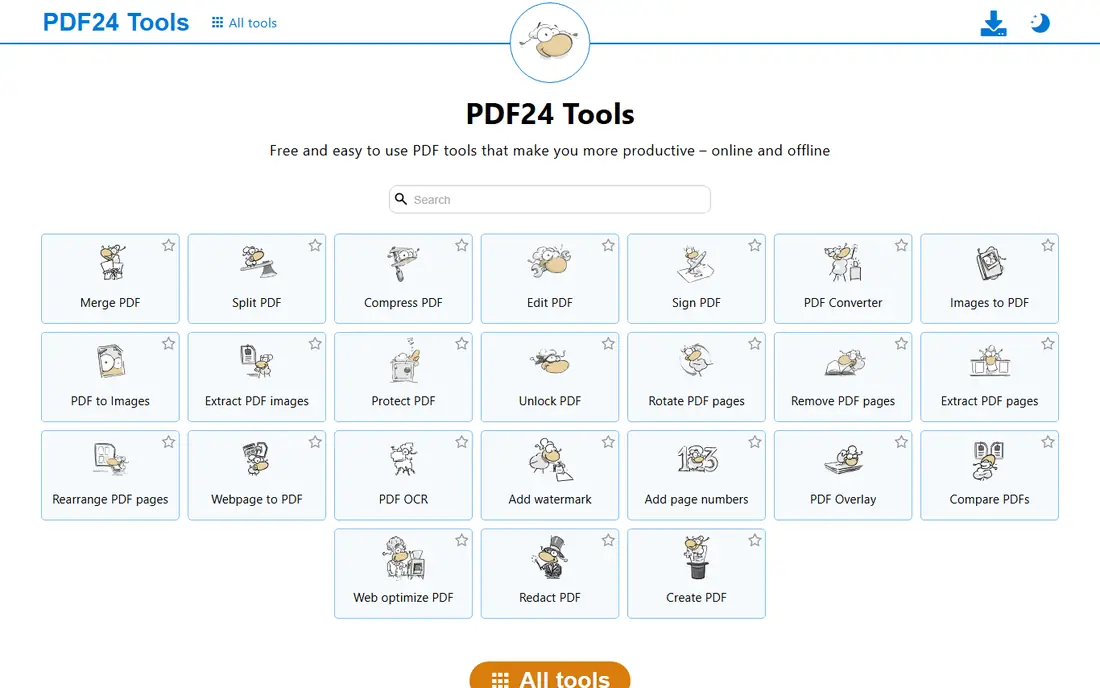
PDF24 Tools is the easiest online option for a quick split. You open the split tool in a browser, upload a file, pick pages or ranges, and download the results, often without creating an account. The toolset also includes many other PDF tools, so a user who splits, merges, and compresses in one session can stay in one place. A Windows desktop creator offers an offline path for frequent Windows users.
The catch is upload. Online PDF24 processing sends your file to a server, even if it is deleted after processing, so sensitive contracts, medical forms, or legal files belong in PDFsam Basic instead. For a public document or a simple split where privacy is low risk, PDF24 is fast and free. Check the current free limits on the PDF24 site, since online tool terms change.
- Online tools are free with no account in many cases
- Simple page based splitting
- Desktop creator available for Windows offline work
- Online use uploads your file to a server
- Privacy terms for server tools need reading for sensitive files
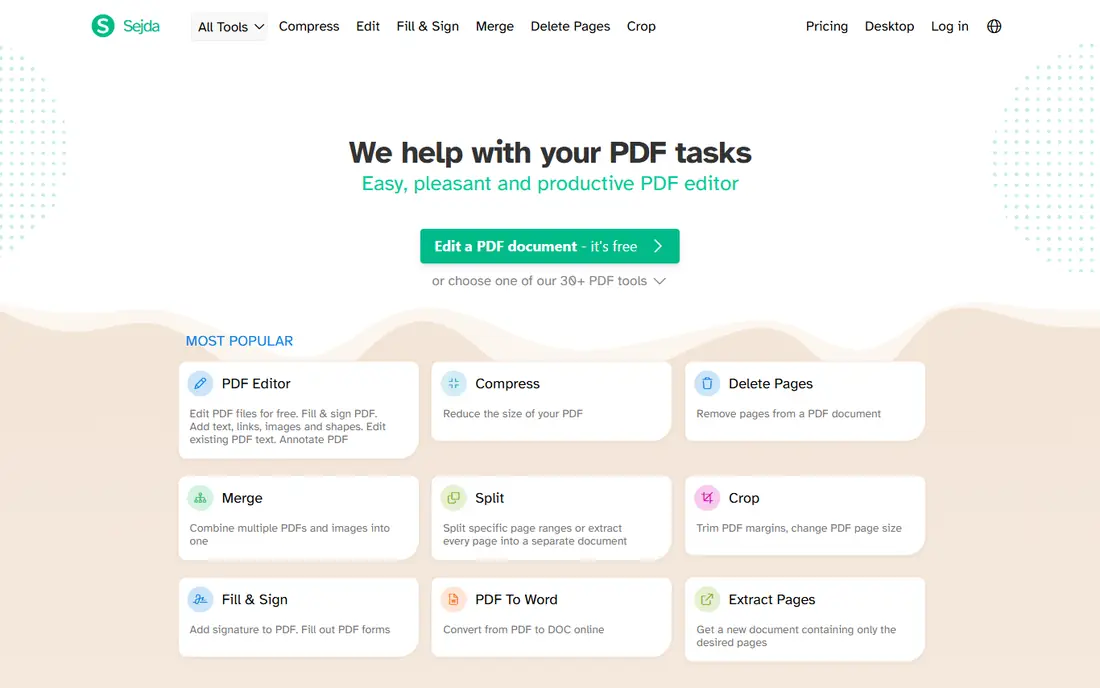
Sejda is the most flexible online splitter in this list for advanced jobs. You can split by page ranges, extract every page, split by bookmarks, split by file size, or split where text changes. That range helps when a PDF has chapters, invoices, or sections that need separate files. A desktop app option also exists for users who want less browser dependence.
Free limits are the main constraint. Online Sejda free use is capped, with limits on pages, file size, and tasks per hour that change over time, so a large batch will stall. Files are also processed on a server, with deletion terms stated on the site. Sejda suits occasional advanced splits, while PDFsam Basic suits regular or private work.
- Split by ranges, every page, bookmarks, file size, and text
- Desktop app option
- No watermark on the free tier in many cases
- Free online use is capped by pages, file size, and tasks per hour
- Large jobs need a paid plan
iLovePDF is a good all round online toolkit for users who split PDFs as one of many PDF jobs. The split tool lets you pick custom ranges, fixed ranges, or extract selected pages, with a clear thumbnail view that makes page choice easy. Merge, compress, convert, and sign tools sit in the same account, so you do not need a separate tool for each job. Mobile apps extend the toolkit to phones and tablets.
Free use is limited, so a user who splits many files a day will hit daily task caps and need a paid plan. Server processing also means sensitive files should go to an offline tool instead. iLovePDF suits students, office workers, and casual users who want one simple toolkit for occasional PDF work.
- Very easy split by custom ranges, fixed ranges, or page extraction
- Full PDF toolkit in one account
- Mobile apps for on the go work
- Free use is limited by daily tasks
- Files are processed on a server
Smallpdf is the polished online option for occasional splits. The interface is clean, page thumbnails make selection simple, and the split tool fits naturally into a broader toolkit for compression, conversion, editing, and signing. For a user who splits a PDF once a week and wants a smooth browser experience, Smallpdf feels easier than a desktop install.
Daily free limits are the constraint. Free use is capped, so frequent splitters will need a paid plan or a free desktop tool. Server processing also applies, so private files belong offline. Smallpdf is best as a convenient occasional tool, with PDFsam Basic as the backup for heavy or private work.
- Clean interface with page extraction and manual splitting
- Works across devices in a browser
- Strong overall PDF toolkit
- Free split use is subject to daily limits
- Files are processed on a server
Adobe Acrobat online is the familiar choice for users who already trust Acrobat. The web split tool lets you place divider lines between pages and download the resulting files, with layout fidelity that suits complex PDFs. Desktop Acrobat adds deeper controls, such as splitting by page count, file size, and bookmarks, for users who need more than a manual web split.
Free online use is limited, and the full desktop editor needs a paid plan. That makes Acrobat online a good occasional tool rather than a free workhorse. If you already pay for Acrobat, use the desktop split controls. If you do not, use Acrobat online for a trusted one off split, and PDFsam Basic for regular free work.
- Familiar Acrobat workflow and strong layout fidelity
- Web divider lines for manual splits
- Desktop Acrobat offers deeper split controls
- Free online transactions are limited
- Full desktop features need a paid Acrobat plan
Stirling PDF is a free, self hosted PDF toolkit that includes splitting alongside dozens of other tools. For a team or a technical user, running Stirling PDF on your own server keeps files inside your own environment, with no upload to a third party service and no per file charge. That privacy and cost model suits schools, small teams, and developers who already run services.
Setup is the barrier. Self hosting needs Docker or server skills, updates, and care, which most casual users should not take on for a single split. The interface is also a toolkit with many tools, not a focused split app. Choose Stirling PDF when you want a private team toolkit, and PDFsam Basic when you want a simple desktop splitter for one computer.
- Free and open source toolkit with many PDF tools
- Can run on your own computer or server
- No per file fee for self hosted use
- Self hosting needs technical setup
- Interface is a toolkit, not a single polished split app
PDF2Go suits users who think visually. You see pages, place break points where you want splits, and download the resulting files, which is intuitive for a report, a book chapter set, or a scanned document. Drag and drop upload and cloud drive links make it easy to start from files you already store online.
Cloud processing means your file goes to a server, so check deletion terms before using it for private material. Free use limits are also less clearly published than PDFsam or Sejda, so test a small file first if you plan a large job. PDF2Go is best for a visual, occasional online split, with an offline tool ready for private or heavy work.
- Visual page break points for manual splits
- Drag and drop interface
- Dropbox and Drive integration for some workflows
- Cloud processing with file deletion terms to check
- Free use limits are less clearly published than some rivals
How we picked these
We compared official feature pages, pricing pages, documentation, and public reviews for each tool. We looked at split types, free limits, privacy model, platform support, and whether the tool runs on your device, in your browser, or on a server. We also weighed install effort against privacy: a desktop tool takes longer to set up but keeps files local, while an online tool is faster but uploads files. We did not test every split type in person for this guide, and we did not count a feature unless the vendor page or documentation supported it.
Offline or online: decide by file sensitivity
Use offline for private files
PDFsam Basic and Stirling PDF self hosted keep files on your device or server. Use them for contracts, medical records, legal files, financial statements, and any document you would not email to a stranger. The extra install time is worth the privacy gain.
Use online for quick public files
PDF24, iLovePDF, Smallpdf, Sejda, Adobe online, and PDF2Go are faster for a one off split of a public document. Upload, split, download, and delete the result from your downloads folder. Avoid online tools for sensitive files, and check deletion terms on the vendor site before you upload.
Check free limits before a large job
Online free tiers cap pages, file size, or tasks per hour. For a large PDF, split it in parts, use PDFsam Basic, or check whether a paid plan is cheaper than the time lost to caps. A tool that is free for ten pages may not be free for a 500 page report.
Frequently asked questions
What is the best free tool to split PDF files?
PDFsam Basic is our pick for most users, because it is free, open source, offline, and has no file size limit or watermark in the basic version. For a quick online split, PDF24 Tools and Sejda are strong, but they upload files and cap free use.
Can I split a PDF without installing software?
Yes, with online tools such as PDF24 Tools, Sejda, iLovePDF, Smallpdf, Adobe Acrobat online, and PDF2Go. You upload the file in a browser, choose pages or ranges, and download the split files. For private files, install PDFsam Basic instead, since online tools process files on a server.
How do I split a PDF by chapter?
Use a tool that splits by bookmarks, such as PDFsam Basic or Sejda, if the PDF has bookmarks for chapters. If it has no bookmarks, split by page ranges: find the start page of each chapter, enter those ranges, and download each chapter as a separate file.
Is it safe to split PDFs online?
It depends on the file. Online tools use encryption and state deletion times, but the file still leaves your device during processing. For public or low risk files, online tools are fine. For sensitive files, use an offline tool such as PDFsam Basic, or a self hosted tool such as Stirling PDF.
What is the free limit for Sejda and iLovePDF?
Limits change over time, so check the vendor site before a large job. Sejda free online use has been capped by pages, file size, and tasks per hour, while iLovePDF free use has been capped by daily tasks. PDFsam Basic has no such caps in its basic version, which is why it leads for regular use.
Can I split a PDF on a phone?
Yes, with mobile friendly online tools such as iLovePDF and Smallpdf, and with mobile apps where offered. Splitting on a phone suits a small file and a few pages. For a large file, a desktop tool such as PDFsam Basic is faster and easier to control.
Sources we checked (8)

Online Jobs is an independent blog about careers, online work, learning new skills and the tools that help people earn. More about us.
Keep reading
All posts
Best Data Recovery Software
Find the best data recovery software for PC and Mac in 2026. We compare 8 tools for deleted files, formatted drives, photos, and video recovery in detail.

Zoom Alternatives
Zoom alternatives compared for 2026: Google Meet, Microsoft Teams, Webex, Jitsi and more for free calls, large meetings and webinars for teams and classrooms.

Workday Alternatives
We compared the best workday alternatives for HR, payroll, and global hiring, from BambooHR and Gusto to Rippling, Deel, and HiBob for growing teams in 2026.